Search models, users, collections, and posts

Jasp Keyboard Joystick
Print Profile(1)

All
P1S
H2C
A1 mini
A1
X2D
X1E
P1P
P2S
H2D
X1 Carbon
H2D Pro
X1
H2S
A2L

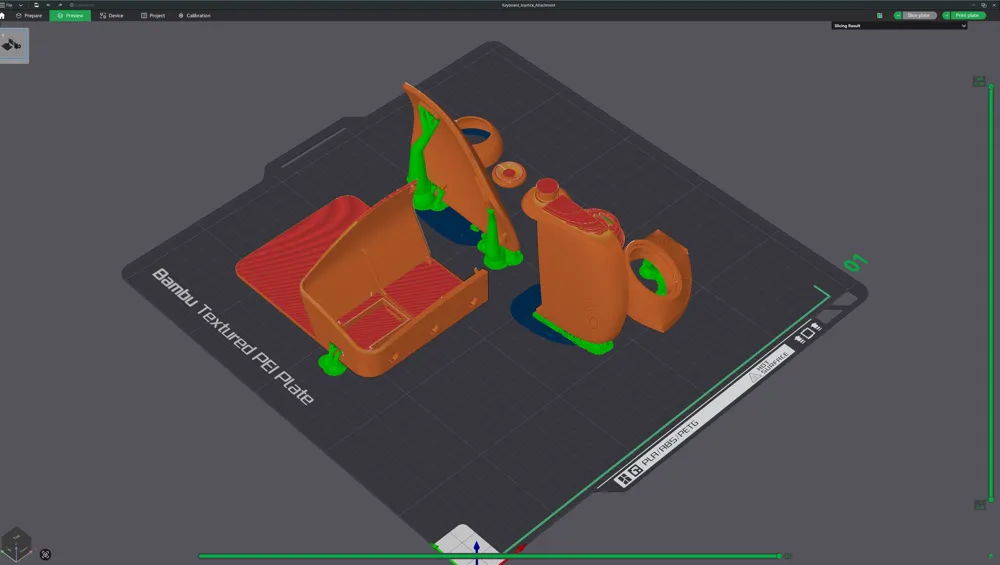
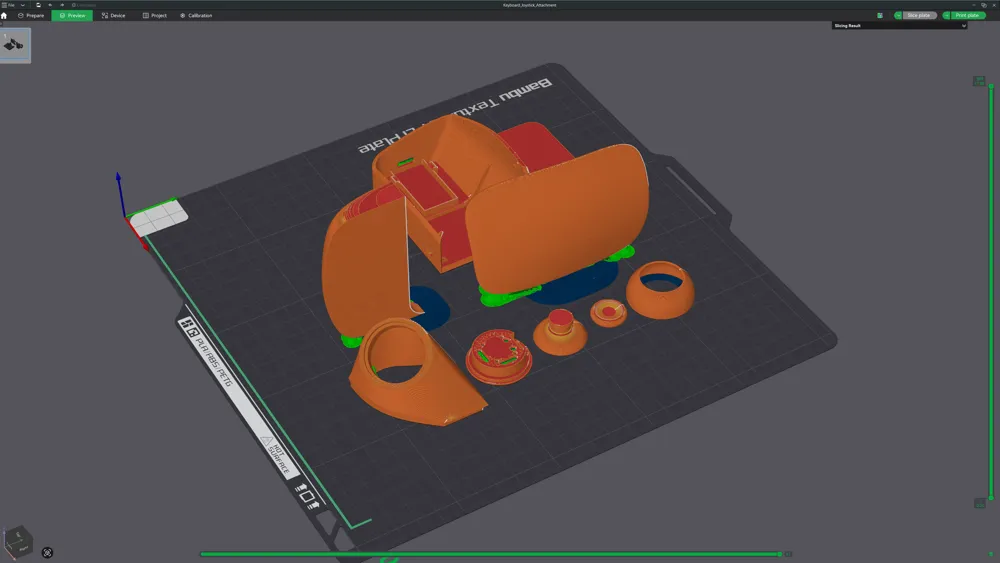
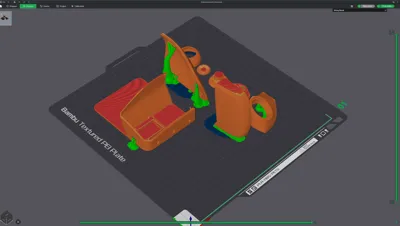
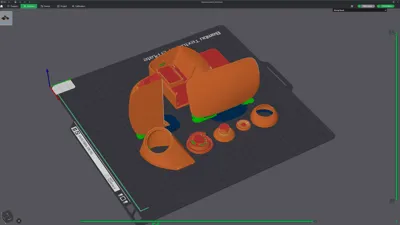
0.2mm layer, 3 walls, 15% infill
Designer
3.7 h
1 plate
4.5(2)

Open in Bambu Studio
Boost
215
508
44
7
71
33
Released 

Description

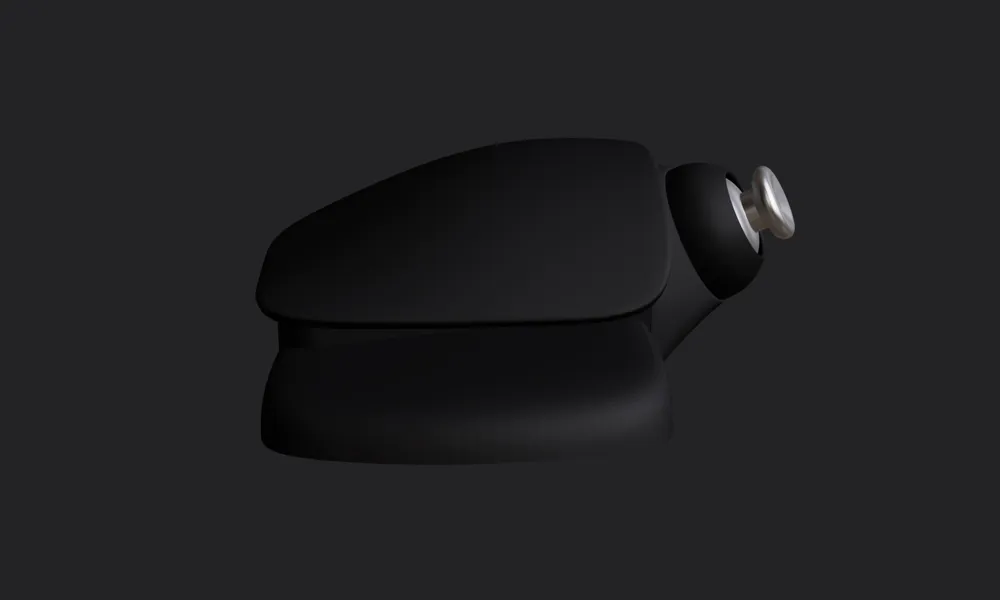
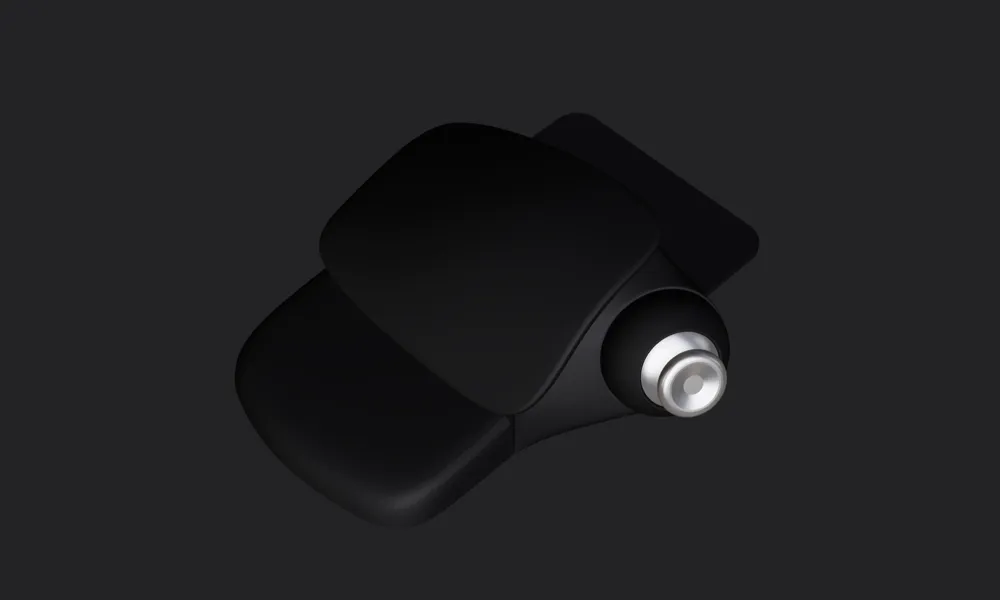
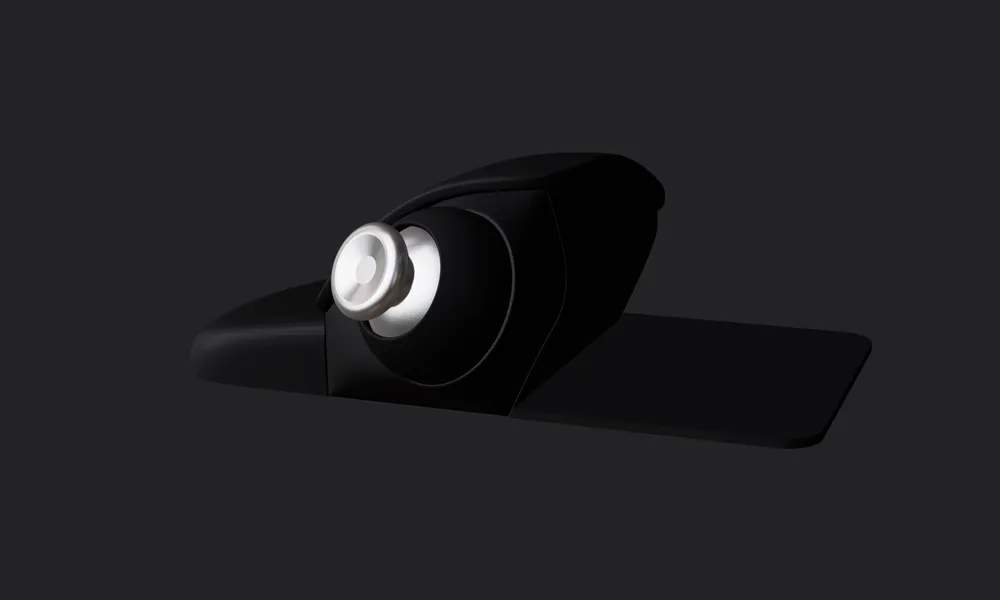
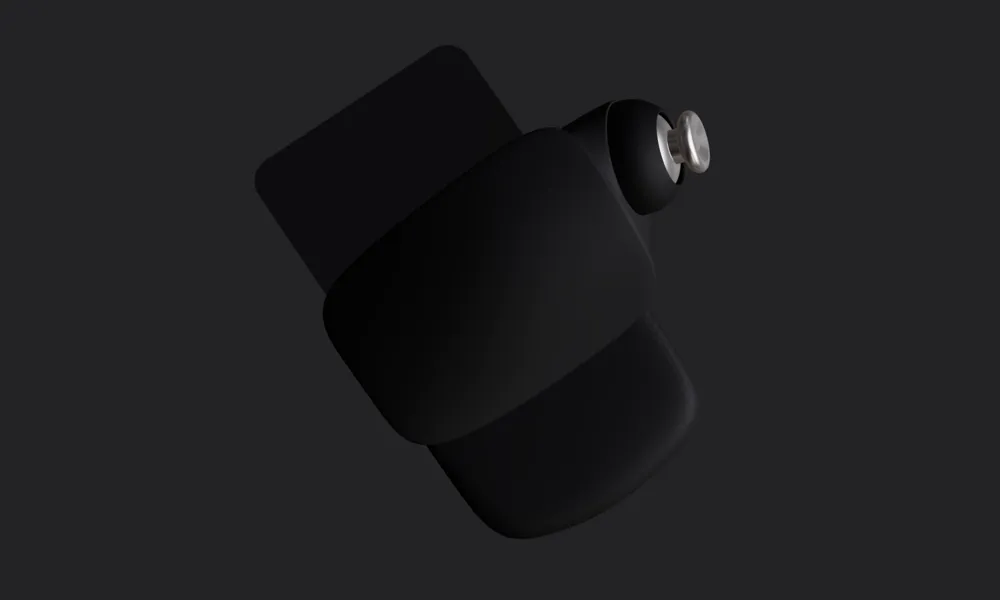
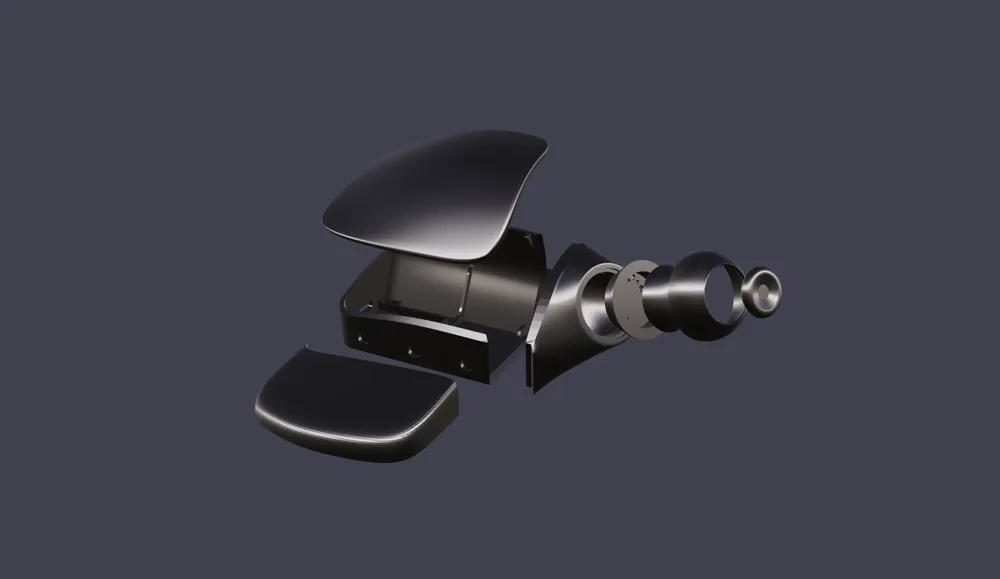
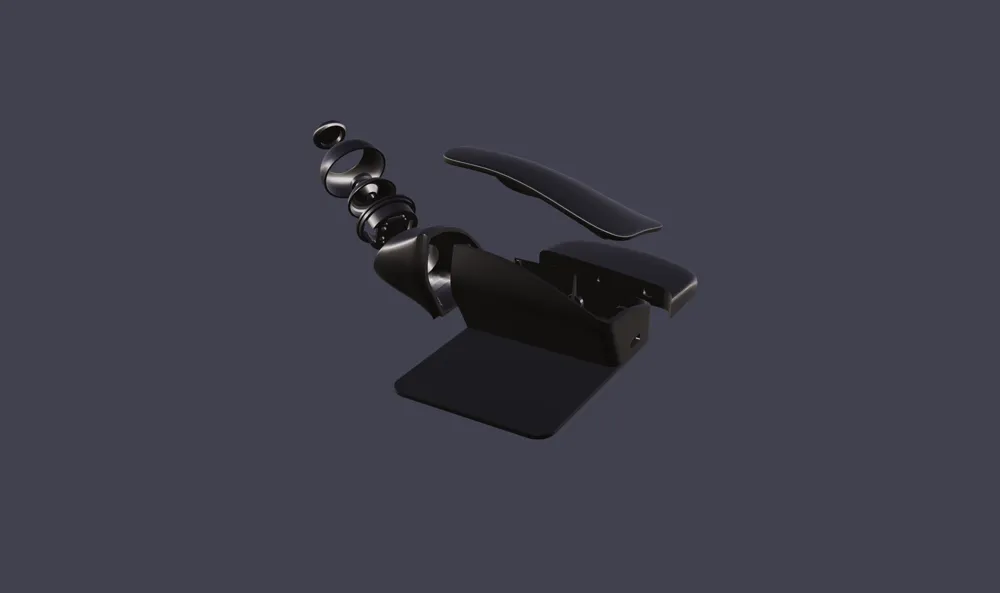
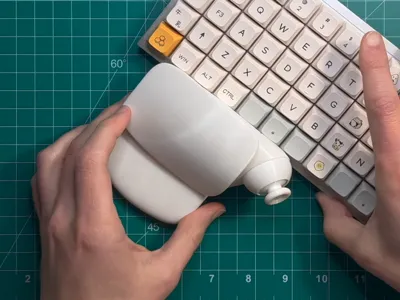
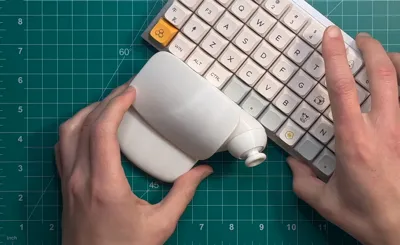
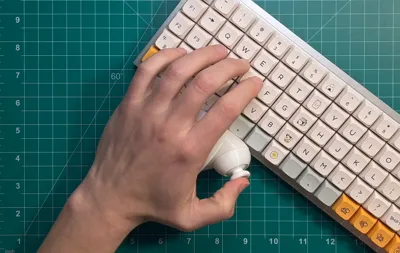
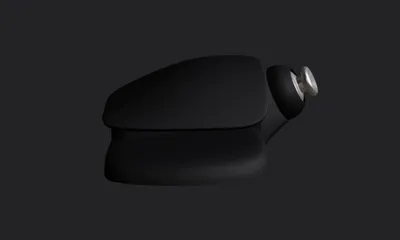
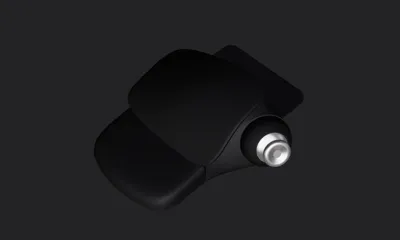
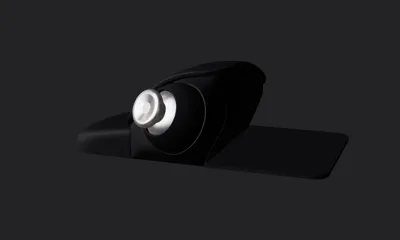
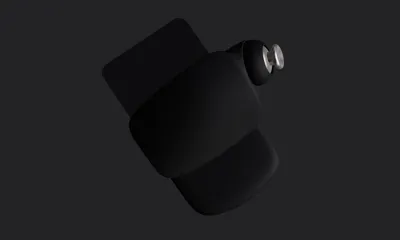
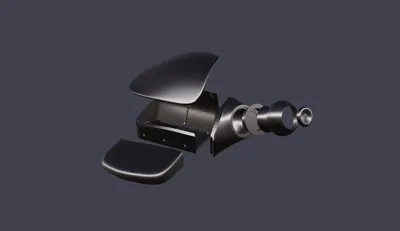
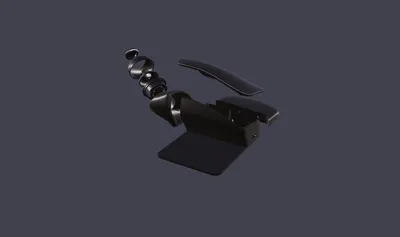
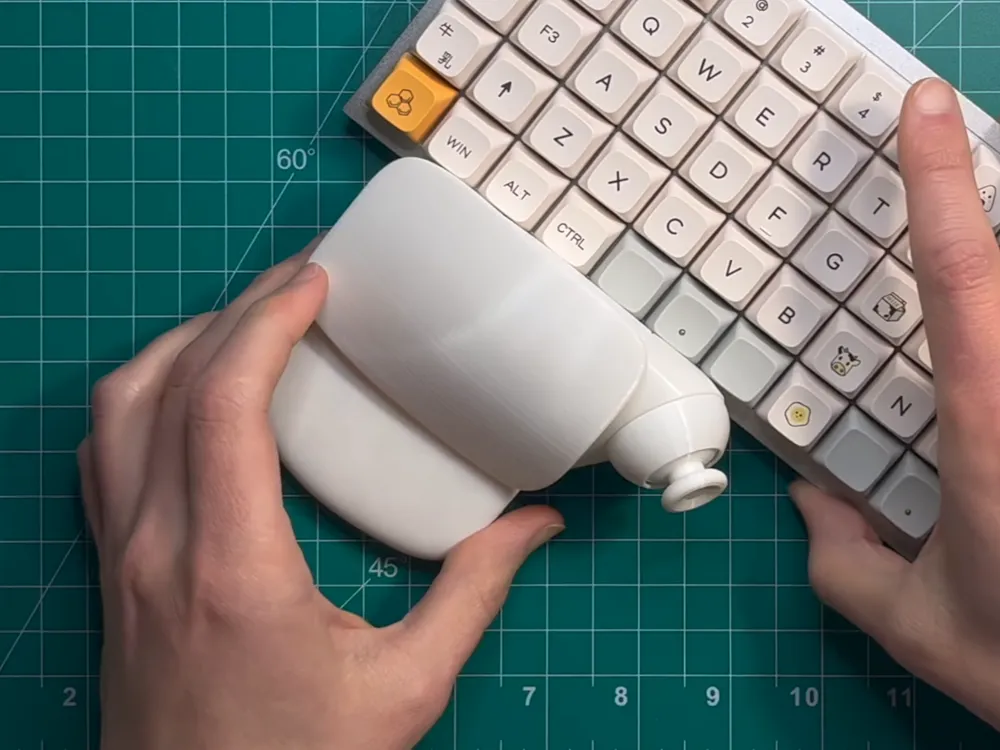
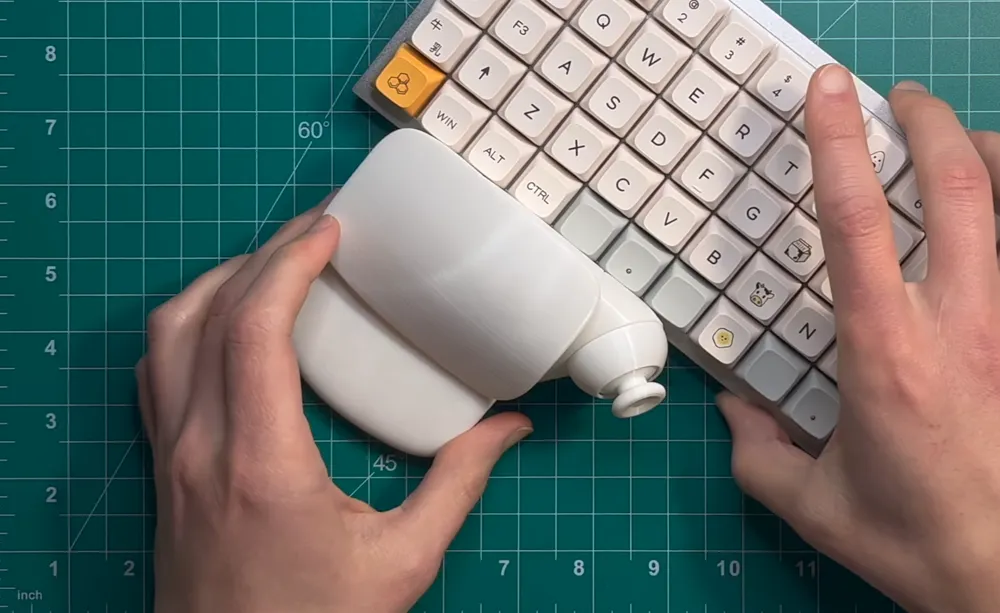
The Jasp Keyboard Joystick solves the WASD movement problem for PC gamers. You can also map it to mouse movement and effectively use your PC with one hand. It's a relatively simple project that requires minimal soldering. I originally designed this back in 2022 and have since been evolving it into a full keypad. This design is far from perfect, but I would love for you to try it and let me know how it works for you.
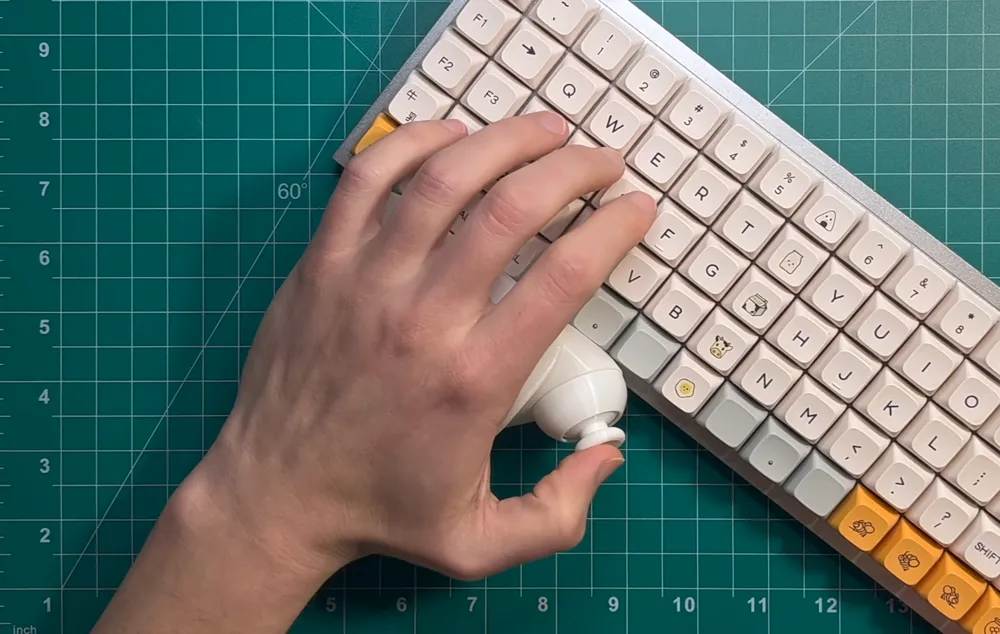
 

Wiring diagram, firmware, and the BOM file are available on my GitHub. Also, if you happen to create more advanced firmware for this device, let me know; I’d be happy to link it to this project. https://github.com/multifex/prototypes/tree/main/jasp-keyboard-joystick


Build video (basically your build guide) – 


STL Release Announcement Video – 

Comment & Rating (44)

(0/1000)

Boosted
Great guide. I ended up printing this because it was the best looking open source keyboard joystick I could find. The print was good but was rough removing some of the supports. Assembly would be easier with spot for screws. I found that a 3d pen worked wonders for assembling the parts. I have some firmware I can share later. I decided to print and build a macro keypad to add to this design. I will re print again after figuring out all the kinks. I want to have the macro pad adjustable, I'm just not sure how yet. your design feels comfortable. thanks for sharing.
The designer has replied
designer
2
Reply
Wow, thank you so much for trying it out, for the boost, and for the awesome feedback! You’re 100% right, screws would make a world of difference. Honestly, when I designed this back in 2022, I wasn’t proficient enough yet to make a more intricate screw-based assembly. My newer version will definitely have that. Also, if you have any suggestions for improving the print profile, I’d love to hear them too.
designer
2
Reply
Boosted
What project did you print to attach this keyboard? Do you also have the wiring diagram that was made
Show original
designer
1
Reply
Turned out really well. I’m using a donor Xbox joystick cap because the printed cap was too rough and required sanding.
The designer has replied
designer
2
Reply
Congrats, looks super clean!
0
Reply
Can you share how you have yours wired? Especially with the type of cables you used how are they attached to the thumbstick?
0
Reply
Boosted
great model and guide, thanks you pal
The designer has replied
designer
1
Reply
Thank you so much for the boost and for trying it out. I love the color scheme you chose; it looks super cool!
1
Reply
Just got the body from Craftcloud. just waiting on my internals. If anyone knows where i can find a firmware (xinput) so i dont have to use the software in the background please let me know. New to this so not sure where else to look for information. Also @JaspMakes Have you thought about making the part that holds the thumbstick making one that can hold a thumbstick that had a breakout board?
(Edited)
The designer has replied
designer
1
Reply
Hey, congrats on receiving the prints. As a matter of fact, I have thought about it, there are quite a few projects you might find interesting here https://youtu.be/b-EJeVi8Jkw?si=Ufb8eJQUTU_smPEC . As for xinput, I think there are several options available. I haven’t tried it myself, but this looks like an option: https://github.com/dmadison/ArduinoXInput
0
Reply
Boosted
I managed to make one perfectly, it's a grand project. I had a little difficulty with the connections, as I'm not an electronics expert, but it worked exactly the same. My finish wasn't very good either, as I'm not an expert, but I'll do another one now with more experience. Congratulations
The designer has replied
Show original
designer
1
Reply
Wonderful, congratulations!
0
Reply
@JaspMakes Does Fortnite recognize the joystick or do you have to use Antimicro/x360ce? Also i accidentally set 60% infill on the part is that bad?
(Edited)
The designer has replied
designer
1
Reply
Hi, thanks for trying it out. 60% infill should not be a problem. It will take a little bit longer to print, but that’s about it. As for the compatibility, the firmware I’ve attached is super basic and does require AntiMicroX or x360ce. But you can make your own firmware version with xinput if you want controller-only mode.
0
Reply
Replying to @JaspMakes :
Ill have to figure out how to do that maybe have 1 set up how your is and 1 with xinput. Just not sure where to look on how to set it up that way(xinput)
0
Reply
Replying to @user_2661316517 :
I haven’t tried it myself yet, but I found this, hopefully it helps https://github.com/dmadison/ArduinoXInput
0
Reply
Hi, is there a way to make it without soldering?
The designer has replied
designer
1
Reply
Hi @Viper._. I am afraid soldering is required for this project. I encourage you to try it though. I originally soldered it with a $11 beginner kit after watching one YouTube tutorial.
0
Reply
Replying to @JaspMakes :
Thanks Definitely gonna try it
designer
1
Reply
This has probably already been asked jasp, but is there any chance you could share a step file for this design? Im interested in integrating an ergonomic keyboard design that I have, but converting the stl is really complicating the overall integration. I understand if not though, and thanks for sharing this regardless.
The designer has replied
designer
1
Reply
Hi mrj, unfortunately, step files don’t exist. I’ve designed this back in 2022, and I used Blender with the good old polygon modeling workflow. What kind of keyboard are you trying to integrate with? I have this product in the works. https://youtube.com/shorts/roSZBforpI0?si=A-a87BPXSDUxLJ6u
0
Reply
Replying to @JaspMakes :
I was planning on doing a modified version of the KLOR keyboard for the splay and MX keys. I do plan on trying to do a full pair so that I could have 2 analogue sticks and a comfy place to rest both hands. I plan on purchasing your other design as well once it becomes available, and I hope we can have some of the design files included if possible for future tweaking.
designer
1
Reply
@JaspMakes Just curious are you in the US? If so do you do any special requests for a fee?
The designer has replied
designer
1
Reply
Hi, I am in the US. Normally I don’t take commission, but I am curious what kind of request you might have. I might have already solved it with my other devices.
0
Reply
Replying to @JaspMakes :
Just wondering. thanks for the reply.
0
Reply
@JaspMakes Can I use 28 gauge solid core wire vs the stranded wires? My lack of soldering skill with my not so steady hands are having a fit trying to solder the wires to the thumbstick lol
(Edited)
The designer has replied
designer
1
Reply
Hi, solid core will work and is indeed a lot easier to solder. But it is super unforgiving as it comes to repetitive stress. If you can carefully solder it together and fit it into the controller without bending or moving it too much, it will be fine. But in my experience, they start breaking off after two minutes of handling, and you end up desoldering and fixing it longer than it would have taken to just use the stranded ones.
0
Reply
Replying to @JaspMakes :
crap ok ill stick with the stranded wire. Thanks
designer
1
Reply