
Educational Arrow Board | Learn Directions & Logic
Print Profile(6)
Description
A simple, hands-on way for children to master directions and logic.
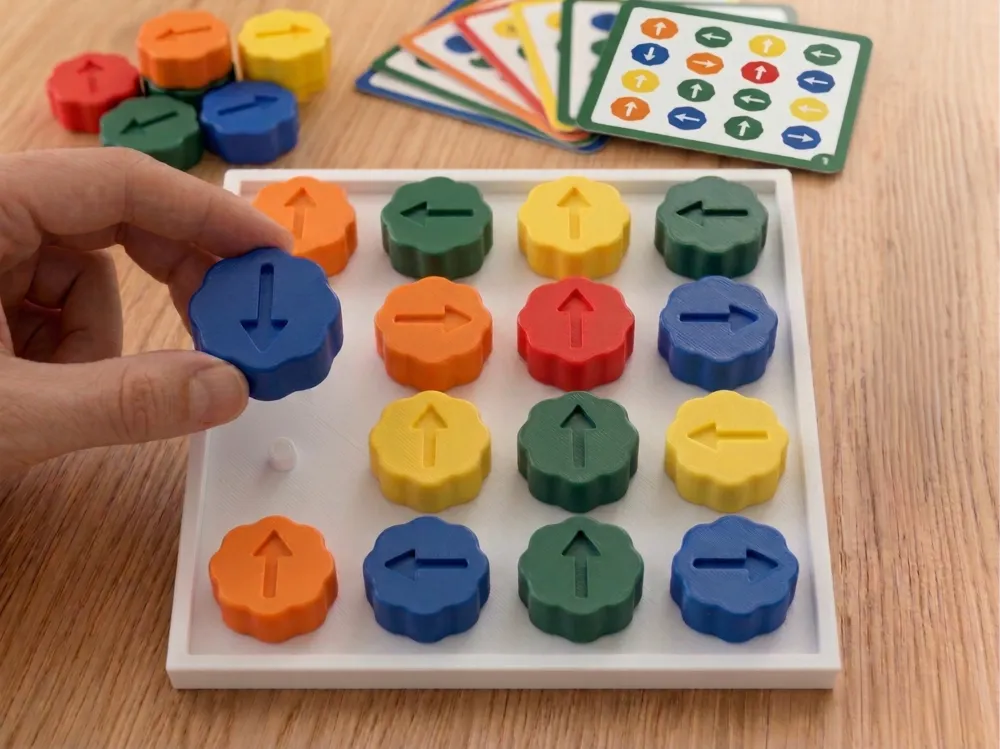
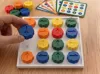
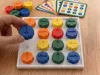
This 3D-printed board is designed to help kids understand spatial orientation; learning the difference between up, down, left, and right in a fun, tactile way. It’s a great screen-free alternative for the classroom or at home, inspired by Montessori learning tools.
Children can practice by following "challenge cards" or photos, rotating each arrow until the board perfectly matches the example. It’s an engaging way to build problem-solving skills and fine motor coordination at the same time.
Why this design works:
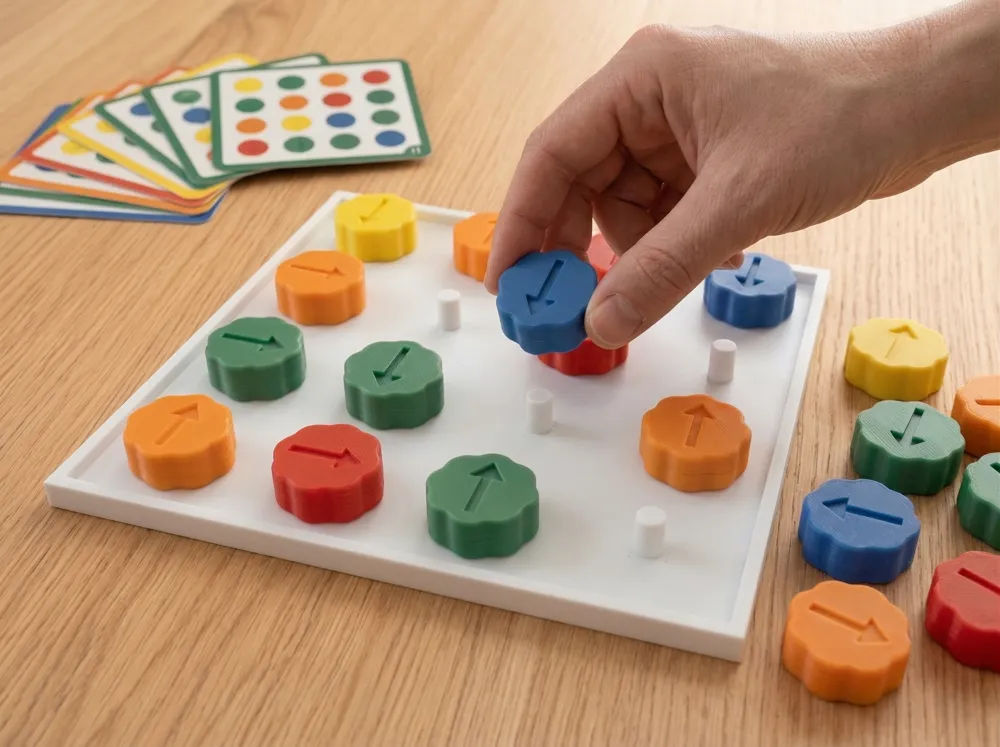
- Smooth Spinning: Unlike other boards with deep holes that can jam, this board is completely flat with raised pins. The buttons sit on top and spin 360° freely with zero friction.
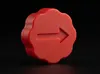
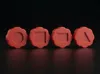
- Kid-Friendly Grip: The flower-shaped buttons are easy for small fingers to grab, turn, and snap into place.
- Clean & Simple: The minimalist design keeps kids focused on the task without unnecessary distractions.
How to play:
- Set up: Snap the 16 buttons onto the pins.
- Challenge: Give the child a reference pattern (you can draw one or take a photo of a solved board).
- Solve: The child rotates each arrow on its pin to match the reference!
💡 Use my premade reference pattern files!: You can download my pdf files containing all kinds of reference patterns. From easy to hard!
Print Info:
- No Supports Needed: Everything prints flat and clean right off the build plate.
💡 Pro-Tip: If the buttons feel a bit too tight to spin smoothly on your printer, just scale the buttons to 100.5% in your slicer for a perfect fit.
Boost Me (for free)
Your support means a lot to me and helps me keep the design flow alive. :-)
Documentation (3)
License

You shall not share, sub-license, sell, rent, host, transfer, or distribute in any way the digital or 3D printed versions of this object, nor any other derivative work of this object in its digital or physical format (including - but not limited to - remixes of this object, and hosting on other digital platforms). The objects may not be used without permission in any way whatsoever in which you charge money, or collect fees.


Comment & Rating (27)