
Creality K2 Series Drag Chain Spacers
Print Profile(1)
Description
Boost Me (for free)
If you like my work consider boosting!
Design Concept

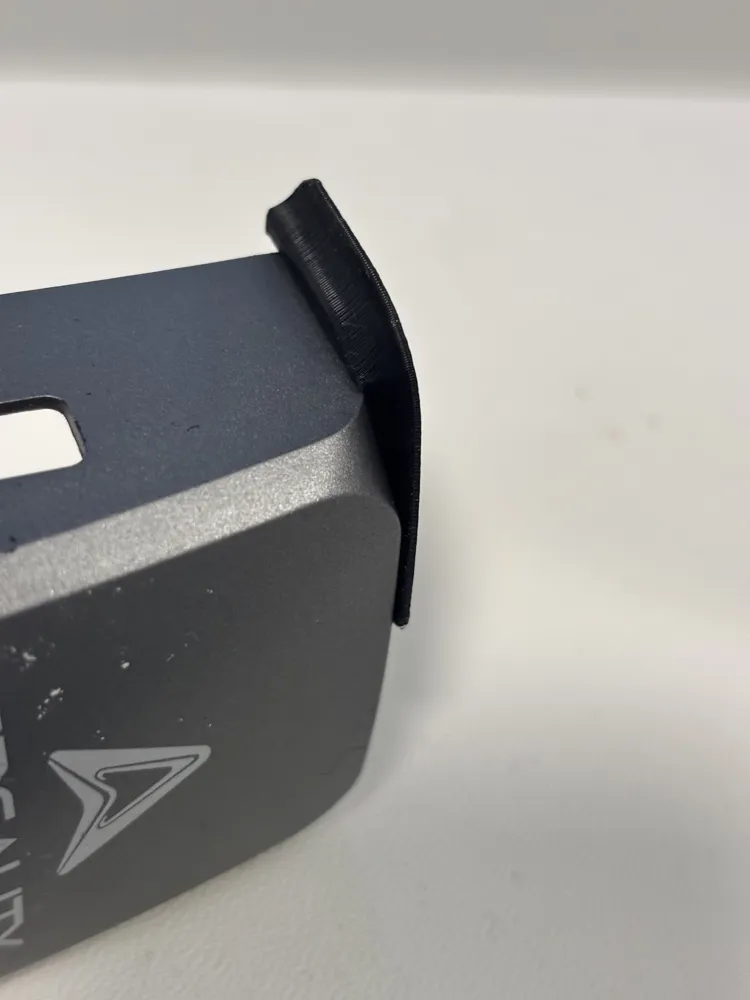
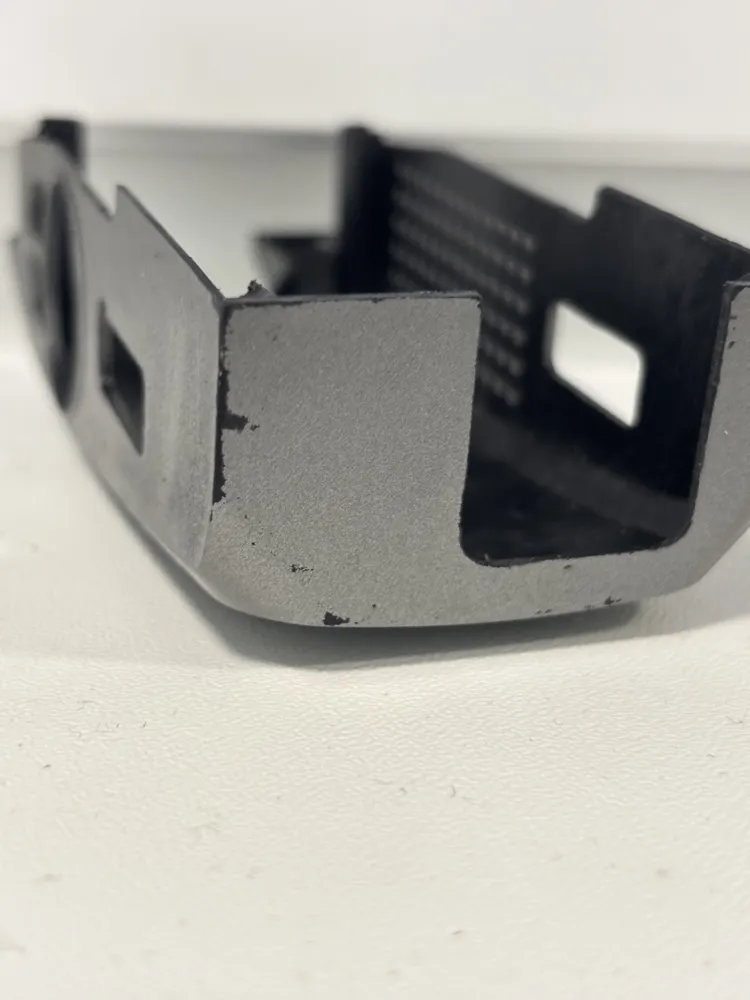
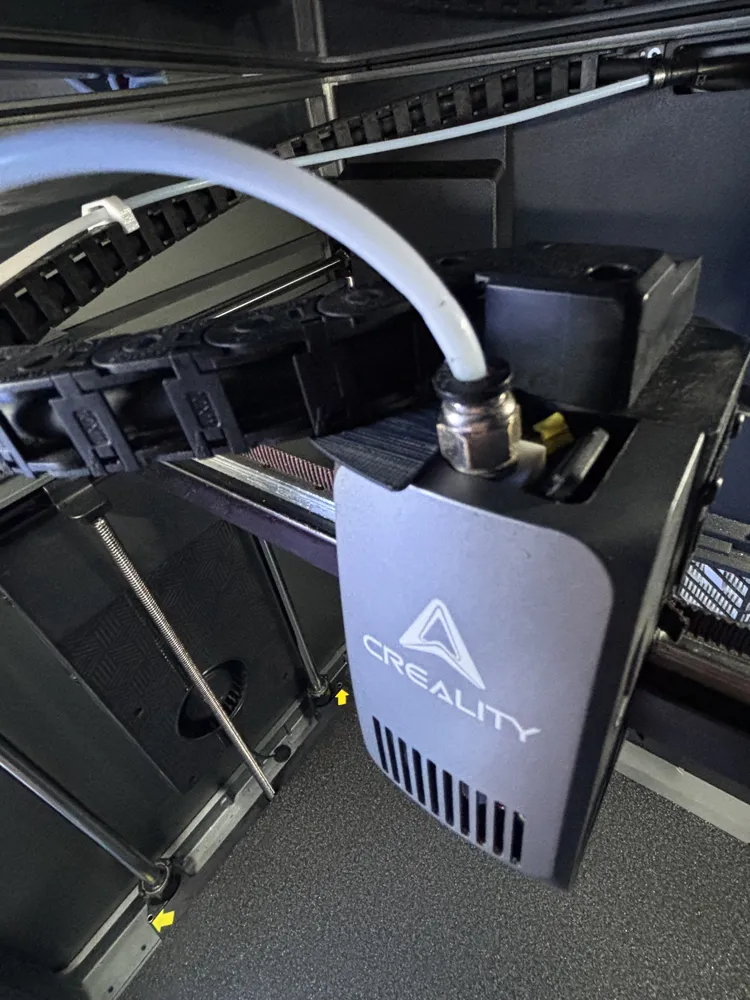
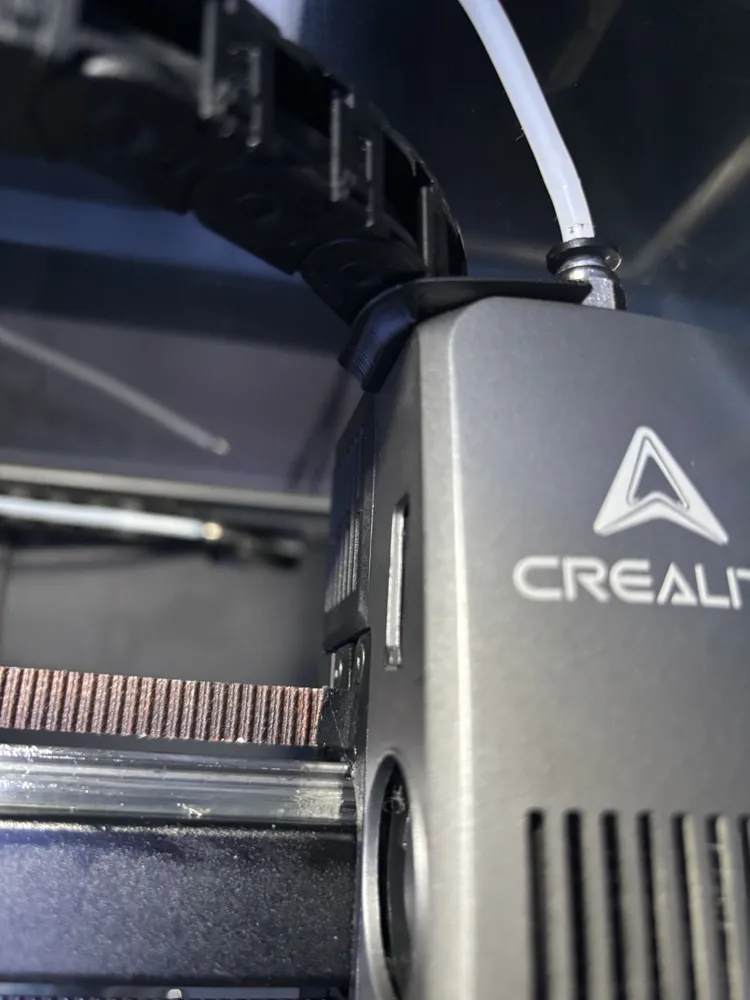
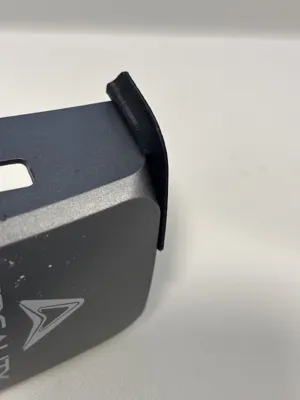
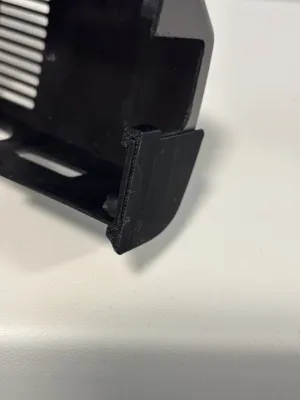
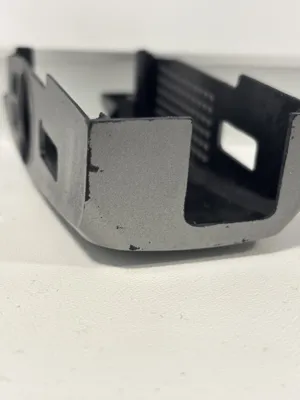
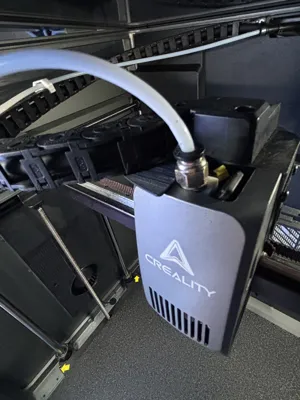
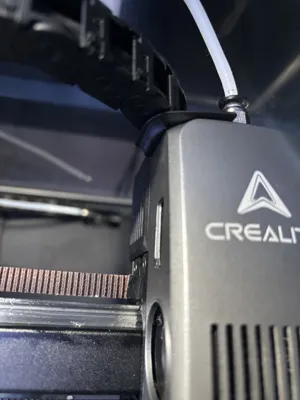
The spacers are designed for the Creality K2 Series to help improve cable management and reduce wear through the use of a drag chain. Over the time of the printers usage the drag chain of the cable may begin to sag, which the causes rubbing on the print head cover as can be seen in the photos, this can also introduce more wear and cause the chain to sag furter. This simple print attempts to circumvent this to prolong your printers usability.
Use
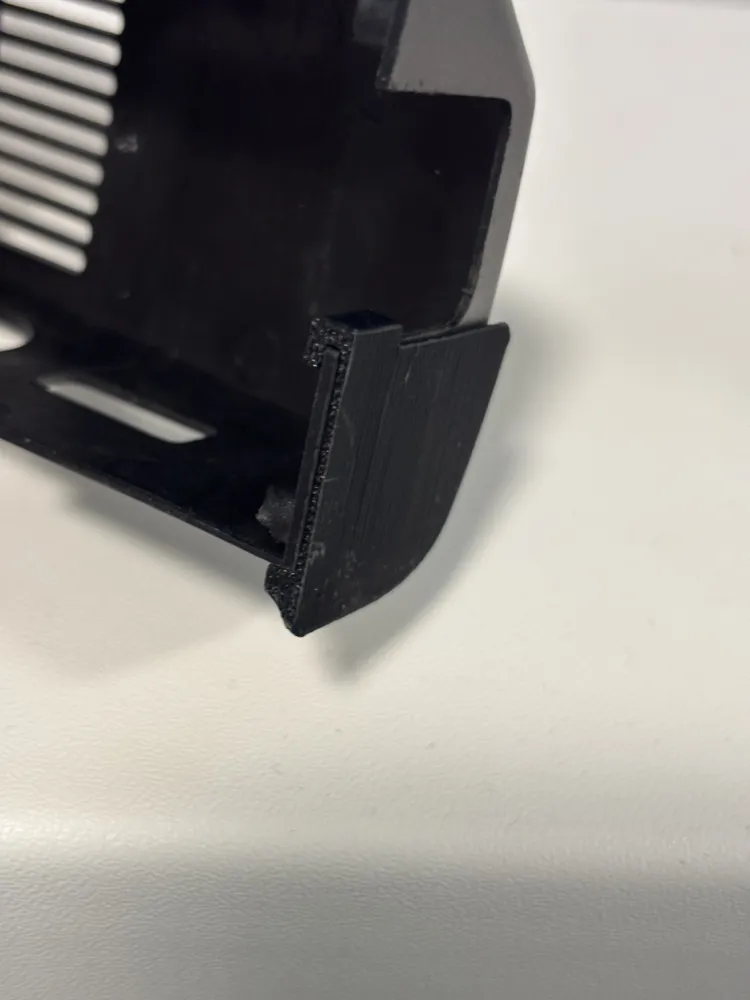
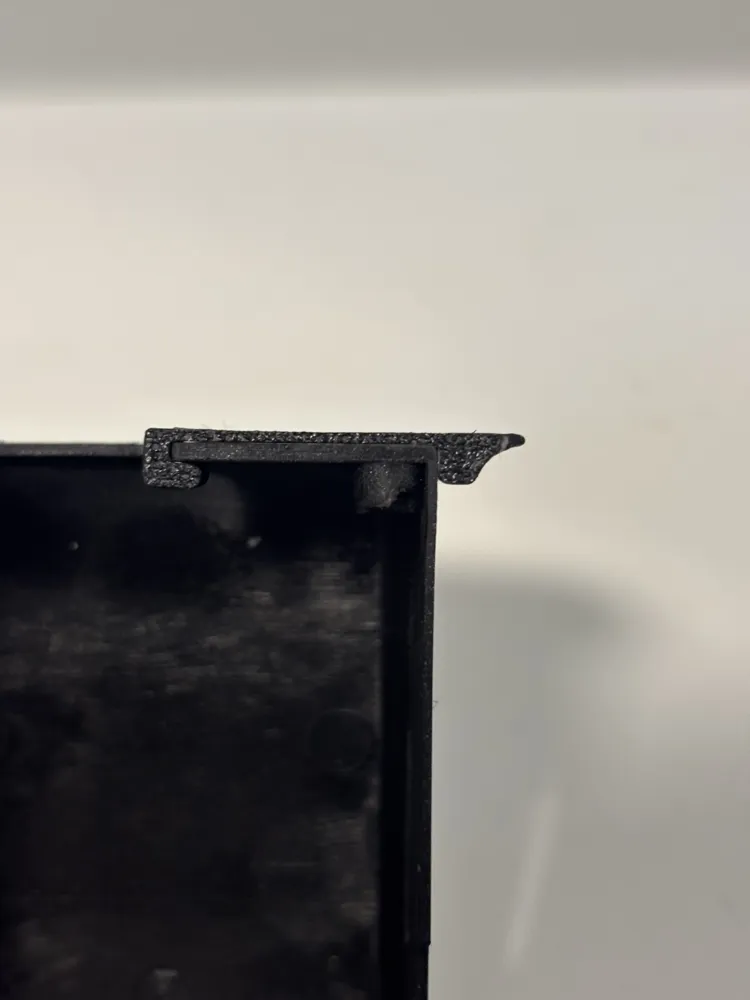
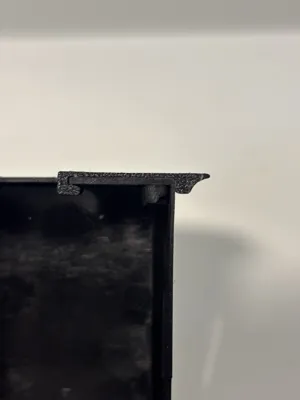
The spacers are provided in different thickneses depending on the need and the amount of sagging, in my case I was able to just use the 0.8mm spacer which was enough. Multiple spacers provided in +0.8mm increments of thickness.
Printing Suggestions
Should be printed in ABS/ASA or at minimu PETG due to being inside of and near hot surfaces/areas.
Assembly Instructions
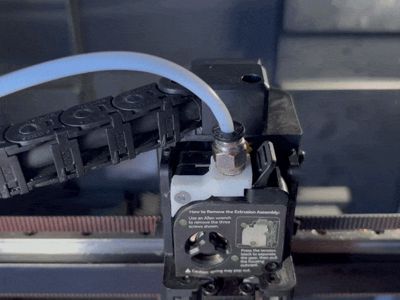
Remove the print head cover and slide on the spacer as shown in the GIF and Photos, with the chain pushed out of the way put on the cover with first push in the top part on top of the tool head to slide in then spacer under the chain, The spacer has room for movement until installed so use that for manipulating when attaching it to the toolhead if needed. Once the cover is secured in place the spacer will be sitting securely.
Boost Me (for free)
If you like my work consider boosting!
License



Comment & Rating (0)