
Print Profile(8)


Description
Boost Me (for free)
Thank you for your boosts ! They support my work, help cover the cost of prototypes, and motivate me to create high-quality models for you.
🌿 Check out my Modular Plant Support System — a lightweight, expandable, and reusable gardening framework designed specifically for efficient FDM printing.
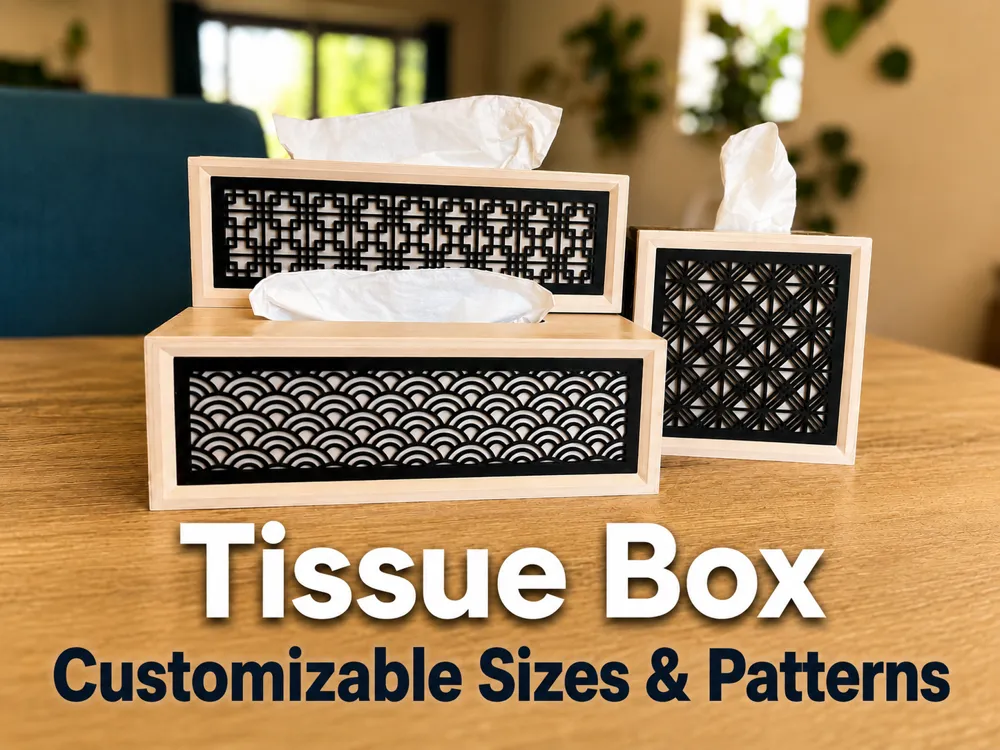

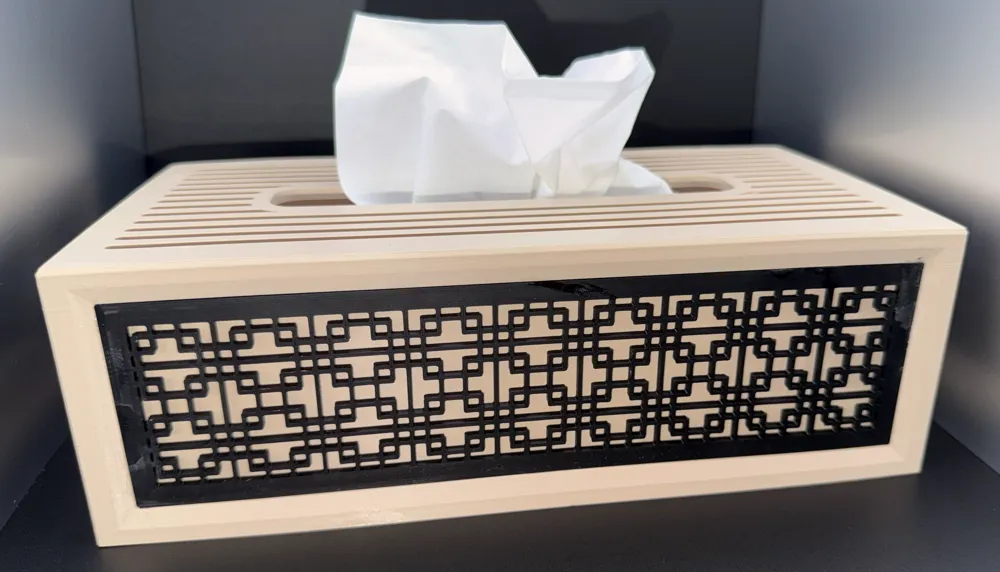
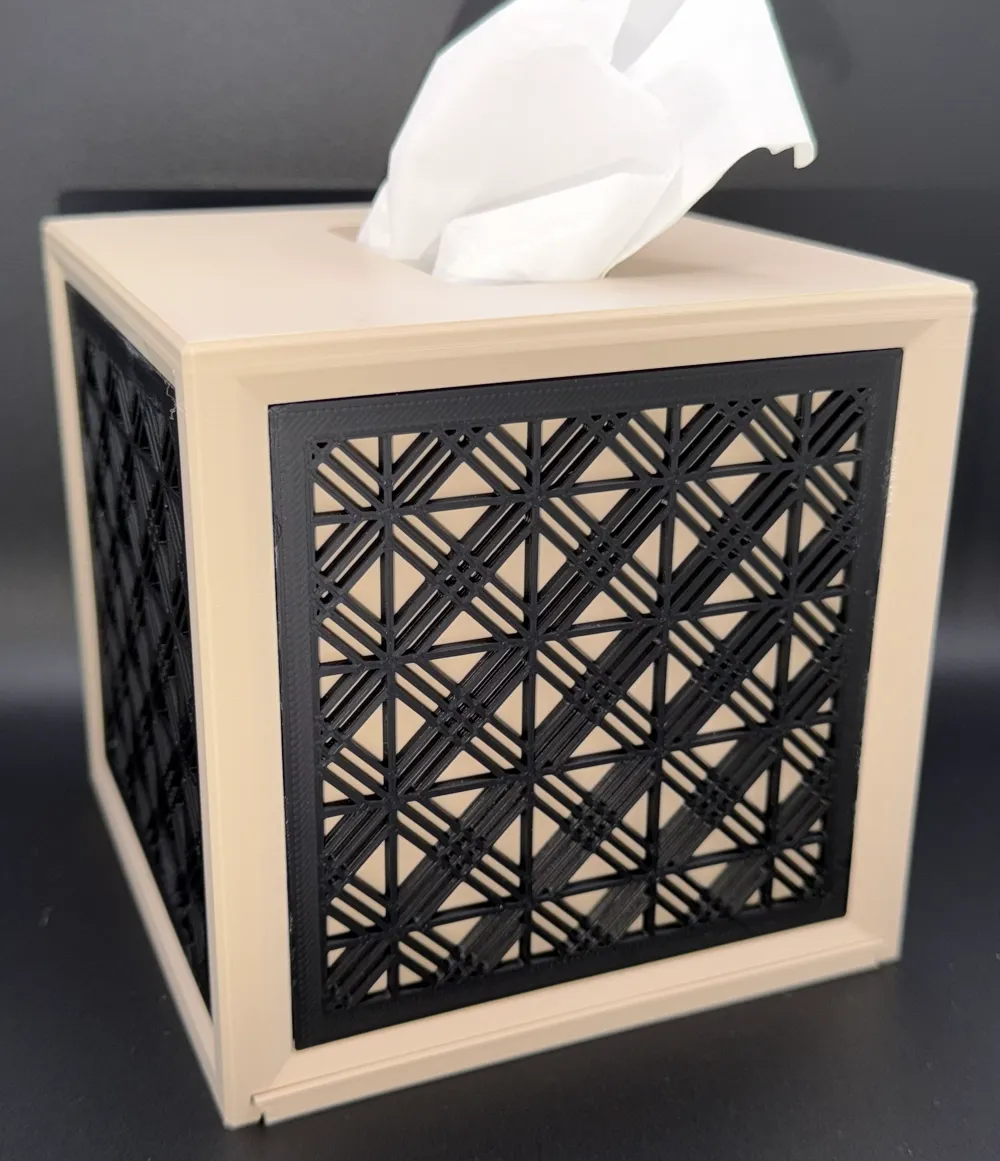
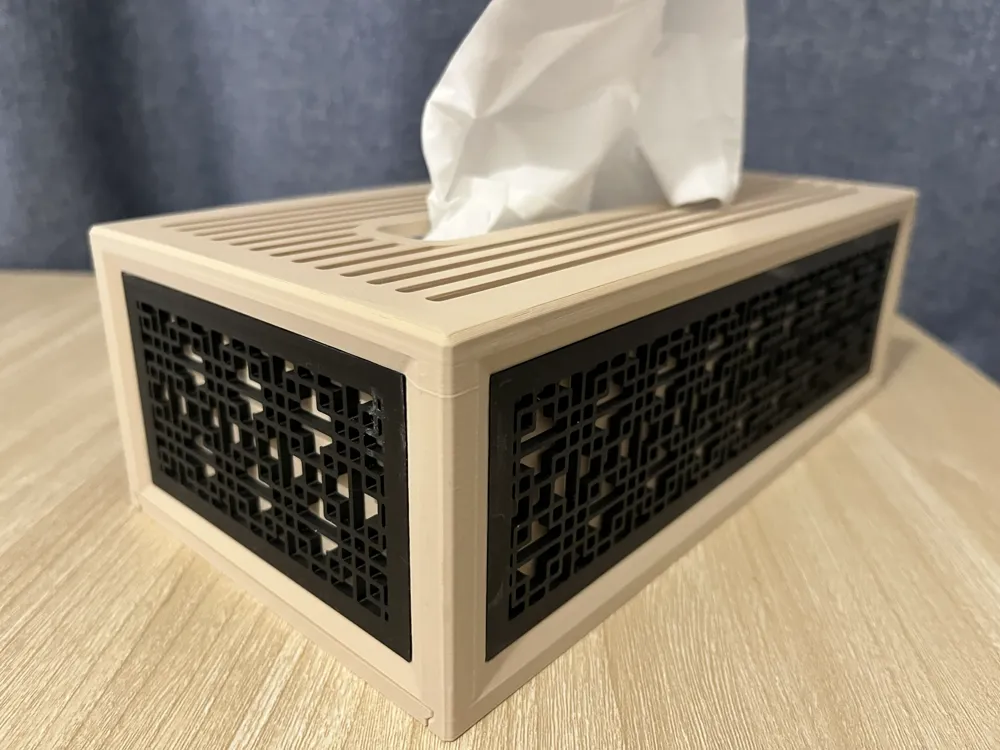
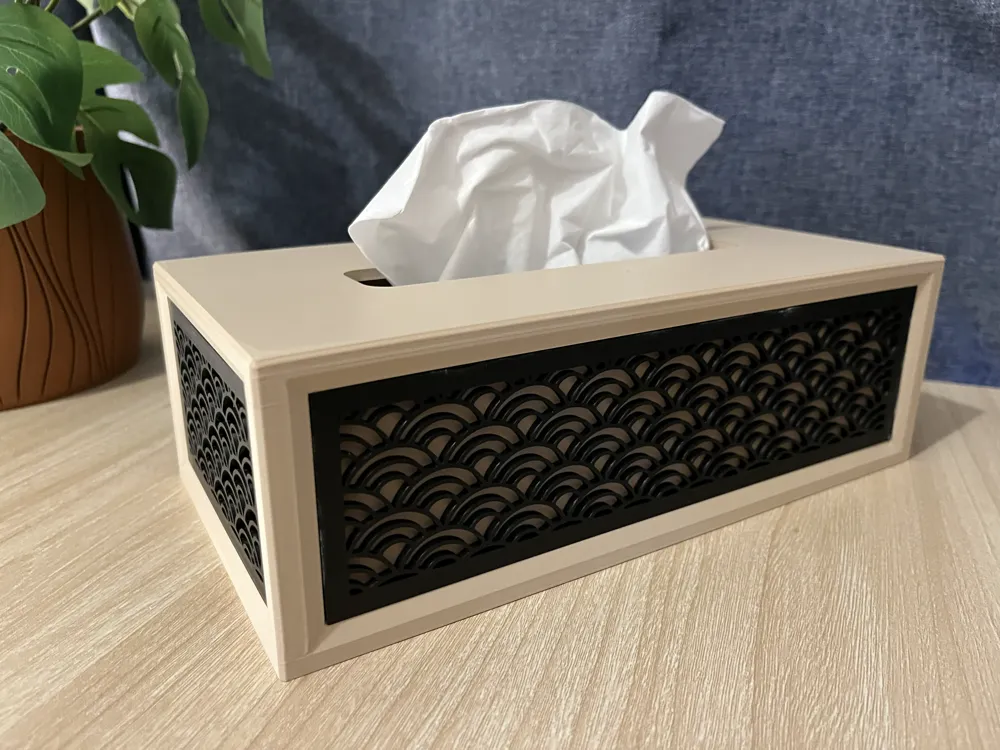
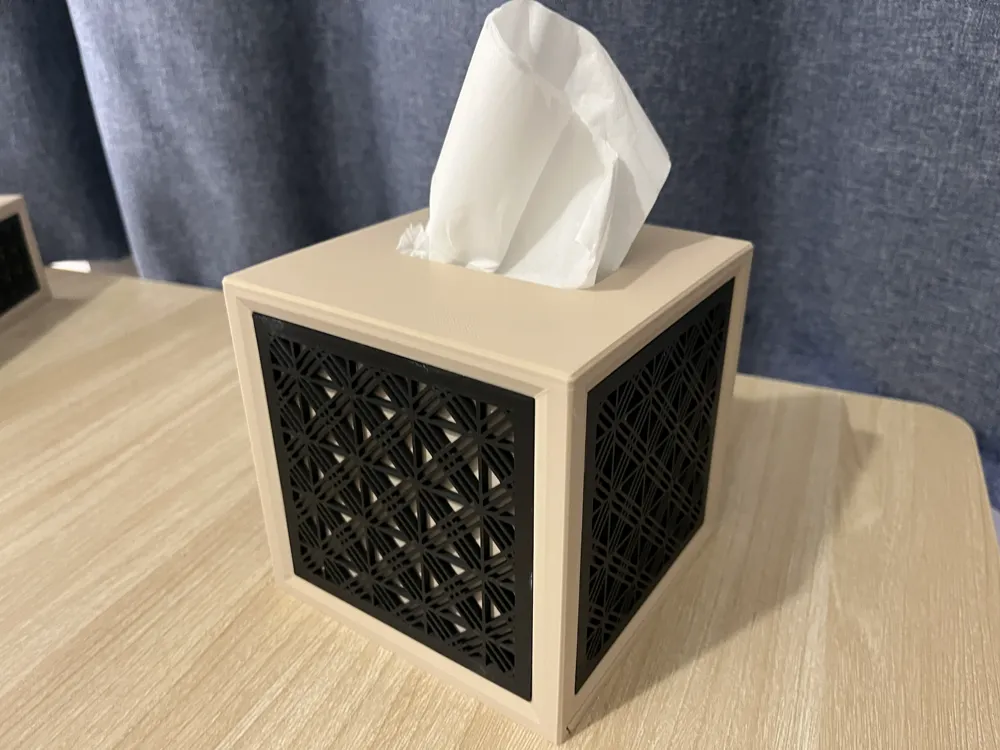
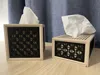
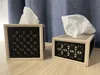
🧻 Parametric Tissue Box Holder – Custom & Decorative
This project started from a simple need:
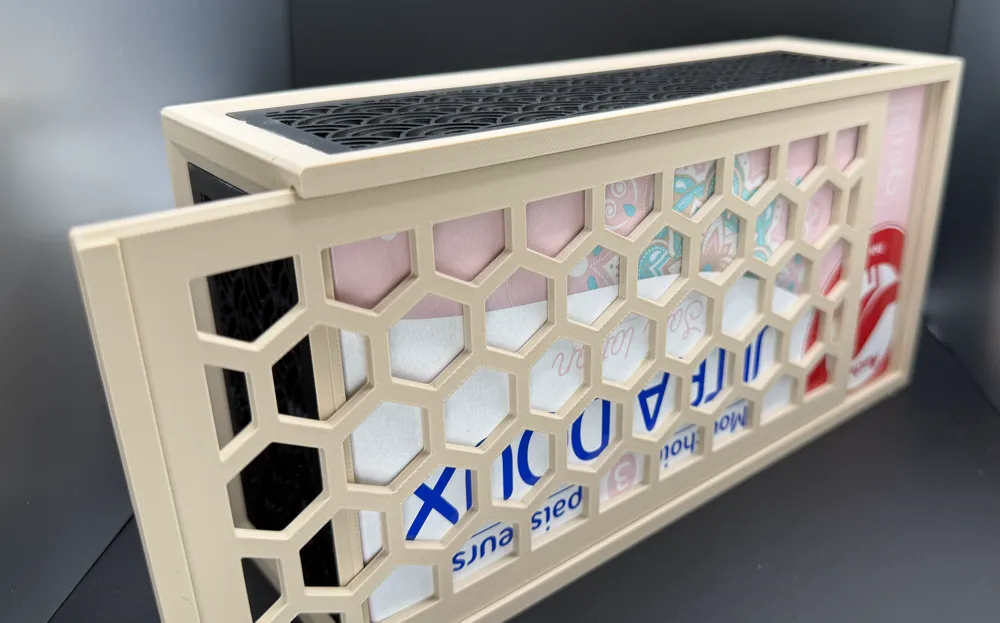
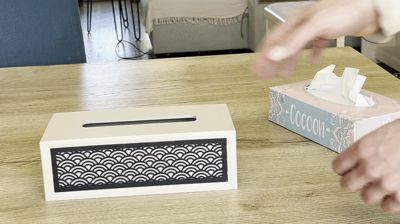
👉 A tissue box holder that fits all box sizes while looking clean and decorative.
After enjoying previous parametric designs, this felt like the perfect project to push things further.
📸 I’d love to see your prints — feel free to share your photos!
⚠️ This model is parametric — you can customize its dimensions and other details using the “Customize” button.
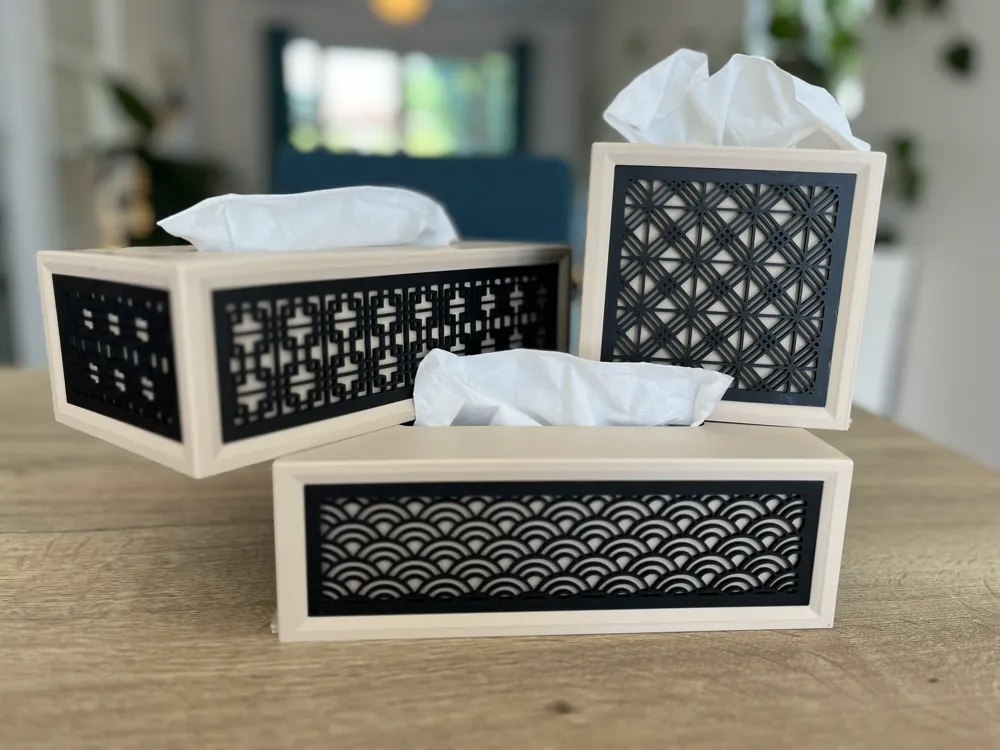
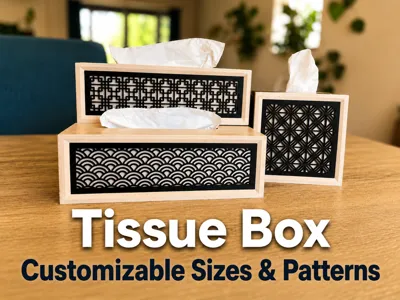
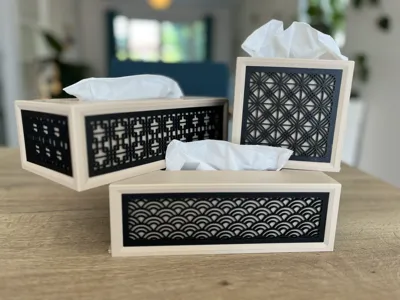
🎨 Available Designs
Currently available:
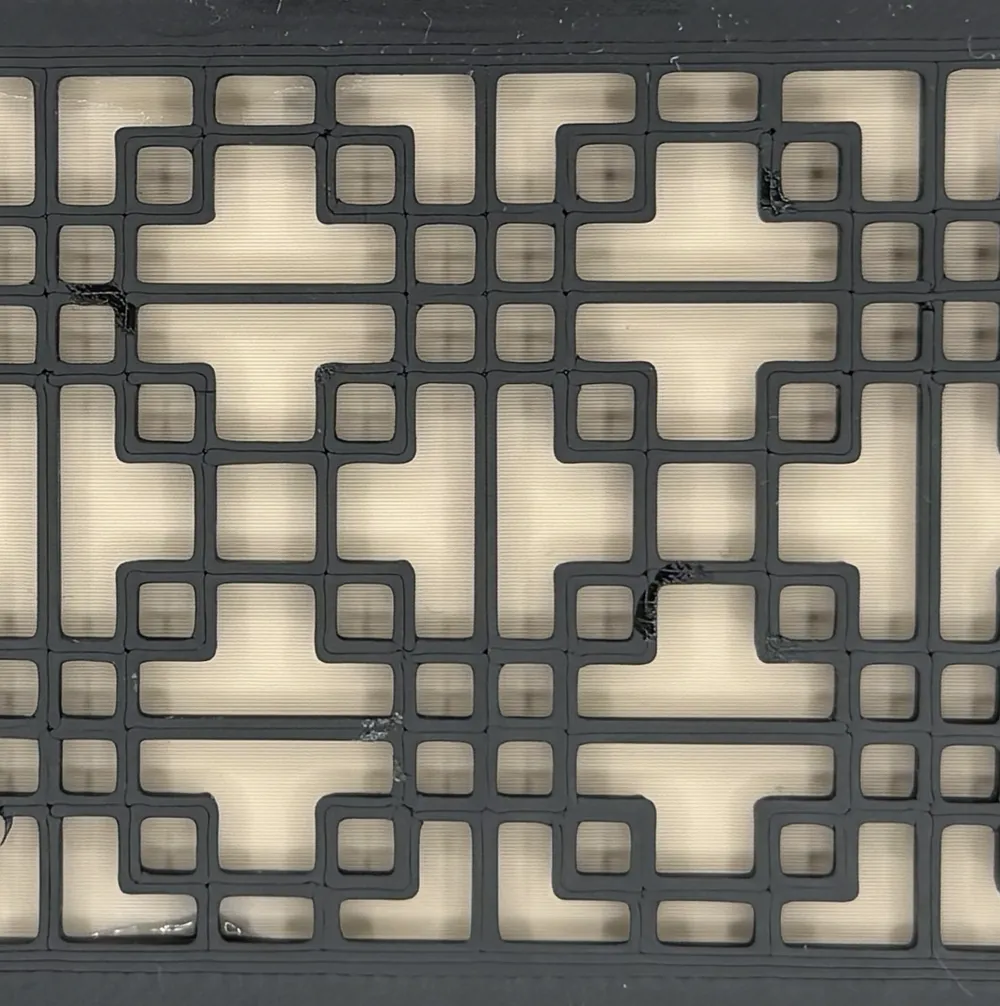
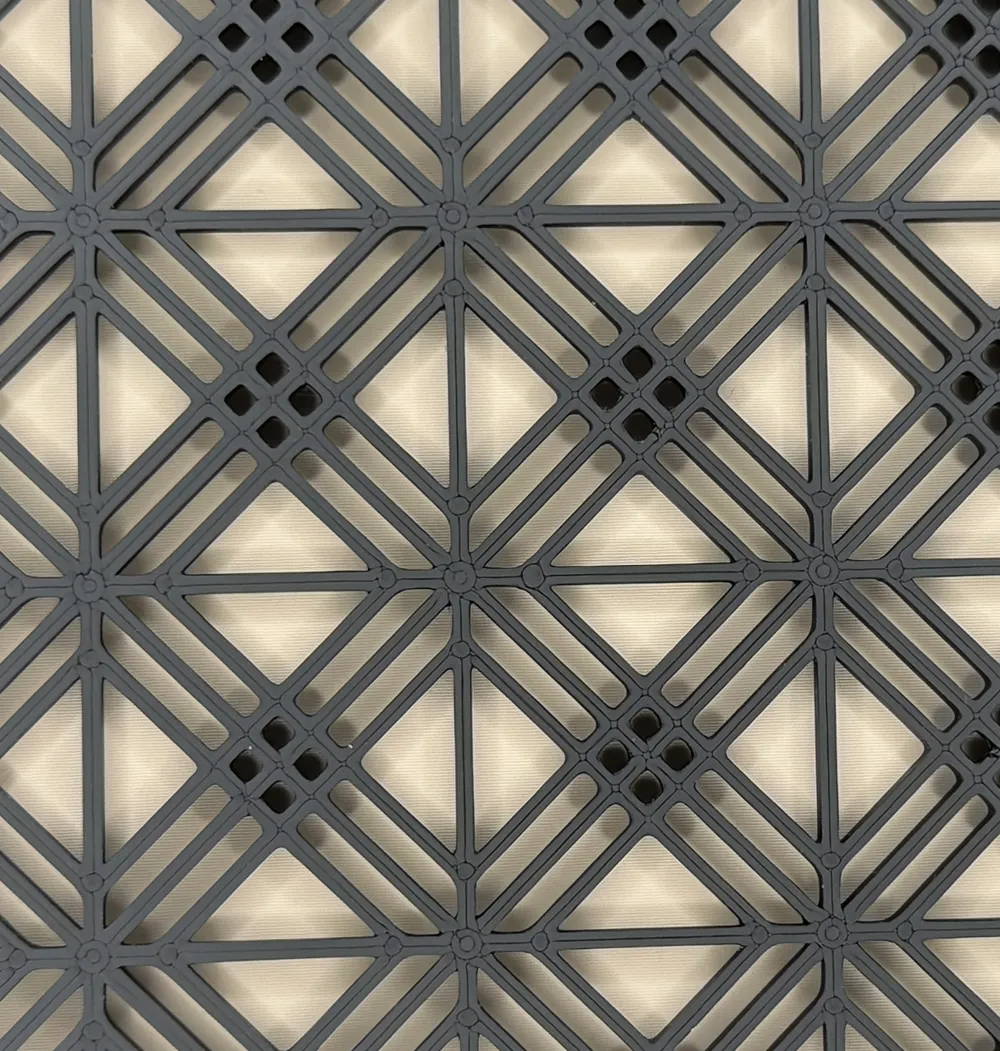
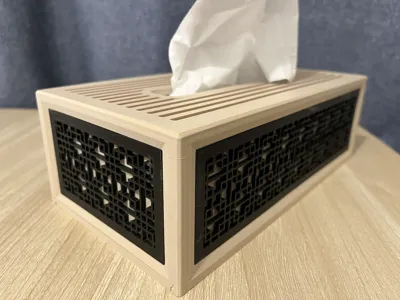
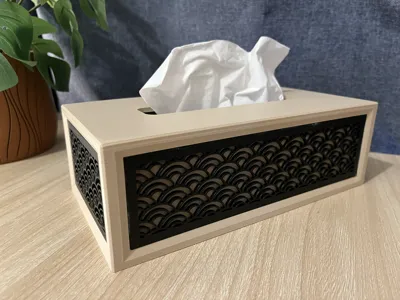
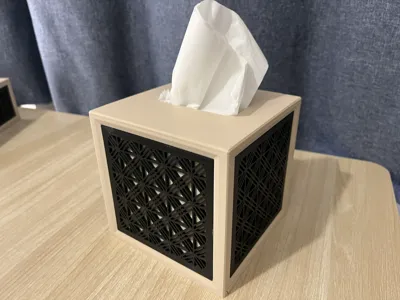
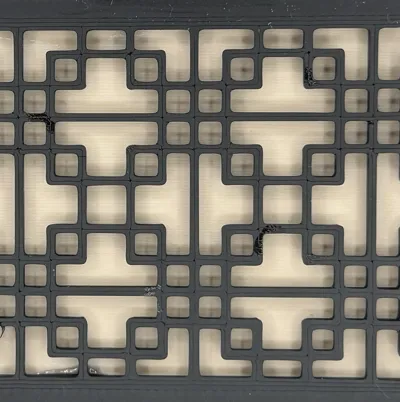
Pattern 1 : Kumiko vertical
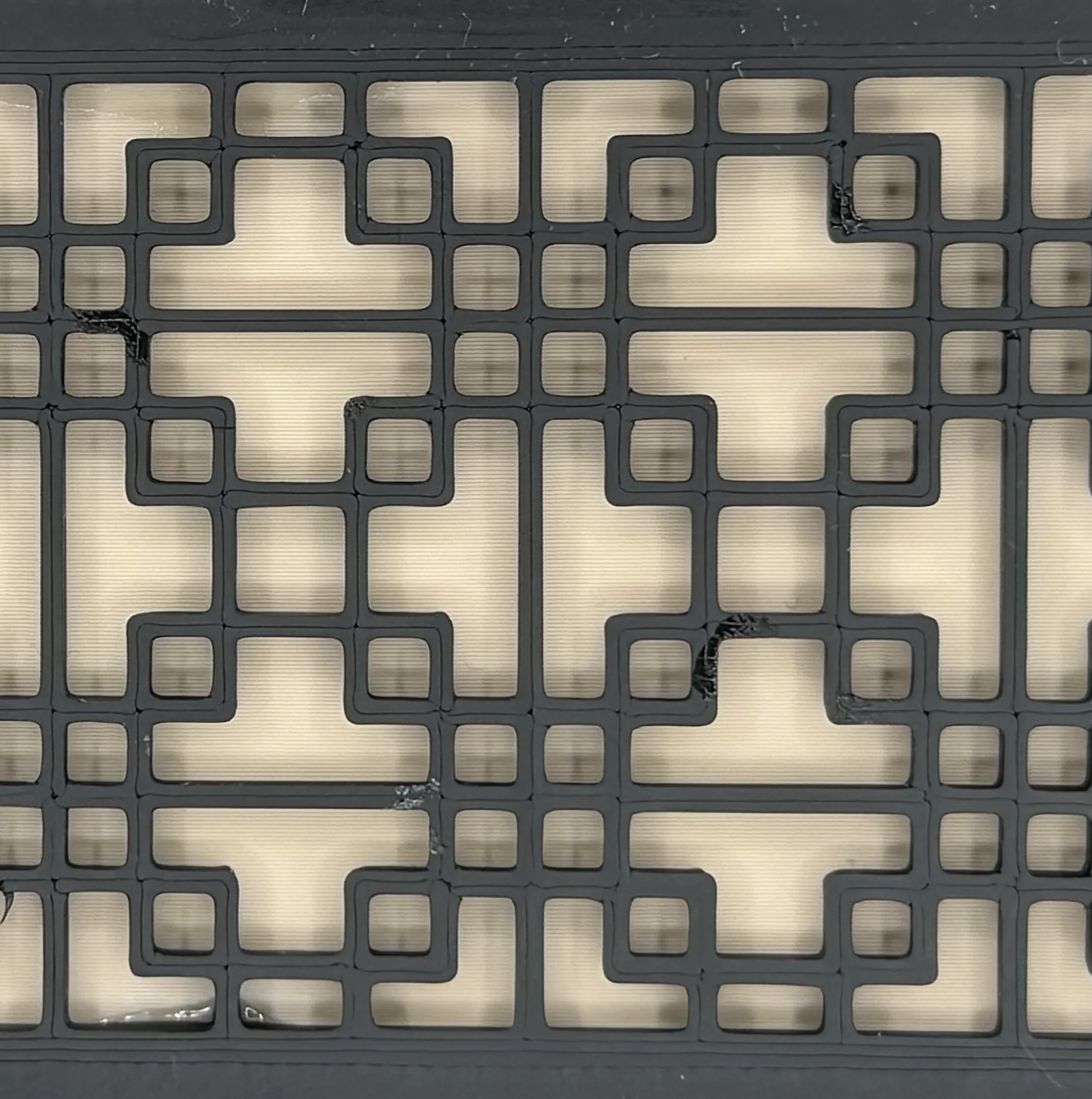
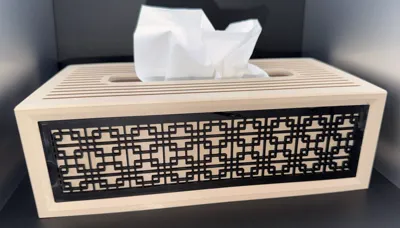
Pattern 2 : Simple grid
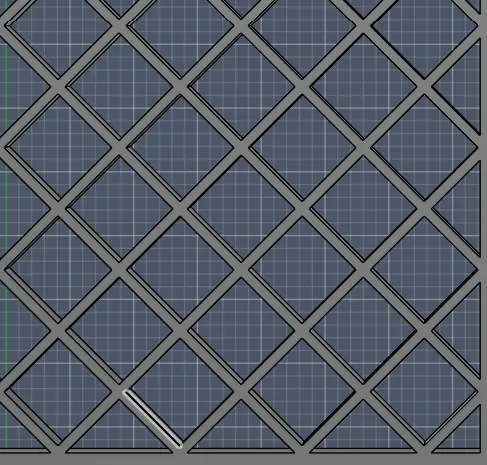
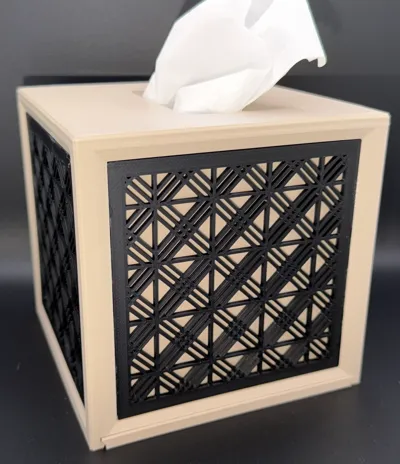
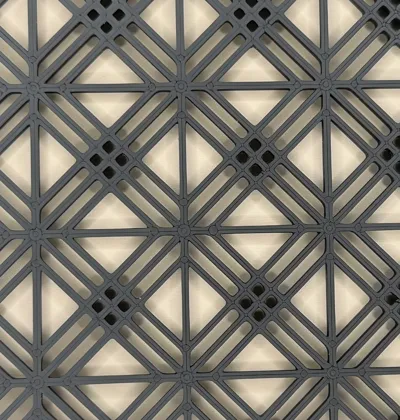
Pattern 3 : Kumiko diagonal
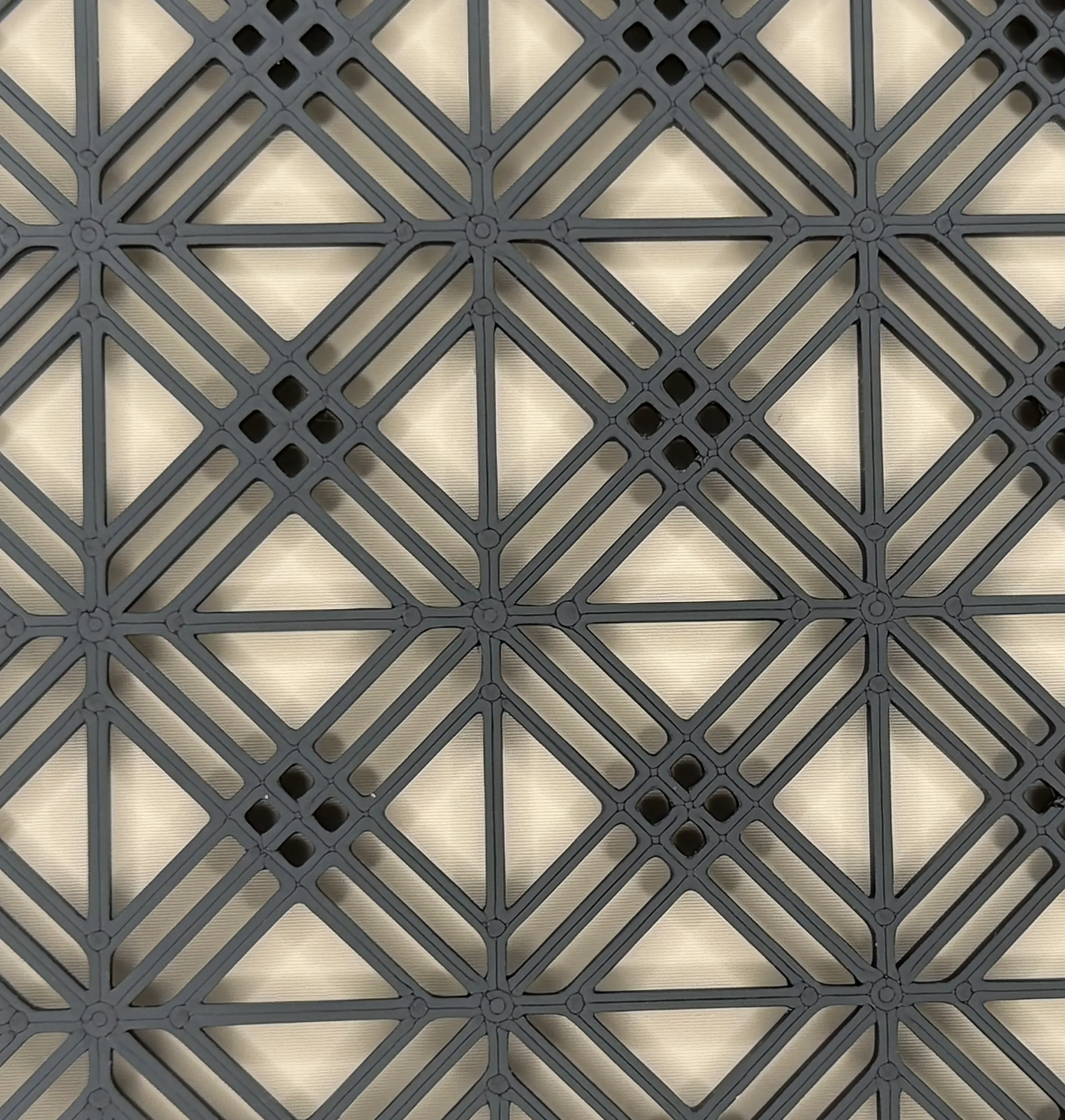
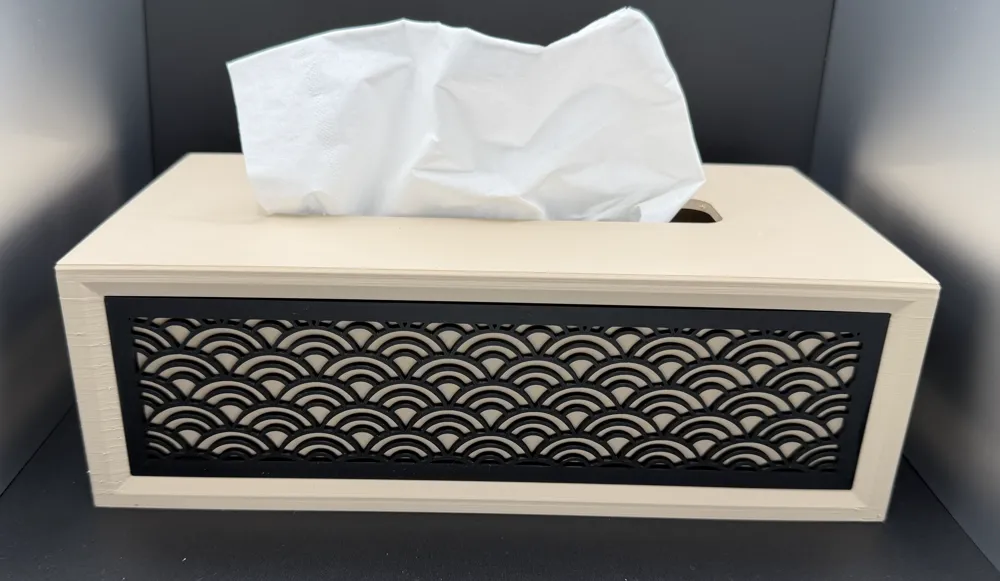
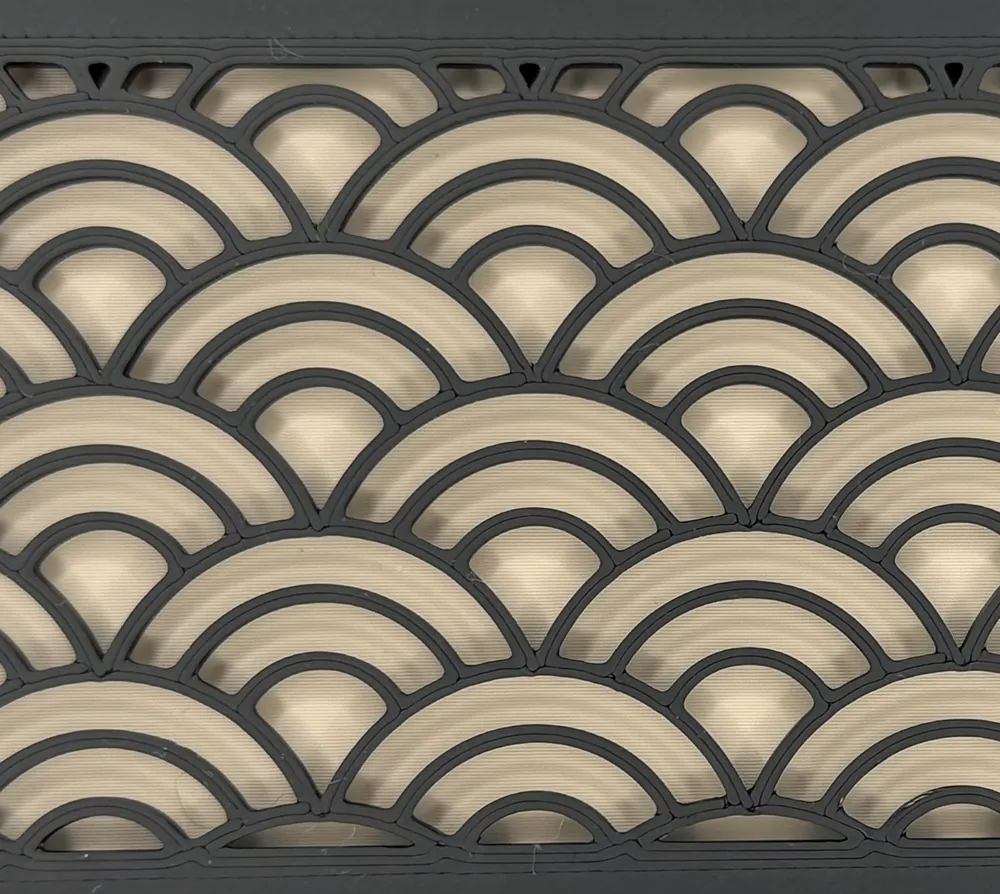
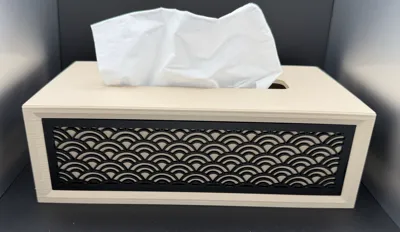
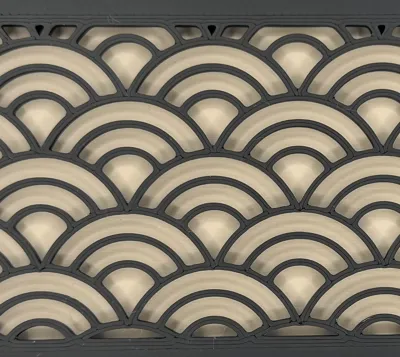
Pattern 4 : Seikaiha
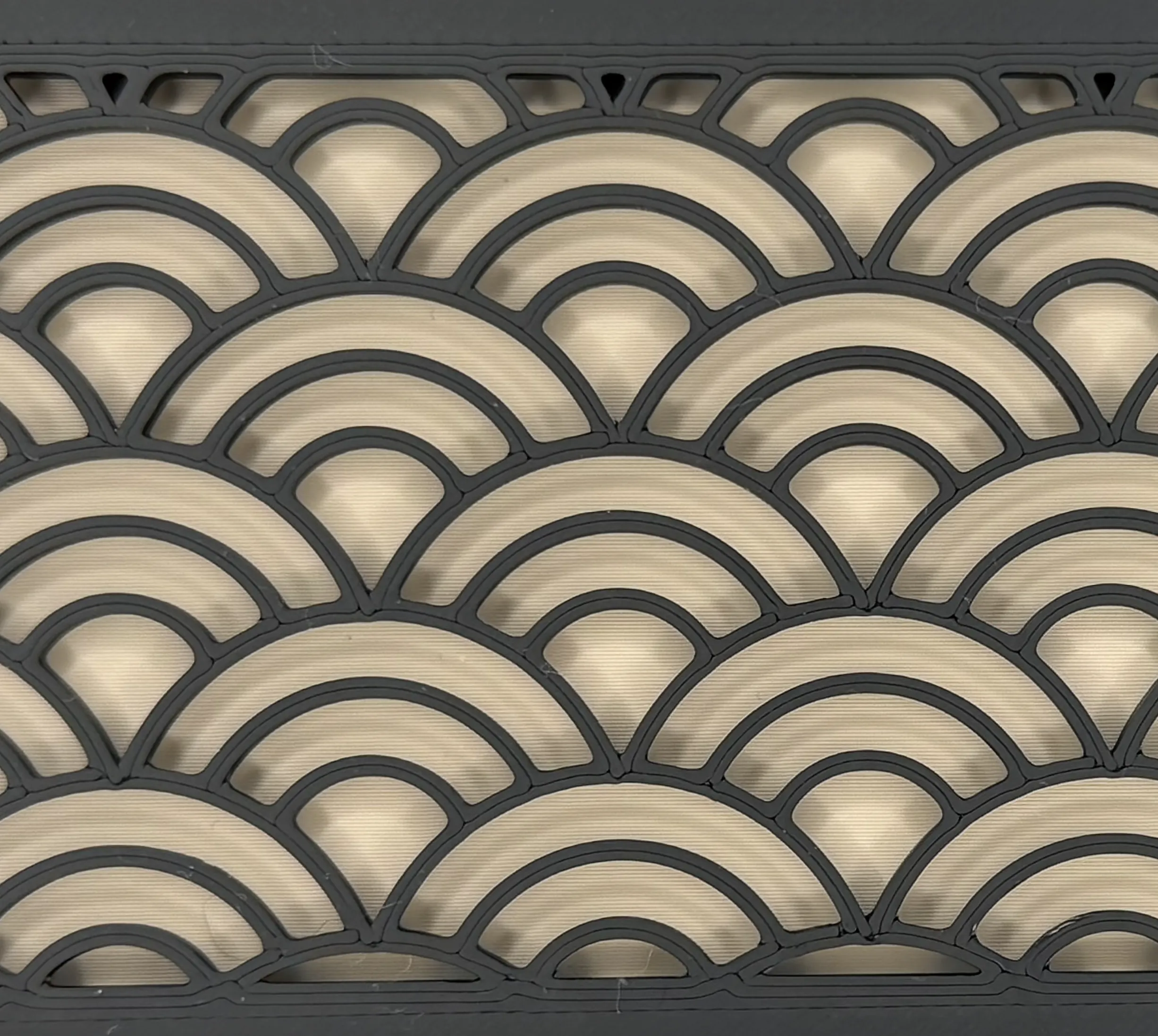
📦 Bonus:
A profile called "Only Decoration" includes all patterns I publish.
⚡ Quick Start
To generate your model quickly:
- Customize the model parameters
- Export as .m3f
- Open in Bambu Studio
- Right-click → Split → To Objects
- Arrange parts by color on plates
⚠️ Assembly Tip
1 - The rails designed to attach the decorative patterns are not sufficient on their own to securely hold them in place. You will need to apply a small amount of glue to ensure proper fixation.
⚠️ Be careful with the quantity to prevent glue from overflowing when assembling the parts.
2 - If "Is side decorated" is enabled:
- Side panels are always generated
👉 Simply don’t print them if you don’t need them
✨ Key Features
- Fully parametric → fits any tissue box
- Adjustable opening size
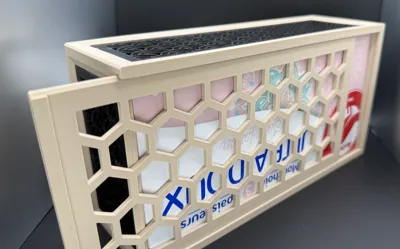
- Optional decorative panels (top & sides)
- Clean and modern design
⚙️ Recommended Print Settings
- Wall count: 3
- Infill: Gyroid
📦 Ready-to-use profiles included for common sizes
⚙️ Parameters Explained
📦 Box Dimensions
- Width / Length / Height
👉 Match your tissue box size
💡 Tip:
Increase height by + 5 to 20 mm to improve pattern alignment
🔲 Opening Size
- Width / Length
👉 Controls tissue dispensing comfort
🎨 Side Decorations – is_side_decorated
- 1 → slots + panels generated
- 0 → panels generated, no slots
🧷 Top Decorations – is_top_decorated
- Enable / disable top pattern
🔧 Fit Tolerance
- Closer to 0 = tighter fit
Updates :
🚀 21/04/2026 - V2 - UPDATE – Major Improvement: Clip System (No Glue Needed!)
I’ve introduced a brand new way to attach the decorative panels — no more glue required!
I will keep the V1 models available for a while, in case some of you are still working on existing projects.
After this transition period, I plan to remove the V1 models.
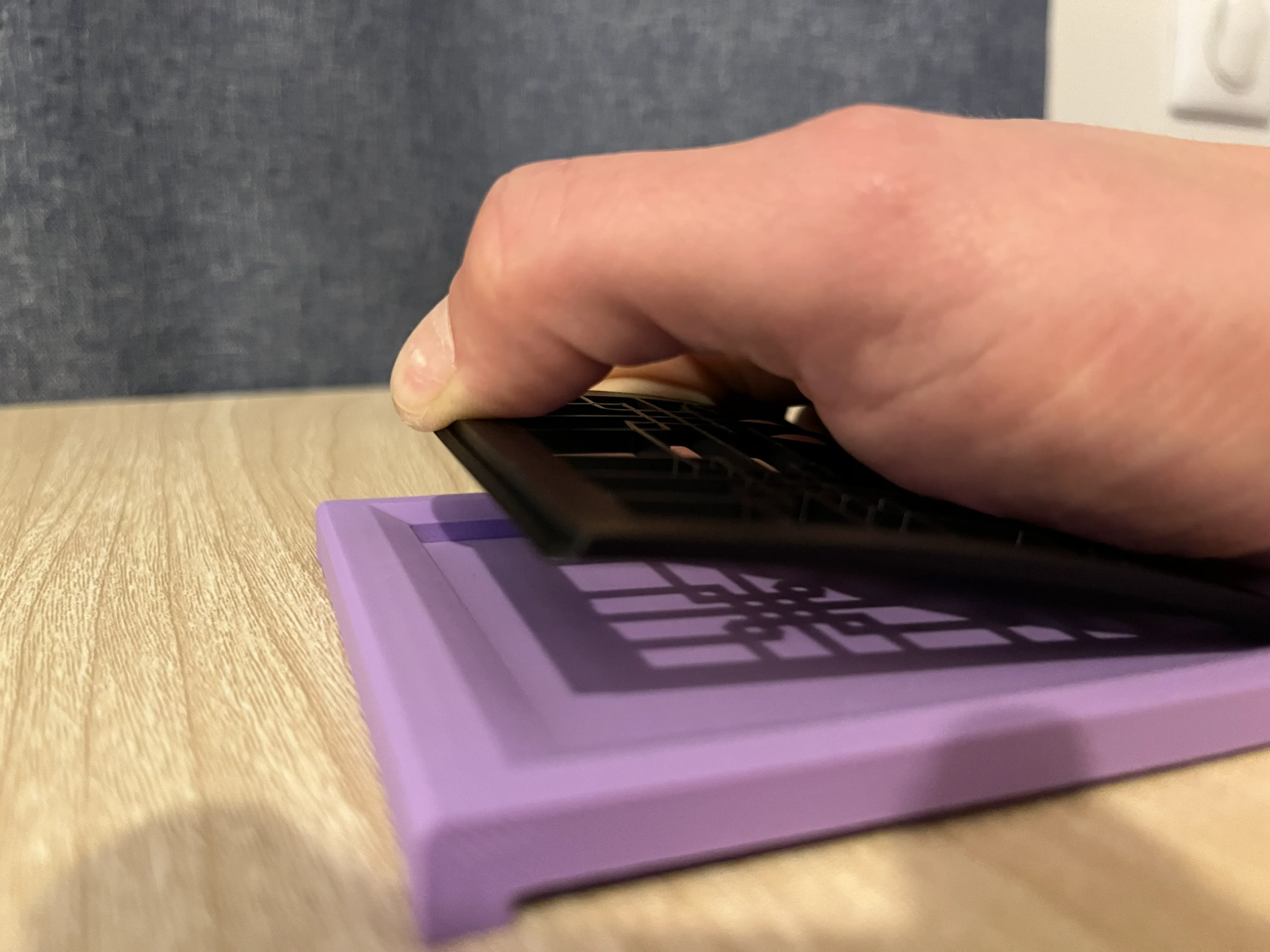
Since gluing the decorations could be tricky and often messy, I designed a clip system to securely hold each panel in place.
Each decorative piece now features a small 2mm edge on both sides, designed to snap directly into the box.
To install them, simply apply a slight twist to the panel until you find the right angle — and that’s it!
⚠️ Important notes:
- V1 elements are not compatible with V2 (and vice versa)
- This update introduces a small limitation:
the minimum width or length of the tissue box is now 10 cm
(below that, bending the panel becomes difficult without risking damage)
That said, it’s unlikely most tissue boxes are smaller than 10 cm anyway :)
The installation may require a bit of force for a 10 cm edge.
If your model is larger, it should be easier to handle.
This is the most stable solution I’ve found so far to secure the panels.
If you have other ideas that are just as solid but easier to use, I’d love to hear them!
I hope you’ll enjoy this improvement and that removing the need for glue will make it easier for more people to try it out!
✅ Available directly in the Customizer
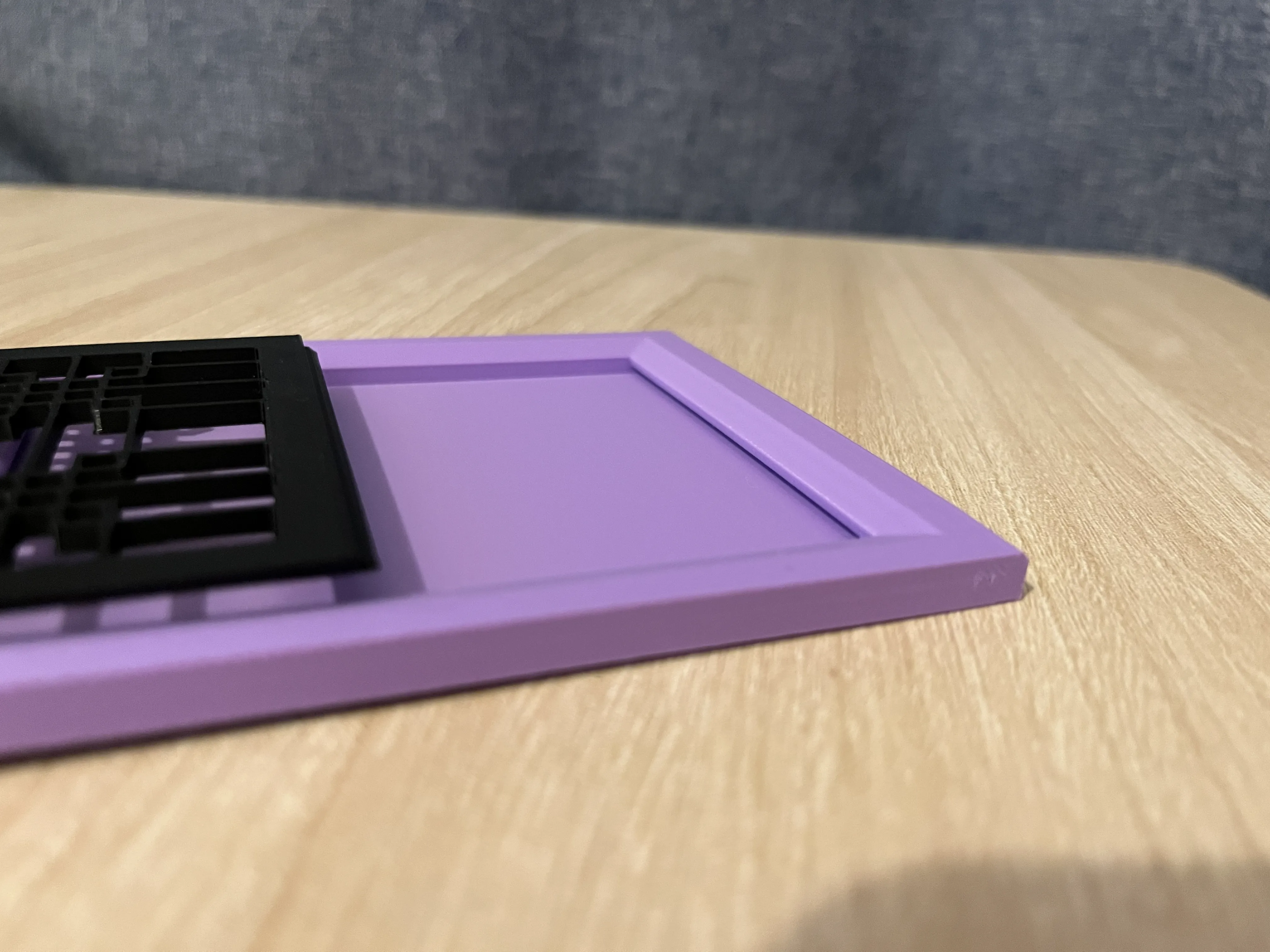
🚀 14/04/2026 - UPDATE – New Pattern Available: “Seikaiha”
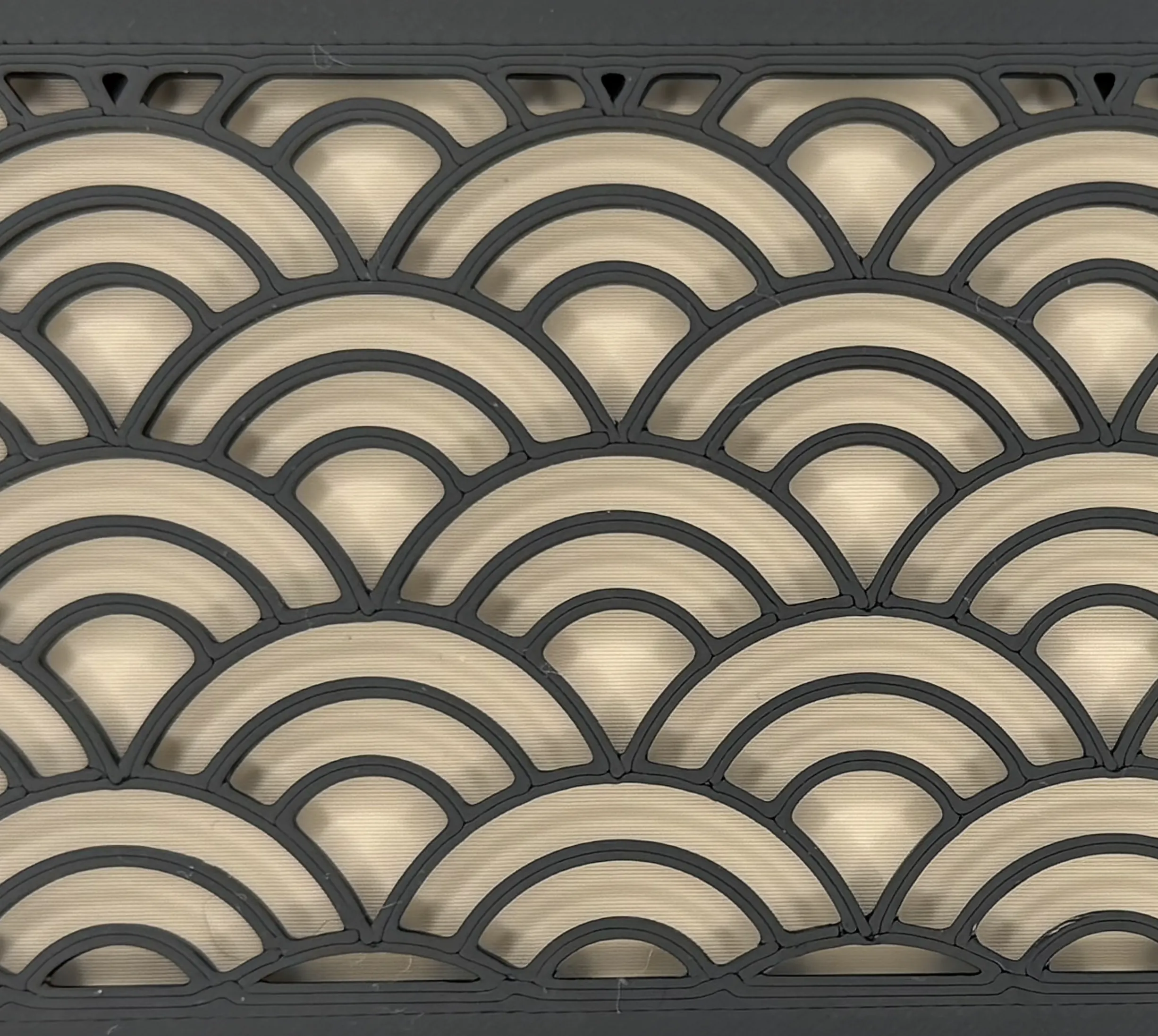
I’ve added a brand new pattern, Seikaiha, which has quickly become my favorite.
The result looks great both up close and from a distance — I really love how it turned out!
I’ve also refined the existing patterns to make them easier to distinguish from a distance:
- Lines are now thinner
- Previously tight areas have been slightly opened up for better clarity
I hope you’ll enjoy it as much as I do :)
✅ Available directly in the Customizer
✅ Included for the 2 tissue box sizes in the print profiles
🔧 A big thank you for checking out this model <3
👉 If you like my work, don't hesitate to take a look at my best creations here
⭐ Remember to like, comment, or follow so you don't miss out on upcoming models!
Boost Me (for free)
Boosts cost you nothing and motivate me for future creations, thank you!
License

You may create derivative works based on this object, provided that all such derivative works are published exclusively on the MakerWorld platform and include proper attribution to the original creator. You may not share, upload, host, distribute, or publish this object—or any derivative work of this object—on any other digital platform, marketplace, or distribution channel. Commercial use of this object and any derivative works is strictly prohibited. This includes, but is not limited to, selling, renting, sublicensing, or using the object in any context in which you receive monetary compensation or other financial benefits.


Comment & Rating (15)