
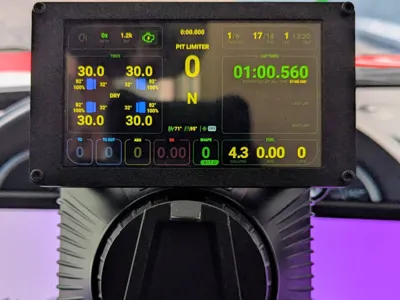
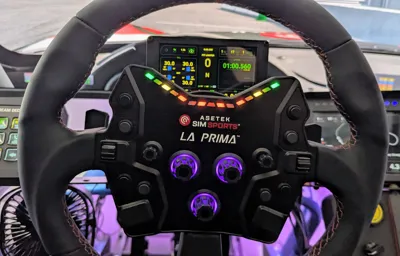
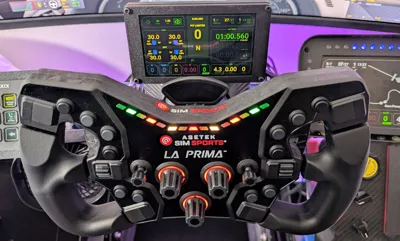
Asetek 5 inch DDU screen mount
Print Profile(1)
Description
The original files that inspired this project are linked:
1. https://makerworld.com/en/models/728581-vocore-5inch-dashboard#profileId-660118
Credit to exxtractor89 for these instructions.
Instructions to glue the mount to the DDU back: Use an an appropriate adhesive such as Instant Bond, or other appropriate adhesive such as PLA Gloop!, or Gorilla Glue clear gel cyanoacrylate and let it set/cure for the appropriate time.
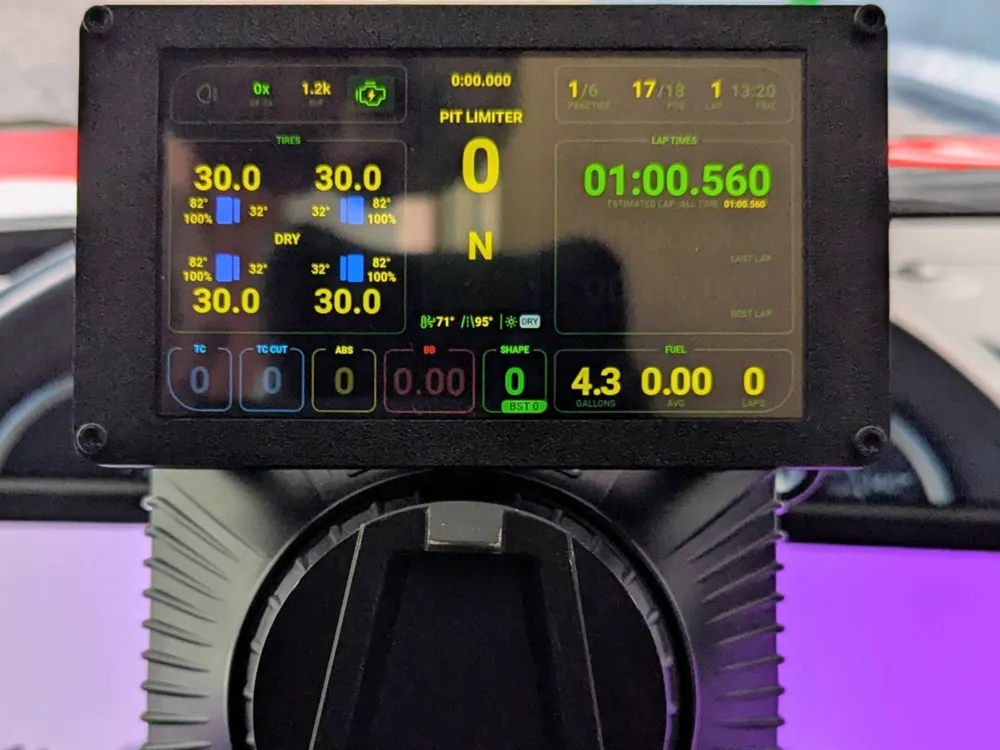
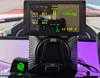
To install the VoCore screen to the front: Place the 5" VoCore screen inside the front cover and tape it to the interior using thin strips of foil tape. Attach a USB-C cable and either attach a zip-tie or loop the cable for strain relief.
Link to 5" VoCore screen:
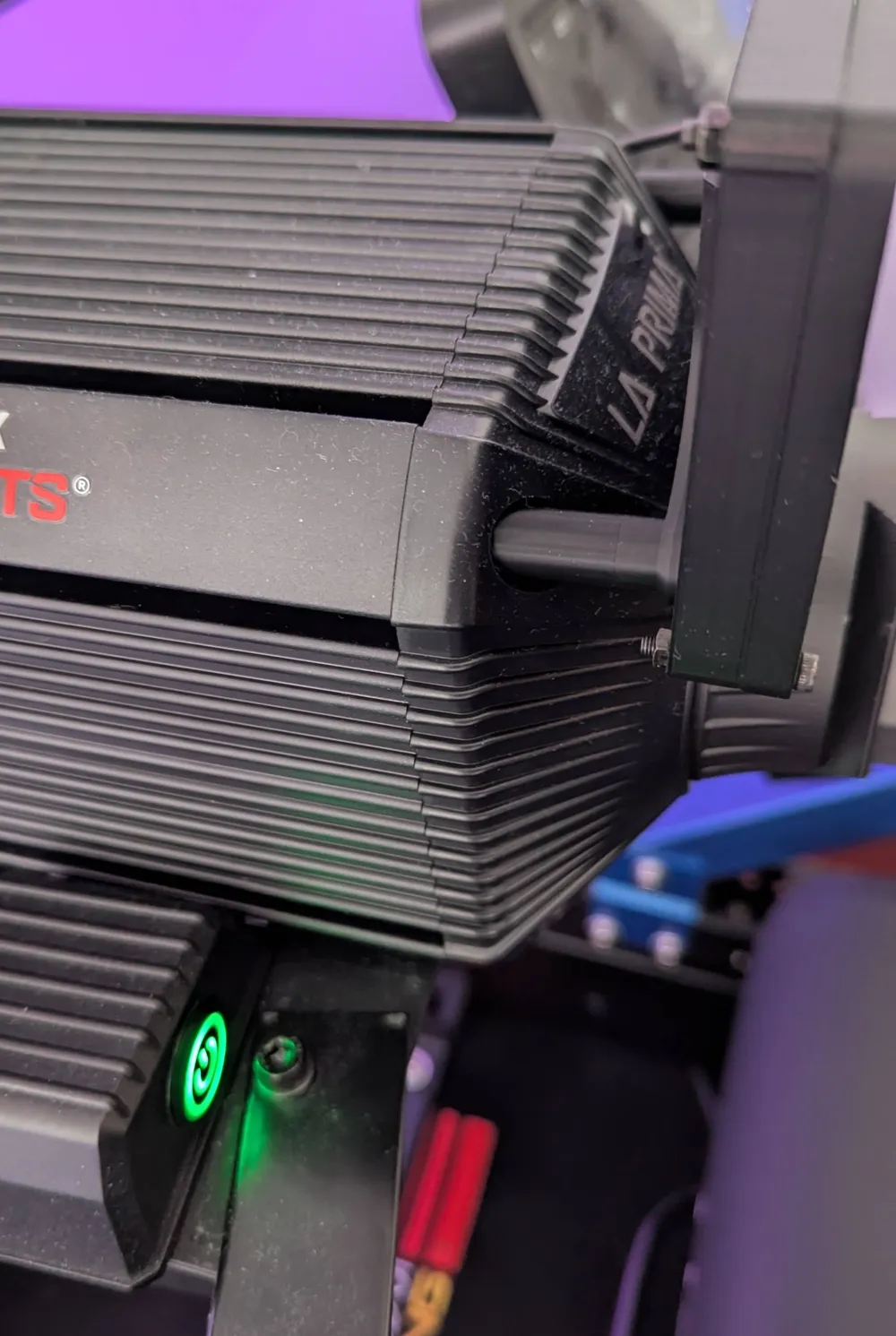
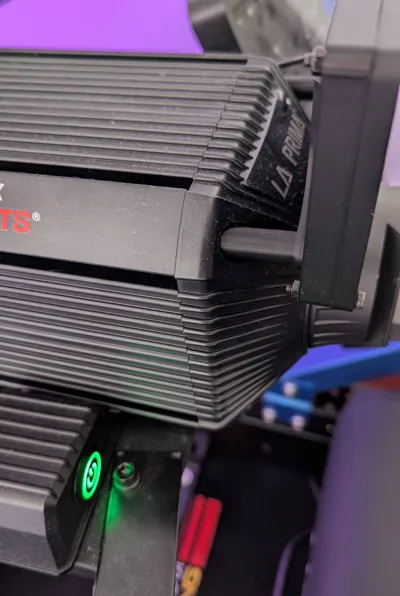
Instructions to mount the 5" DDU to the Asetek wheelbase: Remove the top 2 m6 factory bolts and replace with 2 m6 50mm flat head hex socket cap bolts. Insert the new longer m6 bolts screws through the now glued together DDU back and mount and tighten.
Link to new bolts:
Instructions to attach the front cover to the back: Slide the USB-C cable through the opening in the back and attach the front frame with the screen to the back by using 4 m3 20mm bolts and m3 nuts.
License

You may create derivative works based on this object, provided that all such derivative works are published exclusively on the MakerWorld platform and include proper attribution to the original creator. You may not share, upload, host, distribute, or publish this object—or any derivative work of this object—on any other digital platform, marketplace, or distribution channel. Commercial use of this object and any derivative works is strictly prohibited. This includes, but is not limited to, selling, renting, sublicensing, or using the object in any context in which you receive monetary compensation or other financial benefits.


Comment & Rating (0)