
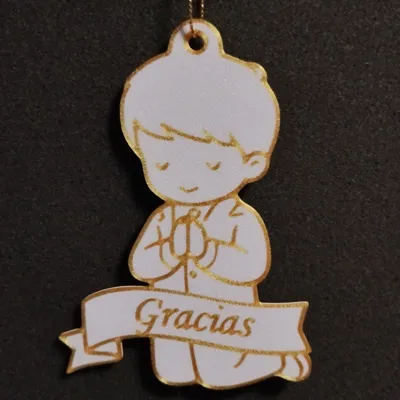
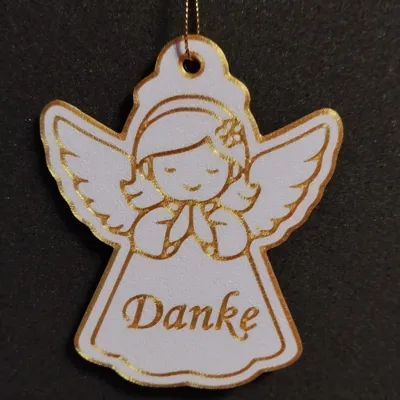
Print Profile(1)
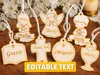
Description
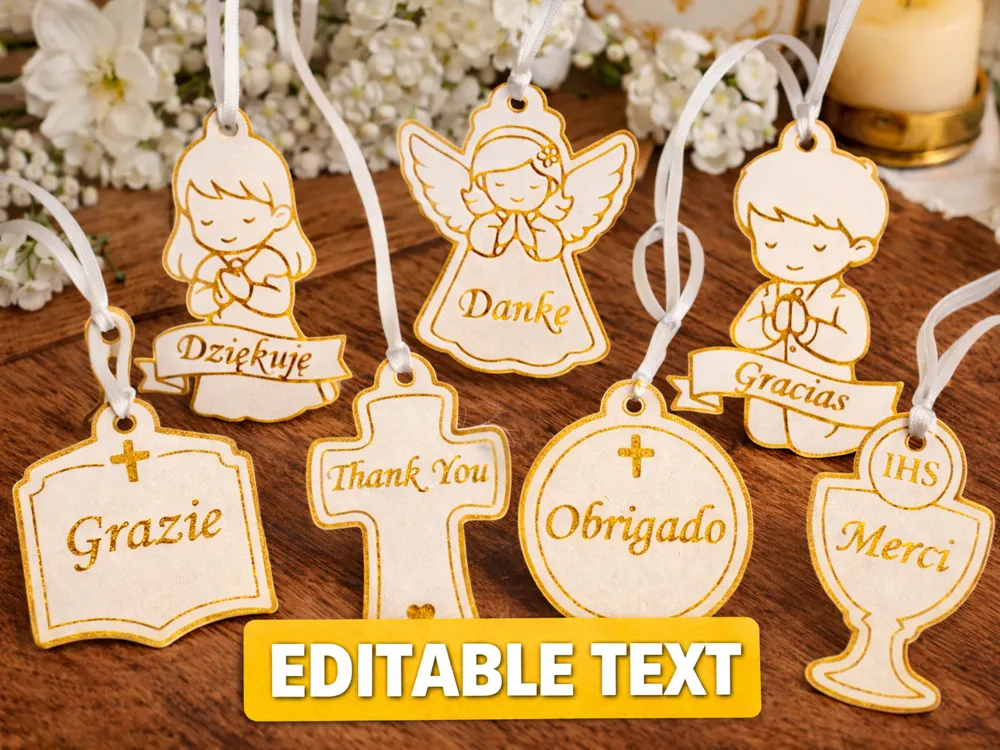
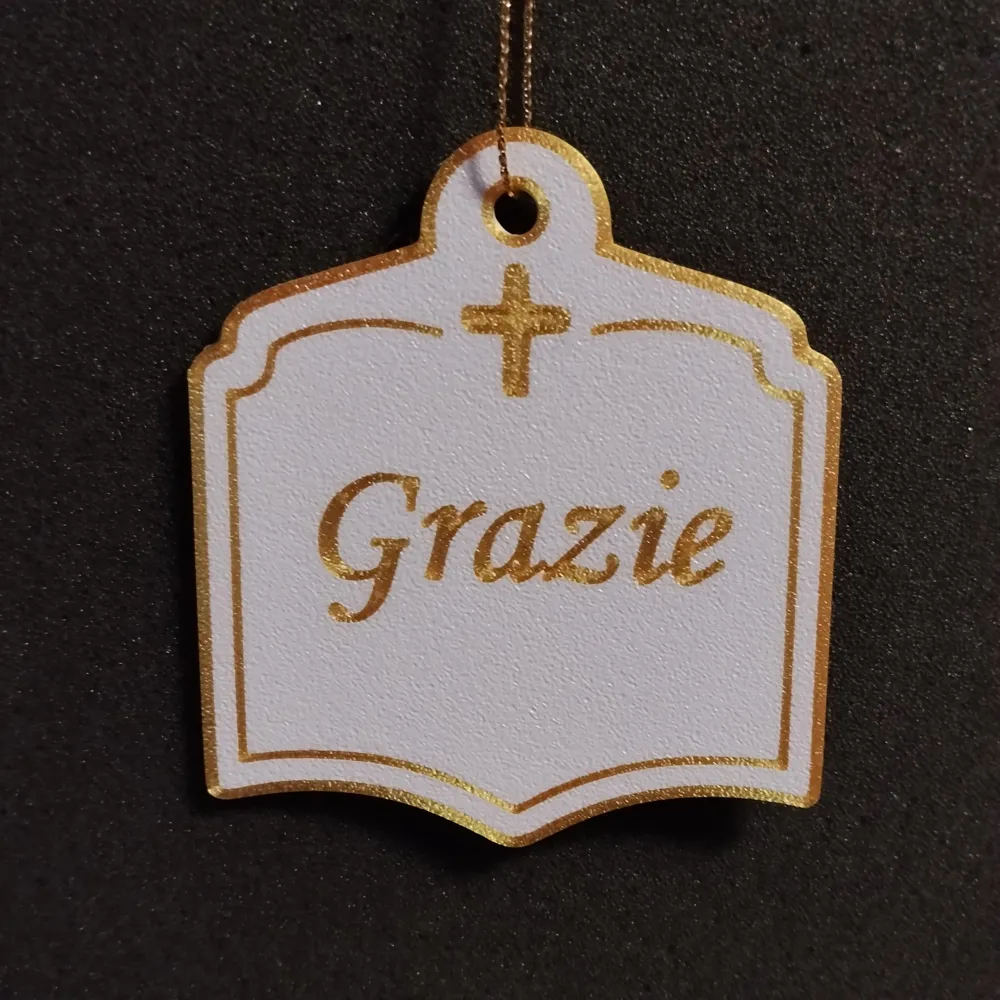
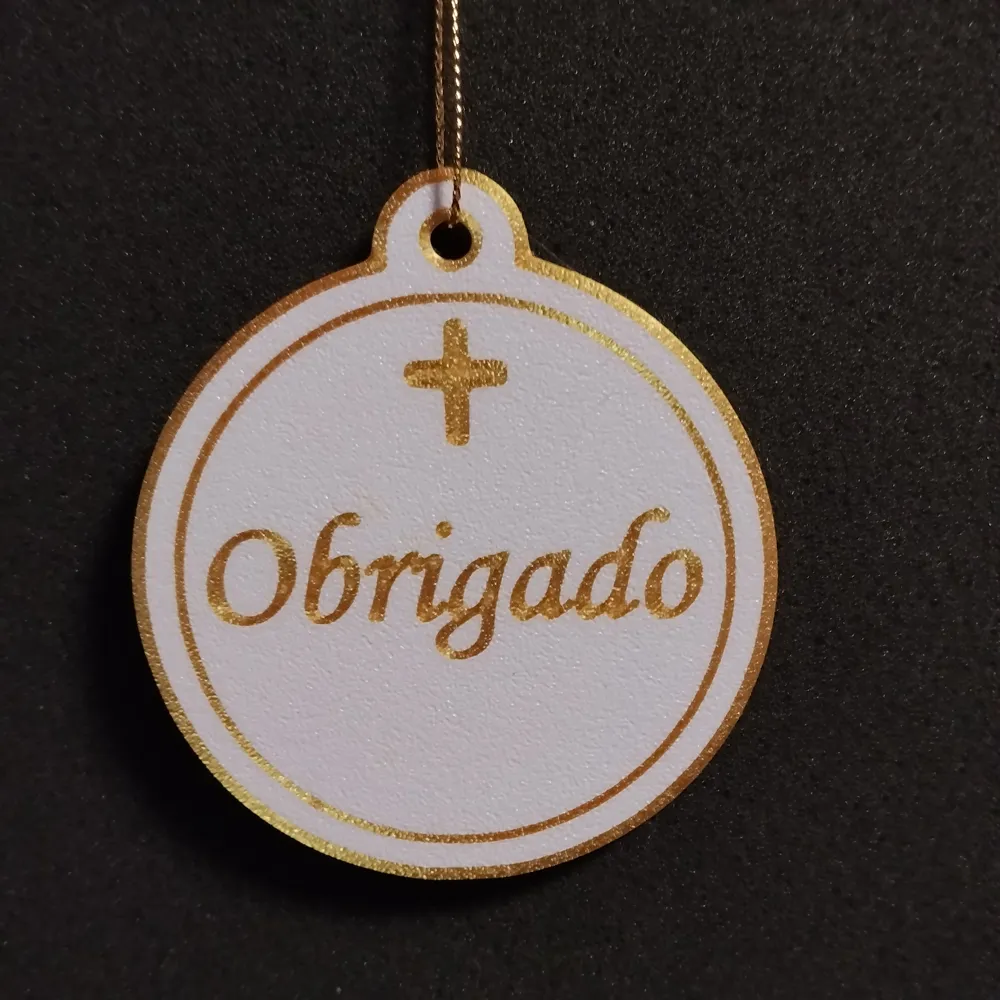
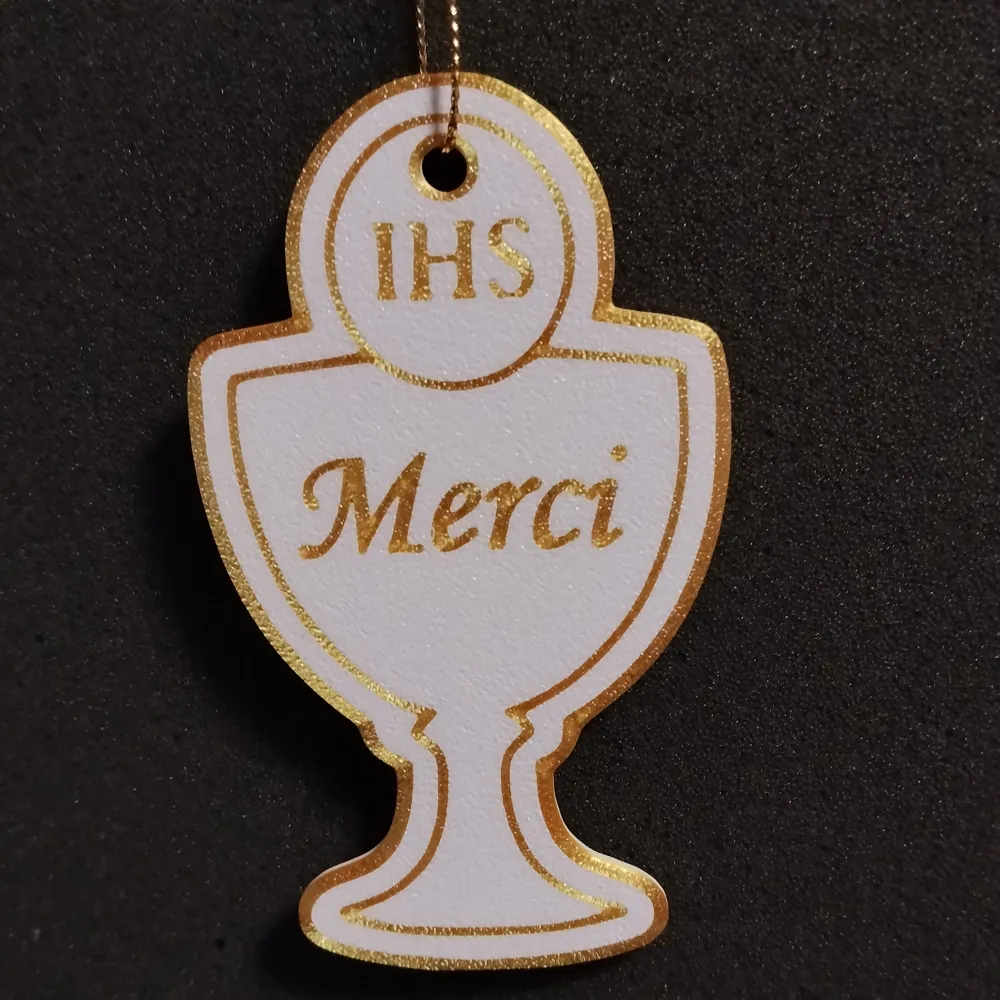
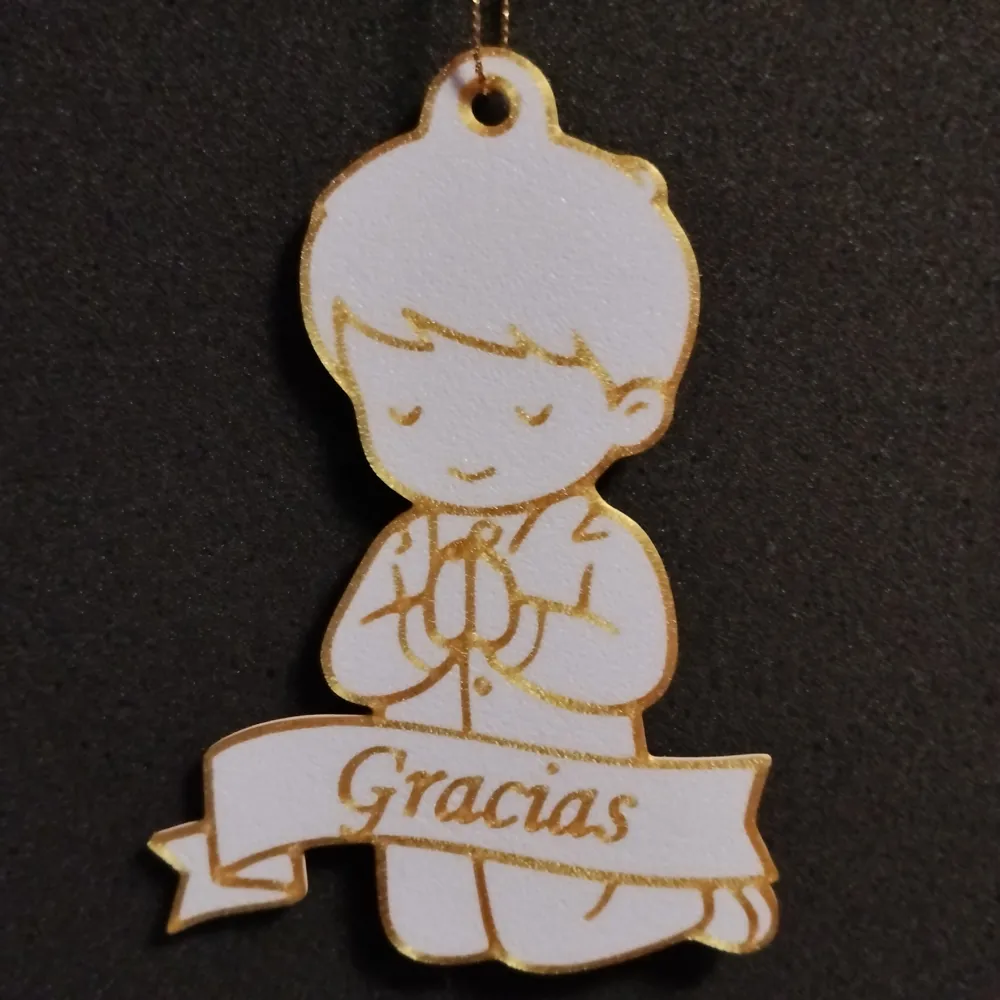
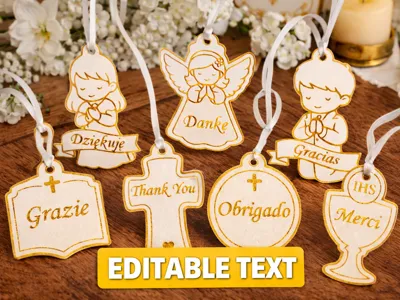
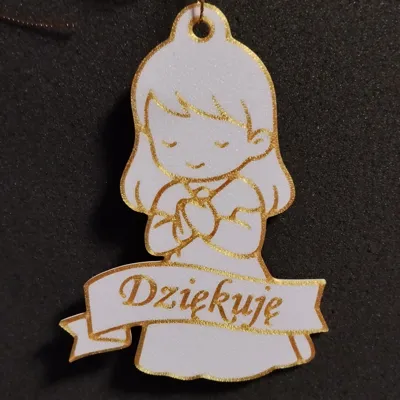
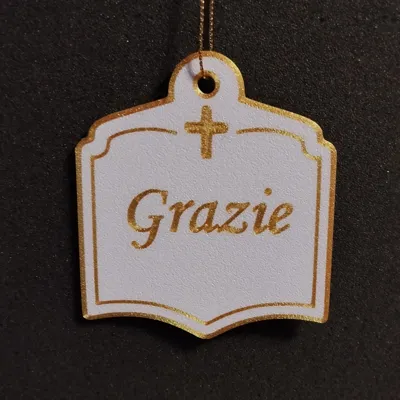
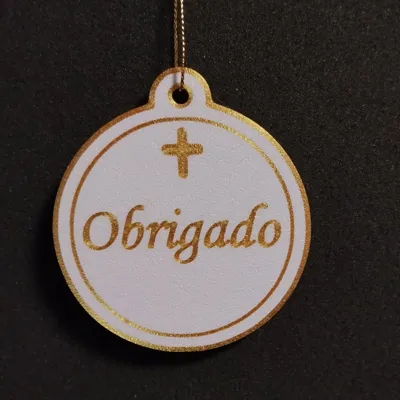
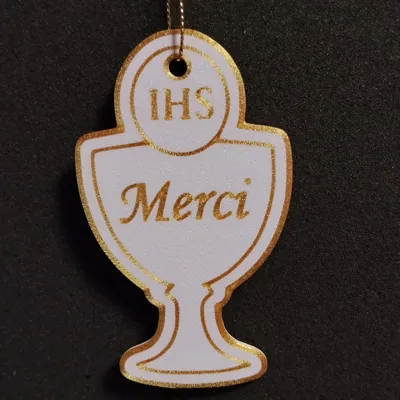
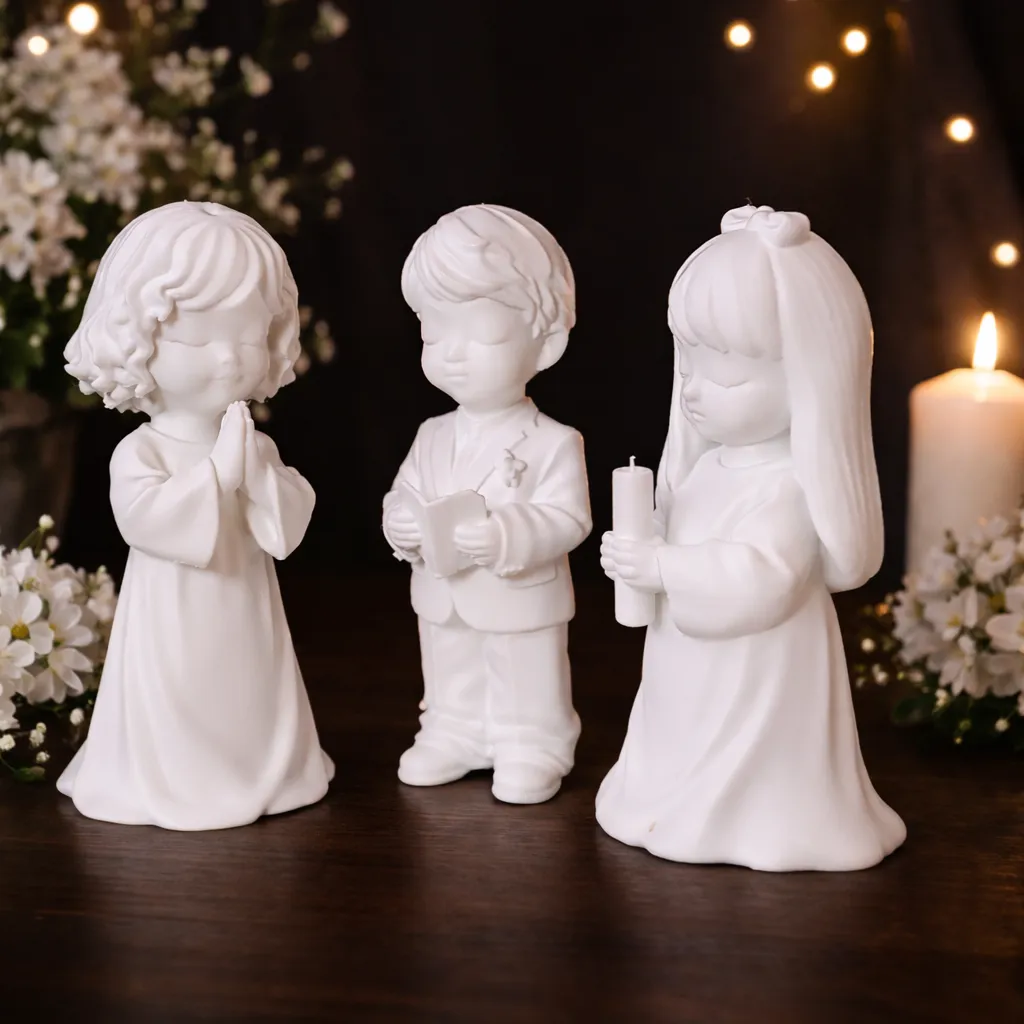
Elegant and customizable First Communion ornaments, perfect for creating meaningful keepsakes and party favors.
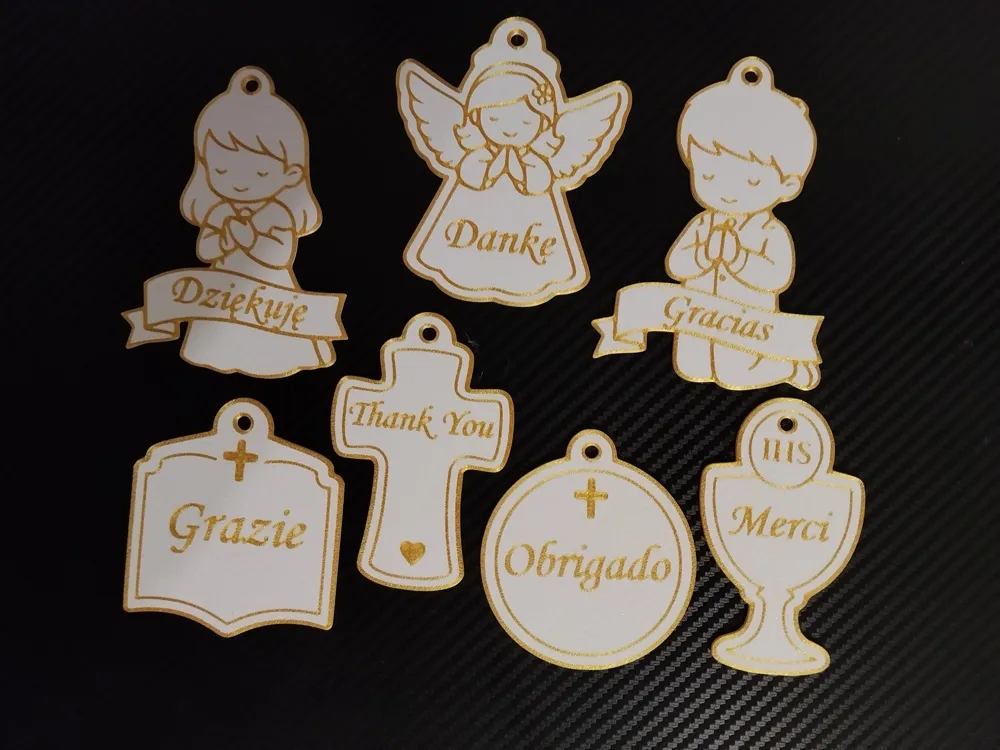
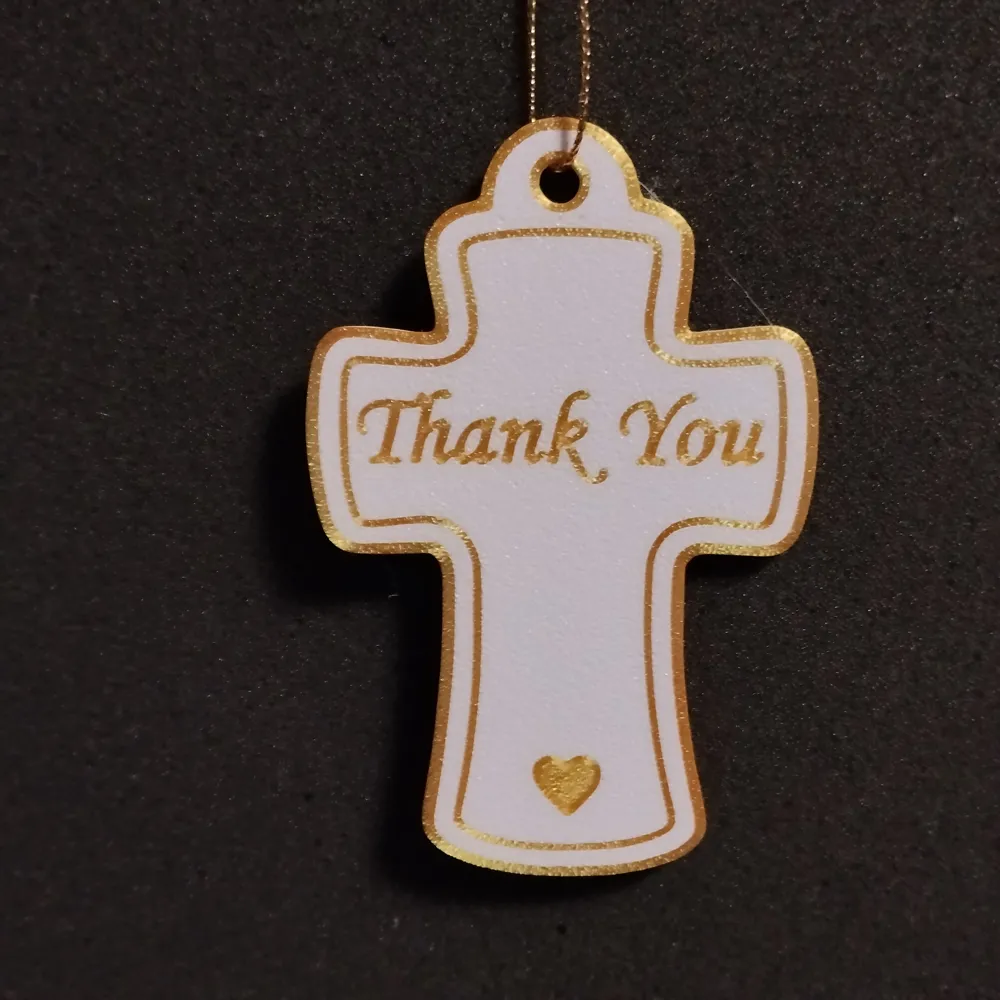
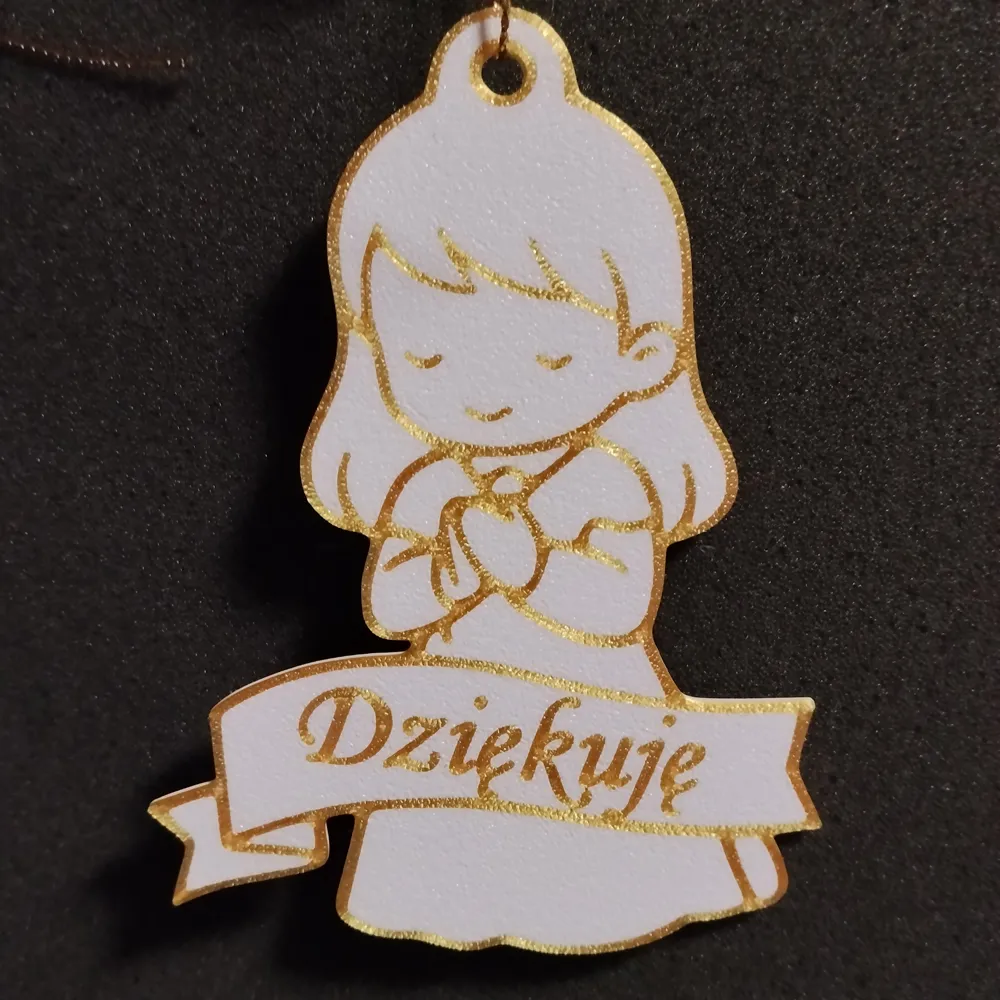
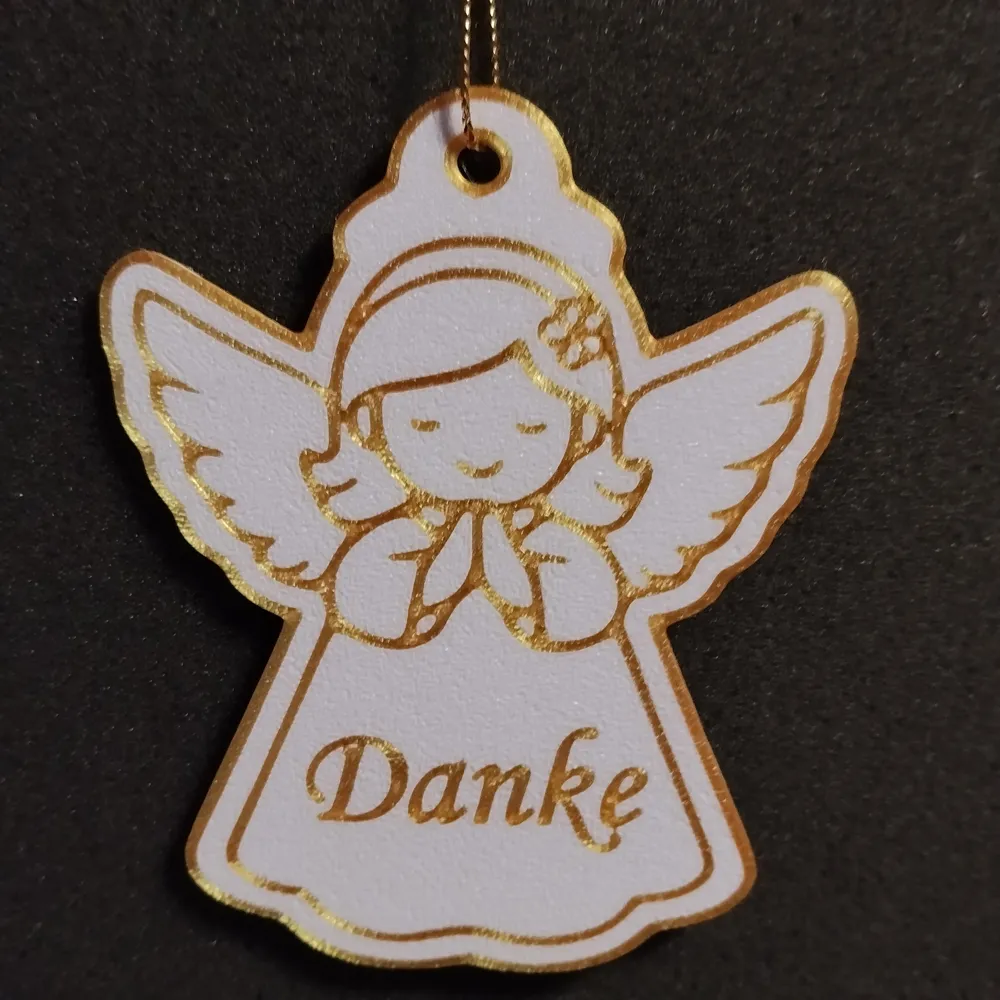
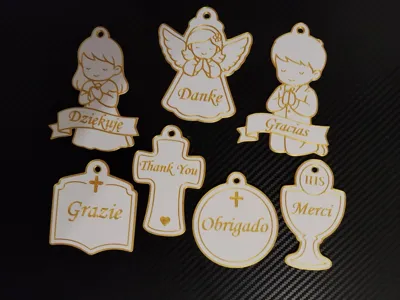
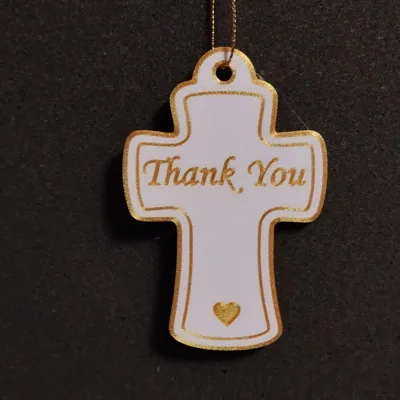
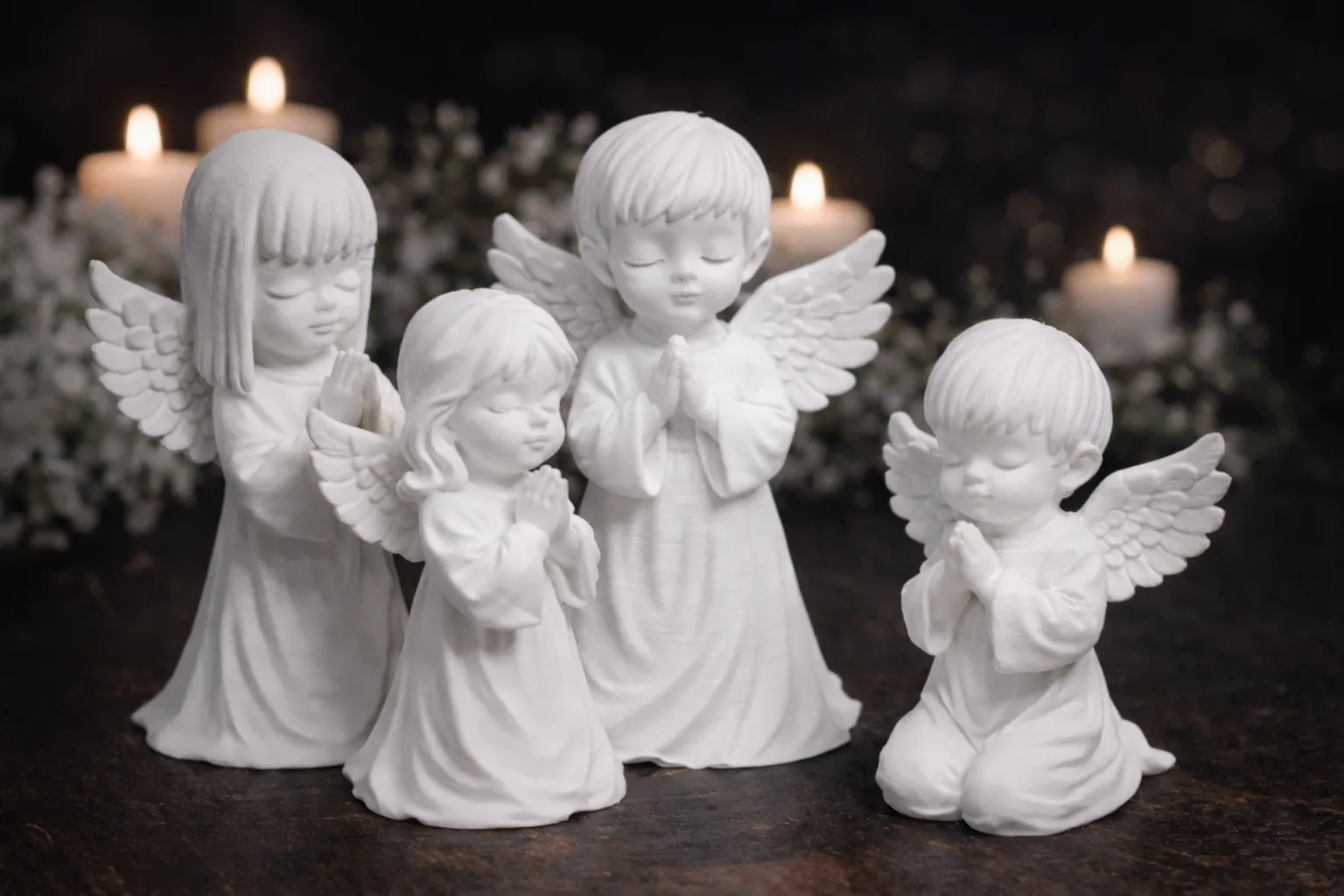
These designs feature classic religious motifs such as an angel, cross, chalice, and praying children.
Each ornament includes editable text, allowing you to personalize names, dates, or messages like “Thank You” in different languages.
✔ Fully editable text for easy personalization
✔ Ideal for First Holy Communion celebrations
✔ Clean, elegant, and minimal style
✔ Great for DIY decorations and gifts
Perfect for:
– Thank you tags
– Personalized ornaments
– Gift labels
– Keepsakes for family and friends
Make your celebration extra special with unique, custom-made details.
Instructions and Tips
When editing text, remember that each letter should consist of at least 2 lines after cutting.
For lowercase letters, there is a high risk that the text may appear unclear.
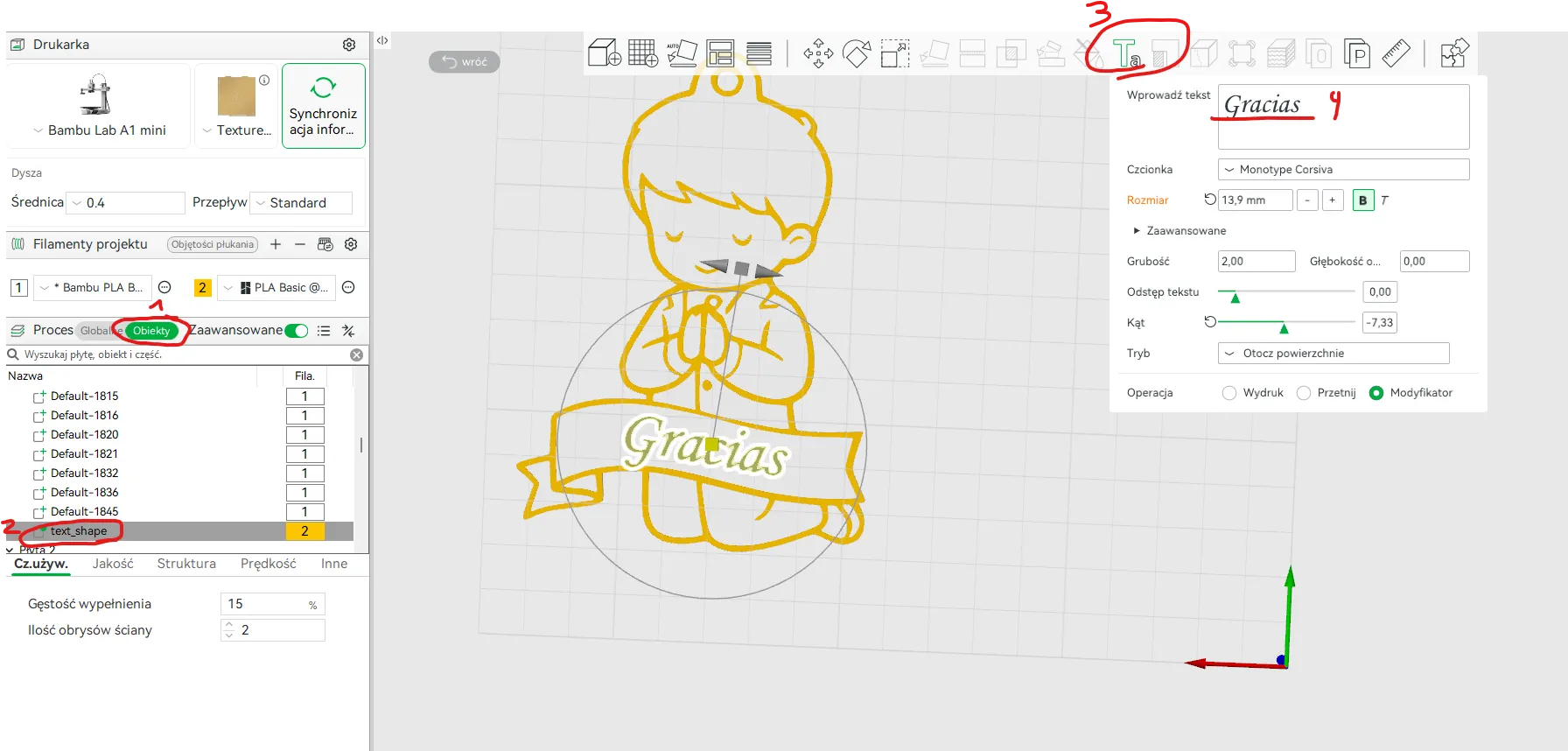
1. Click on the text on the hang tag or in the objects tab, then select the text_shape on the hang tag you want to edit.
2. Choose the text editing option [T].
3. Edit the text, font, size, and other elements as you wish :).
4. If you want to center the text, go to Objects -> right-click on text_shape -> Center. Then adjust moving it up and down in the Transfer settings [M].
5. If the text is not visible after cutting, check whether its color has changed to the background color (Objects -> text_shape -> color window on the right side
- Print text from the plate side
- Text is set as a modifier
- Text height [Z] set to 0.81 to make it more visible before cutting the model (at 0.8 an incomplete text is shown).
-After editing the text, it often happens that the height changes, so you need to set it back to 0.81. After changing the scale, you should reset the thickness [Z] to 1.6mm
If someone prefers it visually:)
I invite you to visit my communion collection
https://makerworld.com/en/collections/23941277-communion
Boost Me (for free)
Thanks

Boost Me (for free)
Thanks
License

You shall not share, sub-license, sell, rent, host, transfer, or distribute in any way the digital or 3D printed versions of this object, nor any other derivative work of this object in its digital or physical format (including - but not limited to - remixes of this object, and hosting on other digital platforms). The objects may not be used without permission in any way whatsoever in which you charge money, or collect fees.


Comment & Rating (1)