
Don Quixote Opponents Chess Set: Village People
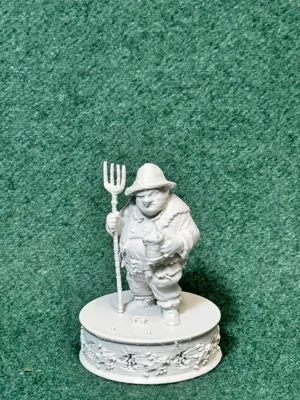
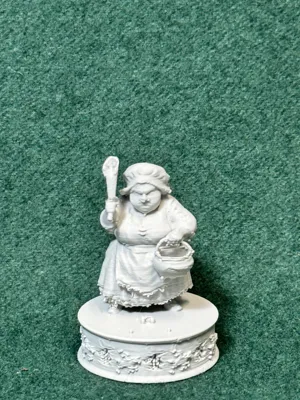
Print Profile(1)
Description
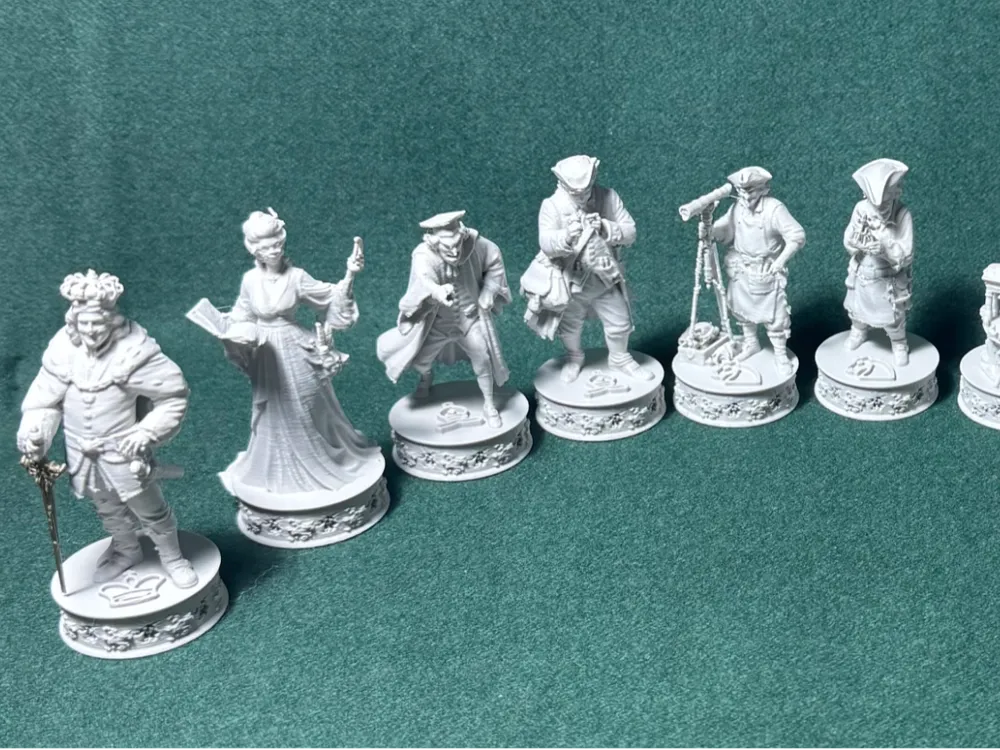
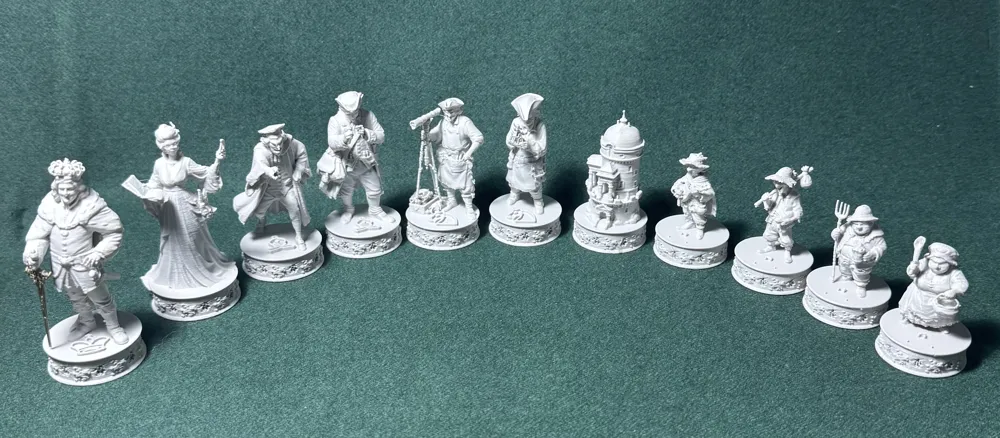
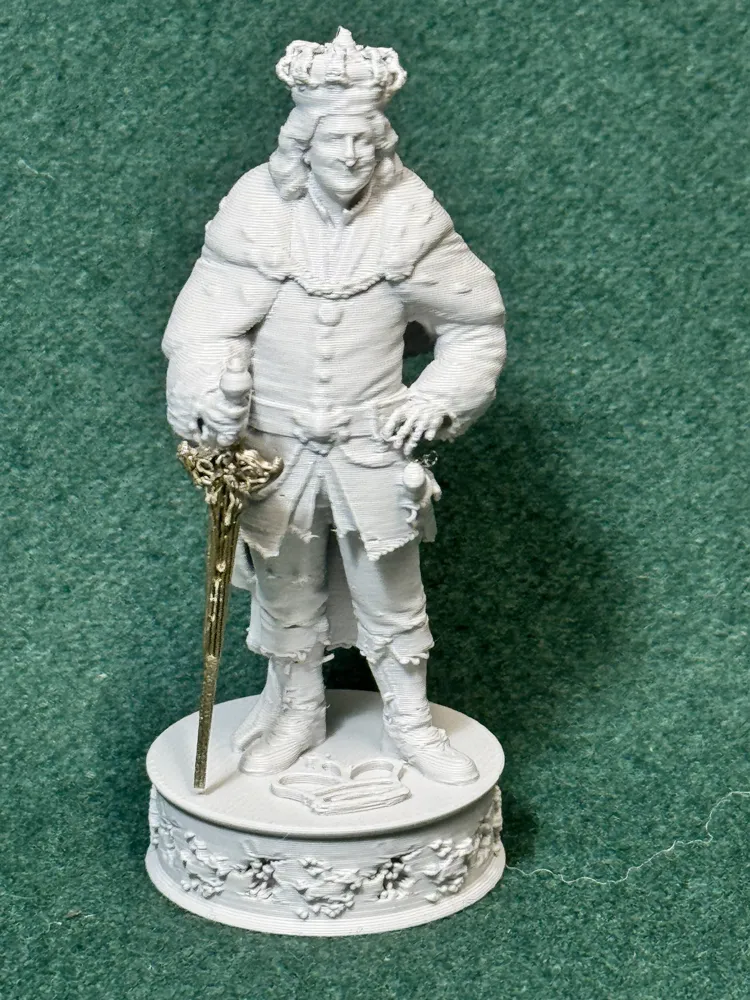
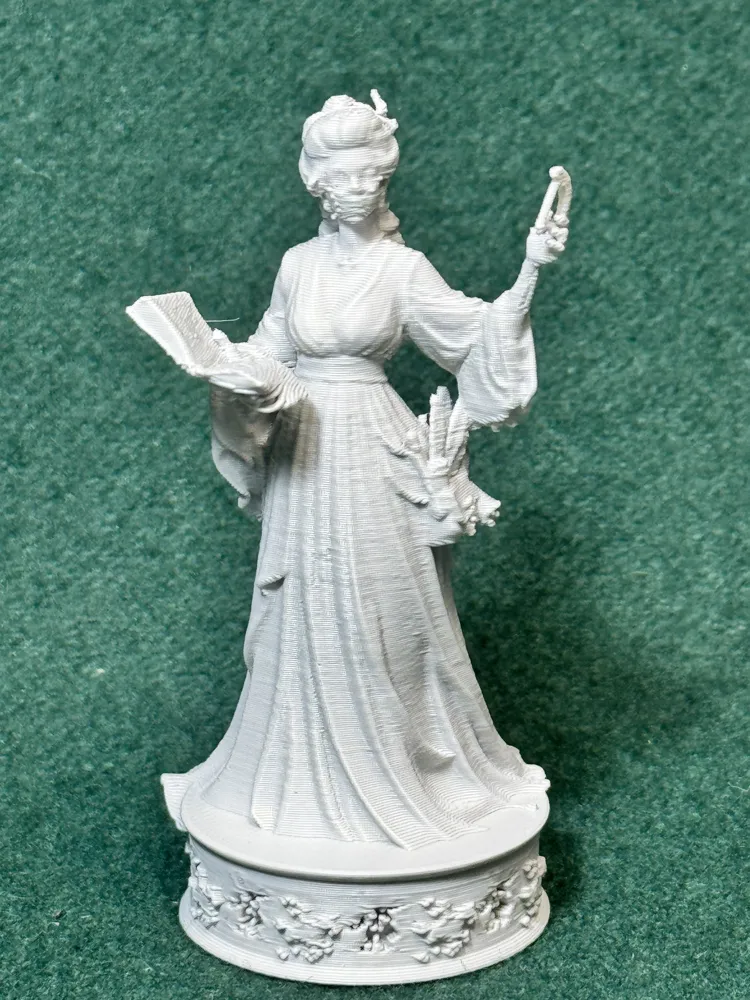
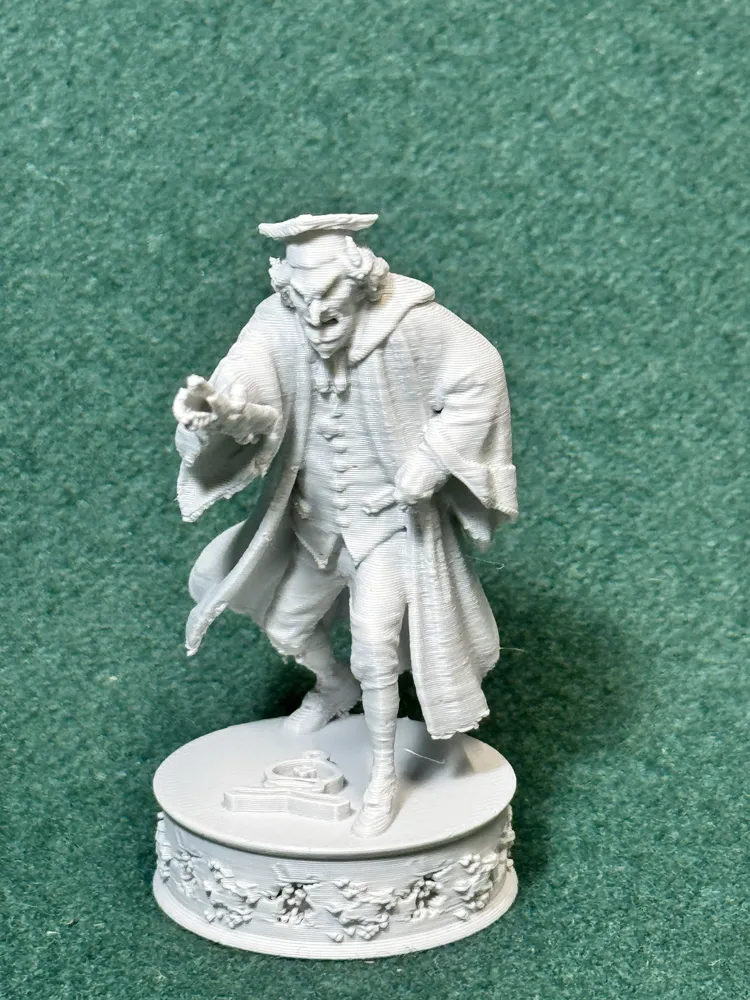
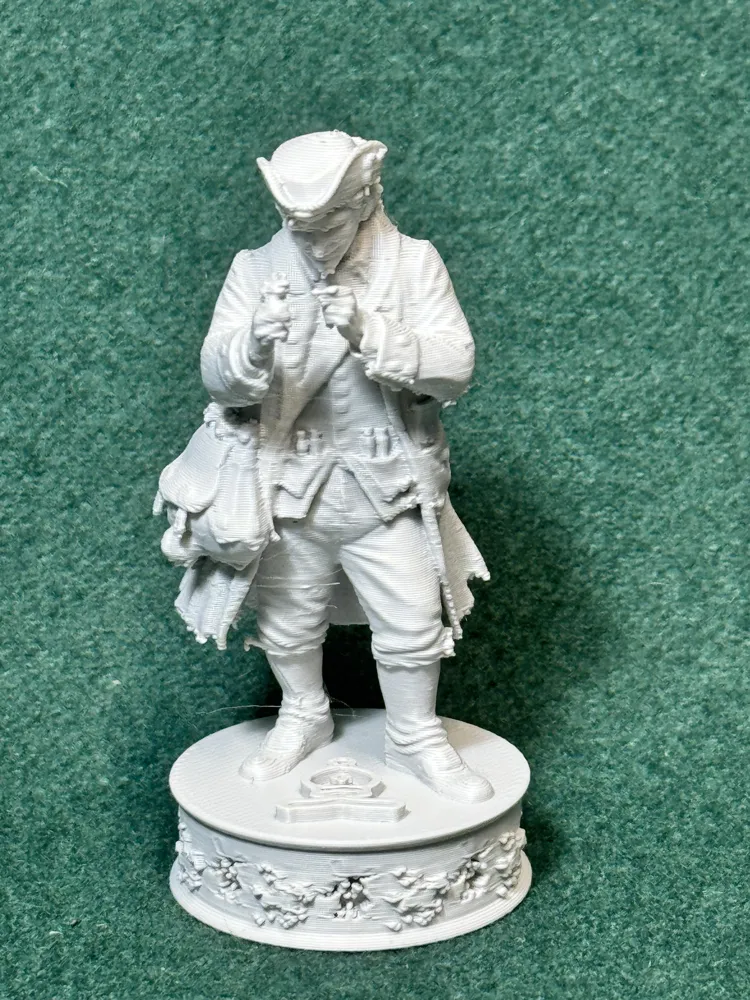
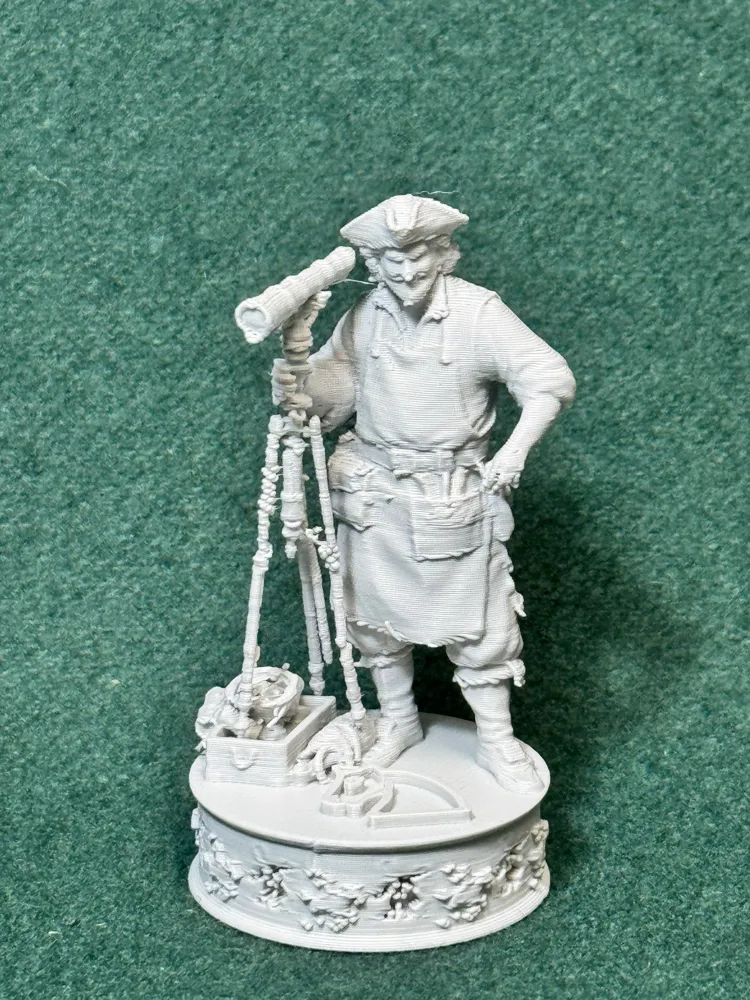
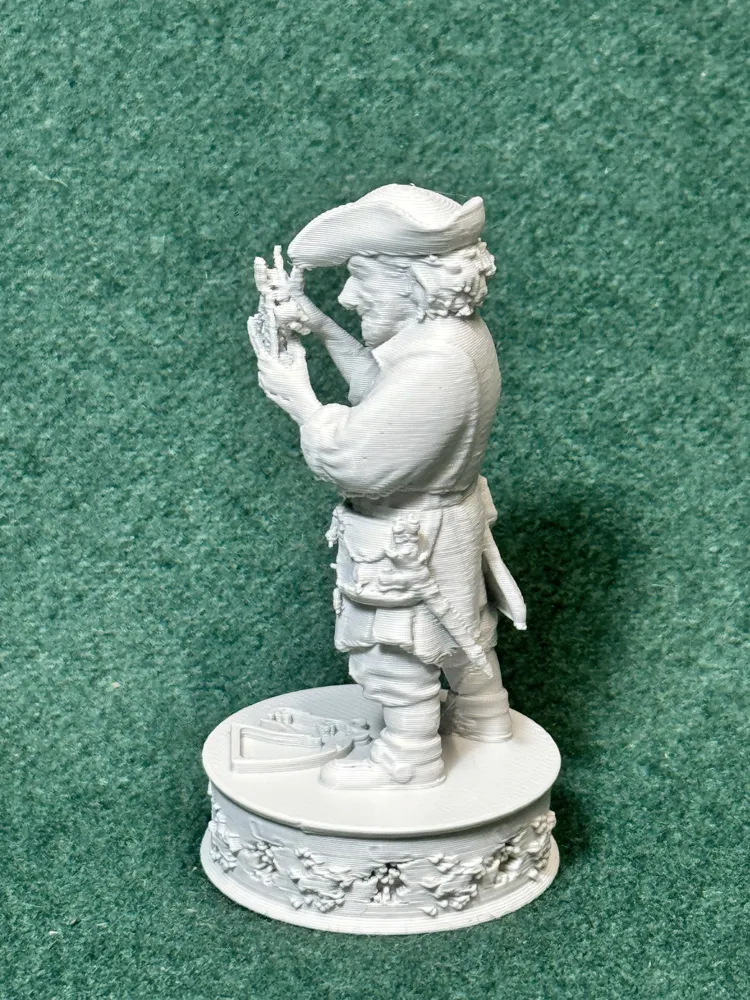
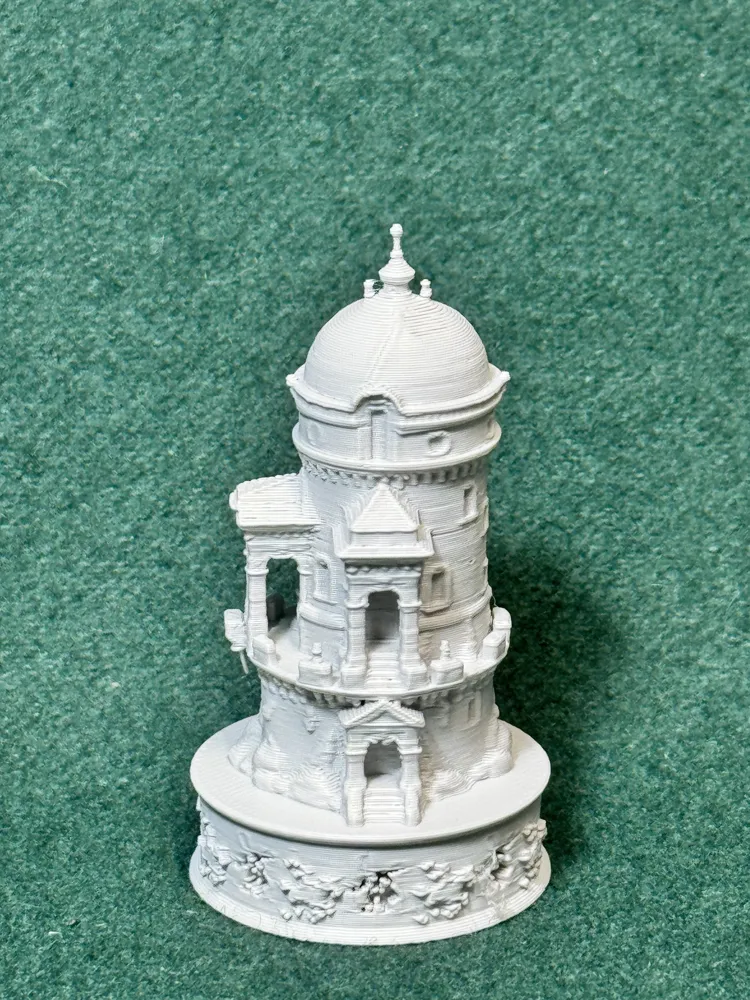
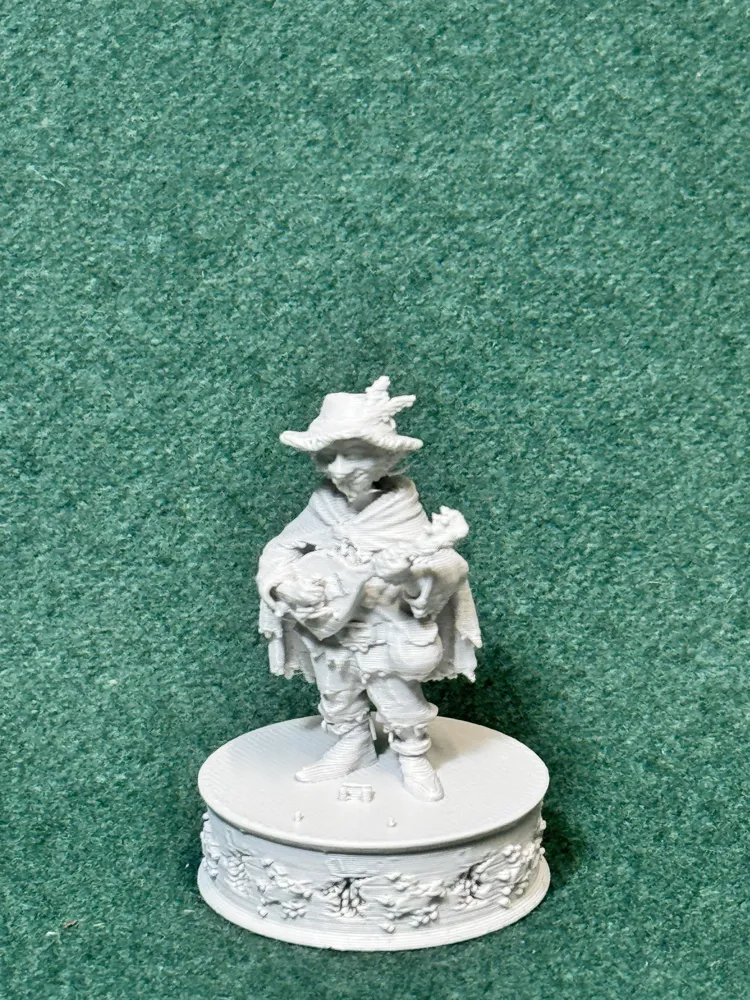
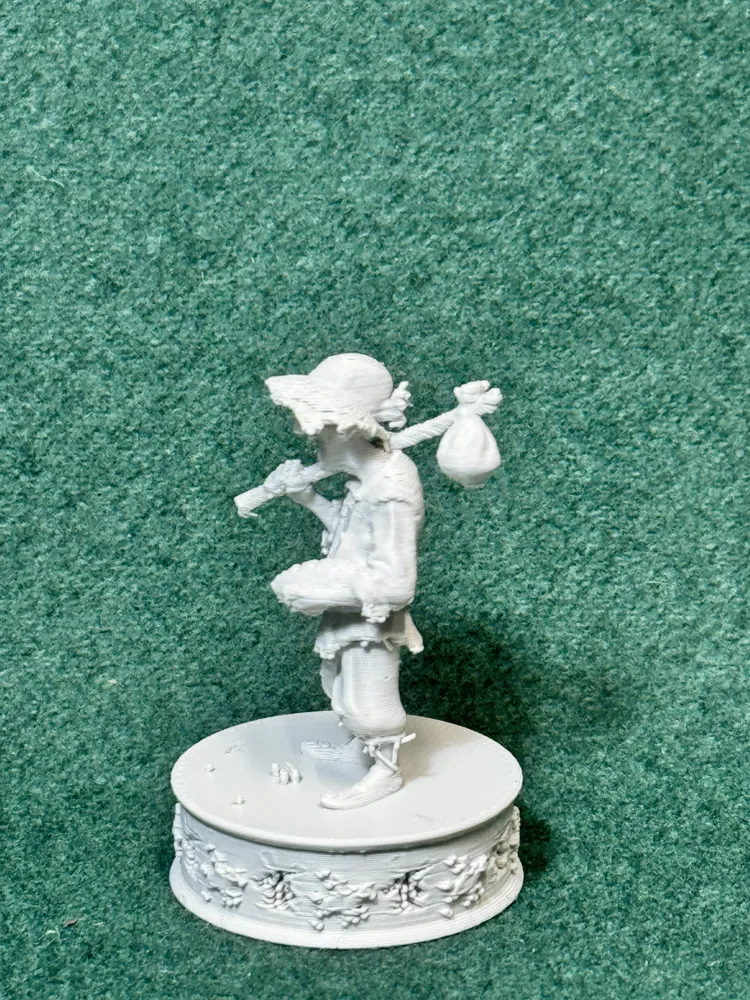
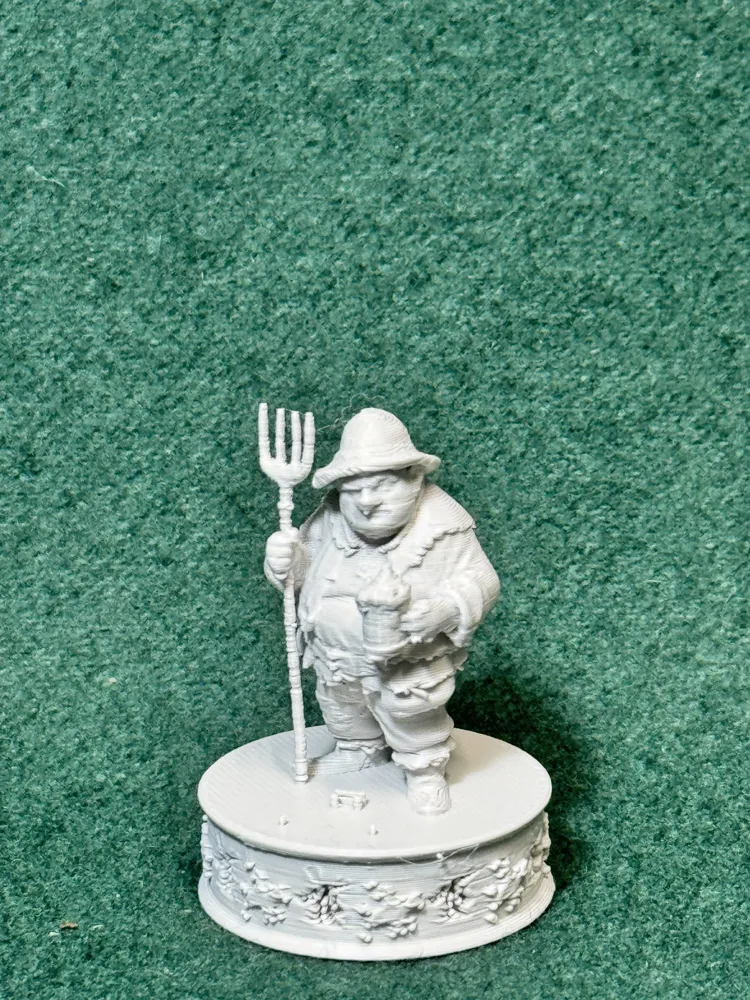
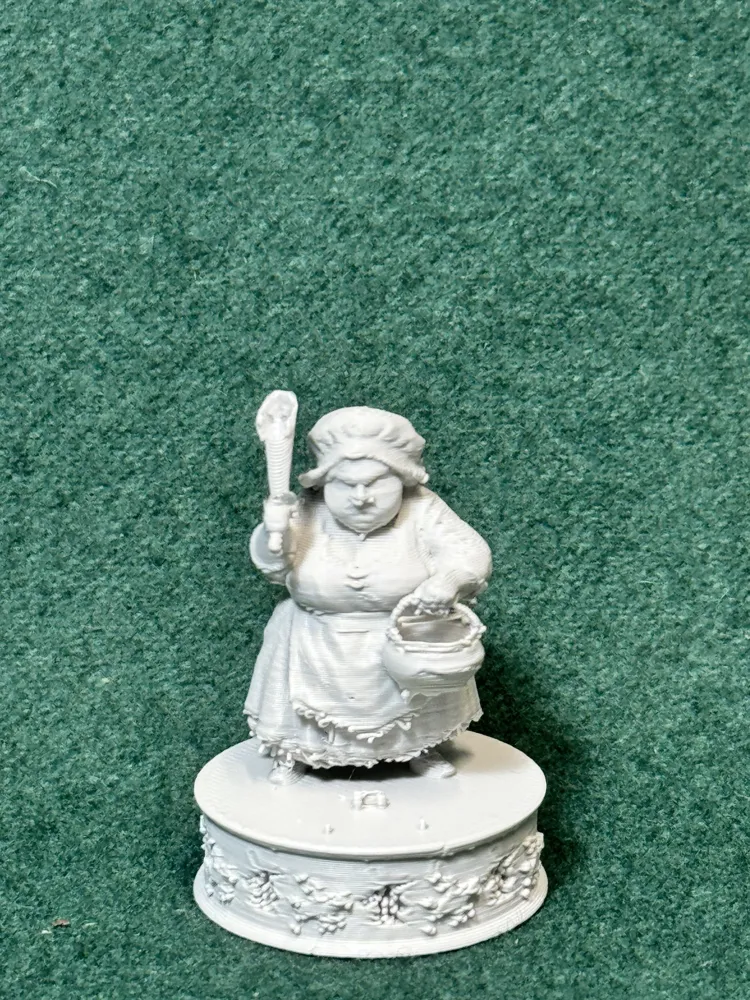
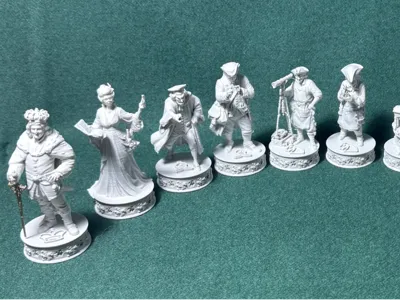
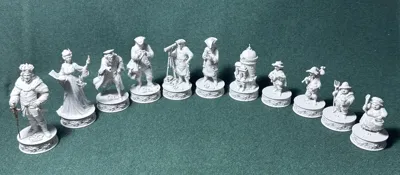
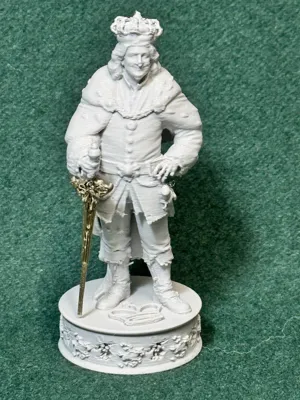
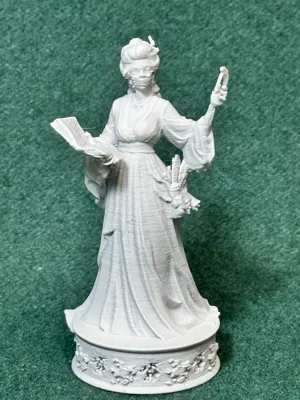
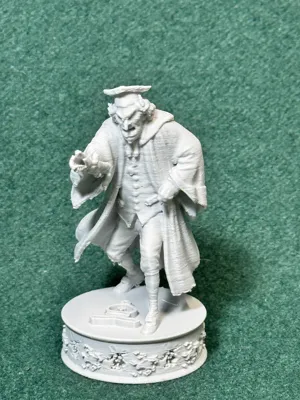
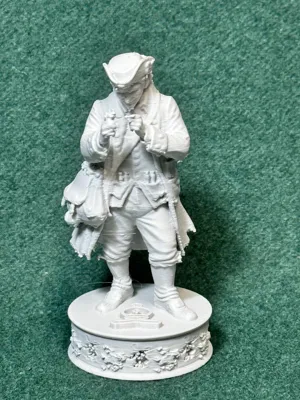
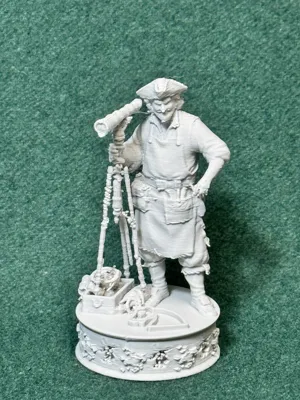
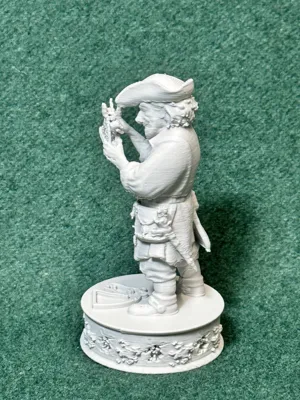
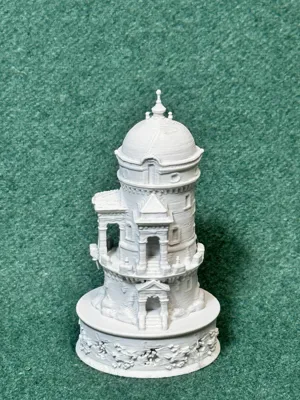
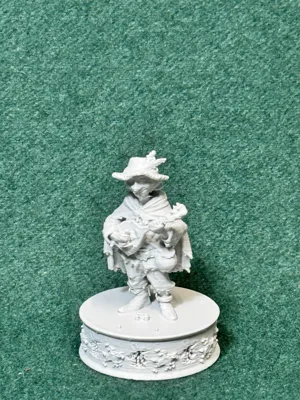
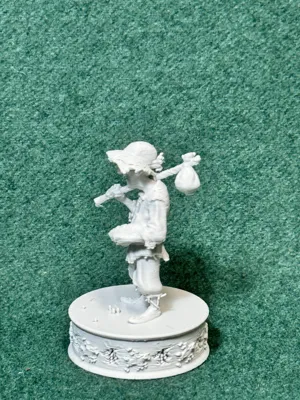
Don Quixote Opponents Chess Set: Village Folks from La Mancha
This set is the opposing pieces for the
Don Quixote: Dream the Impossible Dream
I finally finished the opposing characters to the Don Quixote "Dream the Impossible Dream" chess set.
These are the village folks from Cervantes novel. The opening being; “En un lugar de La Mancha, de cuyo nombre no quiero acordarme” (“In a village of La Mancha, the name of which I have no desire to call to mind”).
I had some fun creating this one. There are a couple of characters that I am fond of. Hopefully you will find some enjoyable also.
NOTE: The photos are of the printed model AT 60% of the actual size of the models you are presented with. I print small to save filament and to see where major problems could be. This way I go back to the orginal models and 'tweak' those possible problem areas.
These two chess sets started with the WINDMILL Don fought. Funny how something like this can trigger a new adventure in 3D printing for me.
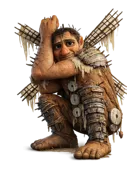
Truly a 'motivator' for me to complete this chess set! 😉
Here are the participants from the village Cervantes chose not to name:
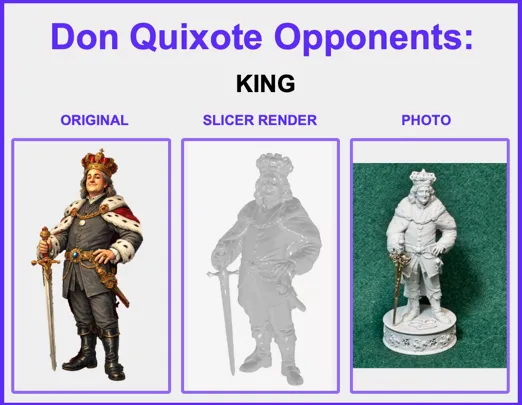
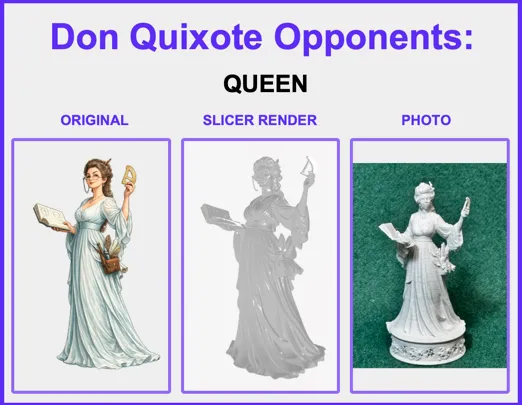
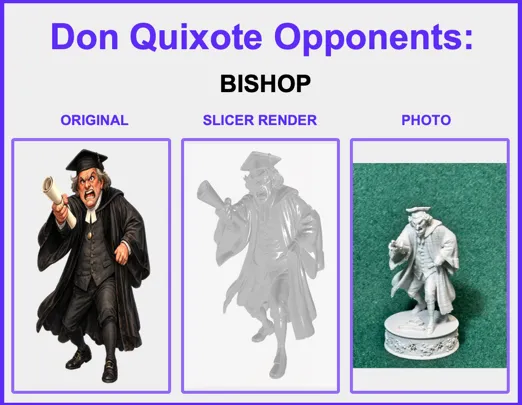
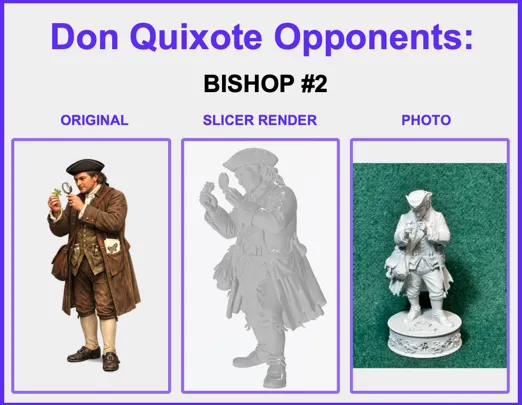
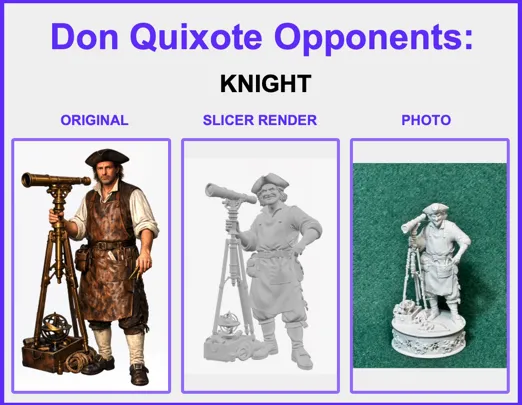
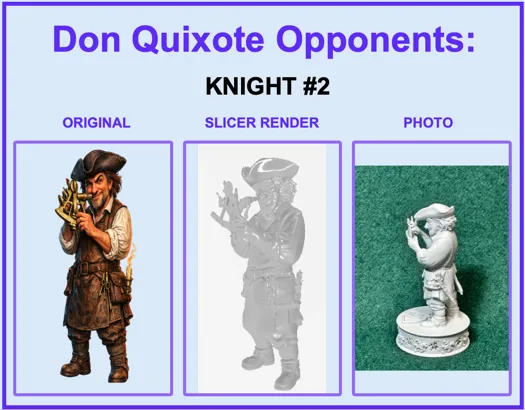
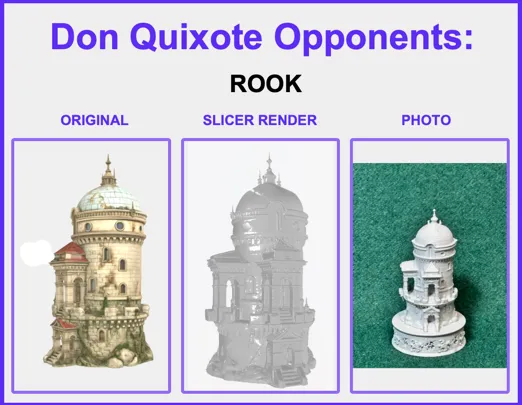
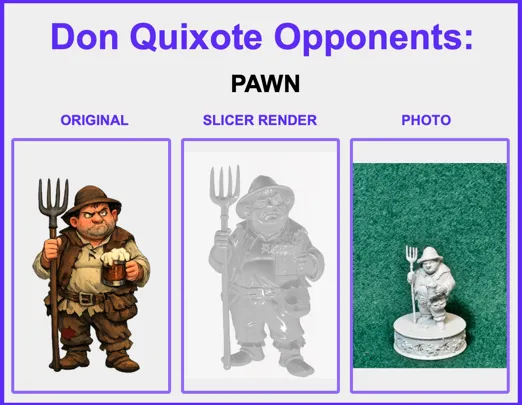
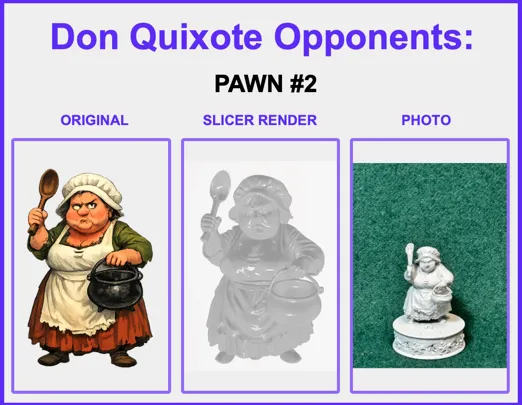
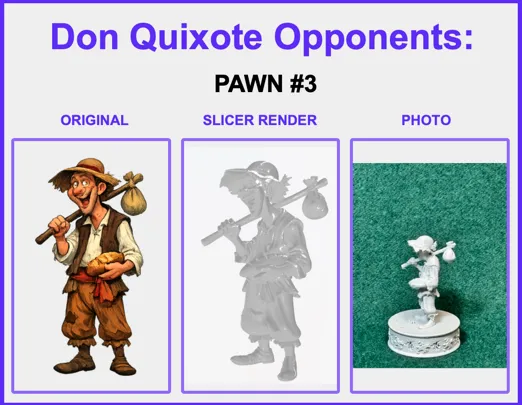
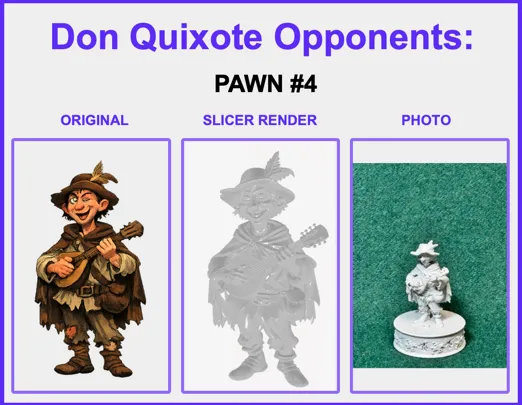
Well, that's it. Hope you enjoy this set as much as I have.
Best wishes and don't stop “Dreaming the impossible Dream.”
-Clyde
—♚—♛—♝—♞—♜—♟—
⚠️ Print & Handling Notes
These models include fine, delicate details.
A strong filament is recommended — or anneal your set for additional strength (see below).
Bambu Studio Settings
Printer Settings
• Nozzle Diameter → 0.4 mm
• Compatible Material → PLA+
Filament Settings
• Nozzle Temperature (first layer) → 205 °C
• Nozzle Temperature (others) → 200 °C
• Bed Temperature (first layer) → 60 °C
• Bed Temperature (others) → 50–55 °C
• Cooling Fan:
◦ Layer 1–2 → OFF
◦ Layer 3+ → 100%
Quality
• Layer Height (Standard) → 0.20 mm
• Initial Layer Height → 0.20 mm
• Line Width → 0.45 mm
• Elephant Foot Compensation → 0.15 mm
Speed
• First Layer Speed → 20 mm/s
• Outer Wall Speed → 35 mm/s
• Inner Wall Speed → 50 mm/s
• Infill Speed → 50 mm/s
• Travel Speed → 120 mm/s
Acceleration / Jerk
• Default Acceleration → 1000 mm/s²
• Outer Wall Acceleration → 500 mm/s²
• First Layer Acceleration → 300 mm/s²
• Travel Acceleration → 2500 mm/s²
• Jerk (XY) → 8 mm/s
Strength / Infill
• Wall Loops → 3
• Top Layers → 4
• Bottom Layers → 4
• Infill Density → 20%
• Infill Pattern → Gyroid
• Sparse Infill Anchor Length → 5 mm (🔔 Note: increase to 10 mm if you see weak infill connections)
Skirt & Brim
• Skirt Loops → 3
• Skirt Distance → 2 mm
• Skirt Layers → 1
Retraction
• Retraction Distance → 4 mm
• Retraction Speed → 40 mm/s
• Z-Hop → 0.2 mm
• Wipe While Retracting → Enabled
• Retract on Layer Change → Disabled
• Minimum Travel Before Retraction → 1.0 mm
Supports
• Support Style → Tree
• Top Contact Z Distance → 0.25 mm (detachable, fixed)
• Support Density → 15%
• Support Interface Pattern → Grid
• XY Distance → 0.5 mm
• First Layer Support Gap → 0.3 mm
—♚—♛—♝—♞—♜—♟—
♨️ ANNEALING — Hardening Your Chess Pieces
Annealing your PLA models can improve strength by 10 – 20 %.
If you plan to play with these sets regularly, annealing is highly recommended.
If your goal is display or occasional play, annealing is optional.
The appearance and finish remain unchanged.
🔗 More info: Annealing PLA Prints for Strength — Easy Ways (All3DP)
https://all3dp.com/2/annealing-pla-prints-for-strength-easy-ways/
—♚—♛—♝—♞—♜—♟—
Please note:
Because I’m retired and on a fixed income, I print these models at a smaller scale to save on filament. All of these models are printed at 70% - 80% of the model uploaded size.
♟️
Thank you! Thank you! To all of you who Boost my uploads. Because of YOU I can get my filament now from “Maker's Supply”, saving me from using real money.
♟️
These creations are made purely for the joy of sculpting and sharing. Printing at a reduced scale can sometimes affect the quality of fine details; printing at full or larger sizes will yield smoother, more refined results.
♟️
Also, as a 77-year-old maker with hands that sometimes have a mind of their own, I occasionally have to use a little hot-glue surgery to reattach delicate parts. Please handle models with care—especially thin necks, joints, and fragile connectors. Take a moment to study your model before removing supports… or you might find yourself reaching for the glue gun too! 🥲


License

You shall not share, sub-license, sell, rent, host, transfer, or distribute in any way the digital or 3D printed versions of this object, nor any other derivative work of this object in its digital or physical format (including - but not limited to - remixes of this object, and hosting on other digital platforms). The objects may not be used without permission in any way whatsoever in which you charge money, or collect fees.


Comment & Rating (0)