Search models, users, collections, and posts

Petrographic Slide Boxes
Print Profile(1)
All
H2D
H2D Pro
H2C
H2S

0.12mm layer, 2 walls, 10% infill
Designer
69.8 h
13 plates

Open in Bambu Studio
Boost
3
9
4
0
4
2
Released 

Bill of Materials

Maker's Supply Kits and Parts
Select all
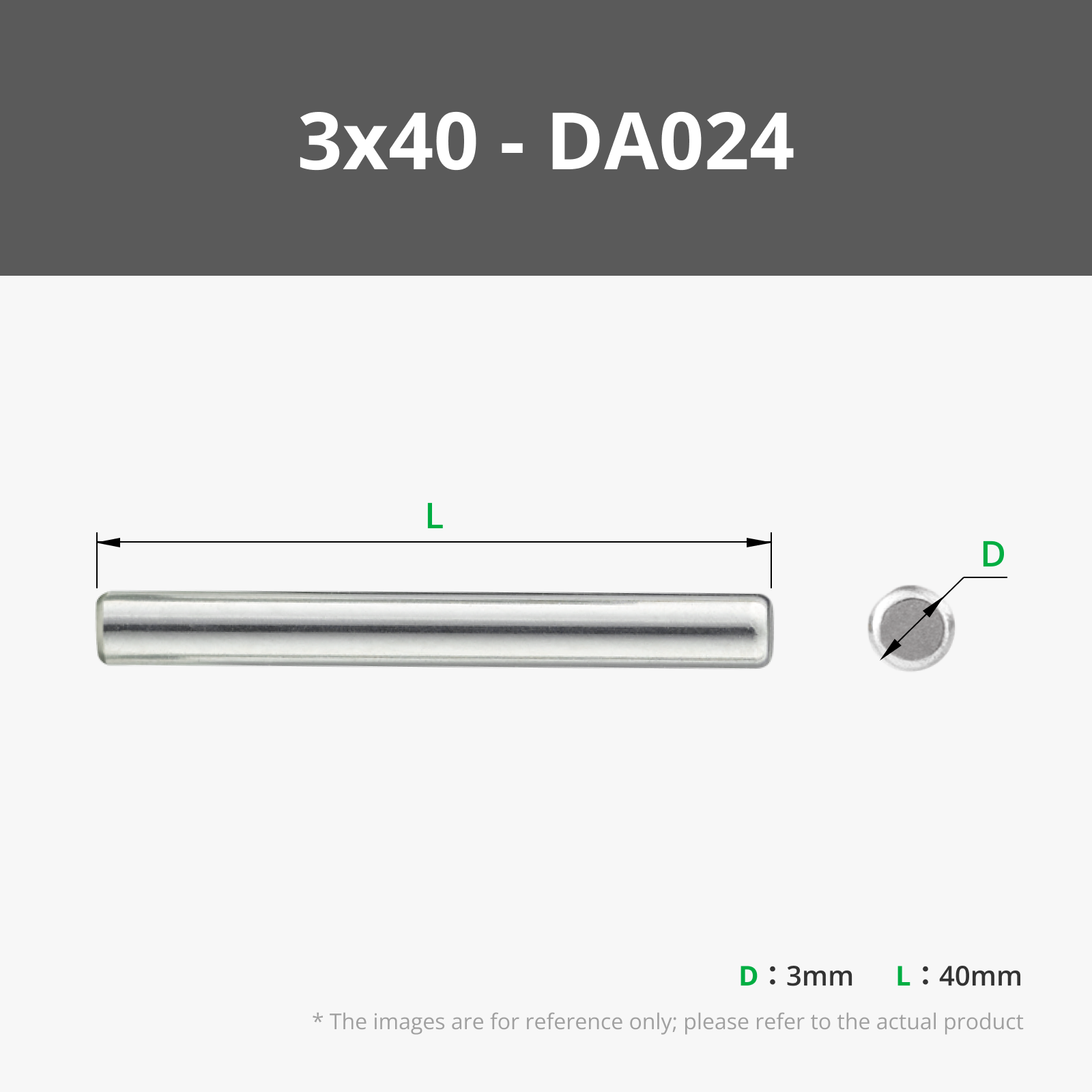
3x40 mm Stainless Steel Dowel Pins (5PCS) - DA024

Description

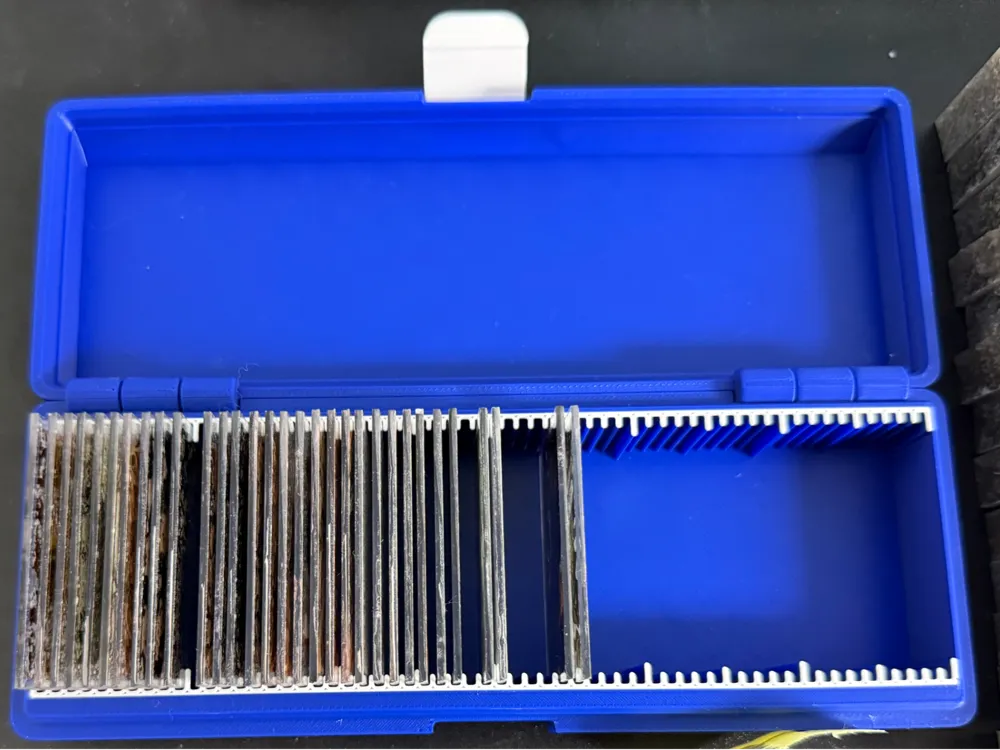
Petrographic Slide Storage Boxes - for the 27x46mm Standard
Designed with shipping and transport in mind, but stack well for archival use. I've come up with a whole range of sizes for whatever your storage needs might be. These are mainly designed for the standard 30~ micron sections (plus 1mm~ glass slide and bond thickness of course), but I've fit to about 200~ micron sections as well.


This Includes the following capacities 
•  10, 20, 30, 40, 50, and 60 in a single row
•  80, 100, 120, 140, 160, 180, and 200 in a double row
•  300 and 400 boxes are on there way as well as a means of stacking them in a shelving system.
 

All but the future 300 and 400 capacity use print in place hinges, so no assembly is requited. For the 300 and 400, I've modified the hinge to use 2 3x40mm metal dowel (listed below).


Also sorry, for right now this only truly works on the H2D, and possibly the H2C. 256x256 sized printers are totally possible, but the 2 row versions might not fit. and the 200 capacity definitely won't. Also the contrasting clasp and tick marks are totally optional, and will be added later to be more friendly to any of the single nozzle printers.

Comment & Rating (4)

(0/1000)

I made a small increase of 6% to fit the height of my blades, but the larger boxes stick and I cannot separate them without breaking. The distance between the bases is 0.212mm. Did this simple increase cause this? The box for 10 blades has the same distance and prints perfectly. It's a shame because the box is perfect. If you have any tips to help me, I would appreciate it. I only know how to use Bambu Studio software
The designer has replied
Show original
0
Reply
scaling can be great, but it can also be a real pain to get it to do what you want it to do. I have had this issue to a much less degree printing larger sizes, even though the gap is the same as the small sizes. So I can totally see how it would be that bad for you. You could try moving just the bottom part (be sure to grab those tick marks) just a little bit, like .05mm other than that. I tried scaling that 6% in Bambu and I don't see an issue, but obviously there is one. so unfortunately I don't have a solution besides moving it or uploading the STEPs so if you do learn a CAD program they are there.
(Edited)
1
Reply
Replying to @EDePangher :
Thank you for your attention and feedback. I'm new to 3D printing and will do more tests to see if I can figure out the problem. It might be the filament I'm using; it's not the original Bambu one. I'll try printing the other sizes to see if it repeats. The limit for the Bambu Lab A1 mini is this box that gave an error (60 blades). The problem also occurred with the box for 40 blades, but it was much smaller and I was still able to use it. I'll get back to you with more feedback later
Show original
0
Reply
the only other thing I would say to check is your flow ratio, but if one is fine, then the others should be. I hope you find out what’s wrong
0
Reply
No more