
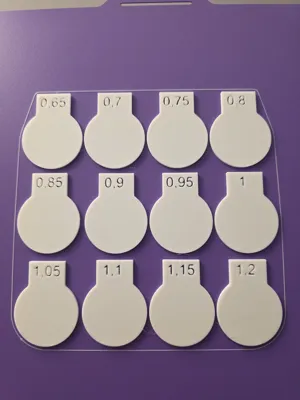
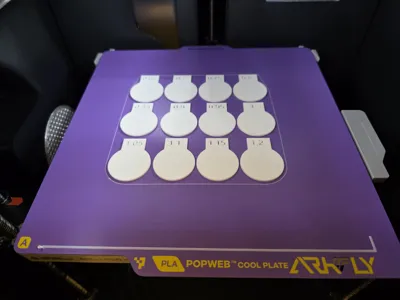
First and top layer flow calibration test
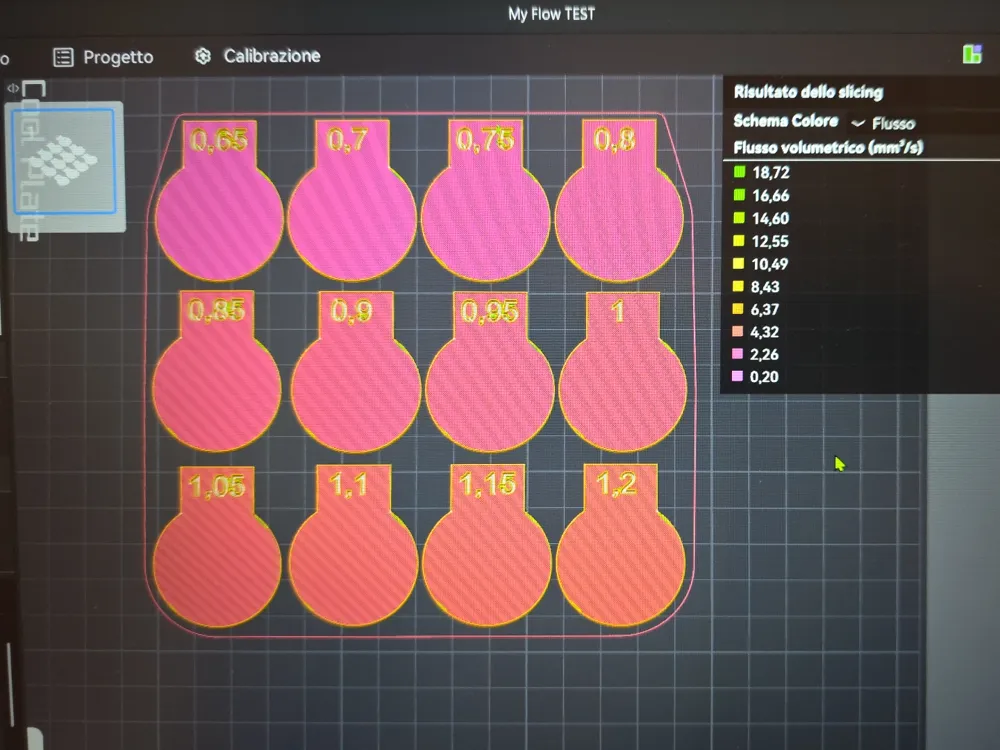
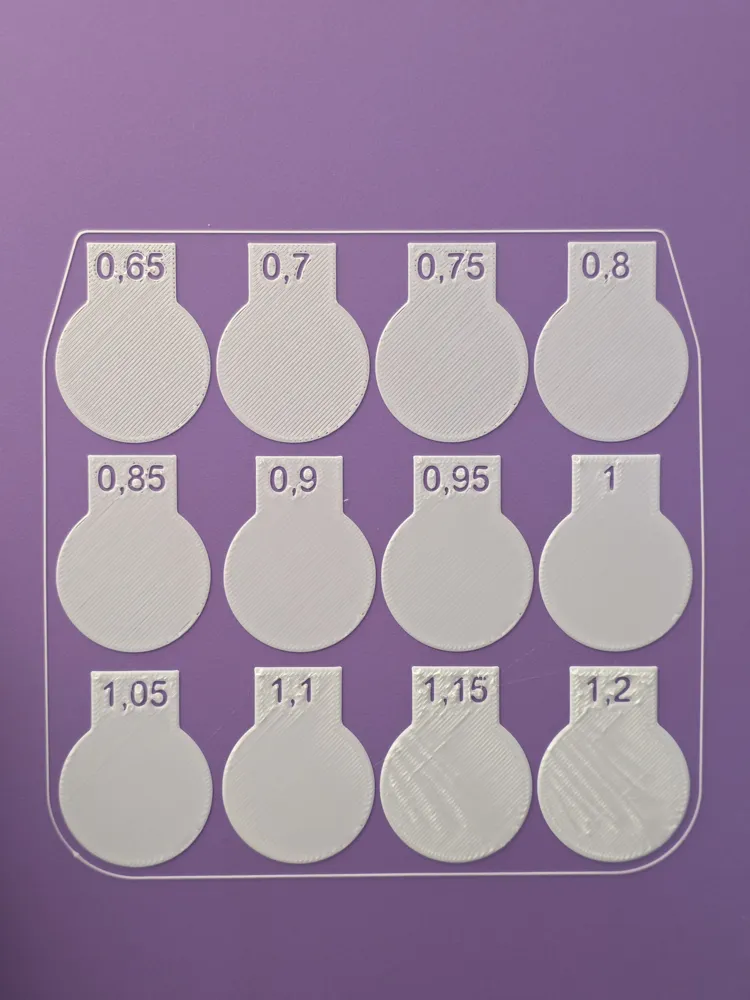
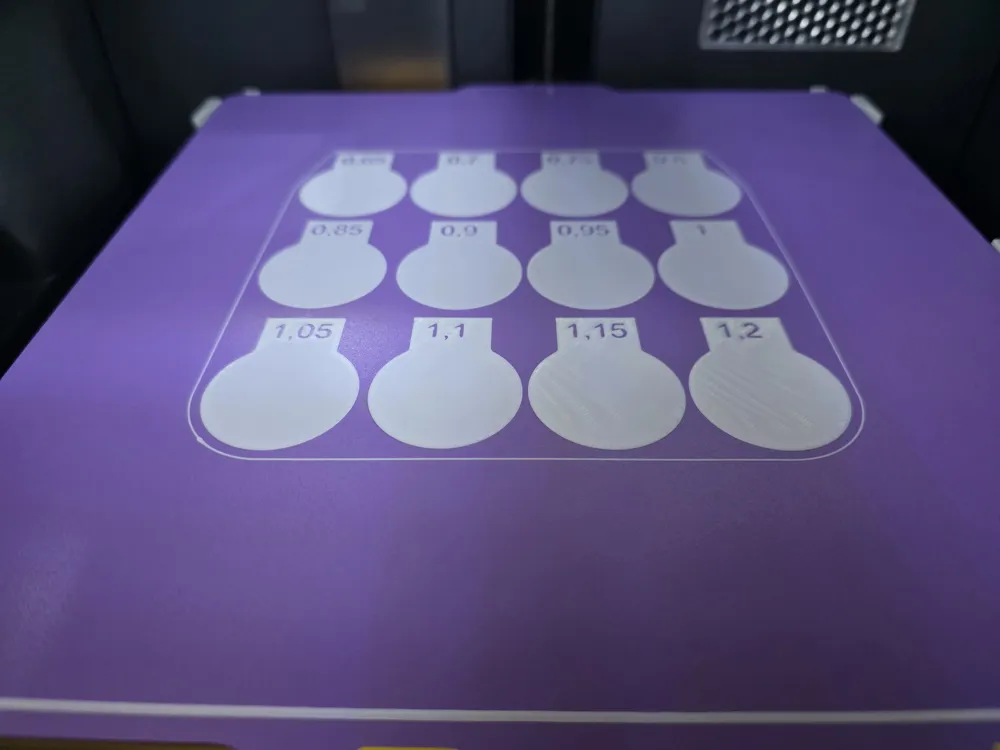
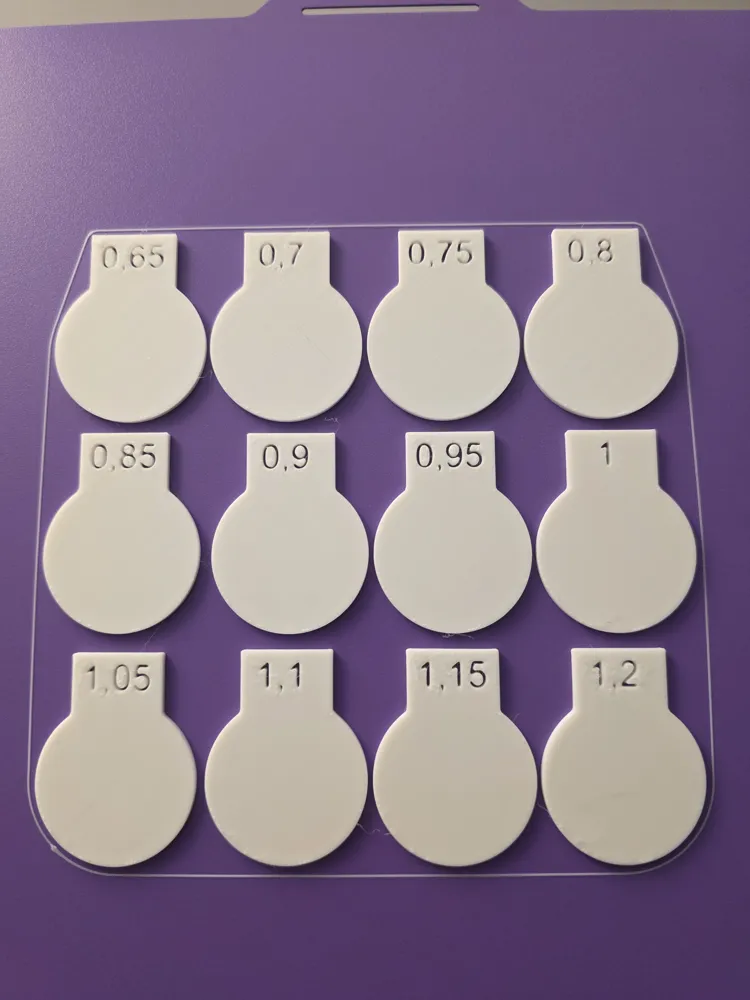
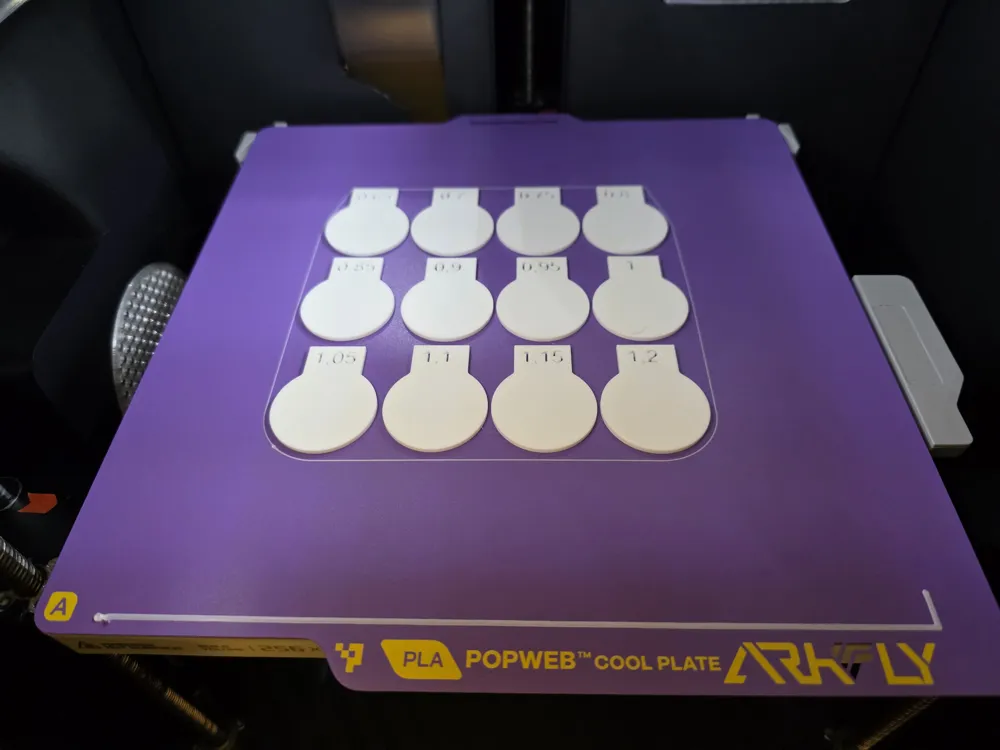
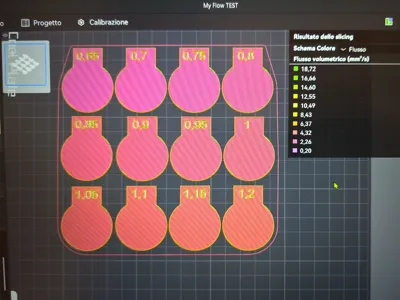
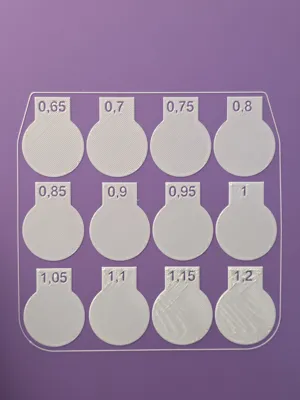
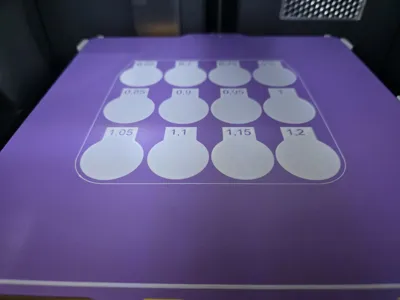
Print Profile(1)
Description
PREMISE: activate Advanced and Developer modes of the slicer
I created this test to calibrate first and top layer
After the first layer, the printer will pause to allow you to check and note down the best result / flow for the first layer
So at the end of the print, you can check the best result of the final layer / flow and note it down
Now you will have the 2 best results / flow values to enter in Bambu Studio (first layer flow and last layer flow in the Quality section of the print parameters and not the filament)
p.s. with this test you will have my print settings ;-)
Save the new settings and happy printing ;-)
LIKES and BOOSTS are highly appreciated ;-)
Boost Me (for free)
Thank you ;-)
License

You may create derivative works based on this object, provided that all such derivative works are published exclusively on the MakerWorld platform and include proper attribution to the original creator. You may not share, upload, host, distribute, or publish this object—or any derivative work of this object—on any other digital platform, marketplace, or distribution channel. Commercial use of this object and any derivative works is strictly prohibited. This includes, but is not limited to, selling, renting, sublicensing, or using the object in any context in which you receive monetary compensation or other financial benefits.


Comment & Rating (25)