
Customizable Drink Labels
Print Profile(1)
Description
Boost Me (for free)
If this model earned a spot on your build plate, please consider giving it a Boost 🚀! It helps me keep the designs coming. ❤

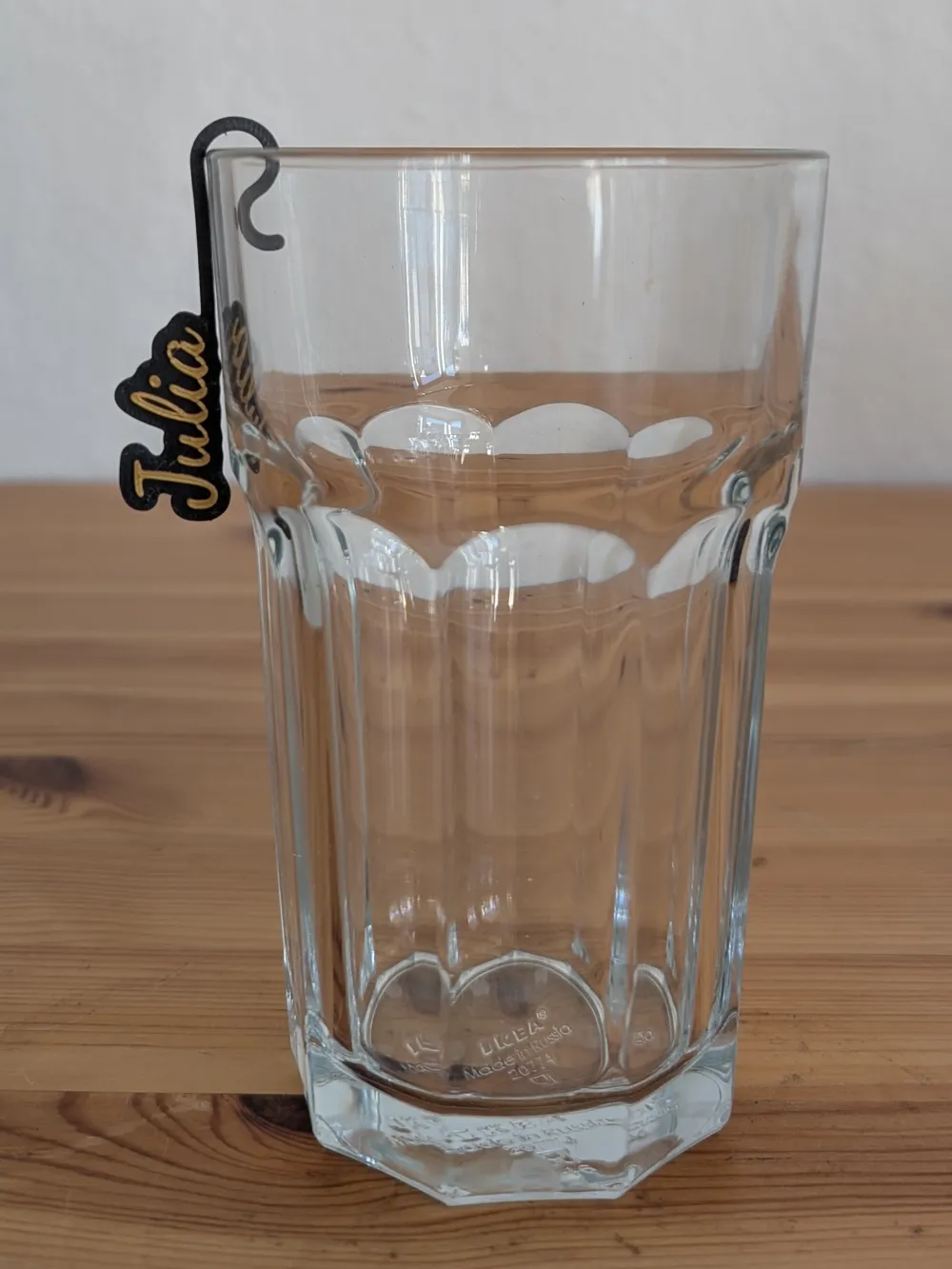
Drink Hook Name Tags
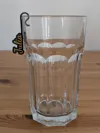
Personalized name tags that clip onto the rim of a glass — great for parties, family dinners, or any time people keep grabbing the wrong drink.
Each tag is a two-color nameplate with a snap-hook that grips the glass edge. Print them in bulk, hand them out, done.
How it works
Type your names as a comma-separated list and the script lays them out automatically. It fills the print bed column by column, fitting as many as it can.
**If some names don't show up**, that's normal — the bed simply ran out of space. Longer names take more room, and at some point there's no space left for another column. The console will tell you exactly how many names were placed out of the total. See the section below on how to work around this.
Configuration
| Parameter | What it does |
|---|---|
| name_list | comma separated names |
| text_size | how big the text is |
| font | pick a font |
| color_text/color_background | colors |
| base_thickness | how thick the base plate is |
| top_thickness | how thick the raised text is |
| padding | border around the text |
| gap | spacing between text(used for layouting) |
| bed_size | your print bed size (used for layouting) |
| extend_amount | how far past the name the hook should be |
| min_hook_length | mininum length of the hook |
| hook_radius | how wide hook curves |
| return_radius | size of the little return clip |
| clip_gap | gap between clip and hook( controls grip strength) |
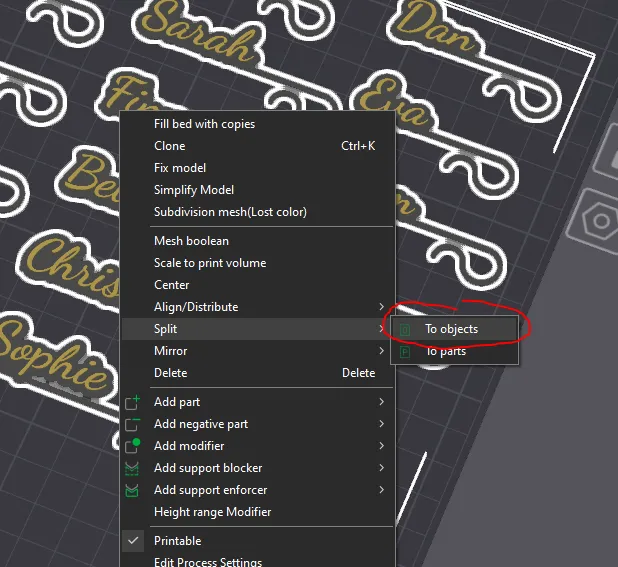
Splitting by object in your slicer
When you import the 3MF into Bambu Studio (or PrusaSlicer, OrcaSlicer, etc.), each name tag comes in as one fused piece. To handle them individually:
### Fitting more names than the bed allows
If you have a long guest list that doesn't fit in one go, just do it in batches:
1. Put the first set of names in `name_list`, export the 3MF.
2. Change `name_list` to the remaining names, export again as a second file.
3. Import both 3MF files into your slicer. Move them around on the plate manually — since you're placing them yourself, you can pack them tighter than the automatic layout.
This way you can fit more names onto a single print by hand-arranging the batches in the slicer.
Boost Me (for free)
If you are happy with this model feel free to express your appreciation by boosting it.
License

You shall not share, sub-license, sell, rent, host, transfer, or distribute in any way the digital or 3D printed versions of this object, nor any other derivative work of this object in its digital or physical format (including - but not limited to - remixes of this object, and hosting on other digital platforms). The objects may not be used without permission in any way whatsoever in which you charge money, or collect fees.


Comment & Rating (17)