
Escher - Hand with Reflecting Sphere B&W
Print Profile(1)



Description
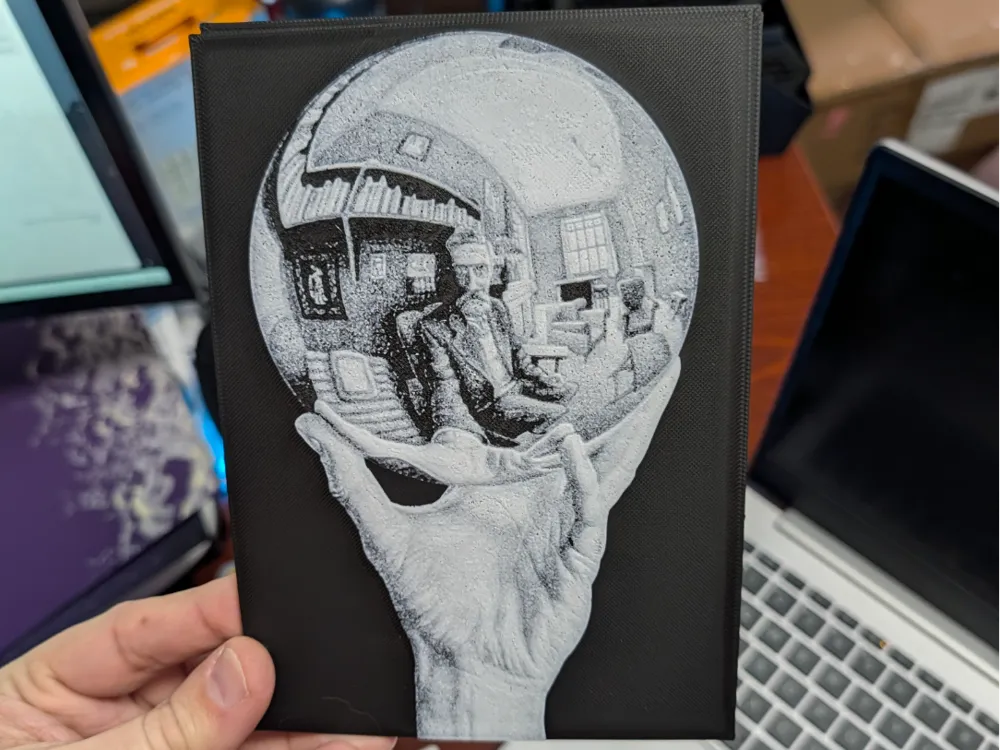
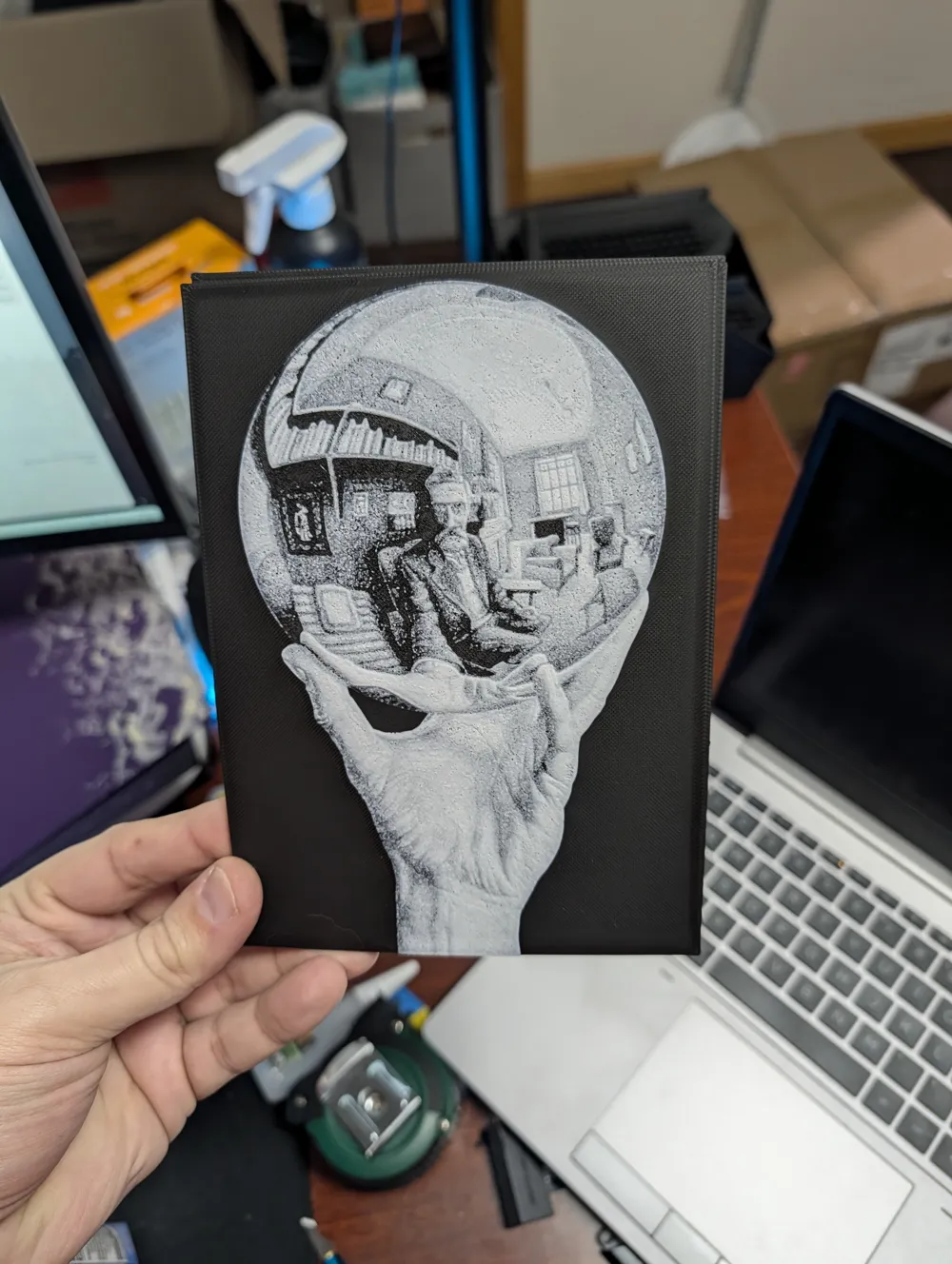
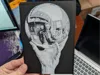
Hand with Reflecting Sphere (M.C. Escher) – Ultra-Detail HueForge
Capture the distorted reality of M.C. Escher’s most iconic self-portrait with this high-contrast, two-color HueForge. By utilizing an ultra-fine 0.04mm layer height, this print achieves incredible stippling and gradient effects that mimic a traditional lithograph.
This model is sized at 127mm x 177.8mm (5x7"), making it a perfect desktop display piece or framed art.
Print Settings
To achieve the level of detail shown in the photos, follow these specific parameters. Note that I have optimized the base layers to speed up the print without sacrificing the fine detail of the top layers.
- Infill: 100% (Required for HueForge)
- Base Layer Height: 0.16mm
- Fine Layer Height: 0.04mm
- Max Thickness: 1.52mm
- Actual Print Thickness: 1.28mm
Pro Tip for 0.4mm Nozzles: > When slicing at 0.04mm, Bambu Studio may give you a warning about layer height limits. You can safely ignore this. To ensure the best flow at such thin layers, I highly recommend dropping your nozzle temperature by 10°C from your usual settings to prevent heat creep or over-extrusion.
Filaments Used
This print is designed for a simple 2-color swap. While any high-quality PLA will work, the Transmission Distance (TD) is key to the shading.
- Black: Bambu Lab Basic Black (TD: 0.1)
- White: Bambu Lab Basic Jade White (TD: 5.4)
Swap Instructions
Because I use an optimized variable layer height for the base, please rely on the Z-height (mm) rather than the layer number to ensure the swap happens at the correct physical depth.
- Start with Black
- At 0.92mm: Swap to Jade White for the remainder of the print.
How to Print
- With AMS: Simply map your two filaments in Bambu Studio. The printer will handle the single swap automatically.
- Manual Swap: Slice the model and use the vertical slider in the preview tab. Move to 0.92mm, right-click the "+" icon, and select "Add Pause." When the printer pauses, swap your filament, purge until the color is pure white, and resume!
License

You shall not share, sub-license, sell, rent, host, transfer, or distribute in any way the digital or 3D printed versions of this object, nor any other derivative work of this object in its digital or physical format (including - but not limited to - remixes of this object, and hosting on other digital platforms). The objects may not be used without permission in any way whatsoever in which you charge money, or collect fees.


Comment & Rating (0)