
3D Catan C&K Commodity Cards
Print Profile(2)
Bill of Materials





Description
📜 3D Catan C&K Commodity Cards
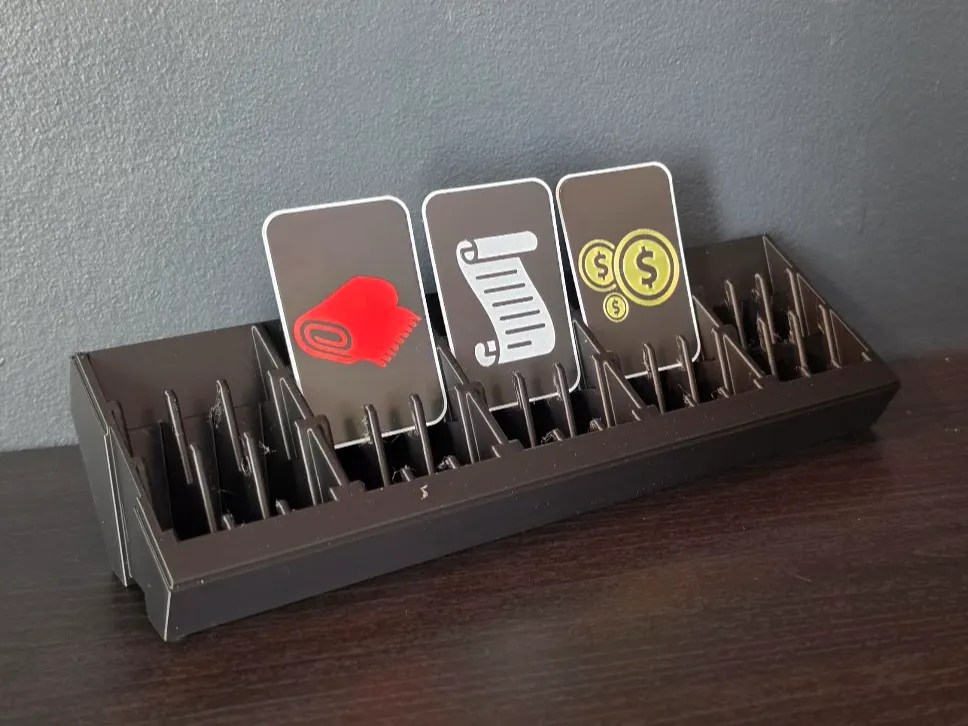
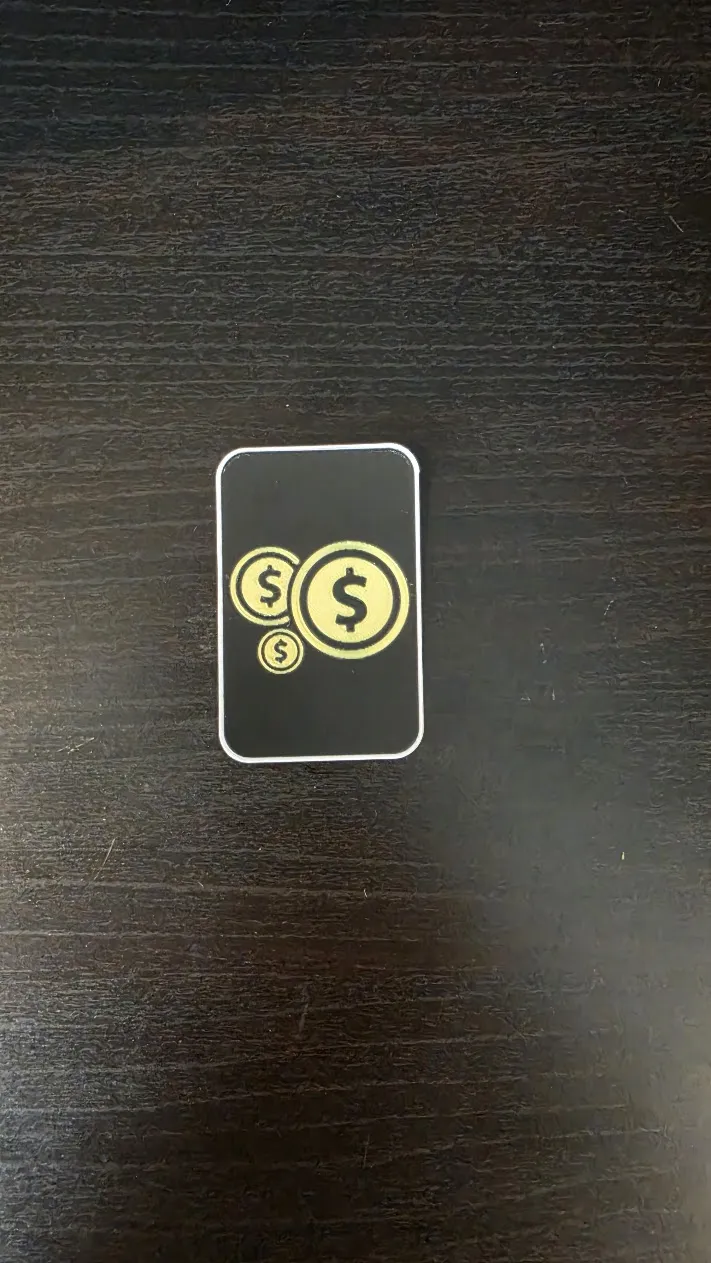
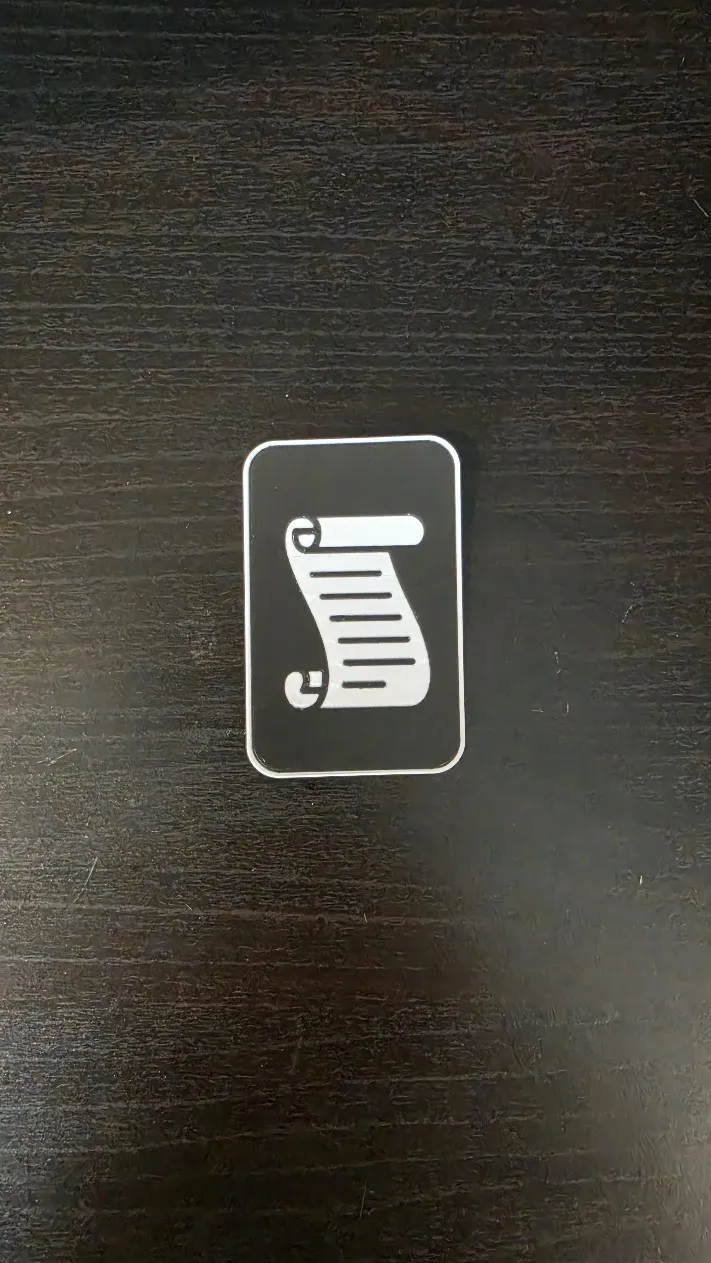
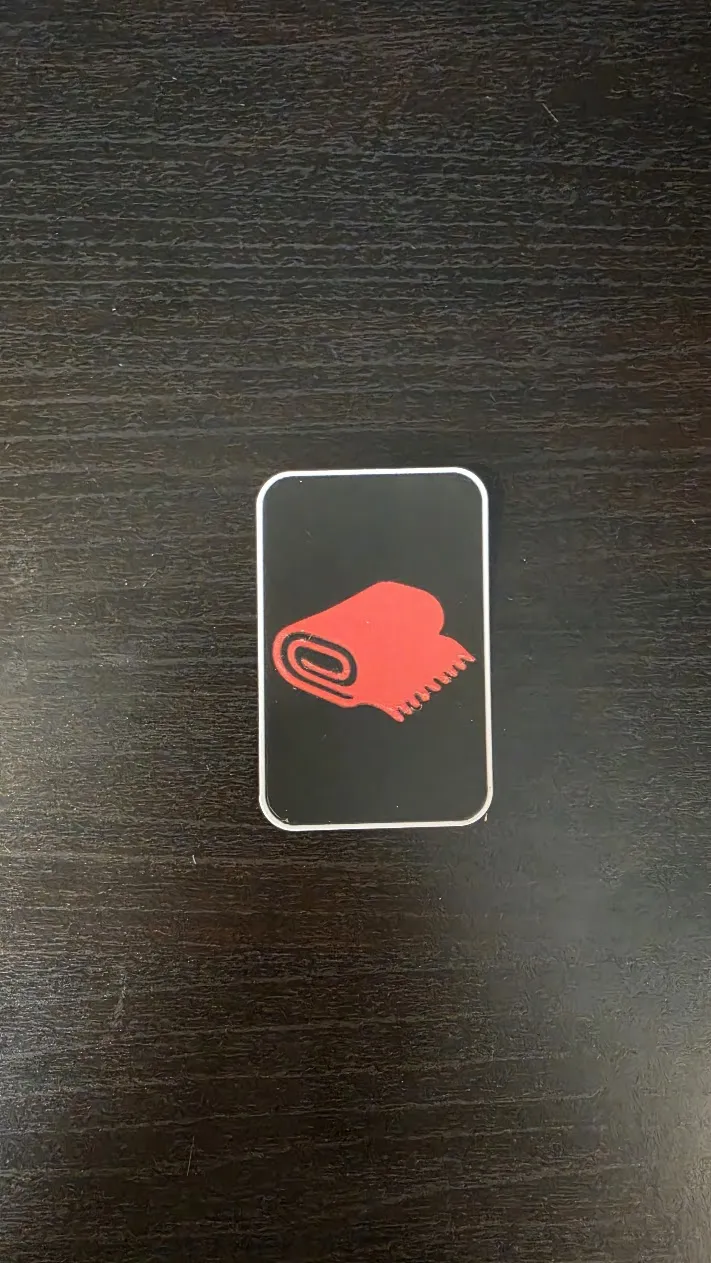
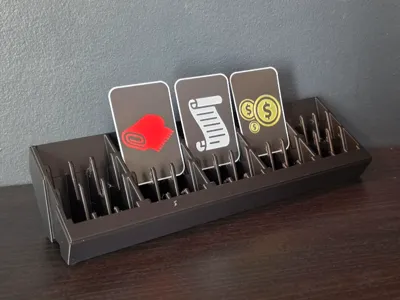
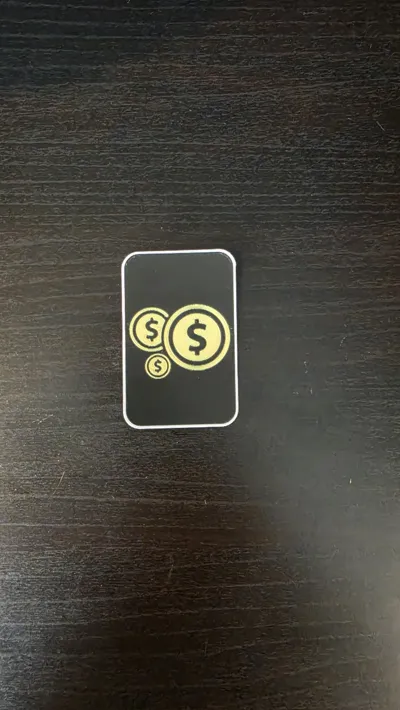
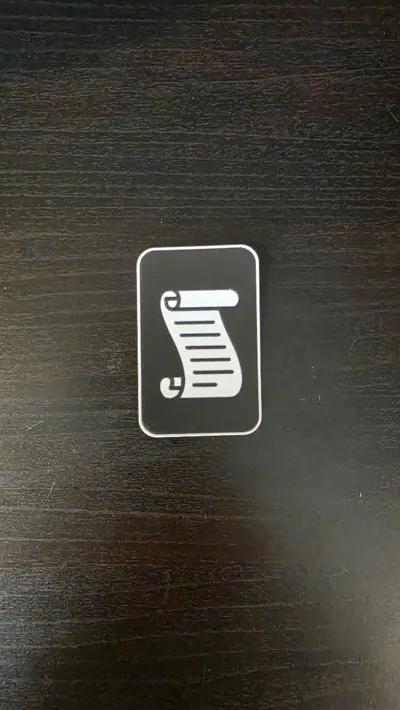
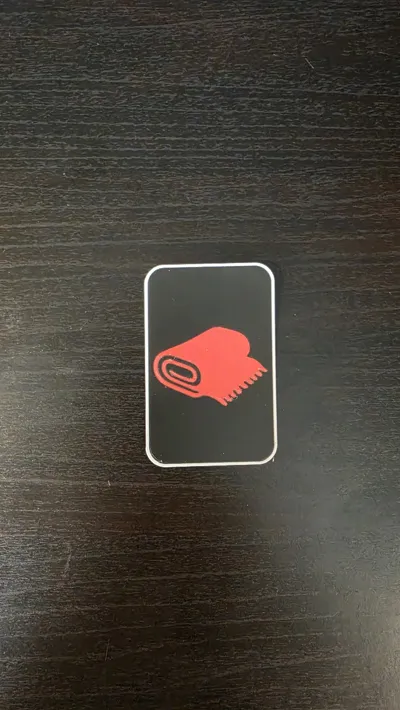
You’ve gone all-in on a 3D-printed Catan set—don't let paper commodities break the immersion. These 3D-printed Commodity Cards (Cloth, Paper, and Coin) are designed to complement a fully printed Cities & Knights expansion, offering a tactile and cohesive look for your tabletop.
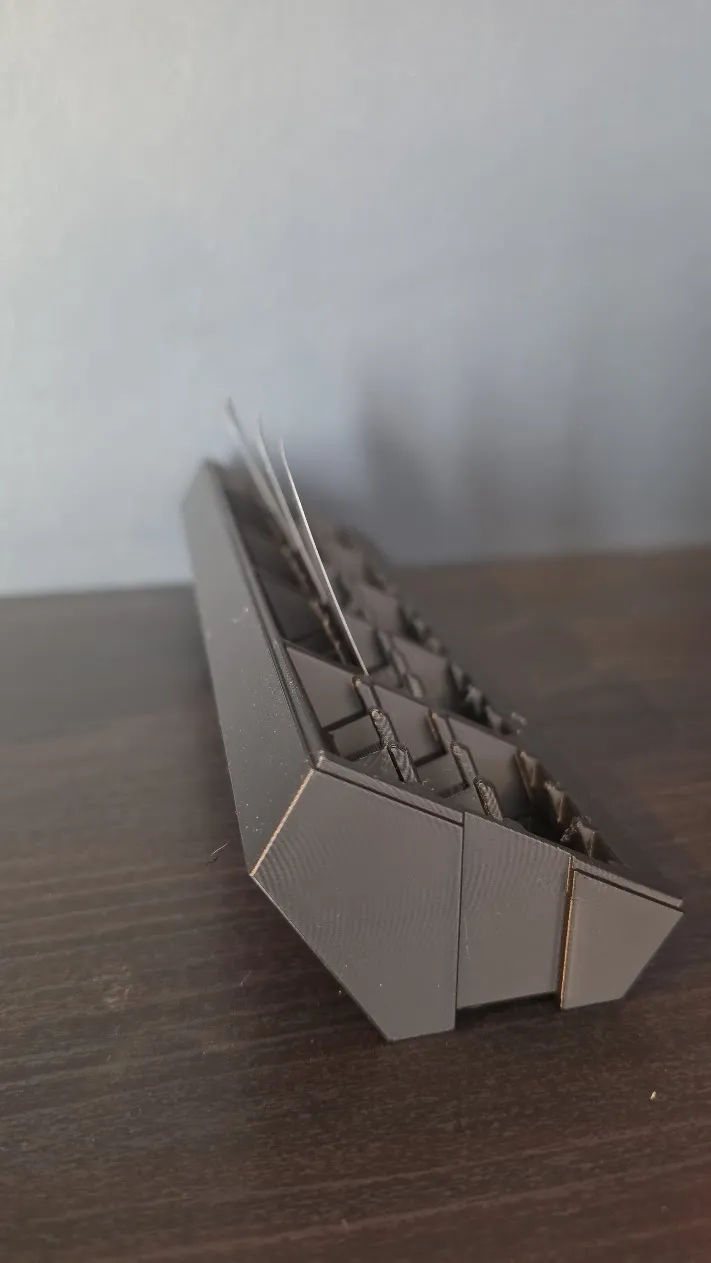
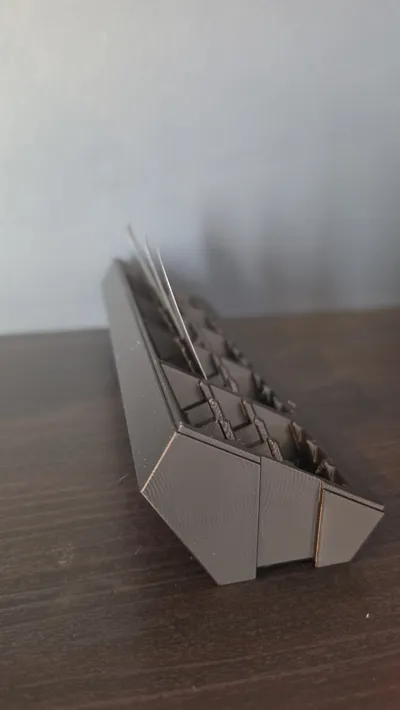
These are 44x68mm (6th Edition mini European) and a razor-thin ~0.25mm, ensuring they fit perfectly into the The "Rotate-to-Play" Catan Card Organizer & Stand or other Catan card organizers.
Boost Me (for free)
Achieving a smooth finish card at only 0.25mm is a badge of honor! If you’ve successfully upgraded your Cities & Knights set with these cards, please drop a BOOST. It supports the work that goes into these models.
🔗 Related Models
- 3D Catan Resource Cards
- 3D Catan Development Cards
- 3D Catan C&K Progress Cards
- 3D Catan Victory Point Cards
- 3D Catan "Big Three" Organizer & Carrying Case
- The "Rotate-to-Play" Catan Card Organizer & Stand
⚠️ IMPORTANT: Printing & Optimization
These are printed with a standard 0.4mm nozzle. While they are more straightforward than the high-precision Development Cards, they still require a fine touch to get perfect results:
- Filament Choice: Only use Matte Black PLA for the base. The pigment saturation in standard/glossy PLA is often not high enough, which can cause the resource symbols to bleed through and be visible from the back of the card when held up to the light.
- Precision Calibration: This profile is optimized for my specific printer and filament. To achieve a completely smooth surface, you should expect to make minor adjustments (flow rate, ironing settings, etc.) to suit your specific setup.
- To get the best possible results, follow these steps to calibrate your setup:
- Print just the black base without ironing and with a pause after the first layer, ensuring that you have a perfect foundation. Calibrate your filament or settings if the result isn't good enough.
- Print a version with all colors, but ironing only enabled on the black base and ensure that you still have a good result
- Print a version with all colors and ironing enabled to verify the final result before you print more than one card
- Zero Tolerance for Dirt: A completely clean build plate is mandatory. Even a small amount of oil or dust can cause a 0.25mm print to lift or warp.
- Ironing Artifacts: I have enabled ironing to get a smooth finish, but this WILL leave small, raised artifacts or "burrs" on the surface. These are easily removed by very carefully using a sharp scraper as a knife to shave them flat. If you skip this step, the cards will build more than 0.25mm and may not fit your card organizer.
- Quality over Quantity: I usually get better results with a lower number of cards on the plate. I recommend not filling the bed entirely to maintain the best possible surface quality across the whole batch.
License

You may create derivative works based on this object, provided that all such derivative works are published exclusively on the MakerWorld platform and include proper attribution to the original creator. You may not share, upload, host, distribute, or publish this object—or any derivative work of this object—on any other digital platform, marketplace, or distribution channel. Commercial use of this object and any derivative works is strictly prohibited. This includes, but is not limited to, selling, renting, sublicensing, or using the object in any context in which you receive monetary compensation or other financial benefits.


Comment & Rating (0)