
Porsche Panamera Q-version 1:35/Q-version/Wheels rotatable (Porsche Journey series)
Print Profile(1)
Description
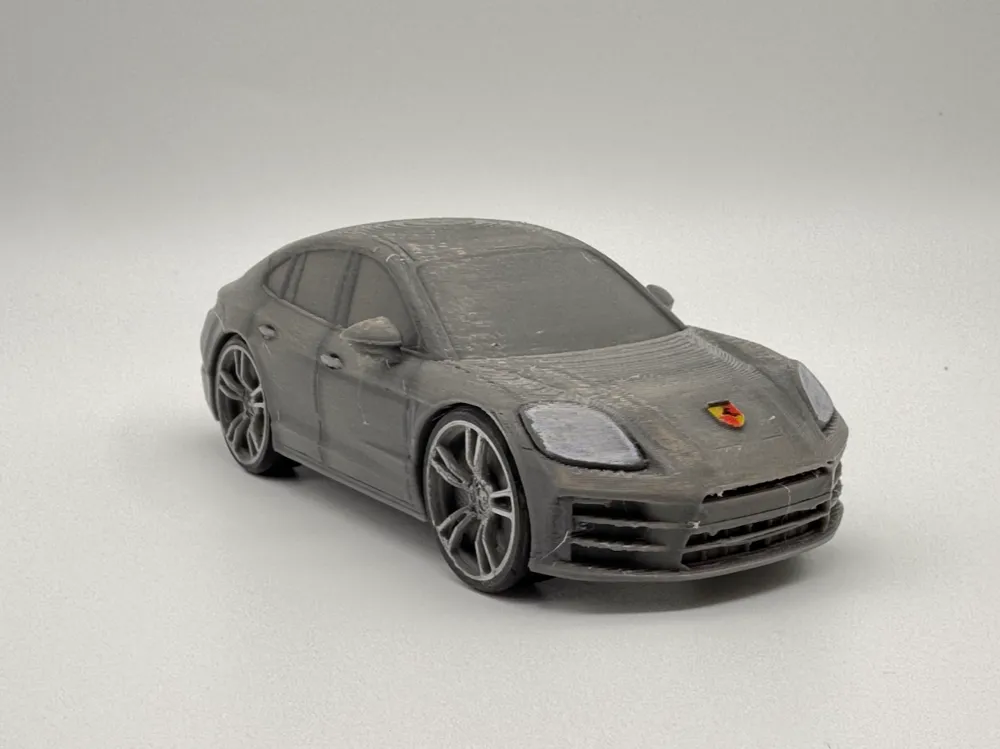
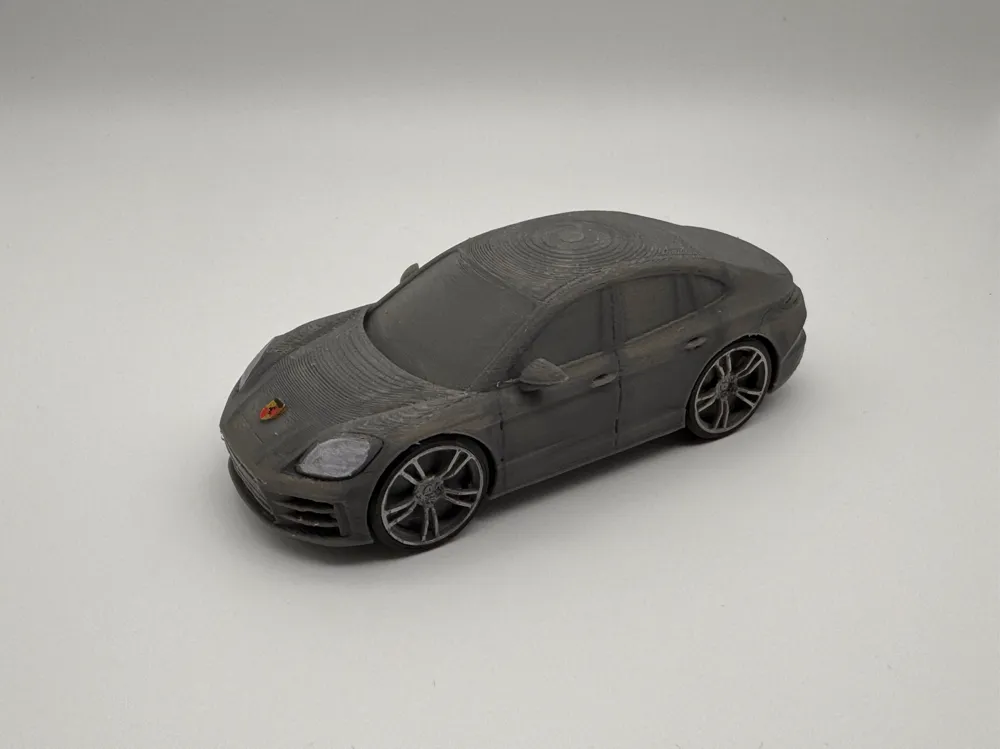
The Porsche Panamera is a sports luxury sedan that combines sports car performance with the spaciousness of a luxurious four-door sedan
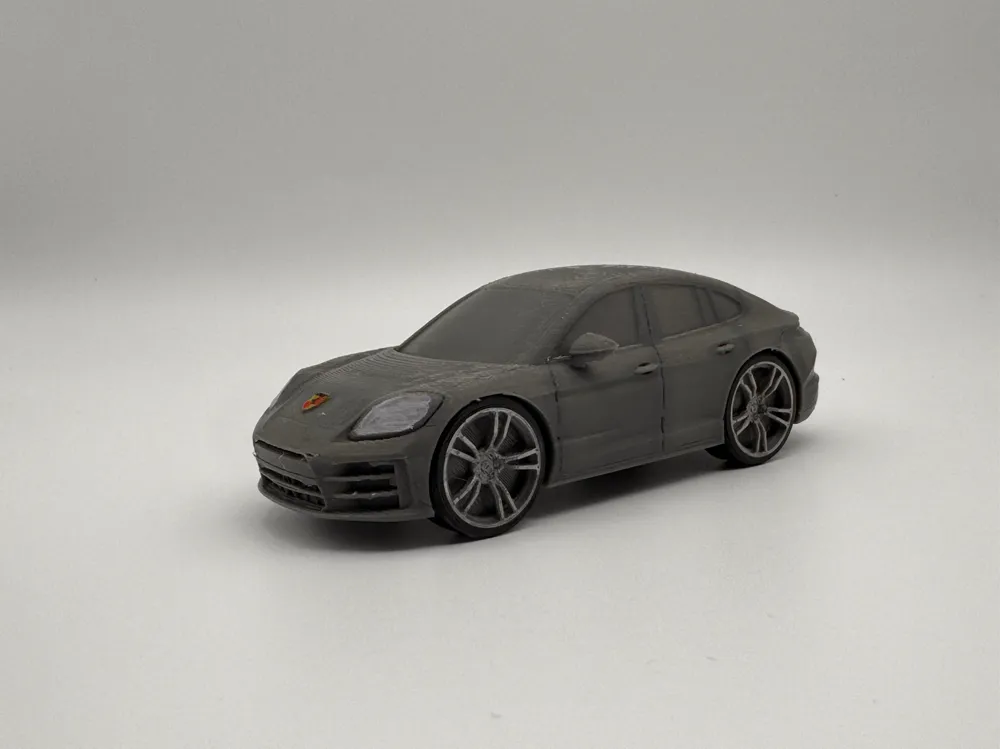
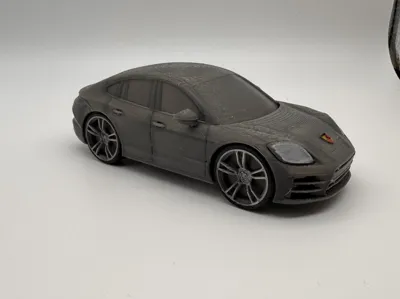
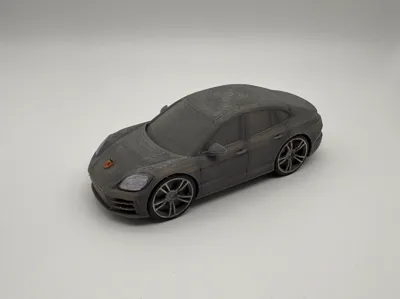
The body and wheels of this model are referenced from the Porsche Panamera (971) on the official Porsche China website, and have been subjectively modified based on my chibi aesthetic (this is my first time making a chibi model, and I'm gaining experience)
Main modification directions:
- The overall car body is shorter, but still retains the streamlined fastback design
- Front headlights and emblem are enlarged by about 1.5 times
- Wheels are enlarged by about 1.5 times, and the car body has a slight forward tilt
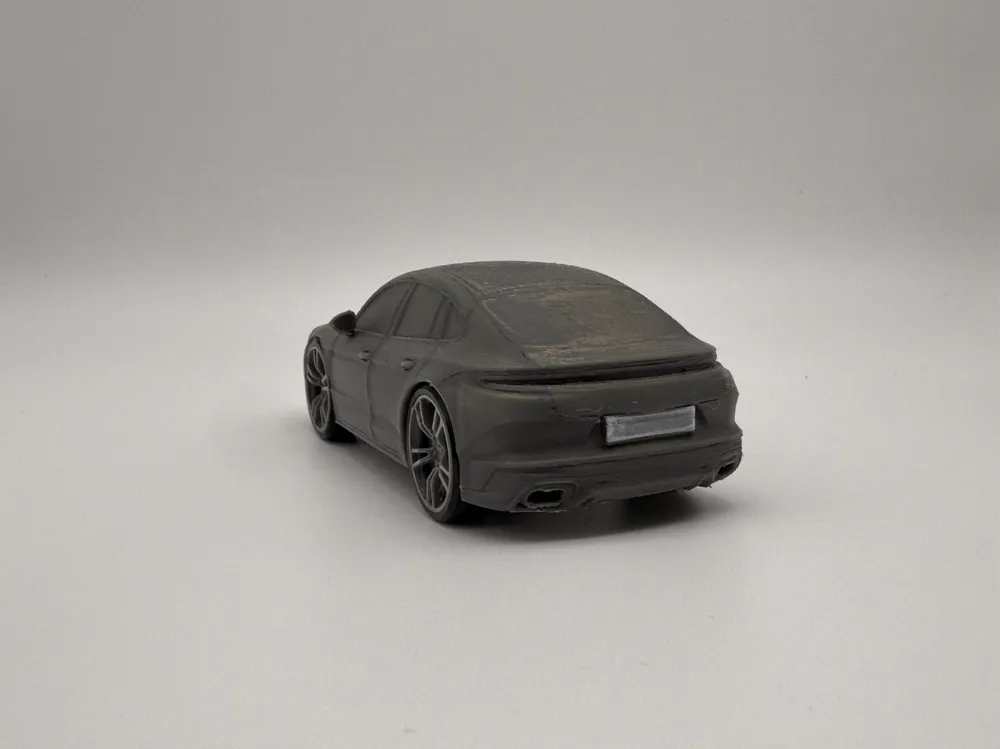
- The original front and rear air vent designs, waistline, and other details are kept as consistent as possible
It uses a 1/35 model scale, specially adapted for FDM printing
This work is part of the "Porsche Journey" series. The model page may not be updated in time, please follow me to stay informed of the latest releases!
Boost Me (for free)
If you like this work, please collect, like, and follow me, your support is truly important to me!
Also, thank you for your boost and comments!
Printing Instructions
- The multi-part print version is suitable for assembly and play. TPU can be used to print tires for enhanced friction, silver material for wheel hubs, and self-selected colors for the car body
- Due to the influence of different printing filaments, if the wheels do not rotate smoothly enough, you can print the wheel hubs and tires together enlarged to 101% or even 102%
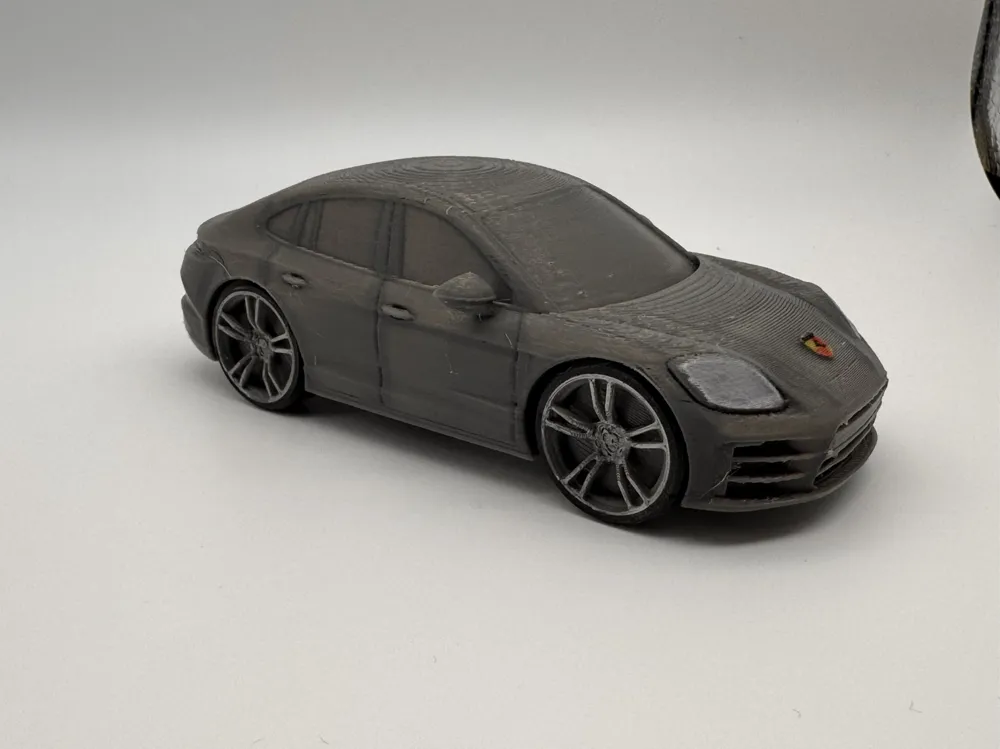
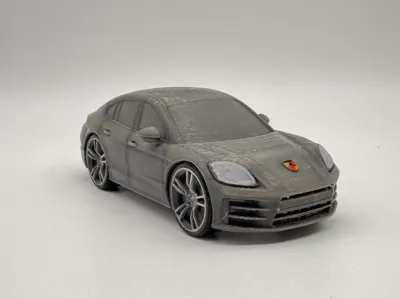
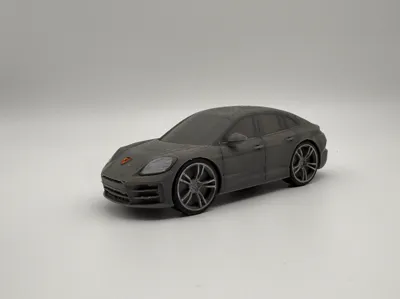
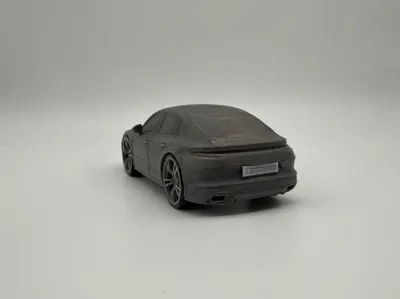
- All uploaded images are real shots, with hand-painted details like the car emblem, headlights, and rear license plate
- The actual printed model material in the photos is PETG HF Gunmetal Grey (filament was running low, PLA Basic Dark Grey is expected to be very similar in color)
Please read the installation instructions
1. Preparation
1.1 Removing stringing: After printing realistic style models, some stringing may occur. It is recommended to use a heat gun to quickly eliminate tiny strings
1.2 Removing supports: Supports are mandatorily enabled at all four wheel overhang positions on the car body. Simply firmly press the wheel arch support inwards towards the car body; after hearing a click, the support will easily fall off
2. Installing Wheel Hubs and Tires
2.1 A 0.1mm tolerance is reserved when modeling the tires and wheel hubs, which is quite tight. First, press the wheel hub face-up into the tire, then use a hard object (such as the Porsche emblem included with the kit card) placed on the wheel hub, and press firmly until the wheel hub is flush with the tire
2.2 If you need to hand paint the wheel hubs and tires, it is recommended to do so before installation
3. Installing Wheel Hubs and Axles
3.1 The default profile forcibly disables supports for the wheel arches. If the profile has been readjusted, all supports and support interfaces should be thoroughly cleaned before installing the wheel hubs
3.2 Carefully clean the supports and support interfaces at the car body's axle points, as this greatly affects the smooth rotation of the tires after installation
3.3 When installing the wheel hubs, observe and align them vertically before applying force to prevent damaging the axle with excessive force; it is recommended to lay the car body on its side, place the wheel flat on the edge of a table, and press down firmly.
4. Breaking In and Painting (Optional)
4.1 After the wheel hubs and axles are installed, use four fingers of both hands to hold all four wheels and rotate the car body to break in the axles. Repeated breaking in will make the rotation smoother!
4.2 Due to the printing size, details such as the car emblem cannot be printed. It is recommended to hand paint the Porsche emblem for an enhanced look (yellow background, red on the top right and bottom left, a little black at the top)
License

You shall not share, sub-license, sell, rent, host, transfer, or distribute in any way the digital or 3D printed versions of this object, nor any other derivative work of this object in its digital or physical format (including - but not limited to - remixes of this object, and hosting on other digital platforms). The objects may not be used without permission in any way whatsoever in which you charge money, or collect fees.


Comment & Rating (1)