Search models, users, collections, and posts

Spool Inspector: The Smart Scale for 3D Filament
Print Profile(1)

All
X1 Carbon
H2D
A1
H2C
H2D Pro
X1E
P1S
H2S
P1P
P2S
X1
X2D
A2L

0.2mm layer, 6 walls, 25% infill
Designer
12.1 h
3 plates
5.0(3)

Open in Bambu Studio
Boost
261
781
47
45
51
9
Released 

Description

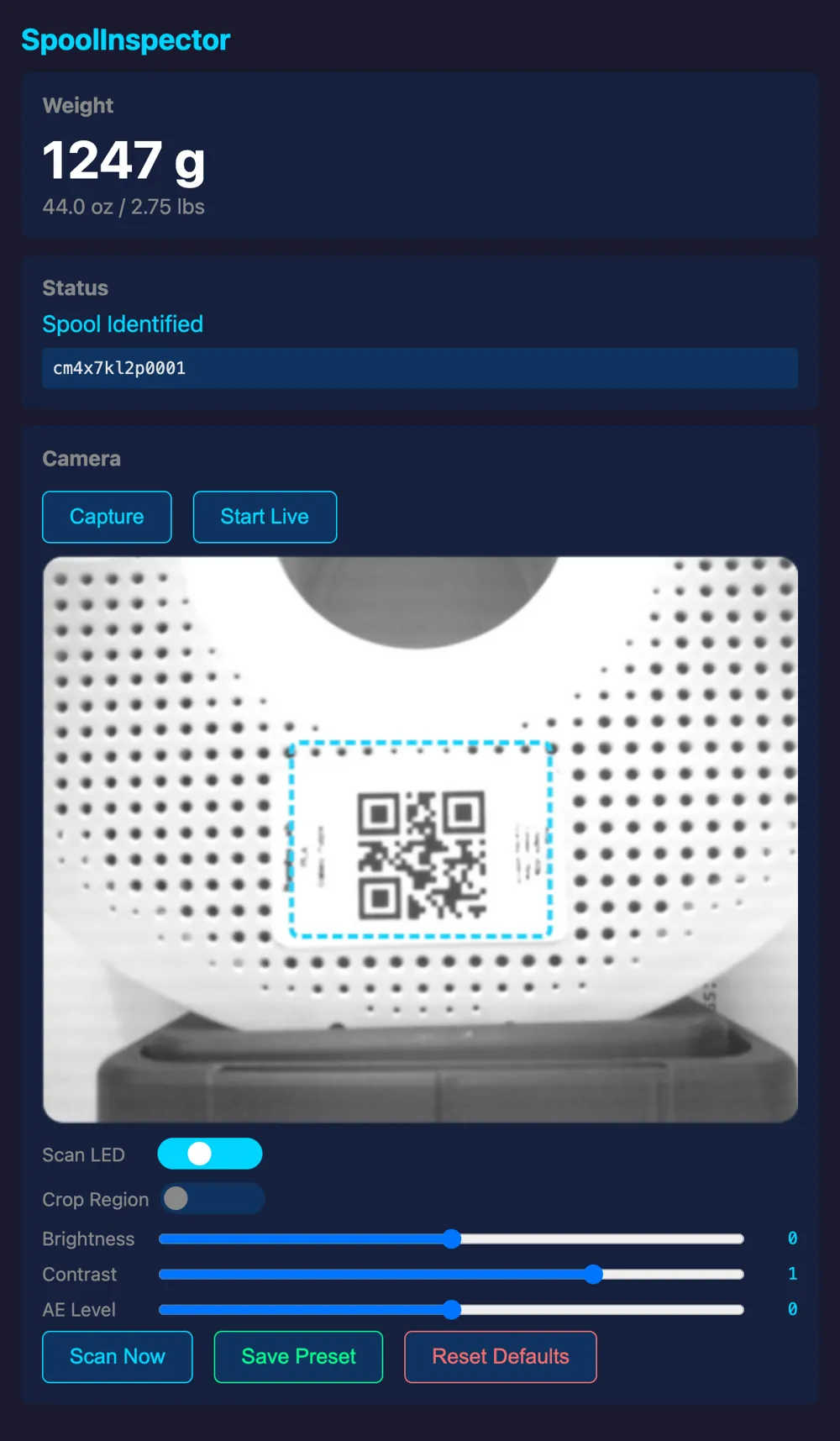
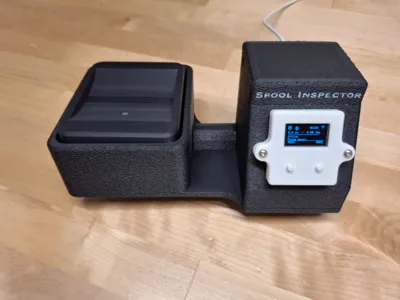
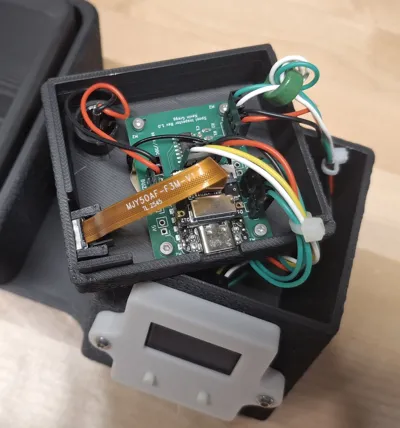
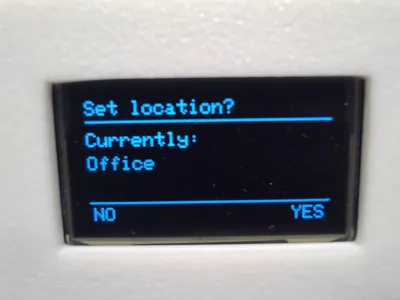
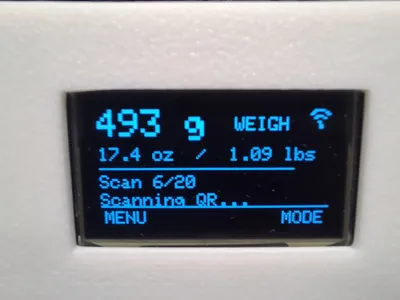
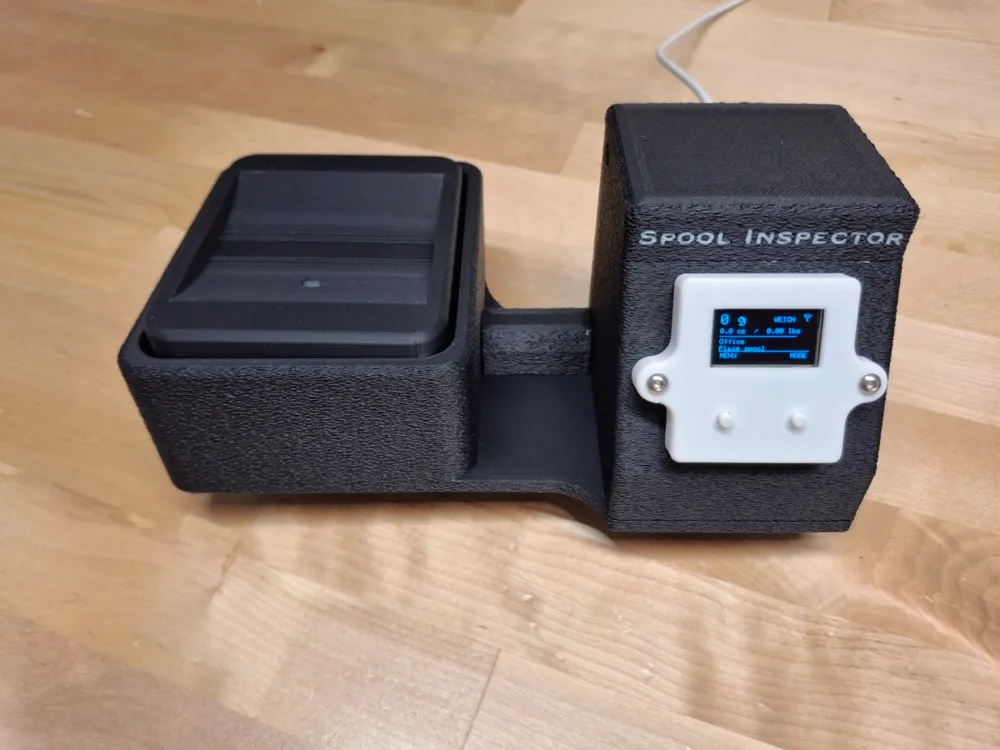
Spool Inspector is a filament weighing station that automatically tracks your 3D printer filament inventory. Place a spool on the scale, and it scans the QR  code, weighs the spool, calculates remaining filament, and syncs everything to your free 3D Spool Tracker account at 3dspooltracker.com — all in seconds, without touching your phone or computer.                    


  How it works:

  1. Print QR labels for your spools from the web app

  2. Place a spool on the scale                                                 

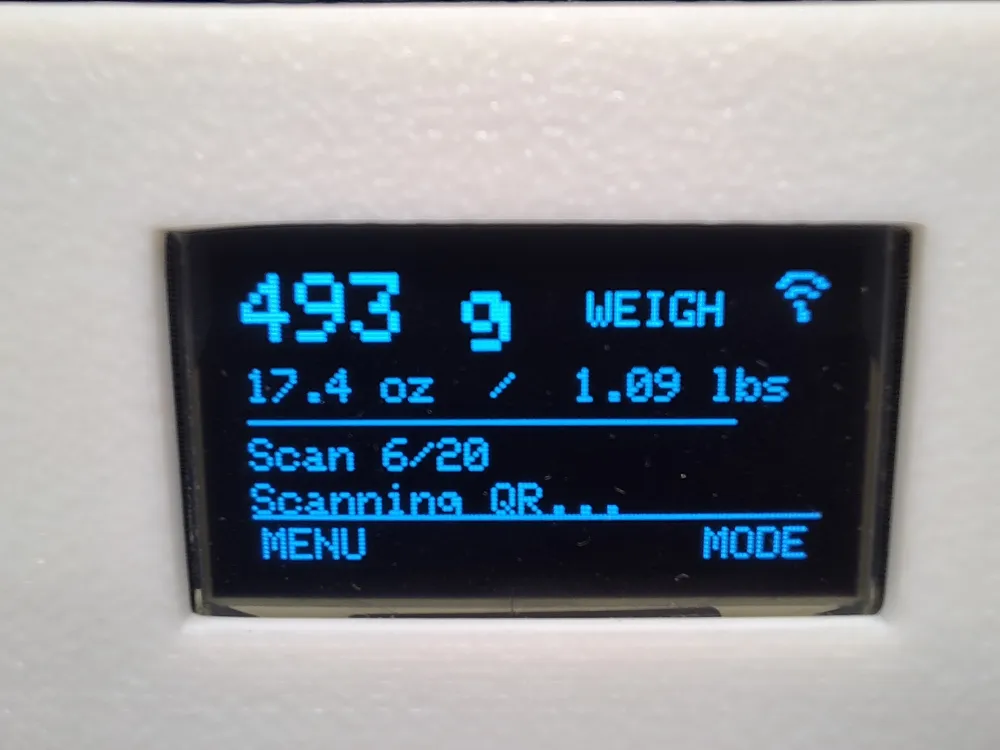
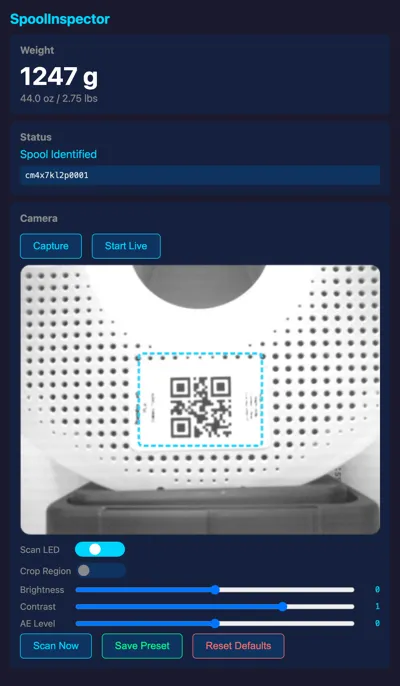
  3. The camera scans the QR code and autofocuses

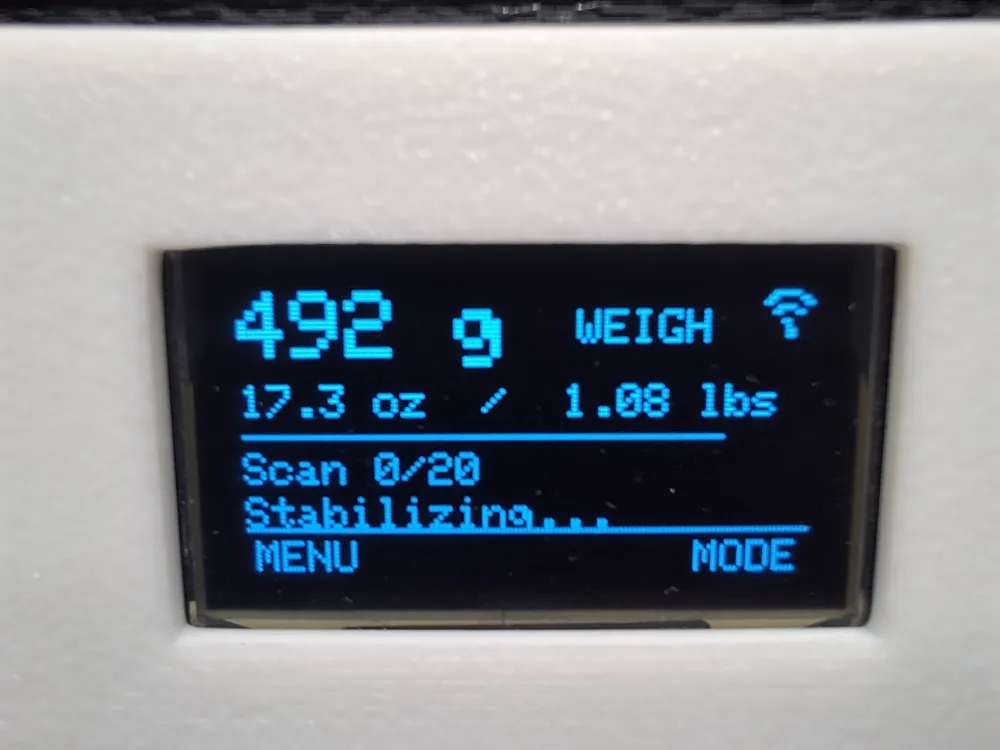
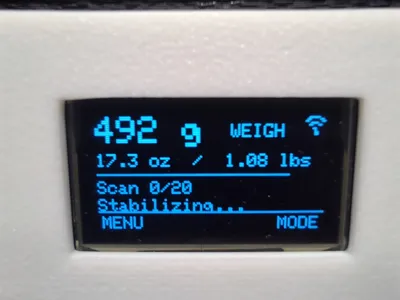
  4. Weight is measured and filament remaining is calculated automatically      

  5. Data syncs to your account over WiFi in real time                          


  Go to https://3dspooltracker.com/spool-inspector for more details


  Features:                                                                     

  - Autofocus camera for reliable QR scanning                            

  - WiFi connected with automatic cloud sync                                    

  - Offline queueing — never lose data if WiFi drops                               

  - OTA firmware updates from the web                                           

  - Near-empty spool detection with on-screen prompt                            

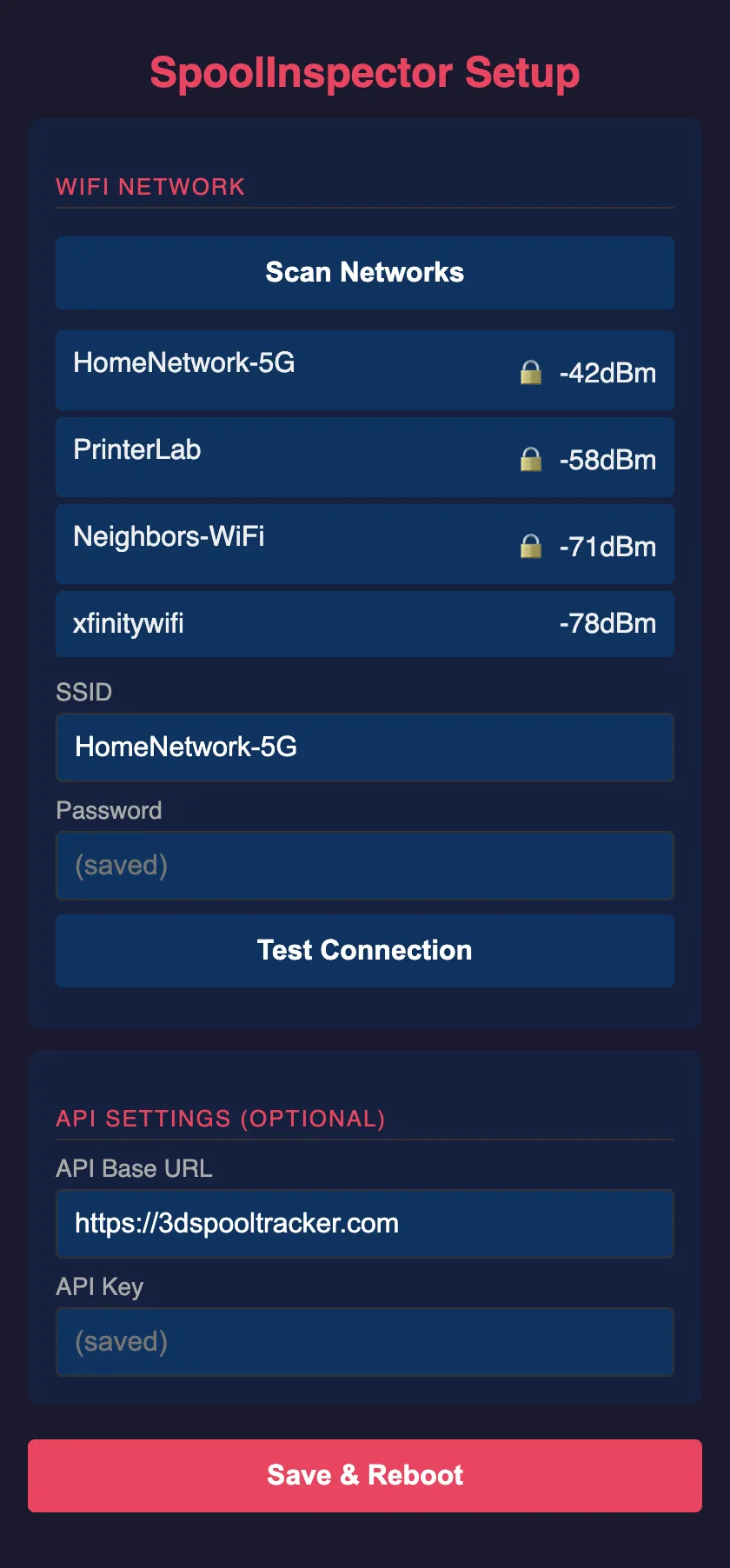
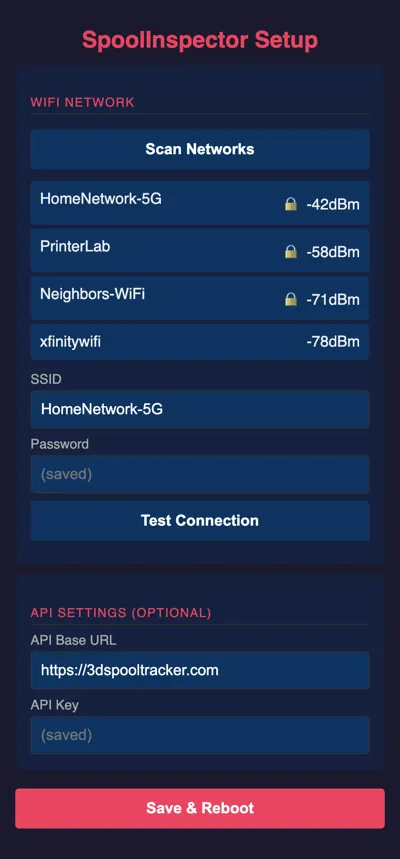
  - Captive portal WiFi setup — no coding required

  - Print labels from a label printer or standard printer using Avery labels

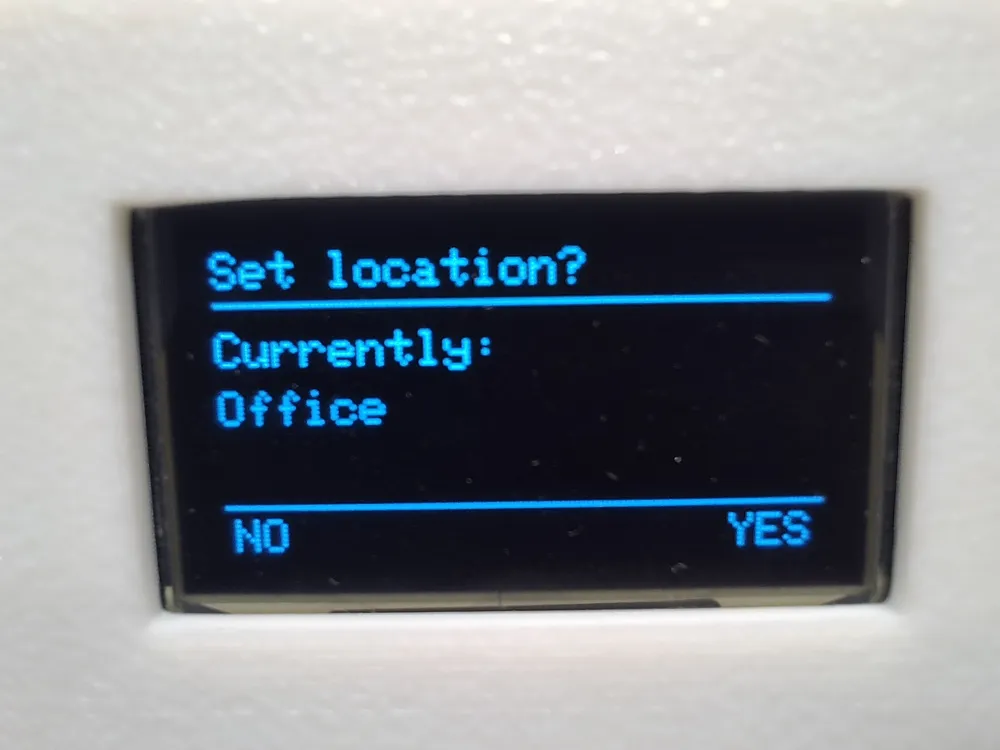
  - Track filament location - in storage or in printer

  - Print labels ahead of time and sync to spools later                              


  What you will need:                                                                

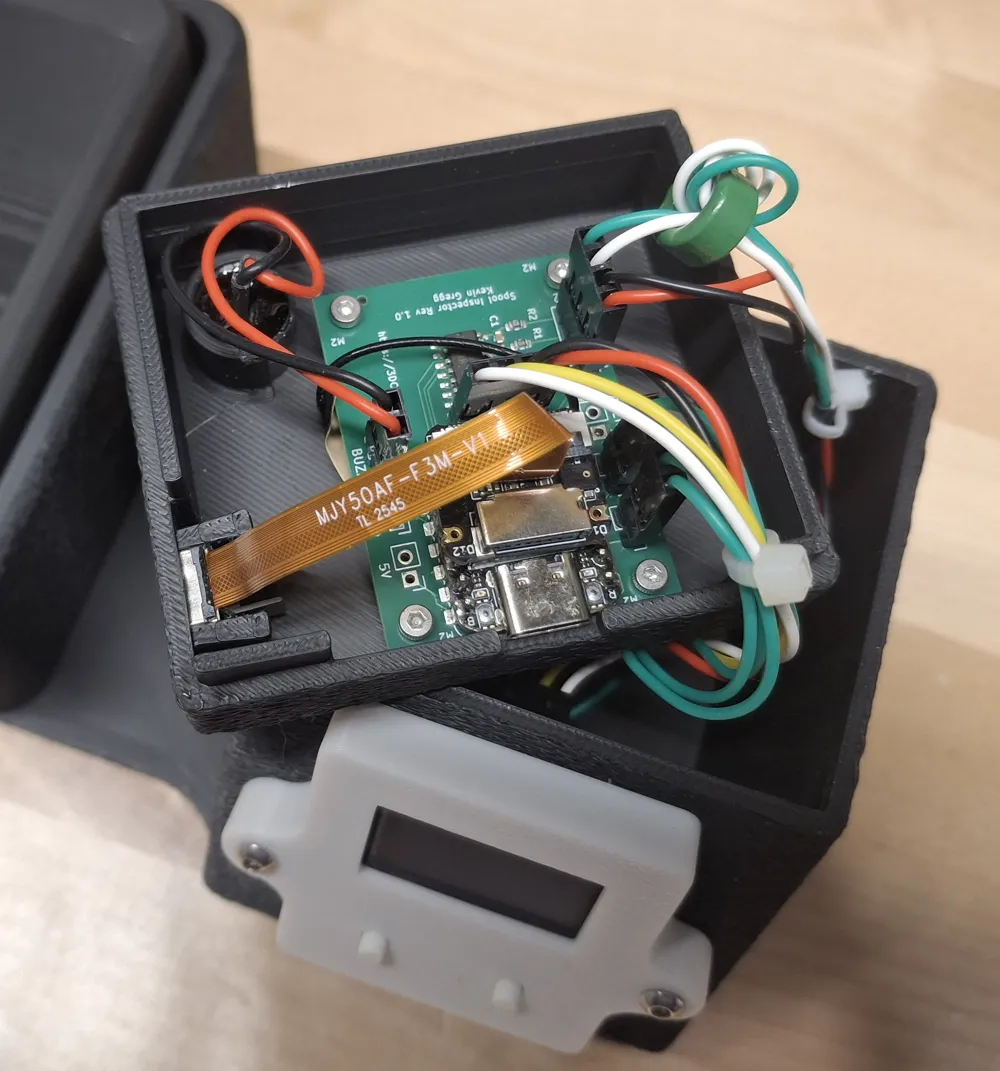
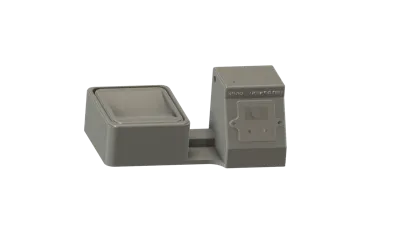
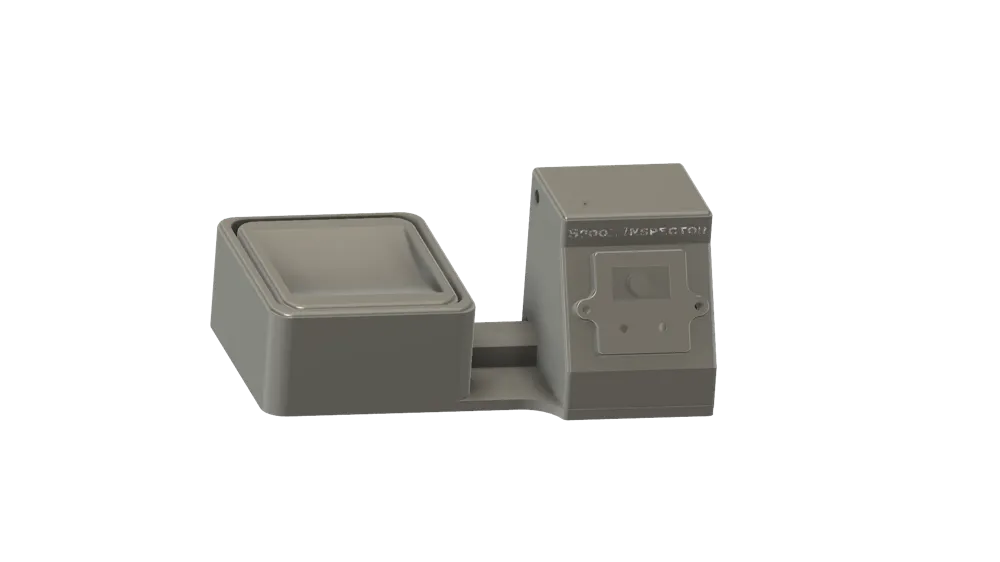
  - This 3D printed enclosure 

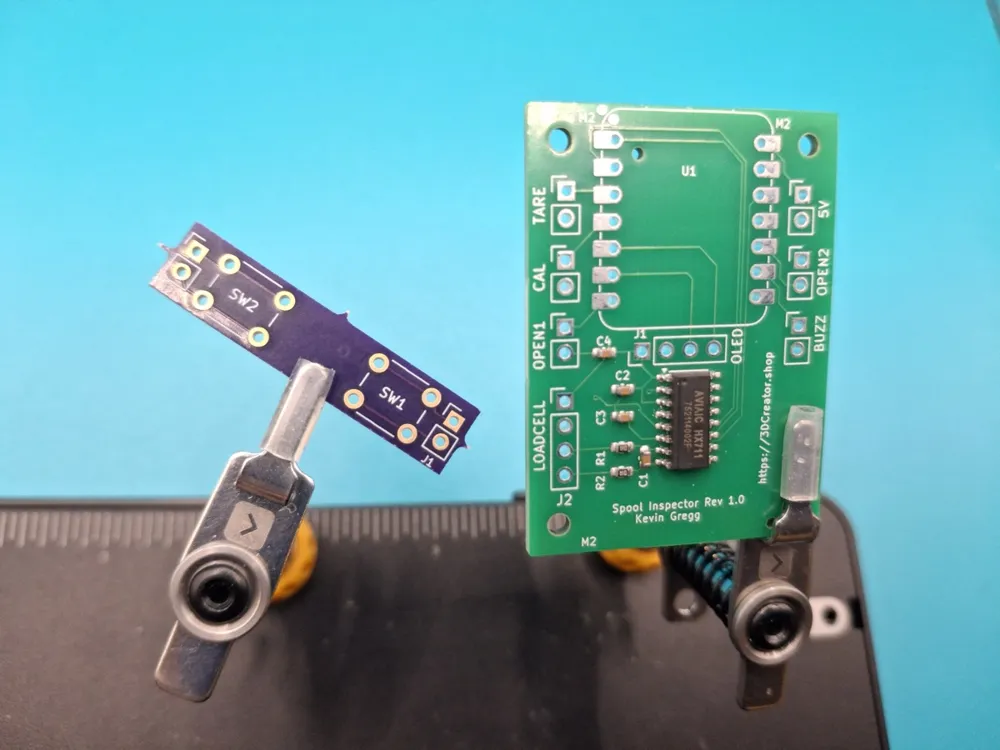
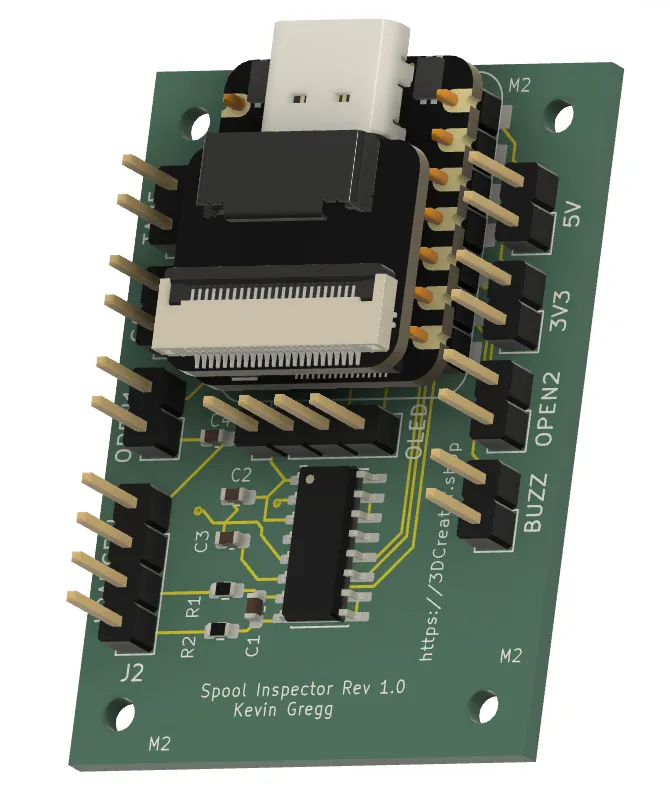
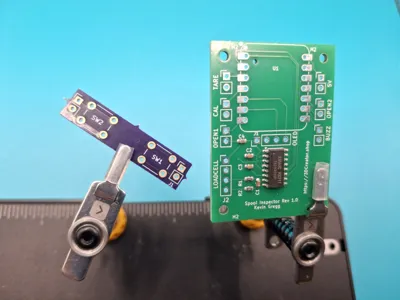
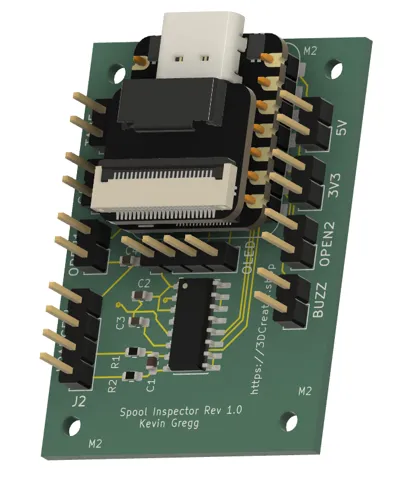
  - PCB set ($12 at 3dcreator.shop)                       

  - Seeed XIAO ESP32S3 Sense                                                    

  - OV5640 camera module                                                        

  - SSD1306 0.96" OLED                                                          

  - 5kg load cell                                                               

  - Piezo buzzer, buttons, headers, fasteners                                   

  - Free account at https://3dspooltracker.com                                          


  Full BOM with costs (~$53 total), build guide, and instructions at 3dcreator.shop/docs/spool-inspector/build-guide           


  YouTube walkthrough of the build at https://youtu.be/xA8yw1Eb52s 


*** Note - in the video, I connect the load cell to the PCB using a Dupont connector.  After spending a solid day chasing down an issue, I would suggest direct soldering the load cell to the PCB.   *** 


  The web app is completely free — unlimited weighing, spools, projects, QR labels, CSV export and Import, community filament catalog with 1,500+ presets, and more. No  subscription required.


Beta program: We're selecting testers to receive a free pre-built Spool Inspector. Apply at 3dspooltracker.com/beta

Comment & Rating (47)

(0/1000)

Absolutely the greatest tool for spool management and tracking! The features are amazing and the simplicity of connecting is flawless.
designer
2
Reply
Boosted
Great job designing the hardware and the software to go with it! Everything printed great. The scale and communication with SpoolTracker is solid. This will help me keep track of my filament inventory.
0
Reply
vorsicht …. irony 😬 A truly fascinating concept: one presents an impressive project and links to a shop that has perfected the art of total emptiness. It seems to have become customary with these MakerWorld projects that the associated shop serves more as a museum for sold-out items. Probably, the actual hobby here is not building at all, but the patient admiration of "out of stock" banners. A truly exclusive user experience. Who needs hardware when you can have anticipation on repeat instead? Cheers to the consistency of being sold out!
The designer has replied
Show original
3
Reply
Well, the primary item is the PCB - it's actually a pretty slow process for me to make an entire unit. Today, I briefly put the stock at the PCBs to 0 while I was troubleshooting an issue that I was afraid might have been some bad HX711s on the boards and i didn't want to risk selling any more if that were the case. It turned out to be a bad load cell so I re-added them. I appreciate your feedback but I feel it's being a little harsh. I'm just one guy.
5
Reply
Thank you for the feedback. True, it was a bit too strict, but if it gives the impression of being a regular shop, expectations rise. That's the downside when you set it up too professionally. Then professional performance is also expected. I would be happy in any case if it works better for you soon. I'll keep my fingers crossed 👍
Show original
0
Reply
Does it account for spool weight?
The designer has replied
0
Reply
Yes it does. And you can adjust if you respool your filament onto a different brand's spools
1
Reply
Replying to @goesbrrrt :
So like, is there preset weights for different brands already? Or do we need to enter this ourselves? Sorry for all the questions haha this would be super useful for me, just "weighing" the options 😁🫠
0
Reply
Replying to @Kslade :
Yes, it should pre-populate if you choose a known brand and there is also a lookup that shows some of the common ones. I need to get this list updated though.
0
Reply
Can it update directly into a common spool management system like spoolman or bambuddy? if it does, dm me i might be able to make a video about it.
The designer has replied
0
Reply
I haven't reached out to them about the possibility of doing 3rd party integrations yet. Trying to get caught up at the moment.
0
Reply
Replying to @goesbrrrt :
if you need help with testing, dm me, i can also make a video on it on the Tube
0
Reply
Replying to @Printing_Pilot :
sounds good, I appreciate it. I need to work through a bit of a backlog of bugs on the site first and then i will hopefully be ready to reach out.
0
Reply
if I missed it on the site my apologies, do you have an option to print the enclosure but purchase a pre built complete electronic pkg? never built a pcb or soldered, but I wouldn’t mind learning too.
The designer has replied
0
Reply
Yes, absolutely. you can print the enclosure from maker world and get the components from the site. If you go to the DIY kit, that is every component you need or you can unselect anything you may already have. https://3dcreator.shop/products/spool-inspector
0
Reply
sorry I wasn’t clear…. do you have a premade kit that I don’t have to assemble? one that I can pop into my printed enclosure?
0
Reply
Since i have 60+ different filaments and colors this will come in handy, will be alot of work but worth it i guess
The designer has replied
0
Reply
Yeah it takes a little time to get an existing inventory tagged but its not too bad. you can sync up a label to a spool with the app on your phone too so its pretty easy.
1
Reply
Replying to @goesbrrrt :
great idea!
0
Reply
this idea worth double boosting. btw, what are the limit for QR code size? can I use the very small one like 10x10mm?
The designer has replied
0
Reply
So I just tested by shrinking the image down. It ended up being more like 11x11 but it does work with both the label images and the label export. If you want to make them that small, you will have the best reliability by using the export function and then printing either in niimbot or other app by converting the QR data directly into a QR-Code. The reason is that when you export the label from 3dspooltracker, it converts the QR code to an image first which isn't quite as crisp as using a native app. You may also have to play around with lighting more than you would with a larger QR Code. Thank you for the boosts!!!!
(Edited)
0
Reply
Can this work with 3dfilamentprofiles.com or can this app import an inventory from that site?
The designer has replied
0
Reply
It can import from it, yes.
0
Reply
So wecan make ourown QR codes? I use 3DQF which is made in the Uk but does not currently come with a QRcode attached.
0
Reply

License

This user content is licensed under a Standard Digital File License.

You shall not share, sub-license, sell, rent, host, transfer, or distribute in any way the digital or 3D printed versions of this object, nor any other derivative work of this object in its digital or physical format (including - but not limited to - remixes of this object, and hosting on other digital platforms). The objects may not be used without permission in any way whatsoever in which you charge money, or collect fees.