
Filament Color Label Discs for Spools Spool-Key
Print Profile(2)
Bill of Materials



Description
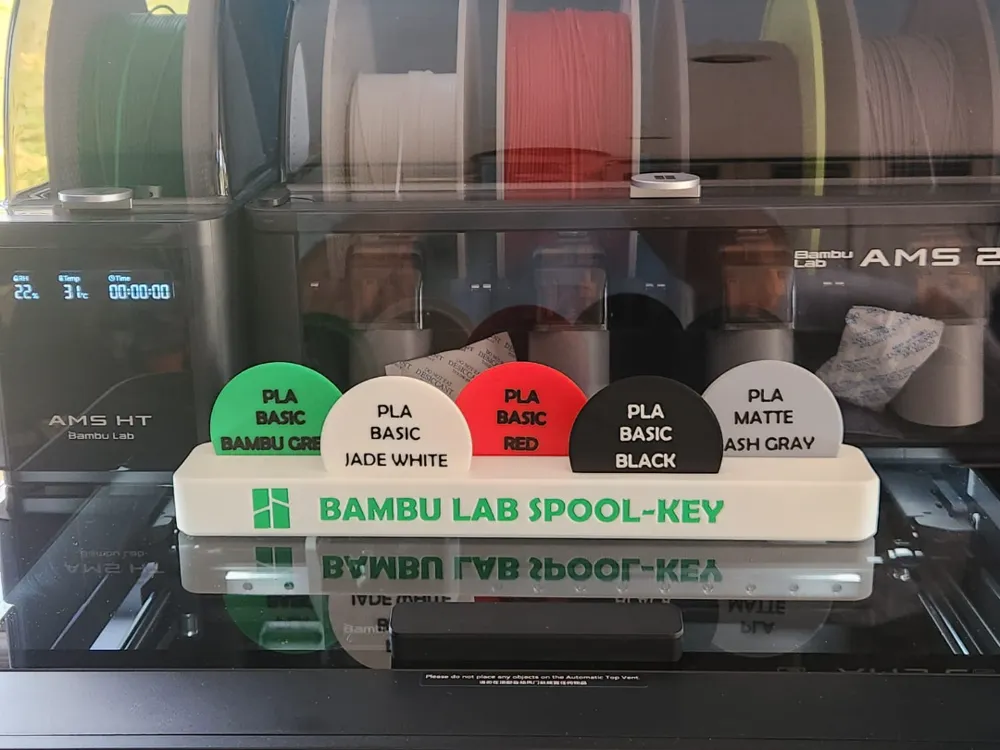
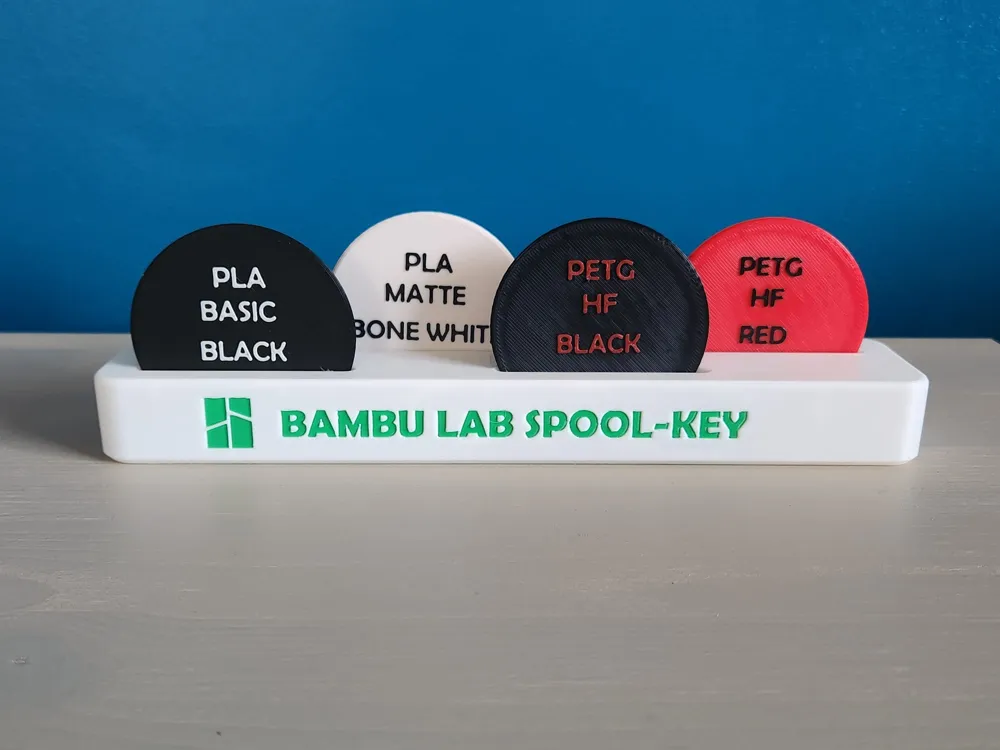
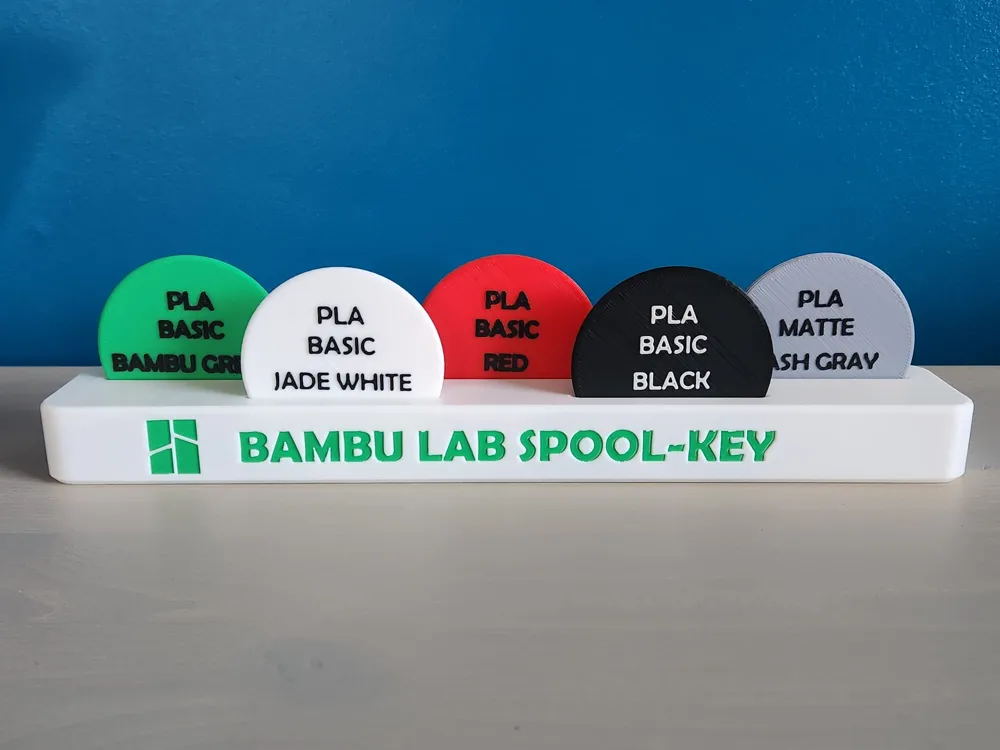
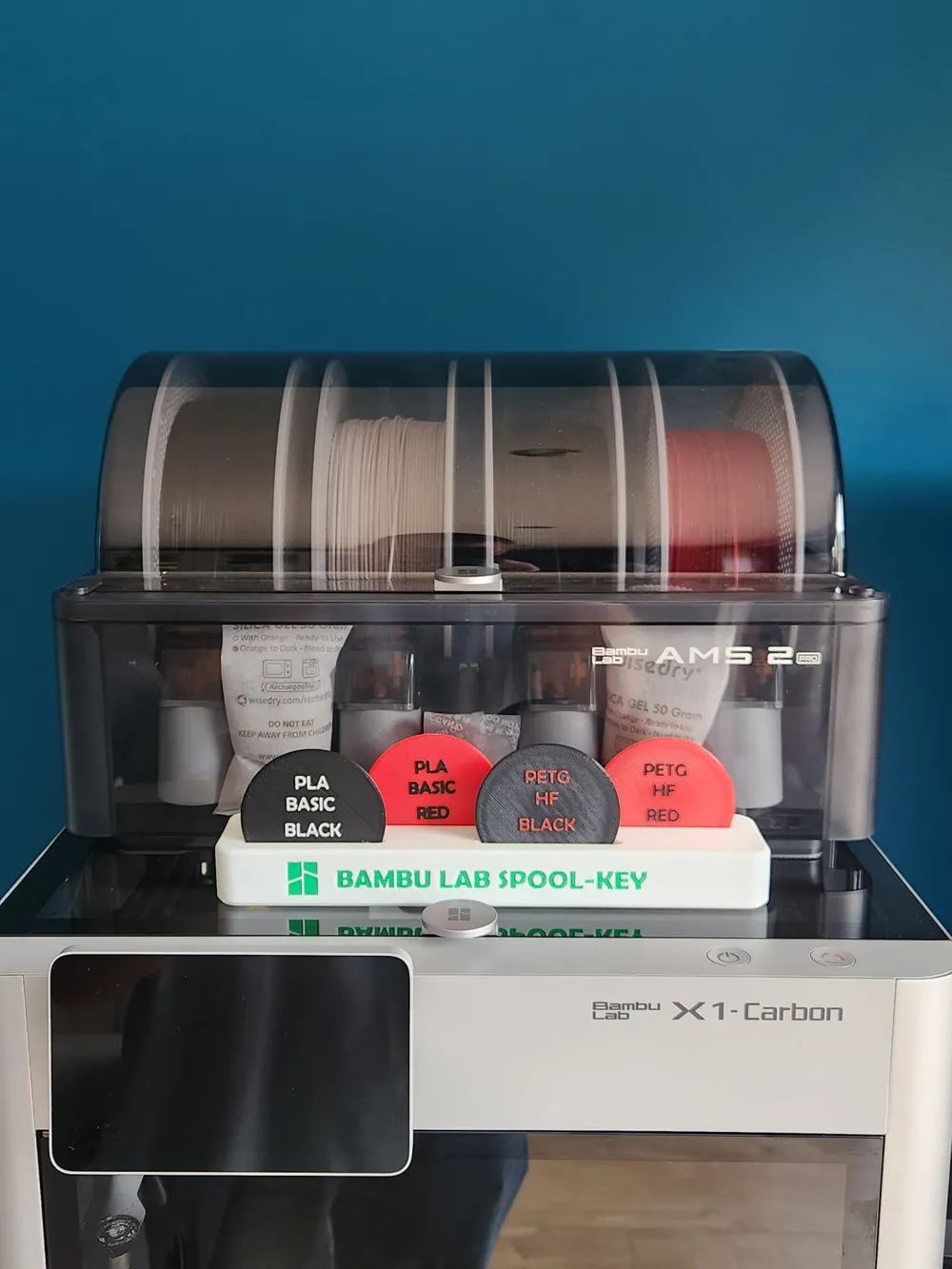
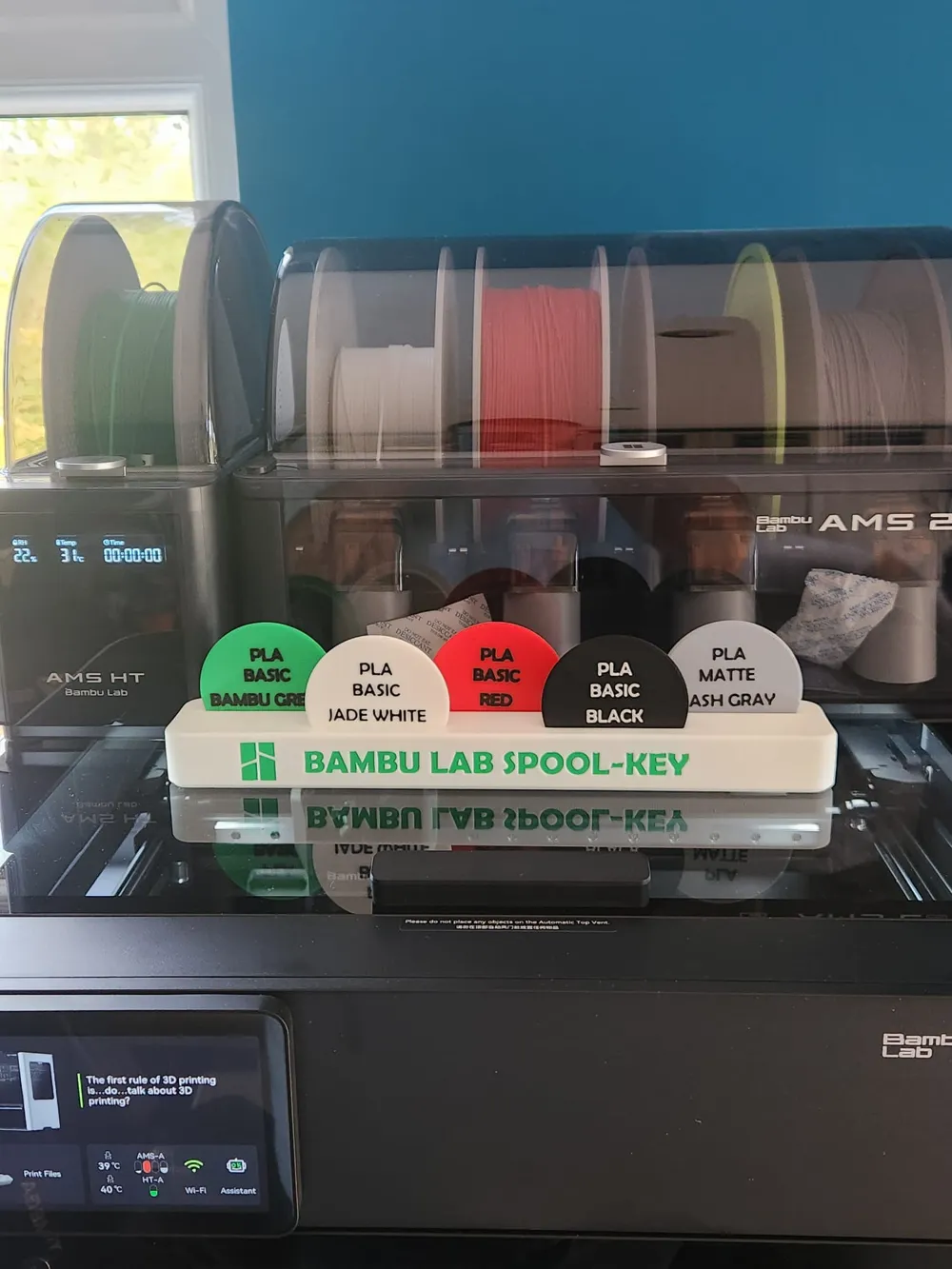
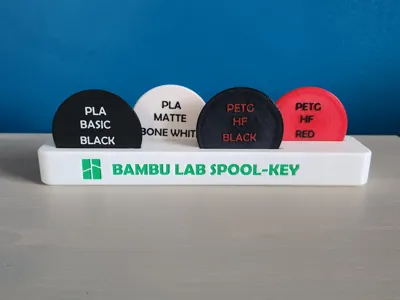
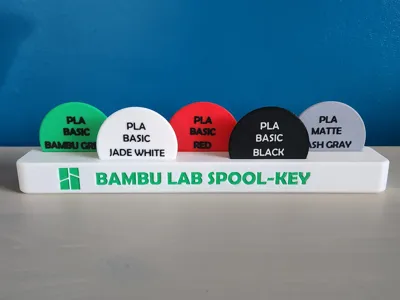
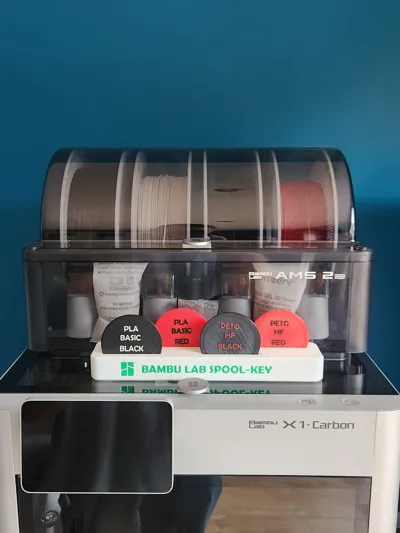
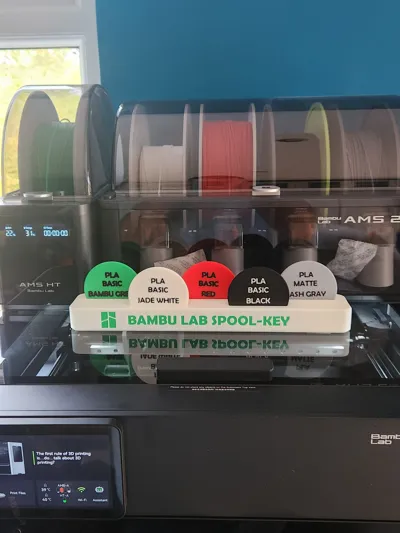
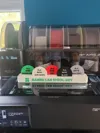
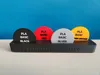
Spool-Key is a simple filament spool color ID system that keeps your setup clean and easy to manage.
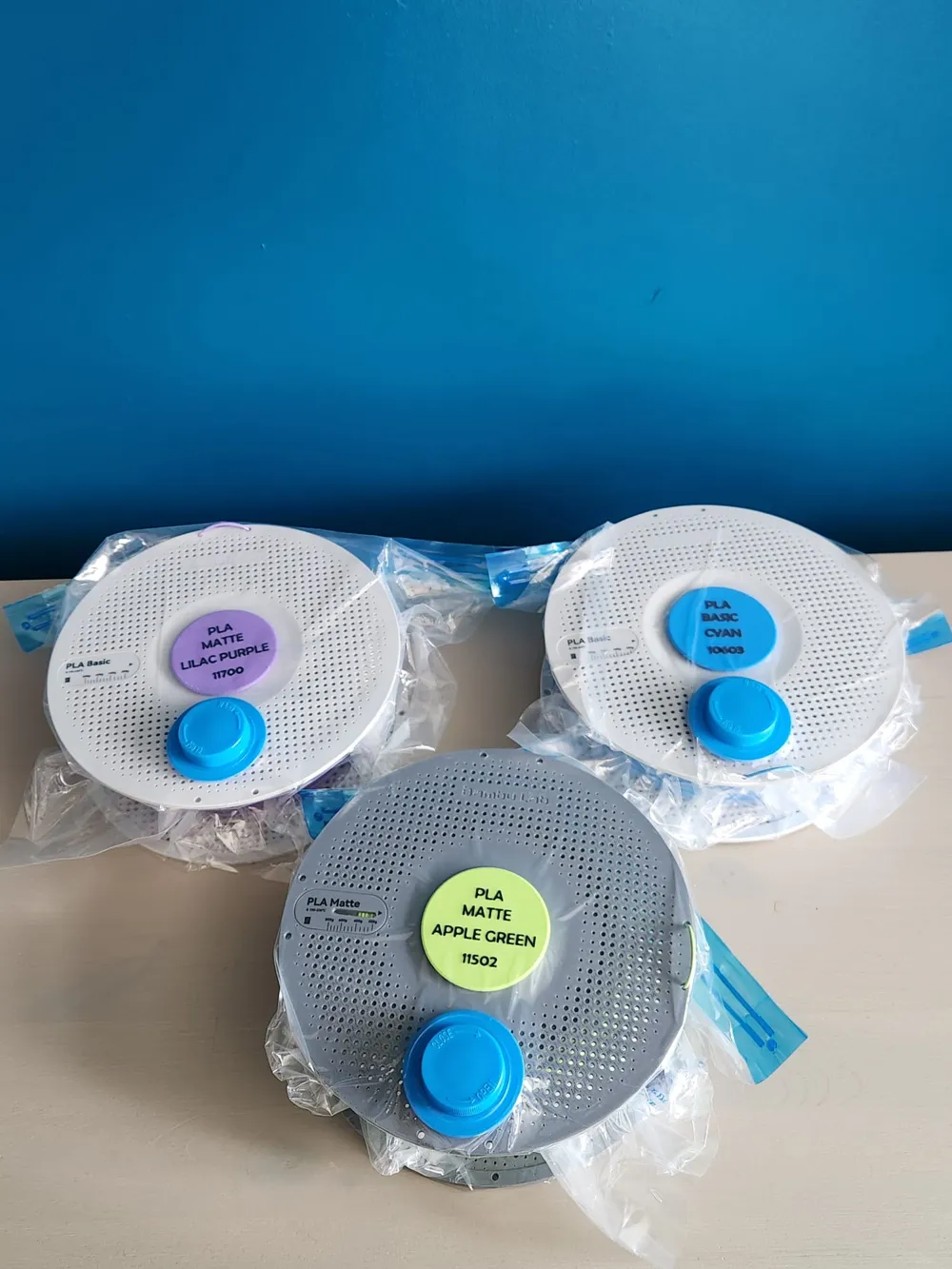
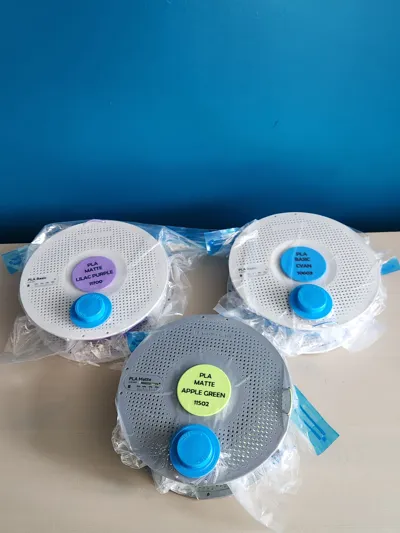
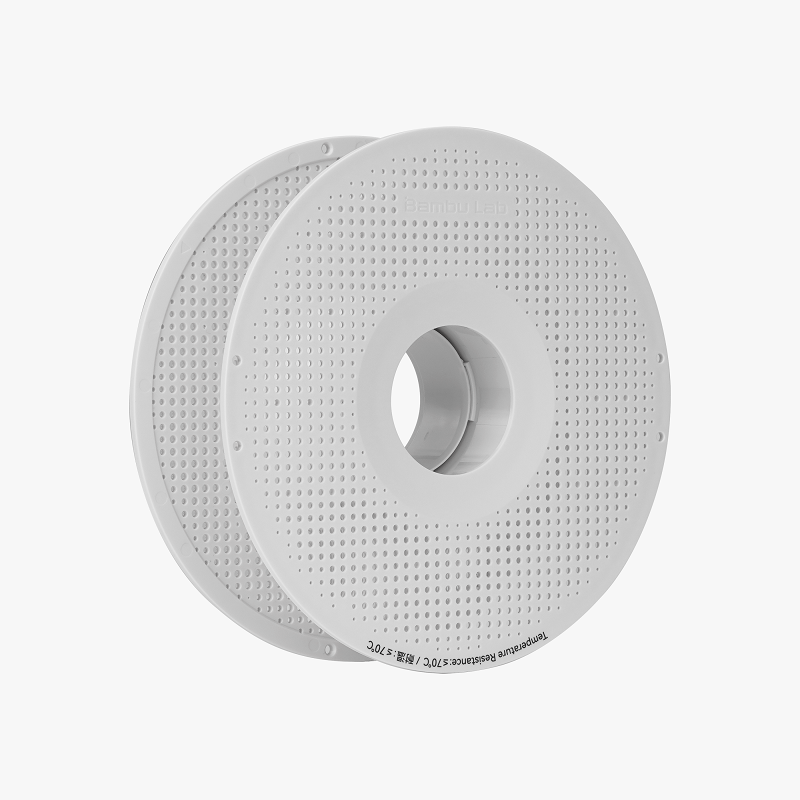
The discs fit inside the spool core, giving you instant visual identification for each filament. Use them with the Spool-Key rack to organize and store your collection efficiently.
Print Information
Single Color Racks
- 4 Disc: 81.67g • 1h 42m
- 5 Disc: 98.57g • 2h 1m
Discs (Color Change)
- 2 Changes: 11.95g • 26m total (~17m each)
2-Color Racks
- 4 Disc: 83.44g • 2h 25m
- 5 Disc: 101.54g • 2h 55m
Notes
- Works with Bambu Labs standard 1kg spools
- Print discs in matching colors for best results
Instructions for editing the discs
In Bambu Studio on the left hand menu select Process>Objects.

Scroll down to the plate that says Spool Keys and select the disc you would like to edit. When you select a disc it will be highlighted with a white box around as shown above.
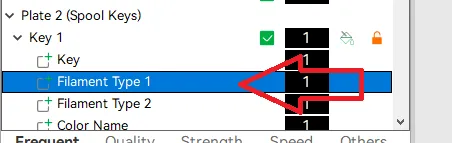
In the submenu is the lines of text. Select which one you want to edit by the line. Filament type 1 is the filament type (pla, petg, etc). Filament type 2 is the type of that plastic (basic, matte, etc). Color name is the name Bambu uses to identify that color in the Bambu store and the Color code is the code.
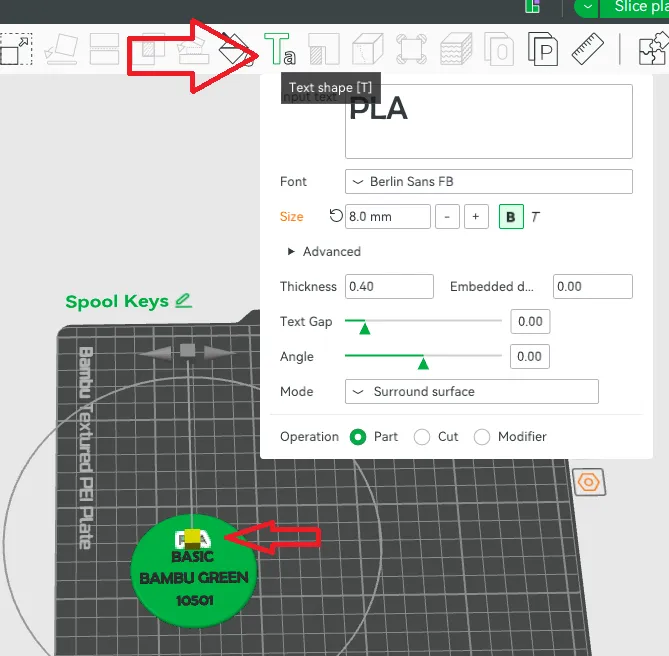
When you have selected your key and which line you would like to edit click the Text key on the top menu as shown. Here you can edit the text, change the font, font six, etc. I have optomized the selection but feel free to change it to your preference. Just make sure it still fits on the disc.
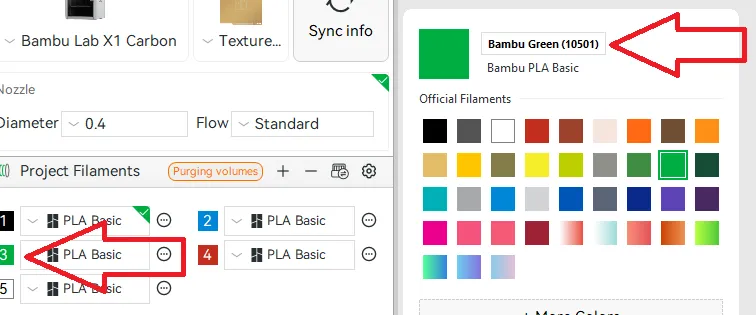
To find out the correct Bambu Color names and Codes sync your filament by pressing Sync info and then click the color (in this case green). On the right hand side a menu will come up and you can see the Color name and code. Please note, you will have to close this window down when typing text into the box.
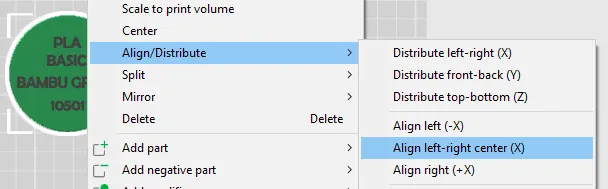
Finally, in the case that your text has moved around on the disc you can allign it by right clicking the disc and selecting Align/Distribute>Align left-right centre.
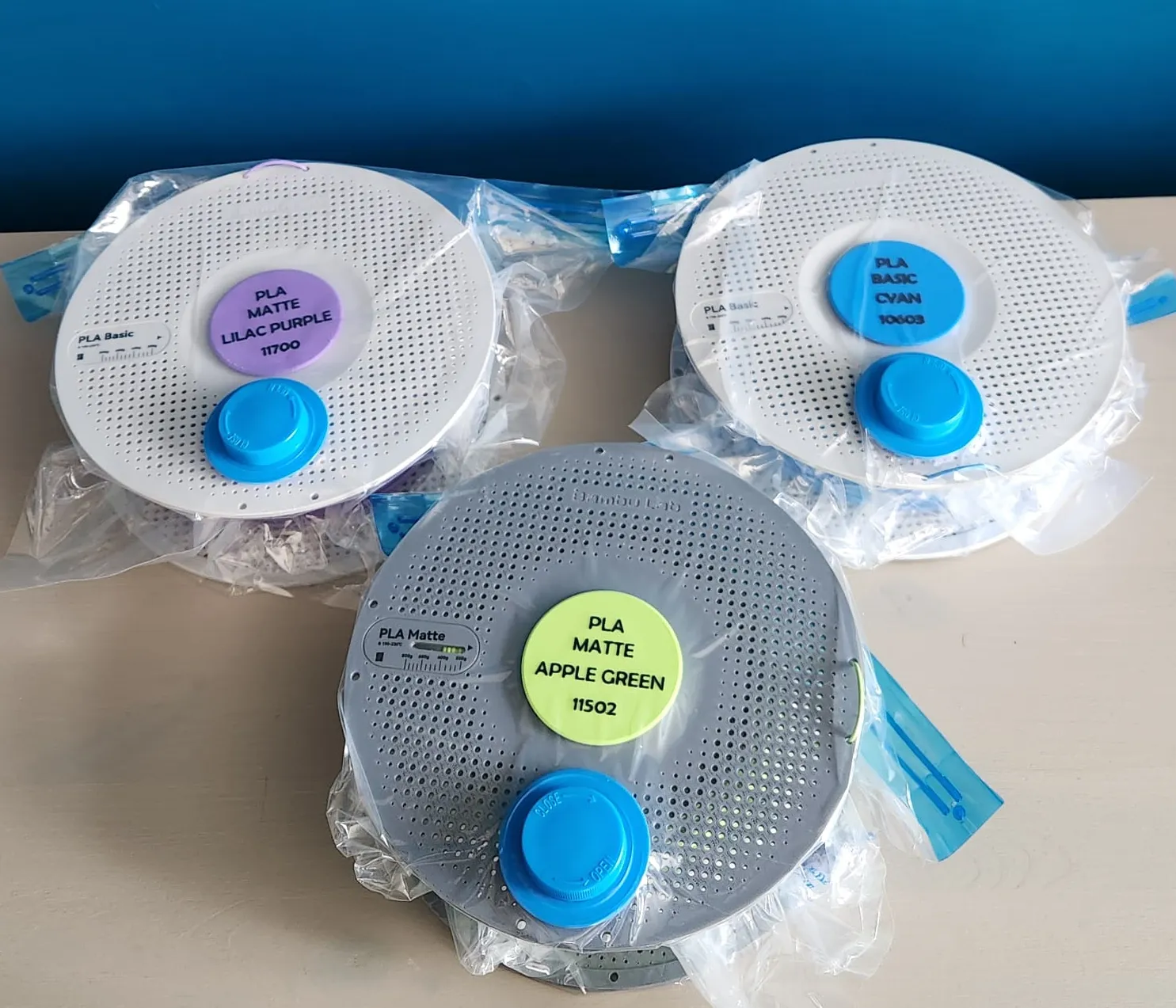
When you're storing your spools away, place the disc into the spool hole and vacuum pack as usual. I personally use the Creality Vacuum Bags you find on amazon.
Boost Me (for free)
If this made your setup clean,
And keeps your filament seen,
A boost would mean a lot
Thanks for every click and thought.
License

You shall not share, sub-license, sell, rent, host, transfer, or distribute in any way the digital or 3D printed versions of this object, nor any other derivative work of this object in its digital or physical format (including - but not limited to - remixes of this object, and hosting on other digital platforms). The objects may not be used without permission in any way whatsoever in which you charge money, or collect fees.


Comment & Rating (1)