
Motorized Card Shuffler
Print Profile(4)
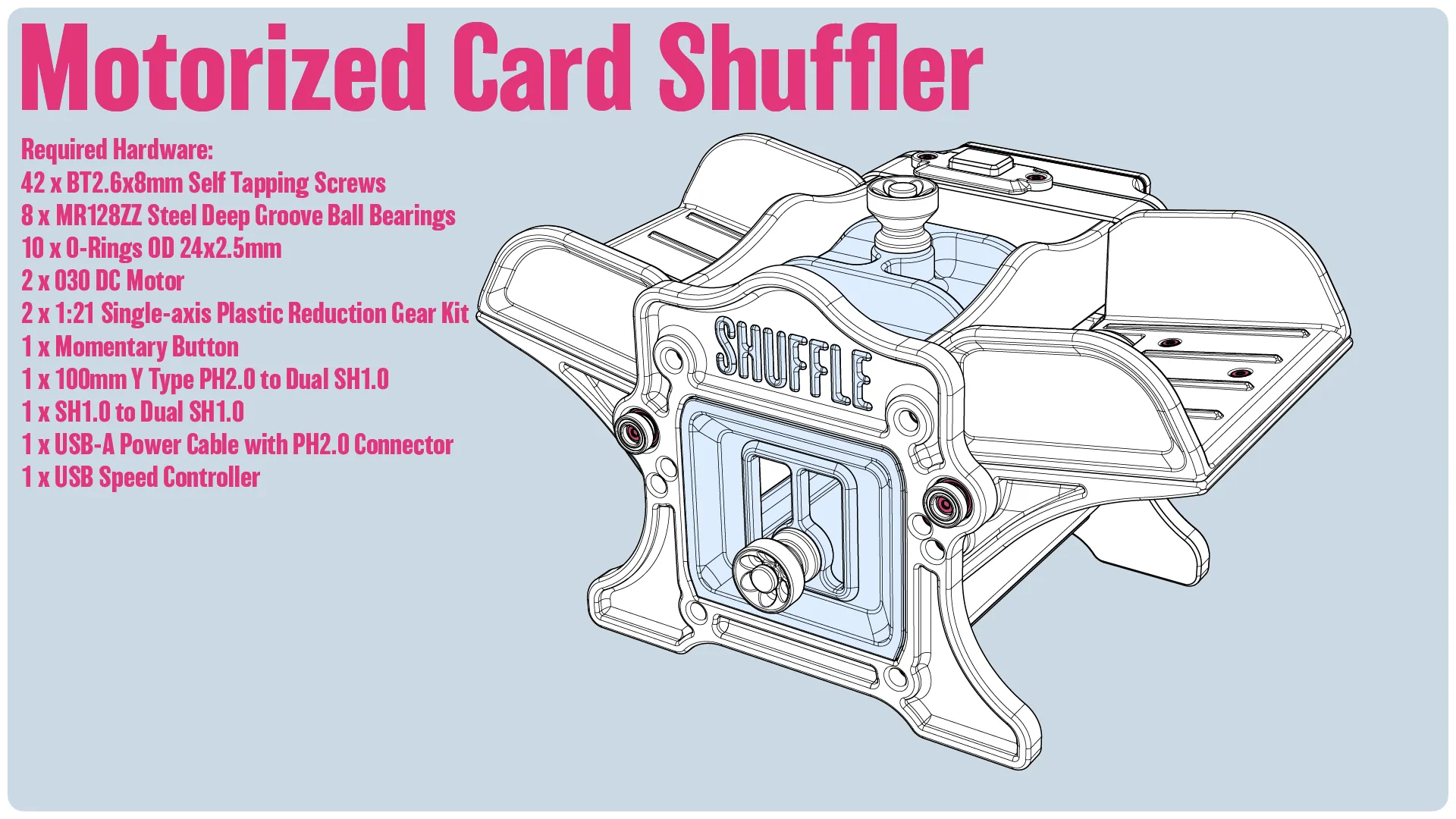
Bill of Materials


.png)


Description
[Introduction]
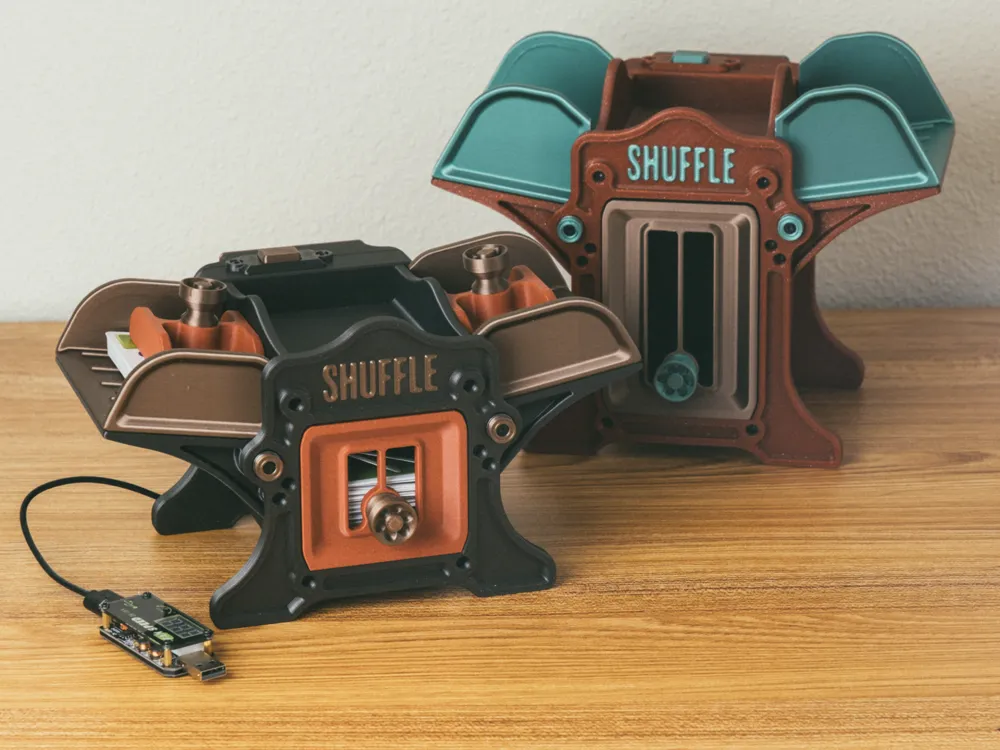
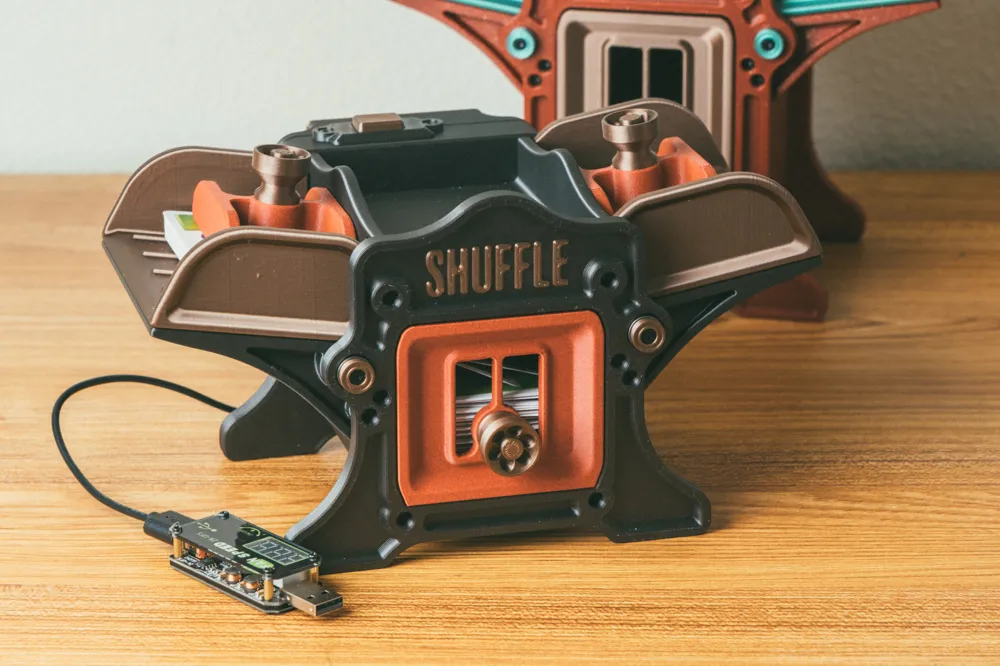
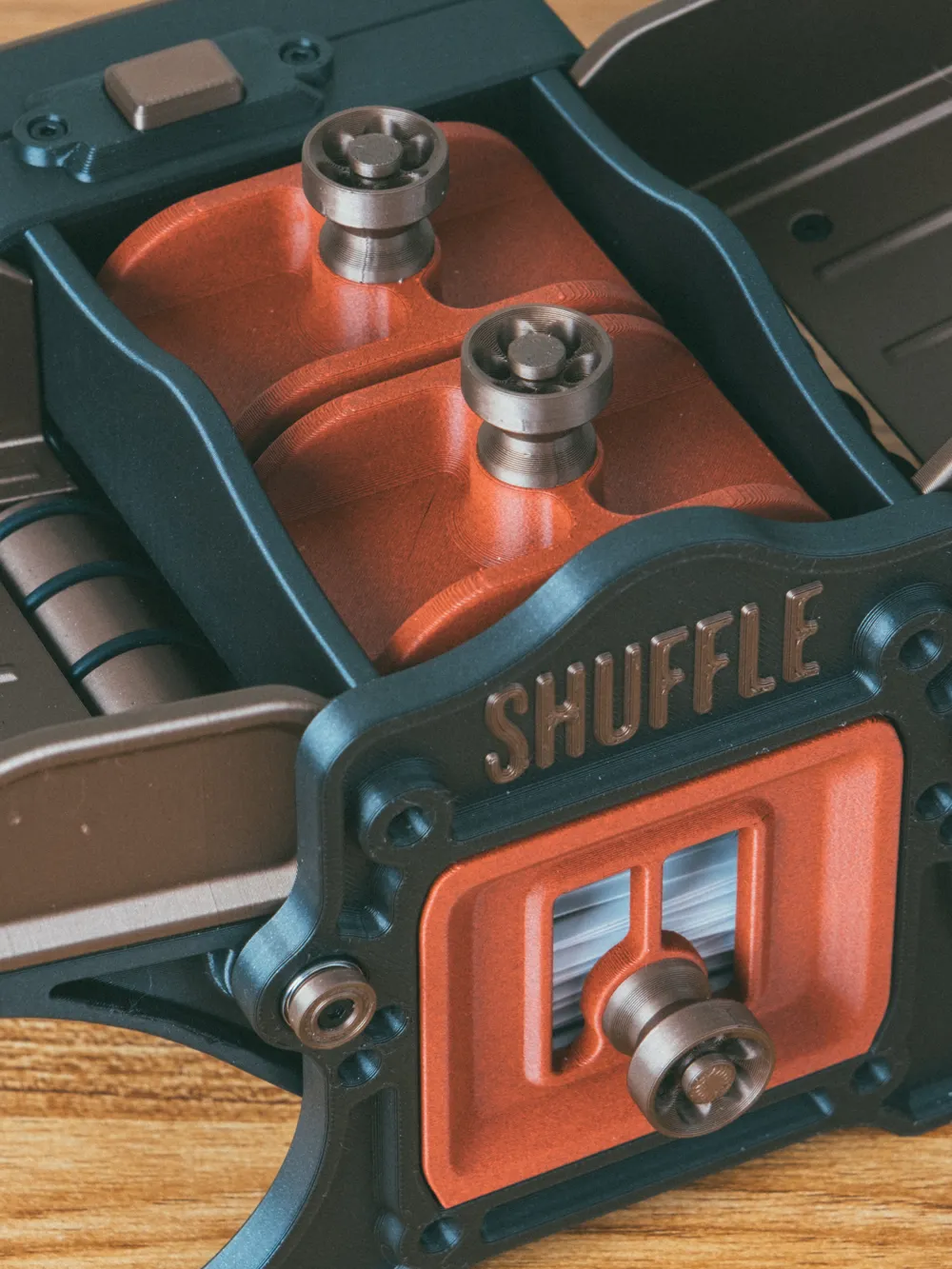
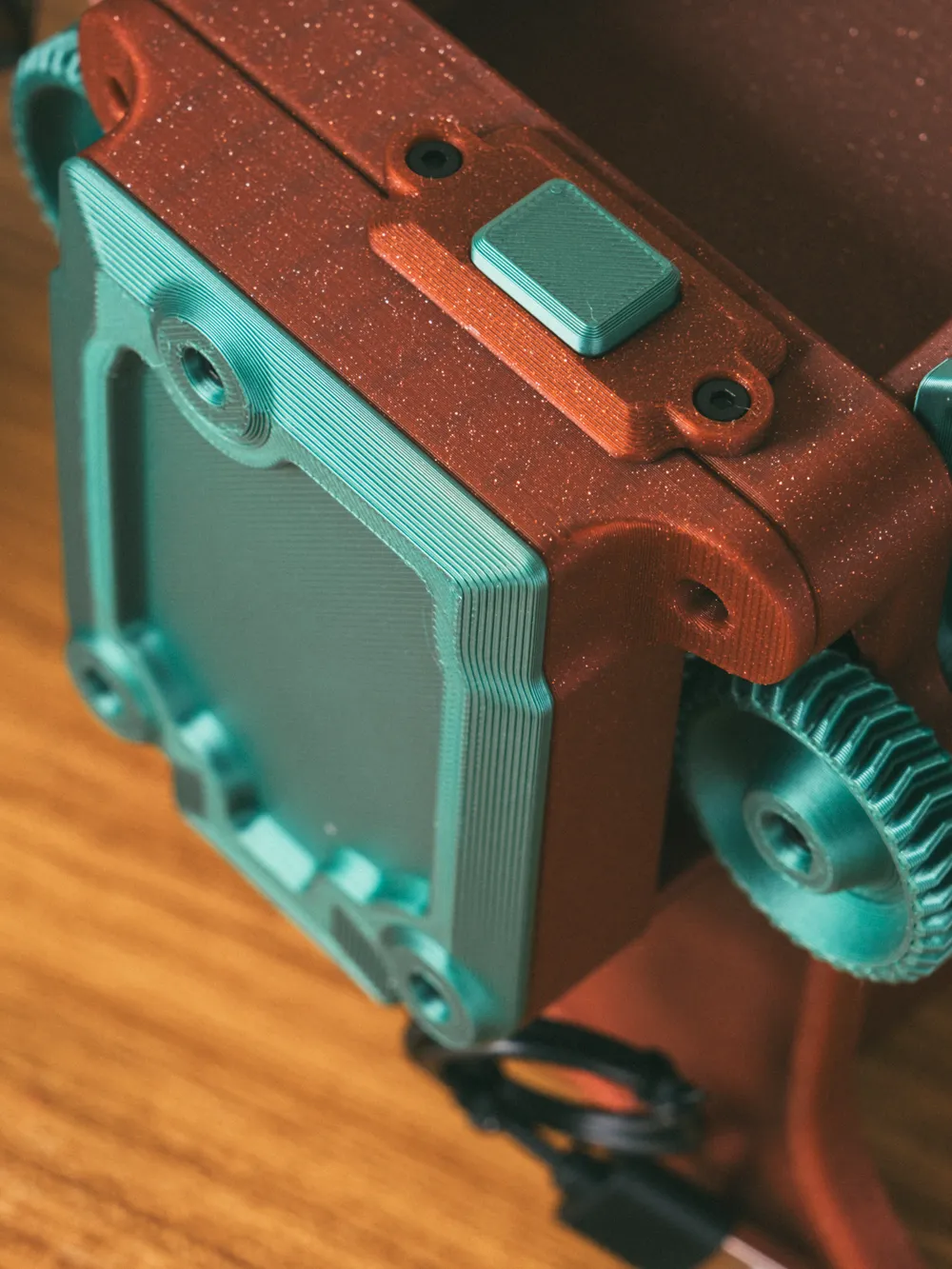
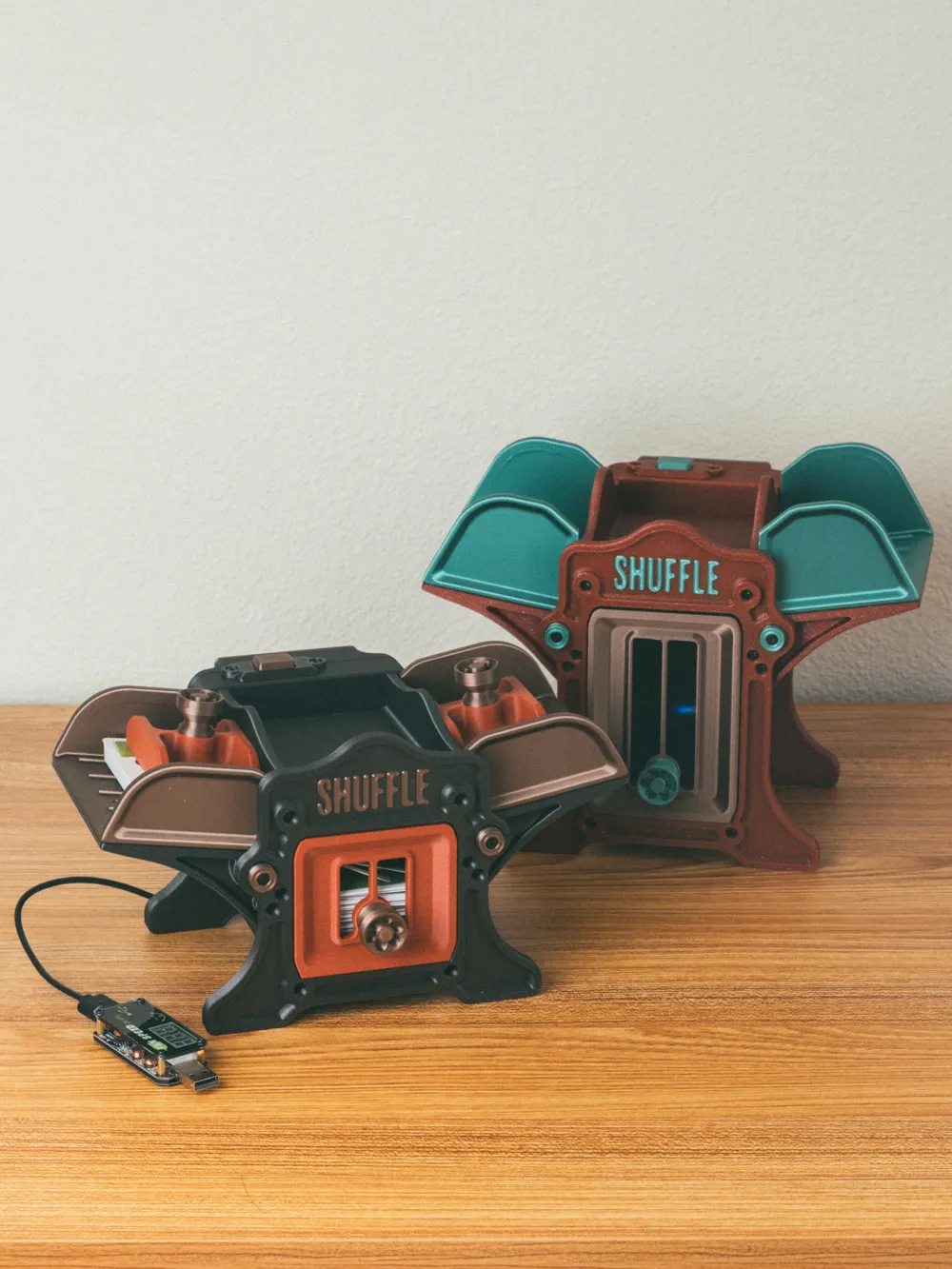
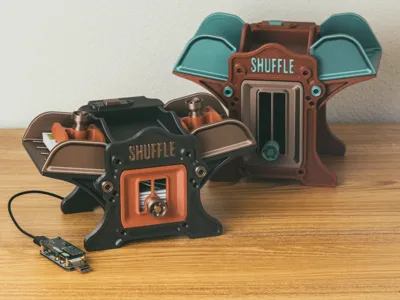
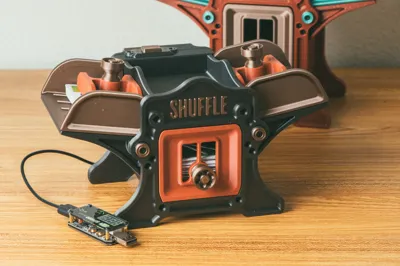
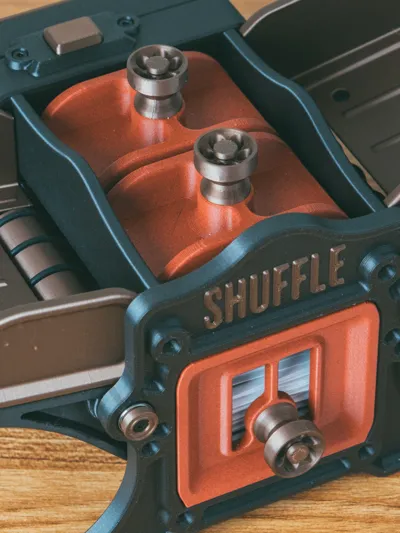
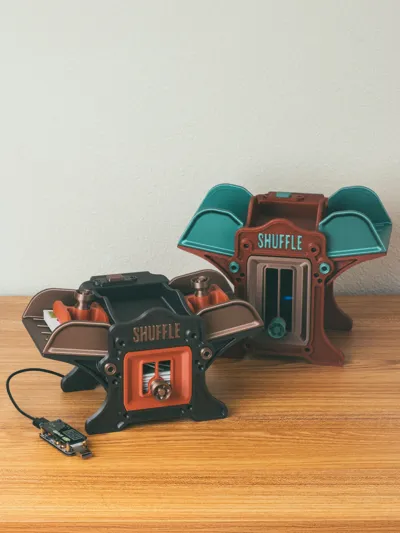
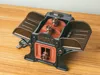
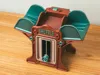
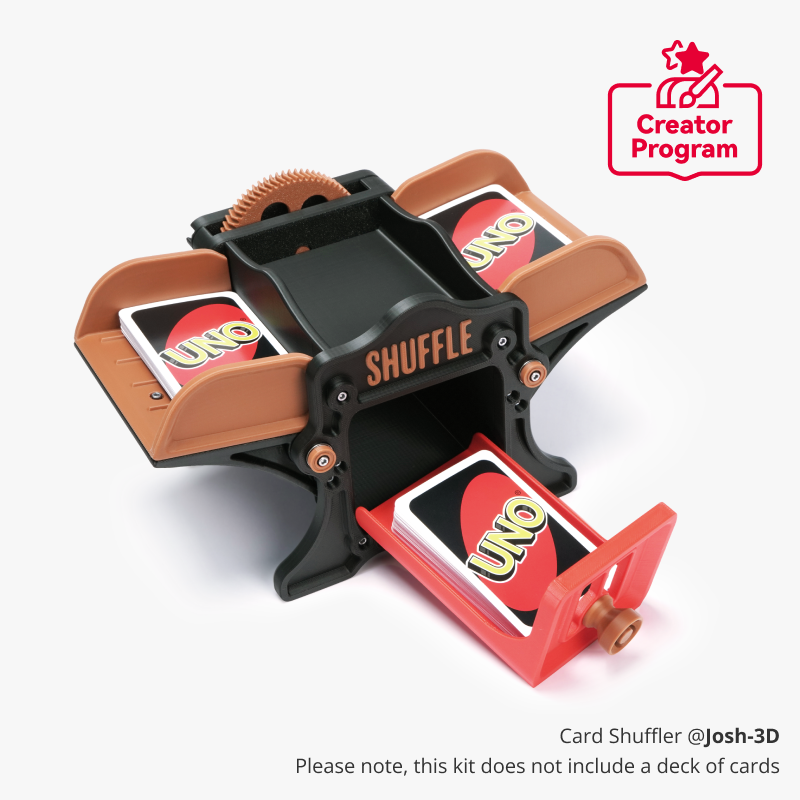
The motorized version of my card shuffler has finally arrived! Utilizing Maker's Supply parts for ease of assembly! And if you have an existing card shuffler? Well, you can upgrade it too, of course!
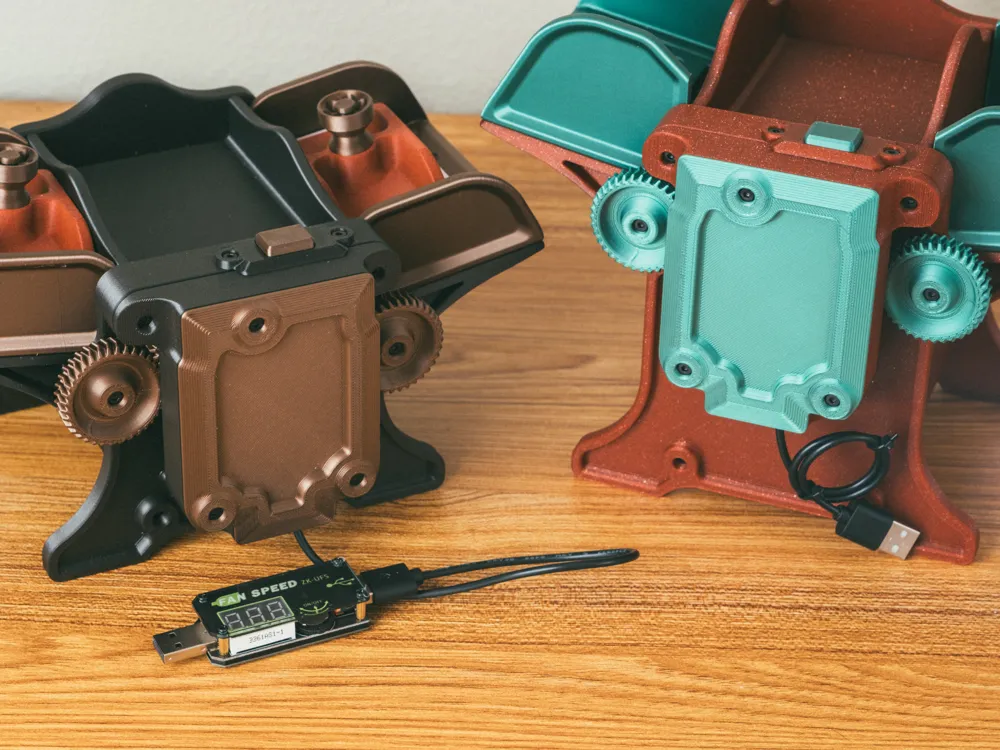
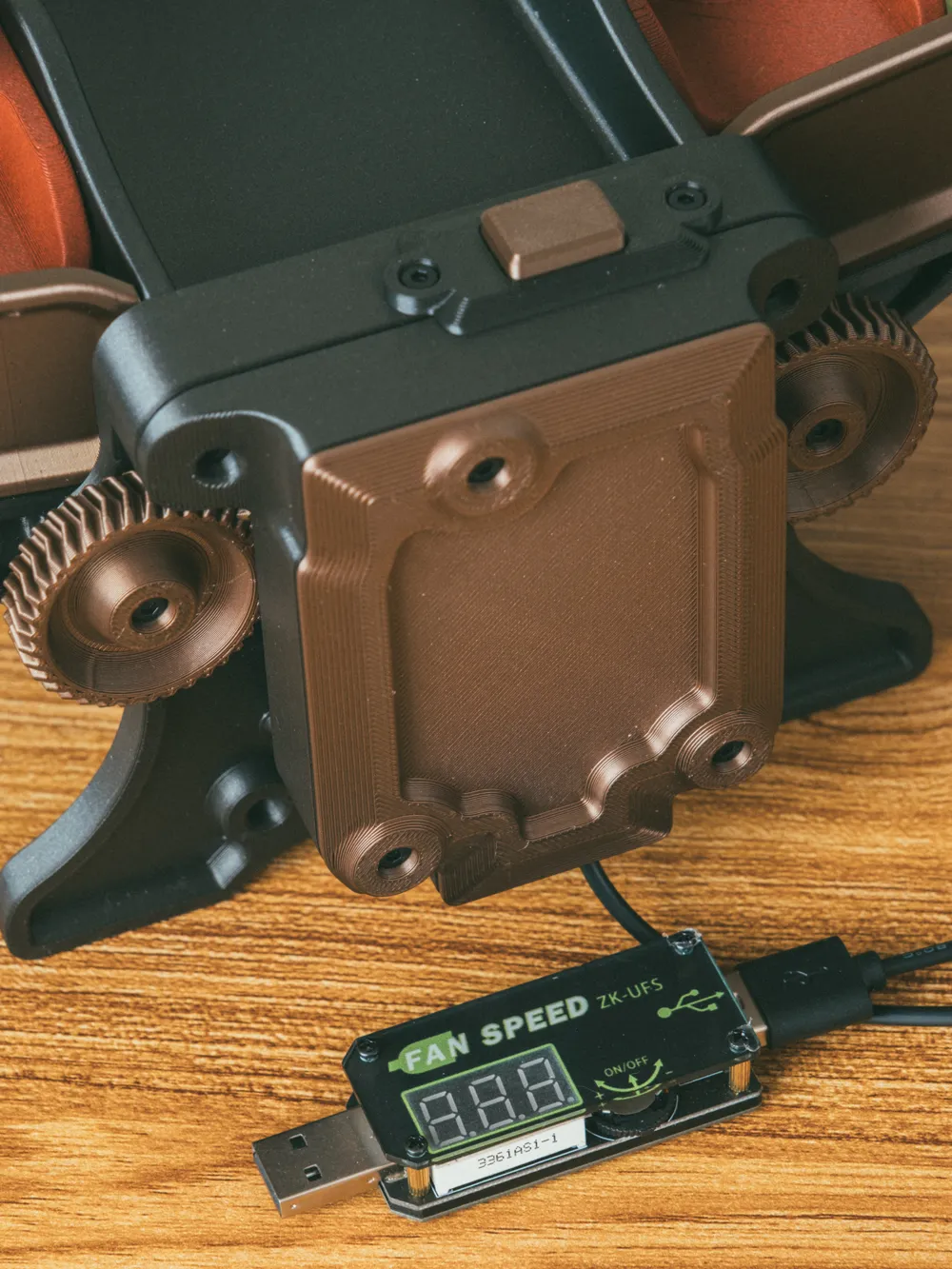
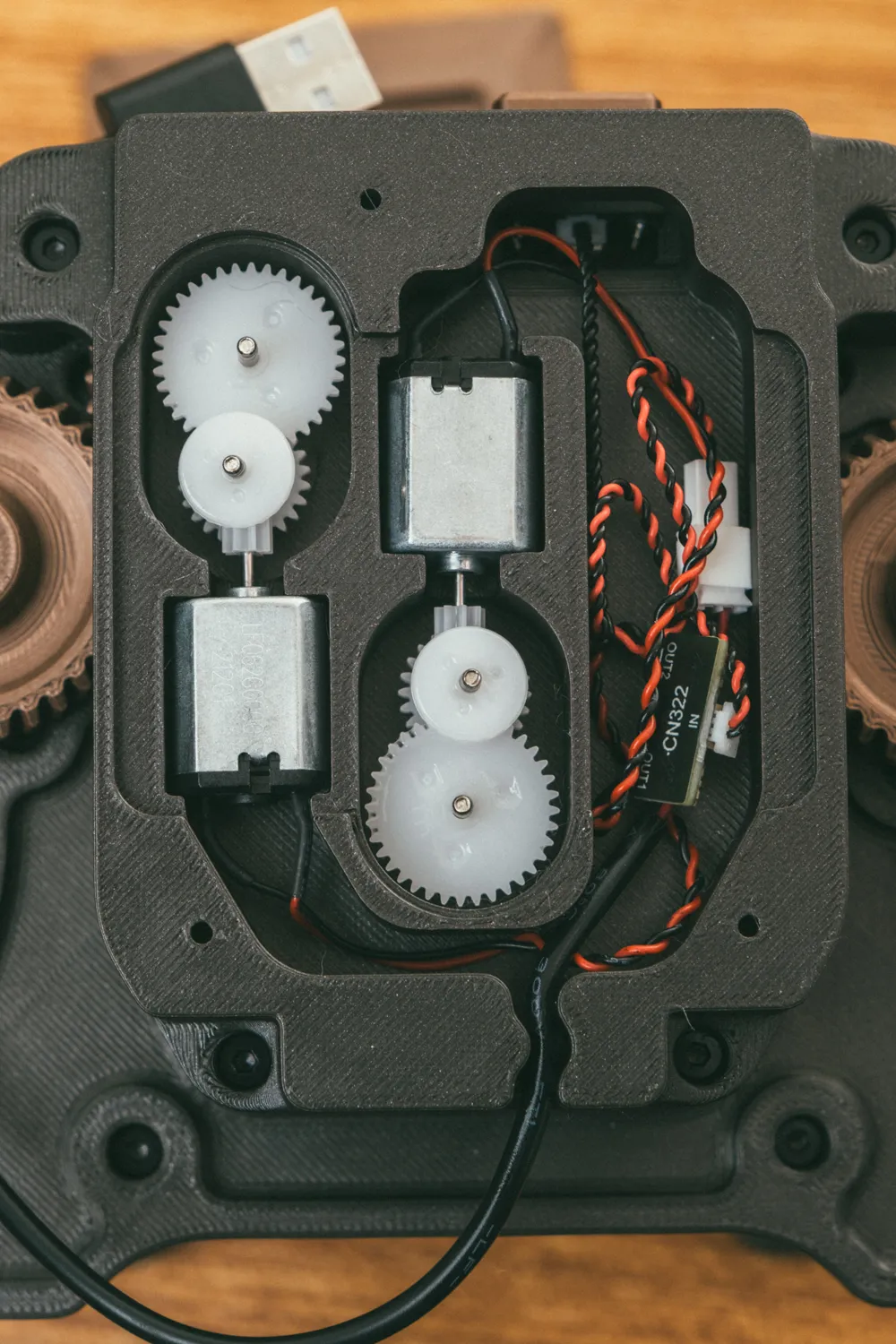
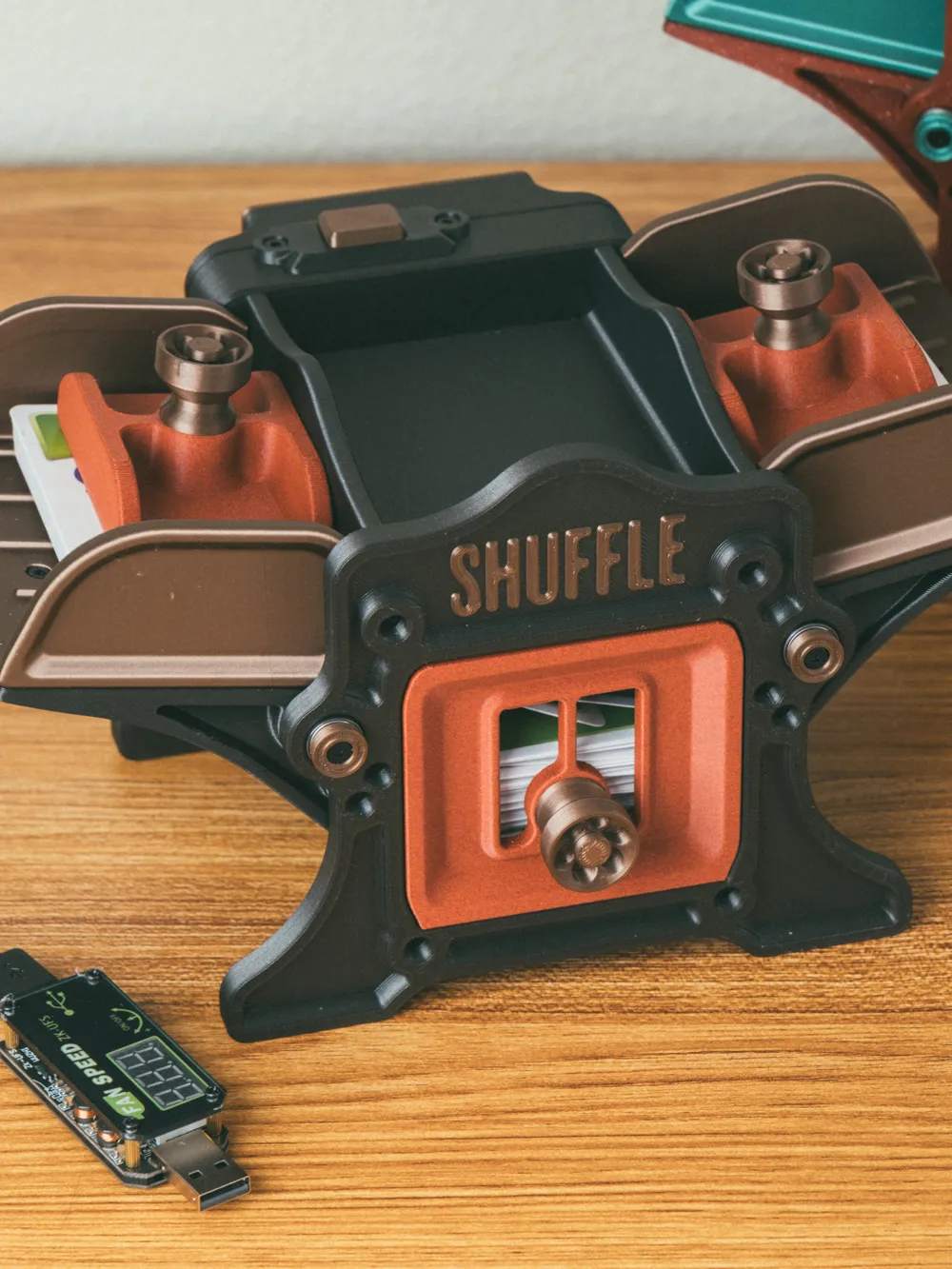
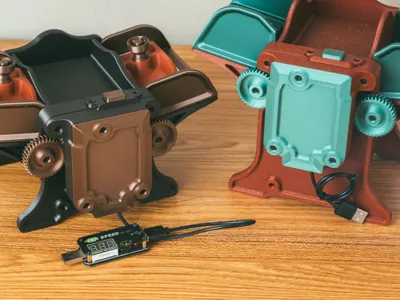
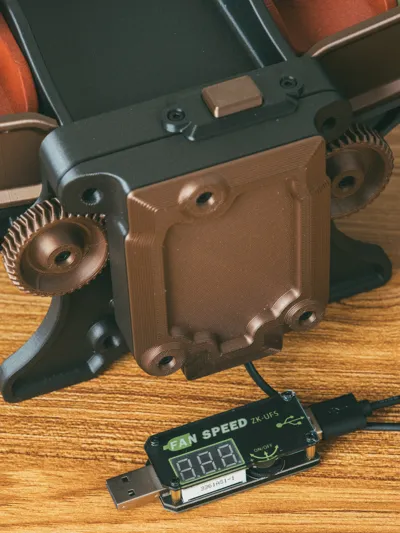
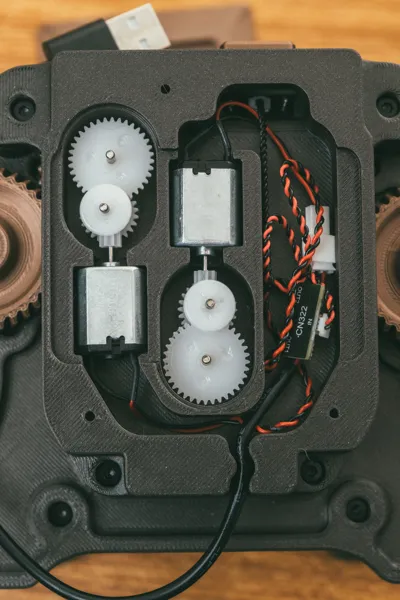
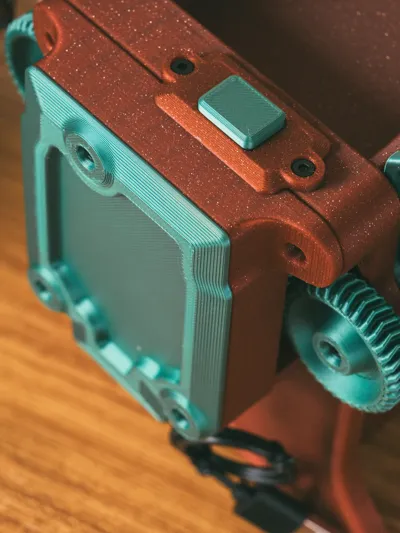
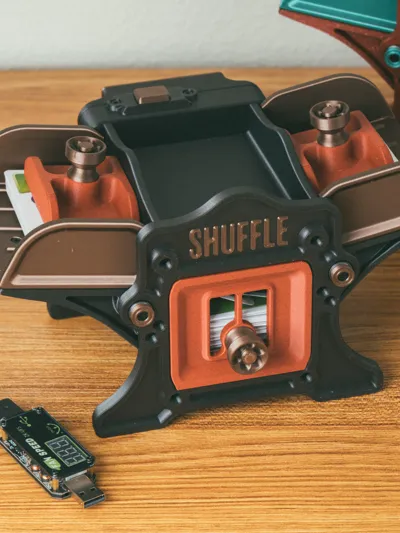
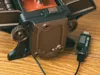
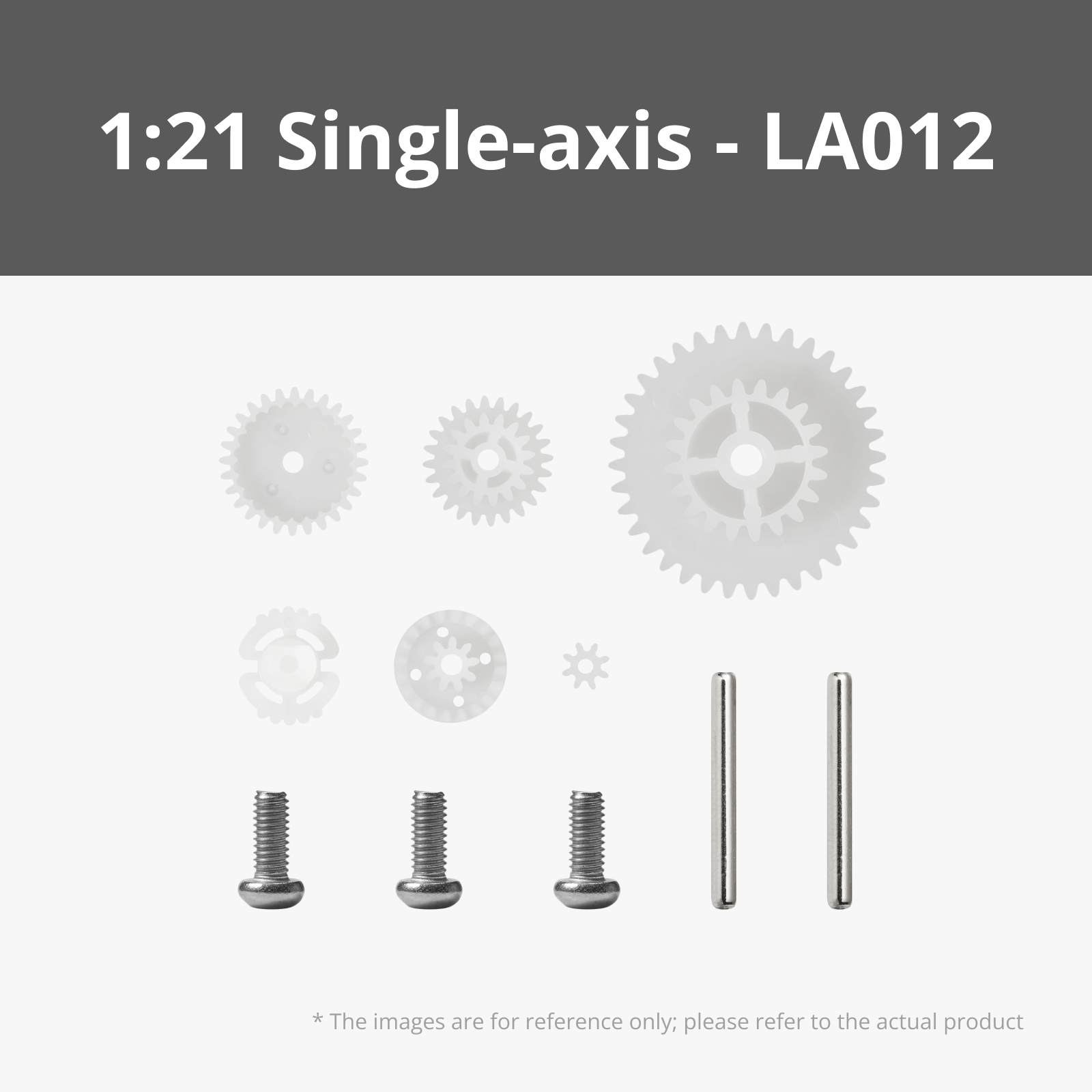
This motorized version uses two 030 DC motors with the 1:21 gear ratio set. It also uses the USB Speed Controller (Essential) so we can pull in 8v for those motors to really spin.
The original design for this card shuffler was inspired by old cast iron machinery, like printing presses.
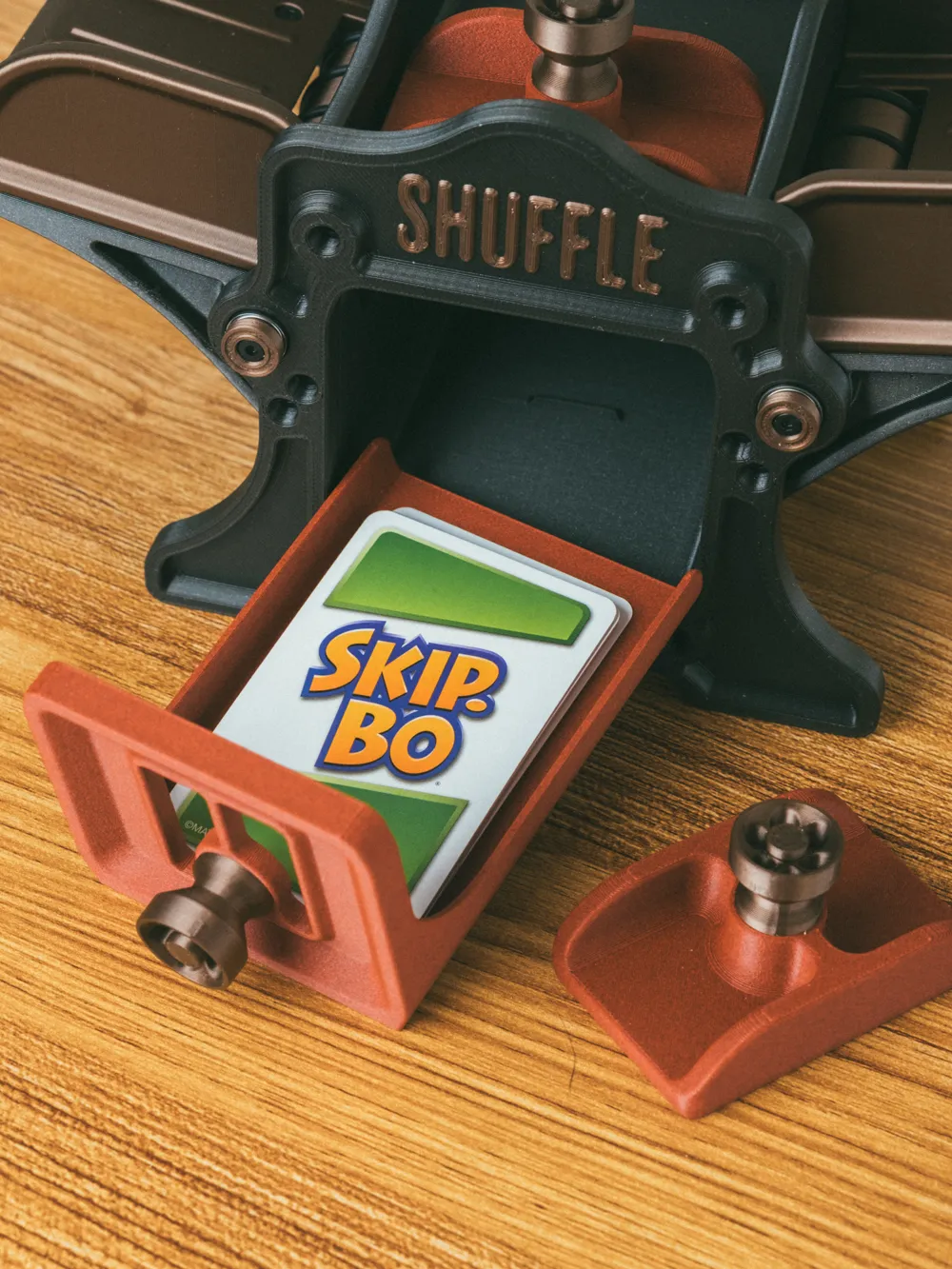
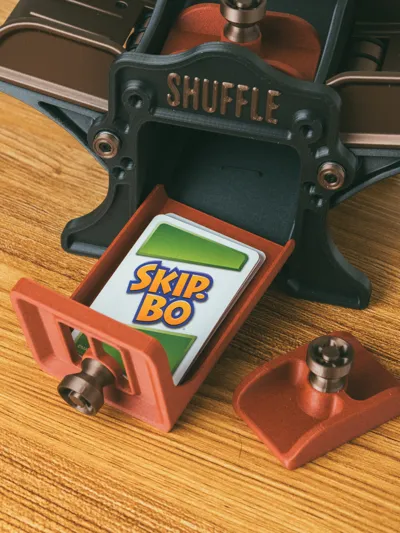
Sized for standard playing cards. (64x89mm + plus sleeves, or there abouts, is the max size card it'll shuffle). I sized the standard version to be able to shuffle a full skip-bo deck, which is 160 cards. It can do about 80 sleeved cards, in testing. The tall version can accommodate about 120 sleeved cards, 140 is about the maximum it can handle. (Motor will start to strain under a lot of cards).
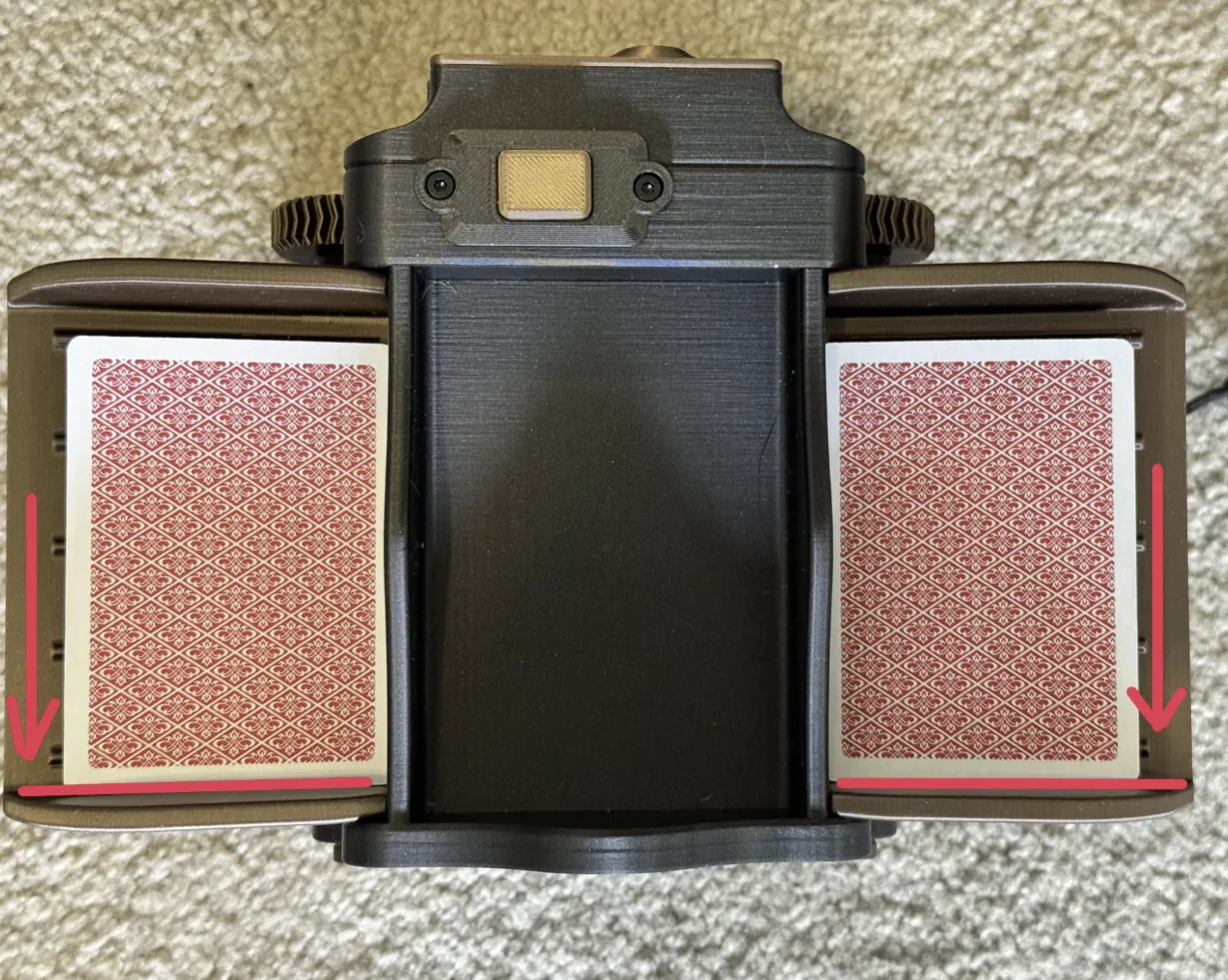
Jams can happen as the card tries to rotate as it feeds through. I explored the issue a little (and possible solutions). It's prone to happen because the card bays are sized to accommodate a variety of sizes, so it gives the cards a bit of room to start to rotate. As it rotates, it'll jam itself against the back wall and the front wall of the card bay. The easiest solution I found that seems to work well is just make sure the cards are squared up towards the front of the shuffler before you start shuffling.
It can also have a hard time sometimes with old worn and well used cards, especially cards that have been shuffled a lot by hand and have a bit of a bend to them. Cards in these conditions tend to be stickier, making them more difficult to separate, or bent just enough that it can't push the card through the narrow slits.
Filaments & Hardware (Full disclosure, I am part of the Amazon Affiliate Program. All amazon links are affiliate links. I earn a small commission from these links without any added cost to you. These links help to support me so I can bring more content for free!)
Featured Filaments
Featured Filaments
Bambu PLA Metallic Iron Gray
Bambu PLA Metallic Copper Brown
Bambu PETG-CF Brick Red
Tall Version:
Bambu PLA Sparkle Crimson Red
Bambu PLA Metallic Oxide Green
Bambu PLA Galaxy Nebula
Hardware
- 42x M2.6x8mm Self Tapping Screws (Bambu's BT2.6x8mm self tapping screws)
- 8x MR128ZZ Ball Bearings
- 10x O-Rings OD 24x2.5mm
- 2x 030 Micro DC Motors with SH1.0
- 2x 1:21 Single-axis Plastic Reduction Gear Kits
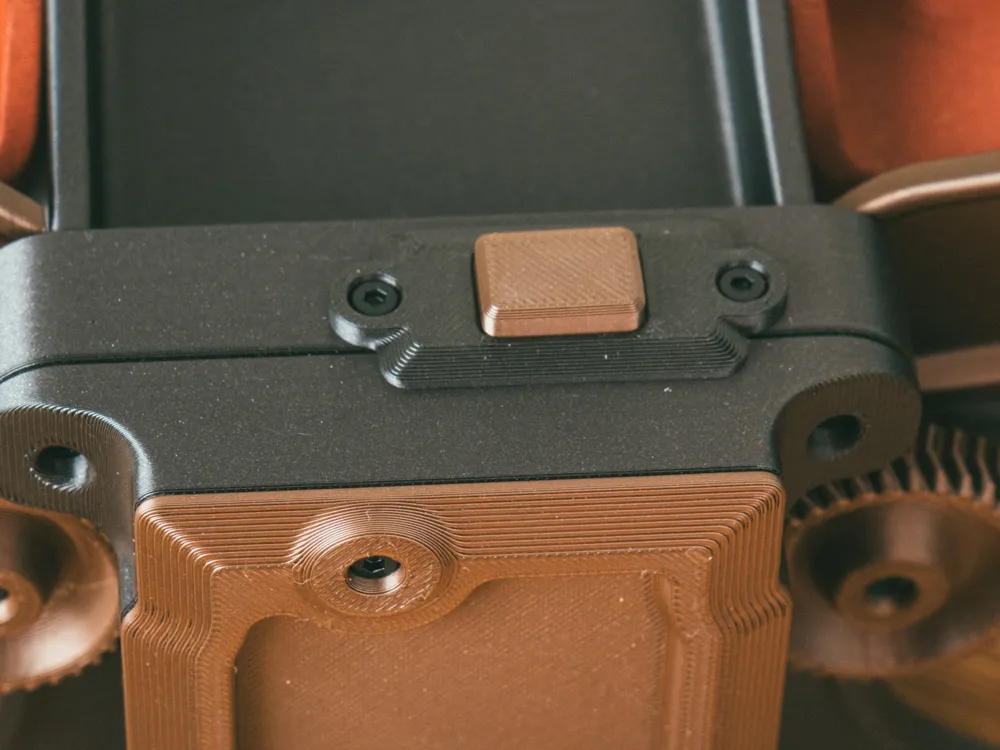
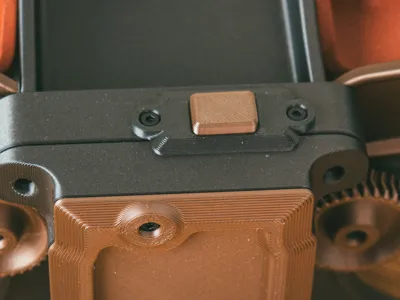
- 1x Momentary Button Module with SH1.0
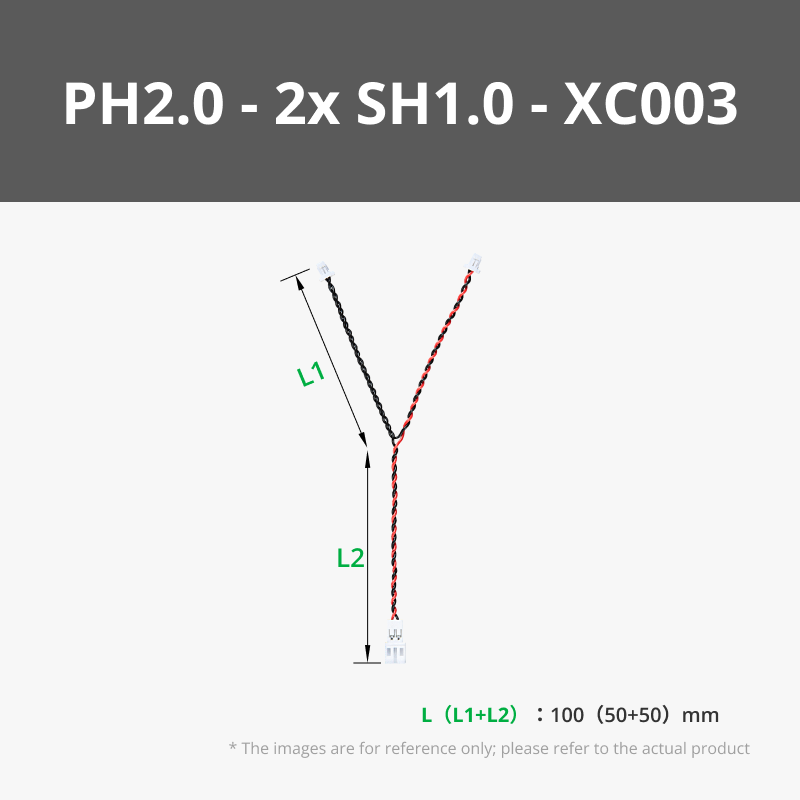
- 1x 100mm Y Type PH2.0 to Dual SH1.0 Conversion Wire
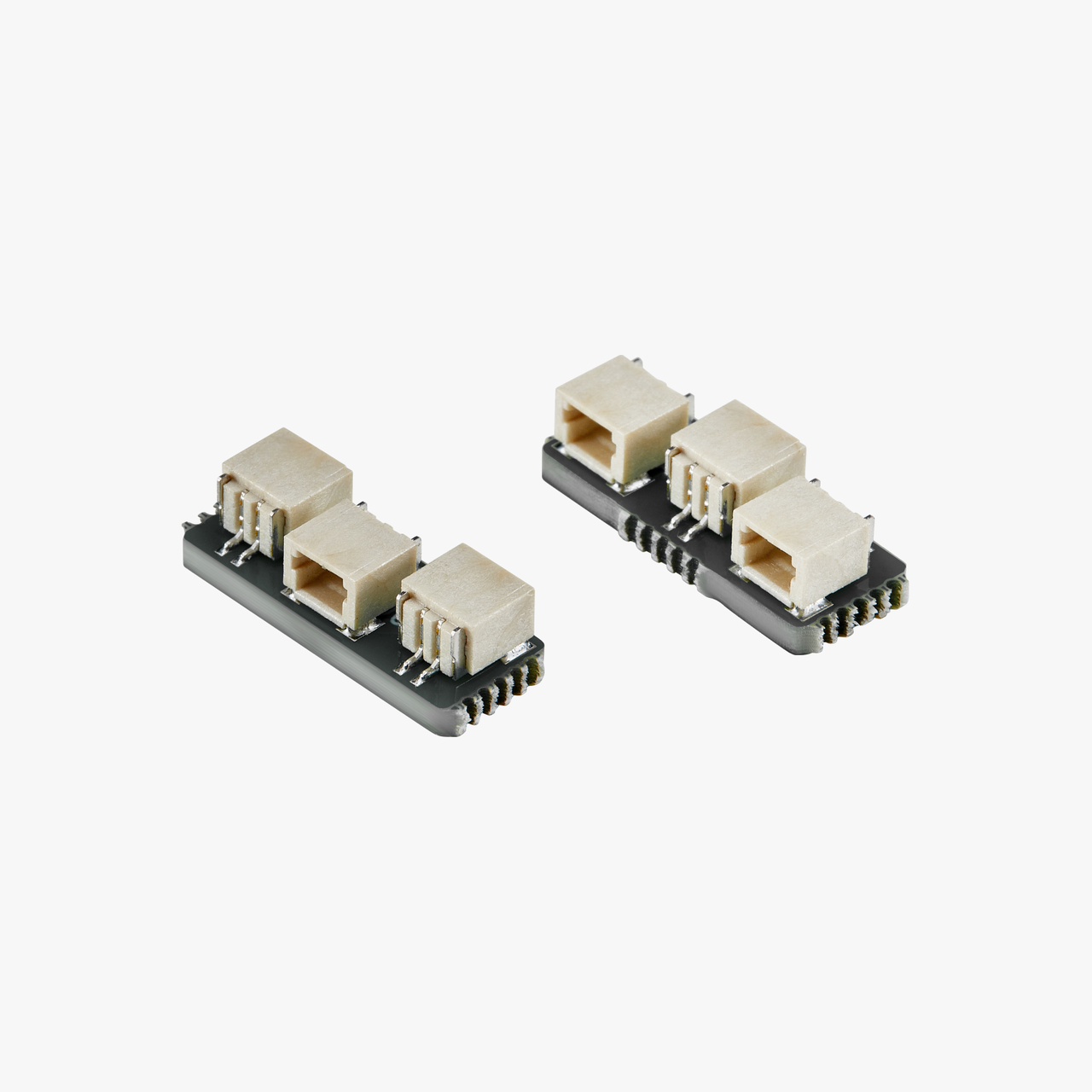
- 1x SH1.0 to Dual SH1.0 Adapter
- 1x USB-A Power Cable with PH2.0 Connector
- 1x USB Speed Controller
The base Shuffler kit from the store includes 40 BT2.6x8mm screws, 10 MR28zz bearings, and the 0-rings needed. So, in addition, you'll need more screws and the electronics, basically. The USB Speed Controller is essential, as a standard USB connection only provides 5v. The USB Speed Controller allows you to bump it up to 8v, getting the speed and torque needed.
Optional
I recommend utilizing a USB Extension cable like This one from cable matters
Assembly
Check out the PDF Instructions for the assembly guide. There's a guide for the full assemble, and a guide for the upgrade, if you're upgrading your existing shuffler.
-------
If you like my work, consider showing your love by Buying me a coffee. Additionally, if you're looking to sell prints of my design, please check out my Patreon page for more information.
Documentation (2)
License

You may create derivative works based on this object, provided that all such derivative works are published exclusively on the MakerWorld platform and include proper attribution to the original creator. You may not share, upload, host, distribute, or publish this object—or any derivative work of this object—on any other digital platform, marketplace, or distribution channel. Commercial use of this object and any derivative works is strictly prohibited. This includes, but is not limited to, selling, renting, sublicensing, or using the object in any context in which you receive monetary compensation or other financial benefits.


Comment & Rating (43)