
Mickey Mouse "Wall Crash"-Fake impact wall decal
Print Profile(2)
Description
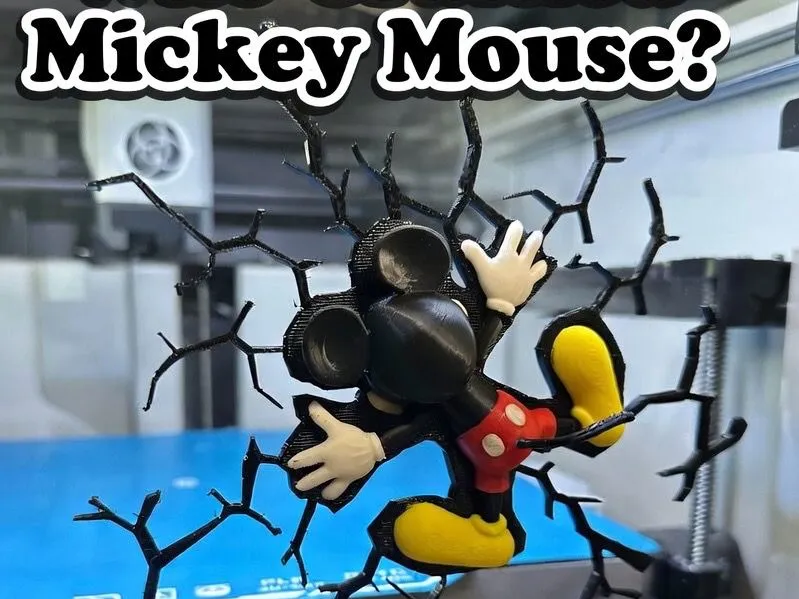
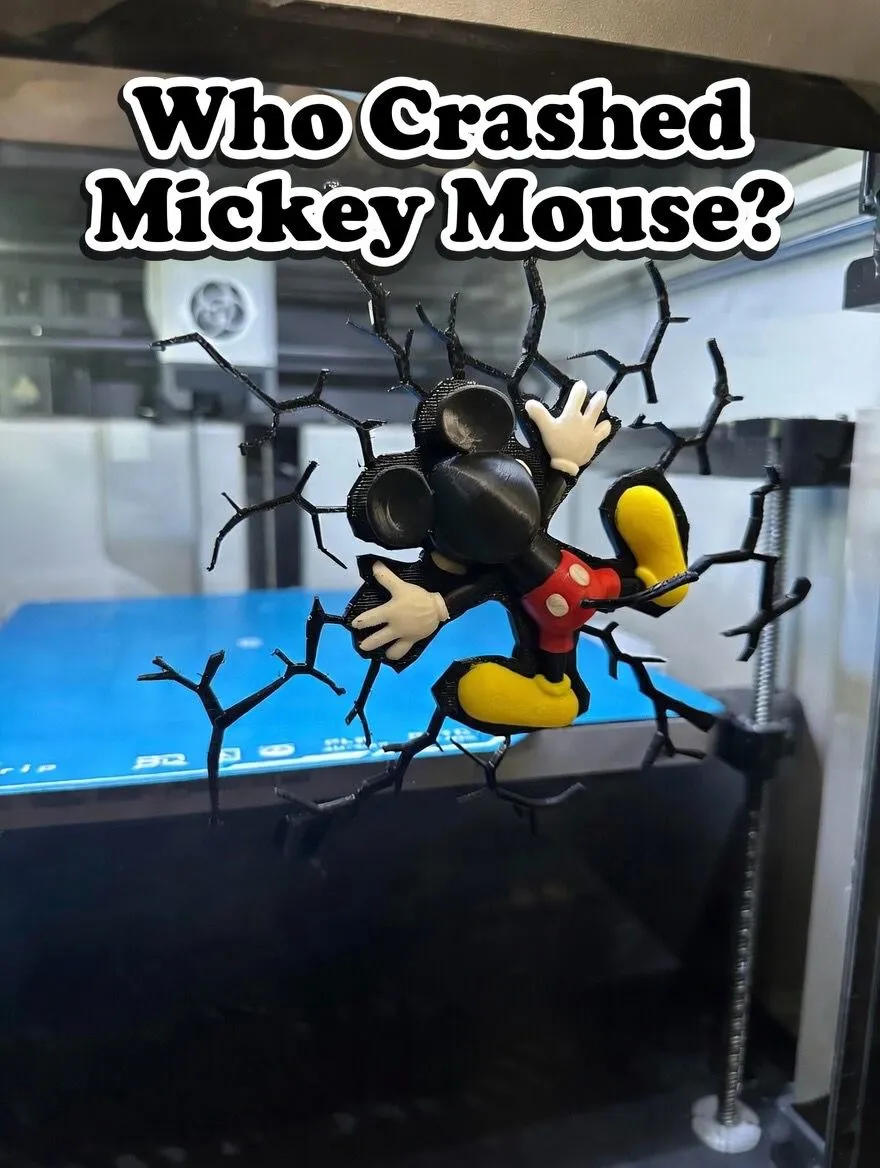
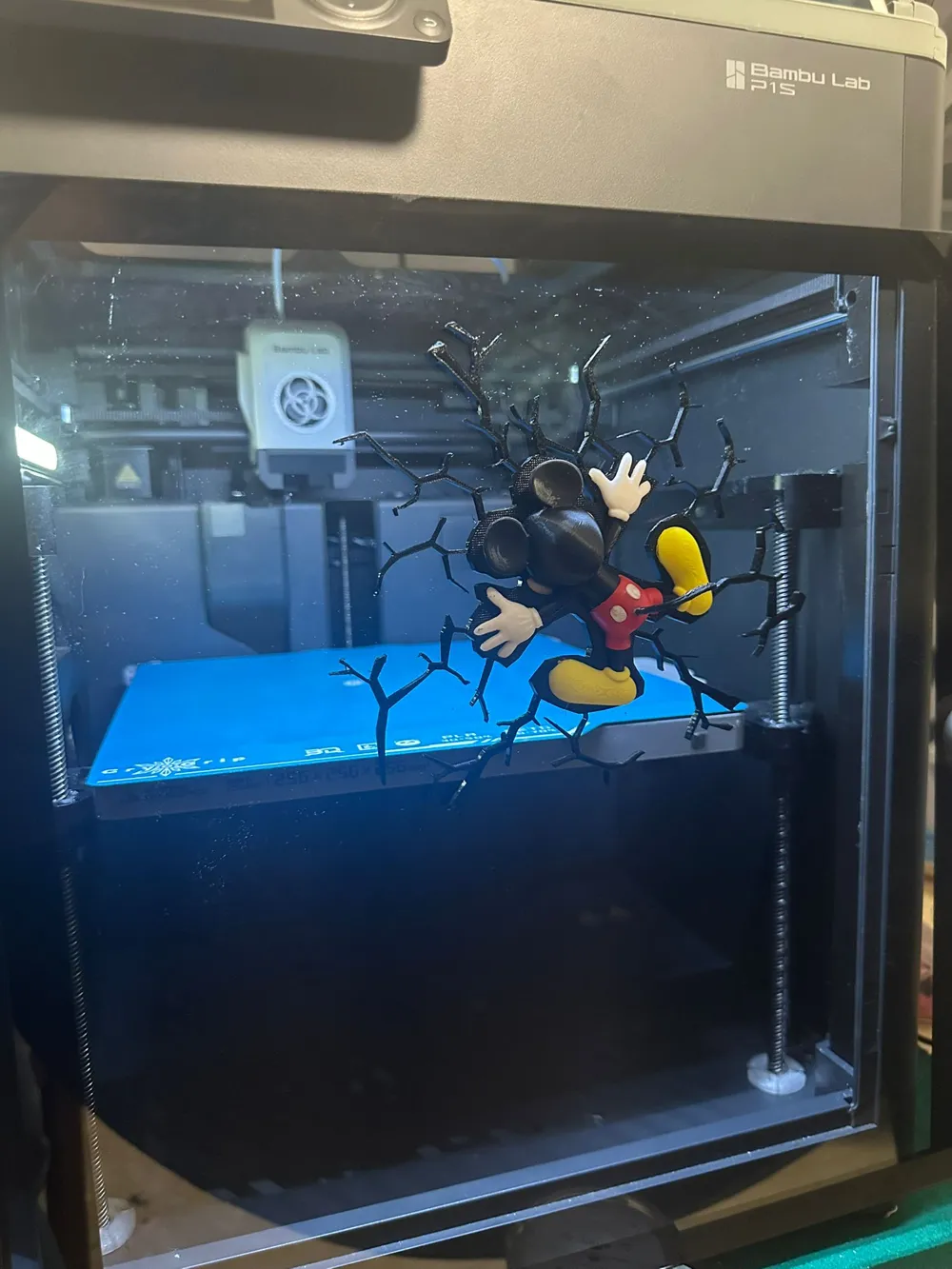
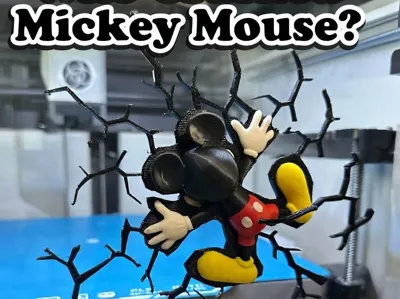
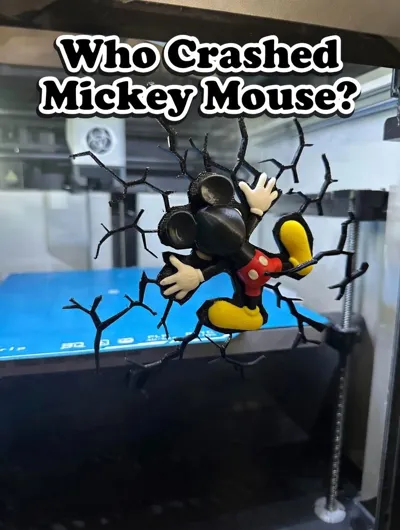
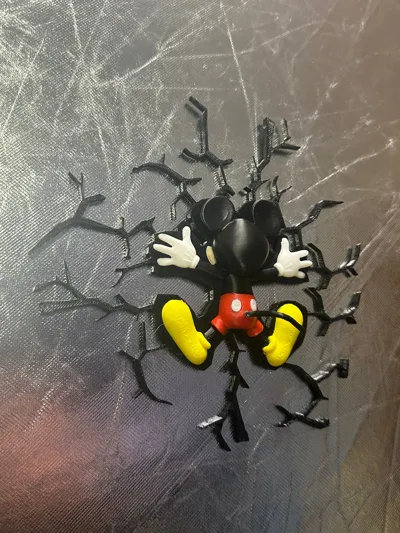
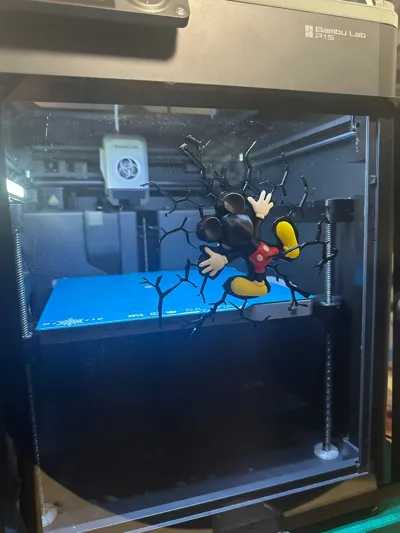
Mickey Mouse "Wall Crash" - 3D Multi-Piece Wall Art & Magnet
Add a touch of Disney magic (and a bit of chaos) to your home with this Mickey Mouse "Impact" display!
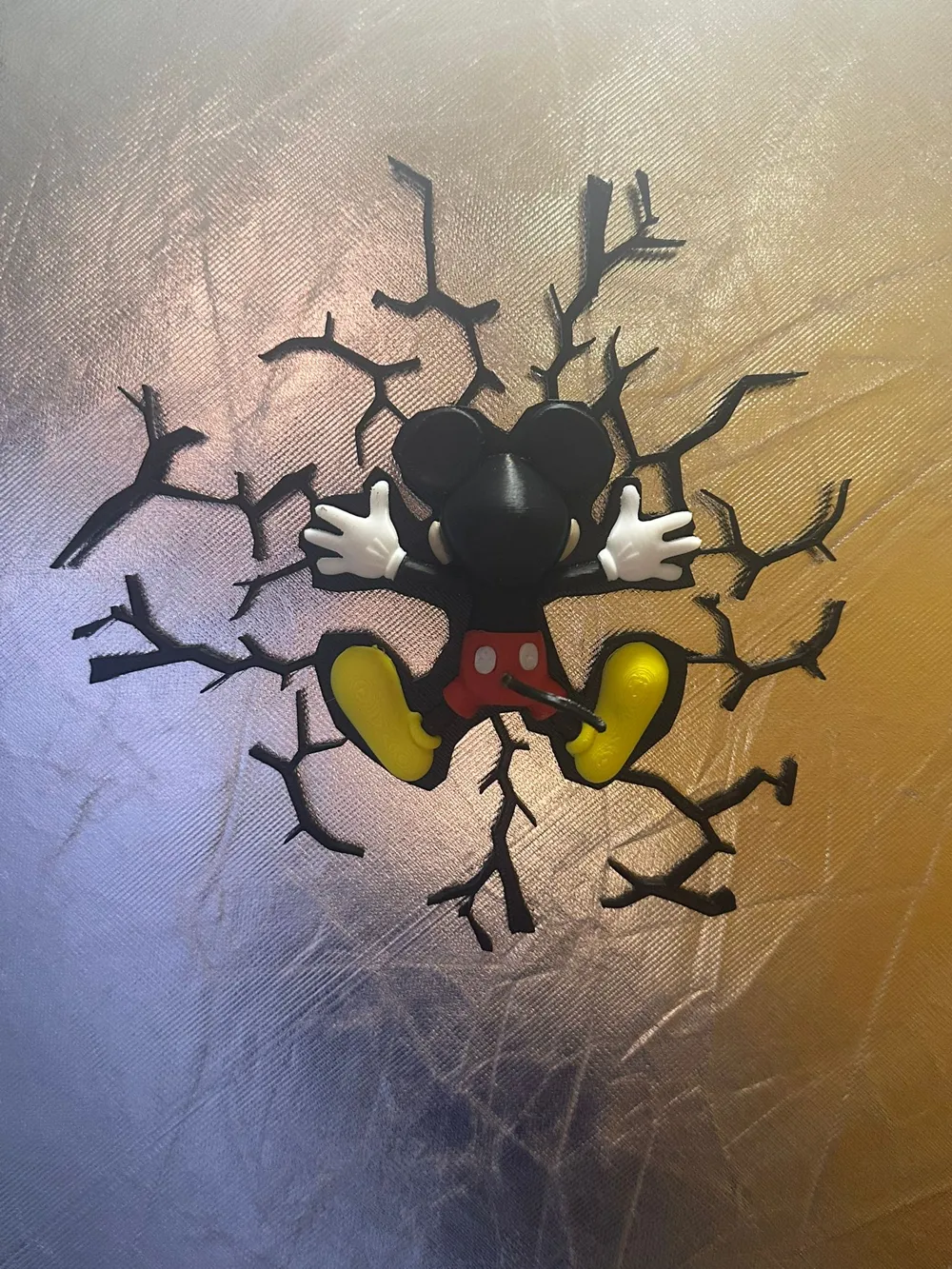
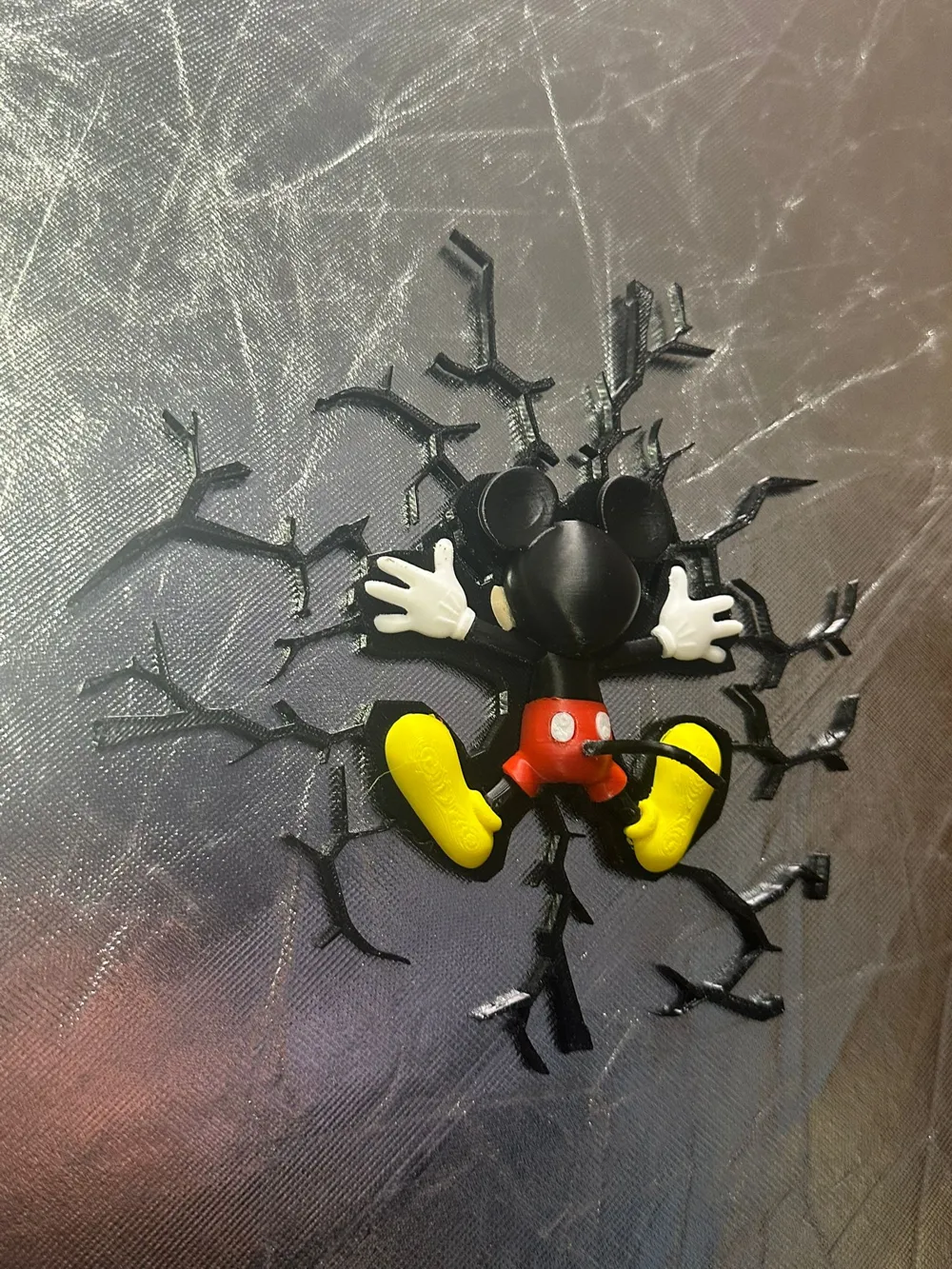
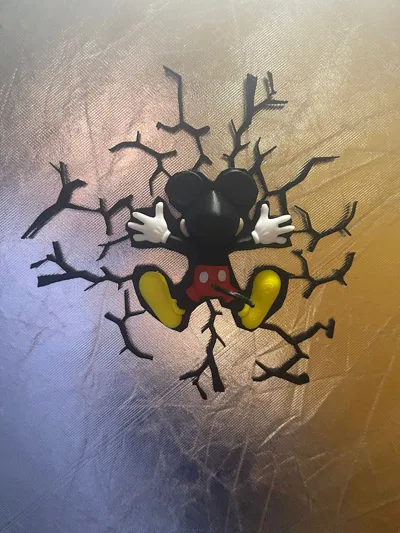
This 3D model features the world’s most famous mouse in a fun, dynamic "crash" pose. Designed with a multi-piece cracked-wall effect, it looks as if Mickey just zoomed right into your wall or fridge. It’s a playful, high-quality decorative piece that’s easy to print and assemble.
Key Features:
- Iconic Design: A back-view of Mickey Mouse in his classic red shorts and yellow shoes, captured in a comical impact moment.
- Smart Magnetic Mounting: The main Mickey figure includes two integrated slots for 10mm magnets on the back. Perfect for:
- The Kitchen: Use it as a giant, eye-catching fridge magnet.
- The Office: Stick it to magnetic whiteboards or metal cabinets.
- The Bedroom: Use mounting tape to fix it to any standard wall for a permanent "crash" effect.
- Easy to Print (Multi-Piece): The model is divided into separate parts (Body, Gloves, Shoes, Shorts, and Cracks). This allows you to print in the correct colors even without an AMS, though it is fully AMS-compatible for a seamless experience.
- Scalable: While designed for a standard 256x256mm bed, you can scale the entire set. (Note: Scaling will change the magnet hole size).
Printing & Assembly Instructions:
- Filament Colors: * Black: Head, ears, and wall cracks.
- Red: Shorts.
- Beige: face
- Yellow: Shoes.
- White: Gloves and buttons.
- Magnets: Fits two 10mm x 2mm circular magnets. Use a small drop of superglue to keep them permanently in place.
- Wall Assembly: * Place the Mickey figure first.
- Scatter the "crack" pieces around him to create your desired level of "damage." They can be easily attached to walls with a tiny bit of poster tack or double-sided adhesive.
- Supports: Minimal supports are recommended for Mickey's head/ears depending on your printer’s bridging capabilities.
Technical Specs:
- Compatibility: Bambu Lab P1P, P1S, X1C, A1, and A1 mini.
- Magnet size: 10mm diameter.
- Assembly time: Less than 5 minutes.
If you love this design, please leave a 5-star rating and upload a photo of Mickey crashing into your home!
License

You shall not share, sub-license, sell, rent, host, transfer, or distribute in any way the digital or 3D printed versions of this object, nor any other derivative work of this object in its digital or physical format (including - but not limited to - remixes of this object, and hosting on other digital platforms). The objects may not be used without permission in any way whatsoever in which you charge money, or collect fees.


Comment & Rating (18)