
The HORNET - Customizable Returning Boomerang
Print Profile(1)
Description
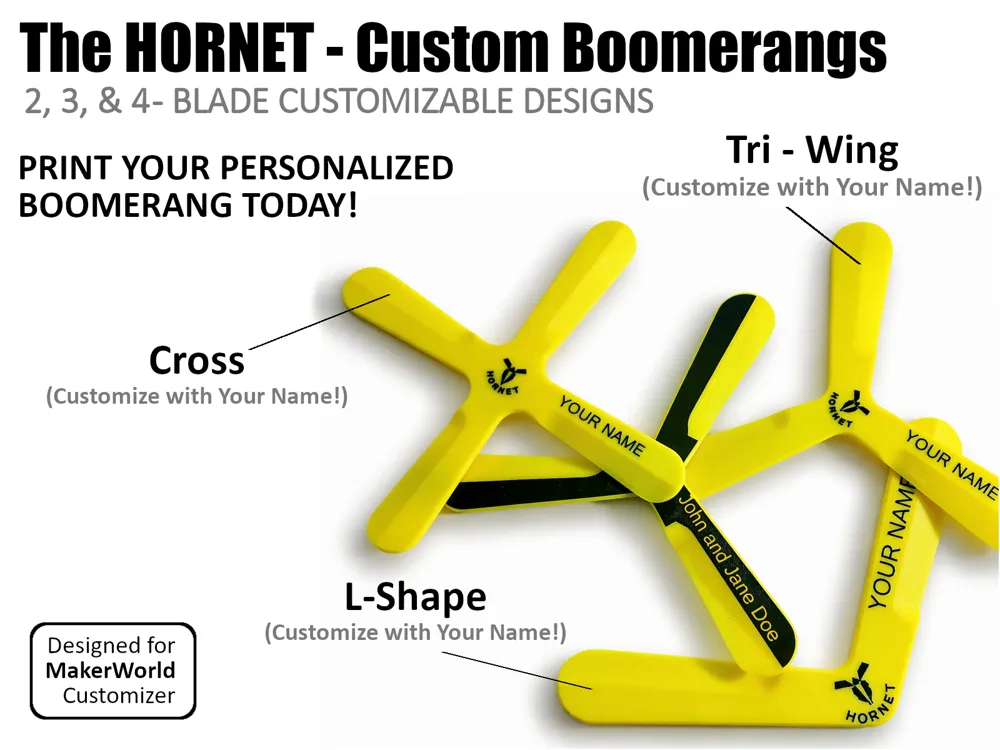
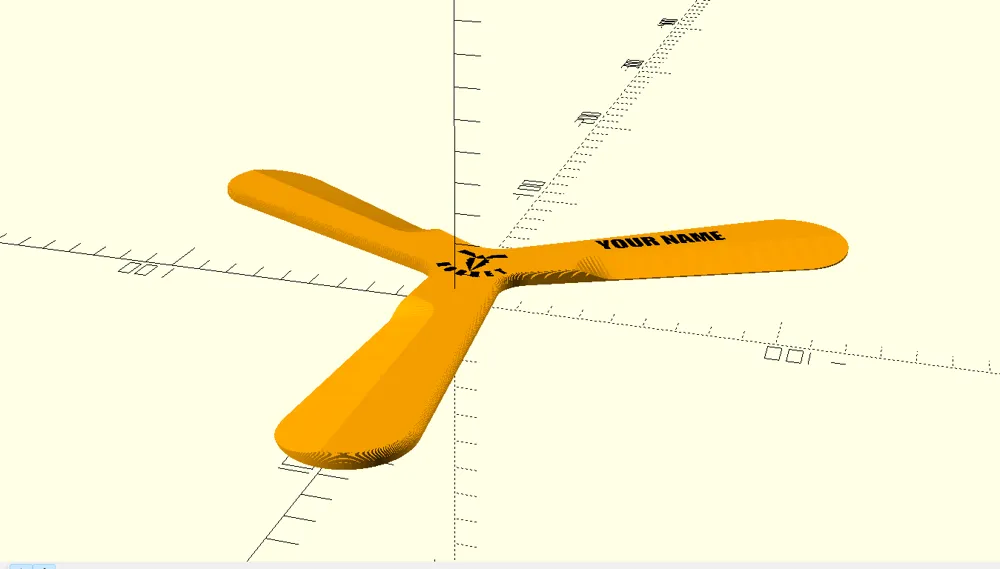
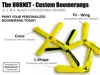
Meet The HORNET – Your perfectly balanced, fully customizable, and actually returning 3D-printed boomerang! 🪃
The aerodynamic design distinguishes The HORNET from common flat plastic prints. It features a real aerodynamic airfoil (S-curve profile) with proper leading and trailing edges, engineered to fly perfectly and return right back to you.
✨ Key Features:
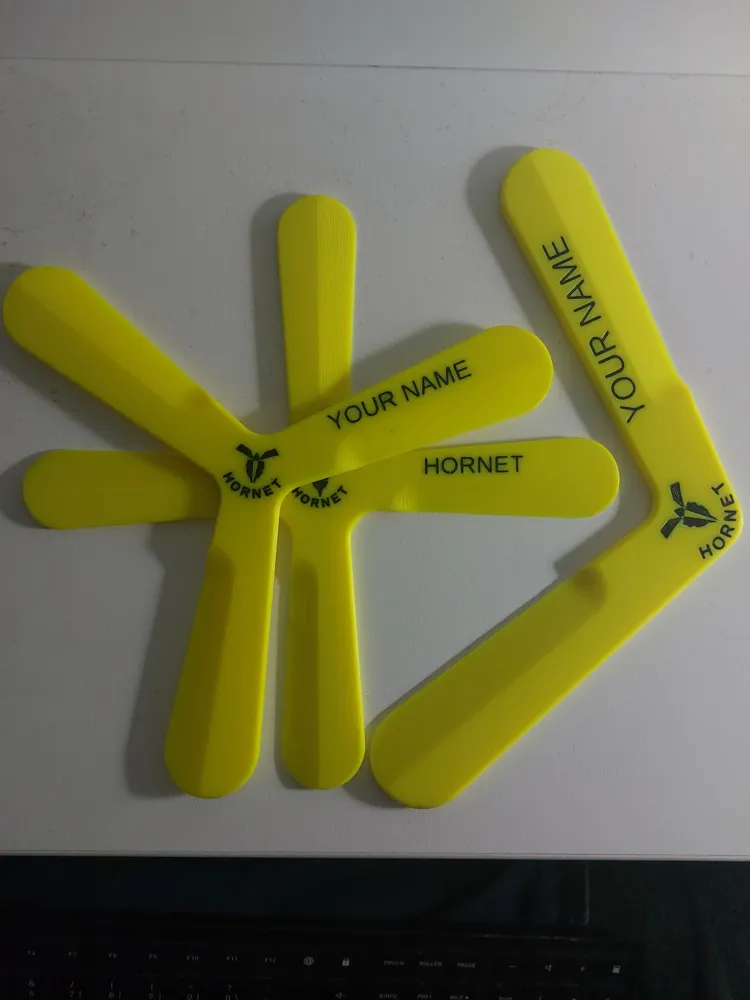
- All-In-One Print Profile: Includes 7 ready-to-print plates!
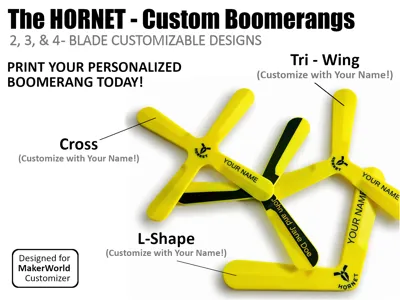
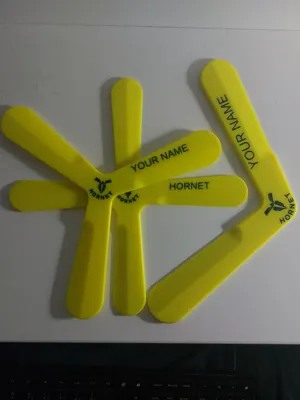
- Choose between the 3-Blade "Allrounder" (RH/LH)
- The 4-Blade "Beginner"
- The 2-Blade "Classic"
- An A1 Mini optimized version
- Single-Color (Engraved) versions.
- Perfectly Flush AMS Inlay: The logo and your custom text are mathematically integrated to be exactly flush with the top surface. No gaps, no bridging issues.
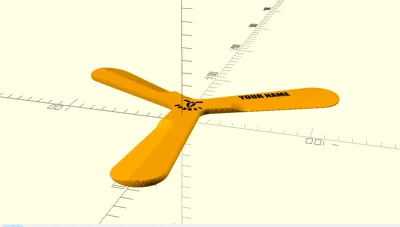
- Fully Customizable (OpenSCAD): Want your own name on it? Open the MakerWorld Customizer, type in your text, and generate your unique, personalized model!
🖥️ How to use the Customizer (For Beginners):
Never used the MakerWorld Customizer before? It's incredibly easy:
- Click the "Customize" button at the top of this page.
- Play around with the sliders and type in your own text.
- Click the "Generate" button and wait a few seconds for the model to build.
- Click "Download" and choose your format:
- Highly Recommended: Select .3mf so you can easily assign colors for your AMS in the slicer!
- Select .stl for single-color prints.
- Open the downloaded file in Bambu Studio (or your preferred slicer), double-check your settings, and hit print!
🛠️ The Ultimate Customizer Guide
Unlock the full potential of your HORNET Boomerang by adjusting these parameters in the MakerWorld Customizer:
1. Boomerang Size
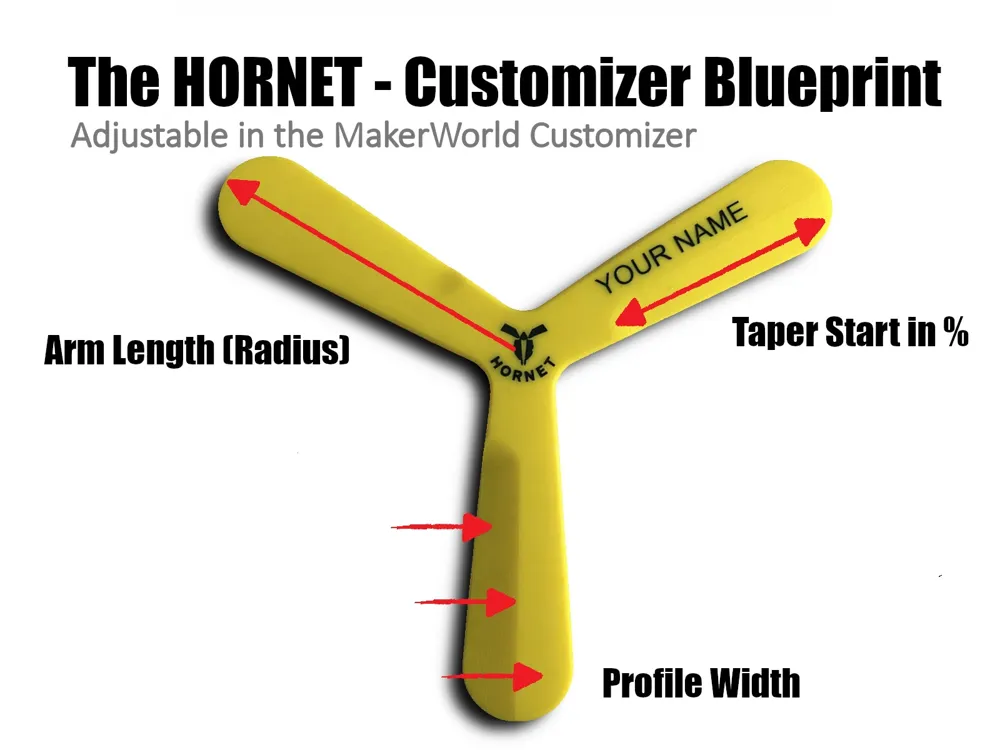
- Quick Select Size Preset: Instantly scales the boomerang to perfectly fit common 3D printer bed sizes (180mm for A1 Mini, 256mm for standard, 320mm for large format).
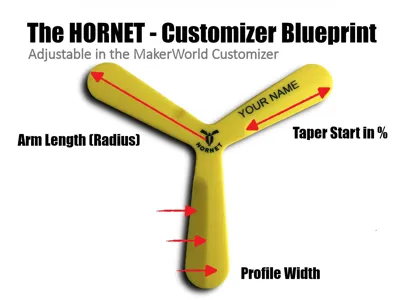
- Own Size (mm): Want a highly specific size? Manually define the exact radius (from the center hub to the wing-tip) in millimeters for ultimate control.
2. Shape & Aerodynamics
- Boomerang Type (2, 3, or 4 Blades): Choose your flight style!
- 4-blades: Extremely stable and easy to catch (perfect for beginners).
- 3-blades: The best allrounders.
- 2-blades: Offer a classic, majestic flight path and longer range.
- Handedness (Right / Left): Automatically mirrors the aerodynamic airfoil so it works perfectly for right-handed or left-handed throwers.
- Angle for Two Blades: (Only active for 2-Blade models) Adjusts the V-shape angle between the wings.
- Smaller angle (e.g., 90°): Easier to catch.
- Wider angle (e.g., 110°): Flies further.
- Taper Start % (Lengthwise Slope): Determines exactly where the wing starts thinning out towards the tip.
- Higher percentage: Leaves more flat surface in the center (more lift, slower).
- Lower percentage: Creates a longer slope (faster wind-cutting).
- Profile Width Factor (Trailing Edge Ratio): Controls the steepness of the edge slope.
- Lower value (e.g., 0.4): Means a steeper drop-off (less drag, faster spin).
- Higher value (e.g., 0.8): Increases lift and stability.
3. Design Style
- Design Style (Flush Inlay / Engraving):
- Choose "Flush Inlay" for a smooth, multi-color AMS print with no surface gaps.
- Choose "Engraving" for a classic, single-color debossed/carved look.
- Depth (Inlay / Engraving): Controls exactly how deep the text and logo are embedded into the boomerang's body.
- Side (Top / Bottom): Choose whether your custom design is placed on the curved top surface or the flat bottom surface.
4. Logo Setting
- Hornet Logo (ON / OFF): Easily toggle the central HORNET logo graphic on or off.
5. Text Settings
- Custom Text: Enter your name, a team name, or a funny phrase to personalize your boomerang!
- Text Style (Normal / Bold): Choose between standard text or a thicker, bolder font for maximum visibility.
- Text Size: Scales your text up or down to fit perfectly on the wing.
- Text Position %: Moves your text along the length of the arm.
- Lower values: Move it towards the center hub.
- Higher values: Push it towards the wing-tip.
- Text Y-Offset: Shifts the text slightly up or down relative to the wing's centerline.
- Text Angle: Rotates your text for a custom, angled alignment.
💡 Pro-Tip for Customizers:
If you experiment with extreme aerodynamic values (like a very wide Profile Width), your custom text might shift towards the edge. Simply use the Text Size and Text Y-Offset sliders to perfectly recenter your name!
🖨️ Printing Instructions:
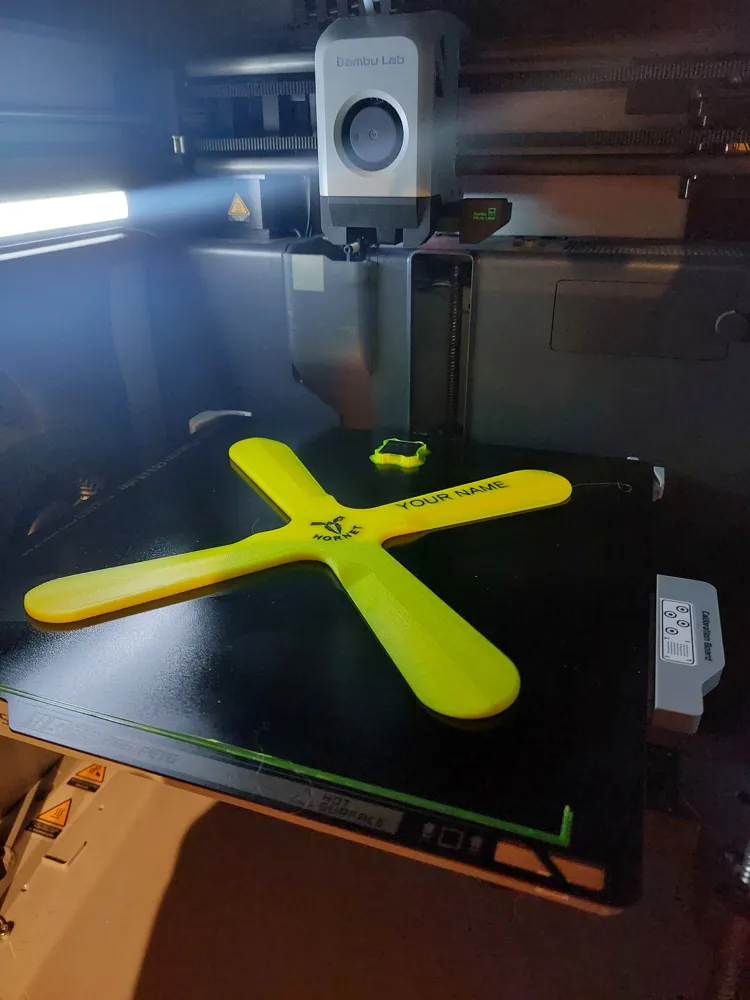
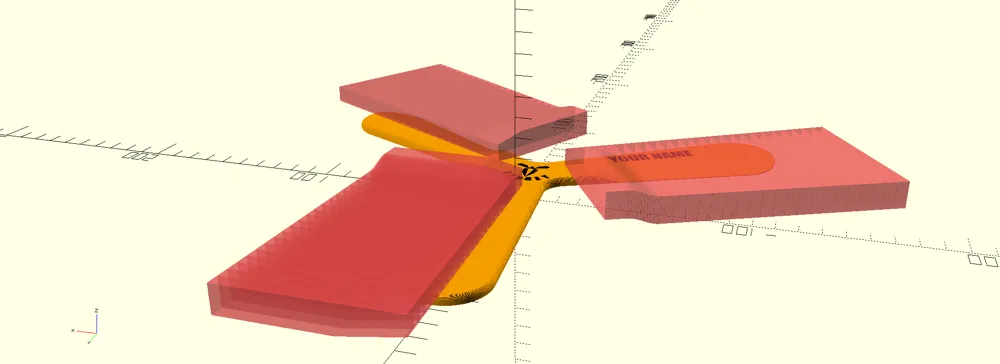
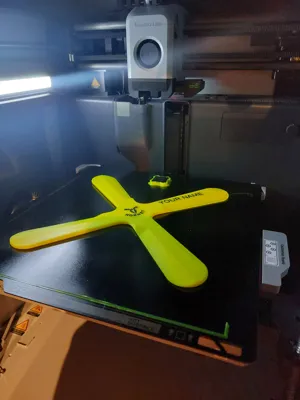
- Orientation: Print FACE-UP (the side with the text/logo must point to the sky). No supports needed!
- Strength: Use 4 Wall Loops and 15% Infill. This gives the boomerang the exact weight and rigidity it needs to cut through the air.
🛑 HOW TO THROW (Crucial for returning!):
Do NOT throw it flat like a frisbee!
- The Grip: Pinch the end of one wing tightly between your thumb and index finger.
- The Angle: Hold it almost vertically, then tilt it slightly outward (about 10 to 20 degrees away from your head).
- The Aim: Aim straight forward, slightly above eye level. Do not aim up!
- The Throw: Throw it firmly and give it a MASSIVE spin with a sharp flick of your wrist at the release. The spin is the motor of the boomerang!
- Safety first: Always throw in an open space, preferably over grass.
⚠️ Disclaimer & Safety Warning
Please read before throwing! This 3D-printed boomerang is a functional piece of sports equipment, not a standard toy.
When thrown properly, it travels at high speeds and generates significant force.
- Use at your own risk: The creator of this 3D model assumes zero liability for any injuries to humans, animals, or damage to property caused by the use, misuse, or printing of this boomerang.
Be responsible: Never throw in crowded areas, near streets, buildings, or towards other people and animals. Always ensure you have a large, clear, and open field (preferably grass) before testing your throws.
License

You shall not share, sub-license, sell, rent, host, transfer, or distribute in any way the digital or 3D printed versions of this object, nor any other derivative work of this object in its digital or physical format (including - but not limited to - remixes of this object, and hosting on other digital platforms). The objects may not be used without permission in any way whatsoever in which you charge money, or collect fees.


Comment & Rating (31)