
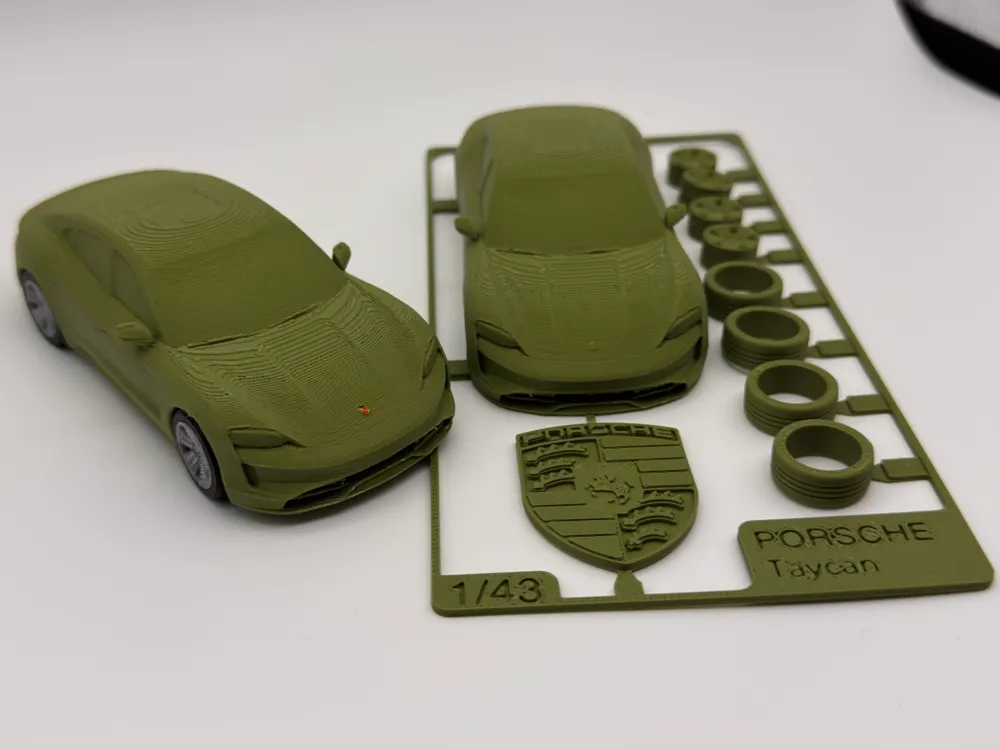
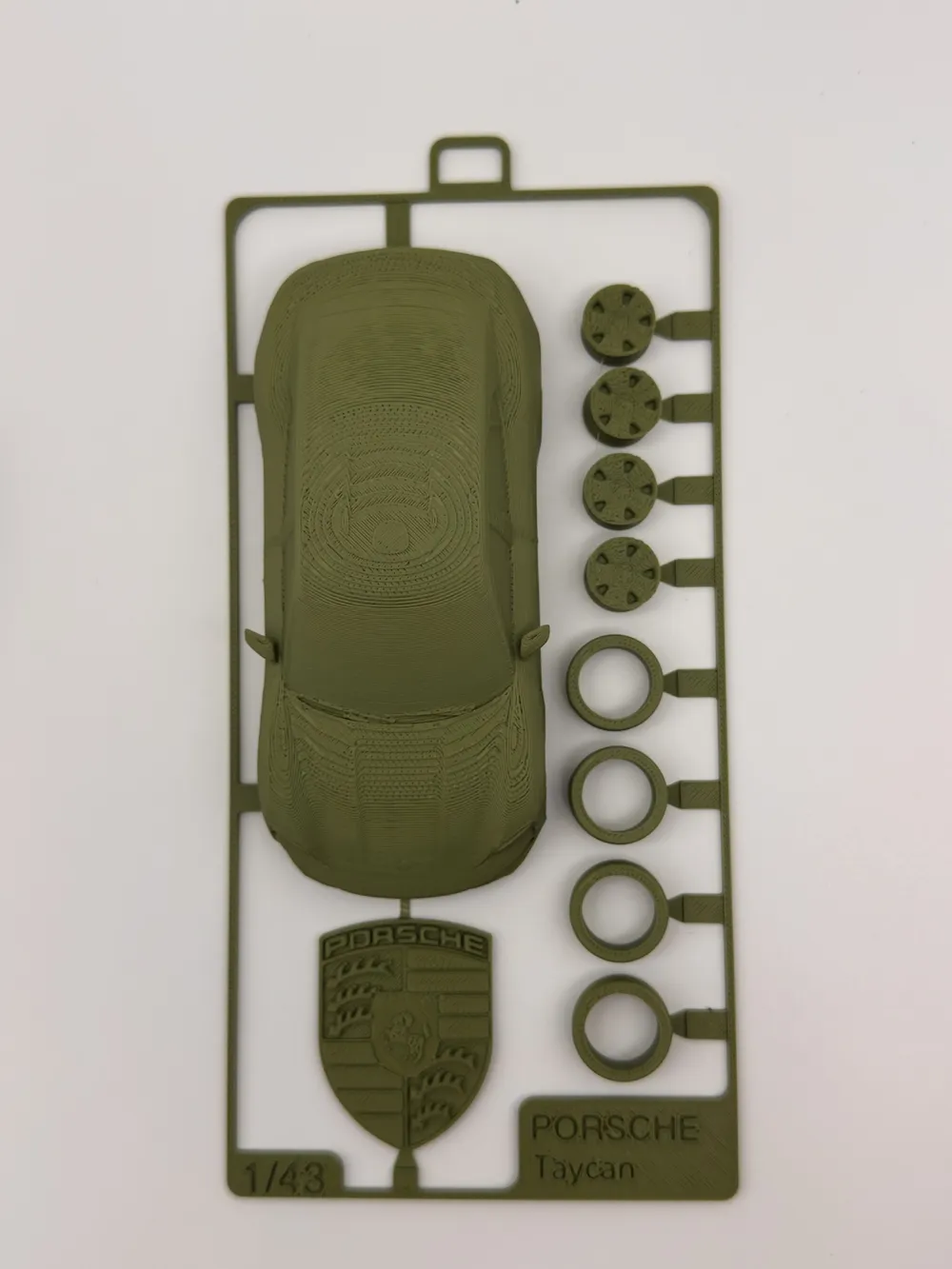
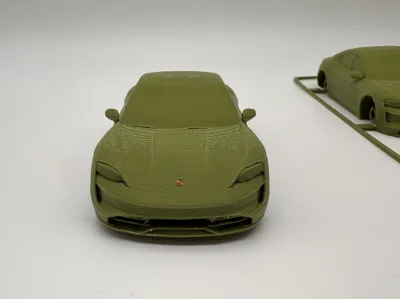
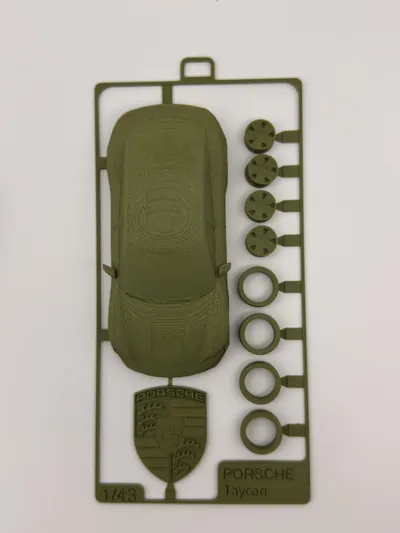
[Porsche Taycan Assembly kit card] 1:43/Realistic style/Wheels can turn/Also includes multi-part version (Part of the Porsche Journey series)
Print Profile(2)
Description
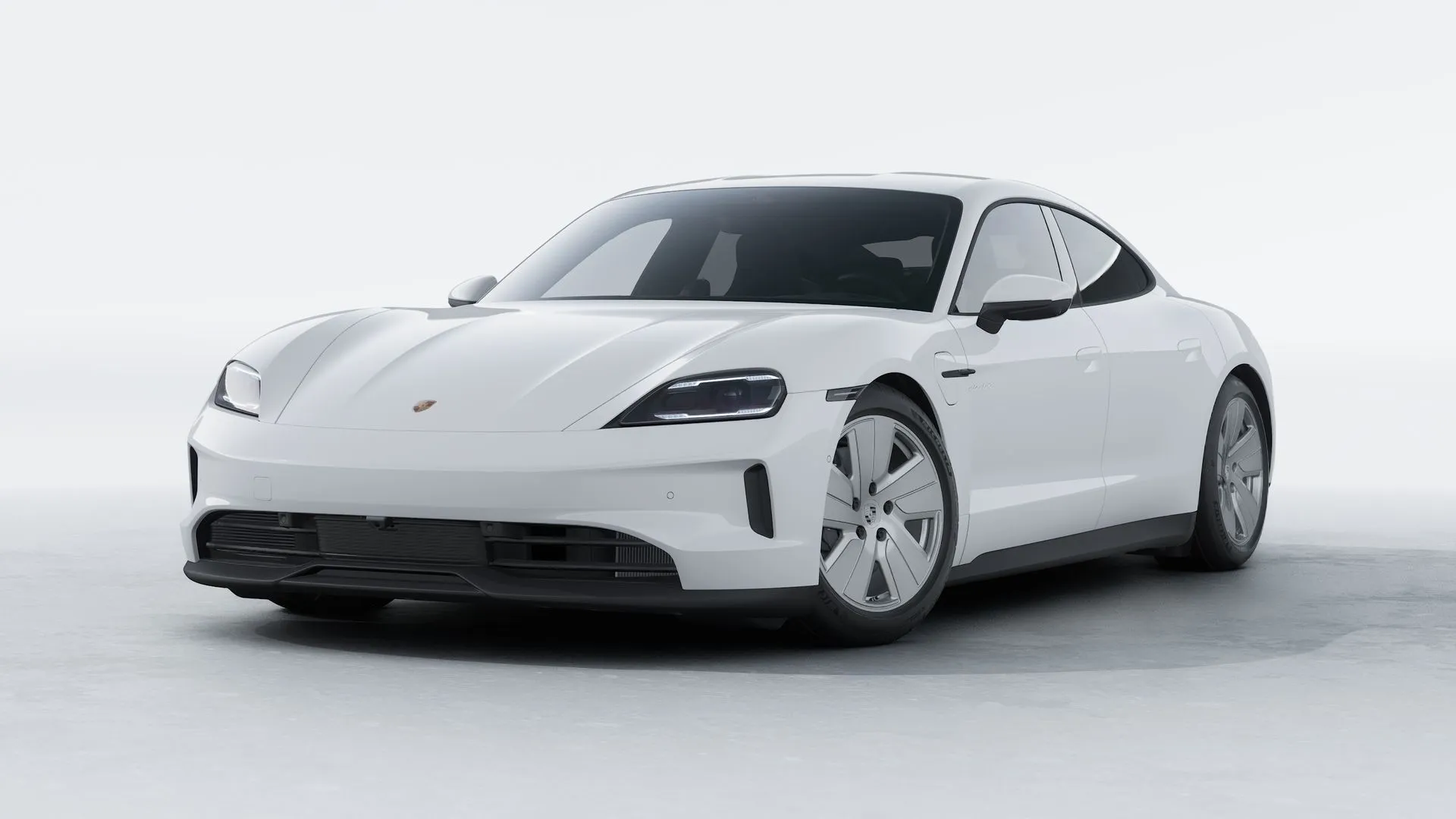
The Porsche Taycan is a four-door sports car that blends pure electric performance with Porsche's handling DNA.
This model's car body and wheels are made referencing the car images on Porsche China's official website, specifically the Basic Taycan (rear-wheel drive) version.
It uses a 1:43 model scale, striving to restore real car details, and has been fine-tuned for FDM printing.
Both a kit card version and a multi-part version are provided.
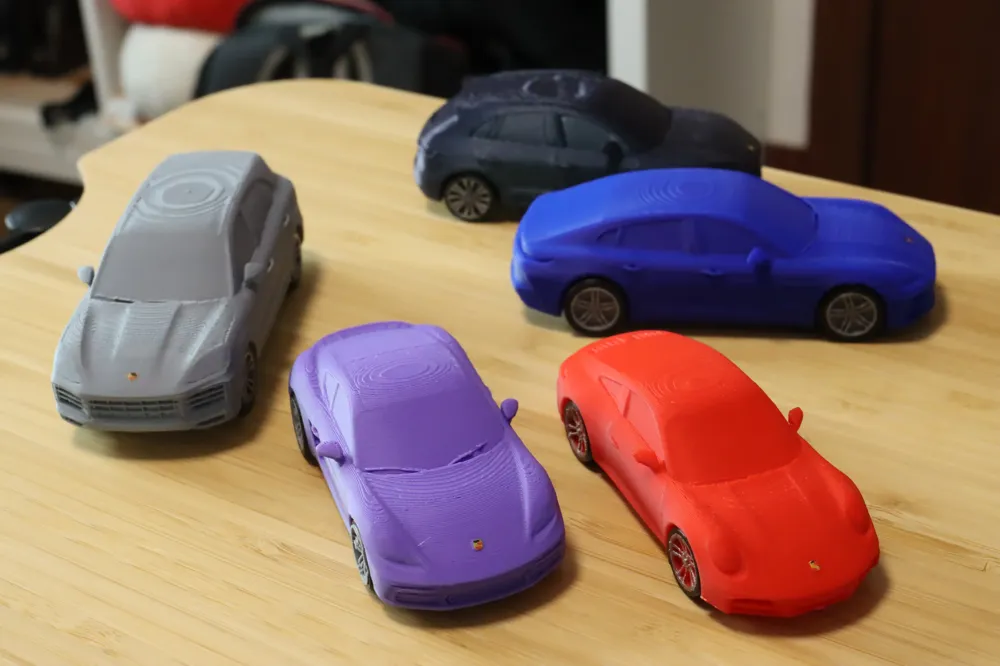
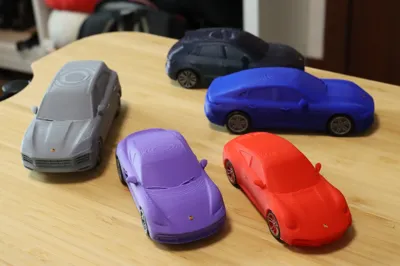
This is one of the “Porsche Journey” series works, with 5 other models already available. The model page is not updated in time, please follow me to keep an eye on the latest releases!
# April 5, 2026 This work is an additional bonus at a netizen's request; the original plan was 5 fuel cars.
Boost Me (for free)
Your likes, collections, comments, and follows are the biggest motivation for me to continue creating free works!
If the finished product surprises you, please don't hesitate to use a free boost coupon!
Printing & Filament Instructions (Do not change print profile unless necessary)
- The kit card version is suitable for direct collection and as a gift
- The multi-part printed version is suitable for assembly and play. It is recommended to print tires with TPU to enhance friction, print wheels with silver material, and print the car body in a color of your choice.
- Due to the influence of different printing materials, if the wheels do not turn smoothly enough, you can print the wheels and tires together enlarged to 101% or even 102%
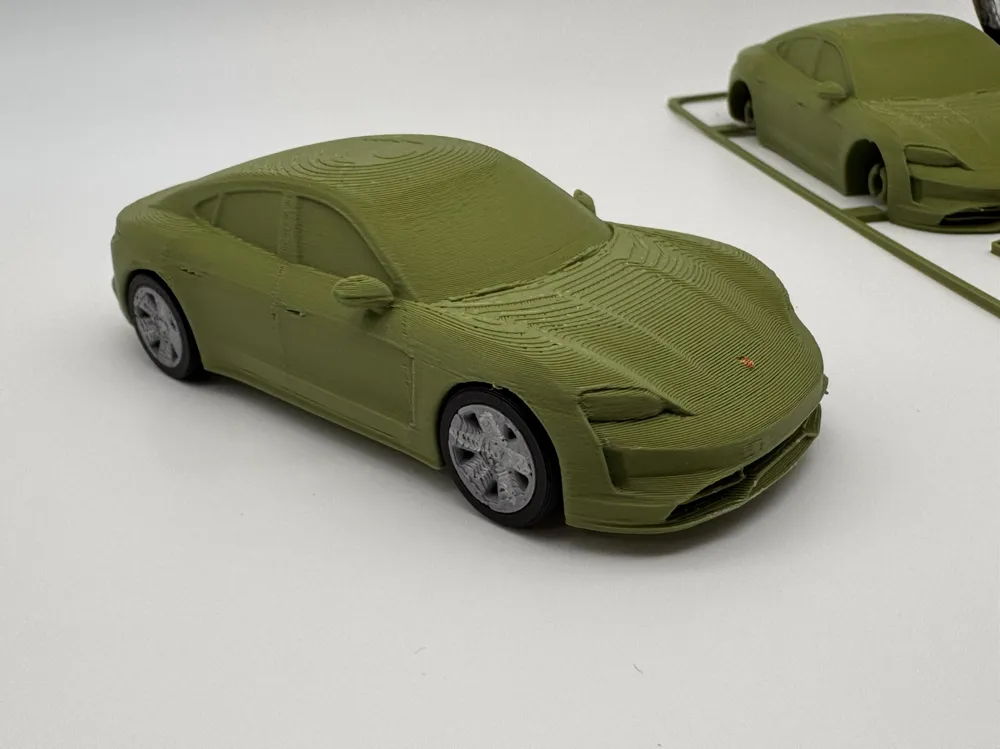
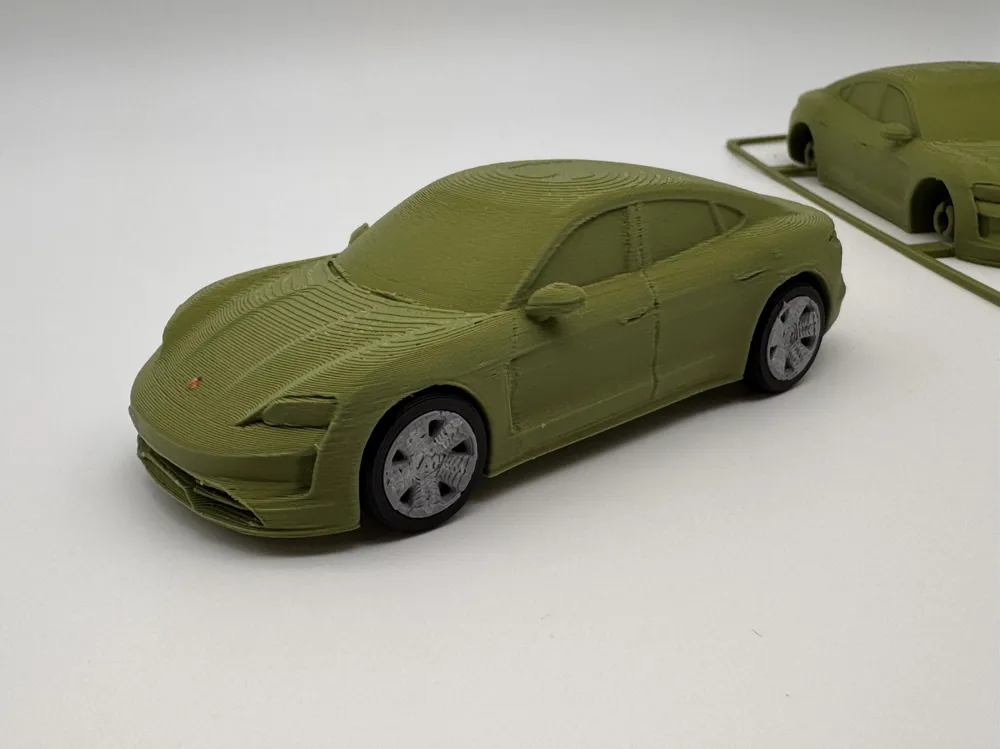
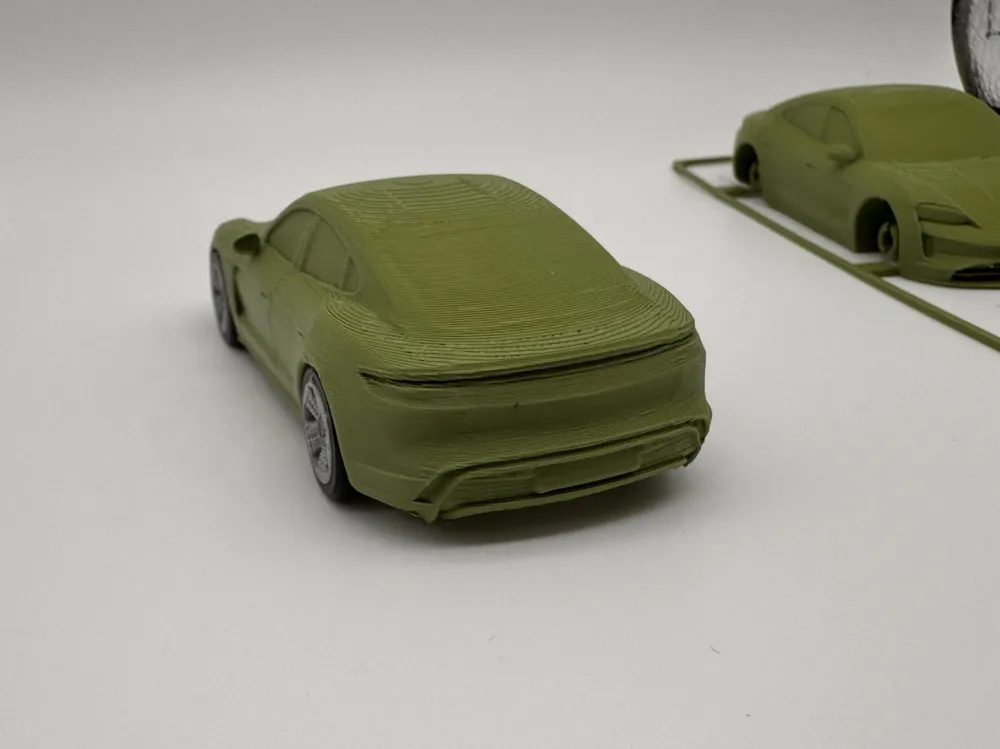
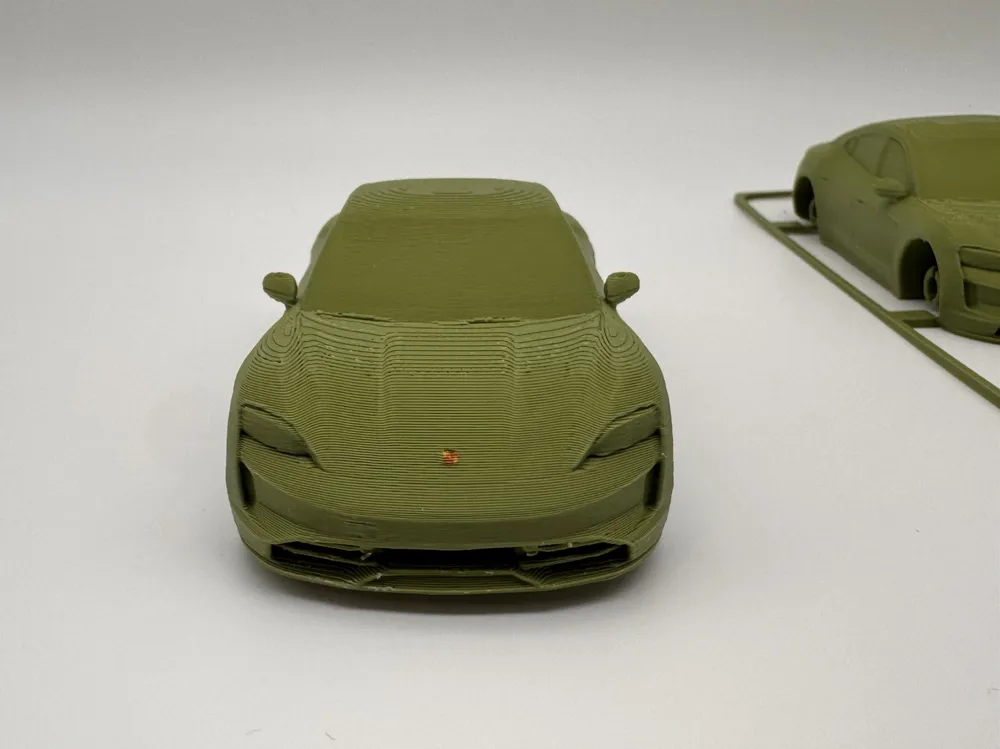
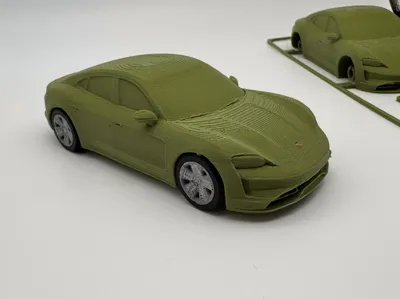
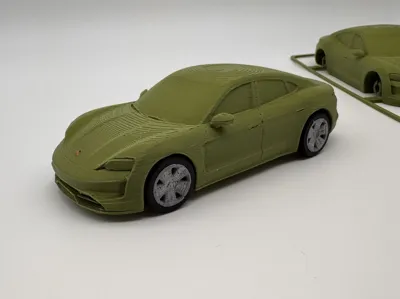
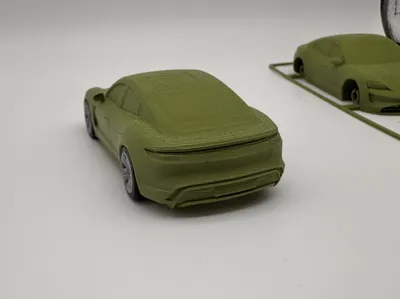
- The uploaded images are all real shots, showing the kit card version and the completed assembly, with hand-painted car logo details.
- The material used for the printed finished product in the real shots is PLA Matte Dark Green
Support Removal & Installation Instructions
1. Preparation
1.1 Remove Stringing: Realistic-style models may produce some stringing after printing. It is recommended to use a heat gun to quickly eliminate small strings.
1.2 Separate the kit card (kit card version): The injection gates can be easily separated, but it is still recommended to carefully clean small adhesions.
1.3 Remove supports: Supports are forcibly enabled at the four wheel overhang positions on the car body. Simply press the wheel arch support firmly towards the inside of the car body. After hearing a click, the support will easily detach.
1.4 The included Porsche logo also serves as an auxiliary tool for wheel installation.
2. Install Wheels and Tires
2.1 The tires and wheels are modeled with a 0.1mm tolerance, so they are quite tight. First, press the wheel face up into the tire, then use a hard object (such as the Porsche logo included with the kit card) on the wheel, pressing firmly until the wheel and tire are flush.
2.2 If you need to hand-paint the wheels and tires, it is recommended to do so before installation.
3. Install Wheels and Axles
3.1 The default profile forcibly disables supports for the wheel arches. If the profile is readjusted, supports and their contact surfaces should be thoroughly cleaned before installing the wheels.
3.2 Supports and their contact surfaces at the car body's axle should be meticulously cleaned, as this greatly affects the smoothness of tire rotation after installation.
3.3 When installing the wheels, observe and align them vertically before applying force, to prevent damaging the axle from excessive force.
4. Break-in and Painting (Optional)
4.1 After the wheels and axles are installed, hold all four wheels with both hands and four fingers, then rotate the car body to break in the axles. Repeated break-in will make the rotation smoother!
4.2 Due to the printing size, details such as the car logo cannot be printed. It is recommended to hand-paint the Porsche logo for a better feel (yellow background, red top-right and bottom-left, a bit of black at the top).
License

You shall not share, sub-license, sell, rent, host, transfer, or distribute in any way the digital or 3D printed versions of this object, nor any other derivative work of this object in its digital or physical format (including - but not limited to - remixes of this object, and hosting on other digital platforms). The objects may not be used without permission in any way whatsoever in which you charge money, or collect fees.


Comment & Rating (2)