
Print Profile(3)


Description

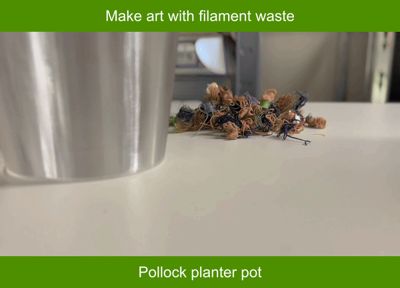
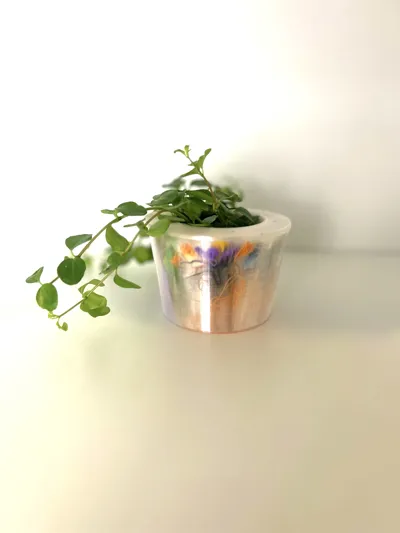
Every AMS owner knows the guilt of watching filament poop pile up next to the printer. I figured if Jackson Pollock could drip paint and call it art, I could stuff filament waste between two walls and call it a planter.
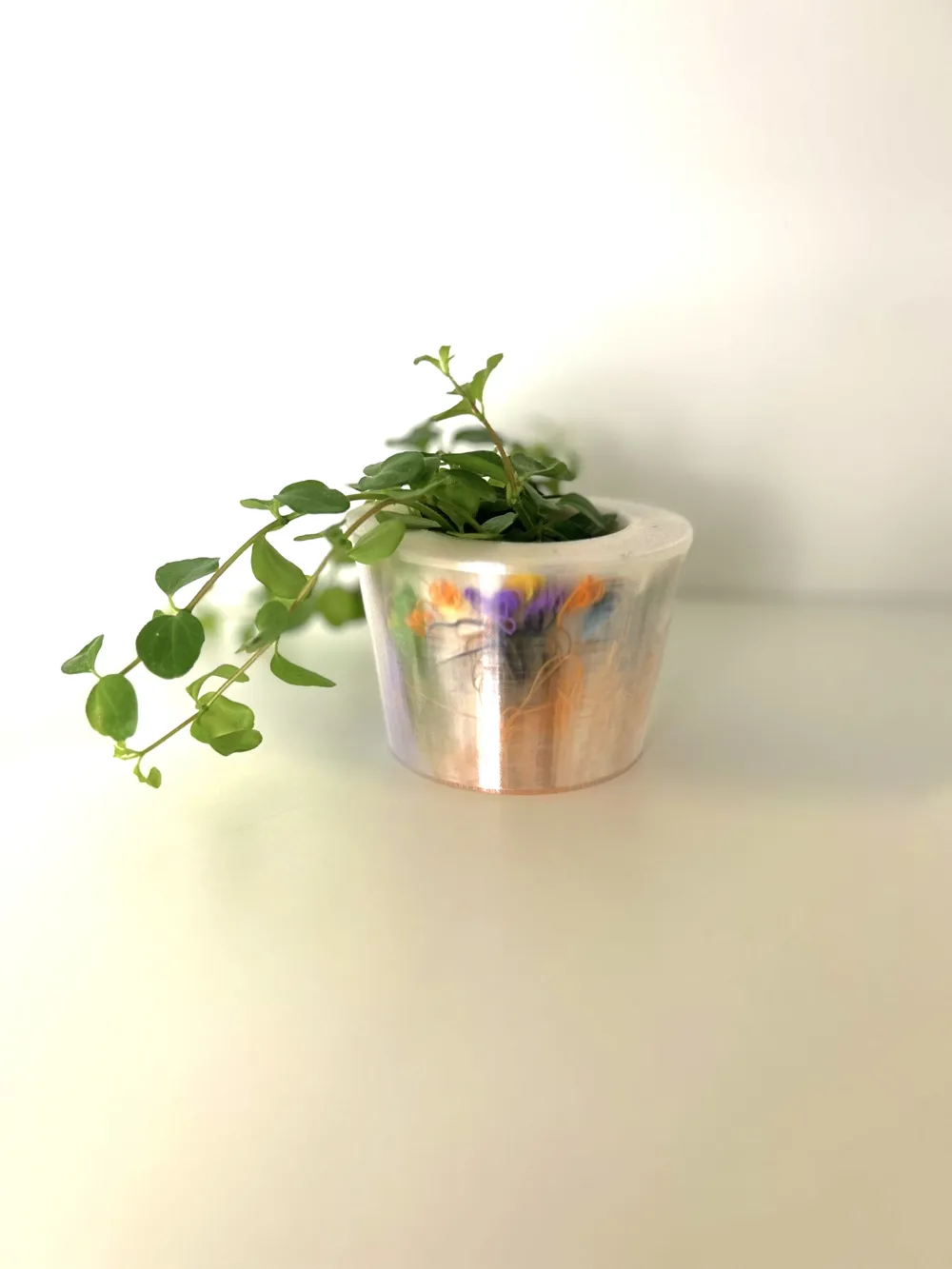
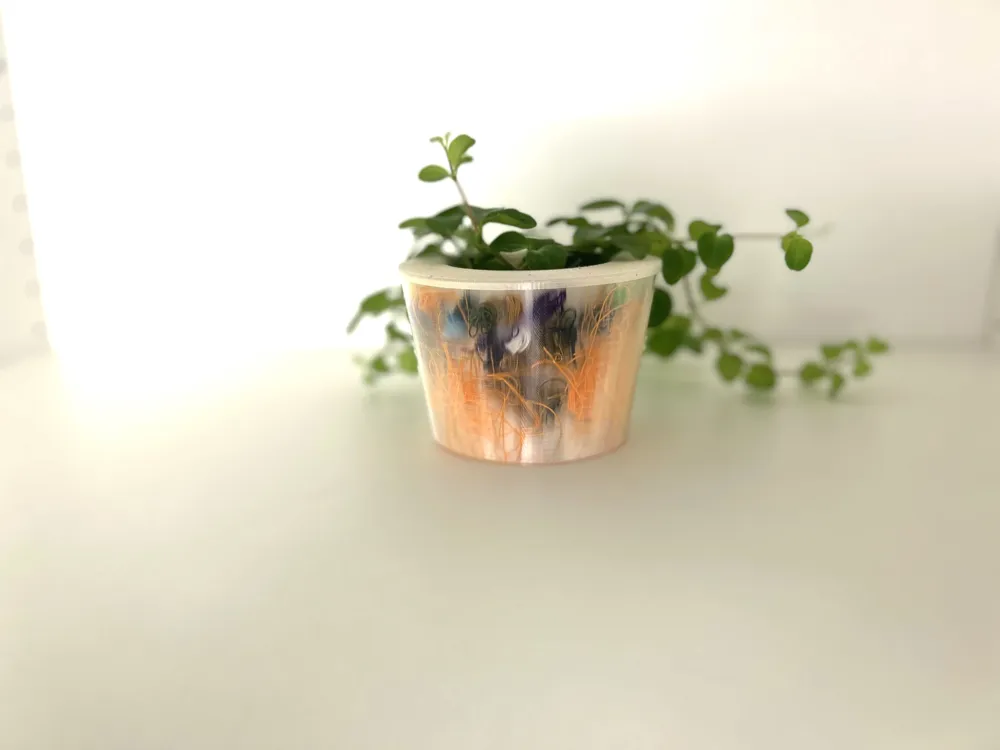
Turns out it actually looks amazing.
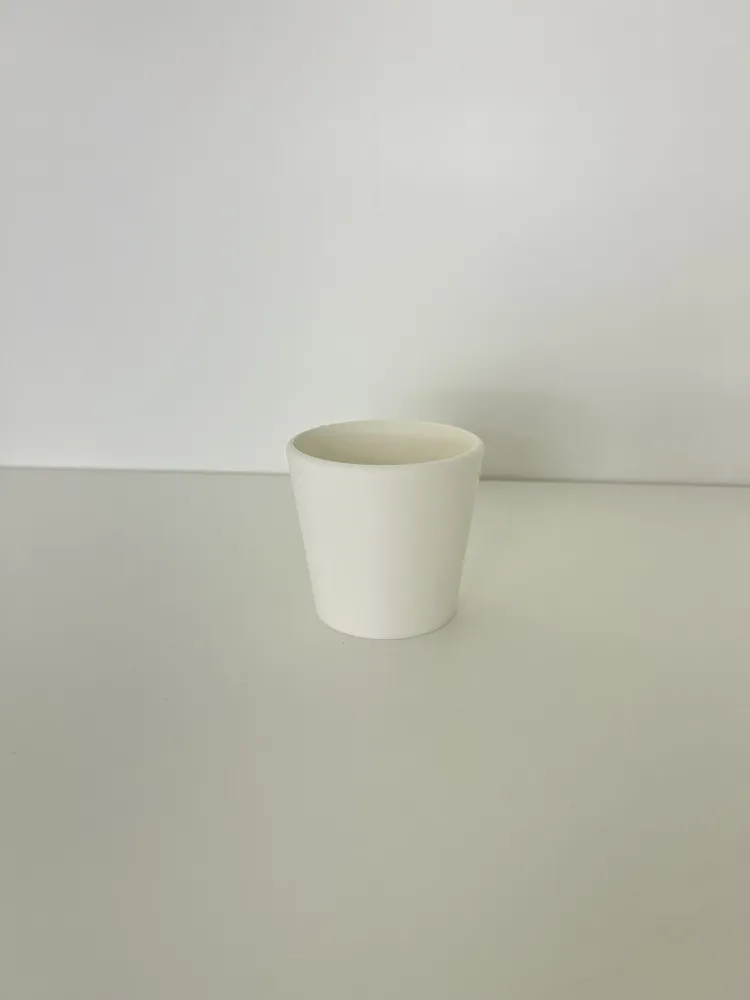
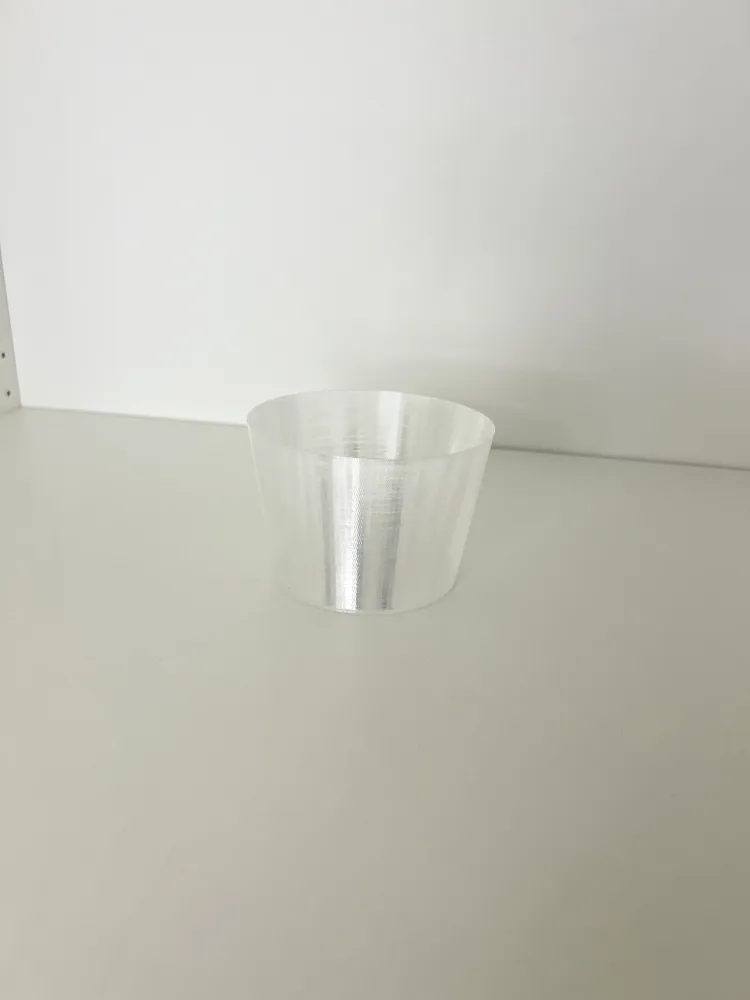
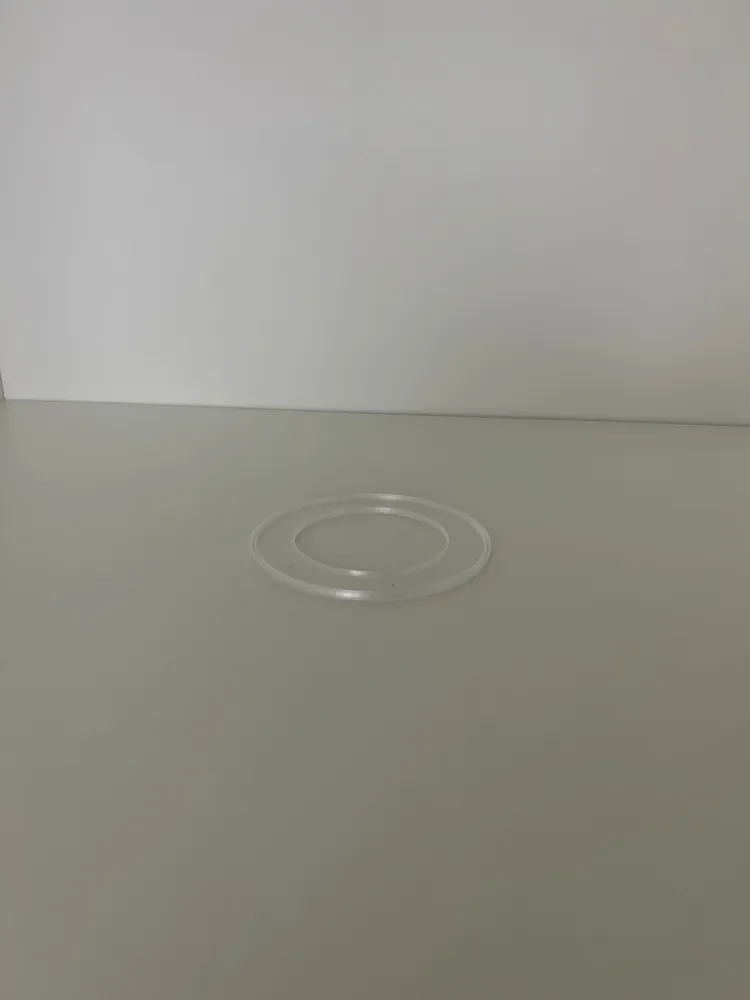
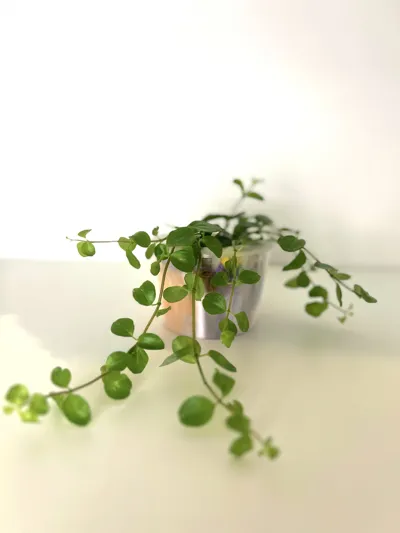
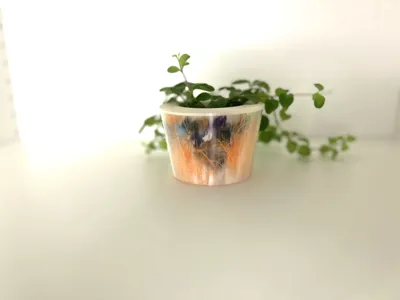
How it works: This is a three-part print - an inner pot, a transparent outer shell printed in vase mode, and a lid that sits between the two at the top. You print the three pieces, then stuff your filament poop, purge lines, failed prints, or whatever colorful waste you've been hoarding into the gap between the inner pot and the outer shell. The transparent shell turns all that random waste into an abstract color pattern that's unique to your specific pile of junk. No two Pollock planters will ever look the same.
The three parts:
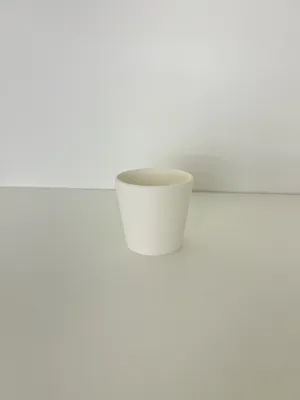
- Inner pot — standard planter, holds soil or a nursery insert
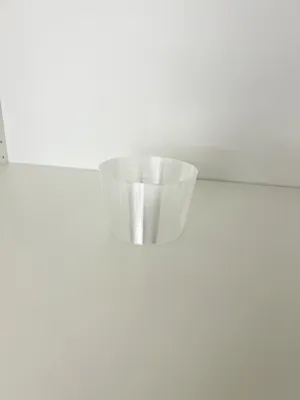
- Outer shell — printed in transparent filament using vase mode, gives the "gallery frame" for your waste art
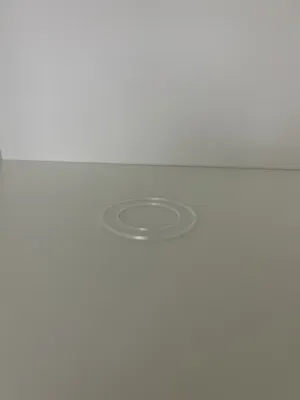
- Lid ring — sits on top, caps the gap between inner and outer walls for a clean finish
Why it works as a recycling project: This isn't just a place to hide your filament waste - it's a reason to keep it. The more colorful your waste pile, the more interesting the result. Mixed colors from AMS purge towers work especially well because you get unexpected gradients and layering. It transforms something you'd throw away into the actual design feature of the planter.
Print specs:
- Printer: Bambu Lab P1S
- Layer height: 0.20 mm
- Infill: 15% (inner pot), 0% (vase mode shell)
- Wall loops: 2 (inner pot), 1 vase mode spiral (outer shell)
- Supports: None required
- Inner pot filament: Any PLA
- Outer shell filament: Transparent/clear PLA or PETG (vase mode)
- Lid filament: Match inner pot or transparent
Assembly:
- Print the inner pot normally
- Print the outer shell in vase mode with transparent filament
- Print the lid ring
- Place inner pot inside outer shell
- Fill the gap with filament waste - pack it in, the more the better
- Place the lid ring on top to close the gap
- Add a plant and pretend it was intentional all along
The whole pot was designed with Potforge Studio - a browser-based parametric pot designer I've been building. Check out the full Potforge planter collection in my community post: https://makerworld.com/en/community/post/1679744
Jackson Pollock threw paint at a canvas. You're throwing filament poop at a planter. Same energy. 🎨
#Filamentrecycling
License



Comment & Rating (4)