
Ultimate Internal Wheel Clicker (Print in Place)
Print Profile(3)


Bill of Materials

Description
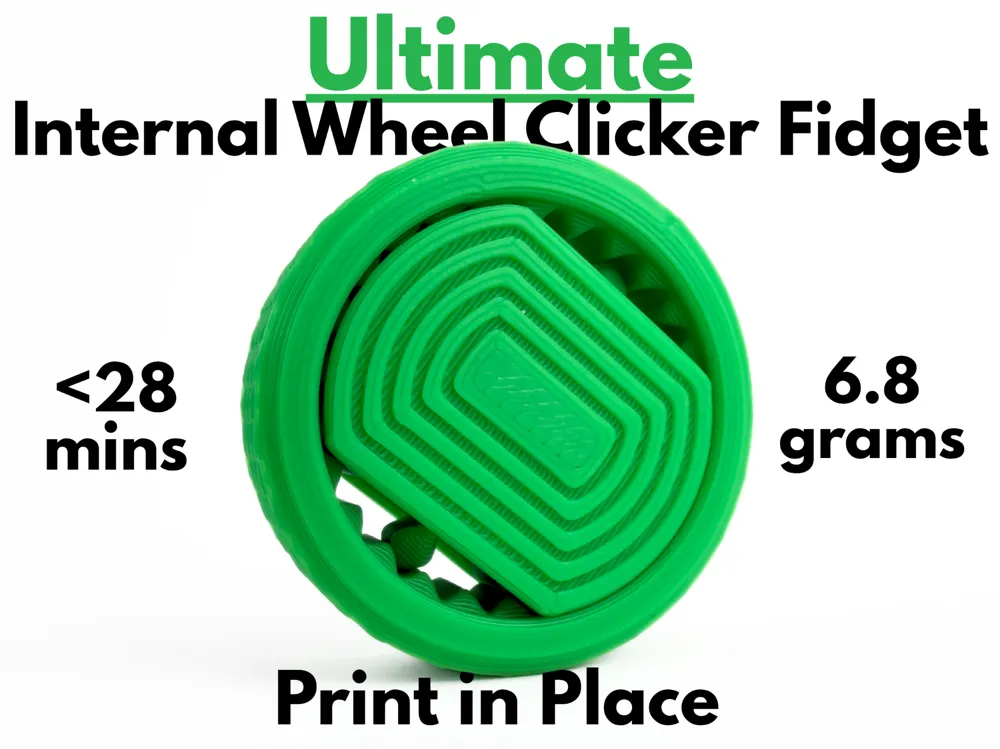

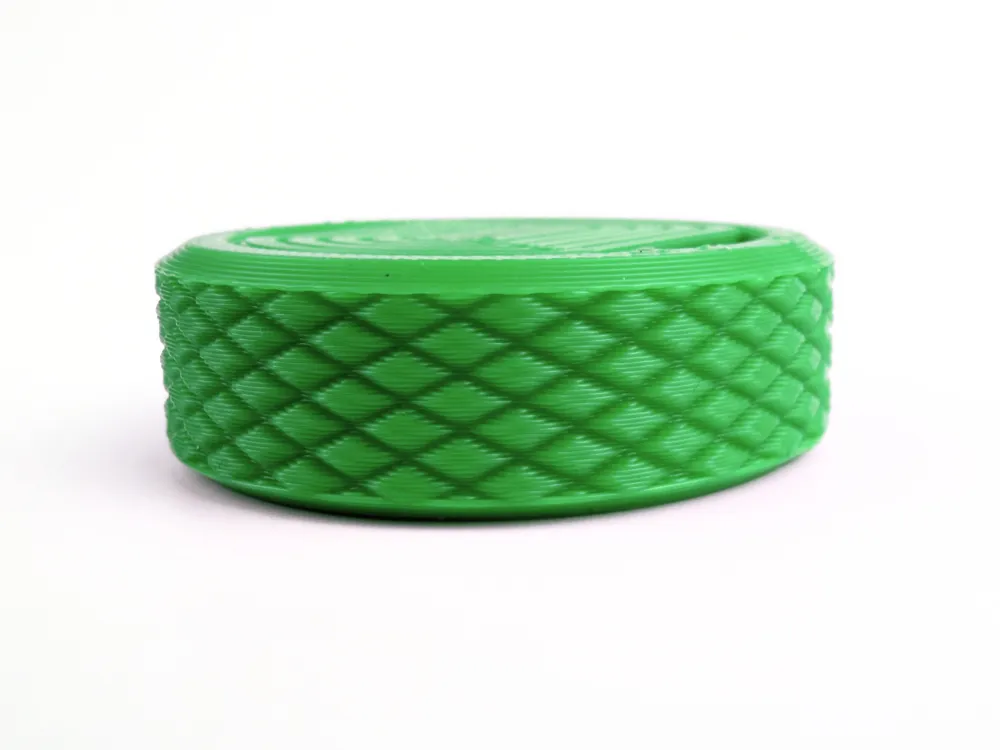
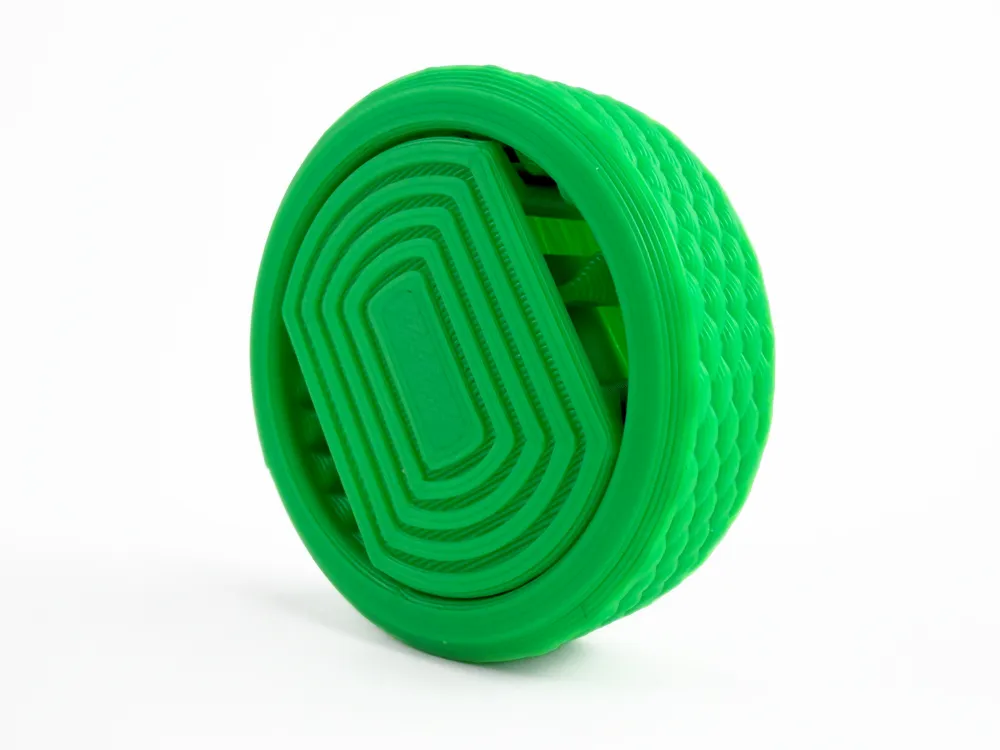
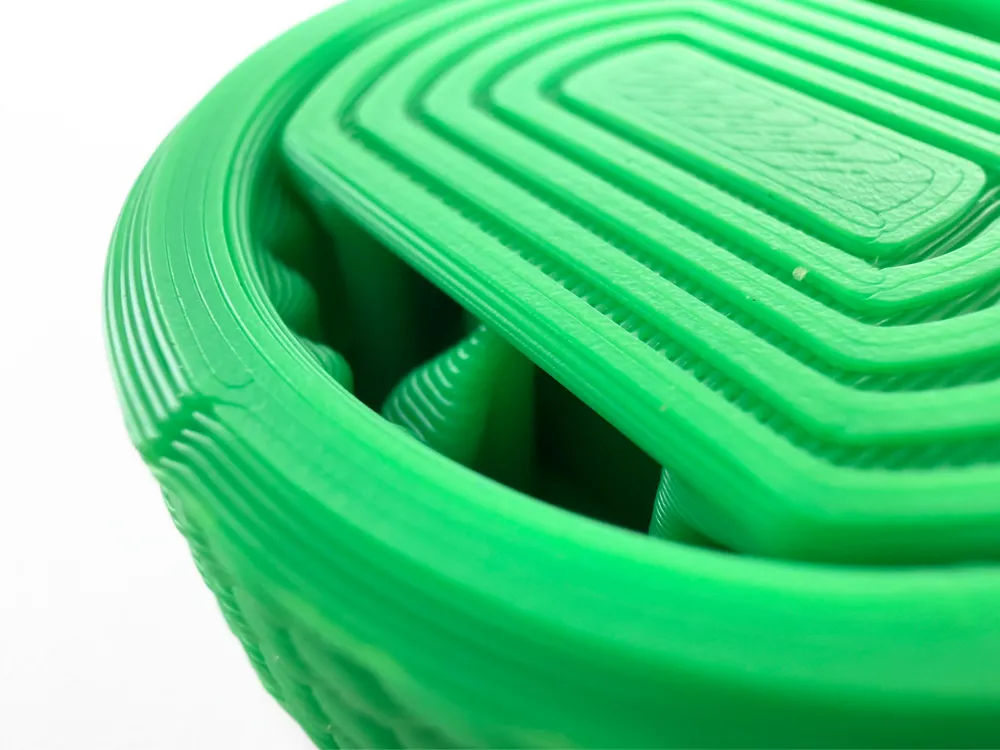
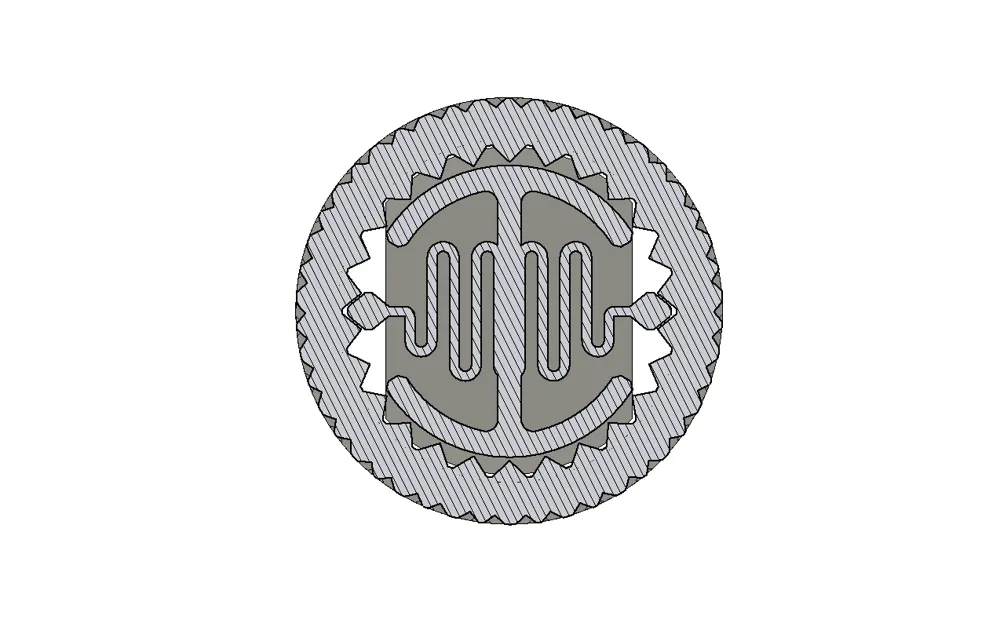
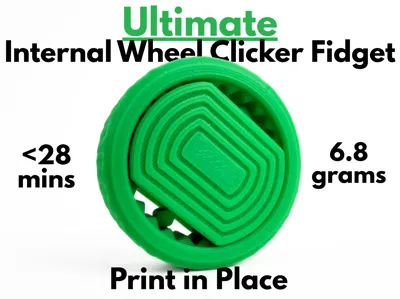
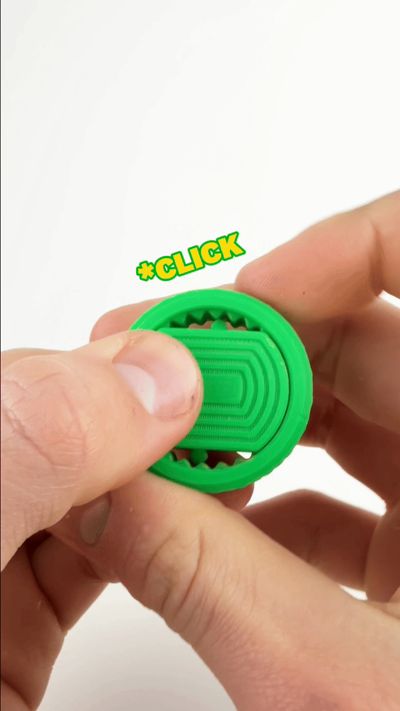
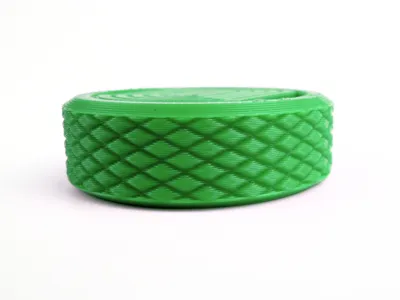
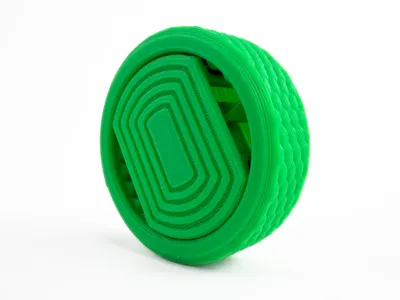
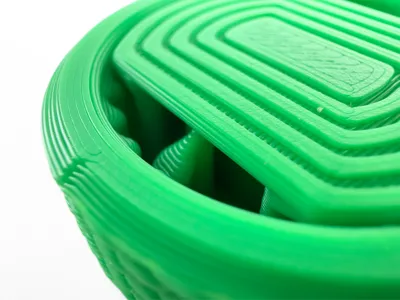
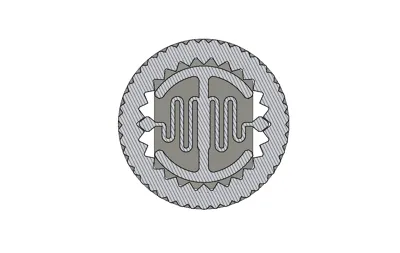
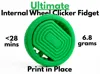
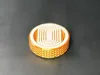
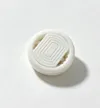
This wheel clicker fidget toy uses a super satisfying internal dual spring mechanism to achieve an ultra satisfying and tactile click. Being fully print-in-place, this toy can be pulled right of the build plate fully functional, removing the hassle that comes along with supports and external hardware. With a knurled grip on the sides and a pattern for grip in the middle, you can enjoy this fidget toy without the worry of it sliding out of your hands. The design of the Ultimate Internal Wheel Clicker was carefully perfected over many prototypes to be as satisfying as possible and super visually appealing. Taking only 6.8 grams and less than 28 minutes to print, the Ultimate Internal Wheel Clicker is the perfect fidget for anybody who likes a satisfying little clicker.
Boost Me (for free)
If you like this model, please consider boosting it! It helps out a ton :)
Membership
Want to sell my 3D printed fidget toys? Become part of my Commercial License Membership program!
Printing Instructions:
- Prepare the Print Bed
- Clean the print bed thoroughly with isopropyl alcohol to ensure proper adhesion.
- Additional adhesive for the print bed is highly recommended! I suggest using 3D-Lac spray or a glue stick.
- Download the Print Profile
- Send the pre-configured print profile to your Bambu Lab printer through the Bambu Handy app or Download and open the pre-configured print profile in Bambu Studio.
- Send the pre-configured print profile to your Bambu Lab printer through the Bambu Handy app or Download and open the pre-configured print profile in Bambu Studio.
- Select Your Printing Options
- Choose your filament type and color.
- Select your print bed type (e.g., textured or smooth).
- Confirm your printer settings, ideally for a Bambu Lab printer.
- Start Printing
- Begin the print job. No supports are necessary.
License

You shall not share, sub-license, sell, rent, host, transfer, or distribute in any way the digital or 3D printed versions of this object, nor any other derivative work of this object in its digital or physical format (including - but not limited to - remixes of this object, and hosting on other digital platforms). The objects may not be used without permission in any way whatsoever in which you charge money, or collect fees.


Comment & Rating (68)