
The strongest possible 3d printed pencil clip!
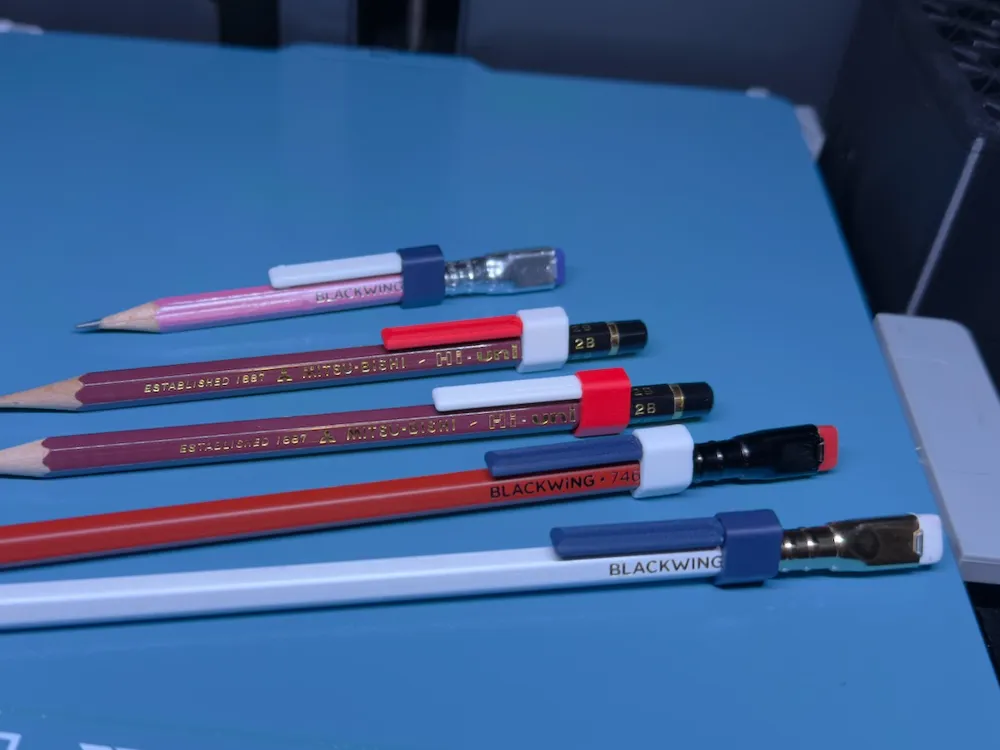
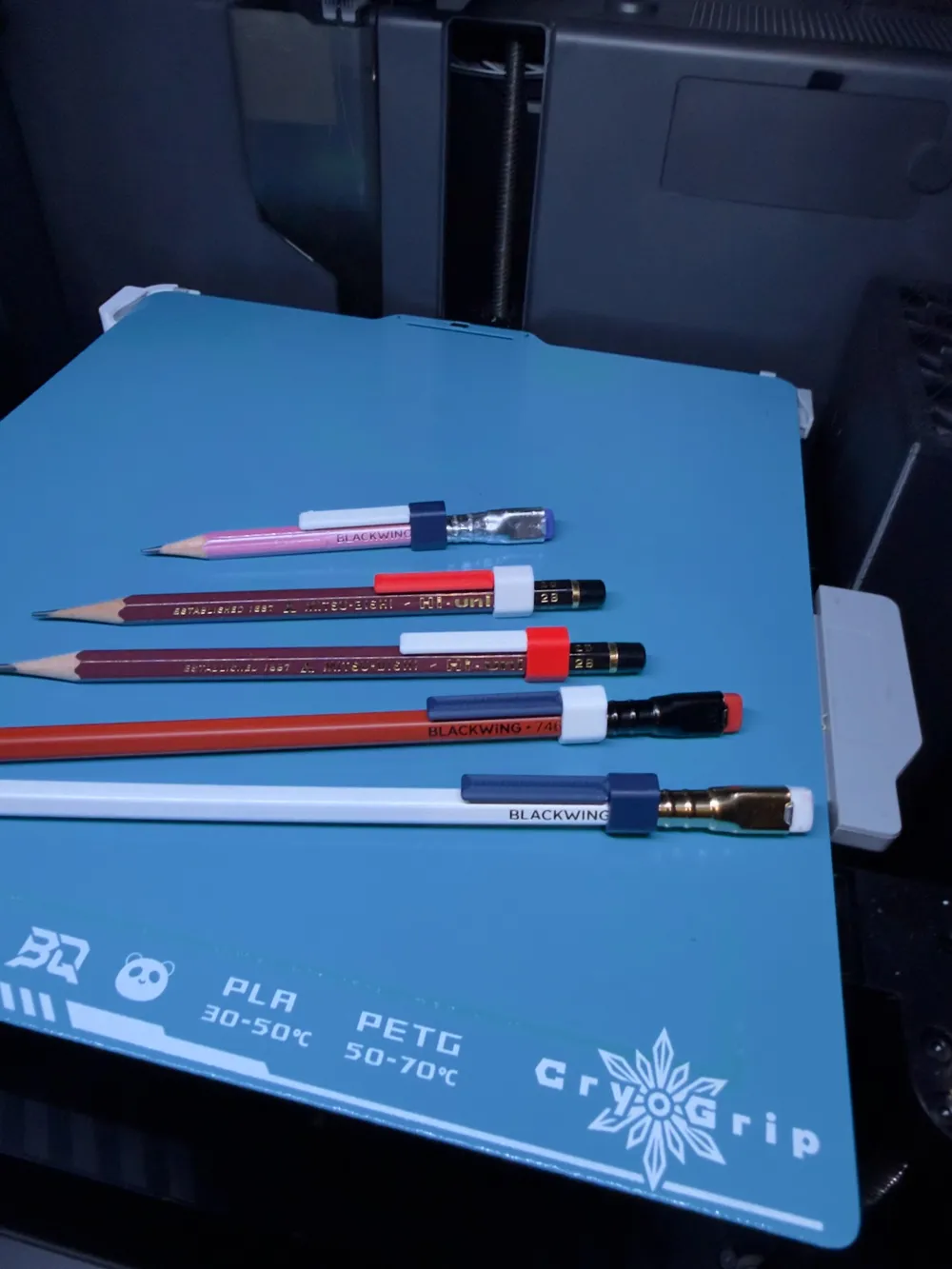
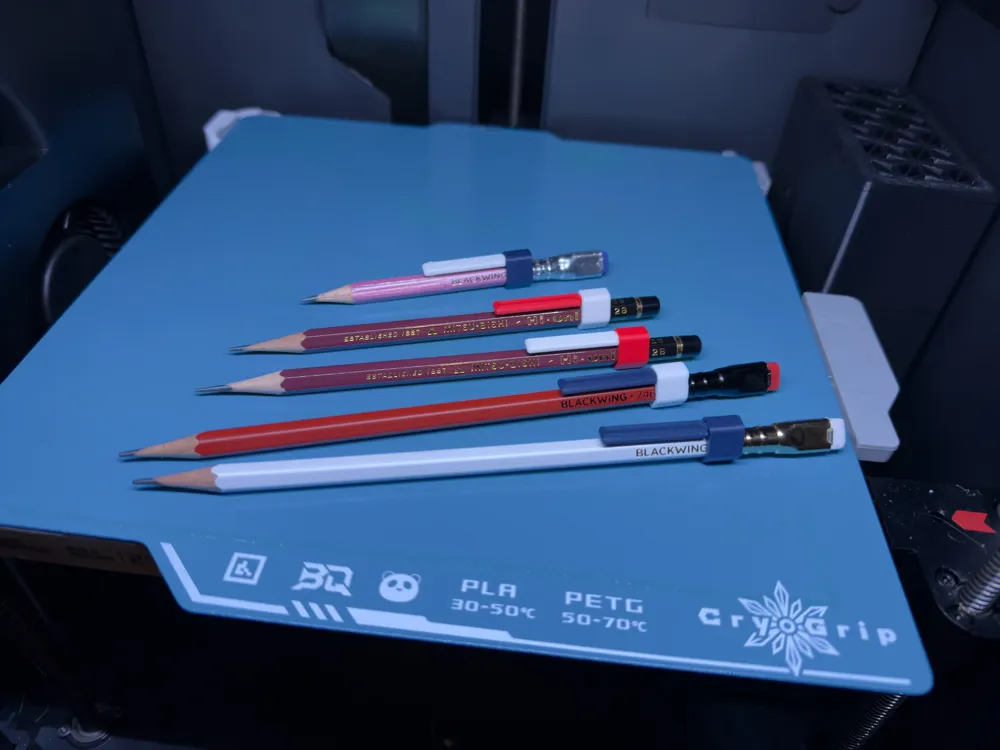
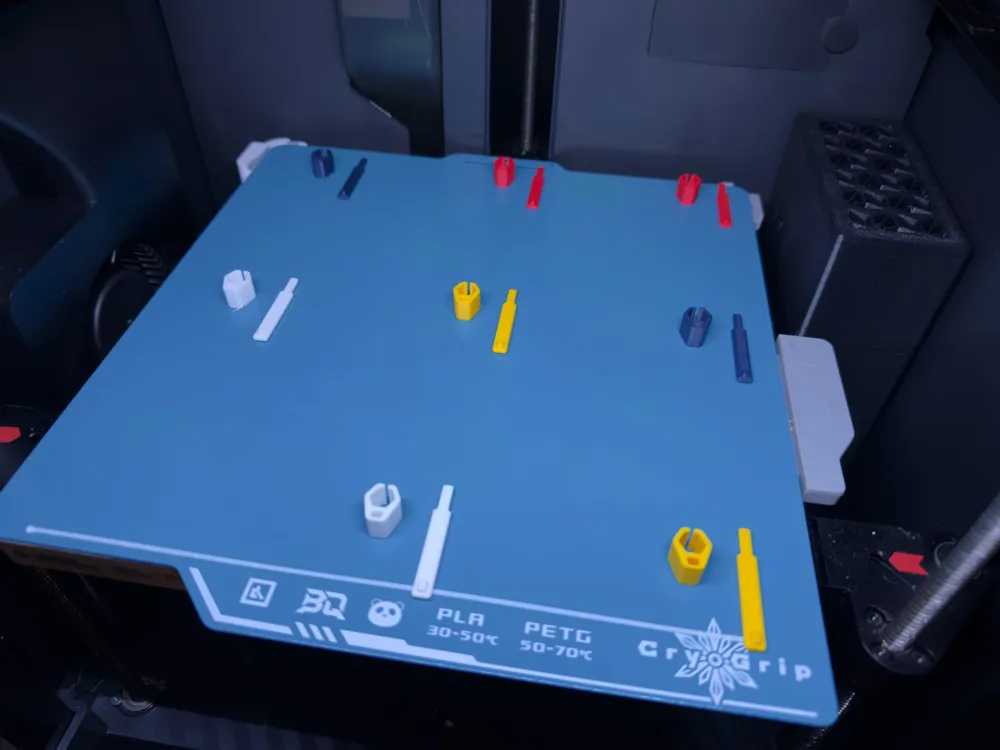
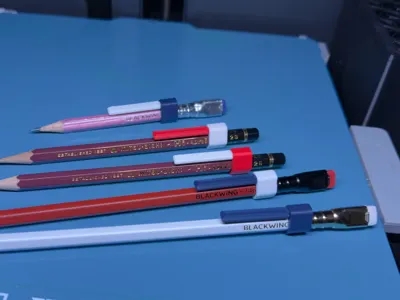
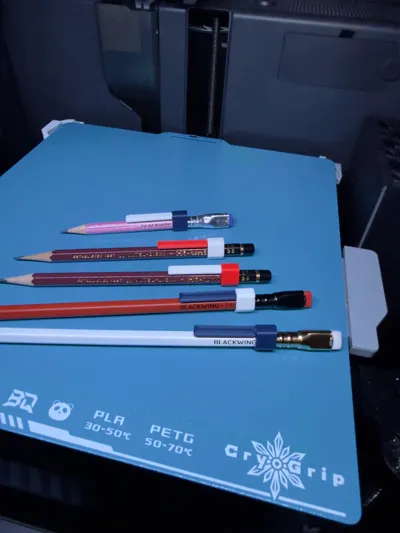
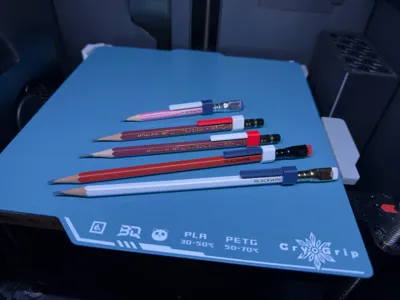
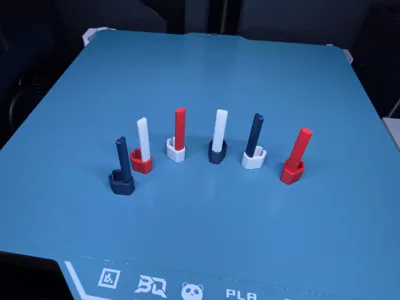
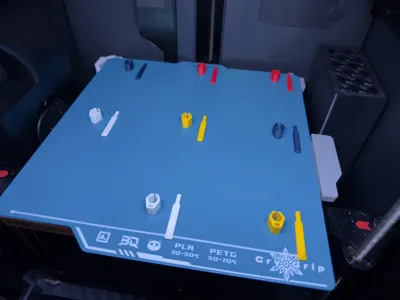
Print Profile(1)


Description
I'm an orchestra conductor. And I'm a big nerd for fancy pencils. One day in rehearsal I got tired of my pencil rolling about on my music stand.
So now I've spent months working on what I think is the strongest, most reliable, best fitting pencil clip that can be 3d printed.
Problems I've solved from other clips
- Print orientation
- Other clips print in only one orientation. Either the clip is strong or the sleeve is strong, but not both.
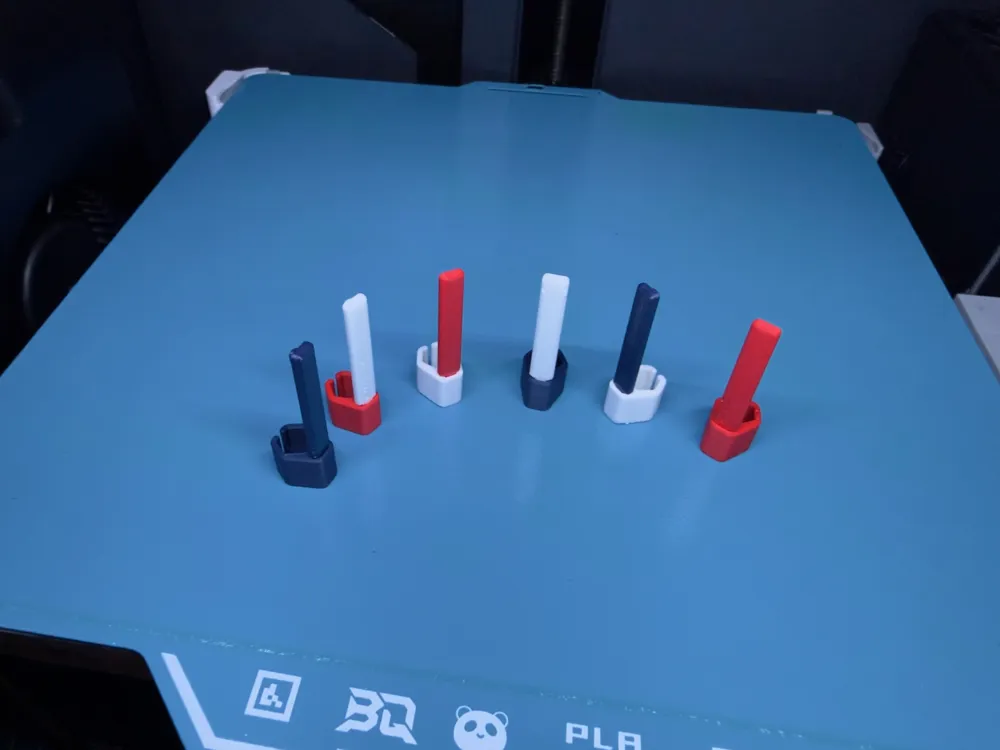
- My design prints in two separate parts to be strongest where it's needed in both the sleeve AND the clip!
- Fit
- Other clips are sized to only fit one specific pencil, or are so loose that they simply fall off.
- My design has two different sizes, and both have enough flex in the sleeve that they're going to fit perfectly and snugly every time.
- 7.2mm for Palomino Blackwings and Mitsubishi Hi-Uni (and other Japanese-made pencils)
- 6.8mm for Faber-Castell, Dixon Ticonderoga, and many other similarly-sized pencils.
- Function/Fashion
- Other clips are either too big and clunky, or too small to be strong enough for daily use.
- My clips are designed to be as small as possible while still having the strength they need to be clipped to papers, in bags, to music stands, etc.
- I've rounded off every edge possible to minimize the clip getting snagged on fabric in your bags, or from scratching your fingers.
Some tips for printing:
- Make sure you print the pieces in the orientation I've set them up with in the print profile! The clip should print flat, and the sleeve should be like a Mario World pipe. That's the strongest way to print the clip
- IT MAY BE TOUGH TO PRESS THE PIECES TOGETHER! That's by design. We don't want the clip sliding off the pencil, do we? If you're having trouble getting the two pieces together two things may help:
- The default profile prints with a very thin 0.08 layer height for durability and finish quality. Setting your layer height to a more normal 0.20 will print faster and may make the joint a bit looser
- Some filaments are just more true to size than others! If you absolutely can't get the two parts together, try a different filament. I've found even different colors of the same filament from the same manufacturer sometimes have tiny differences in their printed dimensions. (For example, I can't get this clip to work with Bambu's Matte Yellow, but it seems to work with every other color of their matte PLA!)
- The clip is only 1.6 grams of filament, so why not try another filament?
- For maximum durability, make sure the clip sits all the way flush into the sleeve. The weakest part of the entire design is this connection.
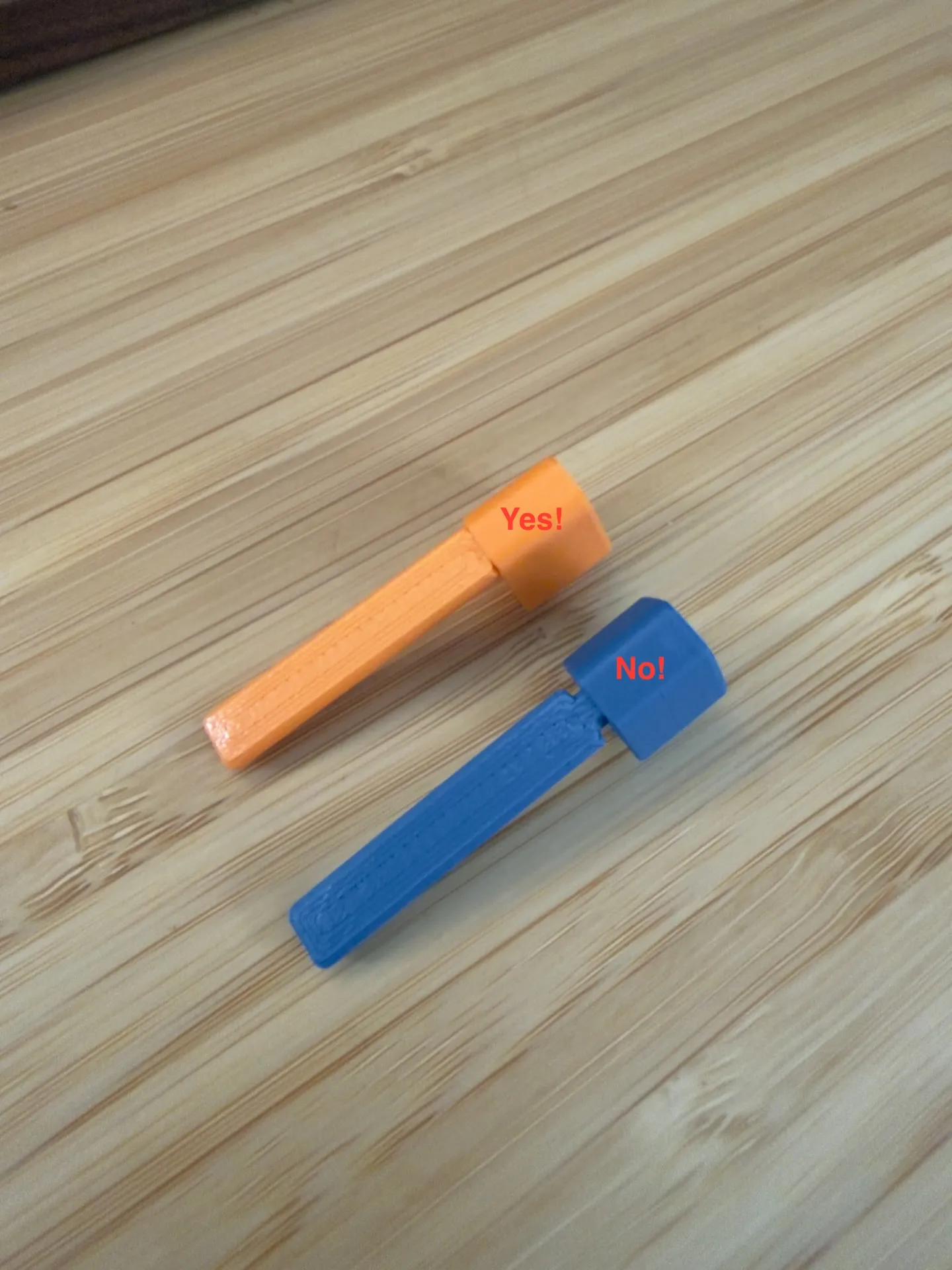
The file has two different sizes. Not sure what size your pencils are? Grab your trust calipers and measure from one flat side of the pencil to another. (Don't measure from corner to corner!)
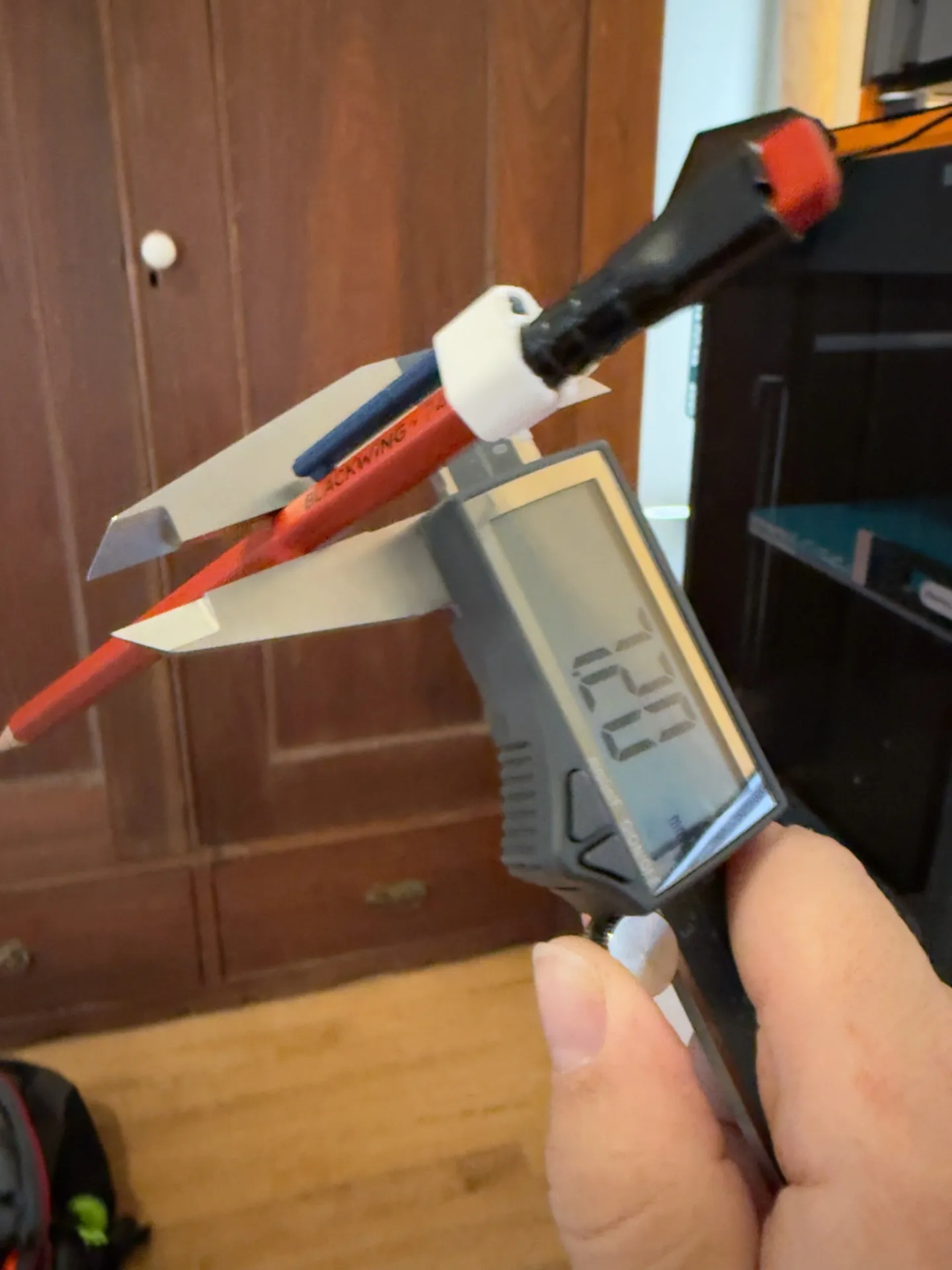
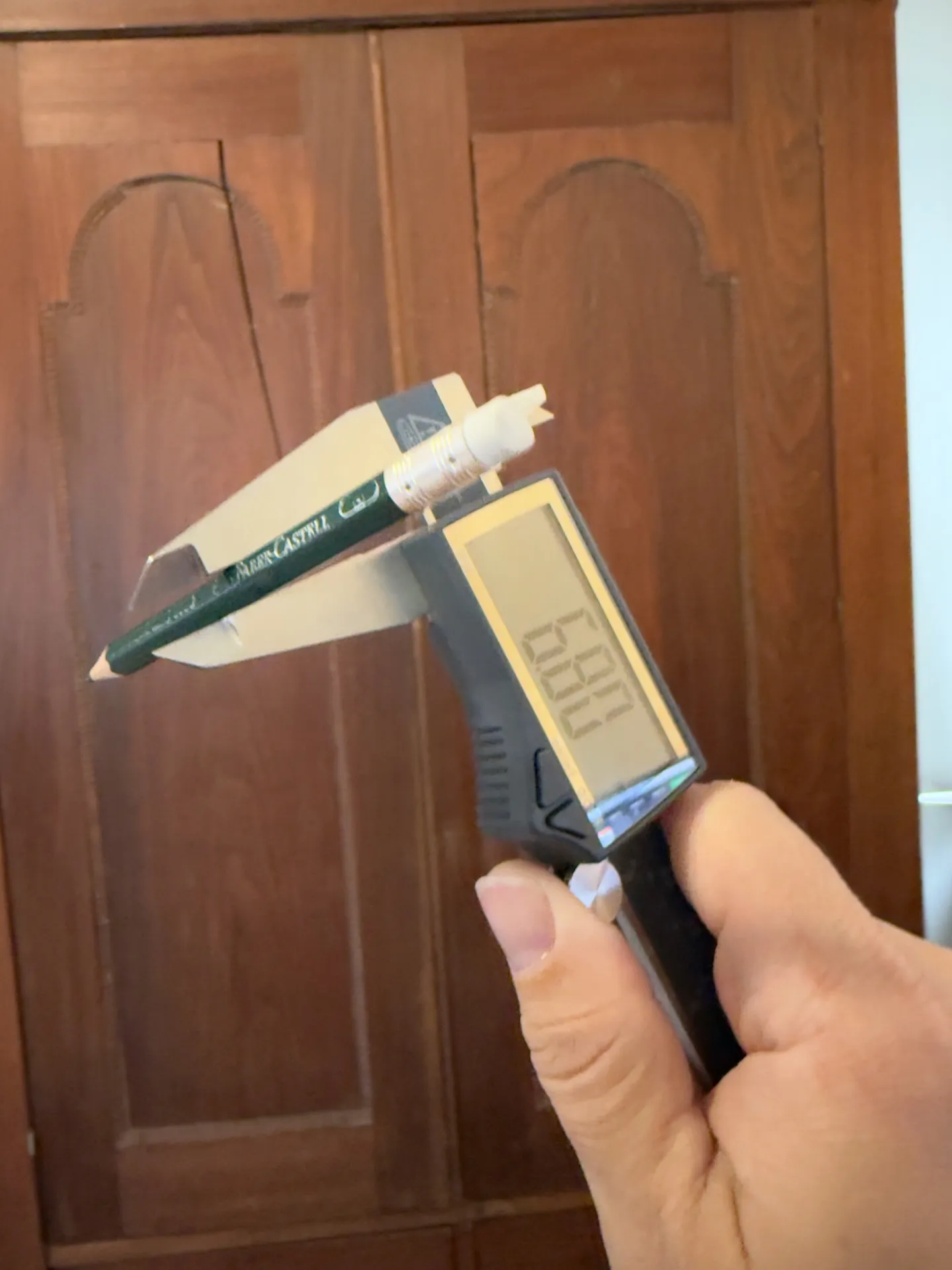
Don't have a set of calipers? Try the smaller size first.
I've tested this print with lots of different PLAs and PETGs, and it should work just fine with either. If anybody tries it out with TPU, let me know!
Best wishes, and happy writing.
License



Comment & Rating (0)