
CareSense Air saver
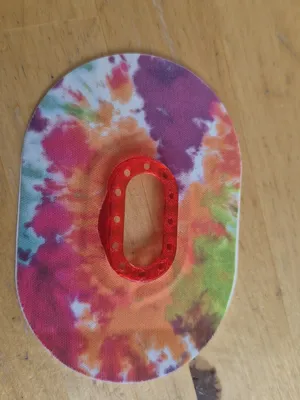
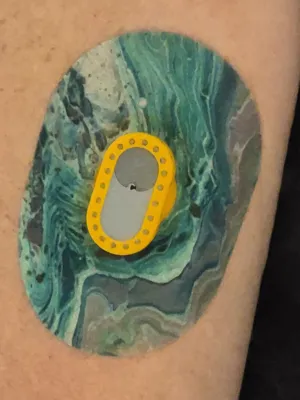
Print Profile(1)
Description
Fueled by caffeine and curiosity. ☕
CareSense Air Saver – Description
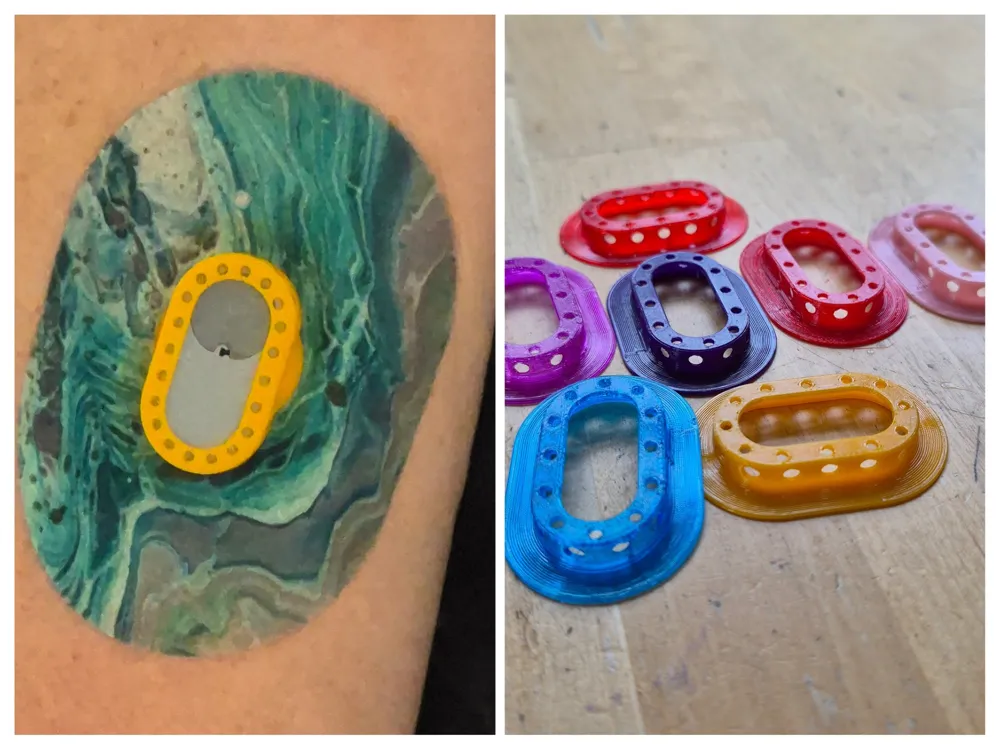
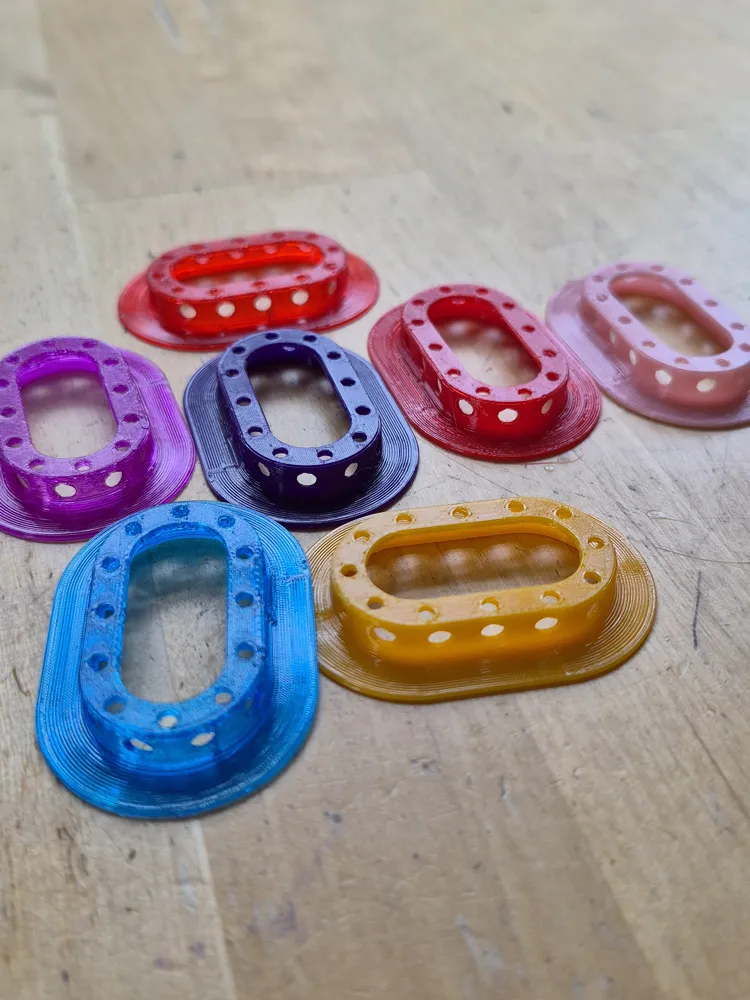
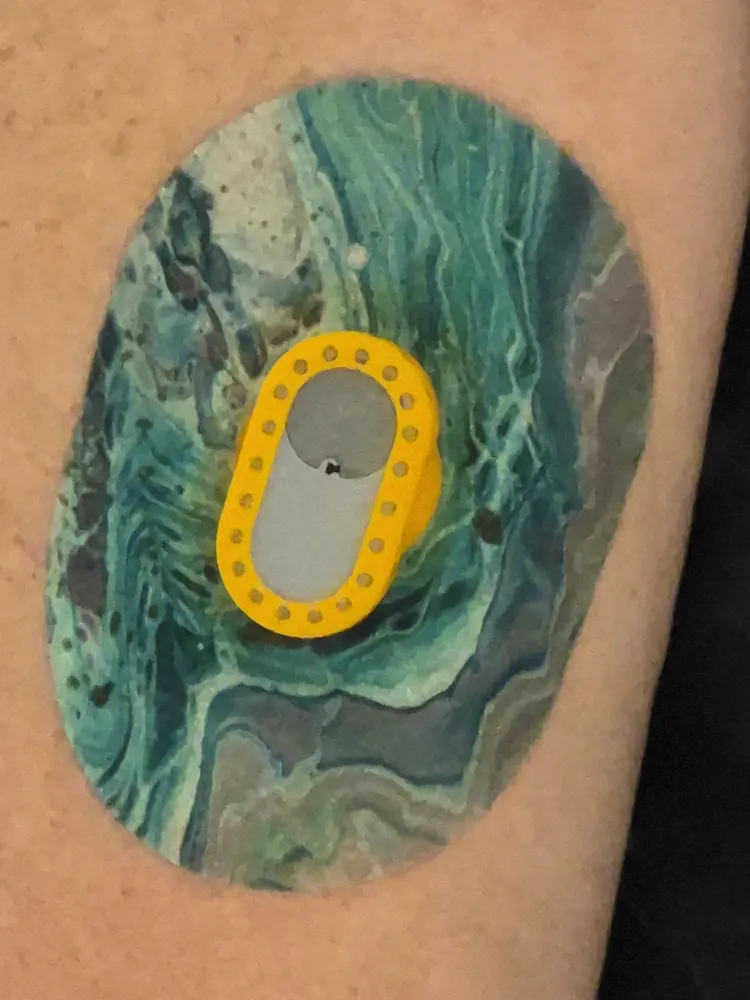
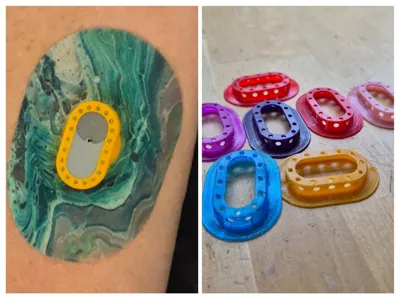
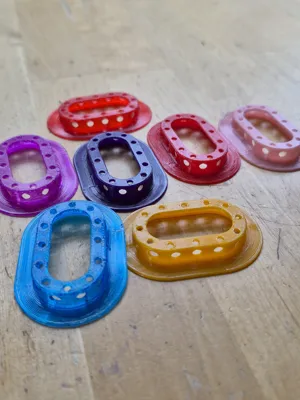
The CareSense Air Saver is a reusable, 3D-printed protective holder for the CareSens Air glucose sensor, made from flexible TPU 95A. The holder sits around the sensor and provides protection and stability without affecting sensor performance.
Design and Function
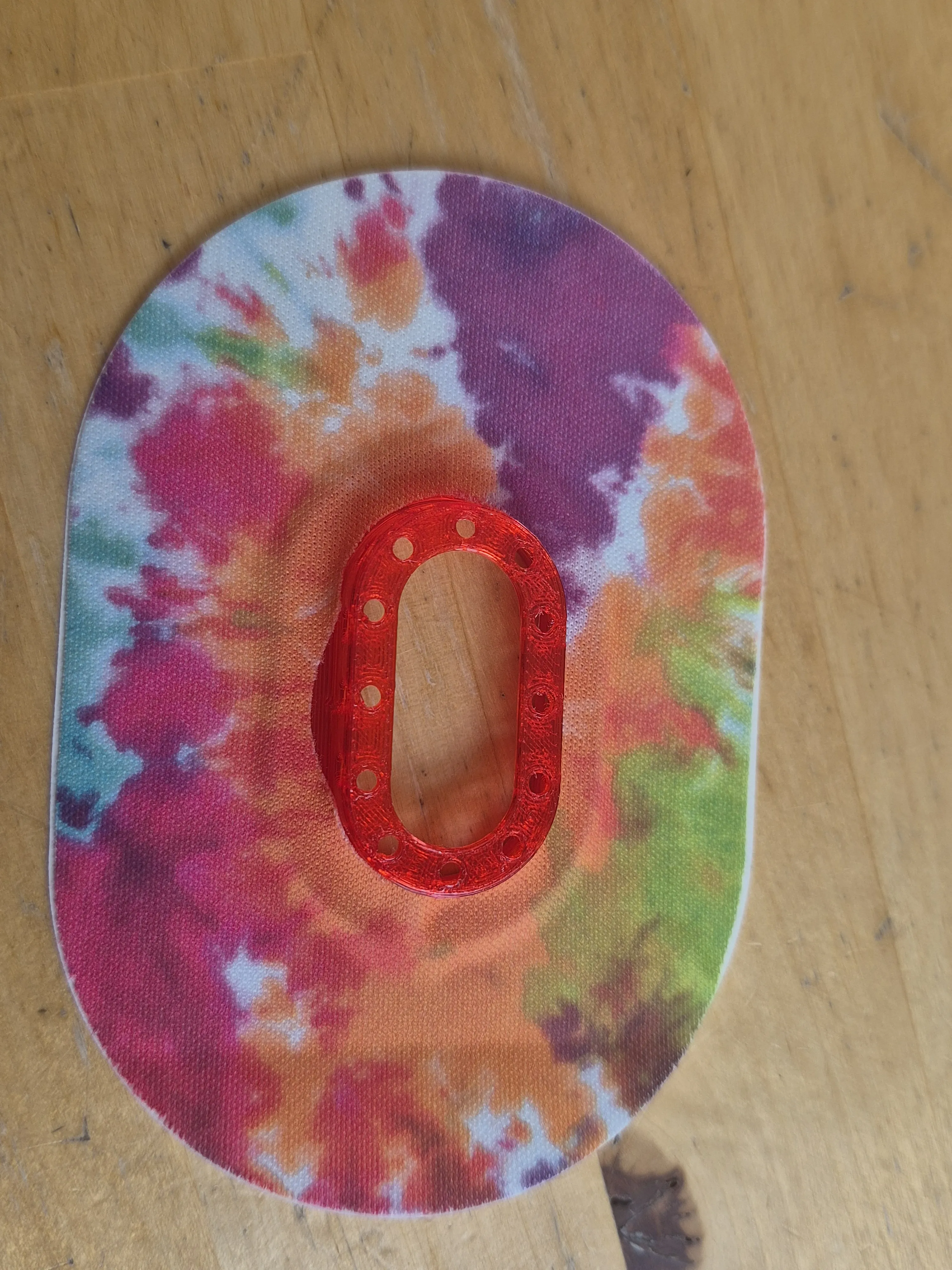
The holder is designed to fully cover the adhesive edge of the sensor. This ensures that no tape is applied directly to the sensor or its original adhesive, preventing accidental removal when changing tape. This allows the holder to be easily removed and reused, for example when the tape becomes loose or dirty.
Thanks to the TPU material, the holder is flexible, comfortable, and moves naturally with the body, improving wearability.
Using Tape
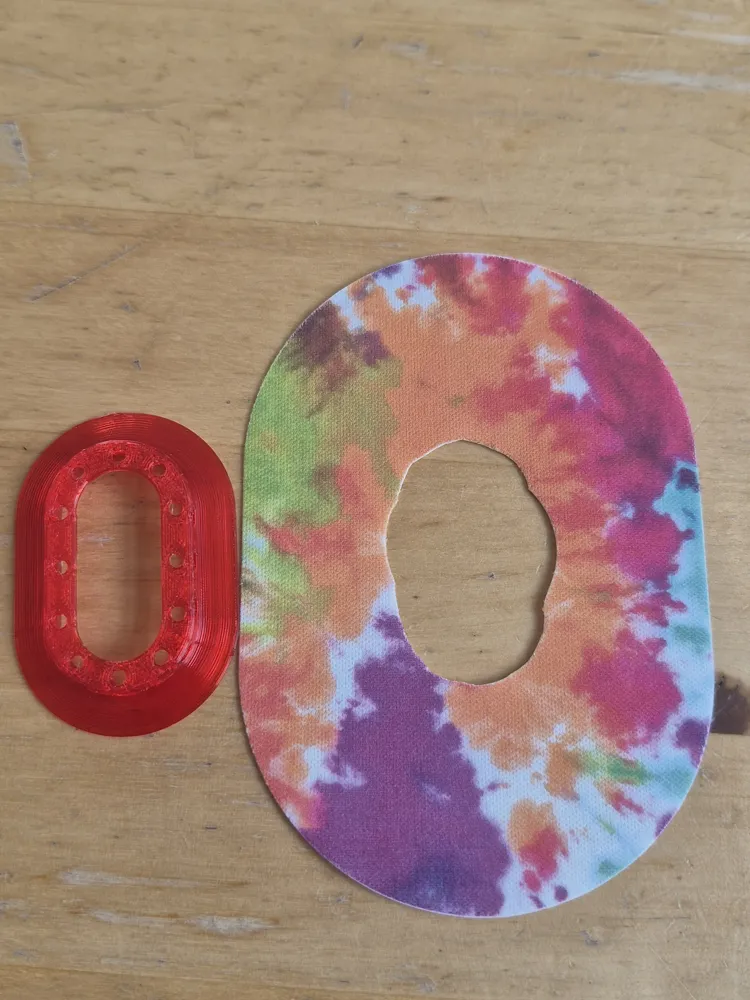
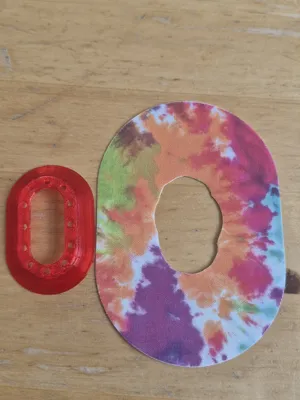
- Compatible with Dexcom G7 overpatches (trimmed to size)
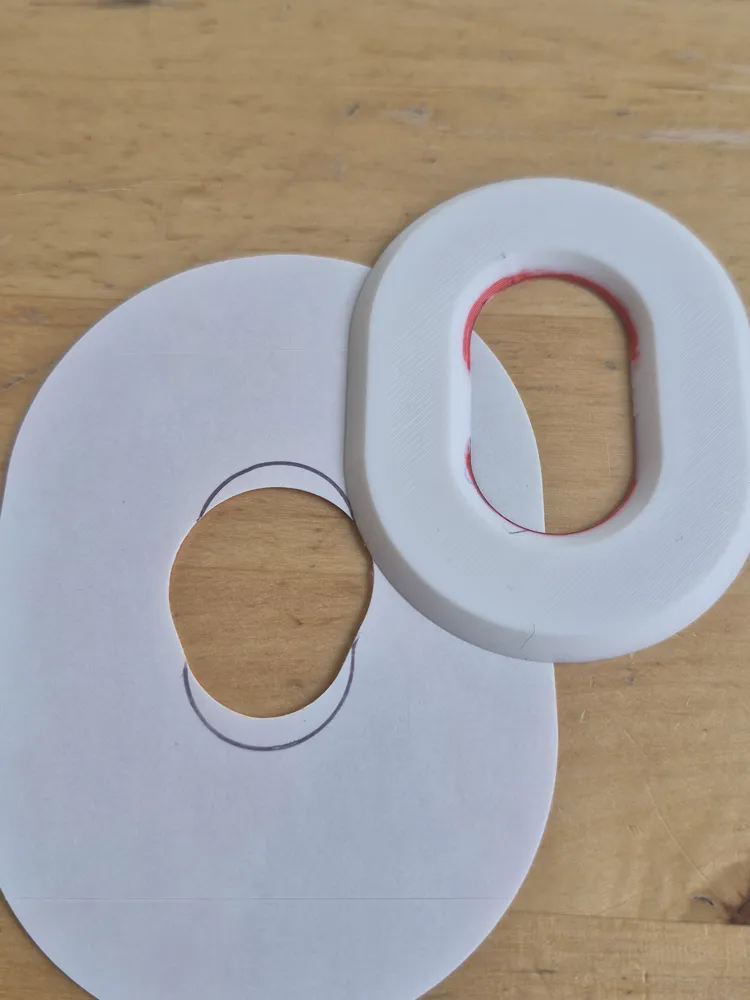
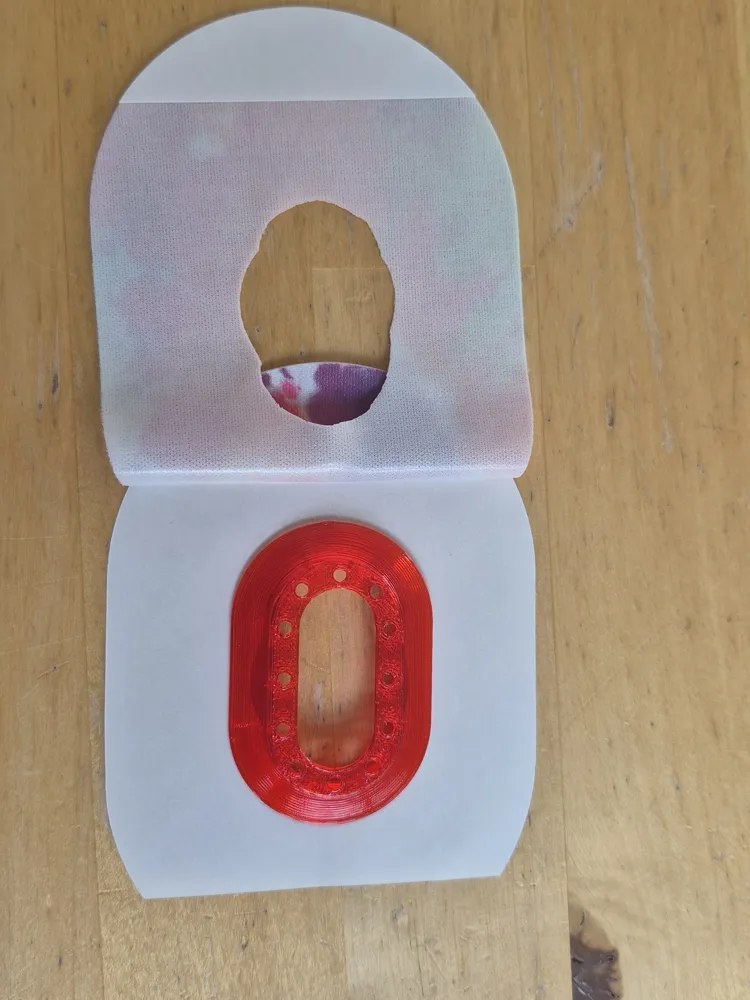
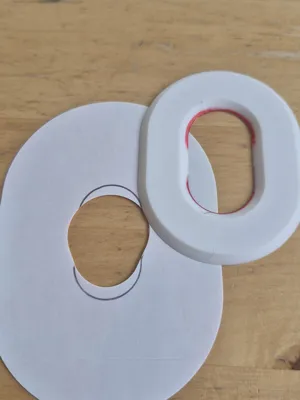
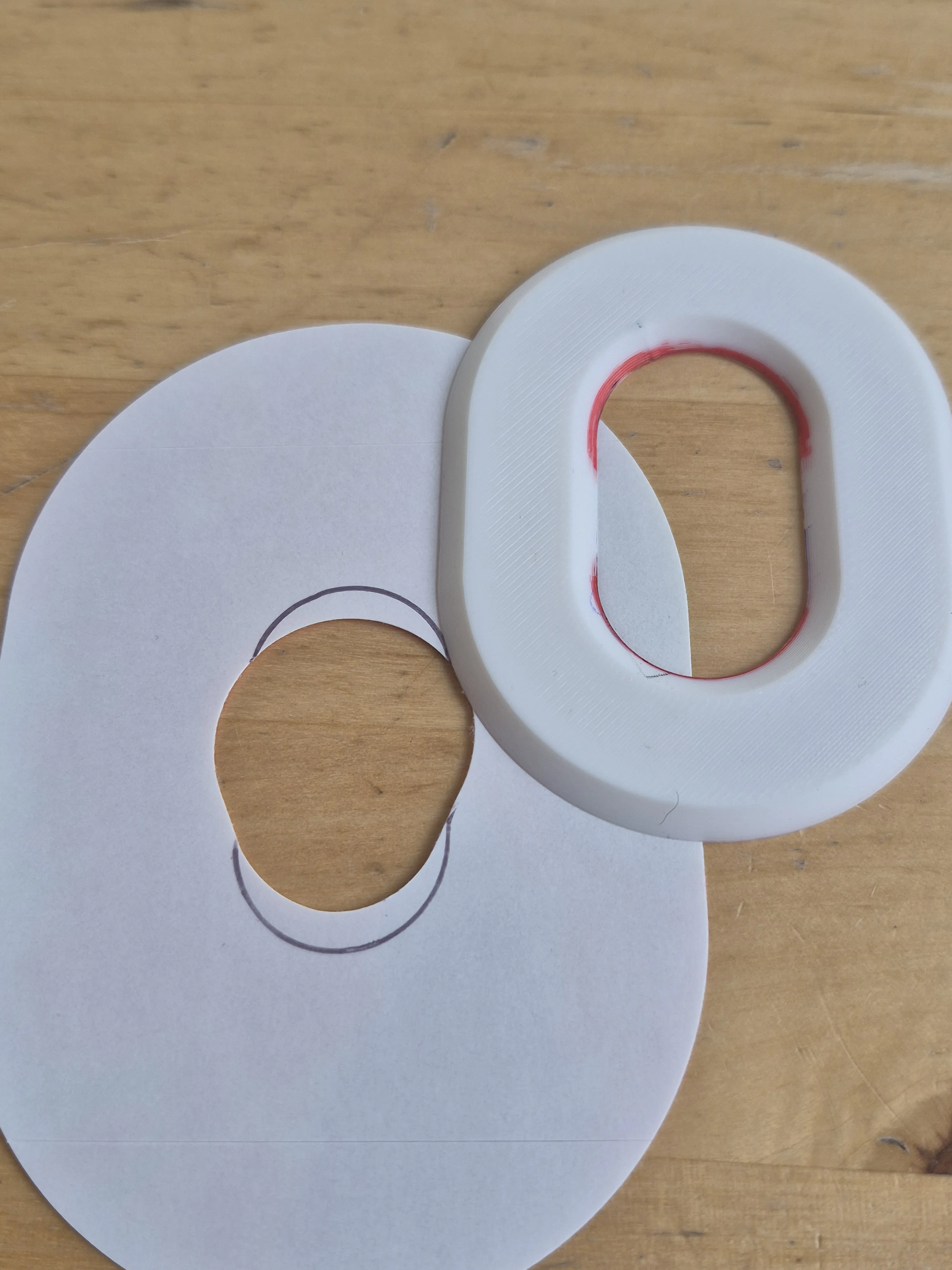
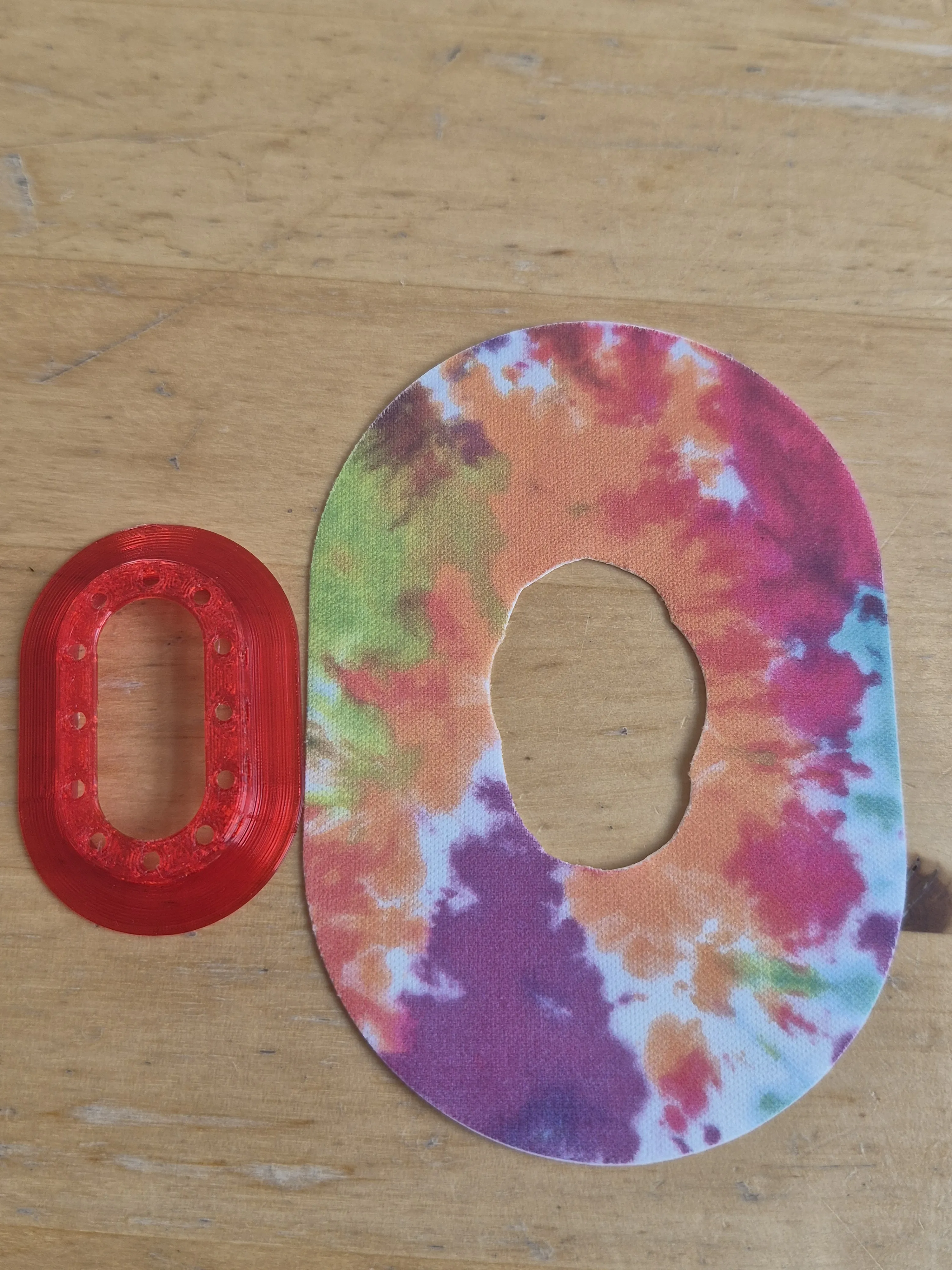
- Alternative: cut kinesiology (physio) tape using the included template
- Inner diameter of the template matches the sensor
- Outer diameter indicates the minimum adhesive area (larger is fine)
- In practice, tape typically stays in place for 10–15 days
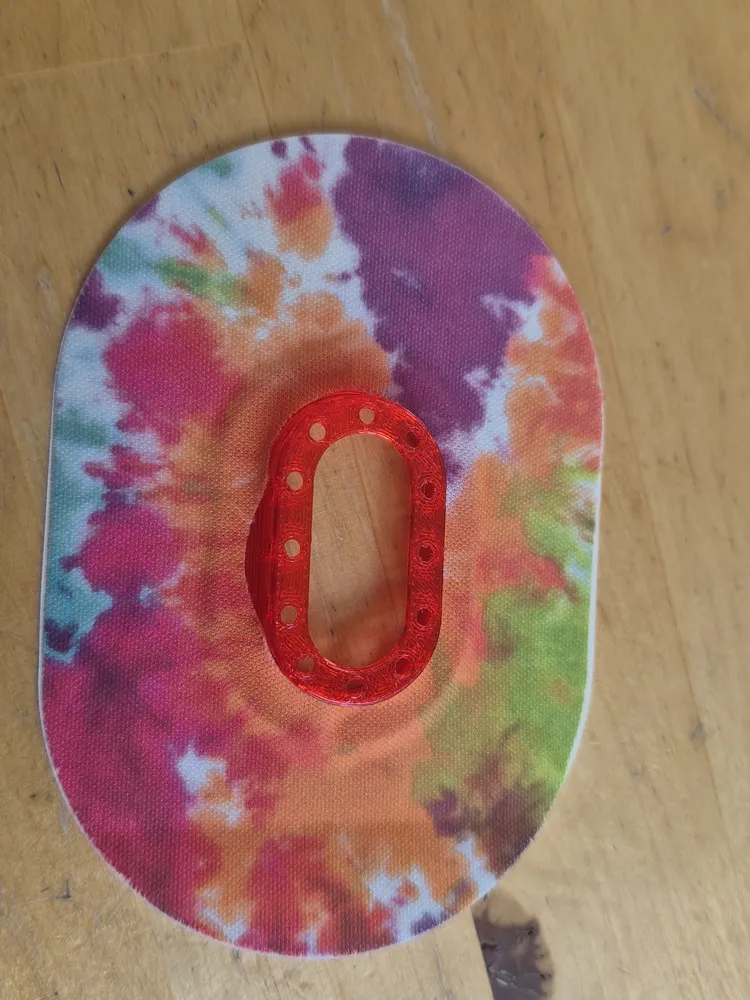
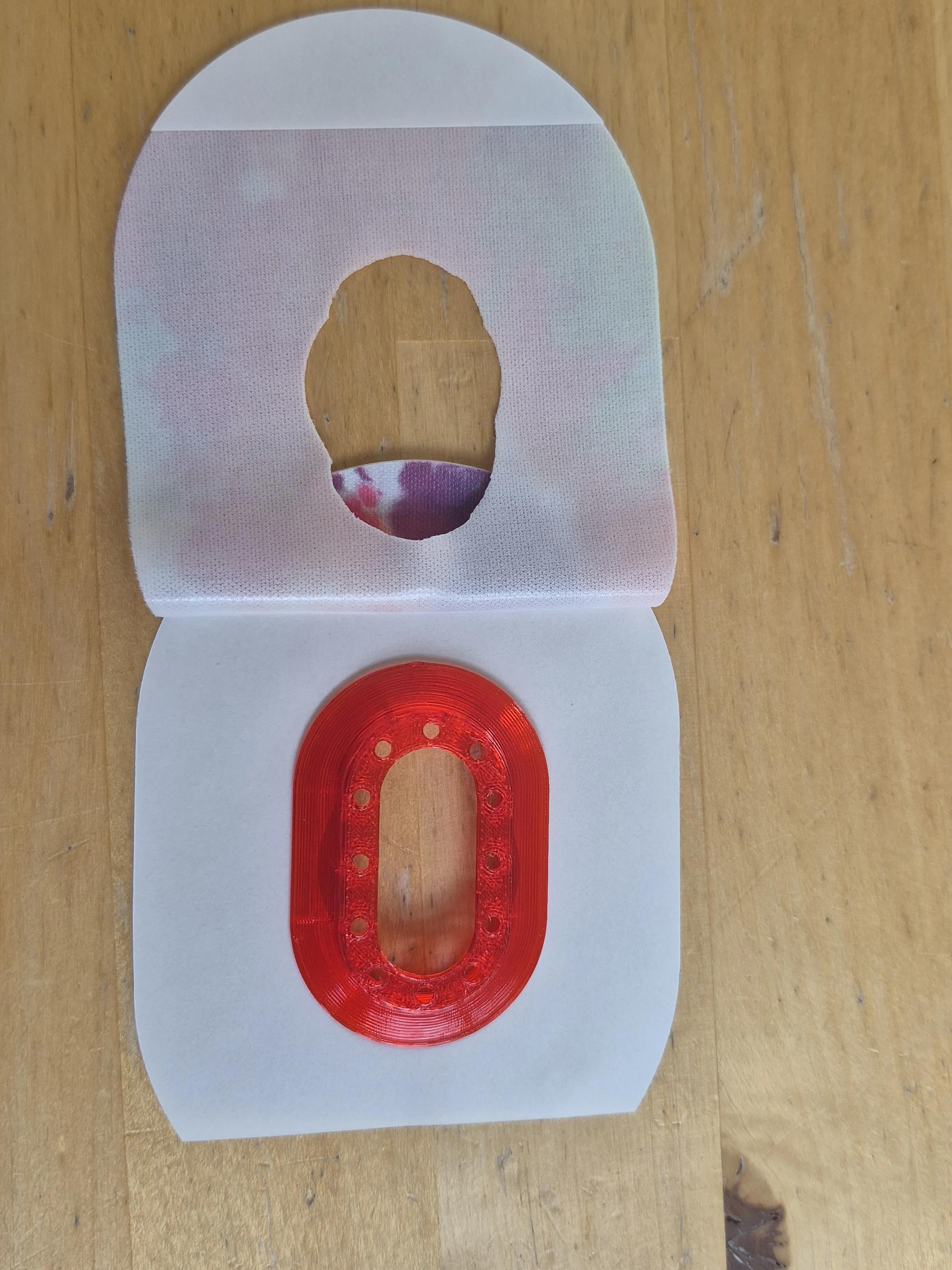
Preparing the Tape
- Use the template to trace and cut the tape
- Remove the backing
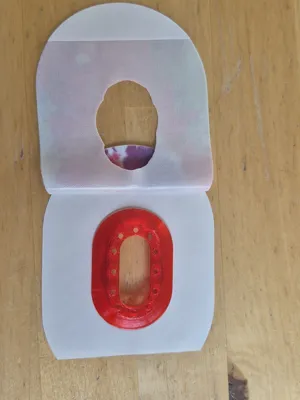
- Place the holder into the tape
- Apply the tape around the holder
- Place it back onto the backing until use
Print Instructions
- Holder material: TPU 95A
- Preferably use a smooth PEI build plate
- Dry TPU thoroughly before printing for best results
- Use glue on the build plate for easier release
- Use the modified print profile:
- Reduced print speed
- Ironing enabled
- Modifier block for the top layer
- Pause to add the support ring
Print Process
- First print the PLA support ring
- Start printing the TPU holder
- When the print pauses: insert the support ring into the holder
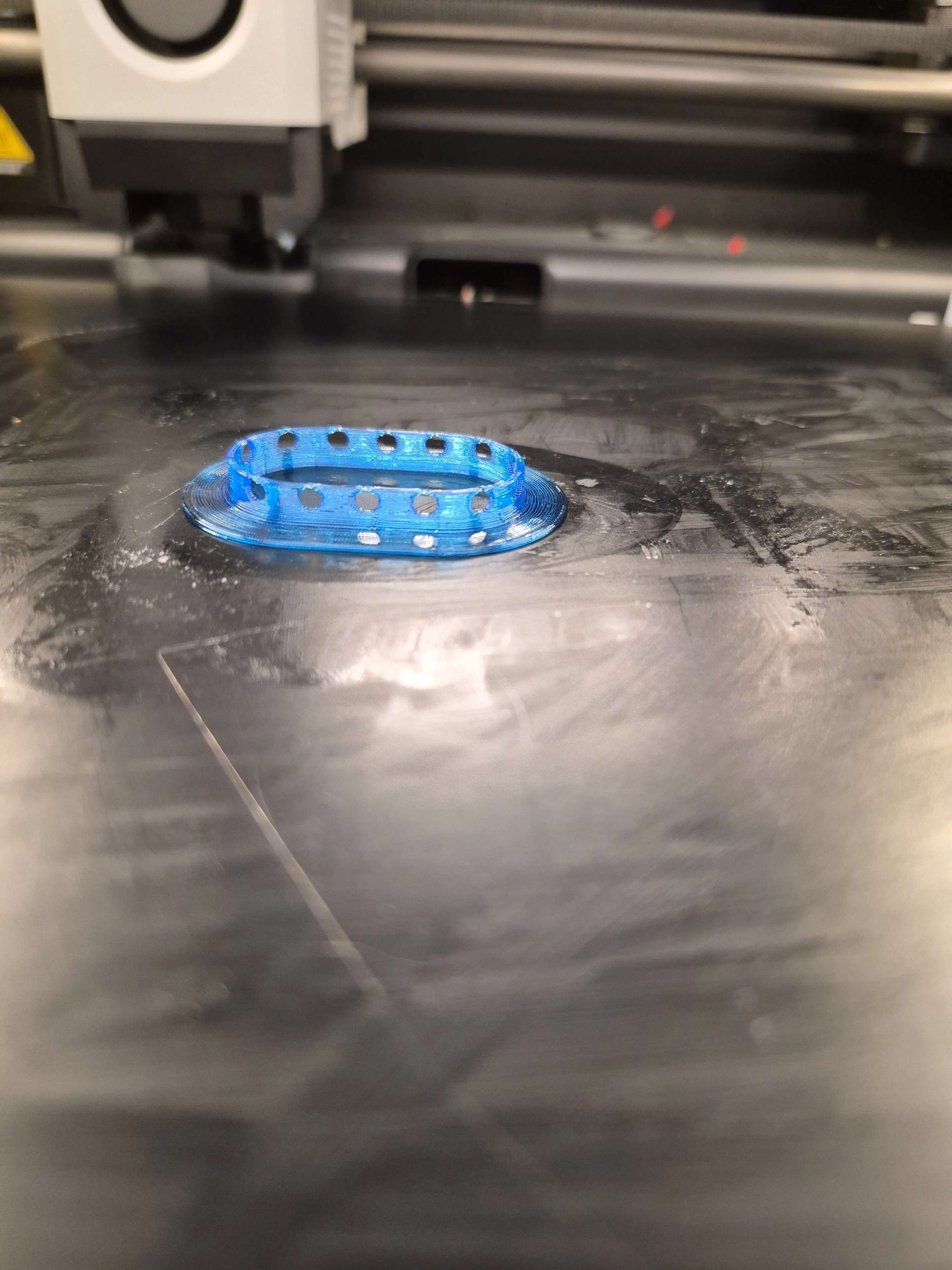
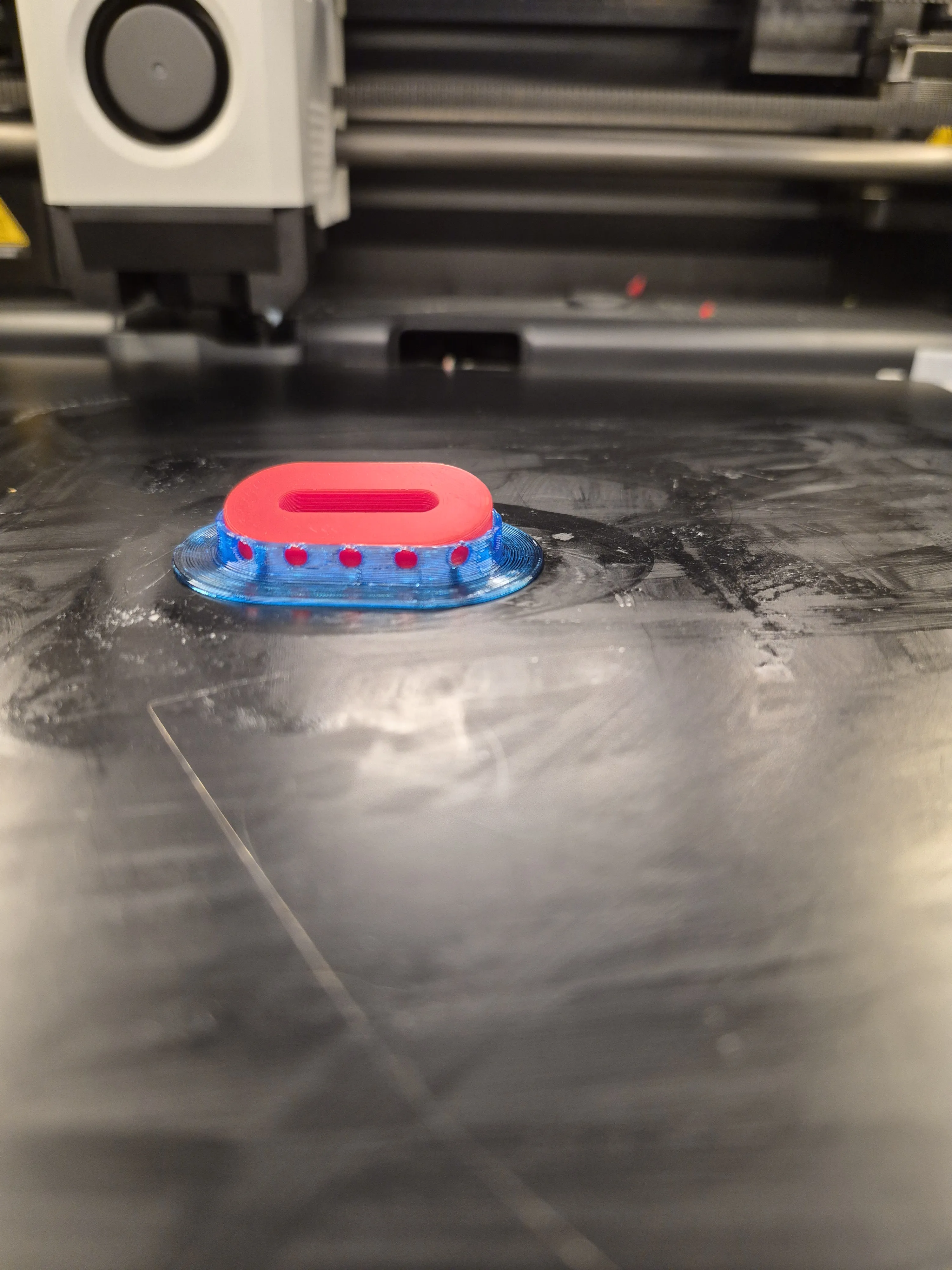
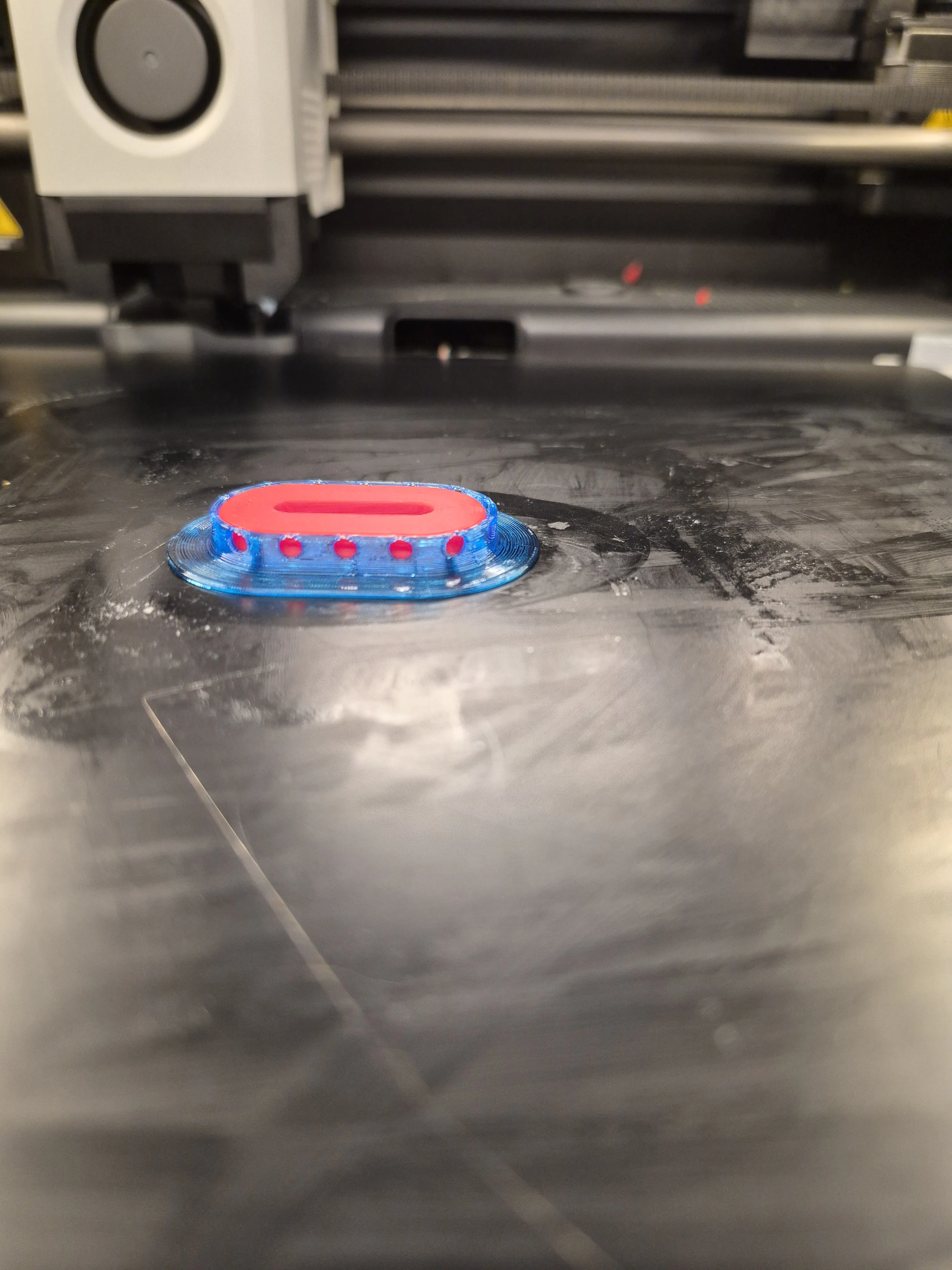
- Resume the print
- After printing: remove the support ring (reusable)
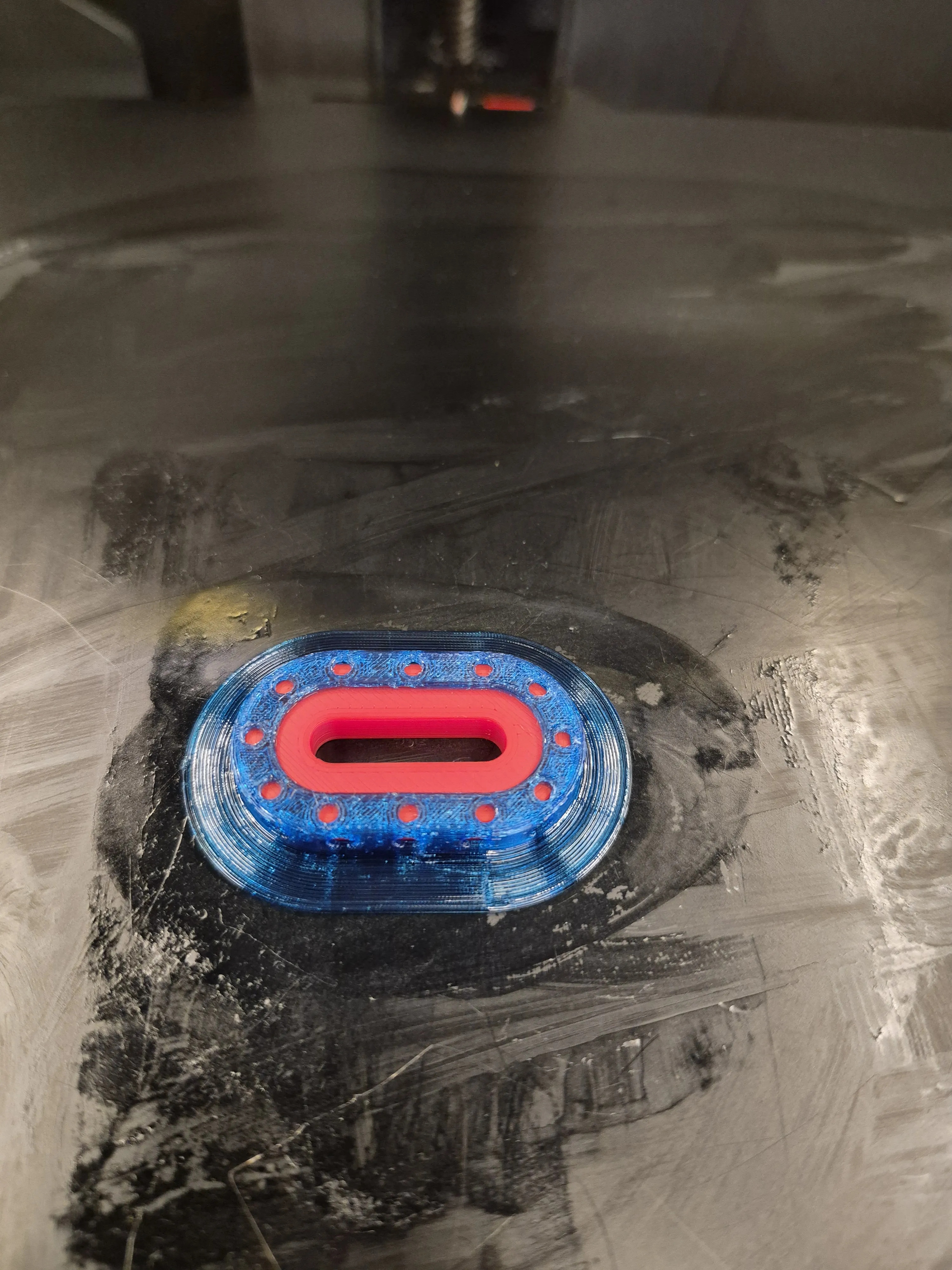
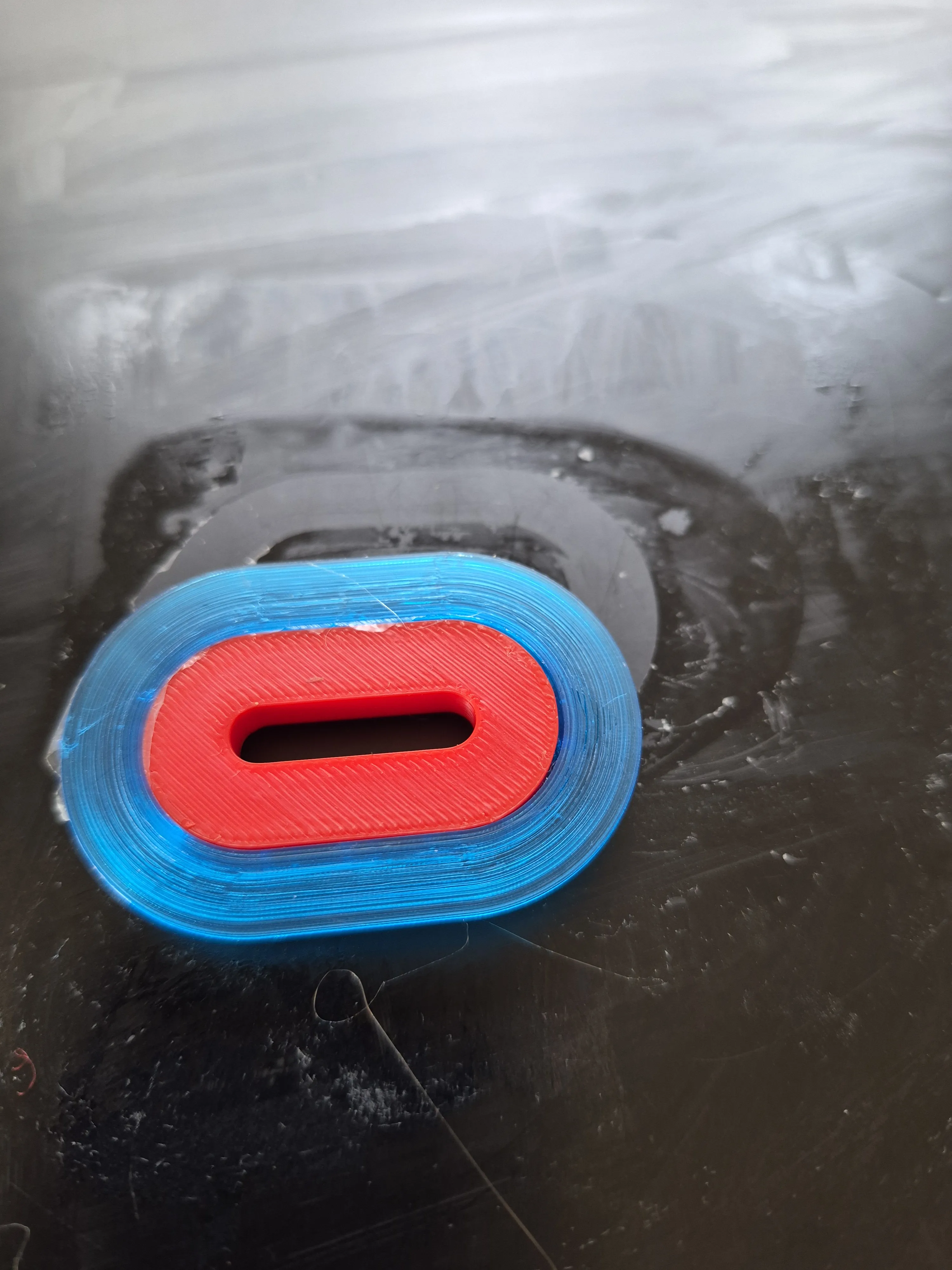
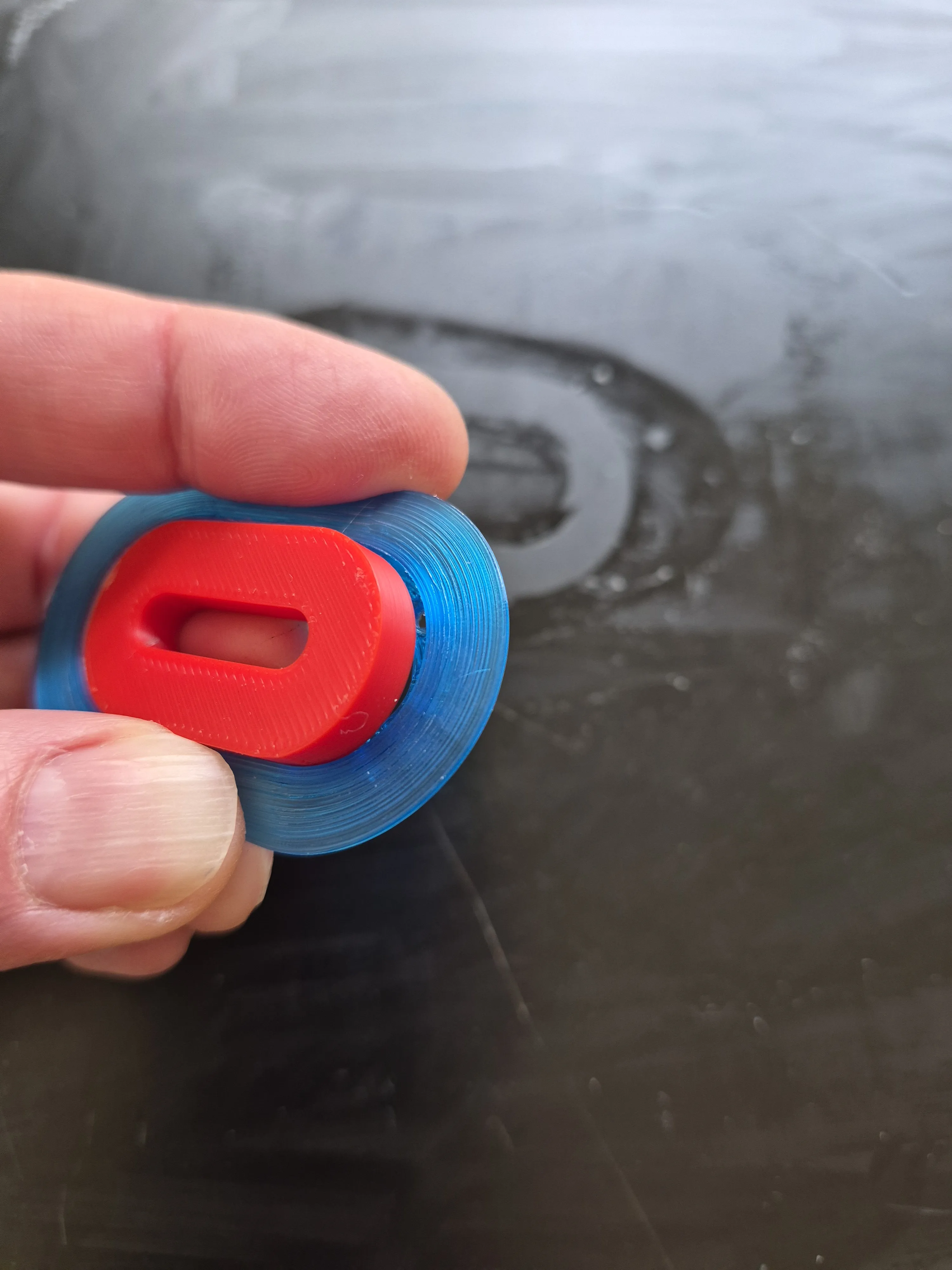
Additional Parts
- Print the template in PLA
Post-processing
- Wash the holder to remove any glue residue
The CareSense Air Saver is a practical and durable solution to protect your sensor and extend wear time, while maintaining comfort and minimizing skin irritation.
Boost Me (for free)
Like my models? Give me a boost! ⚡ It powers my next 3D experiment. 😜 It keeps the printer humming and my brain buzzing. 🤓
Follow me for more 3D experiments and borderline genius ideas. ⚡🤓
License

You shall not share, sub-license, sell, rent, host, transfer, or distribute in any way the digital or 3D printed versions of this object, nor any other derivative work of this object in its digital or physical format (including - but not limited to - remixes of this object, and hosting on other digital platforms). The objects may not be used without permission in any way whatsoever in which you charge money, or collect fees.


Comment & Rating (0)