Search models, users, collections, and posts

Eufymake E1 Fume Extraction Top Cover
Print Profile(1)
All
X1 Carbon
X1E
H2D Pro
H2D
P1P
X1
P1S
H2S
A1
P2S
H2C
X2D
A2L

0.2mm layer, 4 walls, 15% infill
Designer
10.3 h
2 plates
5.0(1)

Open in Bambu Studio
Boost
81
217
14
6
157
62
Released 

Description

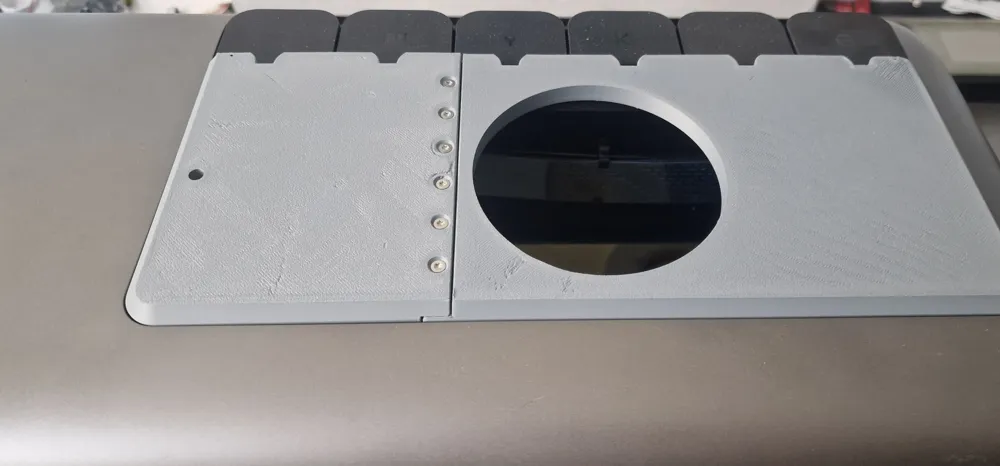
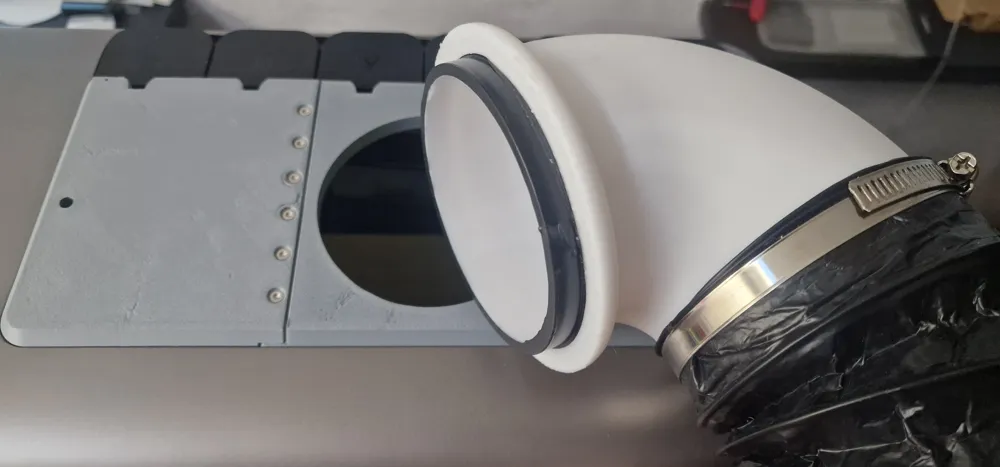
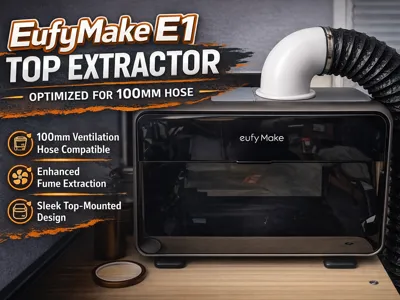
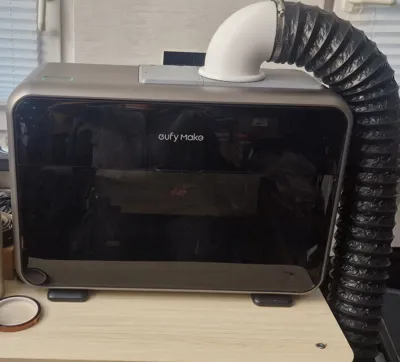
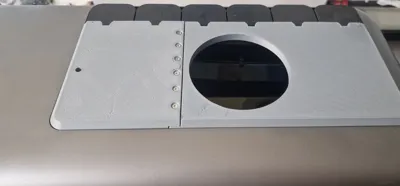
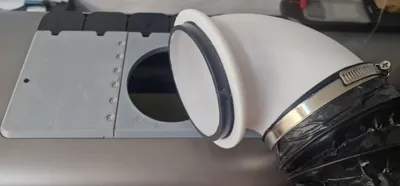
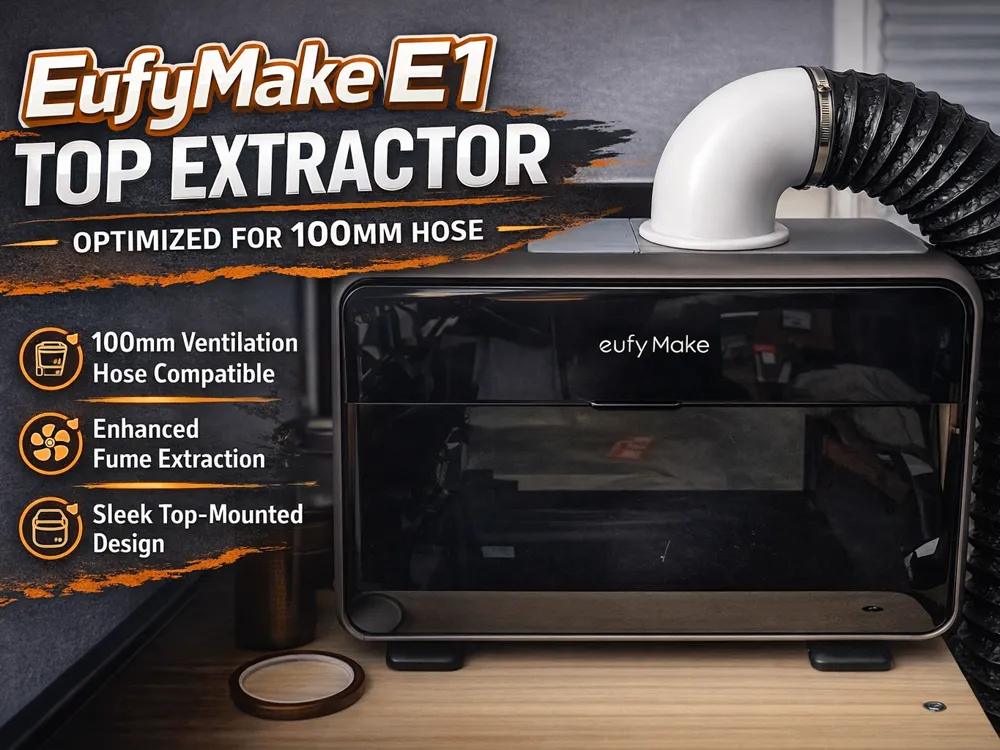
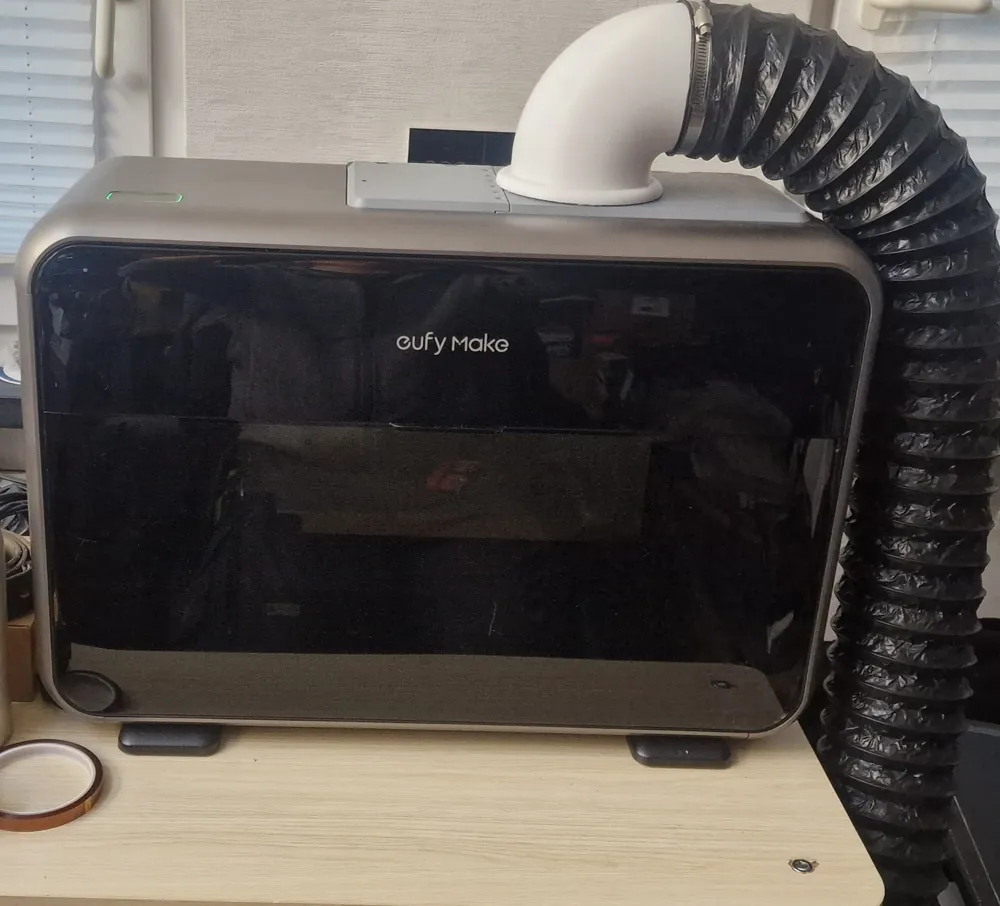
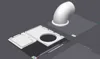
I recently wanted to extract fumes on my Eufymake E1 and tried out one of those that connect to the original port. I just noticed that the original port has very narrow openings so my extraction fan has to work very hard. So I designed the top cover with a 100mm hose adapter. Its clearly not pefect or pretty, but very functional.

The System I use is just an AC infinity Fan with refillable carbon Filter.


Small info: Dont let your extractor run on full blast with this adapter. Especially when the printer is not actively printing. Otherwise you might dry out the printhead. You also give your carbon filter less time to actually filter the smell. Just let it run on its lowerst setting and only increase when you still smell it.


----------

Assembly:


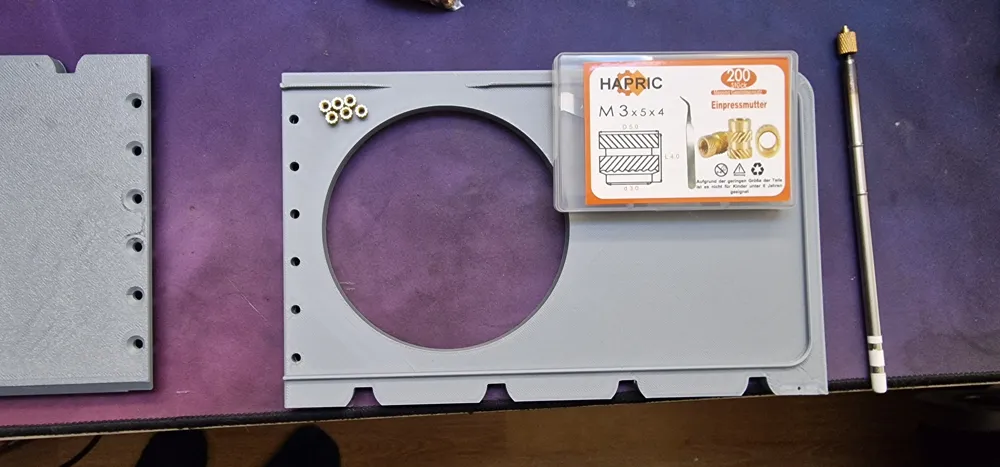
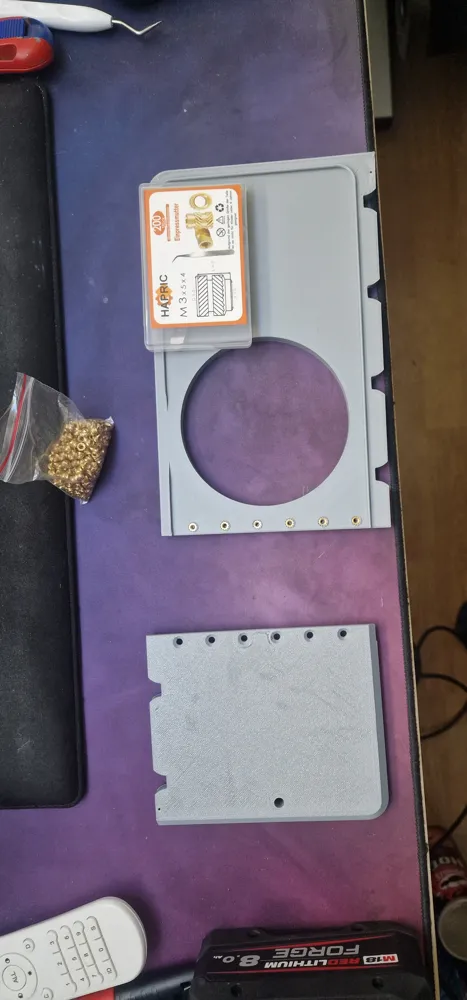
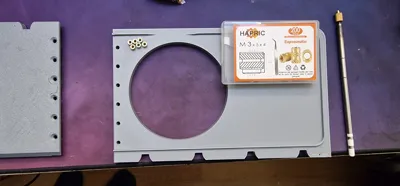
Materials: Filament of your coise: PLA will be enough.
Screws: Countersunk Screw M3x10

Heat Inserts M3: Should not be longer than 4mm.

6mm Magnet for Top Cover detection.


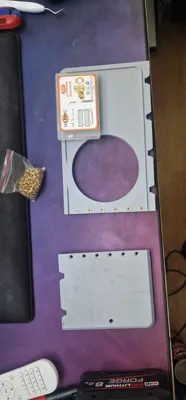
After printing you put in the heat inserts from the side where the supports were. After that you align the 2 parts and connect them with the countersunk screws. Then you can press in the small magnet from the bottom. after everything sits in place you can put the hose adapter in the base plate. If it sits too loose you can put some electrical tape around the perimeter.



Comment & Rating (14)

(0/1000)

Edit: I now verified the V2 and the print profile and I am happy with it for now. Now anyone with a 256x256 printer can print this design. Just be sure to have the materials for assembly. -------------- old message: Currently working on a updated design. FYI for anyone who has printed the current one. You need to trim some things on the underside to make it fit better: First one where the camera is and the second one on the bottom side in the middle facing you. This will be adjusted with the new design. I am also working on splitting the top cover part so you can print it on a normal 256x256 bed.
(Edited)
2
Reply
Many thanks. Looking forward to seeing the updated design
0
Reply
yes pls, looking forward to the update as well
0
Reply
Thanks for adding the solid piece! I was able to carve out a 90mm hole instead to fit what comes with the Mintion filtration system. I just used some nails to start pilot holes to match the template on the filter and was able to secure it. It's made a wonderful difference! Much appreciated!
0
Reply
@lpyrbby do you mind sharing your file? I just got the same filtration system and need the 90mm hole.
(Edited)
0
Reply
Replying to @user_4088693739 :
I'm having trouble uploading the stl file itself, but I just used tinkercad to remix the original. If we're lucky, the link to the design will post with the comment, otherwise, I can try again later tonight when I get back to my computer. https://www.tinkercad.com/things/fcPE1RnZ1Th-eufymakee190mm?sharecode=CCKv-gnvfj-bQ_GXnRML3rogai05xu0cFqkk_PillKI
0
Reply
Awesome Design! Thank You! Could you post a version with a solid top (no circular hole) for those of us that have a different size hole or shape?
The designer has replied
0
Reply
Sure. Just added a folder named V2 without opening. You will find the Multipart and single part version without the opening there. Hope this helps.
0
Reply
Replying to @Dark88Printer :
Awesome! Thank you for helping others with your work!
designer
1
Reply
So how is it actually secured to the top? i printed mine and it sits in place, but any added weight from connecting the hose and the plate comes right off. Not the hose adapter, but the plate ittself
The designer has replied
0
Reply
Yeah. Thats a known problem if you have too much weight. I would suggest either taping it down or reducing the force so the plate wont lift. For me the weight of the hose never was a problem. I thought about magnets on the sides, but that would requiere a 3D scan to model it perfectly. And right now Eufymake has my printer because the mainboard had an issue.
0
Reply
Is the design also available for Cura software, I have an Ultimaker S5
The designer has replied
Show original
0
Reply
Sure - Just click on the little arrow on the download button and select: Download STL/CAD files. Then you can choose the Version which you want to print. If the S5 is big enough you can download the V2 single part: If not, download the Multipart. Also: If you have bambu studio you can always export STL files from there via right clicking the model and selecting export as an STL file. ( mine is in german but it should be similar ). Then you can import them into Cura.
0
Reply
Print Profile
0.2mm layer, 4 walls, 15% infill
0
Reply
No more