Search models, users, collections, and posts

MAVIC 2 ZOOM/PRO Universal Payload Mount
IP Report
Print Profile(1)
0.2mm layer, 2 walls, 15% infill
Designer
1.4 h
1 plate
Open in Bambu Studio
Boost
2
8
0
0
5
5
Released
Description
Description
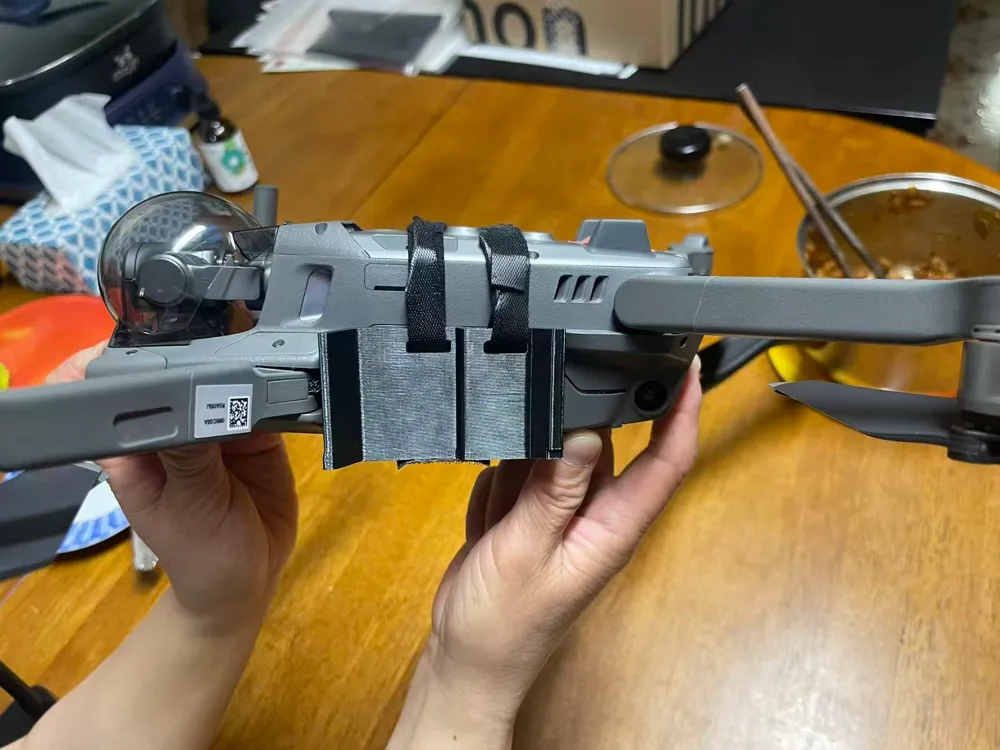
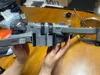
This is a lightweight, high-strength Universal Payload Mount specifically designed for the DJI Mavic 2 Series (Zoom & Pro). Whether you are looking to attach external lighting (such as the Godox TT350s seen in the photos), sensors, or custom experimental gear, this mount provides a secure and stable platform without interfering with the drone's essential flight sensors.
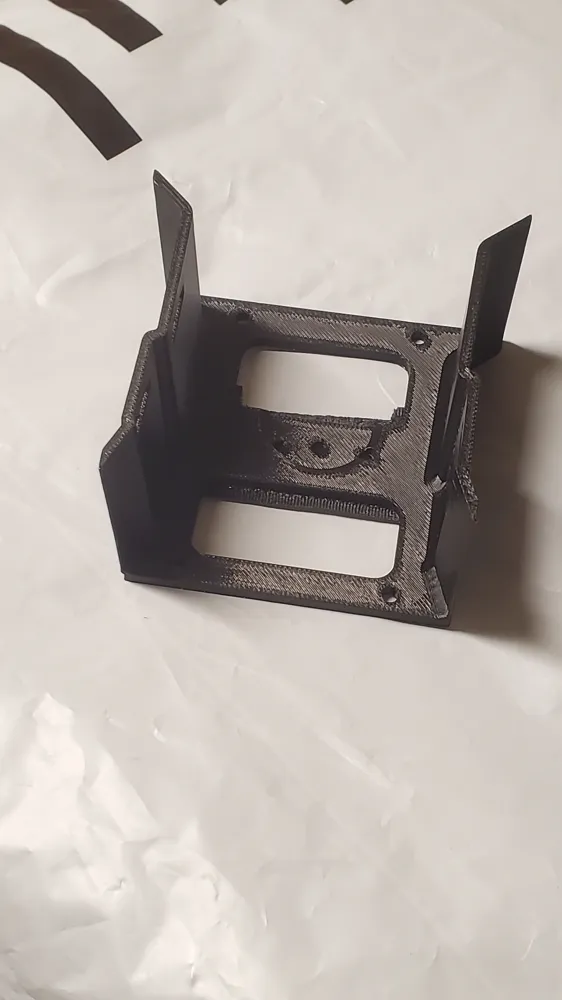
The design features a wrap-around cradle that distributes the weight of the payload across the airframe. It includes precision cutouts to ensure the downward vision system and auxiliary lights remain completely unobstructed for safe landing and positioning.
Key Features
- Dual-Strap Security: Designed with specific slots for Velcro straps to ensure the mount stays tight during high-speed maneuvers.
- Sensor Optimized: The base plate includes dedicated openings for the Mavic 2’s bottom sensors and cooling vents.
- Lightweight Design: Minimalist geometry to reduce impact on battery life and flight dynamics.
- Versatile Mounting: Features a flat top surface and side mounting points for various DIY attachments.
Model Specifications & Requirements
- Compatibility: DJI Mavic 2 Pro / DJI Mavic 2 Zoom.
- Hardware Required: 2x Velcro straps (recommended width: 0.9cm – 1.1cm).
- Print Settings: * Material: PETG or ASA recommended for UV resistance and durability (PLA may warp in direct sunlight).
- Infill: 15-20% Gyroid for optimal strength-to-weight ratio.
- Supports: Minimal supports required for the strap loops.
Categories & Tags
- Category: RC Vehicles > Drones > Accessories
- Tags: DJI, Mavic 2, Drone, Payload, Mount, FPV, Photography, Custom, 3D Printing
License Information
- Commercial Use: No
- Remixing: Yes (ShareAlike)
- Attribution: Required
Assembly Guide
- Slide the 3D-printed mount onto the belly of the Mavic 2.
- Thread the 0.9cm - 1.1cm Velcro straps through the side slots.
- Tighten the straps over the top of the drone body, ensuring they do not interfere with the propeller clearance.
- Attach your desired payload to the mounting plate using the integrated holes or additional adhesive/straps.
License

This user content is licensed under a
Creative Commons Attribution-Noncommercial


Comment & Rating (0)