
DAS JBOD Case - 2.5 in USB Drives
Print Profile(1)
Description
Boost Me (for free)
Boost me for more practical prints!
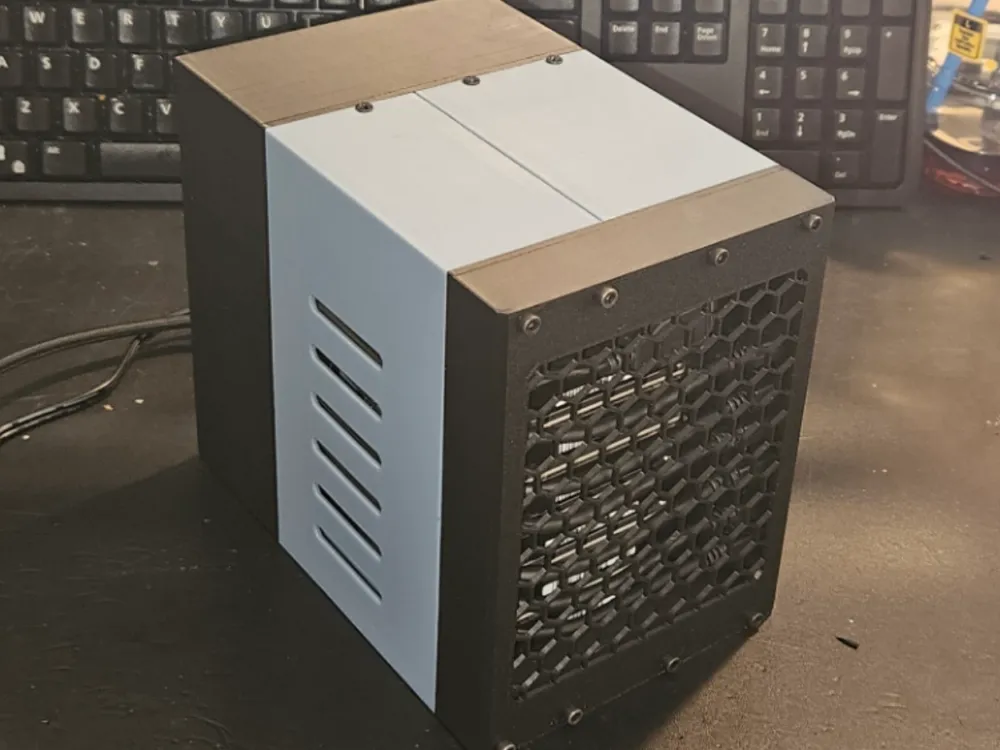
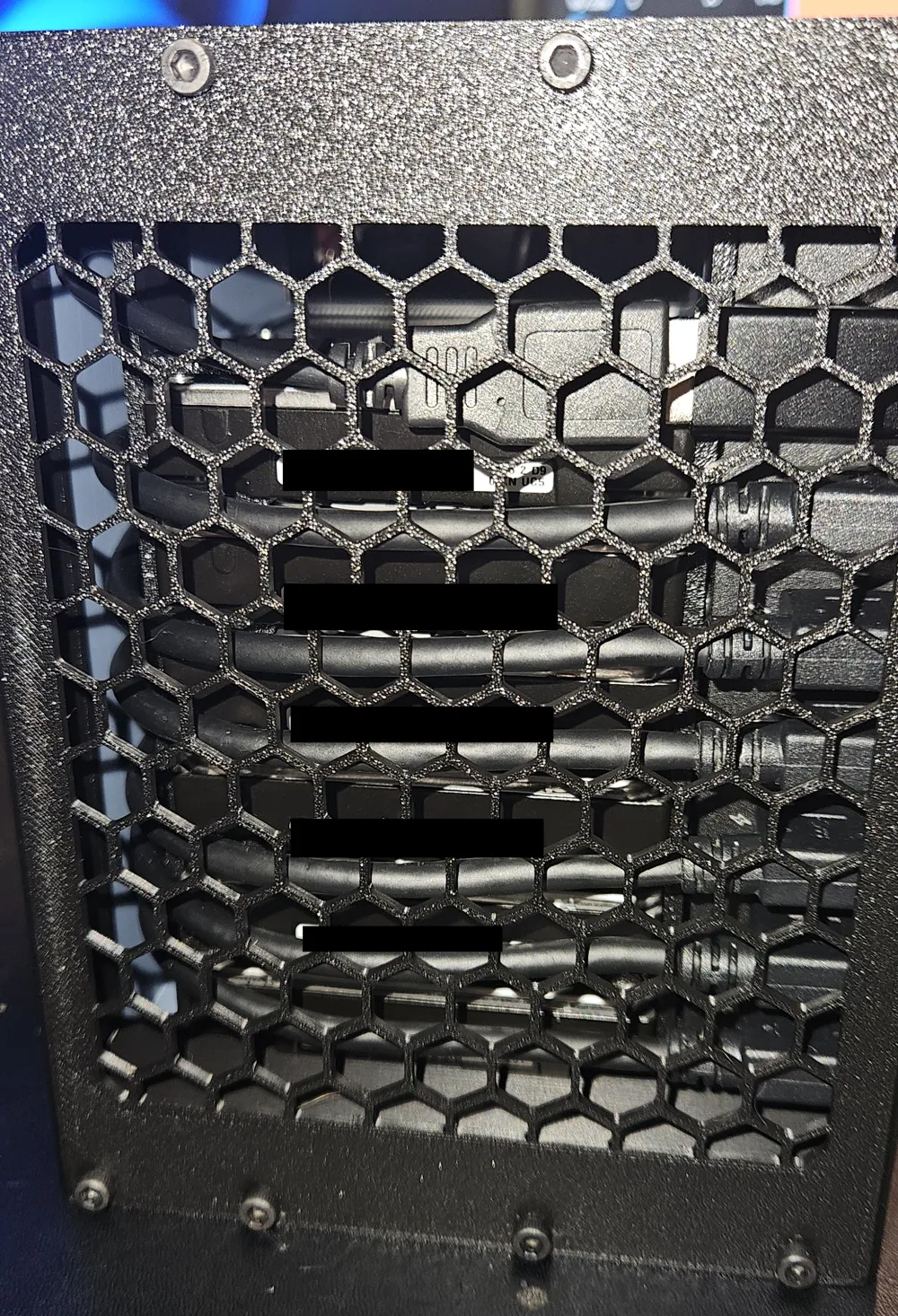
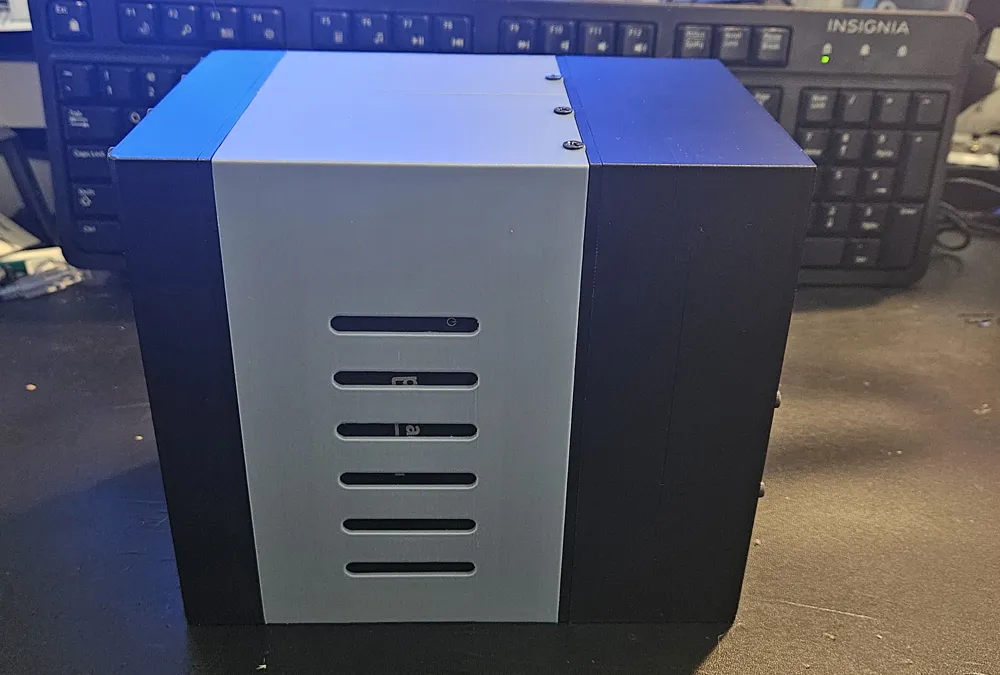
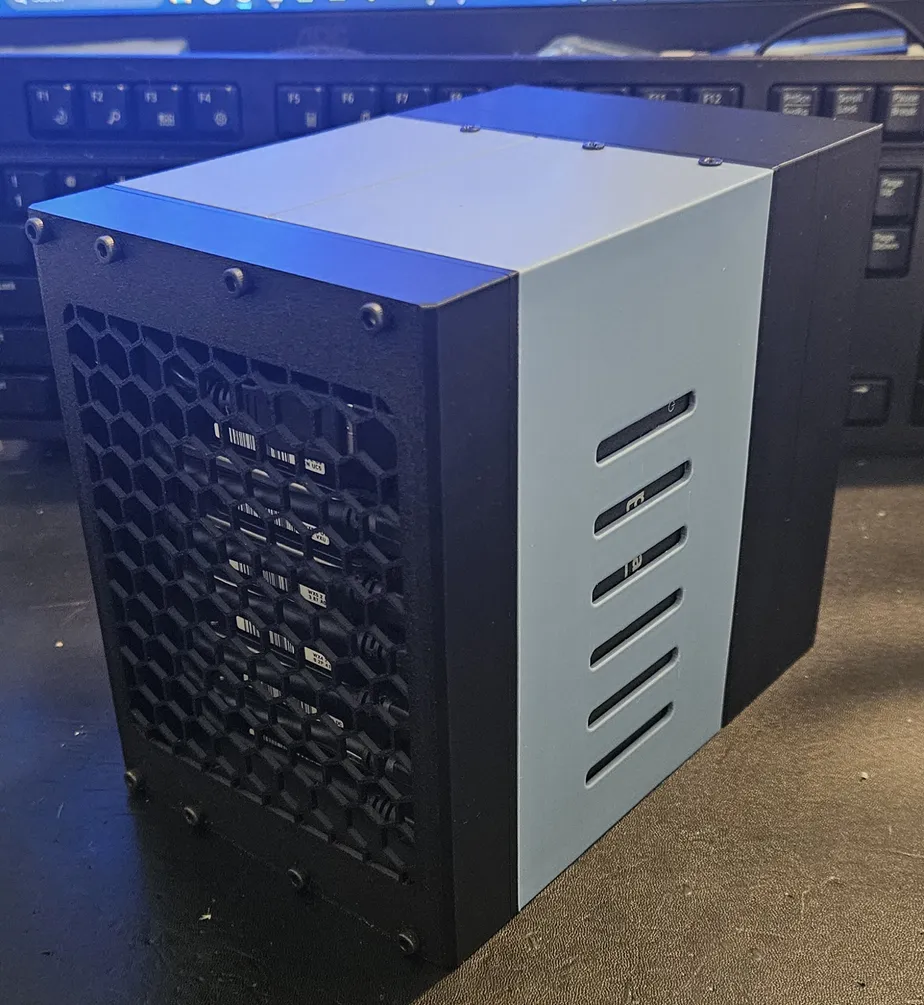
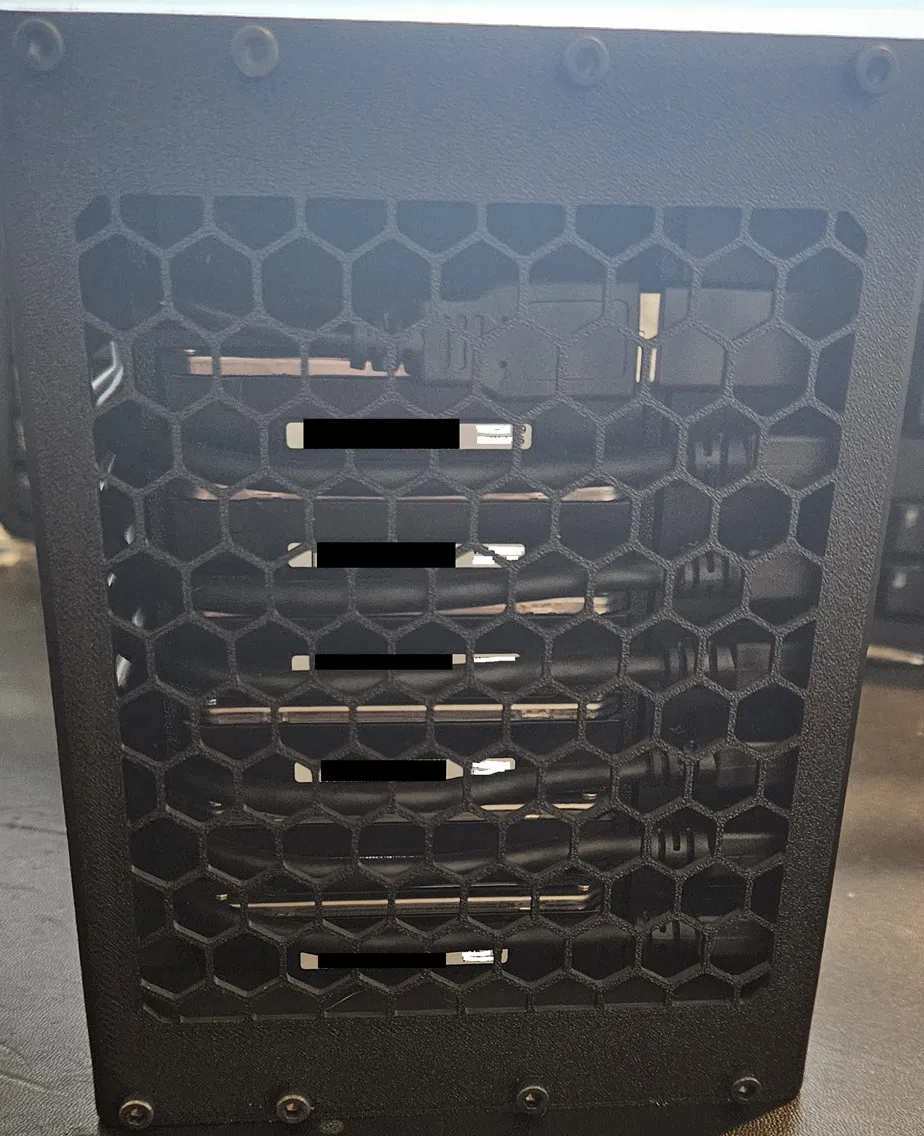
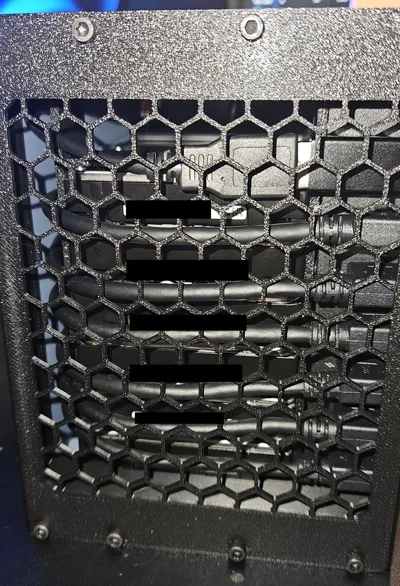
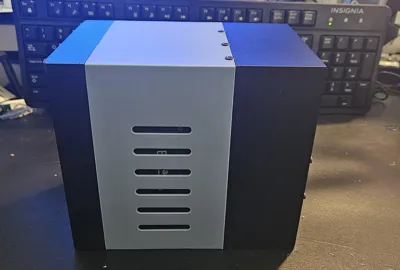
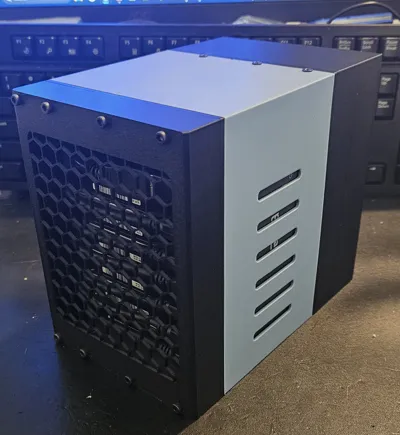
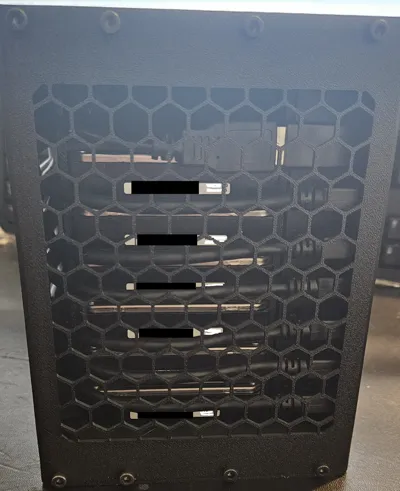
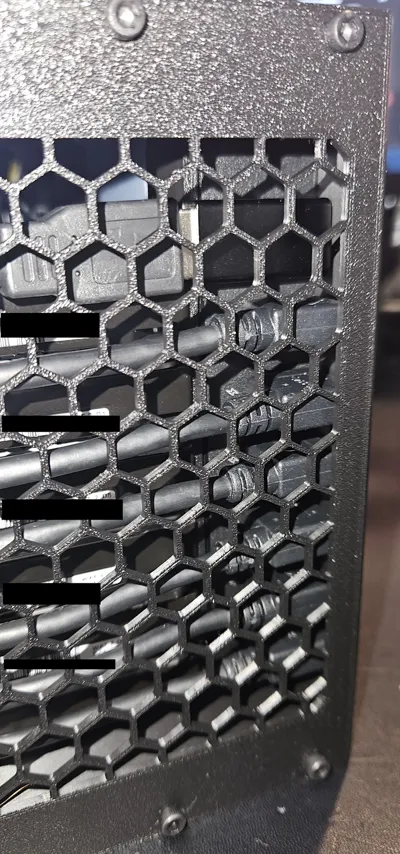
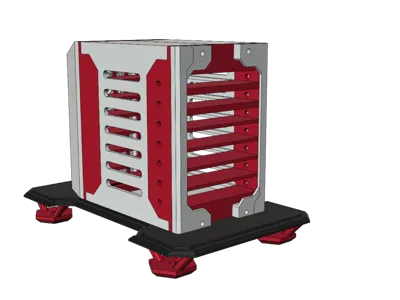
This is a HEAVILY modified version of SciFientist's HD RACK V2. I was looking for a way to store my external hard drives in a compact format that was self-contained in terms of storage, power, and a singular connection point for the cluster of drives. The original checked most of the boxes, but does not meet my need for a singular connection point. The summarization of changes from the original model is listed below. This allowed me to store all 6 of my (shucked) 5tb 2.5in external usb drives (no sata connection on the WD Easystore drives), have a powered usb hub, fans for cooling the drives and hub, and singular rear access to power and usb c connection. Using an adequately powered hub is what makes all of this possible. Short of designing a custom Micro USB B 3.0 backplane, this was as small as I was able to get the enclosure. There is an extra space at the top that is appropriately sized for a Pi 4 or 5 if somebody wanted to convert this to a NAS. This space was required due to the height requirements of the USB Hub, and decided to make it functional for the future.
The original creator has a great walkthrough of assembly that still translates for this model, despite the changes made.
This was designed to be printed in PLA, but i found that prints in PETG came out with the same tolerances.
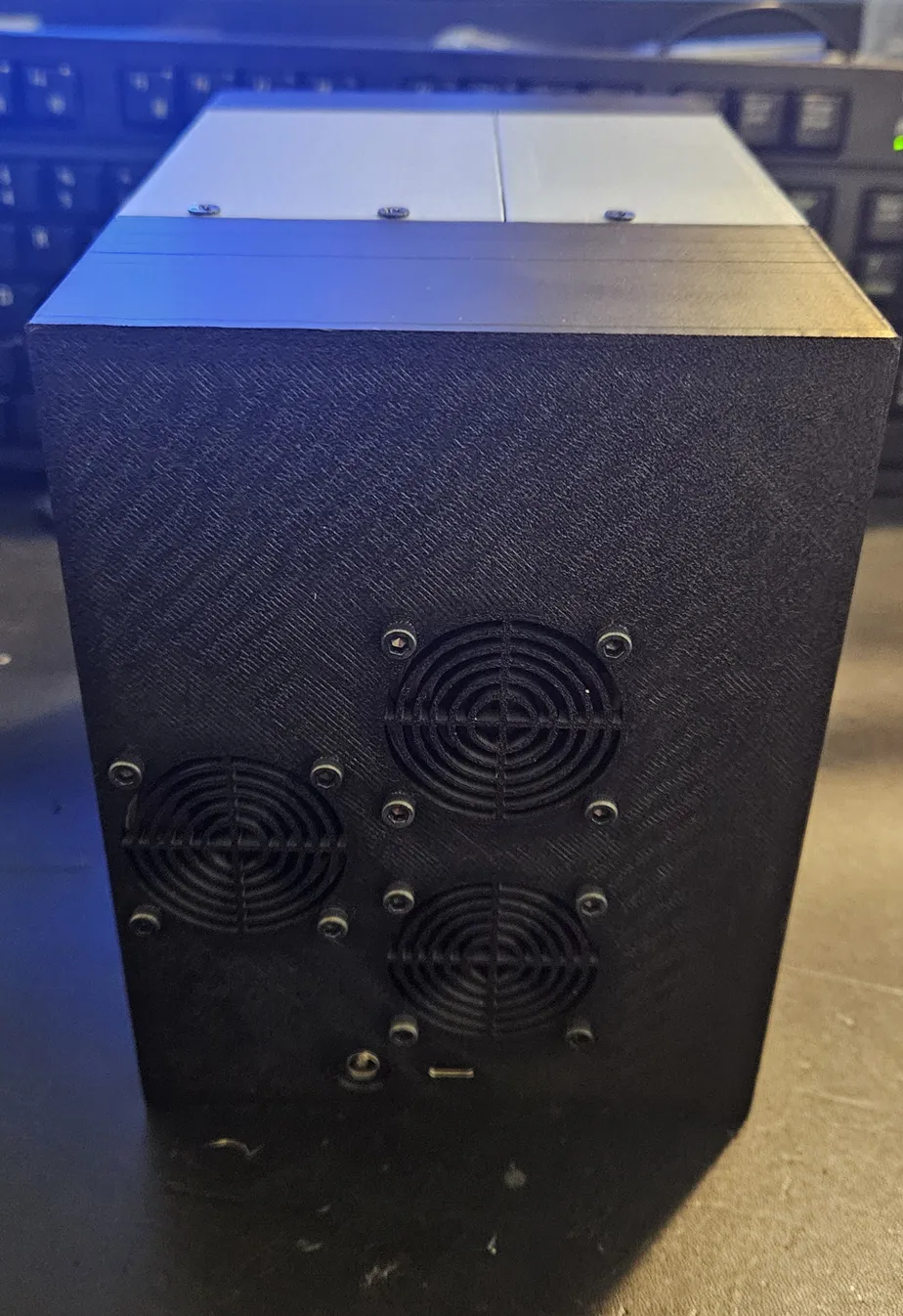
The use of the USB C to A female to femal adpater for the external connection, and the up angle usb a to c male to female adapter, is because that is what I had on hand. This could be altered, as well as the back cover, to accommodate different connection methods.
This DC extension cable required me to shave down the textured areas of the barrel plastic for fit. This will be a very tight fit on purpose.
Complete List/Links to Materials
M3 x 4mm L x 4.2mm OD Threaded Inserts x 11 inserts
Noctua NF-A4x10 5V w/ USB Power Adapter x 1 fan
Noctua NF-A4x10 5V x 2 fans (this can be w/wo the usb power adapter)
3 Way 4 Pin PWM Fan Splitter Cable x 1 cable
5.5mm x 2.1mm DC Power Extension Cable x 1 cable
USB C to USB B 3.0 Cable - 1ft x 1 cable
USB 3.0 Micro B Right Angle Cable x # of drives
Pluggable USBC-HUB7BC 7 Port Powered USB Hub
USB C Female to USB A Female Adapter x 1 adapter
90 Degree USB to USB C Adapter Up Angle x 1 adapter
90 Degree USB 3.0 Adapter x 1 adapter (for fan to usb hub)
Complete List of Modifications
- Altered depth of “rails” for drive to rest on to accommodate 2.5in disc drives vs the original ssd drives
- Altered the screw holes according to the depth change
- Altered the screw hole depth, in relation to the front of the object, to allow for the drives to face usb-side backwards
- Removed the center 20mm of the rails to allow for more airflow over the drive surfaces
- Increased the overall height of all components
- Added channels to the side components to permit cabling from the rear along the left side, and the storage of the usb hub on the right side
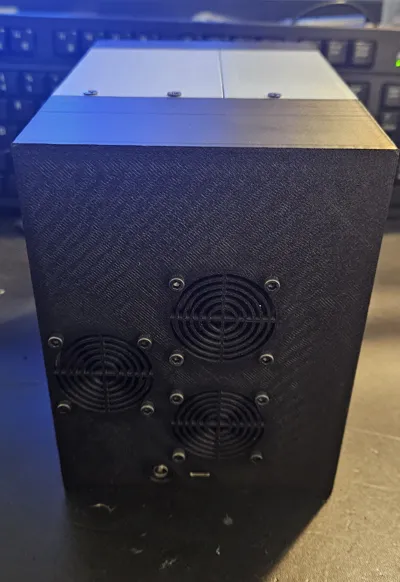
- Addition of a 3rd fan mount to the back cover
- “Squaring” of the back cover vs the angled design - opens up more space for cable storage/slack
- Relocation of the fan mounts to ensure all 6 drives receive airflow, and one to provide airflow to the usb hub
- Additional screw mounts on the side pieces (front), front mount, and front cover
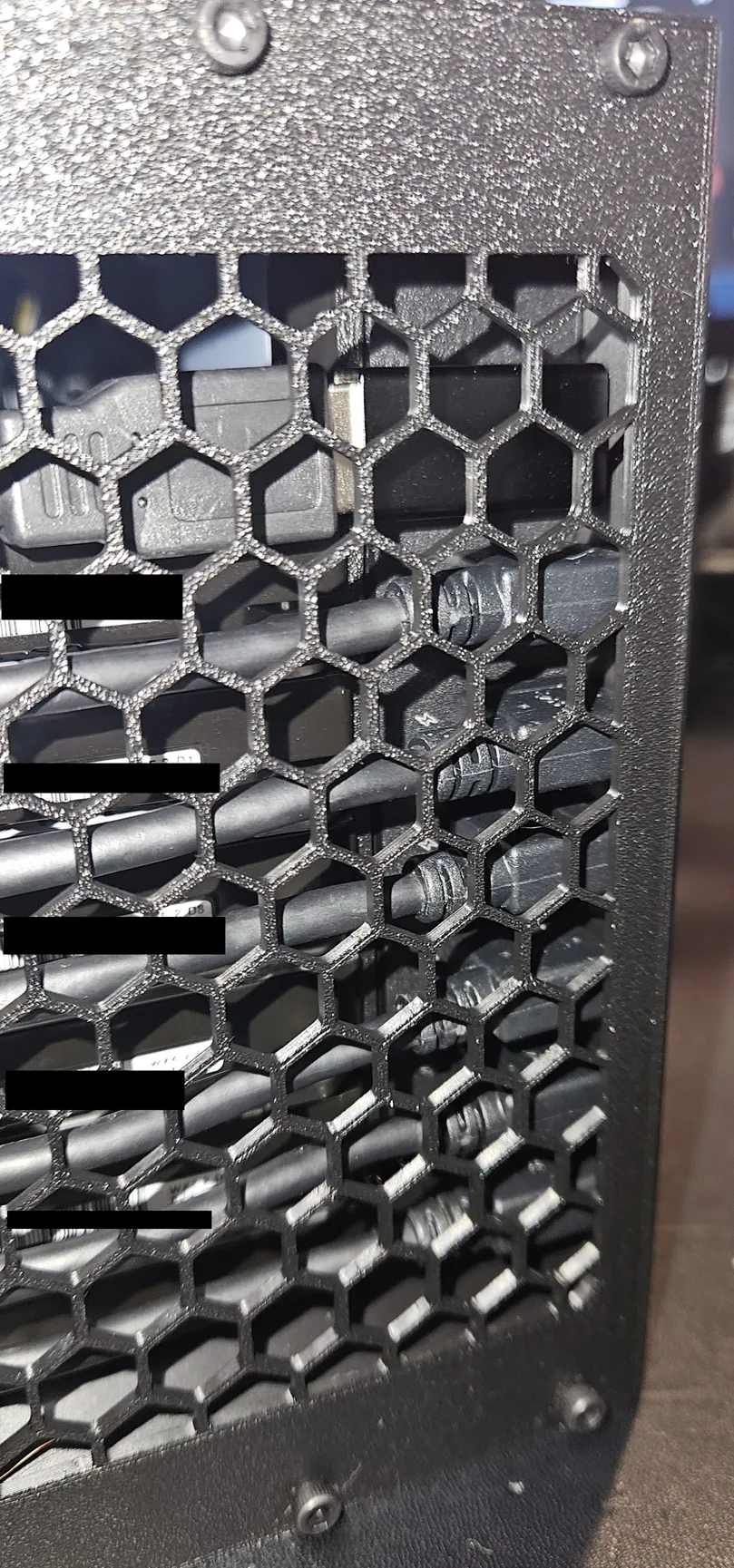
- Resizing and Merging of the 2 front bracket components, and inserting a hex-grid mesh
- Additional post mount and screw mount on the side pieces (back), back mount, and back cover
- Addition of a friction mount for a 5.5mm x 2.1mm DC Power Extension Cable to the back cover for power-in
- Alteration of the existing usb port to house a usb adapter (A-C) that is friction fitted
This remix is based on

License



Comment & Rating (0)