
Sturdy Scoop - now parametric!
Print Profile(2)
Description
Boost Me (for free)
Thanks! ❤️
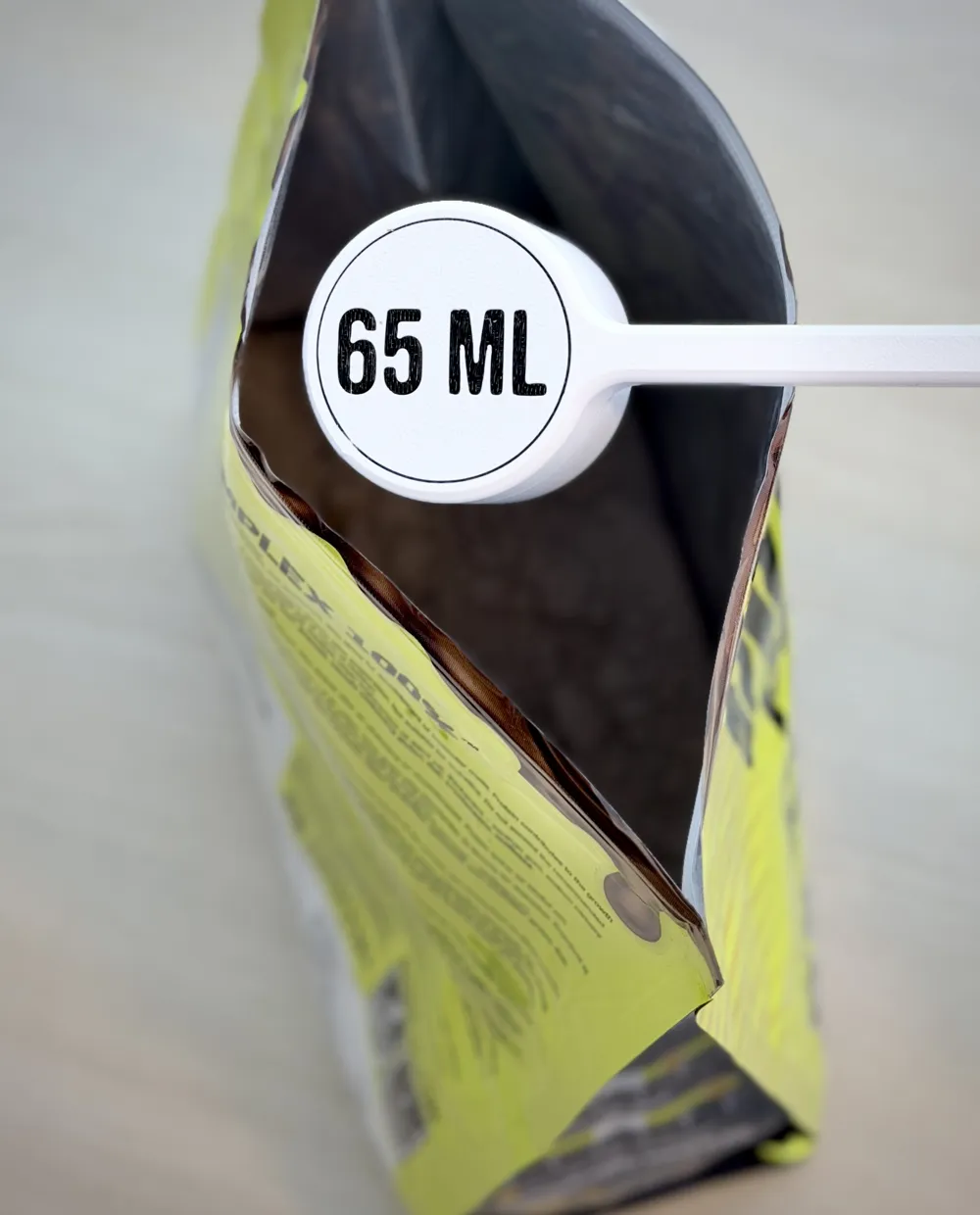
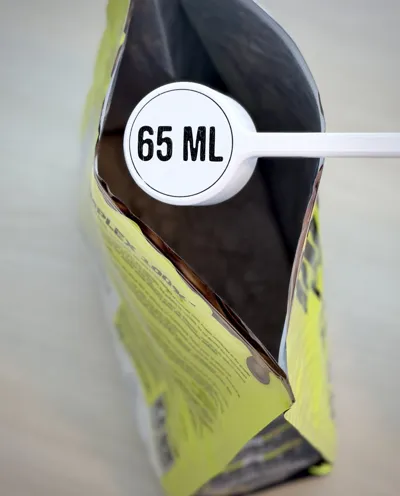
Are you fed up with flimsy scoops for protein powder, detergent, or similar products—either because you have to stick your whole hand into a large bag or container, or because the volume isn't quite right? Well, look no further!
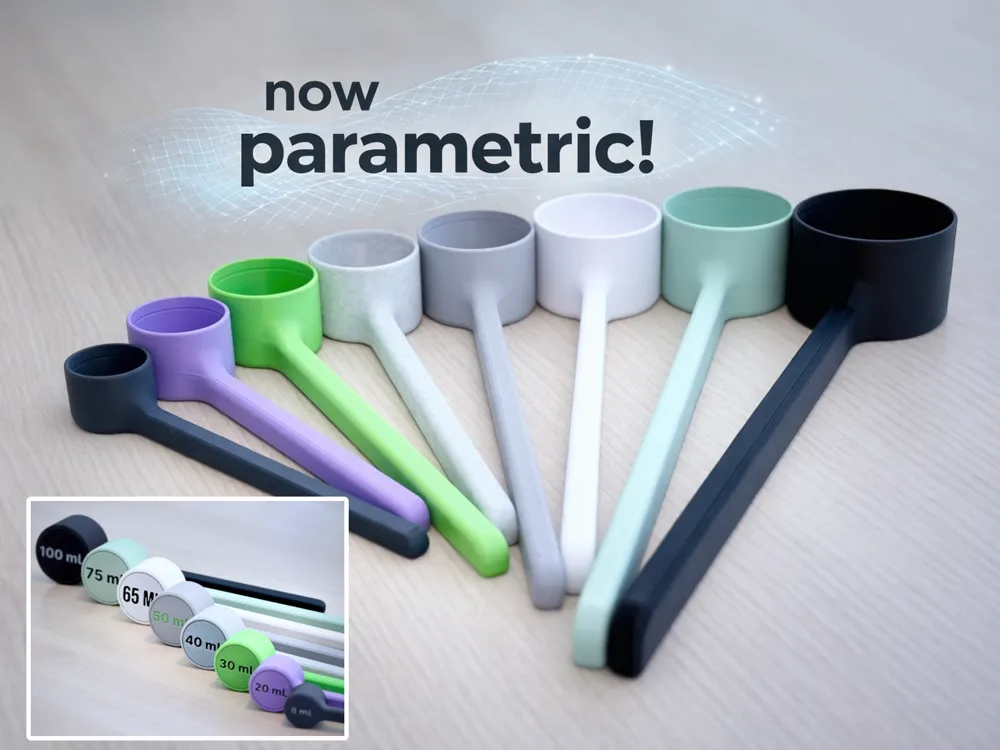
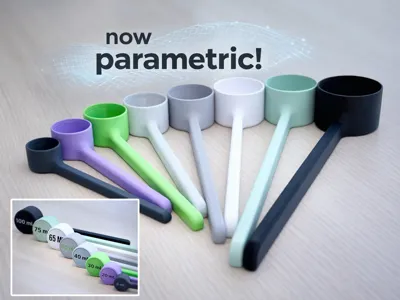
A simple idea, done properly: A sturdy, volume-accurate scoop that adapts to your needs — available in a range of ready-to-print sizes.
This is V2 of my “Sturdy Scoop” model. To cover more use cases, I made the model fully parametric and improved the geometry overall.
What makes this different?
True volume-driven design
The scoop is calculated, not scaled. Changing the volume directly drives diameter and height to maintain accurate capacity.
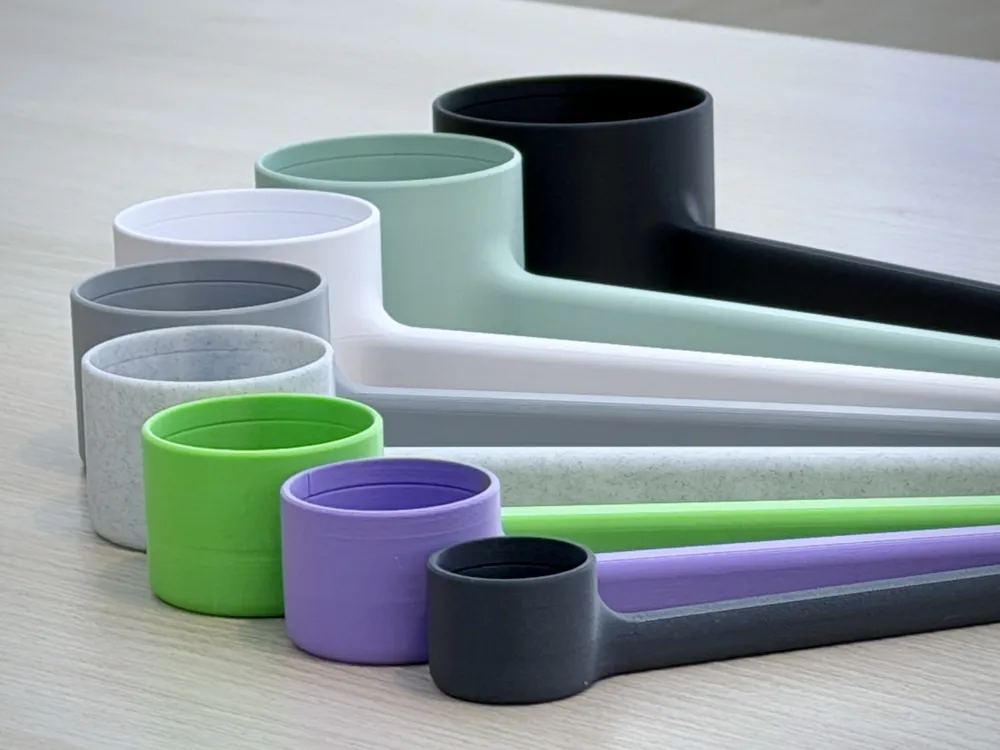
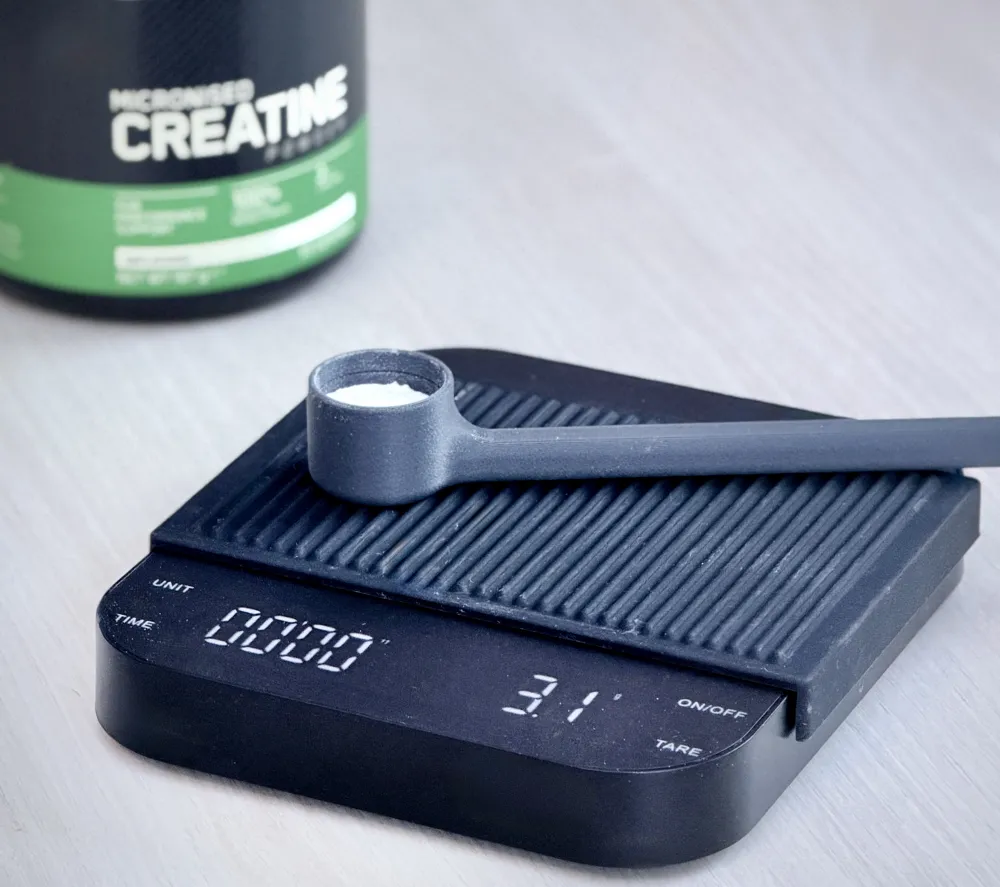
Integrated measuring line
The internal line marks the exact target volume.
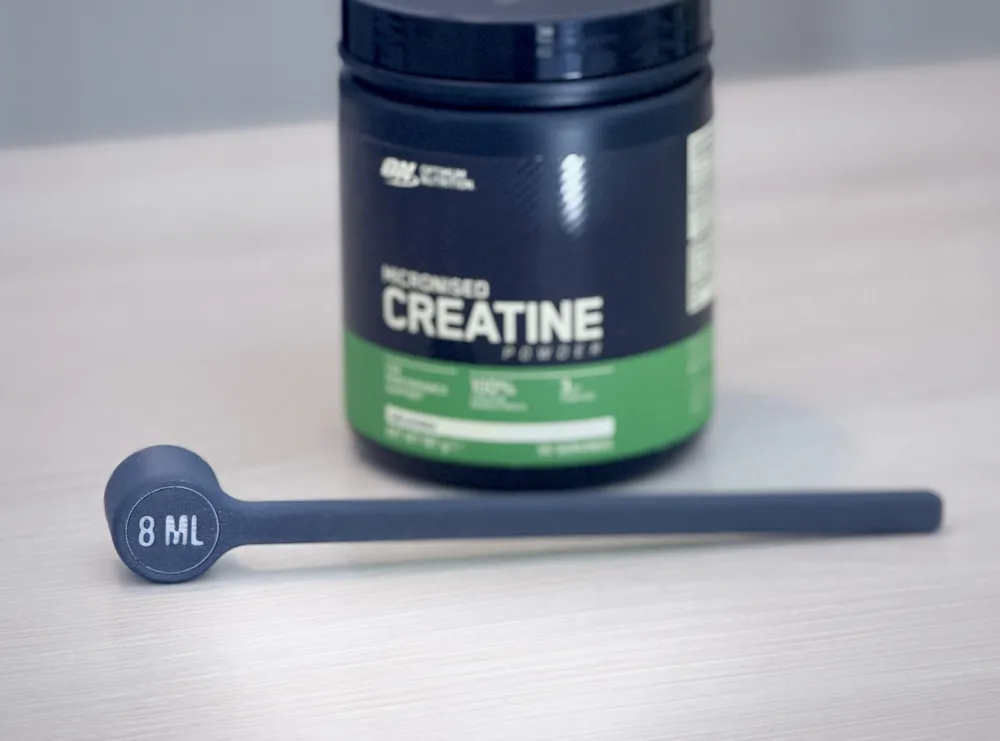
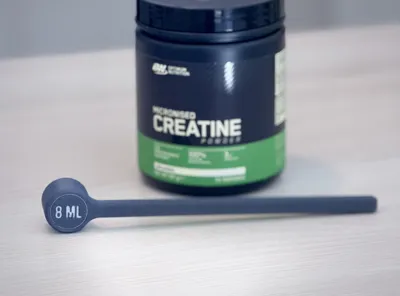
Volume marking on the bottom
The selected volume is embossed on the underside (and updates automatically when adjusted in Onshape).
Ergonomic handle options
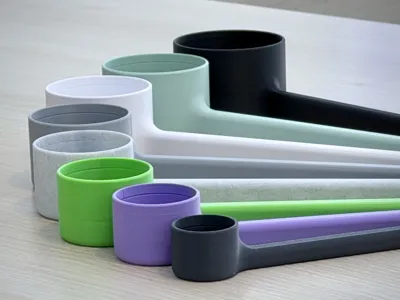
Designed for better reach and usability. Multiple handle lengths available depending on your printer and use case.
Sturdy by design
Geometry optimized for rigidity and everyday use.
Included sizes
Although you can fully customize the scoop with a free Onshape account, I’m providing the following ready-to-print options:
- Handle lengths:
150 · 200 · 250 · 300 mm
- Volumes:
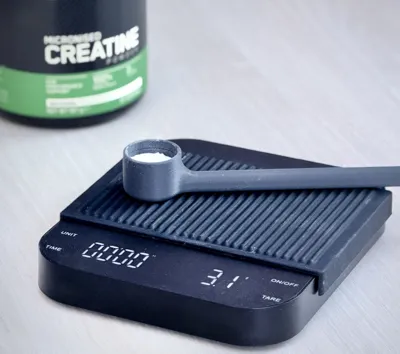
8 · 20 · 30 · 40 · 50 · 65 · 75 · 100 ml
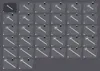
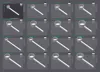
All sizes and volumes are included in one print profile—simply browse the plates and choose your preferred option.
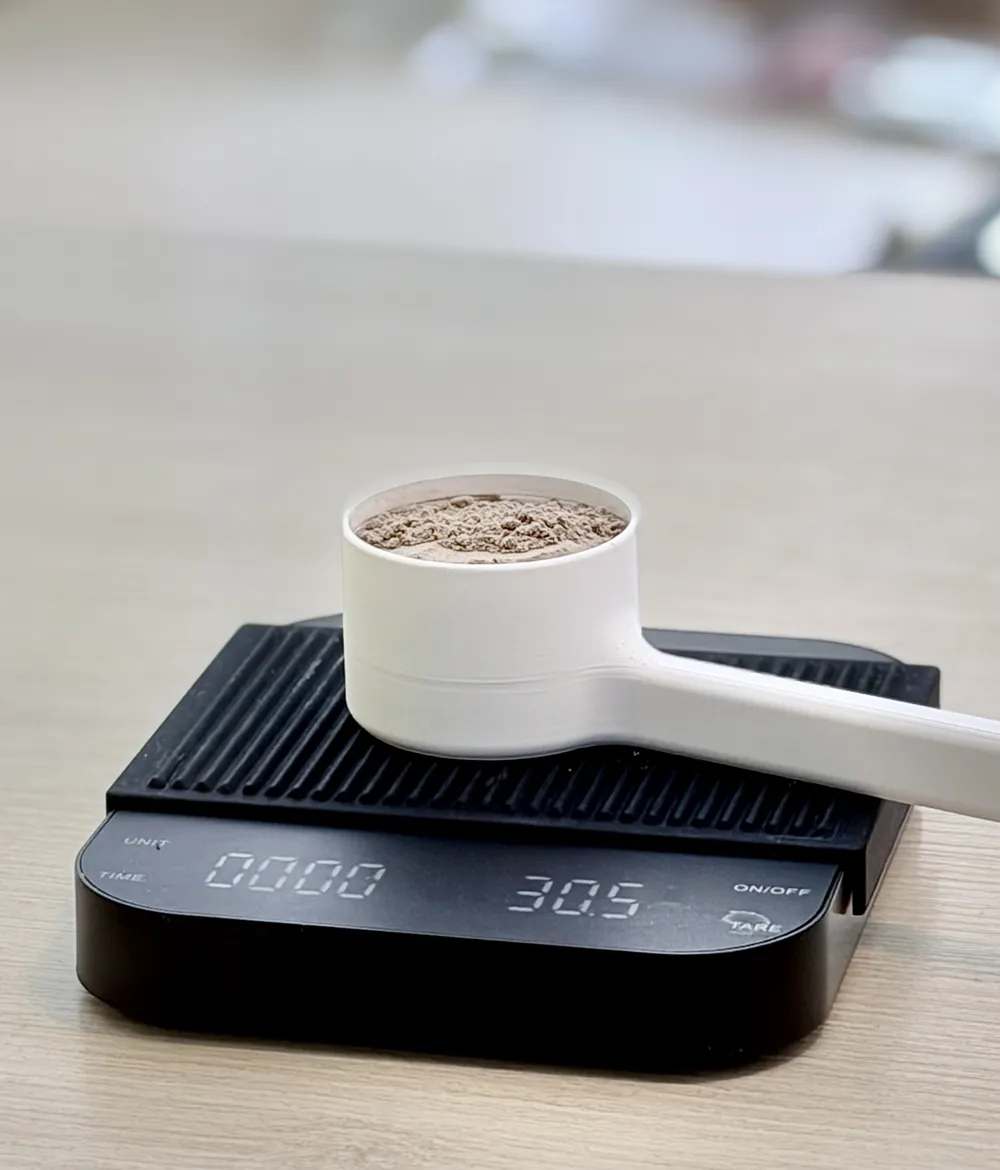
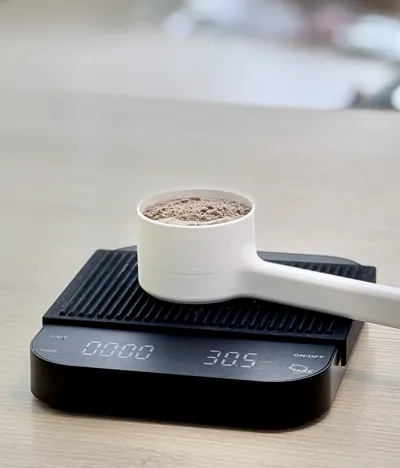
Personally, I use the scoop for protein powder, among other things. If that's your use case as well, 65 ml ≈ 30 g.
How to get ANY size
There are two ways to use this model:
- Use a ready-to-print version
Choose one of the included sizes from the print profiles.
- Customize your own size (Onshape)
Open the parametric model, adjust the volume, and export your own version in seconds.
Customization (Onshape)To create your own custom size, open the model in Onshape (← this is a link, if you are in Bambu Studio, please open Makerworld in your browser to access). 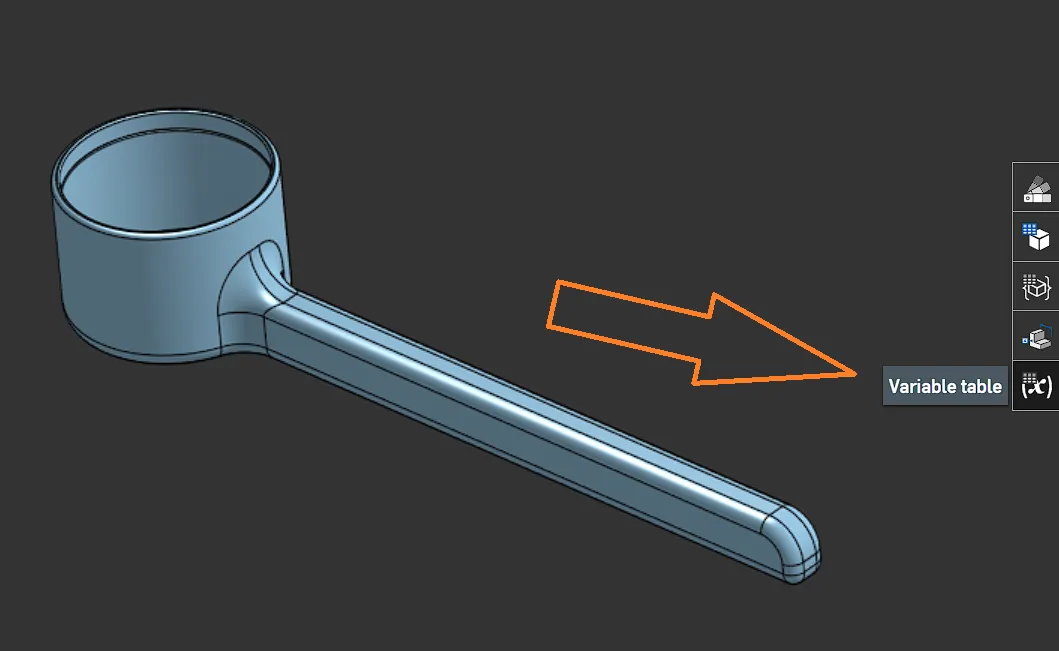 Key variables:
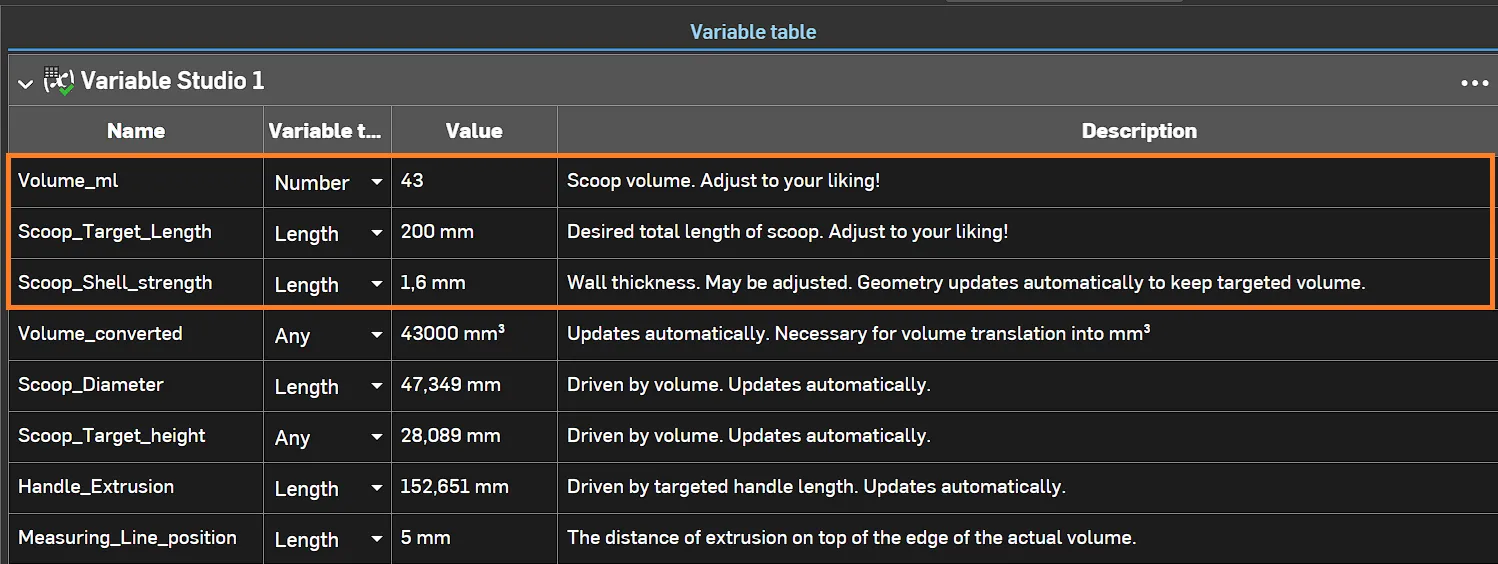
After adjusting the variables to your liking, right-click the bottom tab and select “export”. 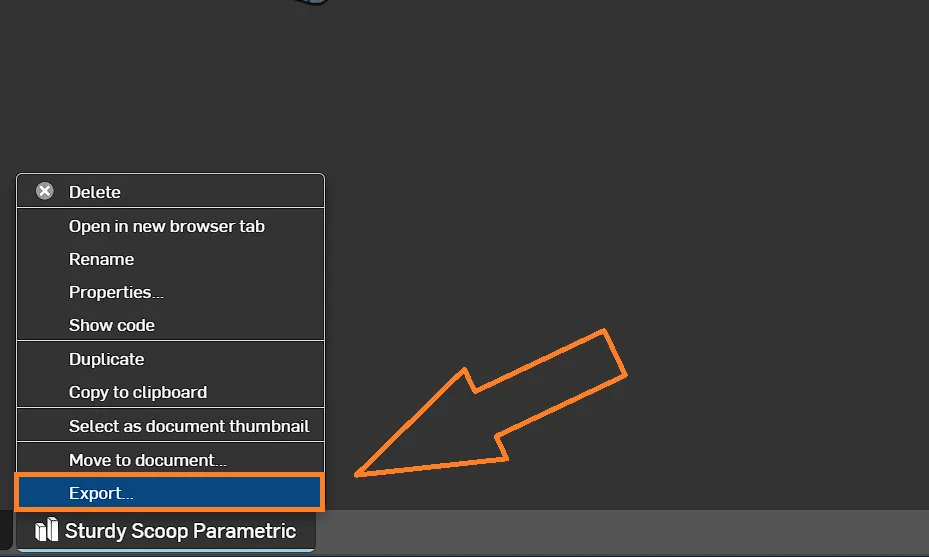
Select the desired format (.stl in this case) and hit “export” again. Done! 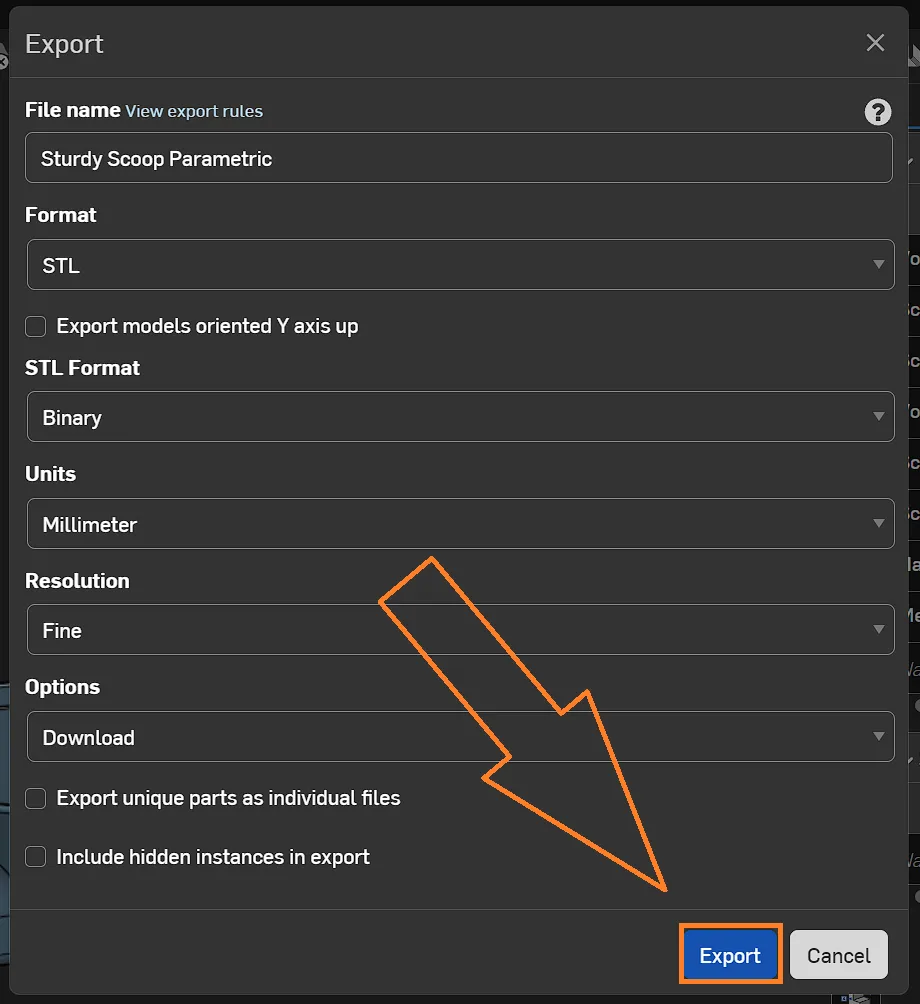
If you don’t want to use Onshape but need a specific size, feel free to message me — I’ll generate it for you! |
I hope you enjoy this model! 😘
License

You may create derivative works based on this object, provided that all such derivative works are published exclusively on the MakerWorld platform and include proper attribution to the original creator. You may not share, upload, host, distribute, or publish this object—or any derivative work of this object—on any other digital platform, marketplace, or distribution channel. Commercial use of this object and any derivative works is strictly prohibited. This includes, but is not limited to, selling, renting, sublicensing, or using the object in any context in which you receive monetary compensation or other financial benefits.


Comment & Rating (20)