


Print Profile(1)

Description
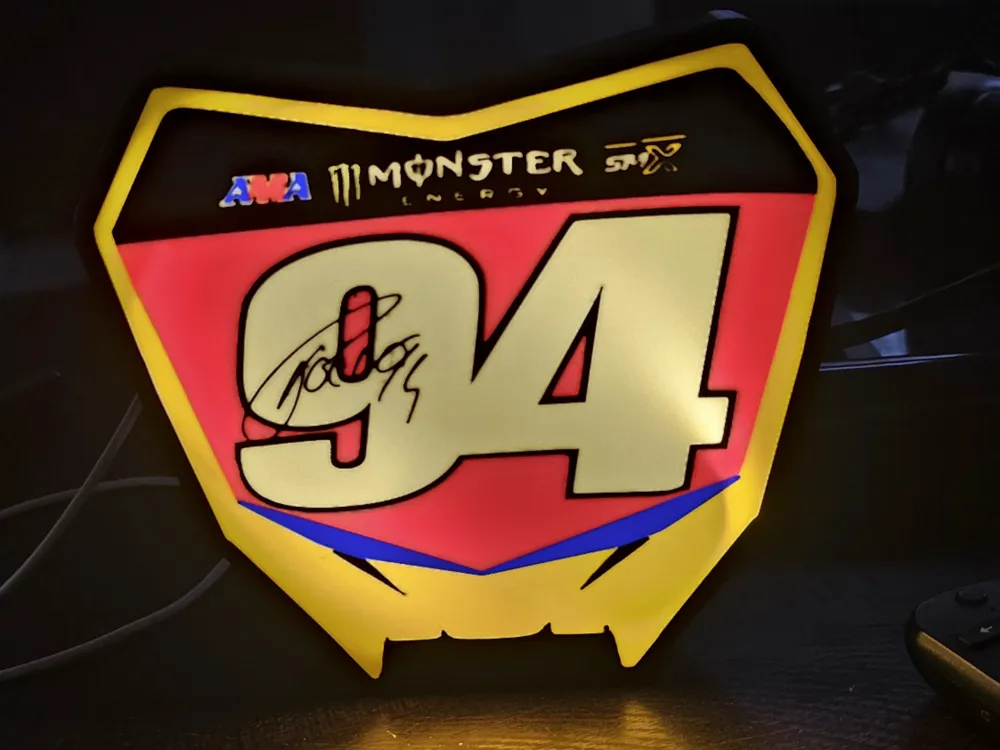
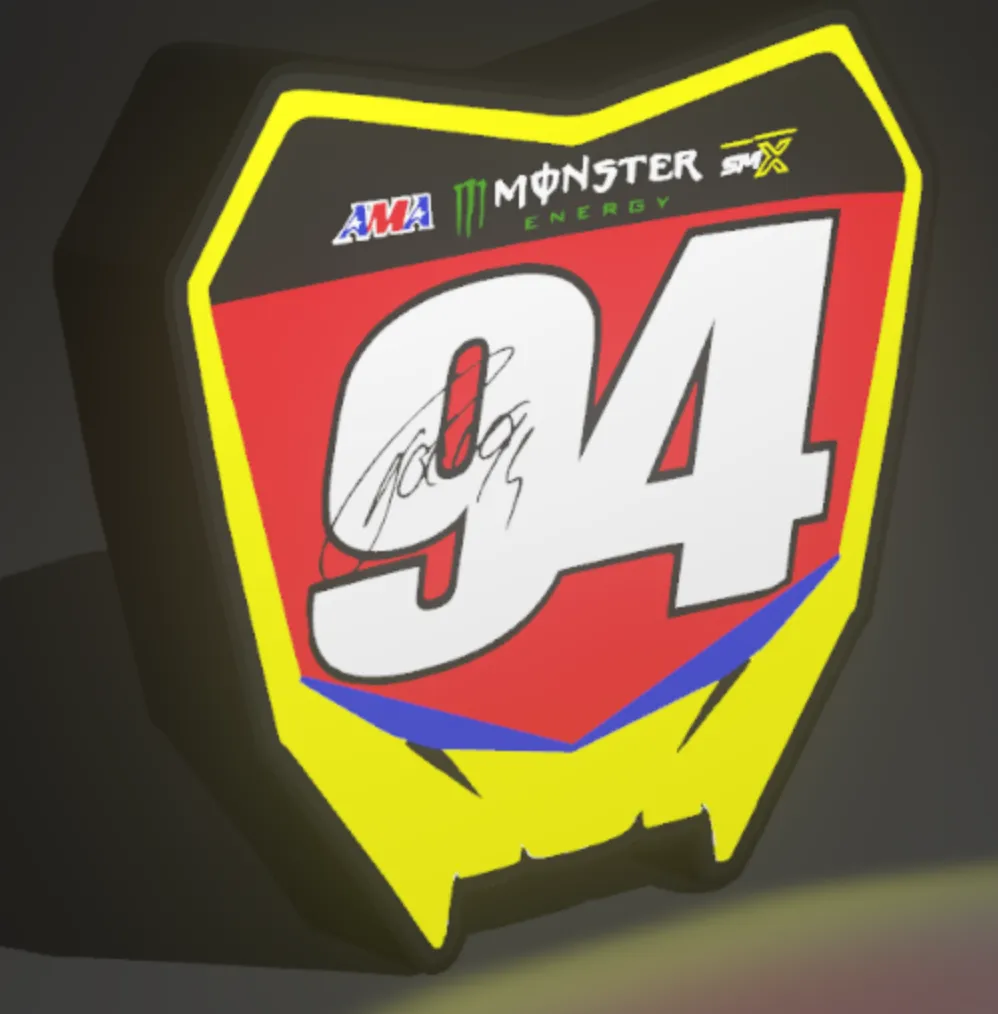
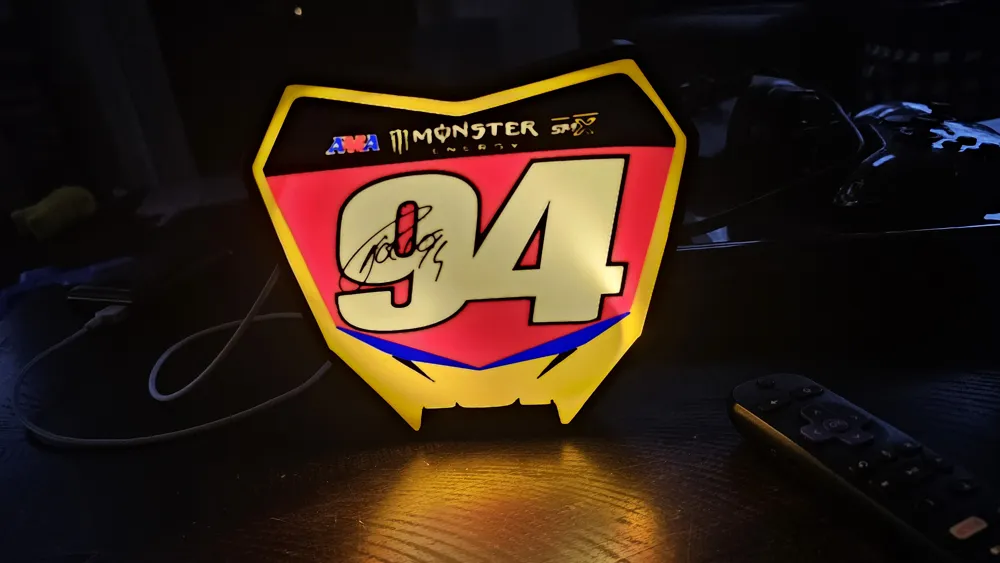
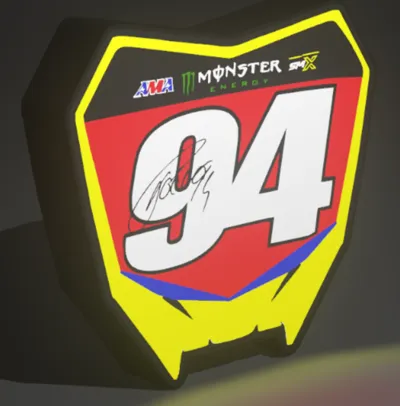
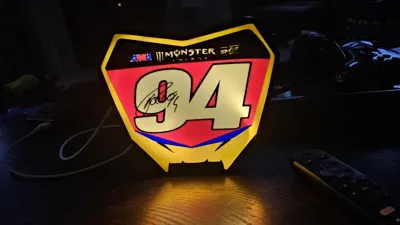
I created a lightbox from a signed replica plate I found online mixed with a purchasable replica. Switching out the colors isn't as difficult as it seems, and you only have to do it for the first few layers. When using the AMS system; Make sure you check the order of the colors and assign the correct colors to what you are switching out. Preferably not colors that right after one another so you have time to pause the print if necessary. For example make your 2nd and 5th color the same ams slot and your 3rd and 6th. To make sure the filament order is what you are expecting, click on objects, look at the print sequence settings and customize the first layer and then the rest of the layers in an order that works for you. Write it down and also write which filaments switch with each other.
I added a print model that prints in filament order 1, 2, 3, 4, 5, 6 for layer 1 then 6, 5, 4, 3, 2, 1 for layer two then back to 1 - 6 so that you have to change the filaments less often. With filament 5 switching with 2 and filament 6 with filament 3.
License

You shall not share, sub-license, sell, rent, host, transfer, or distribute in any way the digital or 3D printed versions of this object, nor any other derivative work of this object in its digital or physical format (including - but not limited to - remixes of this object, and hosting on other digital platforms). The objects may not be used without permission in any way whatsoever in which you charge money, or collect fees.


Comment & Rating (0)