
Chromatic Purge Essence
Print Profile(1)
Description
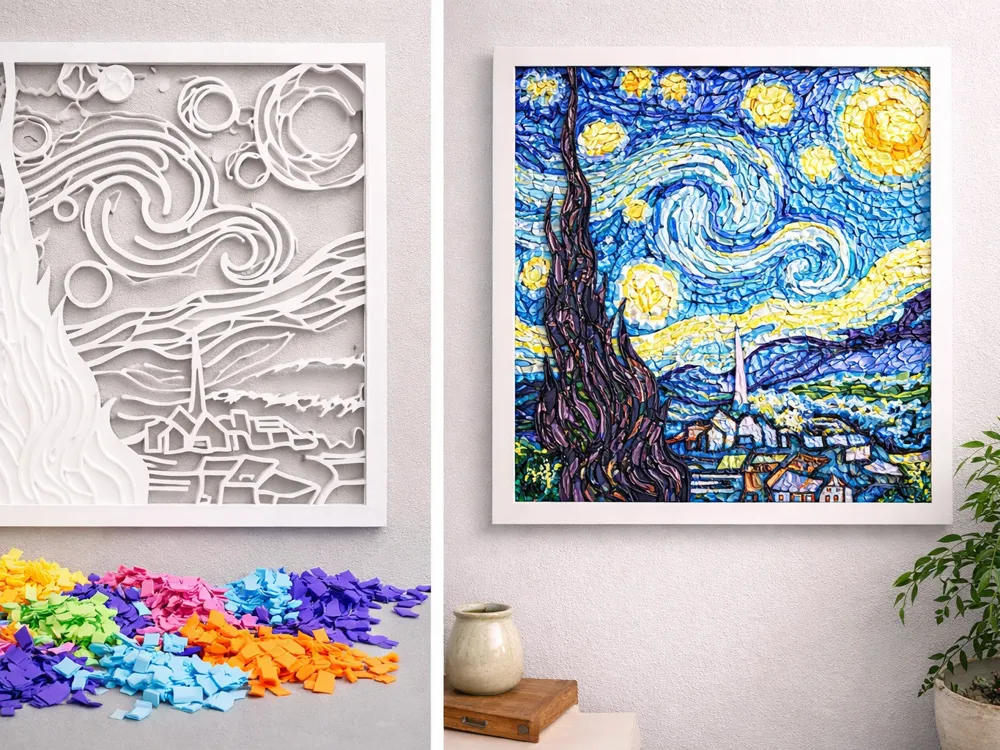
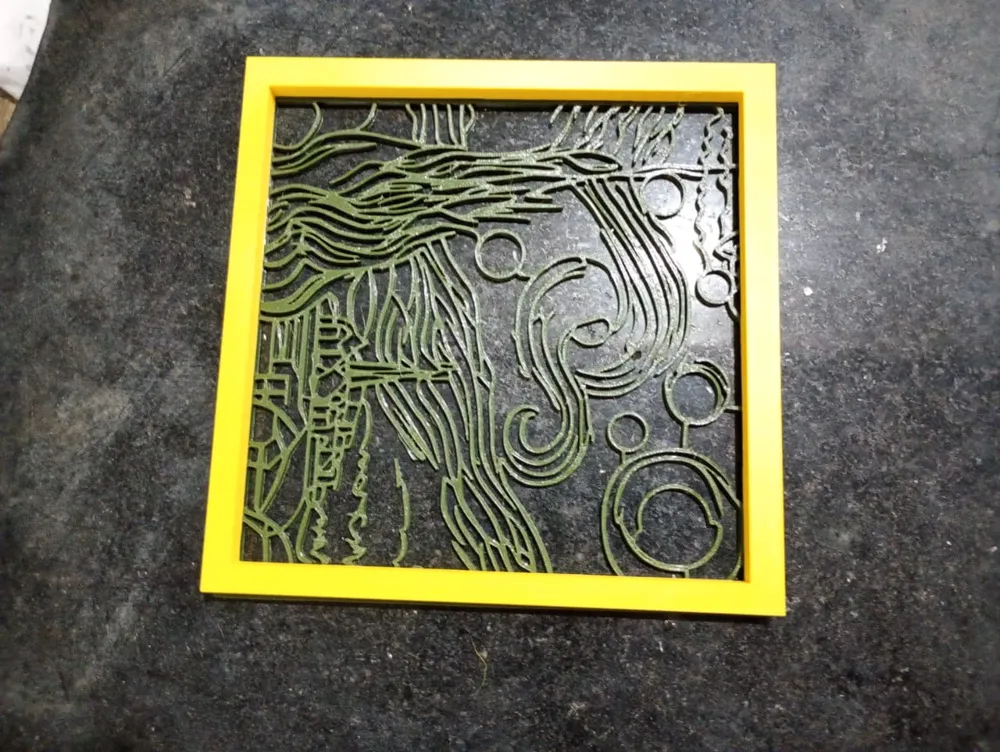
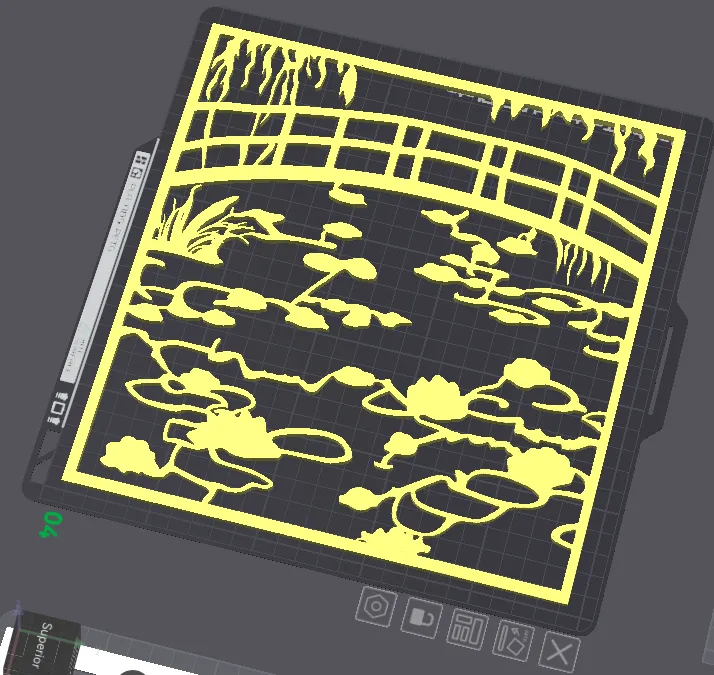
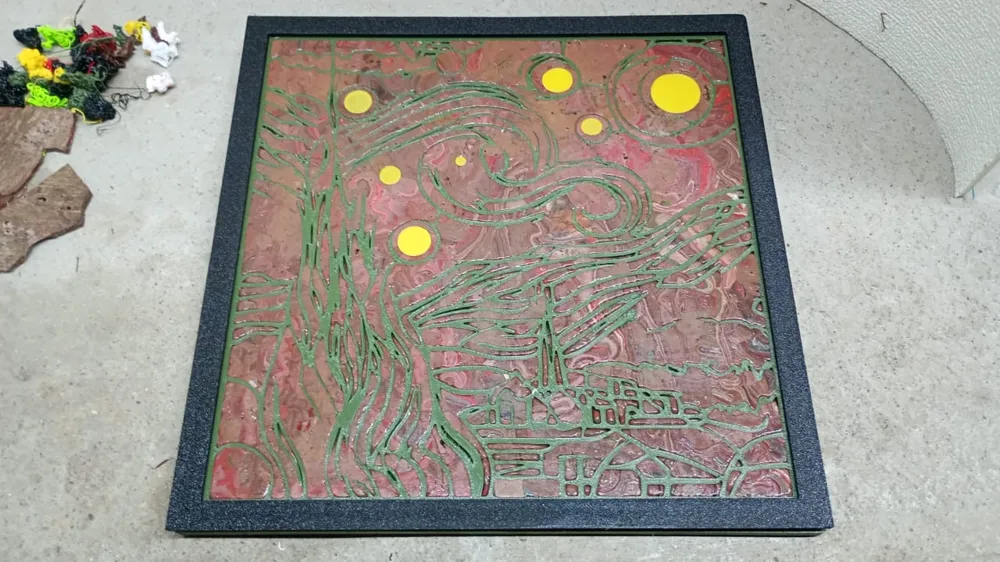
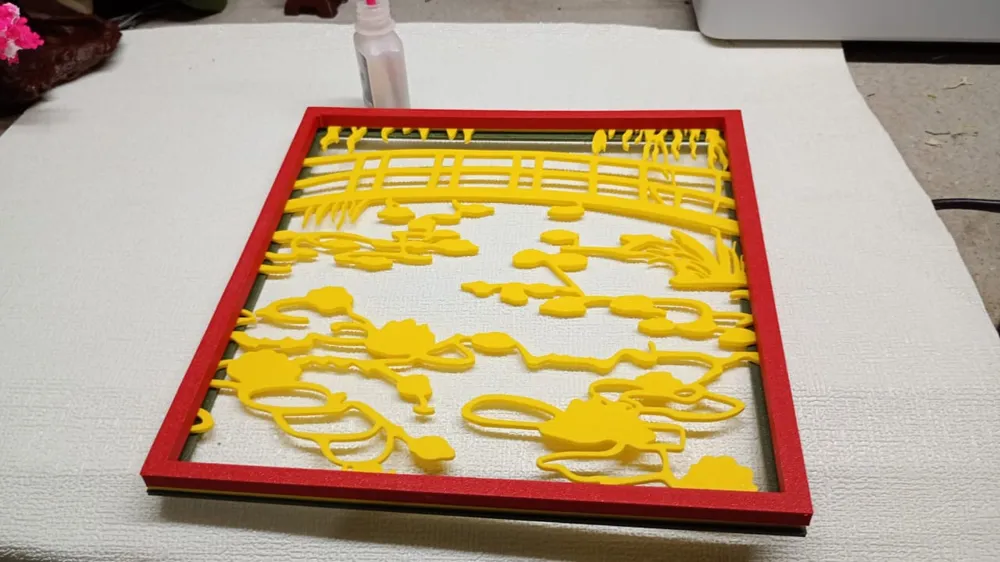
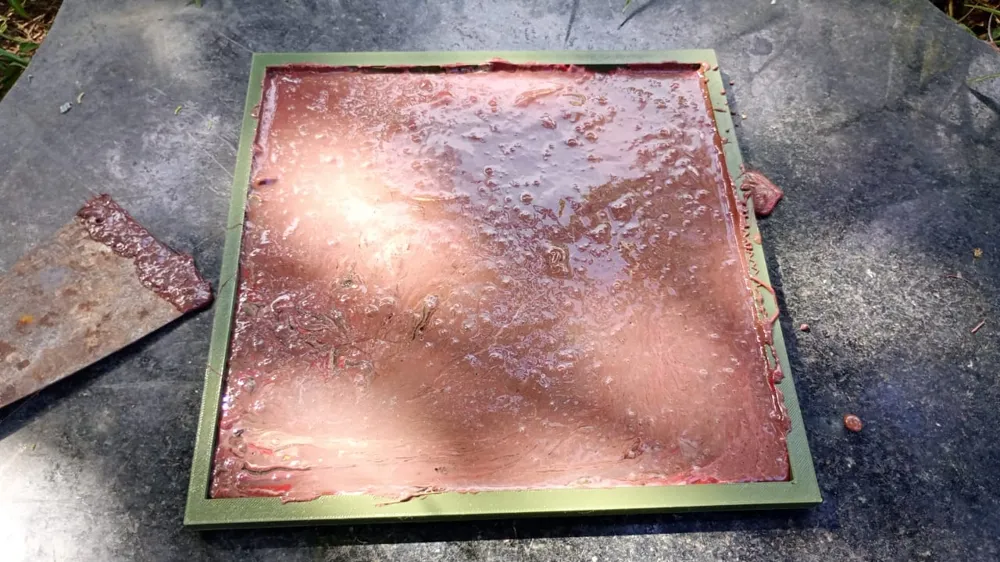
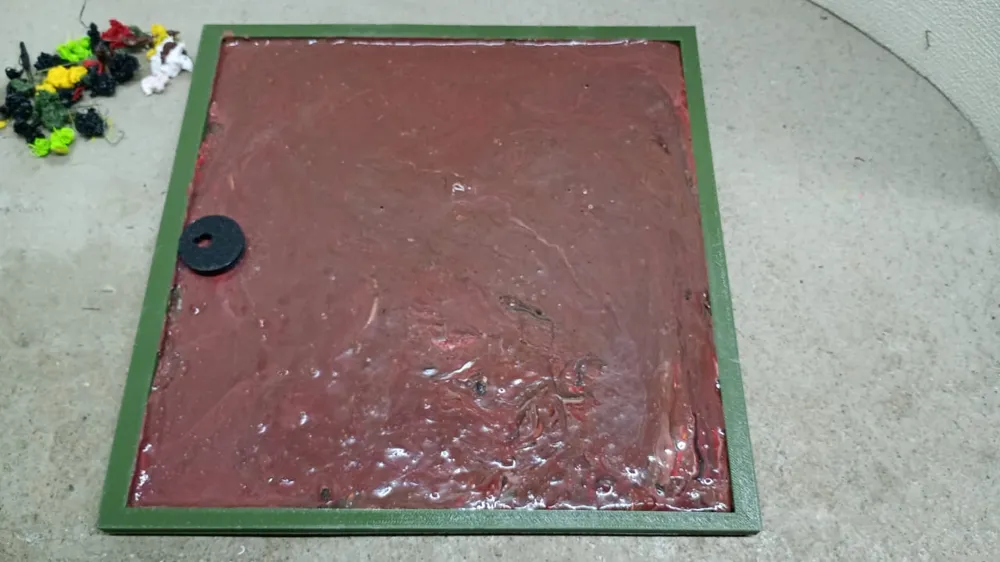
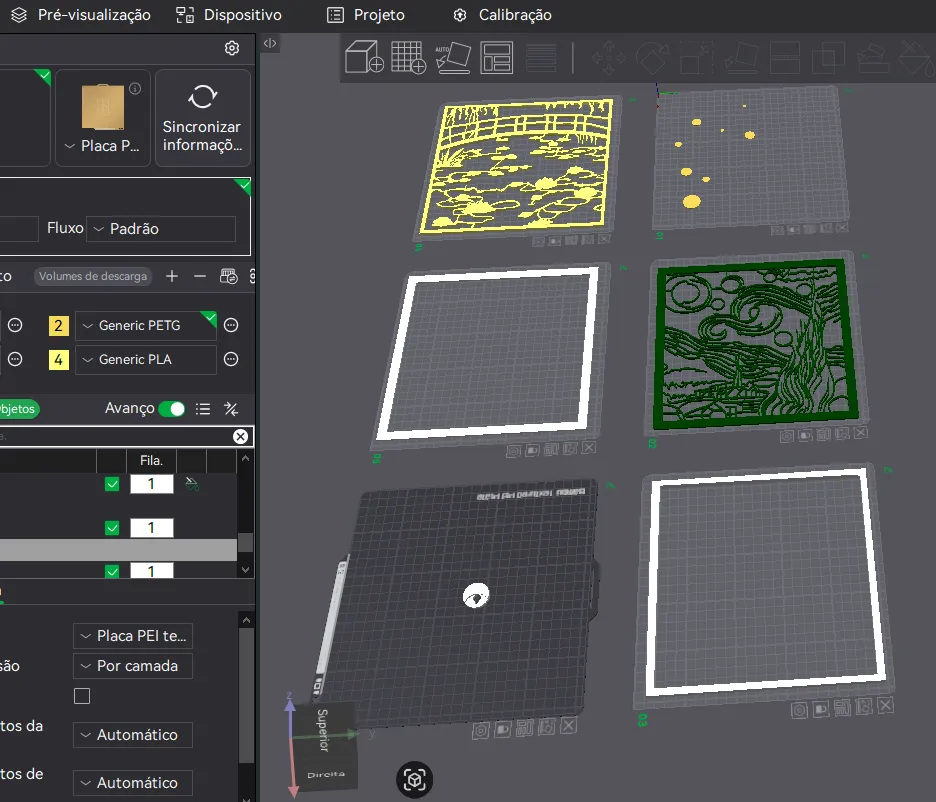
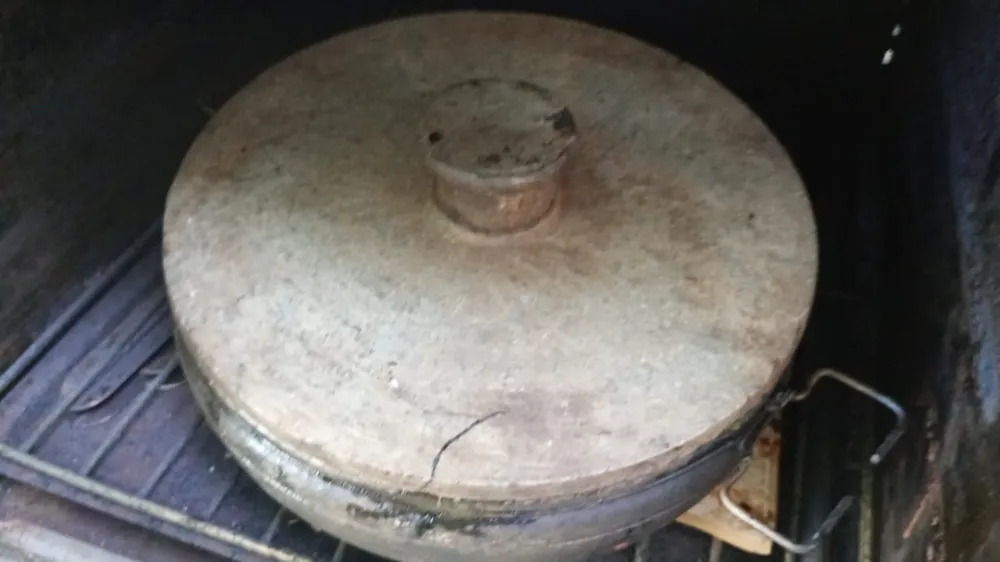
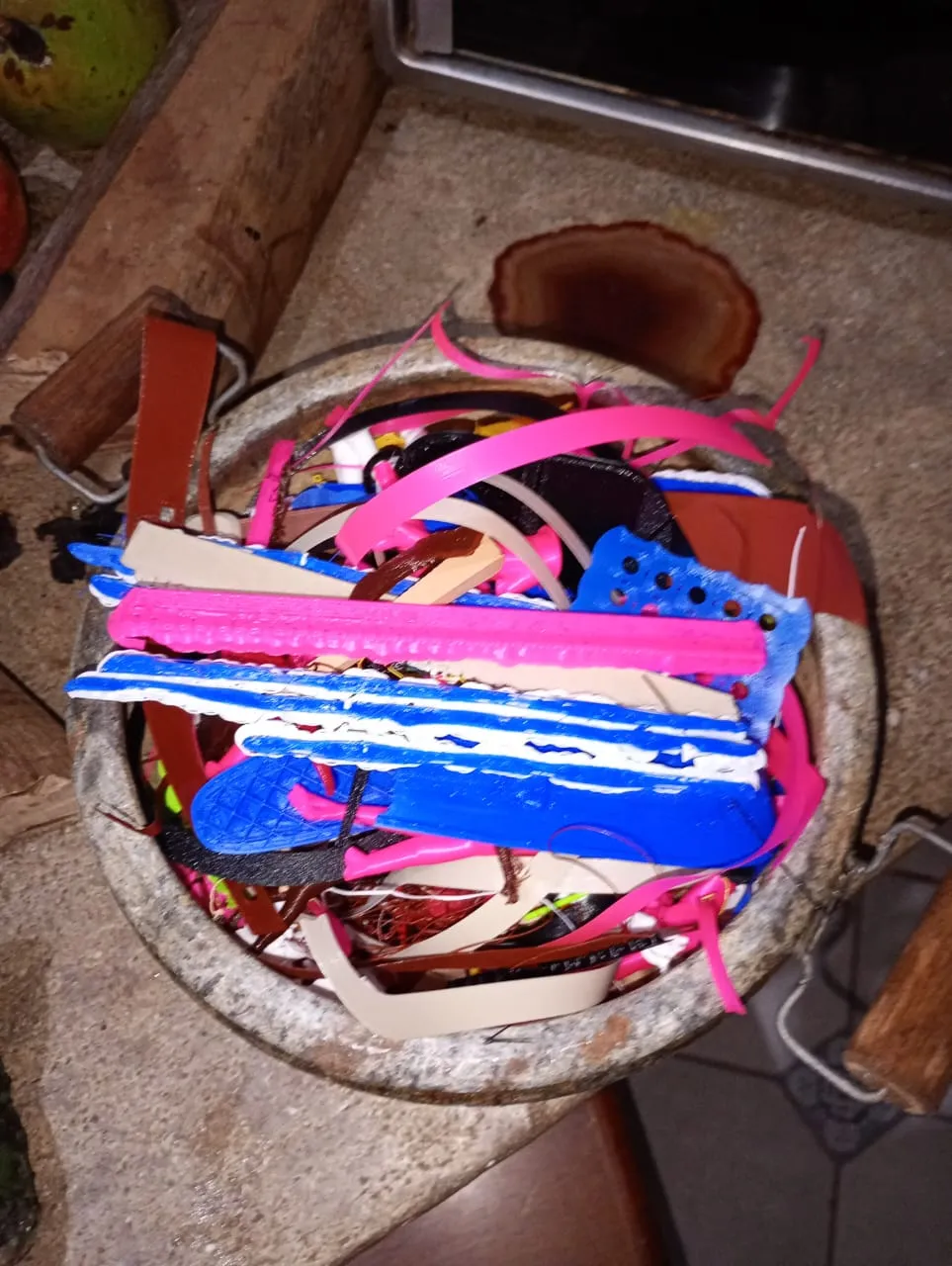
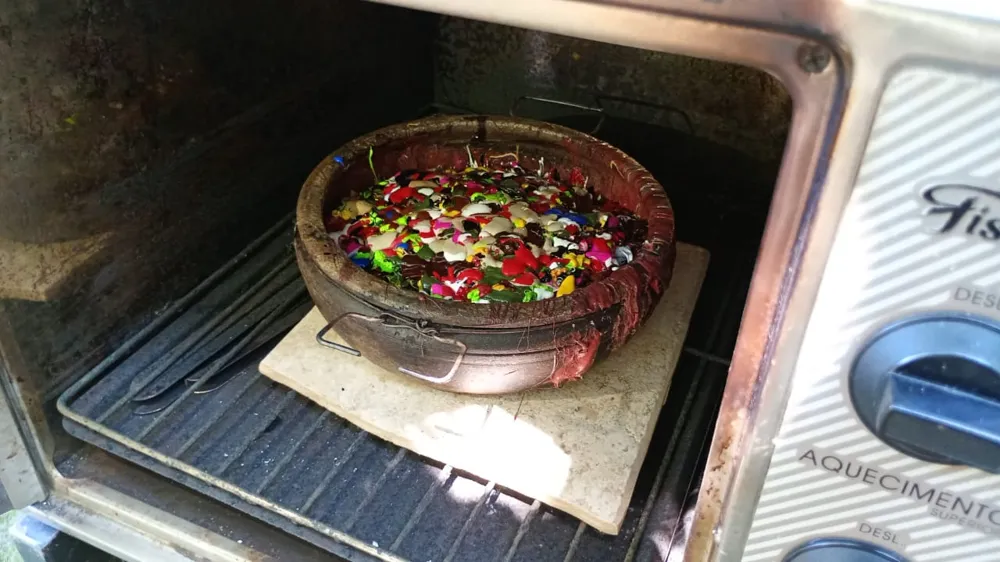
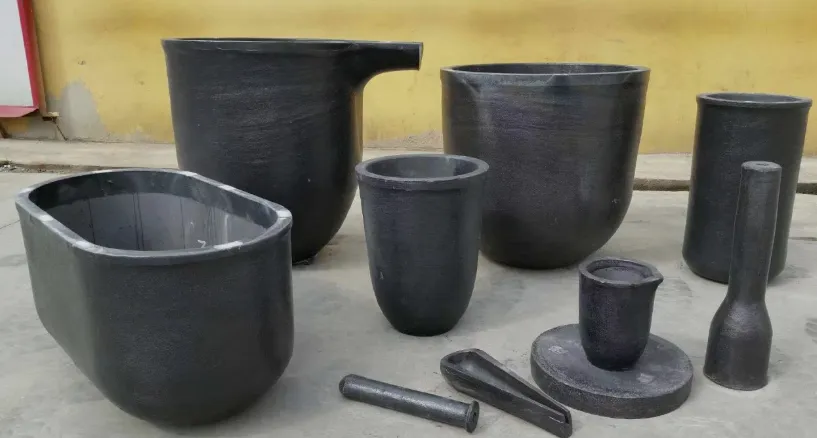
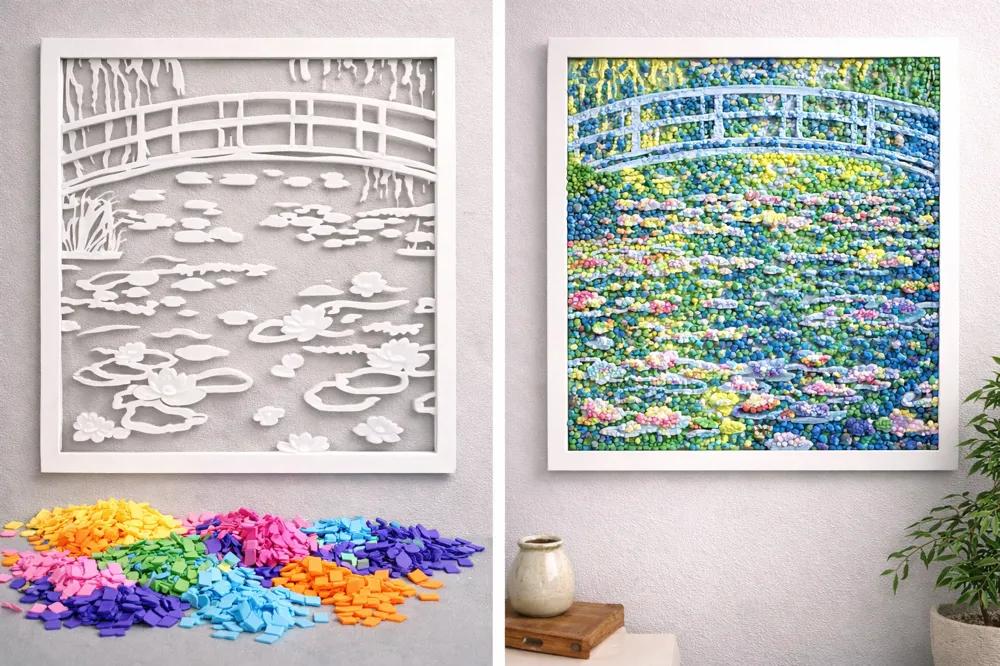
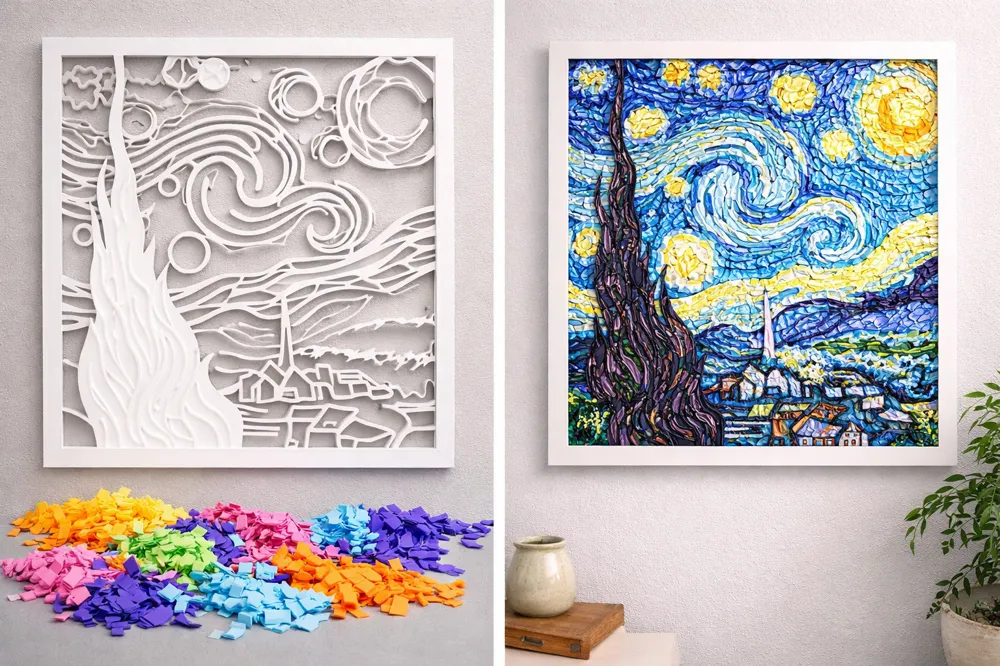
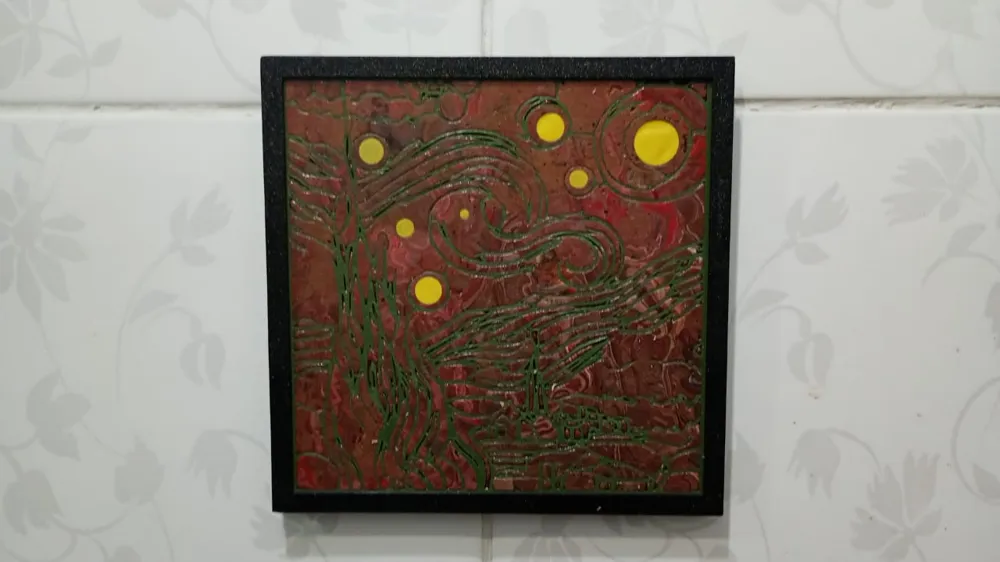
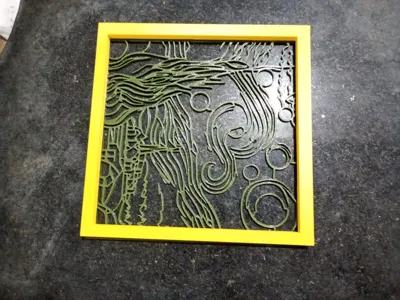
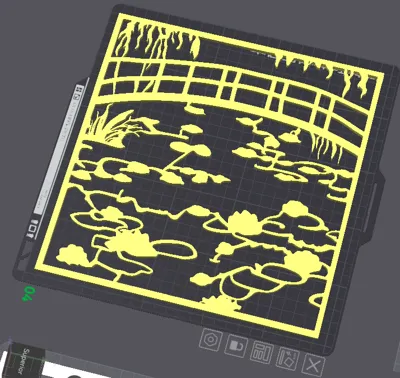
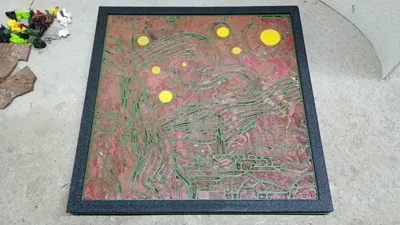
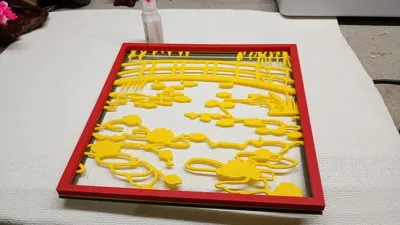
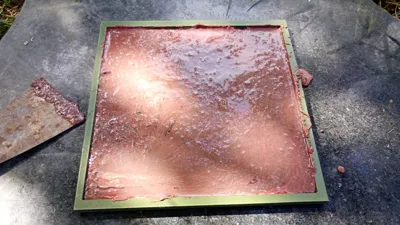
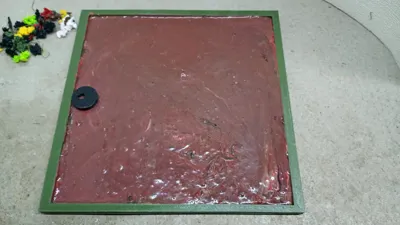
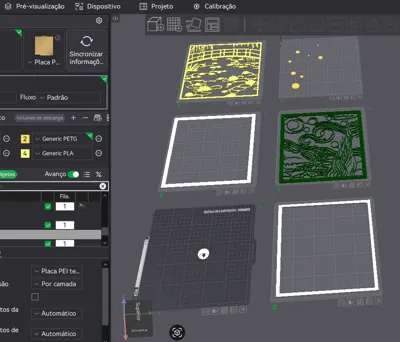
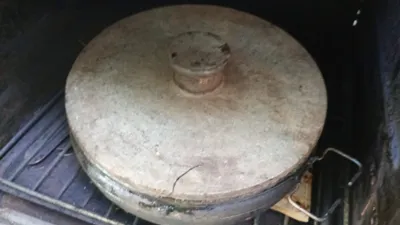
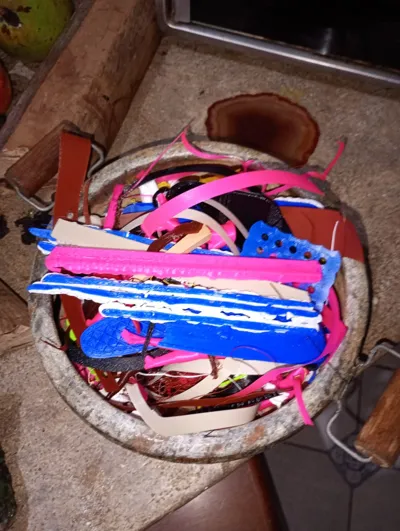
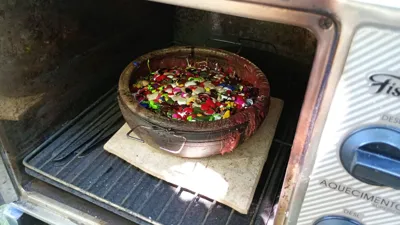
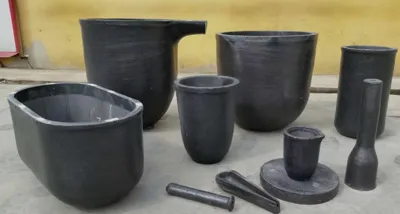
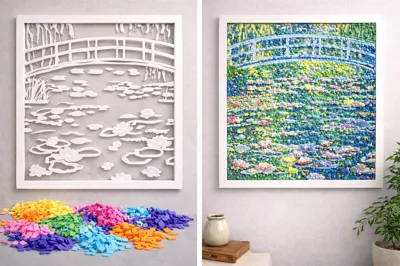
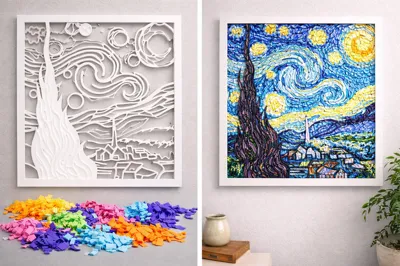
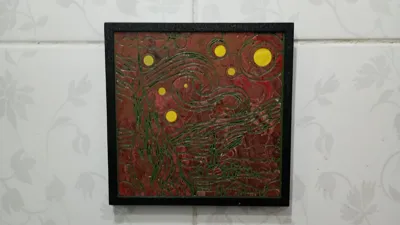
I placed the PLA Glow and PETG purge material in a stone pan and heated it in an electric oven for 1 hour at 300 degrees. It was enough to melt. After gluing the mold and the frame, I placed them on a stone base and poured the hot purge material. Pour only halfway into the mold and spread it quickly with a spatula. Do not let it fall on the frame. If you want to customize, quickly make circles or lines with a bamboo or metal stick. You can achieve other results: Make the models in white and use only white PLA purge material, preferably. After the procedure, let it cool completely and paint with an acrylic paint pen. Follow my painting design for a beautiful result. Another format would be to separate the purge colors when placing them in the pan. I have provided two frame models, choose the one you prefer. Use your creativity and have fun! But be careful with fumes and avoid burning yourself. Use gloves and protective eyewear. Perform the procedure in a ventilated area, never in enclosed spaces without filters. I placed my electric oven outside the house and used a filtered mask for safety! If you want a different result, you can use these models to make red or black high-temperature silicone molds. Then, grind the purge material in a blender, place it in the molds, and put it directly into the oven. You will have a smoother and easier process with a better result! If you do not have a stone pan, you can use a crucible with a lid. Use tongs to remove it from the oven and pour it onto the piece! Note: (If you want to make a larger frame, select all files and enlarge only in width and length. Maintain the original diameter and remember to uncheck uniform scale. Print and finish by gluing the pieces with super glue). Other important information about toxicity and safer printing:
- Printing Temperatures: PLA (180°C - 220°C) and PETG (220°C - 250°C).
- Safety: The release of toxic VOCs is higher the higher the nozzle temperature.
- Environment: It is recommended to print in ventilated areas or use air purifiers for both materials, especially during long prints.
- Hidden Danger: The biggest danger with PETG is usually the PTFE (Teflon) tube inside the hotend if it is heated above 240°C-250°C, releasing toxic gases, even if the PETG itself is still stable.
In summary: Keep PLA preferably below 210°C and PETG below 245°C to minimize the release of toxic gases.
License



Comment & Rating (5)