
BambuLab P2S to H2D/H2C Nozzle Wiper Upgrade
Print Profile(1)
Bill of Materials



Description
>>> “Follow” my profile for future updates! <<<
Boost Me (for free)
One "🚀 Boost" = One "Thanks" for the designer!
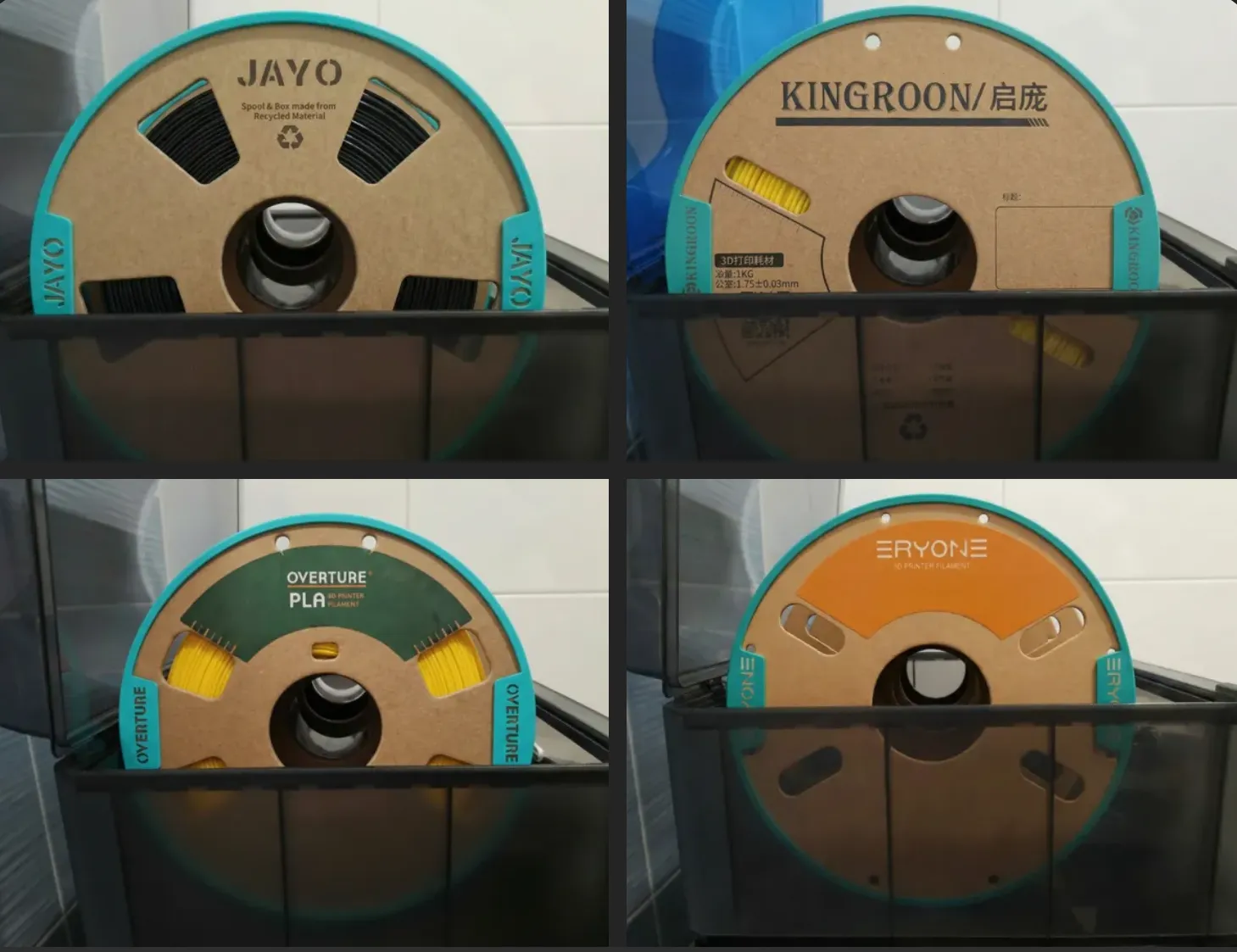 Looking for Cardboard Spool adapters for eSUN, Elegoo, Polymaker or OTHER brands? Check the full collection here: Collection link | 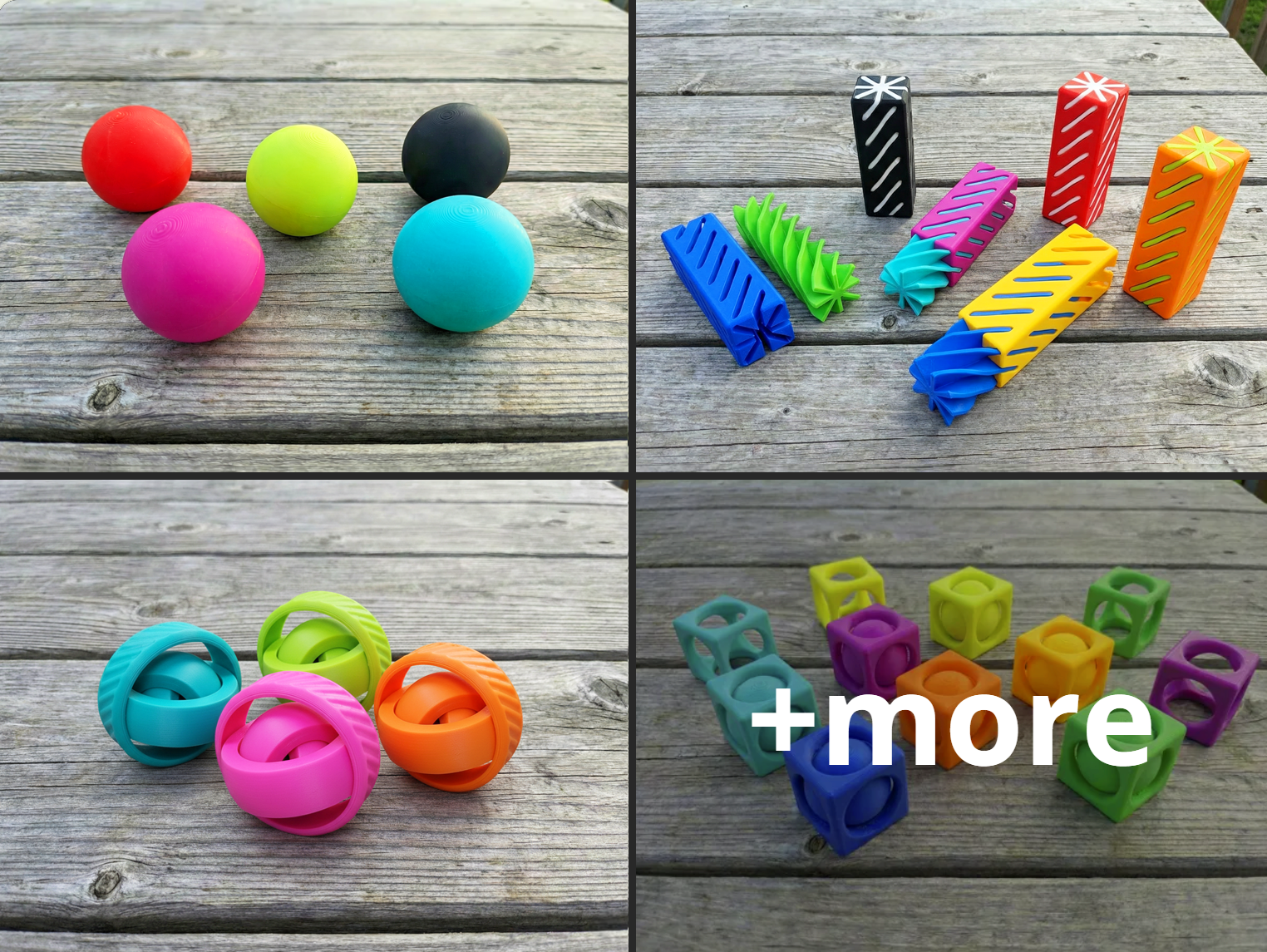 Also check my Fidgets Collection which is constantly getting updated.
|
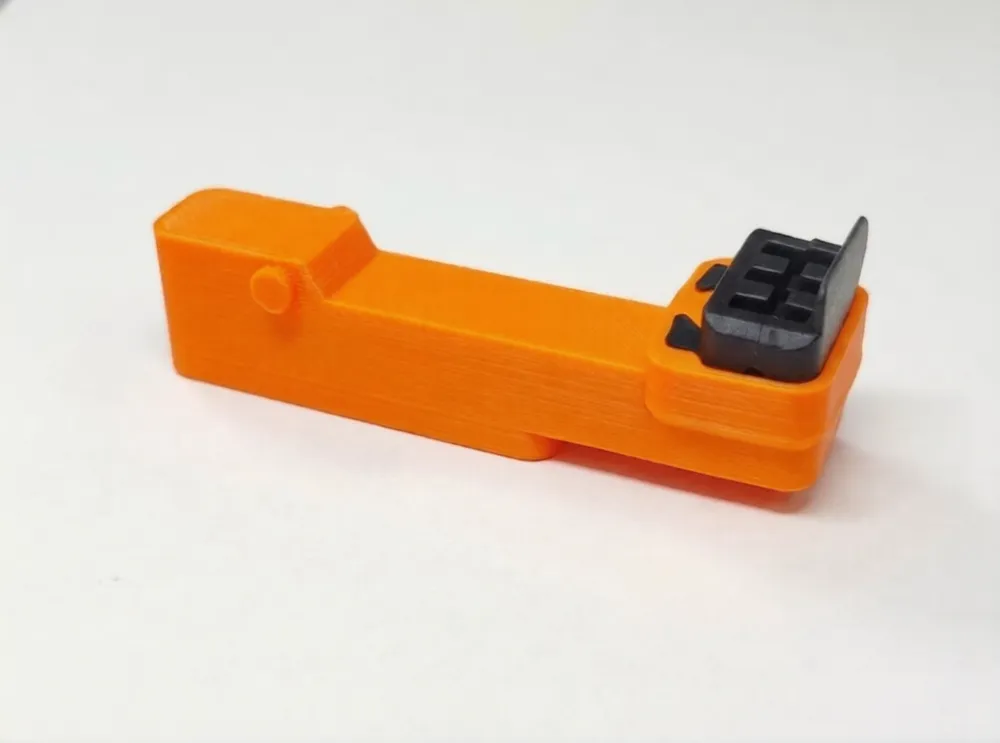
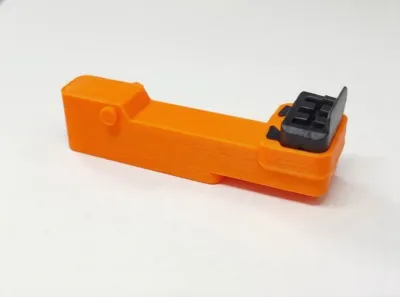
BambuLab P2S to H2D/H2C Nozzle Wiper Adapter Holder
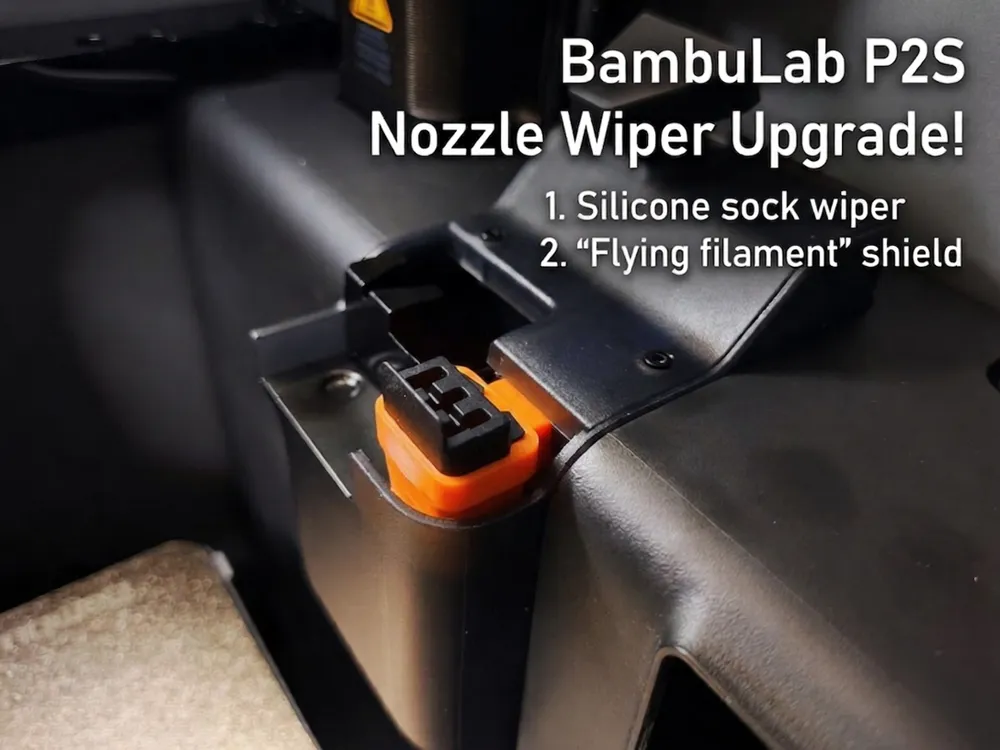
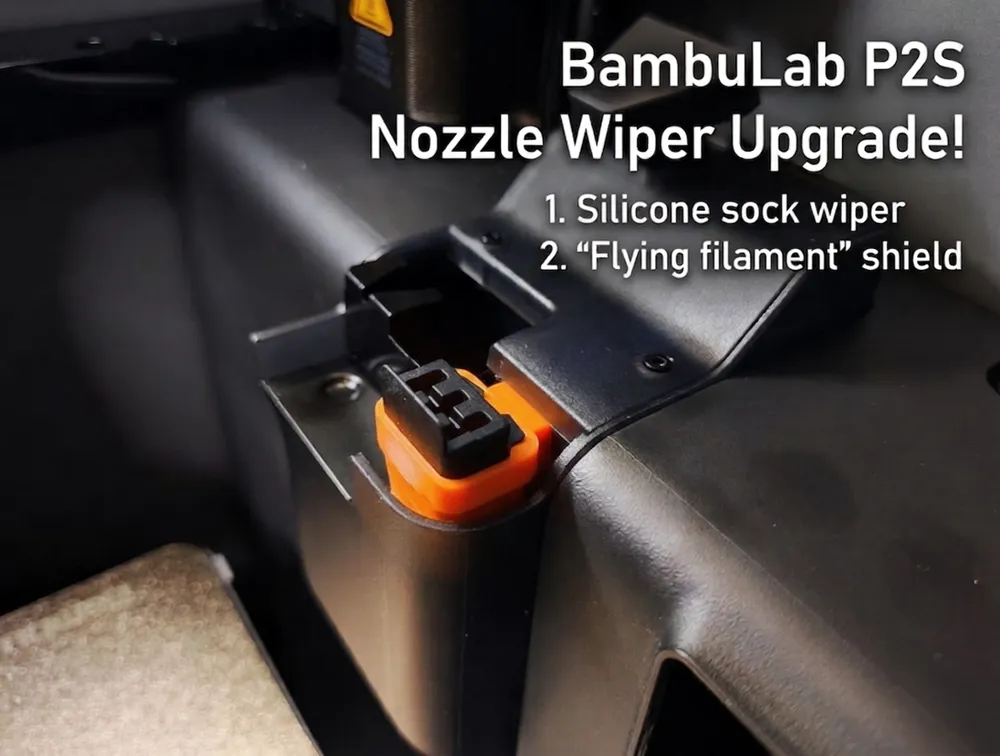
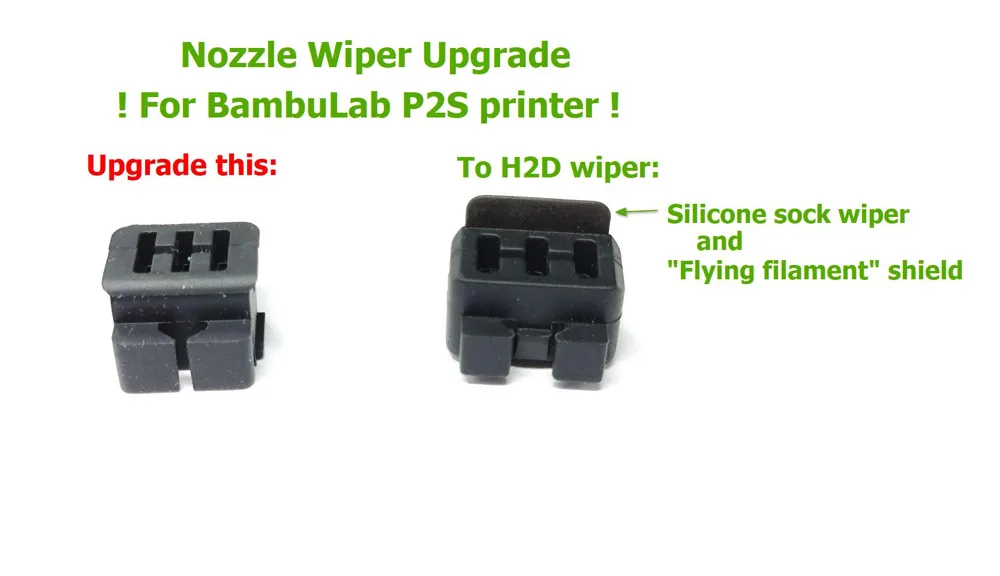
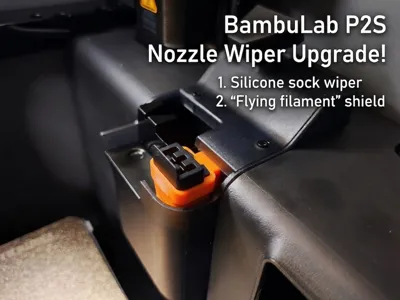
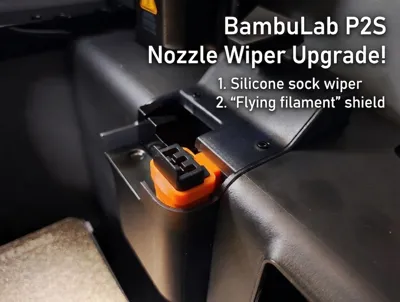
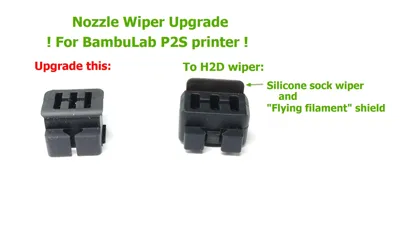
Upgrade your BambuLab P2S with this adapter holder to use H2D or H2C nozzle wipers, which are not natively compatible with the P2S.


The H2 wipers offer a clear advantage: they feature an extra silicone shield that wipes the nozzle’s silicone sock during cleaning, reducing filament “fly-off” onto the build plate — a common issue with the P2S. Additionally, the wiper is slightly larger than the stock version, improving overall nozzle cleaning efficiency.
It’s recommended to print the holder with high-temperature filaments like PETG or ABS. That said, I ran long-term tests using PLA, and it performed perfectly — even during ABS prints.
Installation is simple:
- Purchase a compatible H2D/H2C Wiper
- BambuLab store link: H2D/H2C Nozzle Wiper

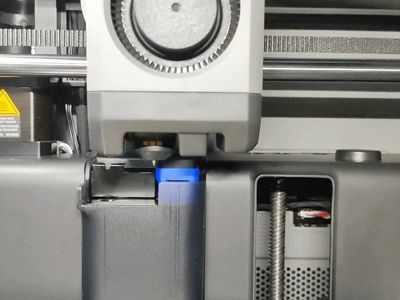
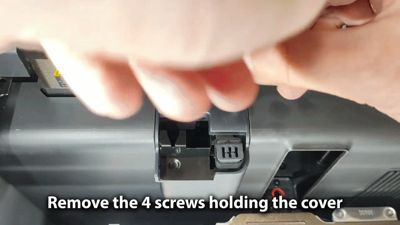
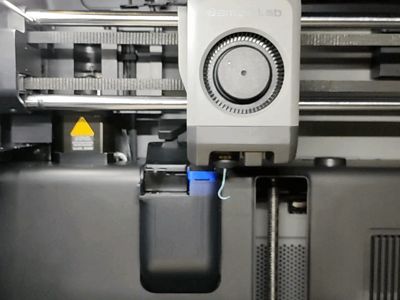
- Install H2D/H2C Nozzle Wiper Adapter Holder into your P2S Printer (A step-by-step video-guide is included in model images)
- Remove the screws from the wiper lid
- Take out the lid (you have to hold poop-chute in open position and rotate lid by 90 degree while lifting it up. see the example in video)
- Take out old wiper holder
- Insert the upgraded holder
- Put back the lid (again, hold the poop-chute and rotate while lifting down. see the example in video)
- Secure lid with the screws.
Also Check out my latest models:
Twisty Spiral Star Fidget
https://makerworld.com/en/models/2662379-twisty-spiral-star-fidget
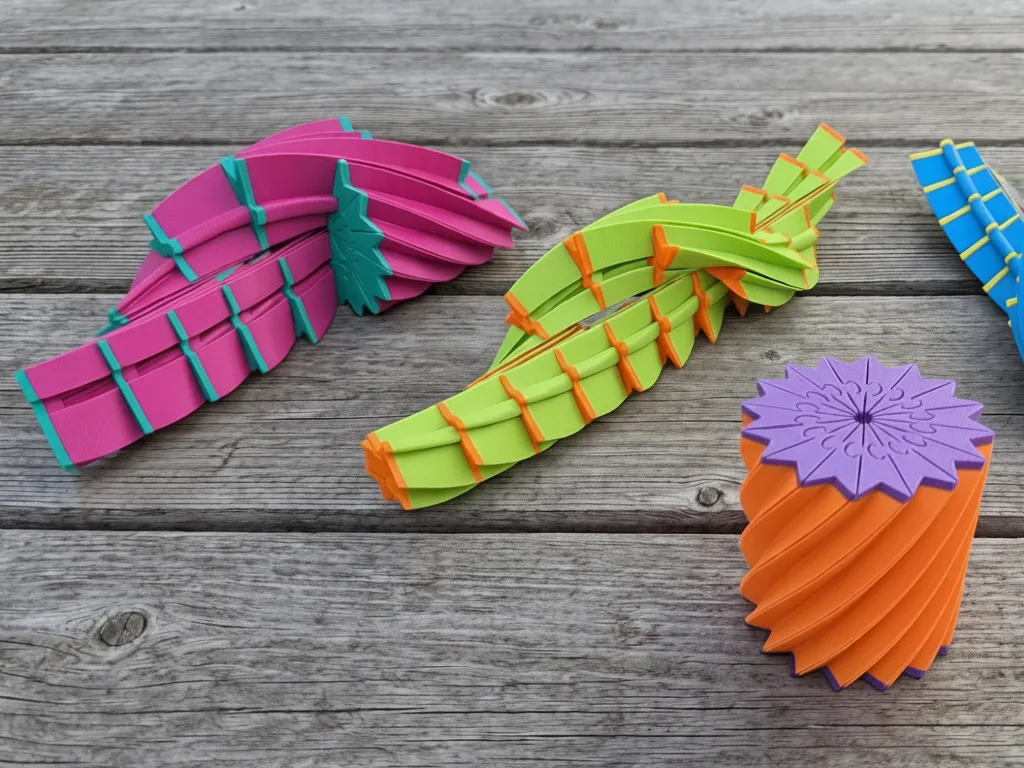

Impossible Passthrough Triple Helix Fidget
https://makerworld.com/en/models/2594425-morf-worm-squishy-waffle-fidget
Membership
💸 Commercial Licenses: Click ‘Join’ to sell physical prints of my designs. Higher tiers allow you to use my photos and videos to help grow your brand and save time!
License

You shall not share, sub-license, sell, rent, host, transfer, or distribute in any way the digital or 3D printed versions of this object, nor any other derivative work of this object in its digital or physical format (including - but not limited to - remixes of this object, and hosting on other digital platforms). The objects may not be used without permission in any way whatsoever in which you charge money, or collect fees.


Comment & Rating (51)