
X2D / P2S Modular Aux Fan Diffuser (Quick-Swap) V2
Print Profile(2)
Bill of Materials

Description
🌟 X2D V2 model released, featuring a symmetrical design with nicer chamfers and now includes both the right and left side aux fans! 🌟
After testing several existing diffuser designs, I decided to create my own with a focus on improving flexibility, durability, and overall airflow performance.
This model introduces a few key upgrades:
🔄 Modular Cooling System

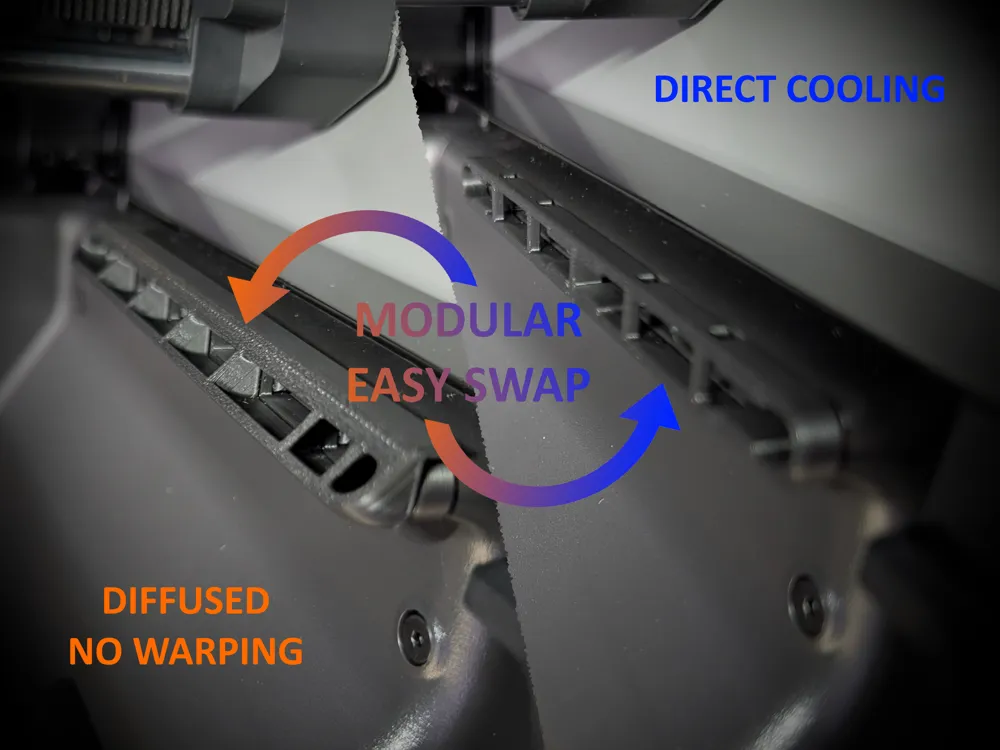
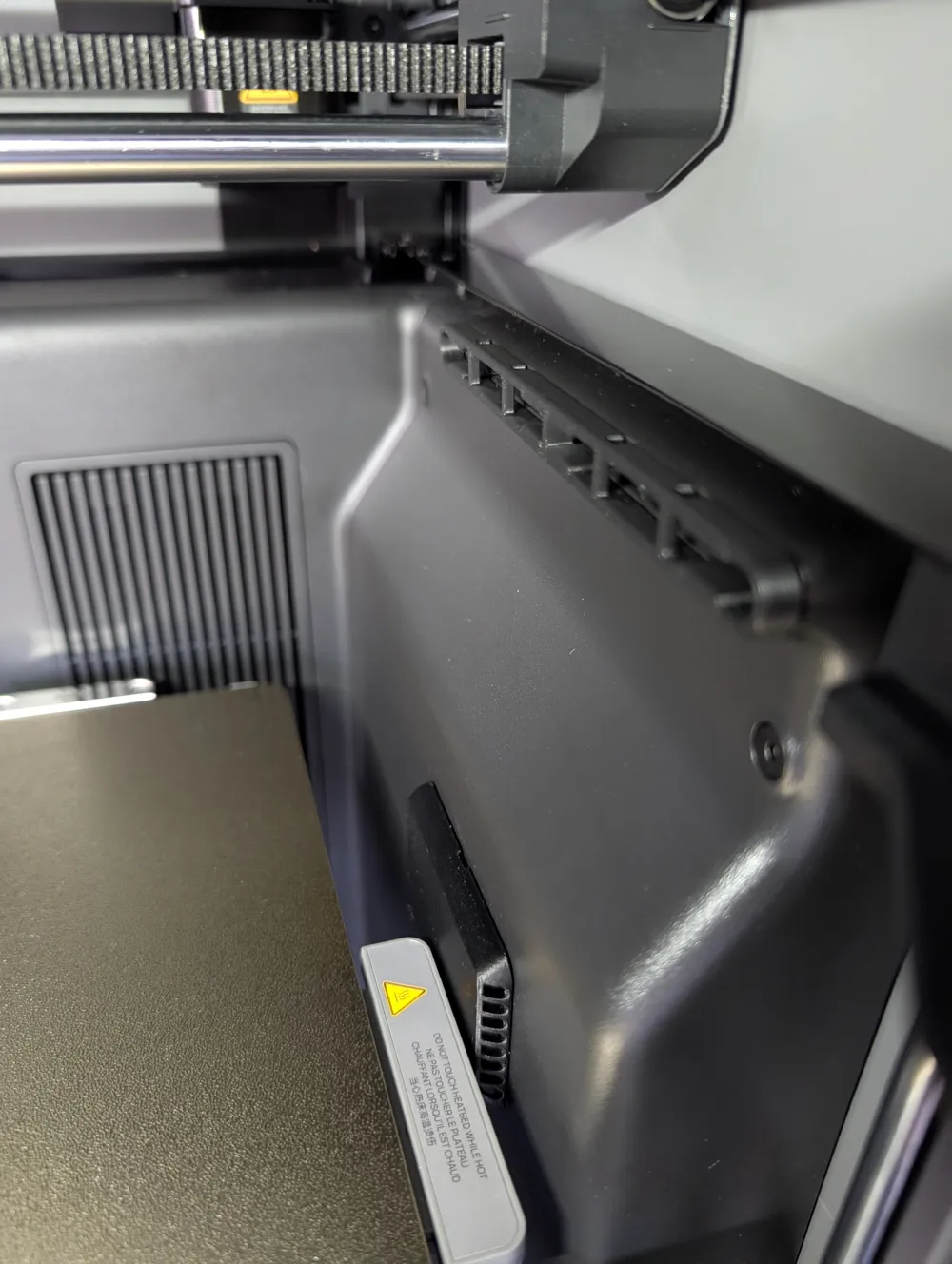
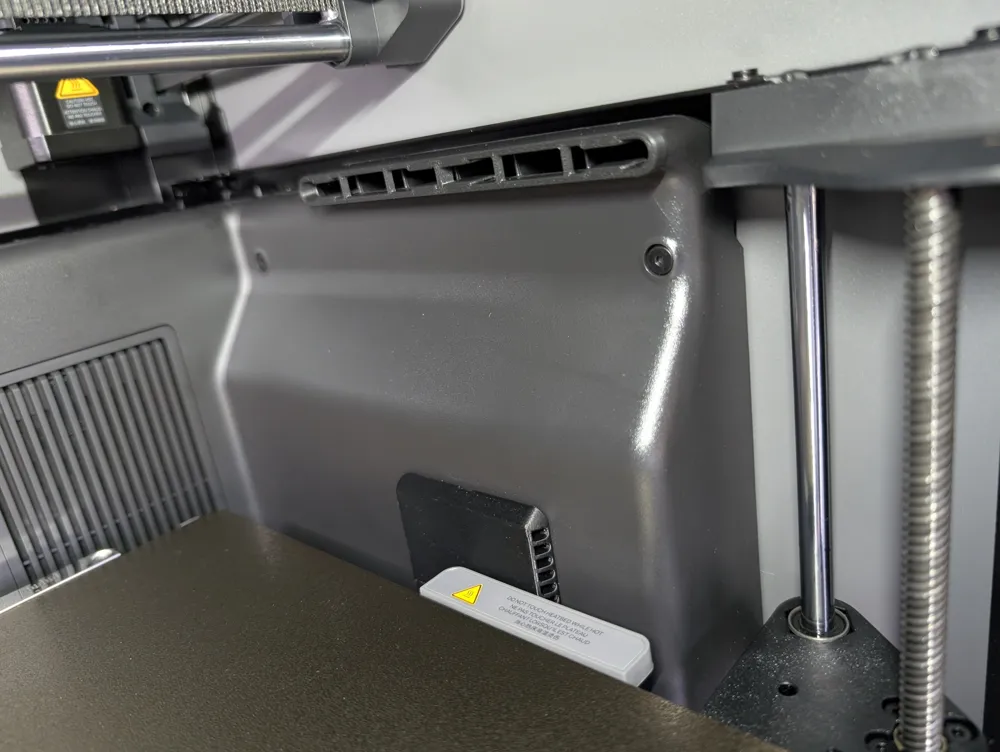
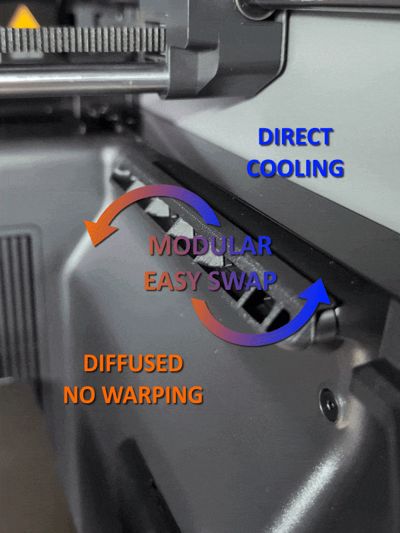
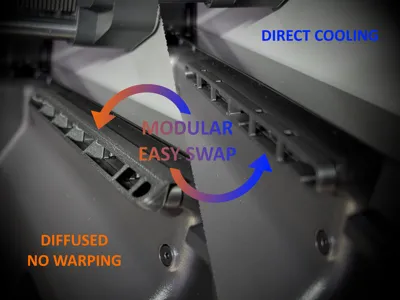
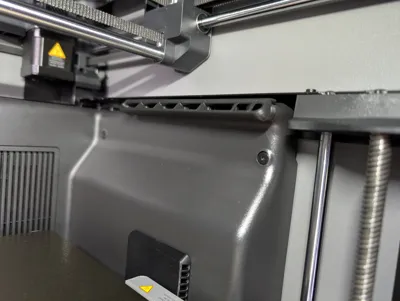
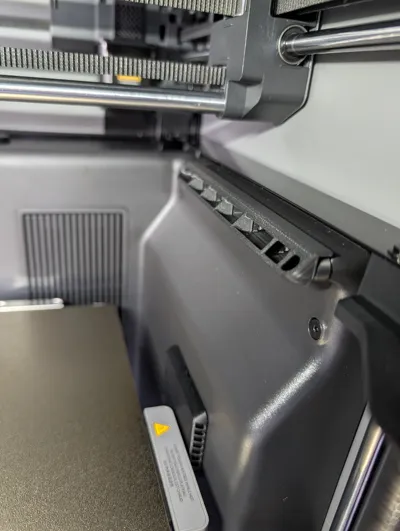
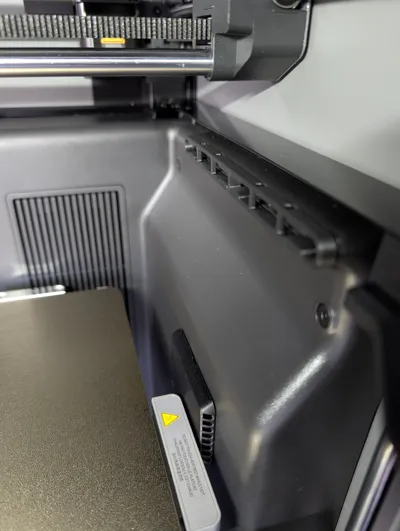
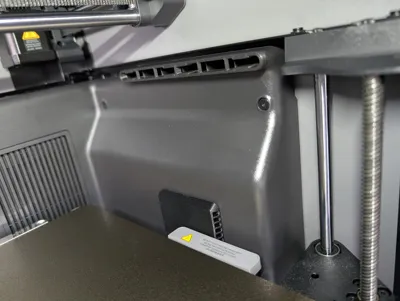
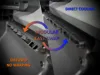
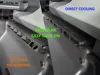
The design allows you to quickly switch between 45° and 60° diffusers or run direct cooling similar to the stock setup. This makes it easy to fine-tune airflow depending on your material and print requirements. For materials that benefit from strong cooling, you remove the diffuser attachment entirely. For warp-prone materials like ABS, ASA, and many other engineering filaments, simply attach the diffuser attachment again to prevent direct airflow and help maintain print stability.
💪 Stronger Retention Tabs
The retention tabs on the holder part that snaps into the vent have been reinforced with better supporting geometry to prevent snapping during installation and to ensure a secure fit. Many existing models suffer from weak, under-dimensioned tabs, often made worse by unfavorable (vertical) print orientation. This design addresses those issues with improved strength and reliability.
📏 Optimized Tab Spacing
Proper spacing between the middle retention tabs ensures a better and more universal fit and avoids the problems seen in some other designs where tabs are positioned too closely together (the vent guides apparently have some variability in thickness and some tolerance is needed to account for this).
🌬️Improved Airflow Diffusion
Angled diffusion on both sides helps distribute airflow more evenly throughout the chamber, reducing harsh directional cooling and improving overall print consistency.
Overall, this design aims to give you more control, better durability, and more consistent results across a wider range of materials.
🛠️ Printing and Installation
You need one holder and at least one attachment. The print profile includes three plates with different combinations, simply pick the desired one and print.
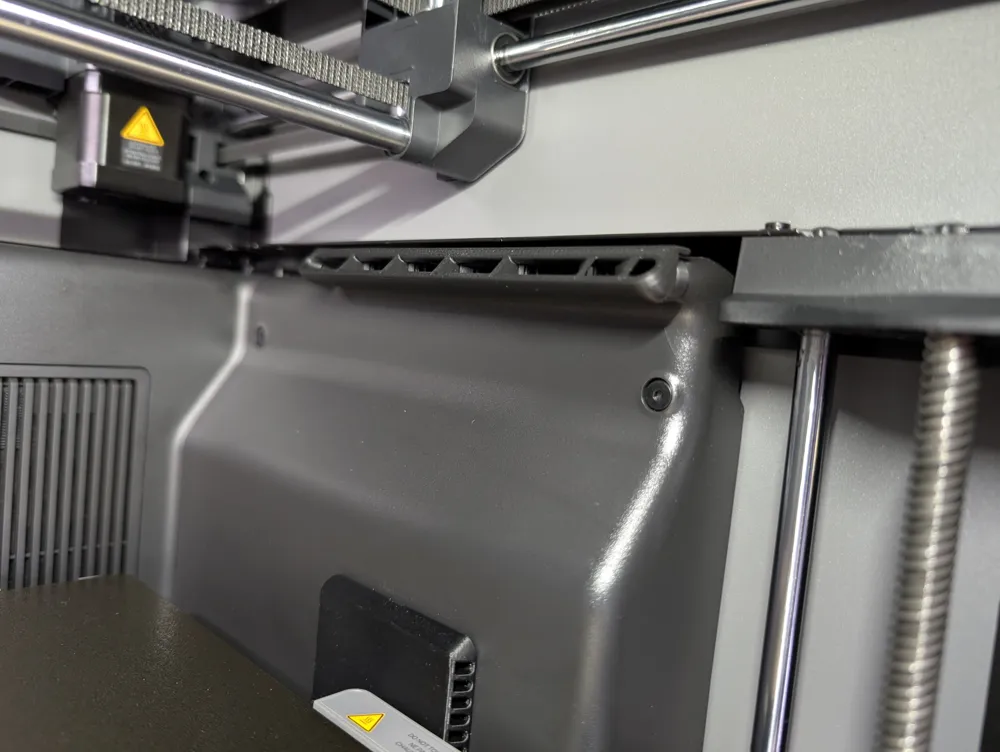
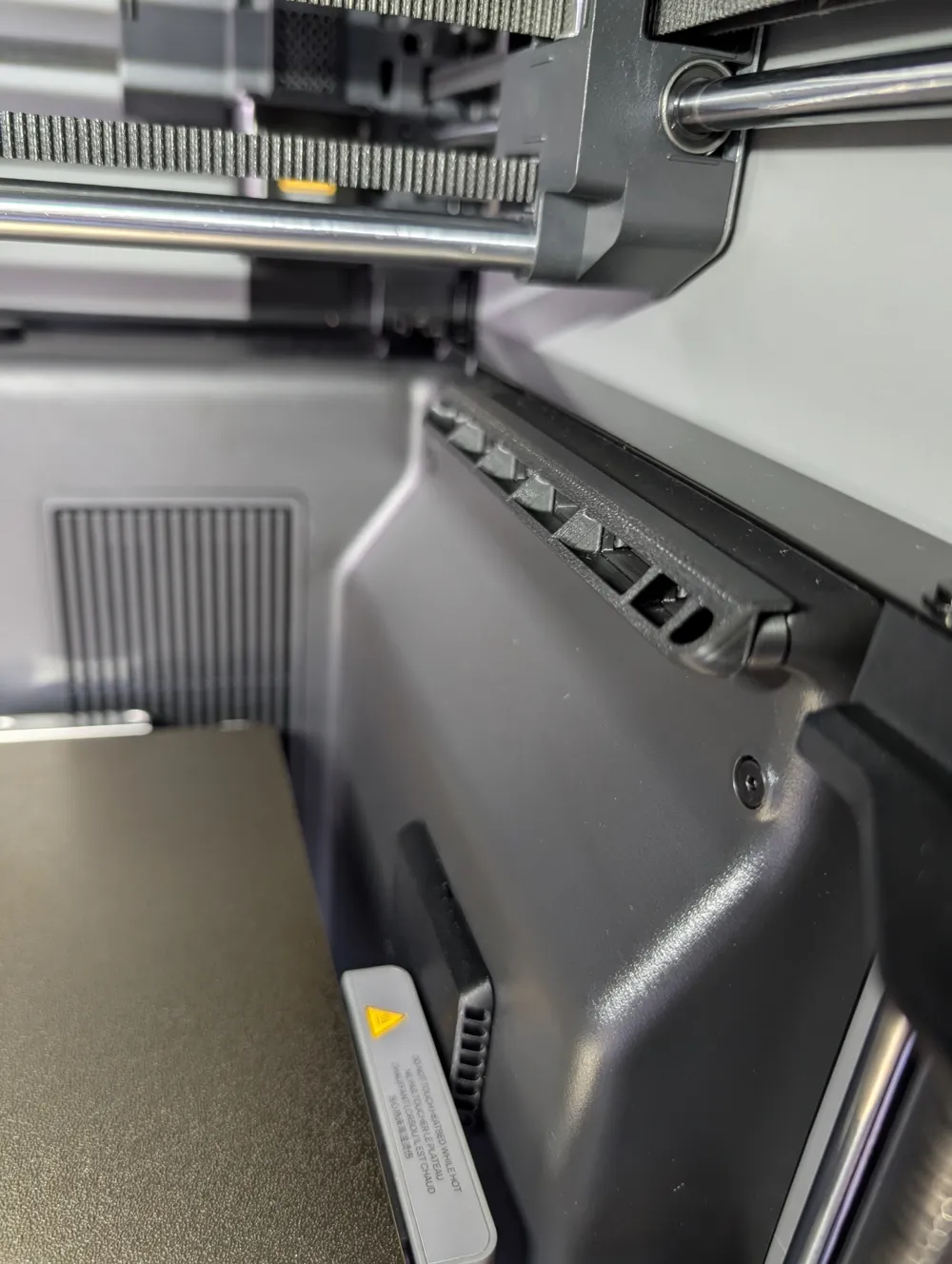

Once you have your parts, push the holder into the aux fan vent, noting that the middle retention tabs go around the middle vent guide.
Now you are ready to insert your attachment with pins aligned with the holes on the top, as shown below (just do the reverse to remove it when needed 😉).
Material Recommendations
Provided profiles are configured for PETG. It should suffice from a thermal standpoint and it is also a material with good flexibility.
If you want best thermal stability, use ABS / ASA or other high HDT engineering materials.
The print chamber can reach elevated temperatures, and lower-temperature materials (such as PLA) may deform over time.
If you appreciate the design, consider a boost and take a look at my other models.
Boost Me (for free)
Aiming to create more functional parts, if you like my work boost me 🚀
License

You shall not share, sub-license, sell, rent, host, transfer, or distribute in any way the digital or 3D printed versions of this object, nor any other derivative work of this object in its digital or physical format (including - but not limited to - remixes of this object, and hosting on other digital platforms). The objects may not be used without permission in any way whatsoever in which you charge money, or collect fees.


Comment & Rating (27)