Search models, users, collections, and posts

Print Profile(1)
0.2mm layer, 2 walls, 15% infill
Designer
22 min
1 plate
Open in Bambu Studio
Boost
46
147
8
0
175
46
Released
Description
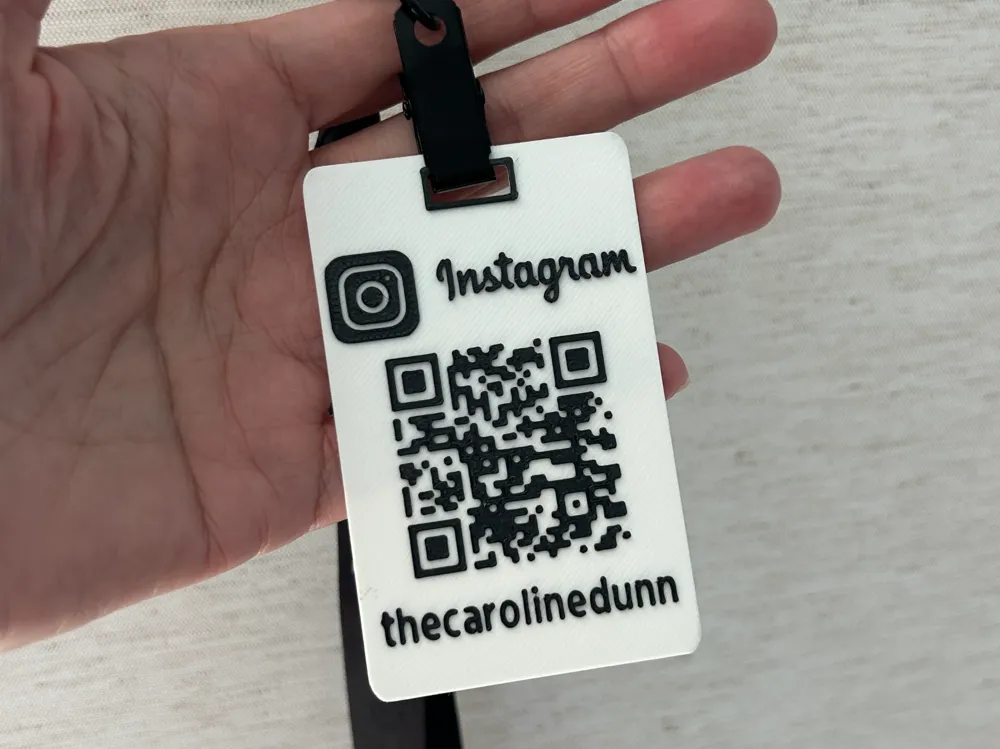
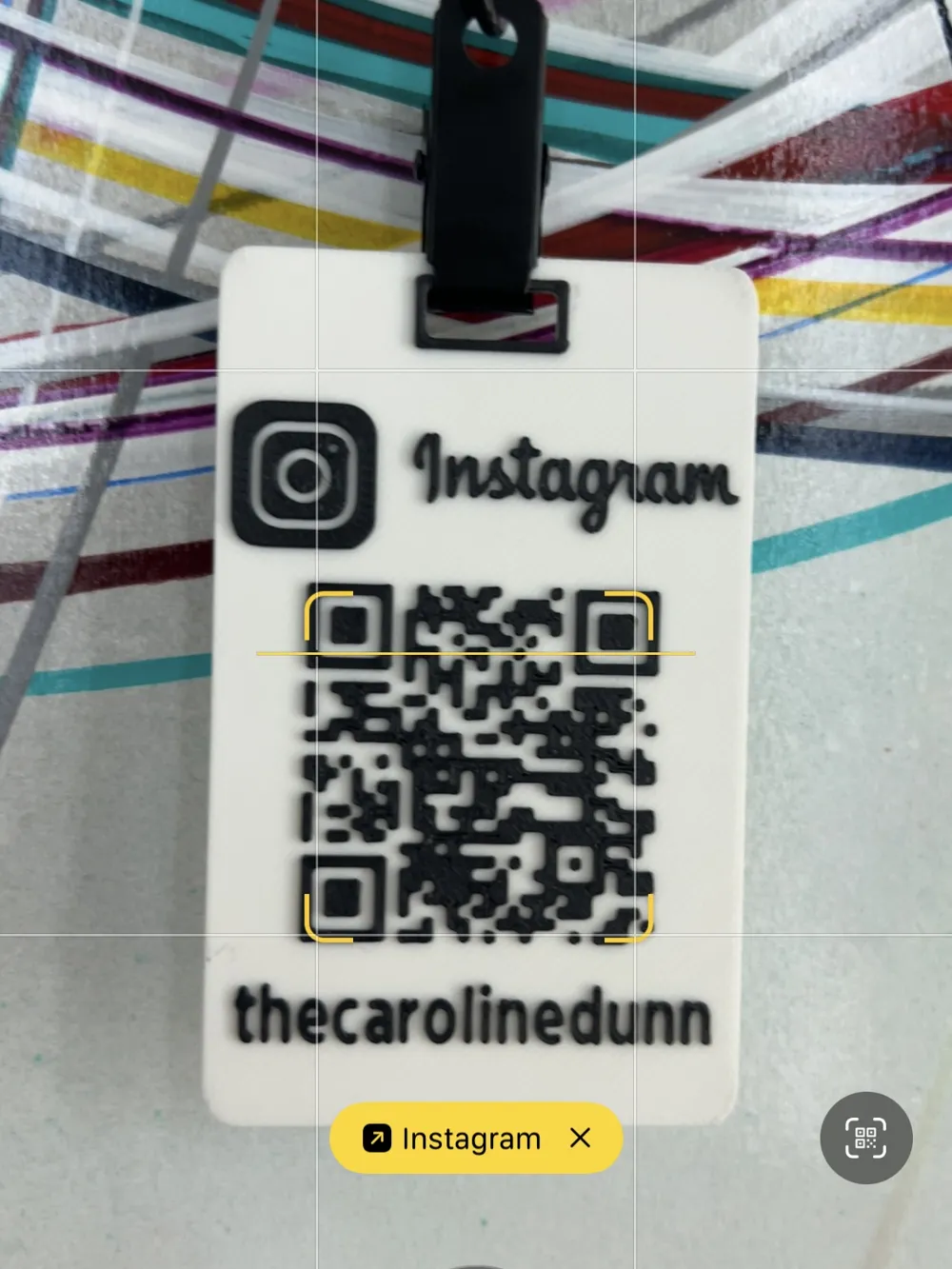
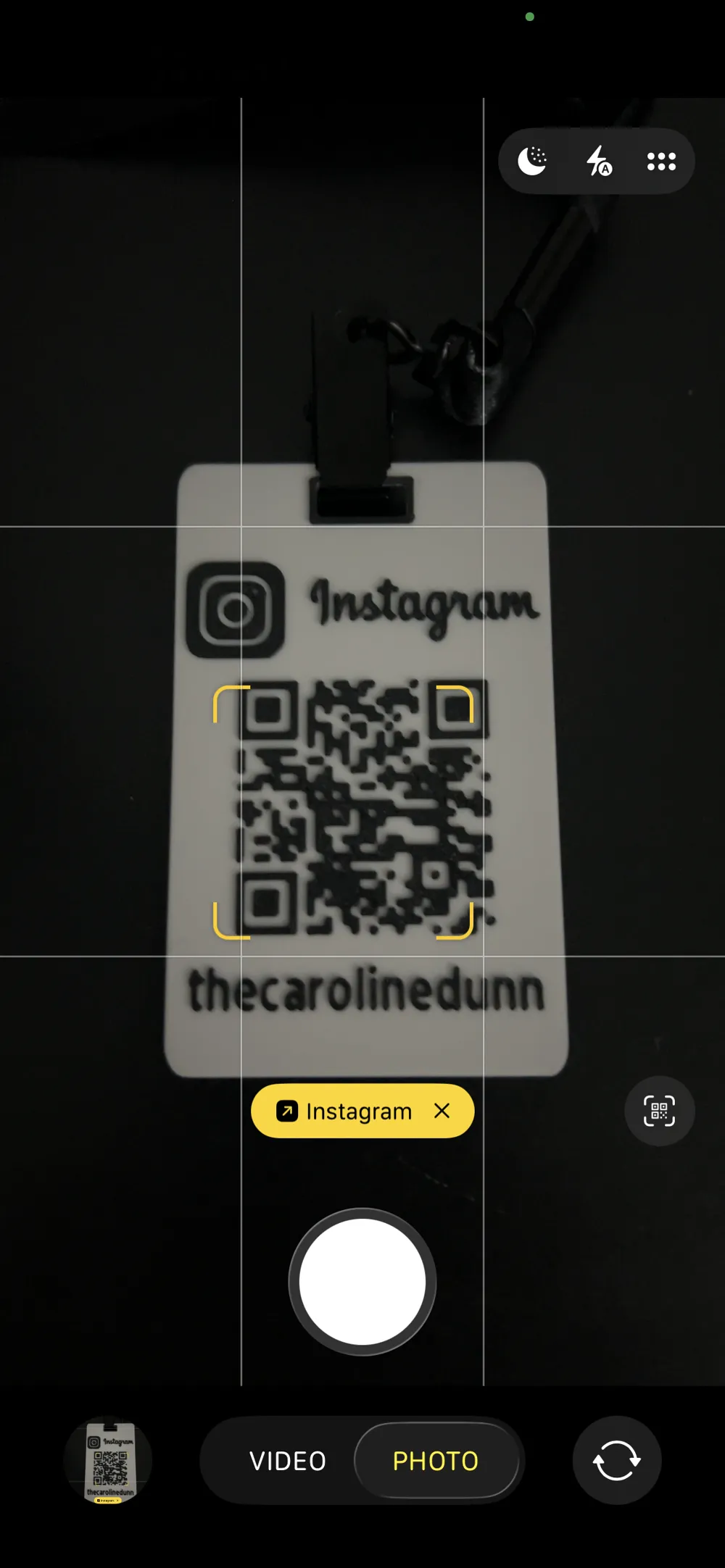
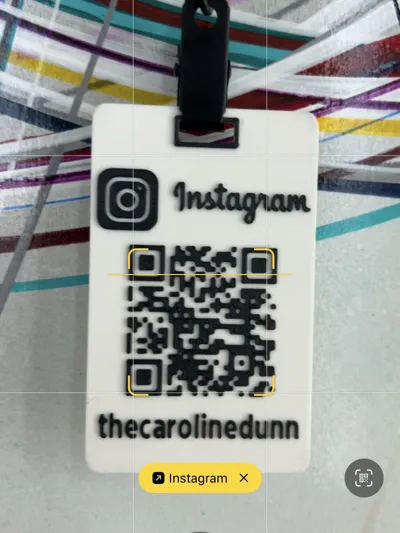
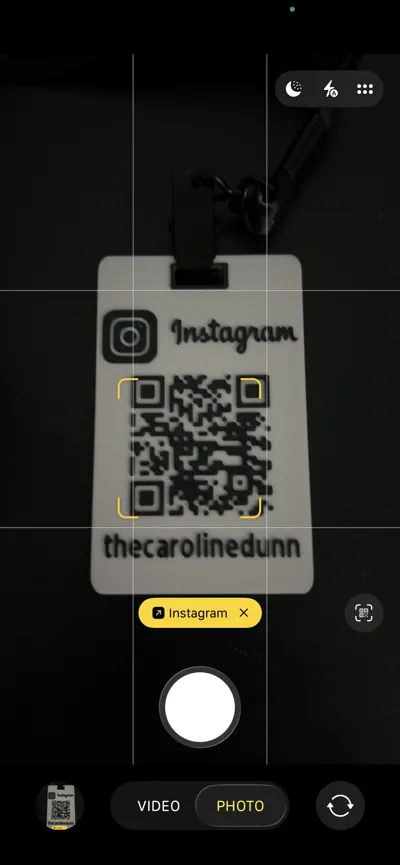
This customizable 3D print lets you create your own Instagram QR tag — perfect for attaching to your luggage, backpack, conference bag, or laptop case at networking events. Instead of pulling out your phone, let others scan your tag to instantly connect with you on Instagram!
Use Cases:
- Attach to your conference badge or laptop bag for easy networking
- Use as a luggage or backpack tag for events
- Great conversation starter and functional digital business card
How to Customize:
- Go to genqrcode.com
- Enter your Instagram URL (i.e. https://www.instagram.com/thecarolinedunn) and set QR Code height = 1.6 & Base height = 0
- Download the QR code as an STL file.
- Open the provided .3mf file in your slicer
- In the object list, right-click “IG-QRCode-…” → Replace with your STL QR code
- Change the name text to your own (You may need to delete my name and add your text, if the ‘Edit Text’ doesn't work).
- Slice and print your personalized Instagram tag
- Color Painting (if necessary).
Print in dual color for best results — black text on white base recommended!
License

This user content is licensed under a
Creative Commons Attribution


Comment & Rating (8)