Search models, users, collections, and posts

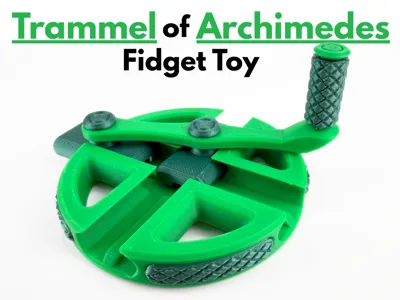
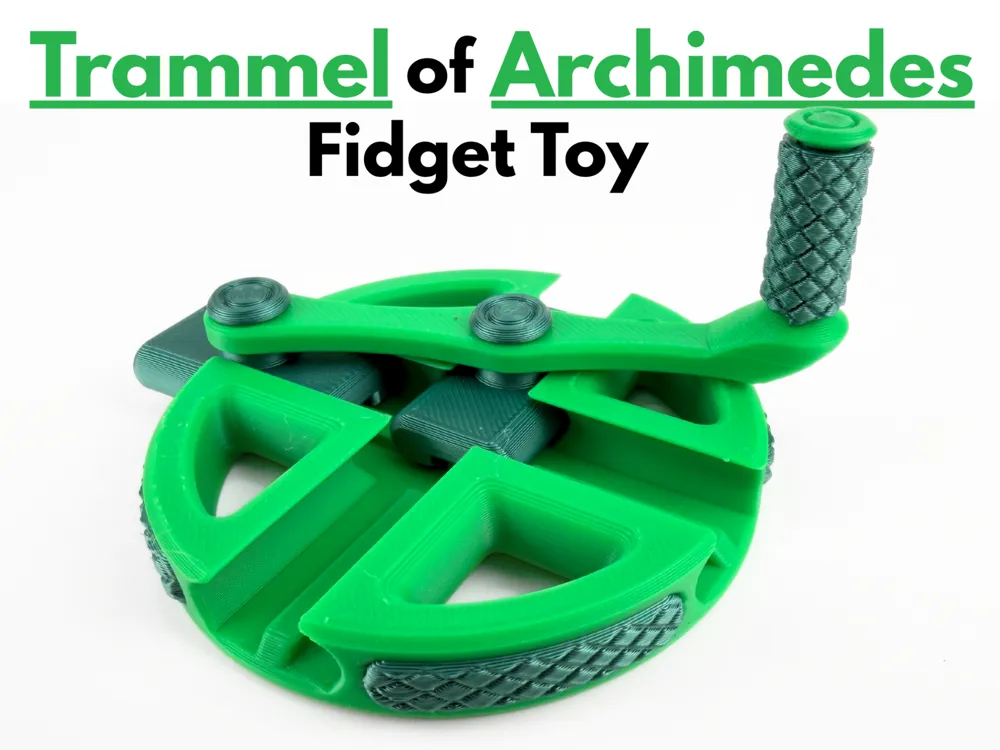
Trammel of Archimedes Fidget Toy

GIF

Print Profile(4)

All
A1
X1
H2D Pro
X1 Carbon
A1 mini
H2C
X1E
P1P
H2D
H2S
P1S
P2S
X2D
A2L

No AMS, Single Color
Designer
1.4 h
1 plate
4.6(32)

AMS, By Object, A1 Series
Designer
2.4 h
1 plate
5.0(2)

AMS
AMS
Designer
3 h
1 plate
5.0(1)

AMS, By Object, P2S
AMS, By Object, P2S
Designer
2.2 h
1 plate
4.0(1)

Open in Bambu Studio
Boost
280
674
66
18
675
536
Released 

Bill of Materials

Bambu Filaments
Select all
Bambu Green (10501) / Filament with spool / 1kg
Oxide Green Metallic (13500) / Filament with spool / 1 kg

Description

Assembly Video:

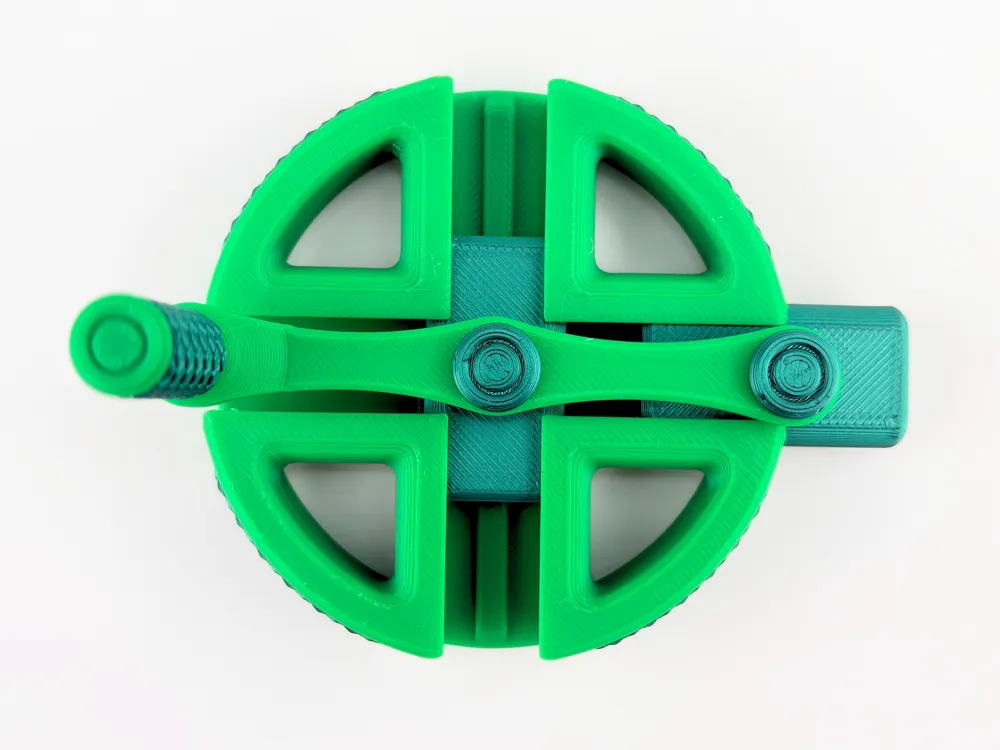
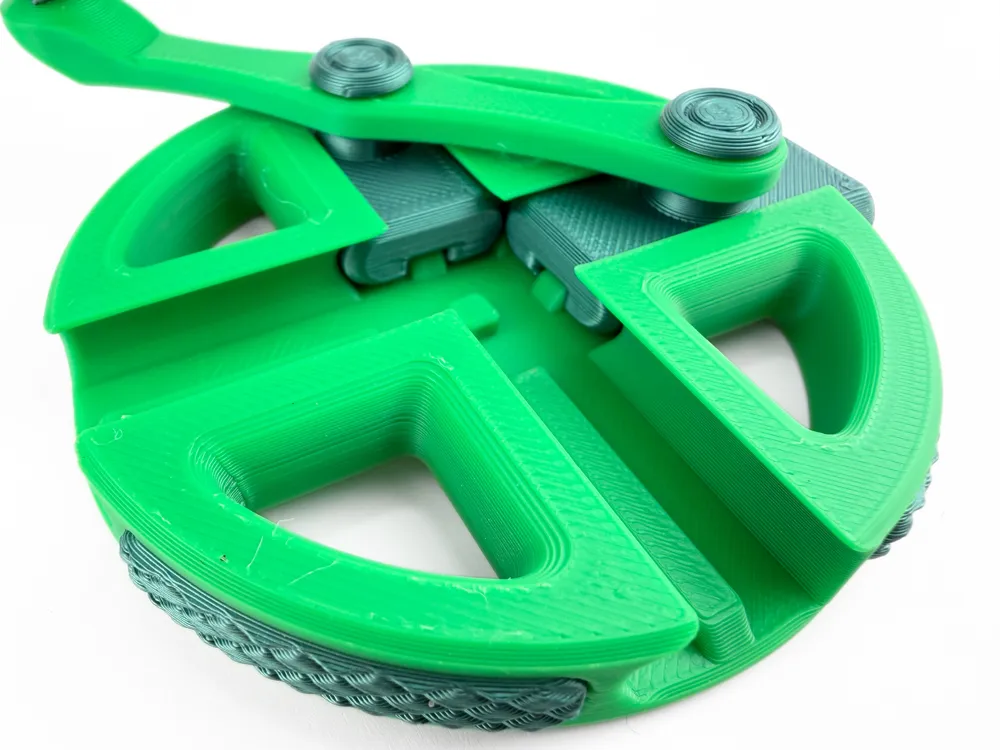
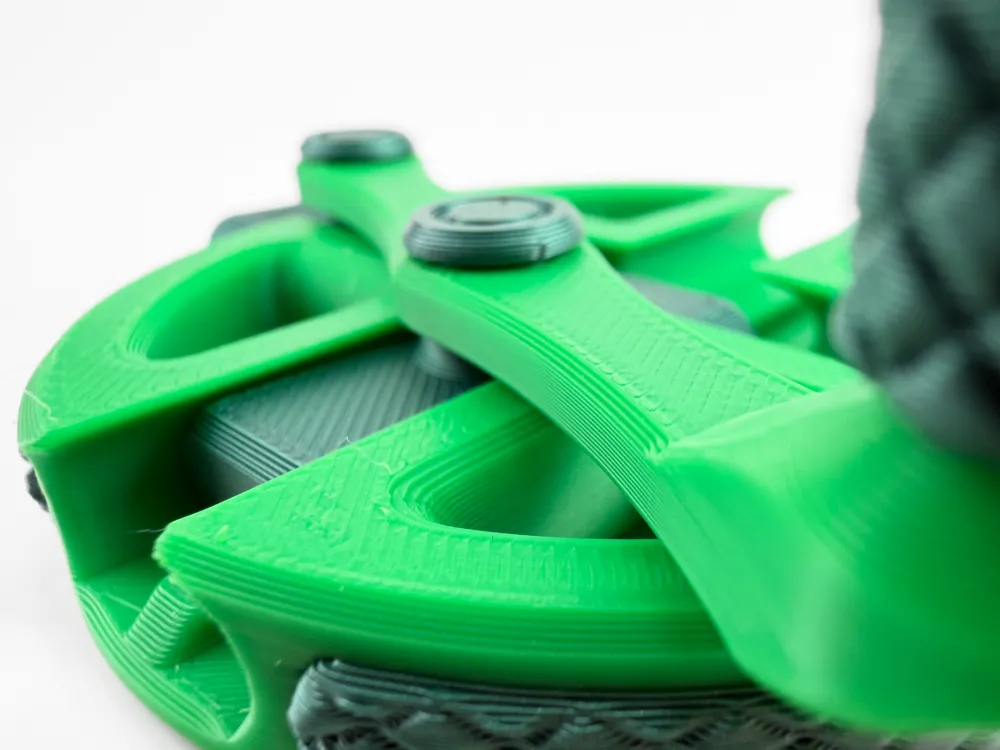
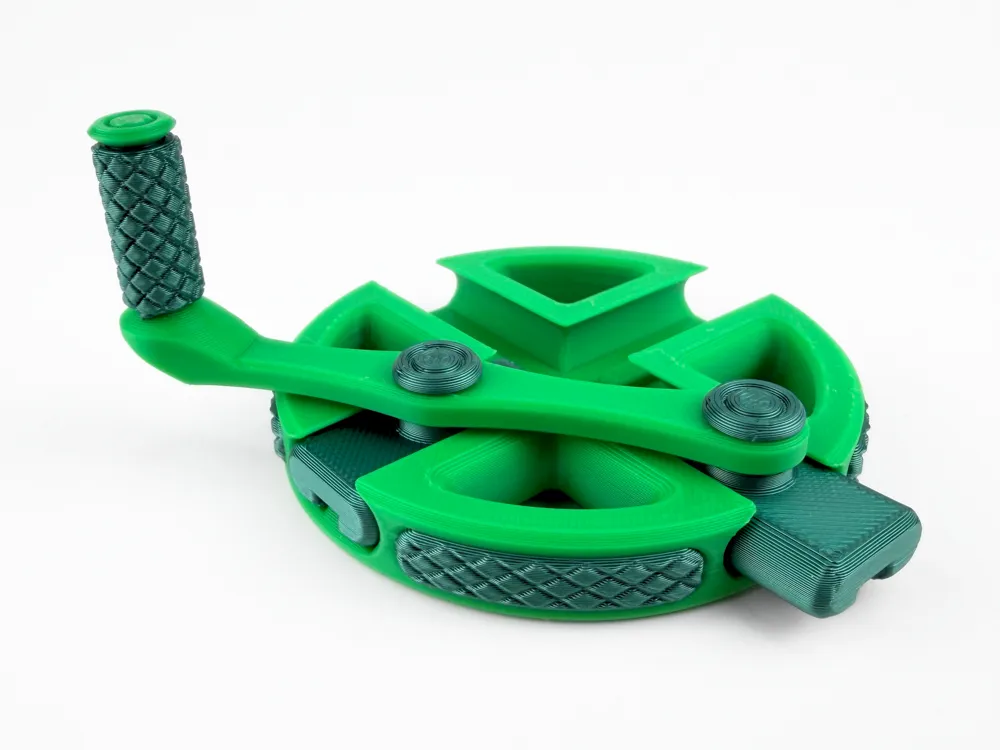
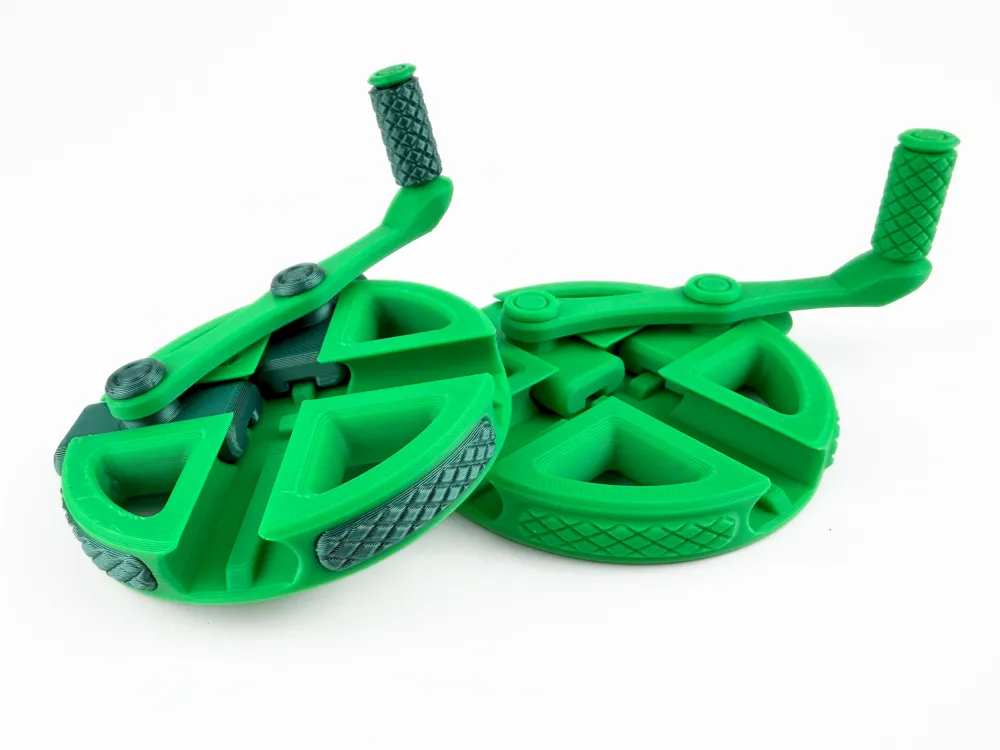
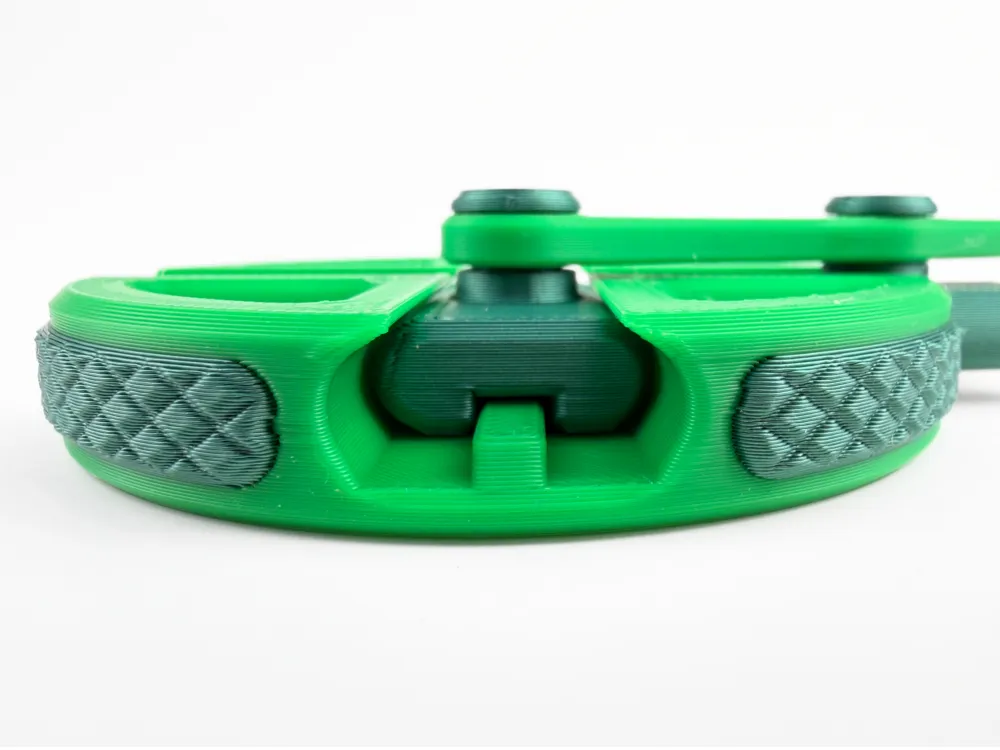
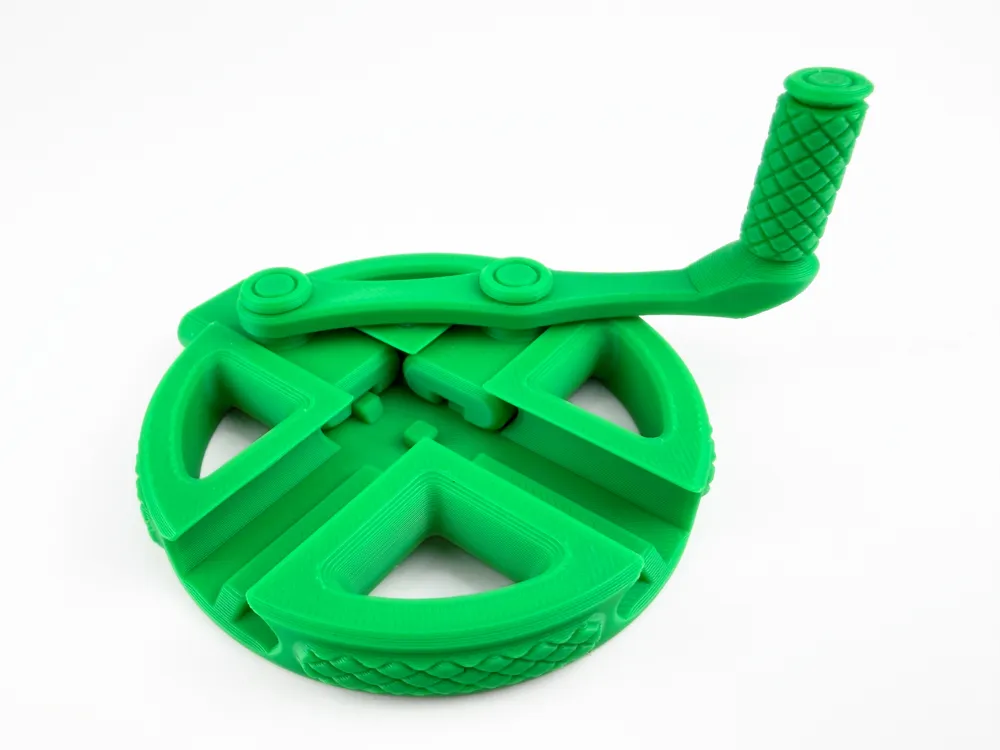
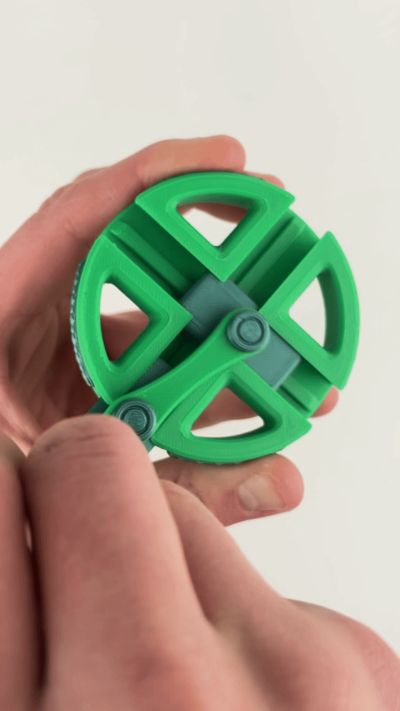
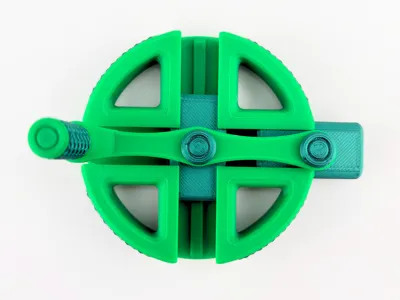
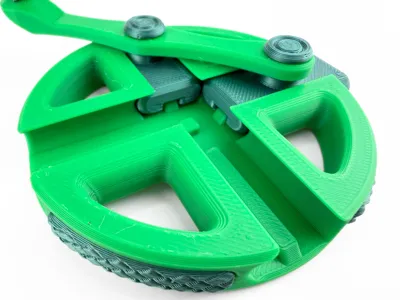
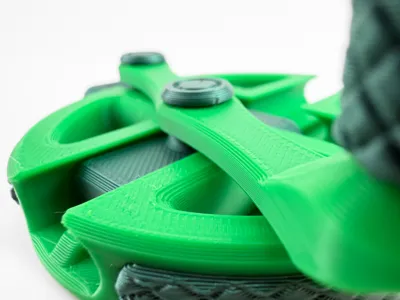
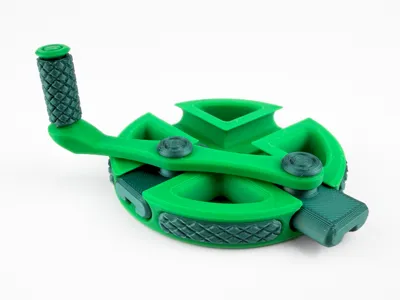
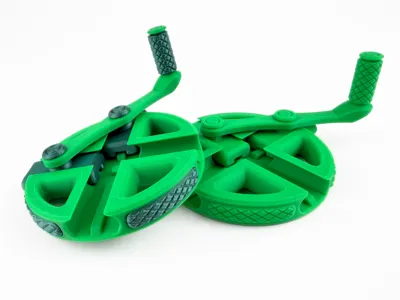
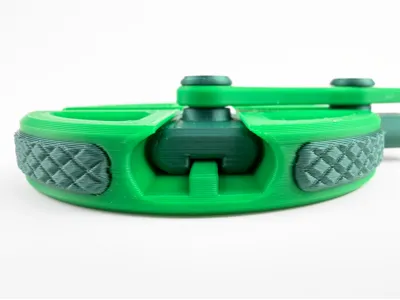
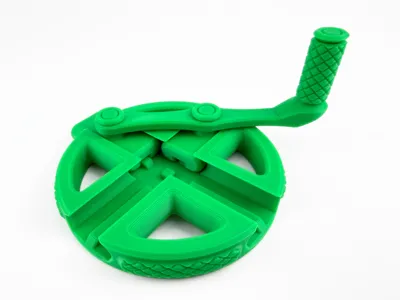
This awesome design takes the mechanism from a Trammel of Archimedes and turns it into a mesmerizing fidget toy. This design features many carefully thought out components, each taking countless prototypes to perfect. The main thing that sets this apart from all the similar models is its rail system that allows for a perfectly smooth feel. The handle has a print in place hinge that allows for smooth rotation with your fingers. When you turn the handle, it causes 2 pieces to travel linearly along their tracks in an almost hypnotizing wayThe fidget toy does require a bit of assembly, but you can use the video above for a simple and easy tutorial. Snap fit joints were added for your convenience, removing the need for any glue or external hardware. I recorded my progress while making this across a series of short form videos that you can find on YoutubeInstagram, and TikTok under AbyssalCactus. This Trammel of Archimedes toy is the perfect fidget for anybody who likes interesting and satisfying mechanisms.

Boost Me (for free)

If you like this model, please consider boosting it! It helps out a ton :)

Membership

Want to sell my 3D printed fidget toys? Become part of my Commercial License Membership program!

Join

Printing Instructions:

  1. Prepare the Print Bed
    • Clean the print bed thoroughly with isopropyl alcohol to ensure proper adhesion.
    • Additional adhesive for the print bed is highly recommended! I suggest using 3D-Lac spray or a glue stick.
       
  2. Download the Print Profile
    • Send the pre-configured print profile to your Bambu Lab printer through the Bambu Handy app or Download and open the pre-configured print profile in Bambu Studio.
       
  3. Select Your Printing Options
    • Choose your filament type and color.
    • Select your print bed type (e.g., textured or smooth).
    • Confirm your printer settings, ideally for a Bambu Lab printer.
       
  4. Start Printing
    • Begin the print job. No supports are necessary.

Comment & Rating (66)

(0/1000)

Print Profile
No AMS, Single Color
so fun to play with but I couldn't clip 1 of the clips in still hird though
The profile uploader has replied
profile
2
Reply
was the pin too tight or to loose?
(Edited)
1
Reply
I don't know sorry
(Edited)
1
Reply
Replying to @AbyssalCactus :
I don't know sorry
(Edited)
1
Reply
Print Profile
No AMS, Single Color
Great Model and Good Job! I made a video on my yt aswell about it to try and bring more people in
The profile uploader has replied
profile
1
Reply
thank you so much :)
0
Reply
Print Profile
No AMS, Single Color
I love your stuf. it always prints and works perfectly
The profile uploader has replied
profile
1
Reply
thank you 😊
0
Reply
Print Profile
No AMS, Single Color
This piece is amazing awesome! 🤩
The profile uploader has replied
profile
1
Reply
glad you enjoy it :)
0
Reply
it’s perfect
(Edited)
The designer has replied
designer
1
Reply
thank you bro ;)
0
Reply
Print Profile
No AMS, Single Color
Printed best on the super tack plate. Thanks for the files. Happy Printing.
profile
1
Reply
Print Profile
No AMS, Single Color
Nice design and clean print. However, the pins don’t hold at default scale and fall out. Printed with Bambu PLA Silk+. I had to spend quite some time adjusting the scale to get a working fit, which shouldn’t really be necessary for a print-in-place style model. Looks like the tolerances are too loose and not well calibrated. The pins need up to 109,64%
(Edited)
0
Reply
me too
(Edited)
1
Reply
Print Profile
No AMS, Single Color
great model, at first I thought it was broken or it sucked, but it just took some using and the right turning force. great fidget
(Edited)
profile
1
Reply
Print Profile
No AMS, Single Color
fascinating fidget
0
Reply
great model, love your channel, but why does only the P2S have a multicolor print profile?
The designer has replied
designer
1
Reply
some but that happened with makerworld
0
Reply
it used to go for all the profiles
0
Reply
you can import the p2s profile into Bambu studio and select ur printer and that should work
0
Reply

License

If you want to use this model commercially, please join my membership.
Join Now
This user content is licensed under a Standard Digital File License.

You shall not share, sub-license, sell, rent, host, transfer, or distribute in any way the digital or 3D printed versions of this object, nor any other derivative work of this object in its digital or physical format (including - but not limited to - remixes of this object, and hosting on other digital platforms). The objects may not be used without permission in any way whatsoever in which you charge money, or collect fees.