
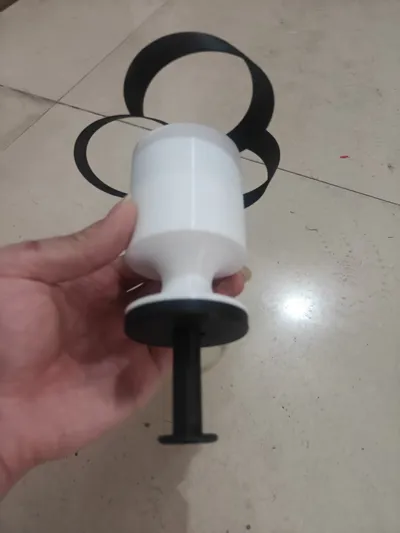
Syringe Pull Copter (Three-in-one) V2
Print Profile(7)
Description
Boost Me (for free)
If you like it, please boost me!




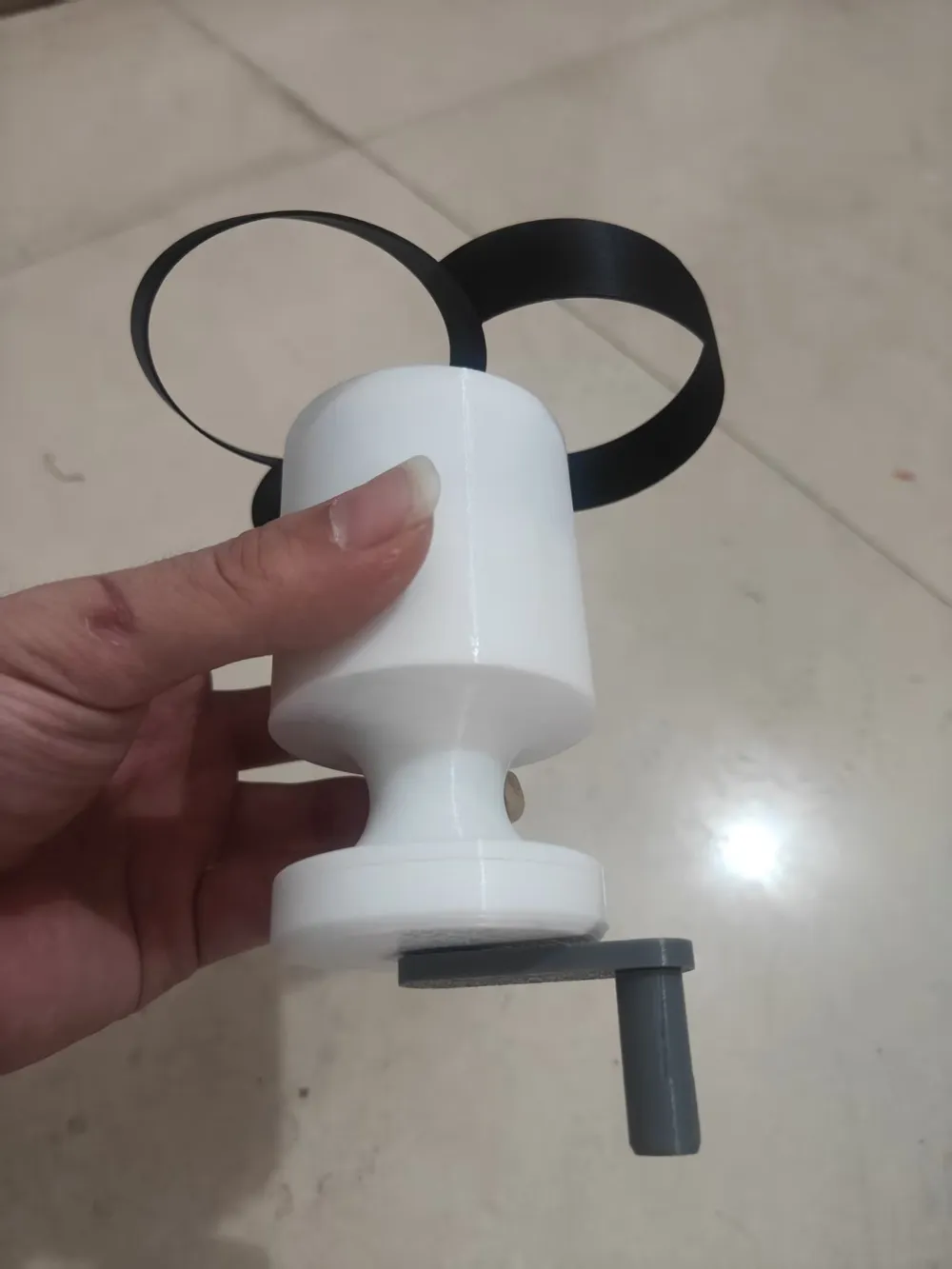
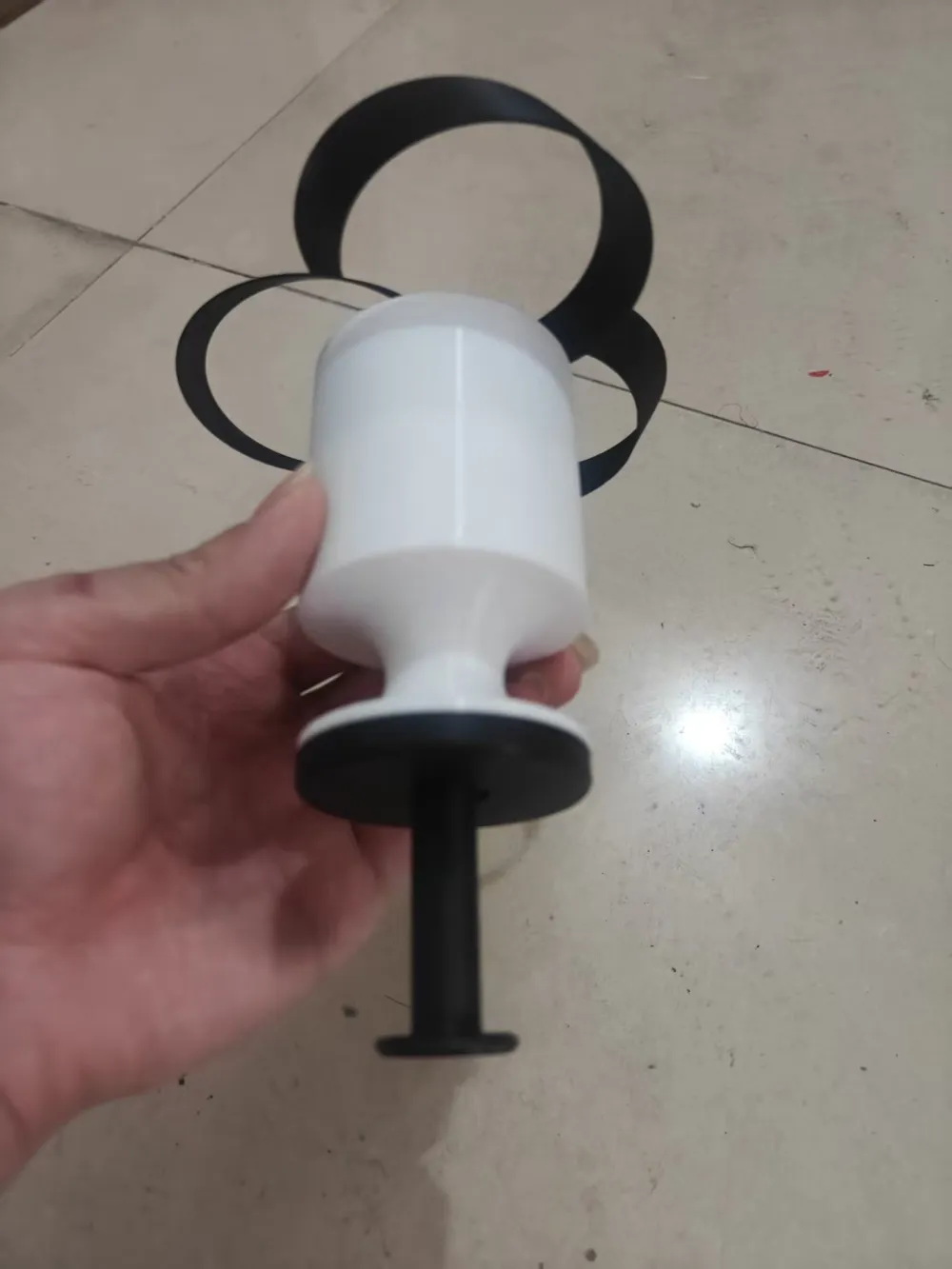
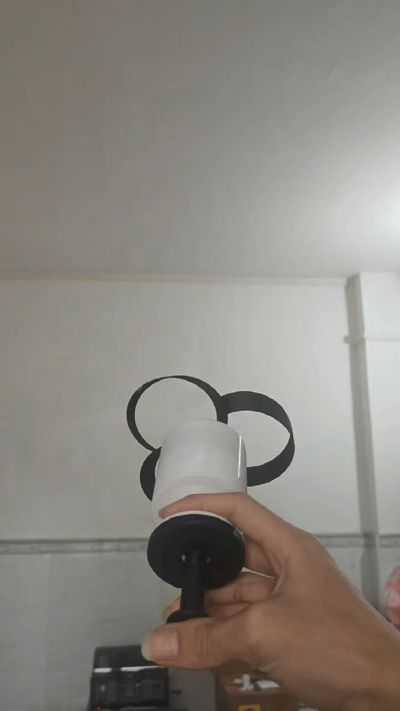
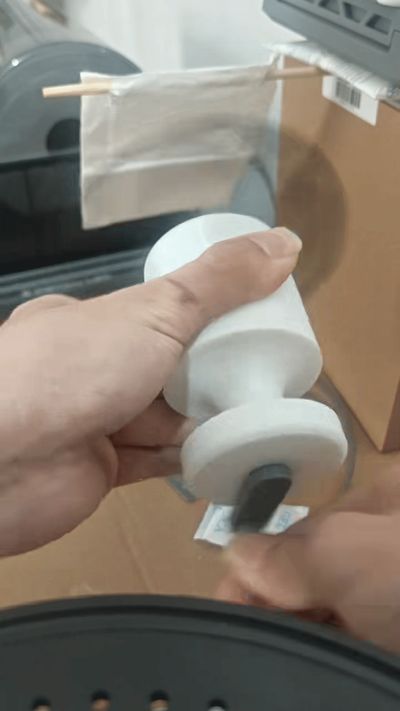
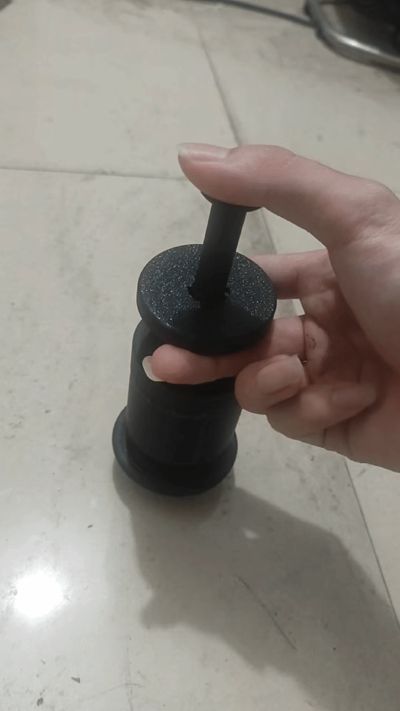
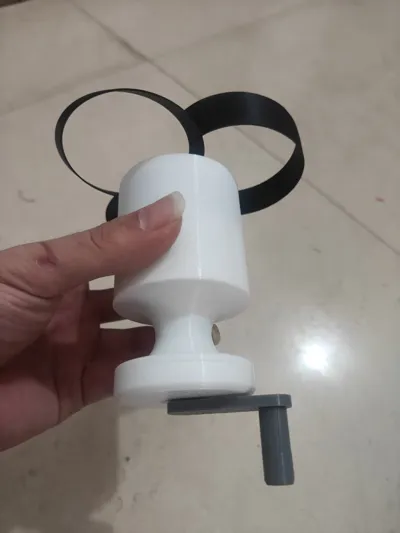
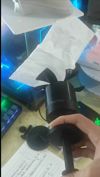
Syringe Pocket Copter Upgraded Version
- This model uses a 1:11 gear set. If you find the rotation speed insufficient and have strong hands, you can print the 1:16gear set
Model Features
Operated by pressing, it can be used with one hand for more elegant play
Single direction mode, rotates under force when pressed and is free when pulled back
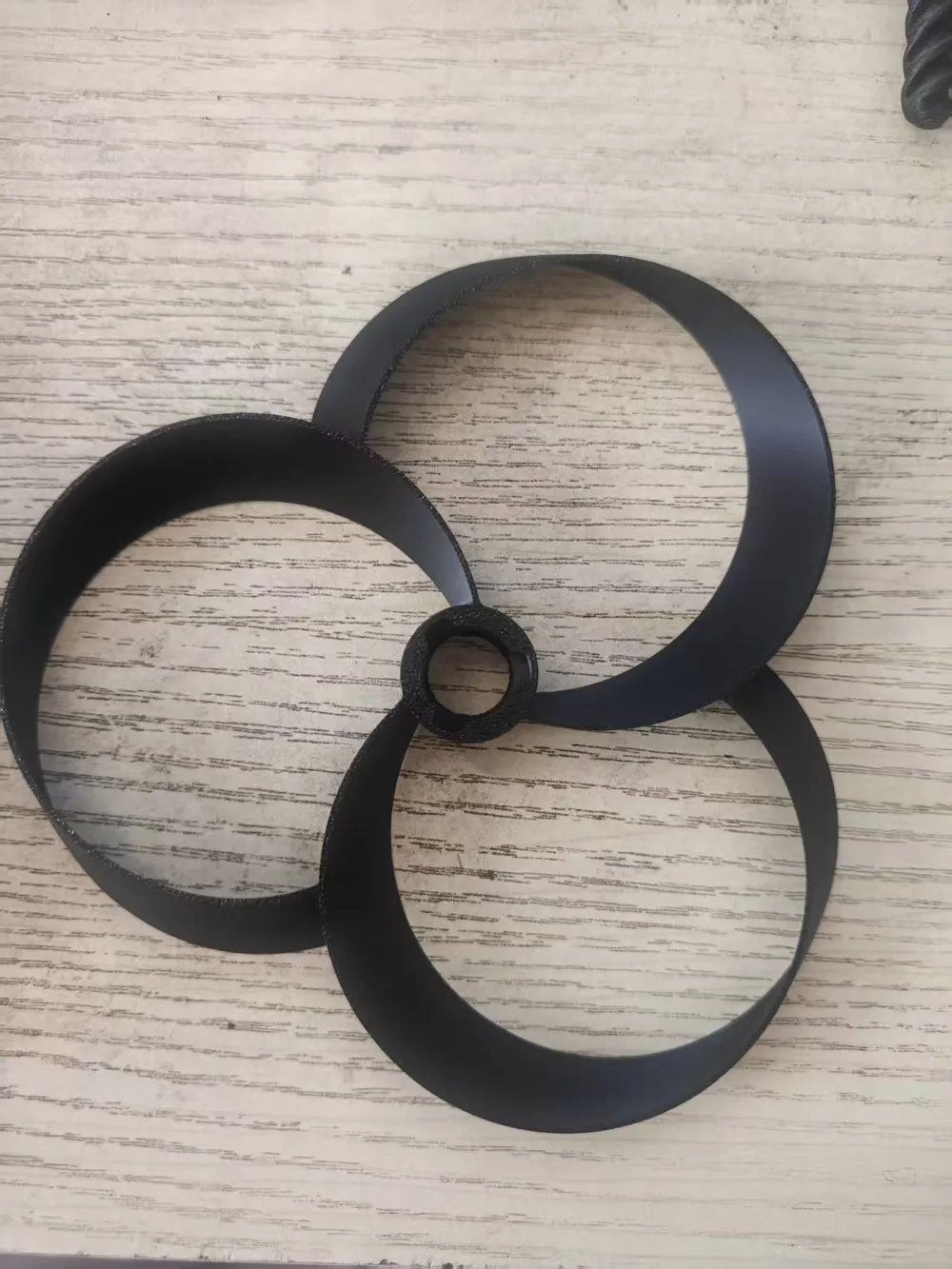
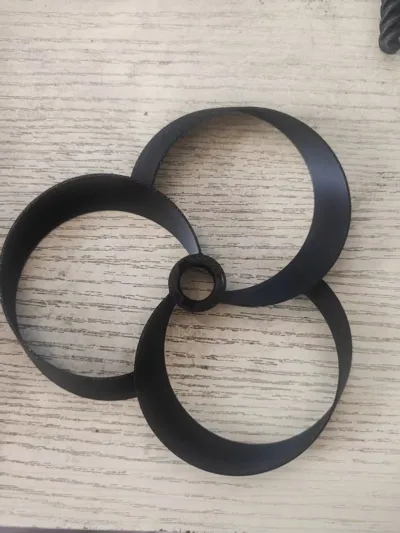
Install a crank to turn it into ahand-cranked fan. The fan blades are interchangeable with the copter blades, but require an item like toilet paper to secure them
The output shaft can be fitted with a copter, agyro fidget spinner, or afan
No glue is needed, minimal supports. Dual material support is recommended if conditions permit to ensure better printing results
The greater the pressing force, the faster the instantaneous rotation speed
Because pressing force is converted into rotational force, the rotation speed of this model cannot compete with other planetary gear structured launchers on the market
Installation Notes
Do not use poor quality filament, as issues like stringing during printing can prevent smooth operation
When removing supports, clean any residue from the support surfaces, keeping the moving contact surfaces smooth and flat. Otherwise, it may prevent smooth operation. Dual material support is best
After printing, check all gears and moving shafts for stringing, defects, or sticking. If they do not rotate smoothly, sand the joint areas of the gear posts
During assembly, check each part step by step to ensure it operates smoothly. Flick it quickly with your finger; it is considered qualified if it can rotate by inertia
If there is slight jamming after assembly with no defective parts, readjust the gear positions
Due to layer lines, the screw mechanism may not be smooth during initial use. It will become smoother after several manual operations, or you can apply lubricant
Boost Me (for free)
If you like it, please boost me
License

You shall not share, sub-license, sell, rent, host, transfer, or distribute in any way the digital or 3D printed versions of this object, nor any other derivative work of this object in its digital or physical format (including - but not limited to - remixes of this object, and hosting on other digital platforms). The objects may not be used without permission in any way whatsoever in which you charge money, or collect fees.


Comment & Rating (4)