
Vertical Color Palette Swatches - Full Spectrum
Print Profile(3)
Bill of Materials

Description
TLDR
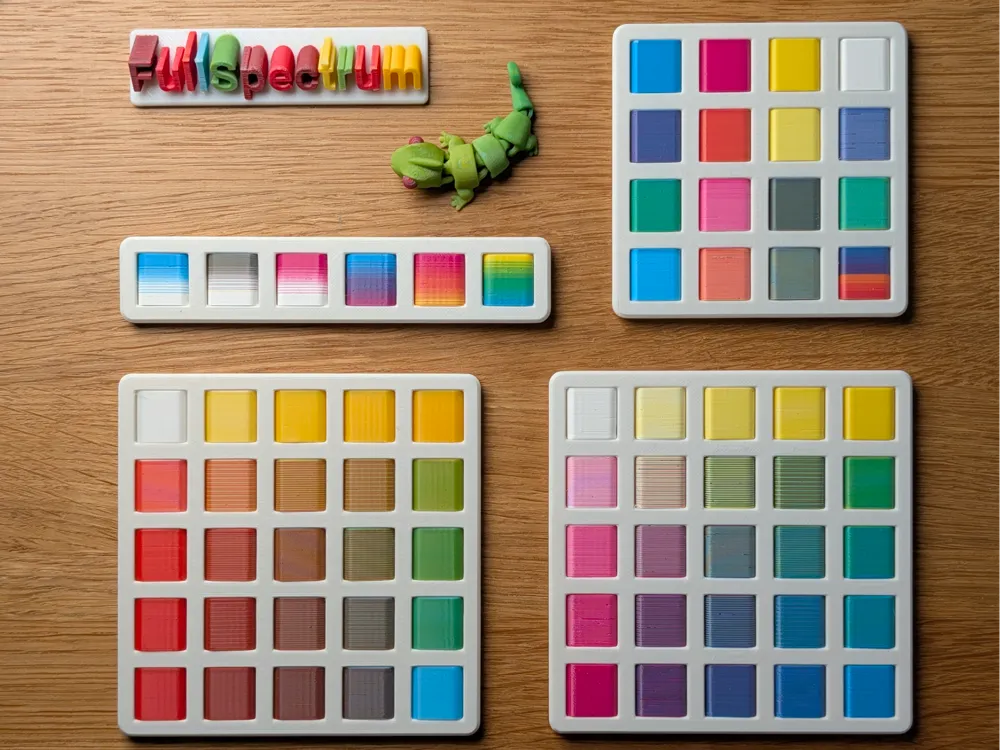
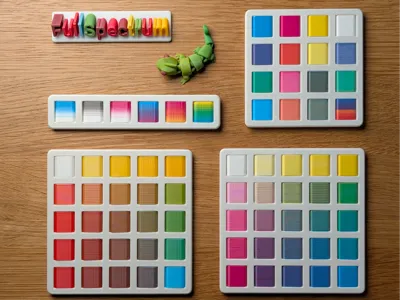
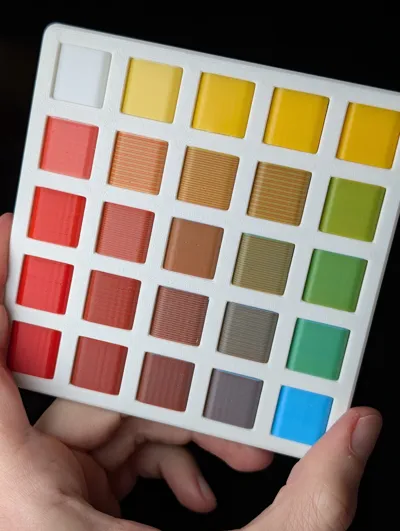
Model for testing optical color blending on toolchanger printers. By printing swatches vertically at a 0.08mm layer height, it uses layer dithering to generate a wide color gamut from 4 base filaments. It includes a scalable press-fit frame and requires the FullSpectrum OrcaSlicer along with the .3mf file from the CAD files section.
The Vertical Advantage
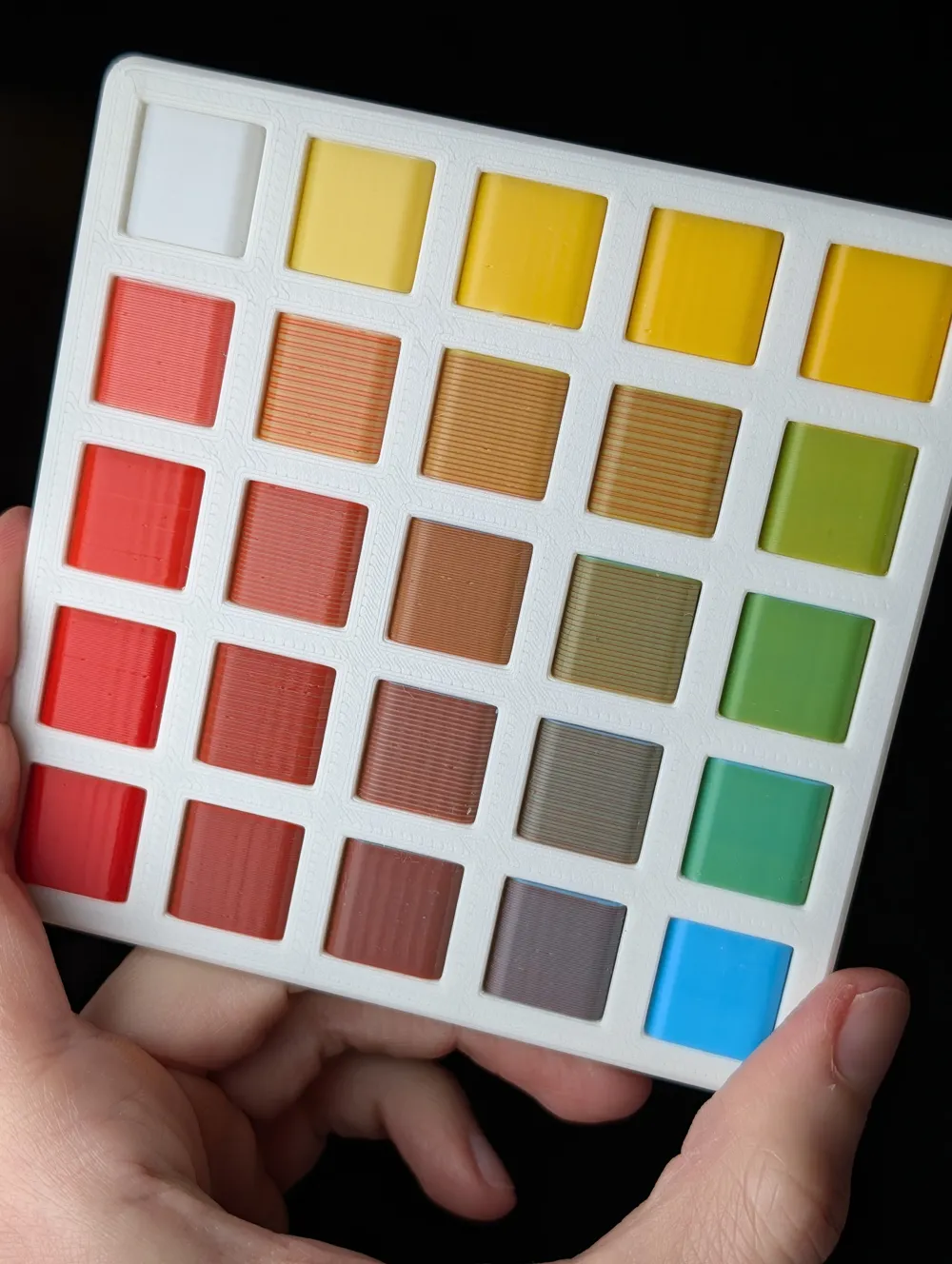
The vertical orientation of these swatches is what enables the optical blending effect. By printing on their edge, the visible edges of 0.08mm layers blur together to create new perceived hues. This allows a limited set of base filaments to produce a vast range of solid colors. This method is designed specifically for toolchangers to leverage high-frequency tool changes for complex color mixing.
Software and File Requirements
- Slicer: This model requires the FullSpectrum OrcaSlicer fork. Standard slicers cannot process the material mixing pattern strings.
- Download: You must download the .3mf file from the CAD files section. This file contains the pre-configured object grid and the mixing pattern required for the swatches to function. Feel free to customize it
Model Components
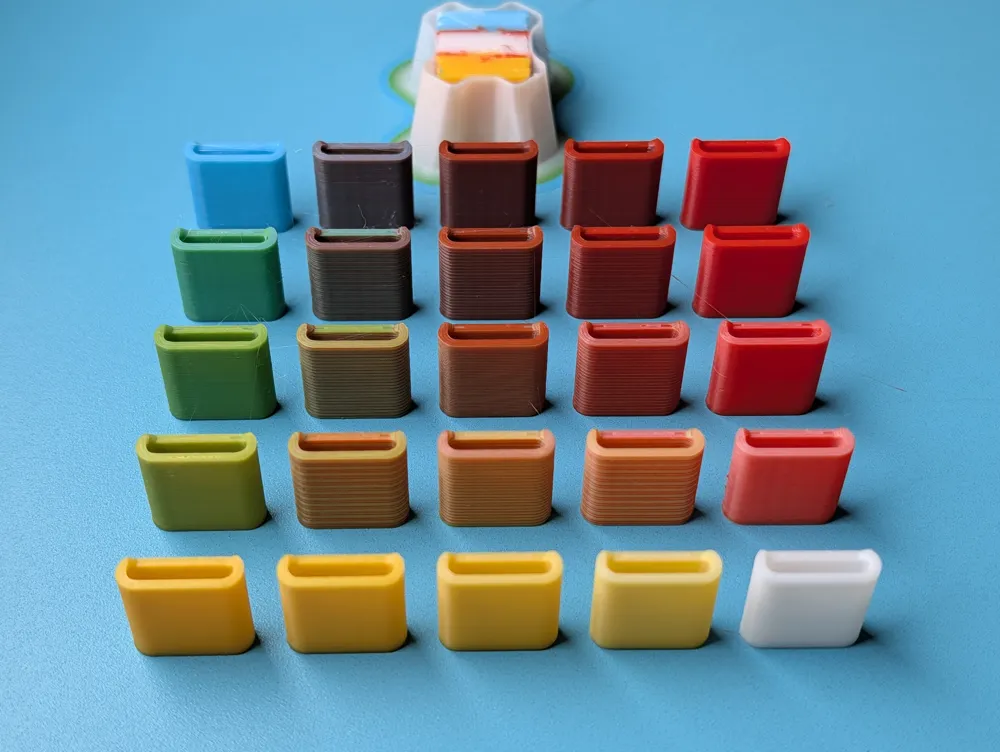
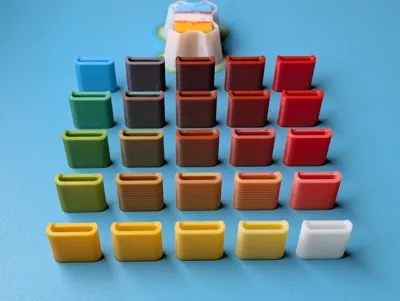
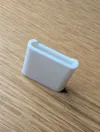
- Vertical Swatches: Individual tiles printed on their edge. This orientation is mandatory for the optical blending to be visible on the side faces.
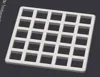
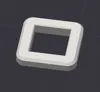
- Scalable Frame: A press-fit frame is included to hold the swatches. Use the MakerWorld Customizer to generate frames in any configuration (e.g., 1x7, 5x5, or any size that fits your bed). While the swatches require a toolchanger, the frame can be printed on any machine.
Technical Specifications
To maintain the optical illusion of a solid color, use these settings:
- Layer Height: 0.08
- Wipe Tower: Enabled
- Print Sequence: By Layer
Included 5x5 Profile
The provided profile uses specific interleaving cycles:
- 2-Layer and 4-Layer Cycles: Used for perimeter transitions to create 50/50 and 75/25 mixes.
- 16-Layer Dithered Patterns: Used for interior tertiary mixes
- Center Neutral (3_3): A balanced four-way cycle (1234) as a neutral reference point.
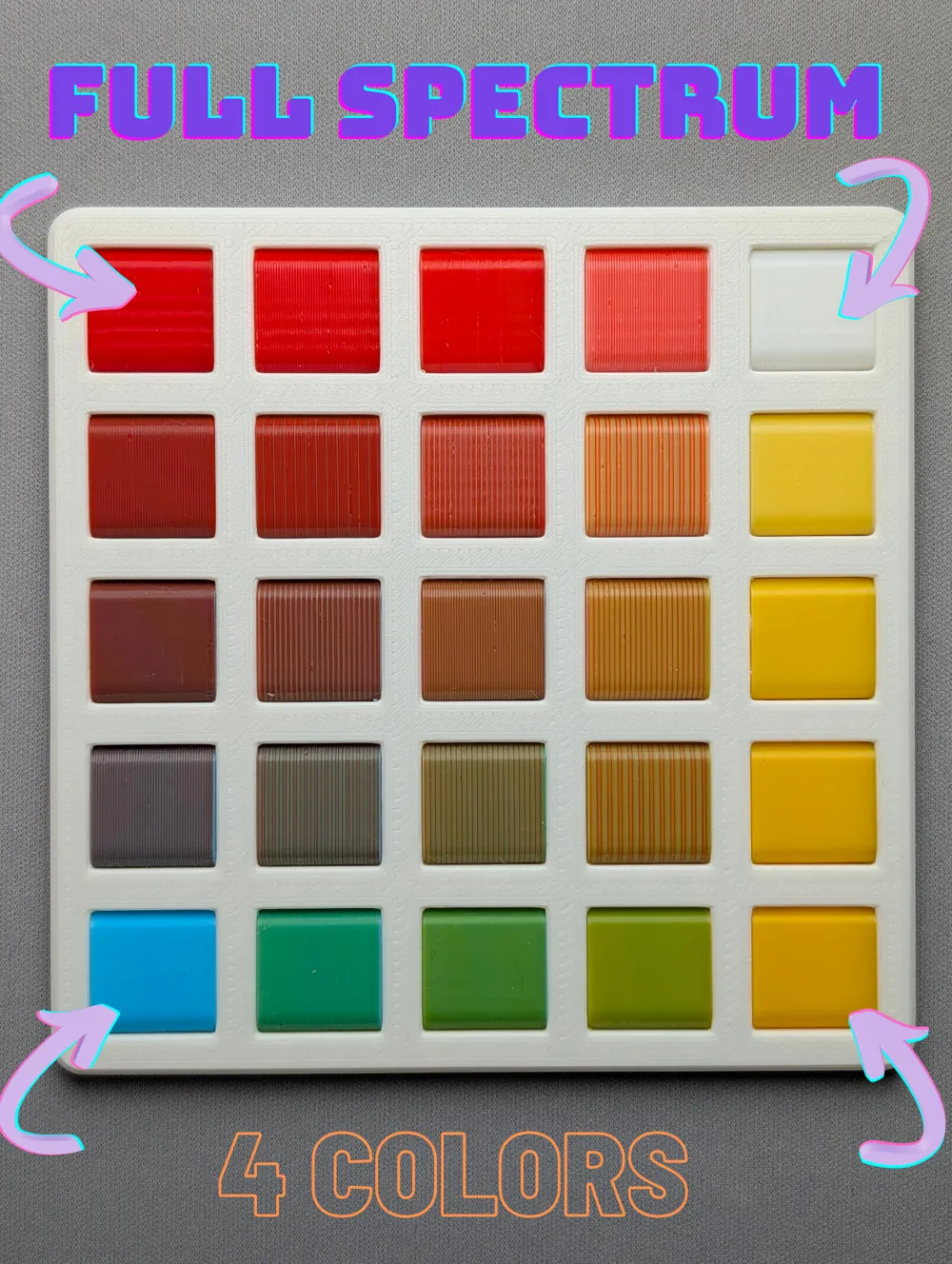
Filament Mapping (Based on Included RYBW Cover Photo)
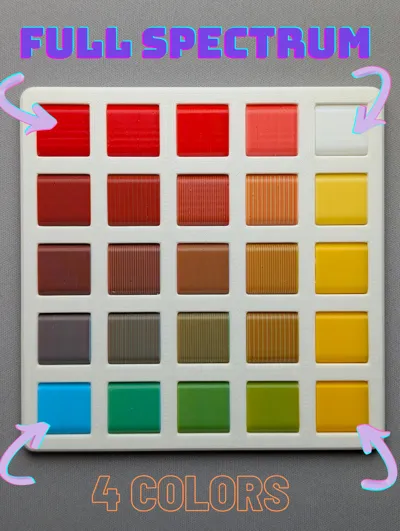
The included .3mf follows the color arrangement shown in the cover image. You can substitute these with any primary set.
| Tool | Color | Coordinate |
|---|---|---|
| T1 | Red | 1_1 (Top-Left) |
| T2 | White | 1_5 (Top-Right) |
| T3 | Yellow | 5_5 (Bottom-Right) |
| T4 | Blue | 5_1 (Bottom-Left) |
Application
Use the finished palette to analyze the tinting strength of your filaments. It identifies high-opacity "bully" filaments that dominate a mix, allowing you to adjust pattern strings in FullSpectrum to balance colors in future projects.
Credits
All made possible by Ratdoux, the creator of the FullSpectrum OrcaSlicer fork
Boost Me (for free)
Only if you liked it :)
License

You shall not share, sub-license, sell, rent, host, transfer, or distribute in any way the digital or 3D printed versions of this object, nor any other derivative work of this object in its digital or physical format (including - but not limited to - remixes of this object, and hosting on other digital platforms). The objects may not be used without permission in any way whatsoever in which you charge money, or collect fees.


Comment & Rating (9)