
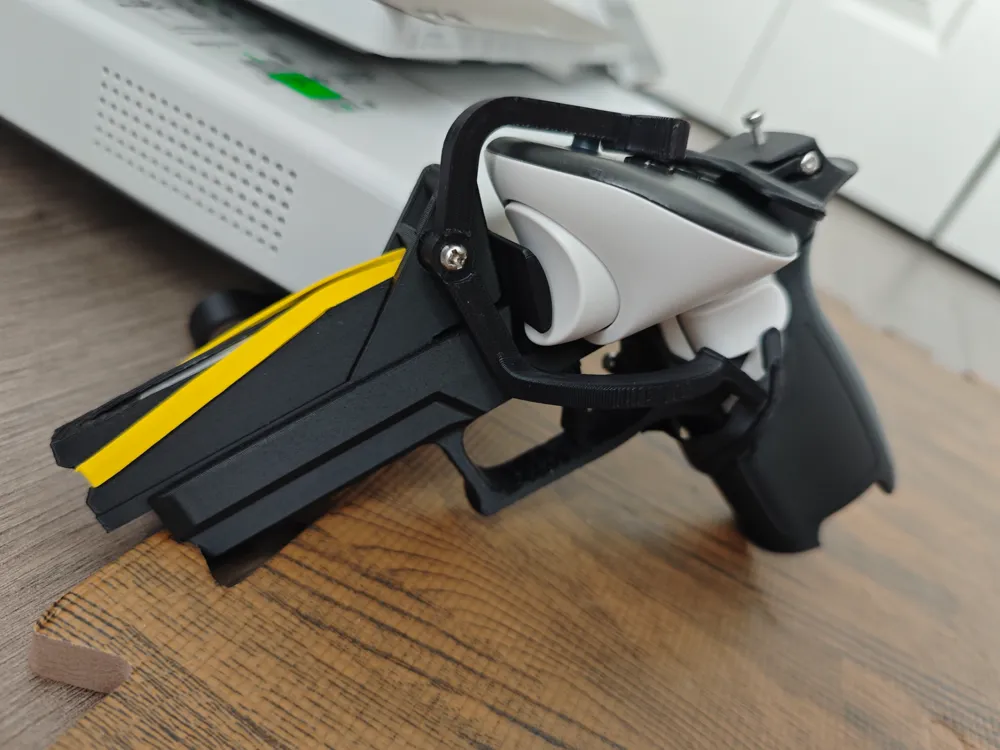
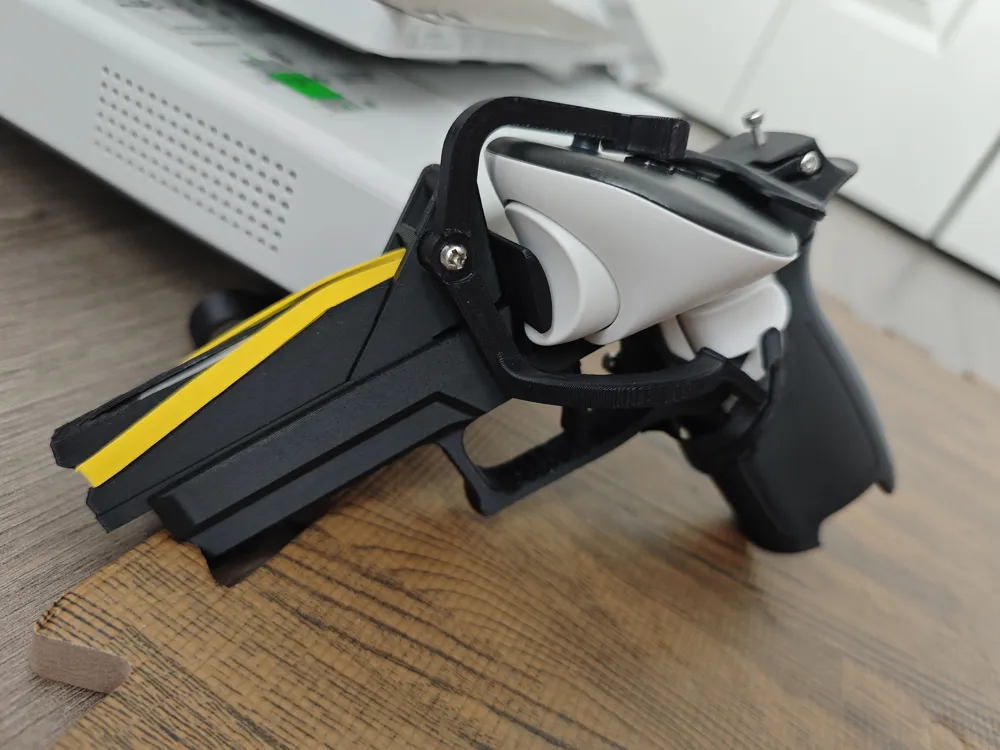
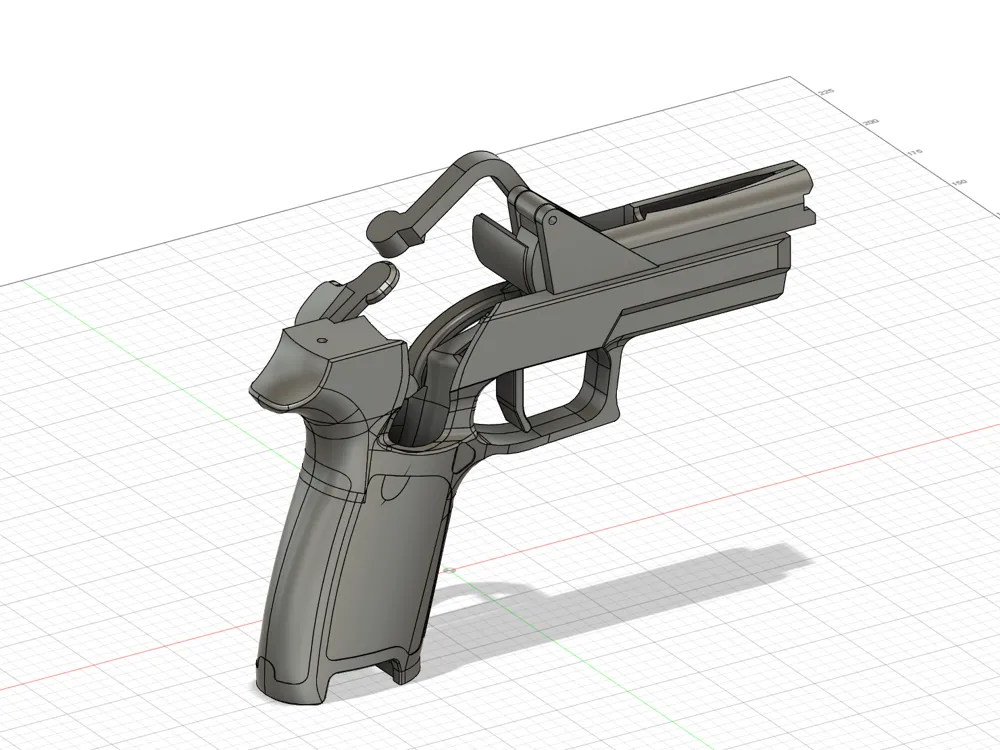
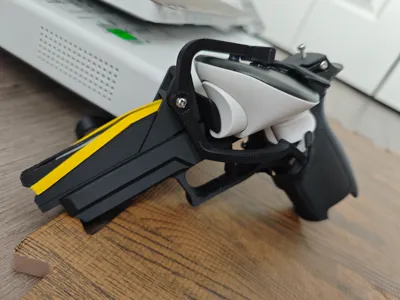
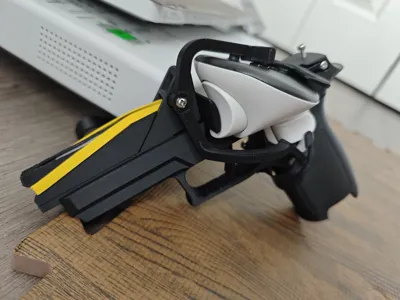
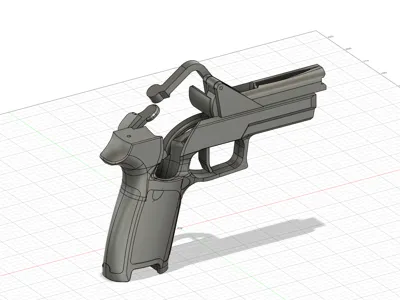
VR P320 Pistol Grip for Quest 3
Print Profile(2)
Description
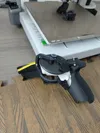
Please add supports manually!! Please add supports manually!! Please add supports manually!! This is important, so I'm saying it three times. I'm not proficient in using the Maker World platform myself, and when I uploaded these two versions, I didn't know how to add print files with supports. However, both of these versions definitely require supports. Please add supports manually before printing. I've noticed many friends failing prints, possibly by directly printing my files. Please treat the print files as raw STL files
Main text below:

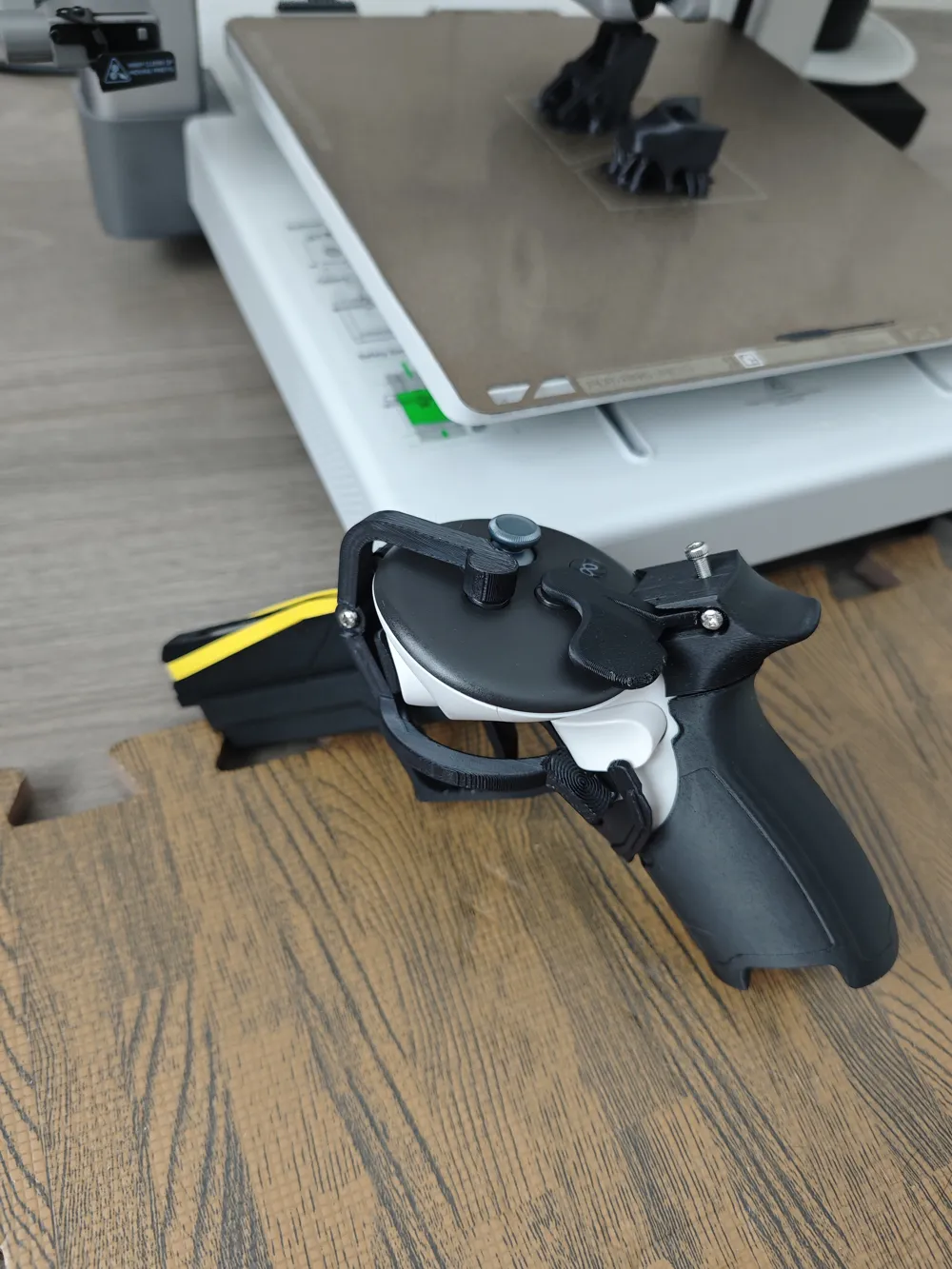
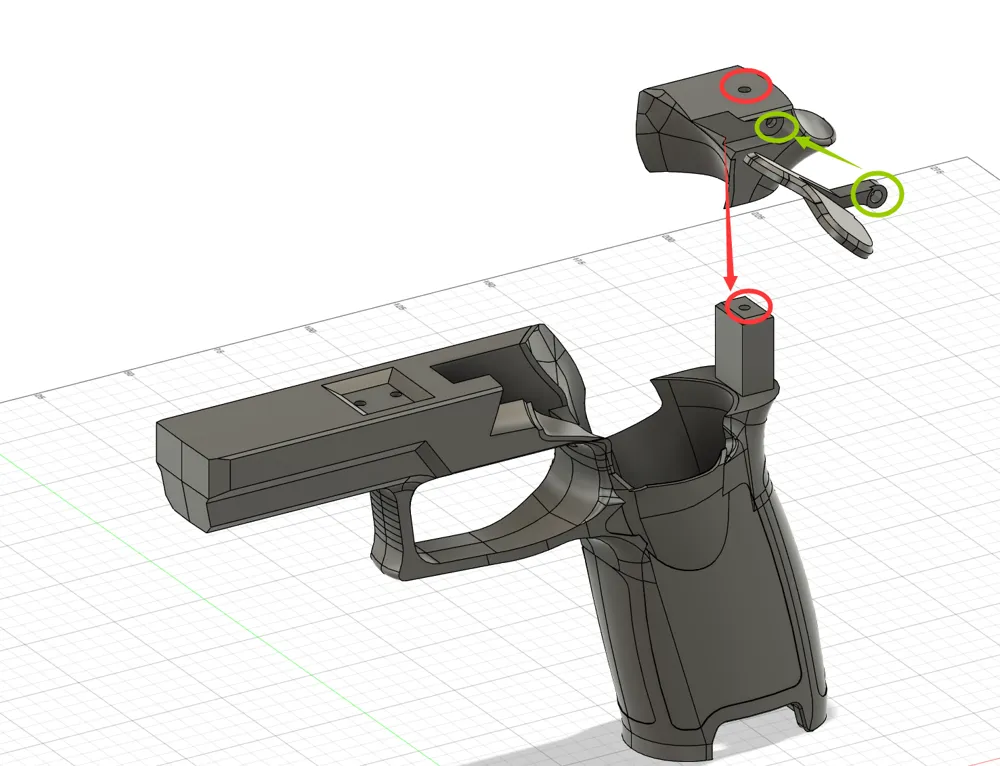
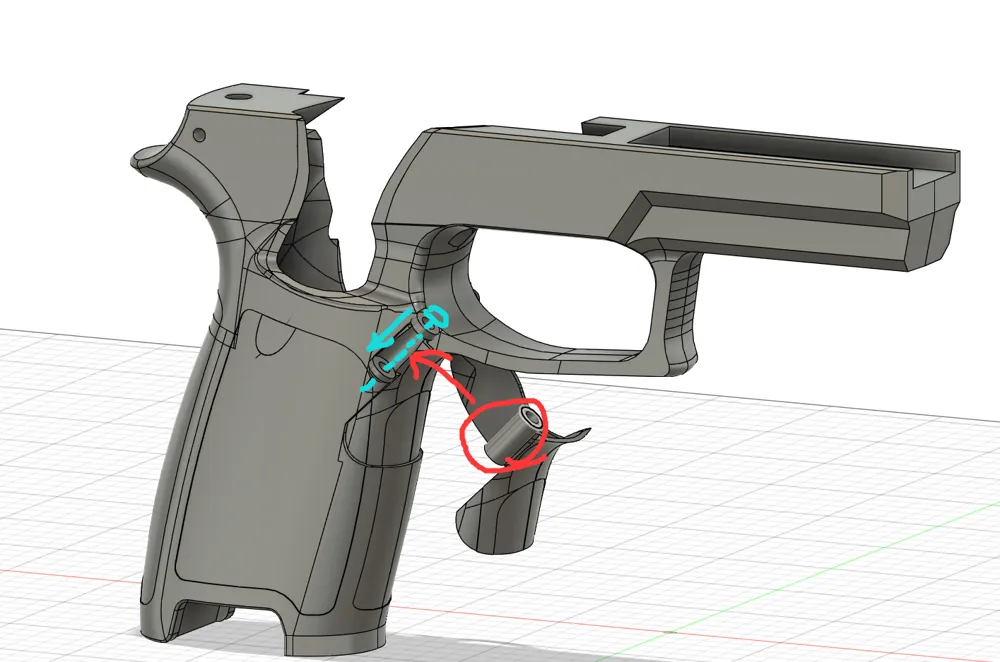
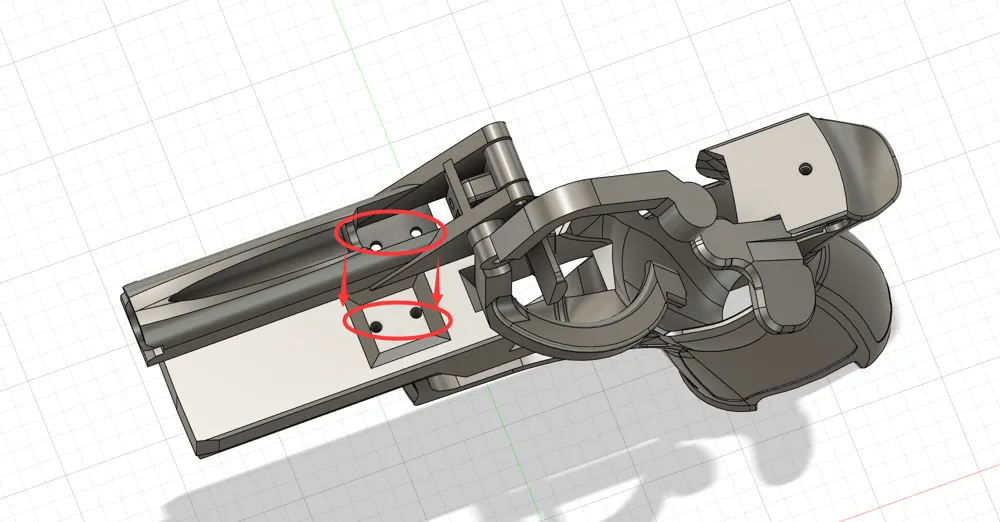
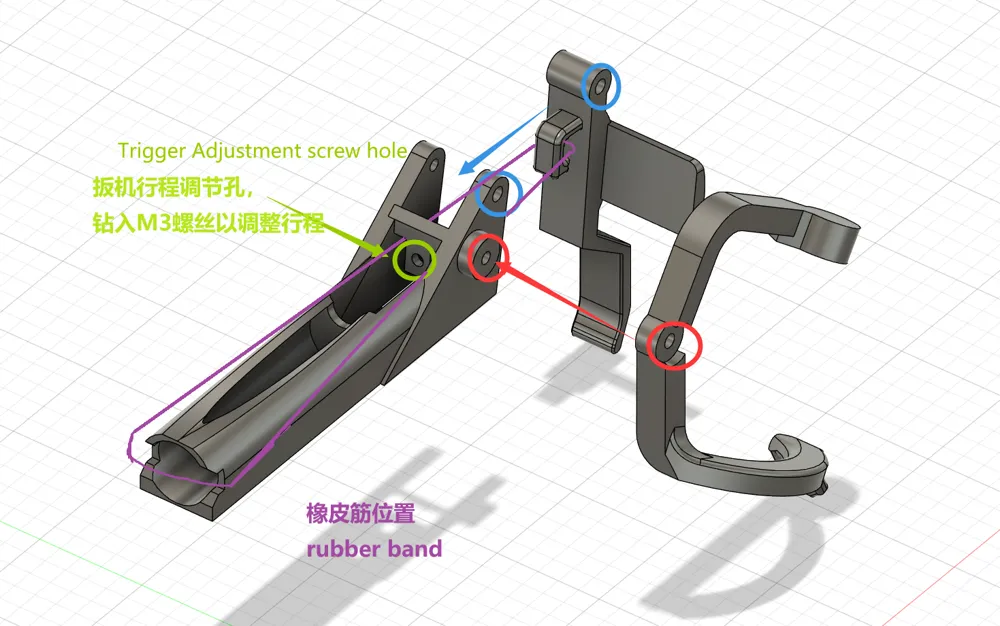
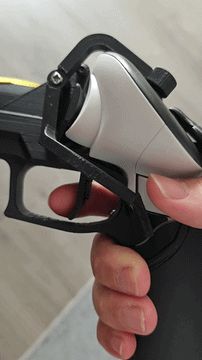
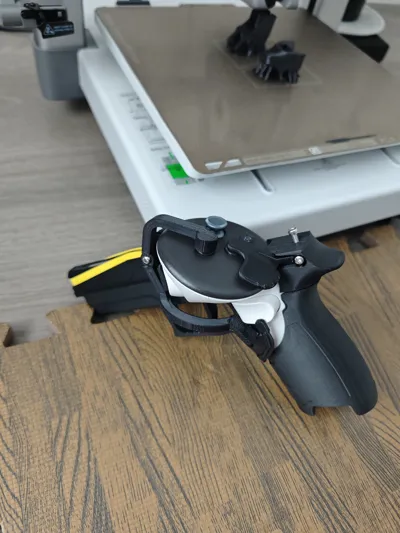
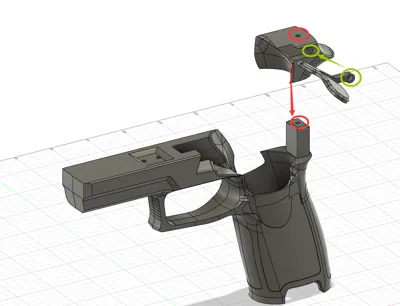
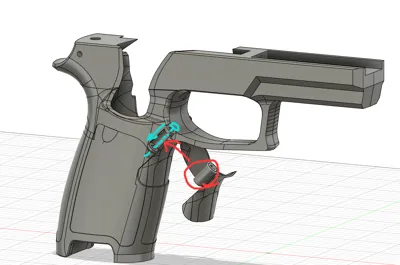
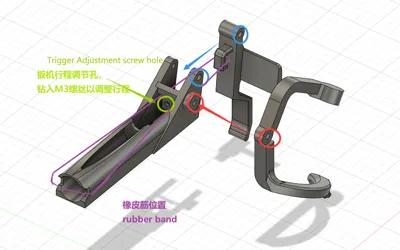
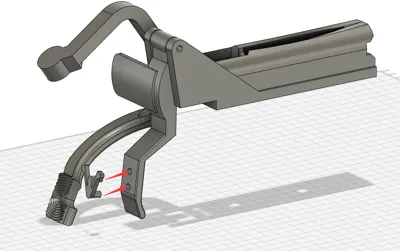
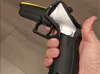
A pistol-shaped shell for Quest 3 controllers that moves the grip button to the thumb position for an optimal grip. It features a linked trigger and linked buttons, with adjustable trigger travel (insert an M3 screw into the adjustment hole to adjust the travel). An optional AA battery can be added to the front for counterweight (requires a rubber band). All connections require M3 self-tapping screws (no nuts needed)
V2 Update:
- Refined the contact surface of the B button linkage
- Updated the connection structure between the trigger assembly and the casing, making it slightly easier to install
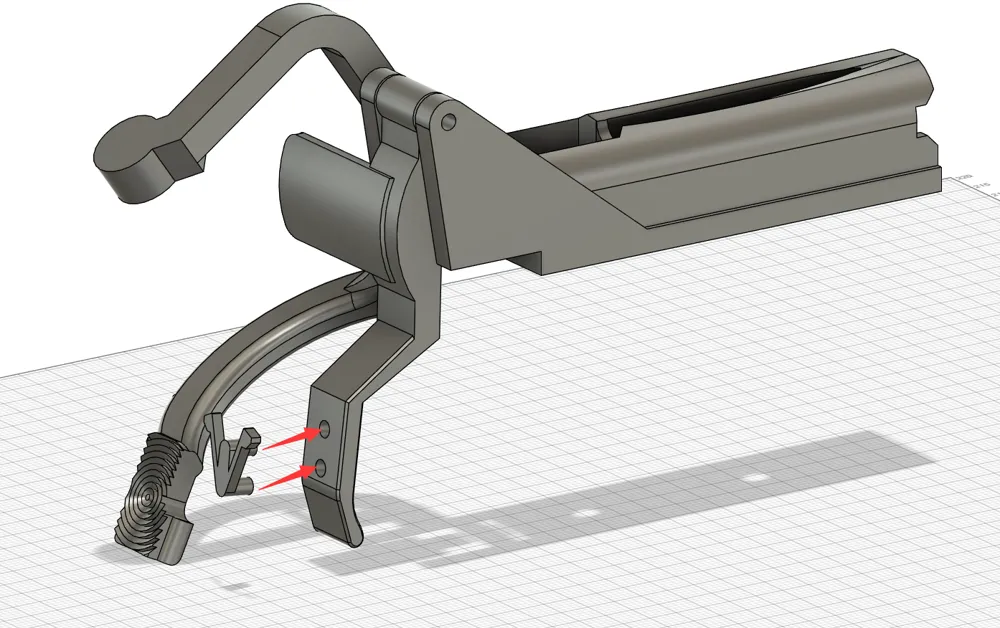
- Added a two-stage trigger; the V-shaped leaf spring is recommended to be printed with PETG and is a consumable part (no breakages encountered yet, but it will wear down)
- Added a grip linkage piece, which resolves the issue of games requiring continuous gripping not properly releasing the slide catch after reloading
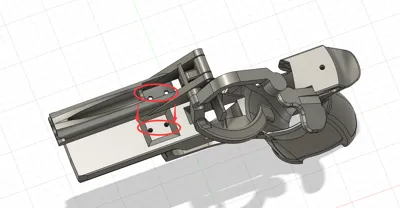
- M3 screw interfaces are reserved at the bottom and on the right side of the trigger assembly
Software Settings:
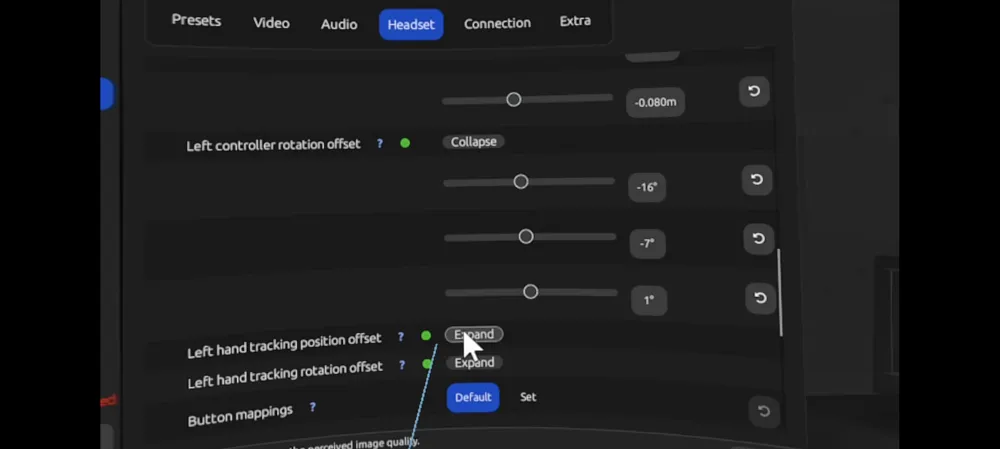
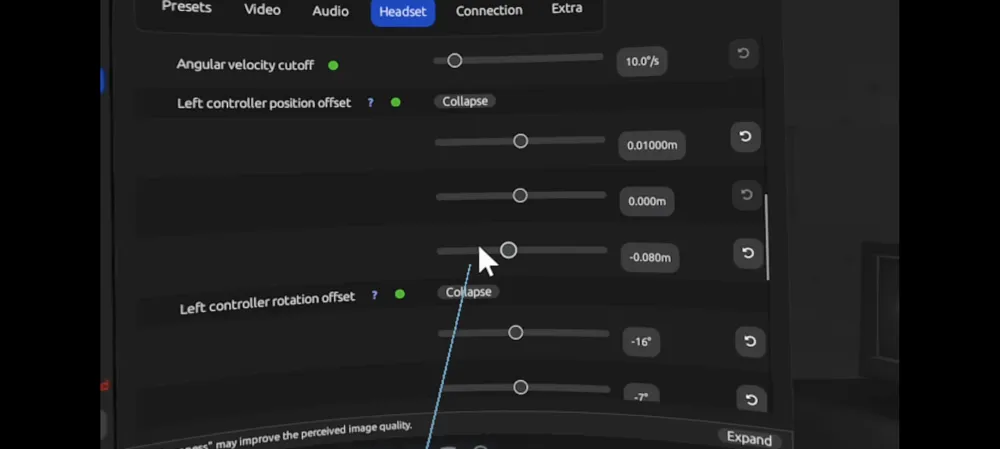
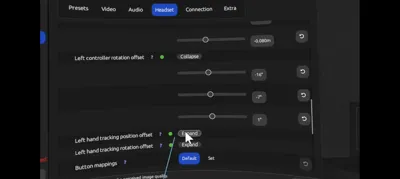
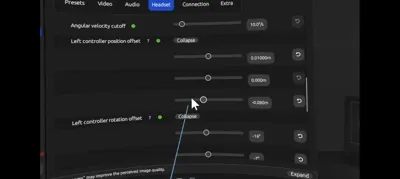
For optimal alignment, you can use ALVR streaming, then set the controller offsets in Headset→Left Controller position offset and Left Controller rotation offset.
For Half-life Alyx, for example: Left Controller position offset: 0.01m/0.0m/-0.08m, Left Controller rotation offset: -16°/-7°/1° (It is recommended to swap the A and B buttons in SteamVR to use the magazine release button to release the magazine; otherwise, in default settings, the magazine release button linkage will be for slide catch)
H3VR: Left Controller position offset: -0.01m/0.0m/-0.06m, Left Controller rotation offset: -12°/-7°/1°
(Tip: Select ALVR→Video→passthrough to open passthrough mode, then adjust Left Controller position offset and Left Controller rotation offset in passthrough mode to align your physical controller with the in-game pistol model)
Boost Me (for free)
License

You shall not share, sub-license, sell, rent, host, transfer, or distribute in any way the digital or 3D printed versions of this object, nor any other derivative work of this object in its digital or physical format (including - but not limited to - remixes of this object, and hosting on other digital platforms). The objects may not be used without permission in any way whatsoever in which you charge money, or collect fees.


Comment & Rating (19)