
Minecraft Chicken Fidget Clicker
Print Profile(3)
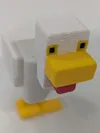
Bill of Materials






Description
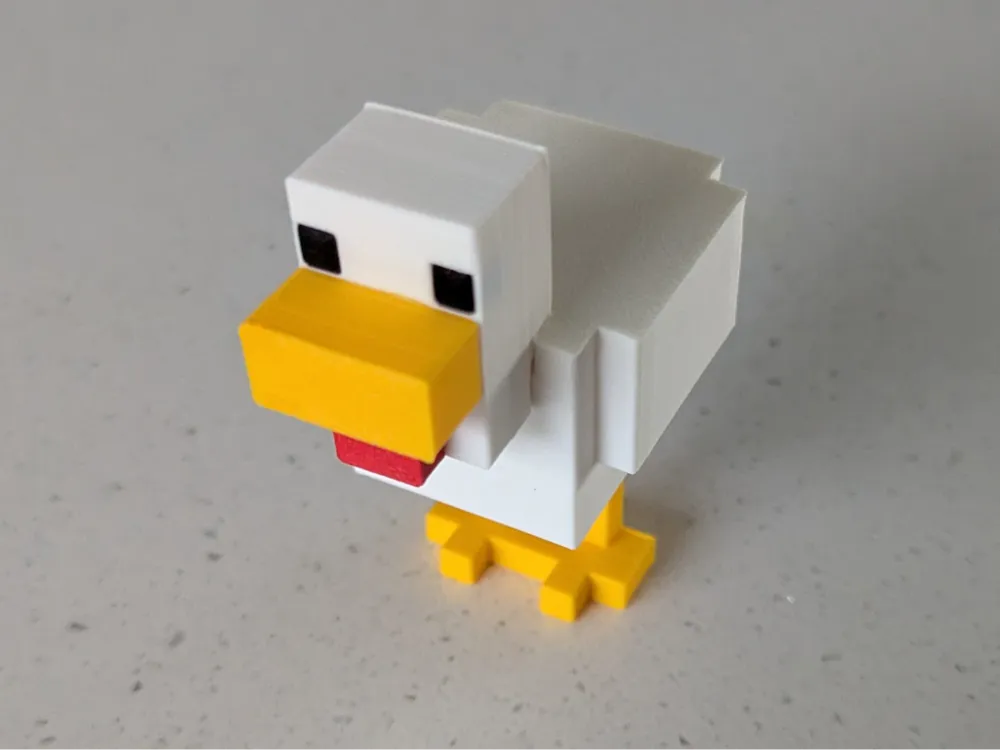

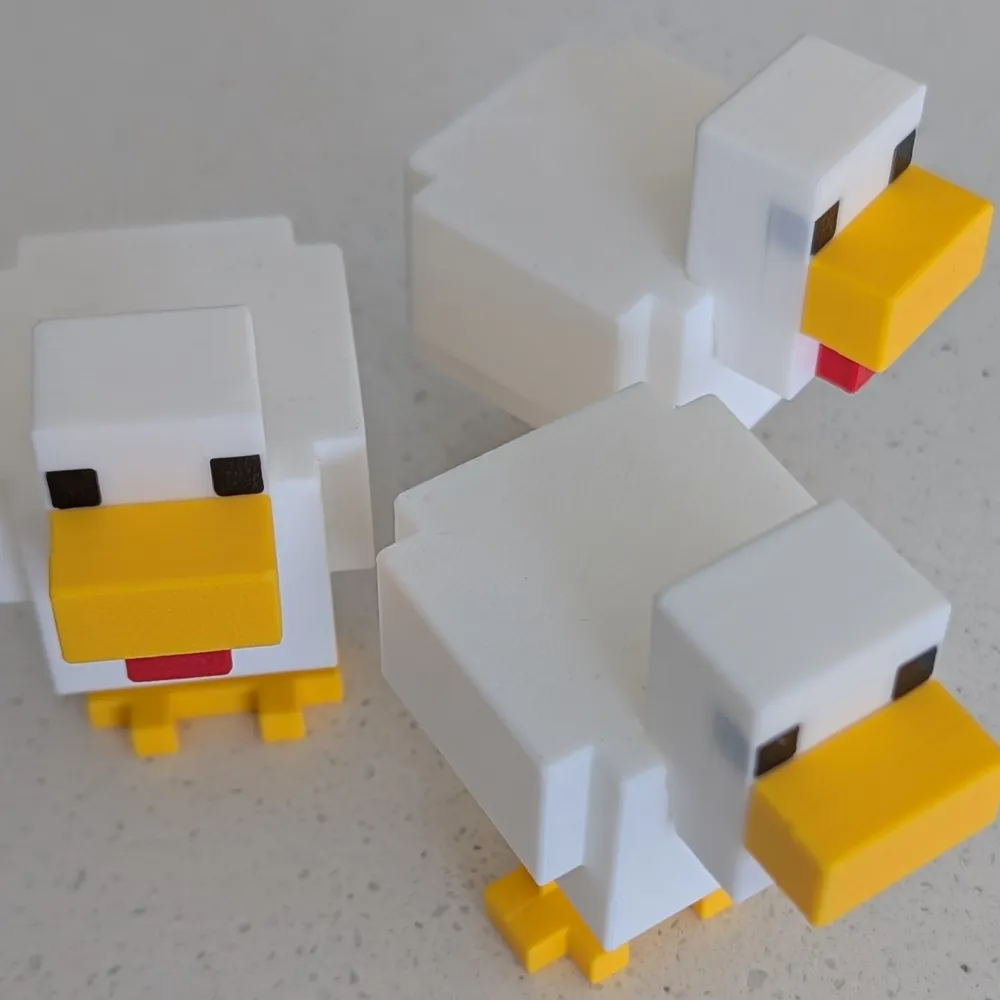
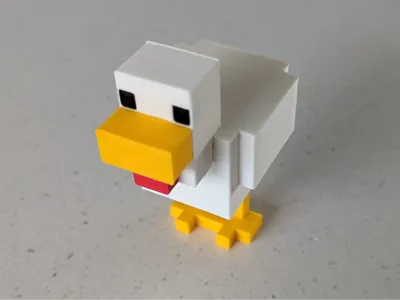
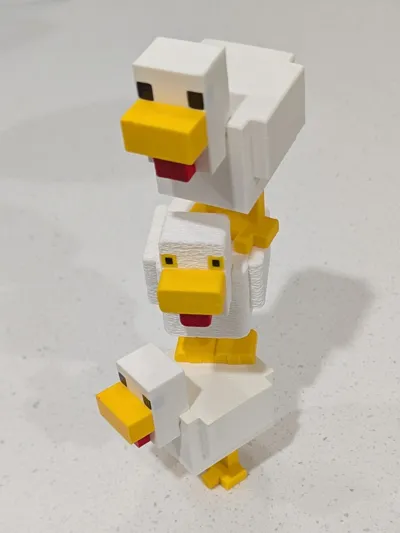
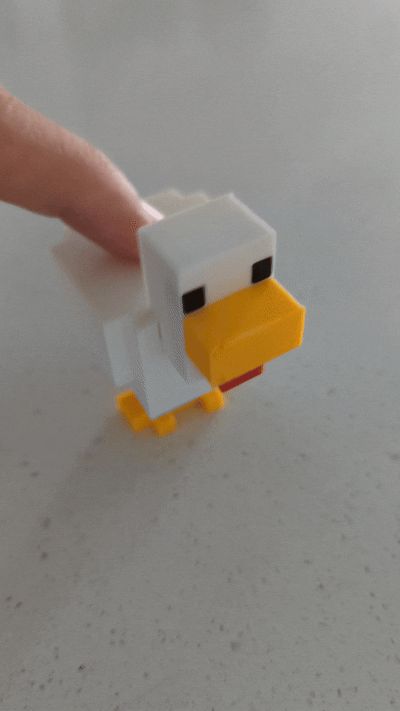
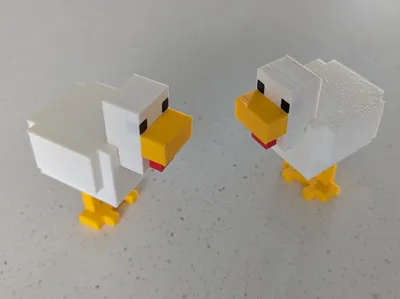
Minecraft Chicken Fidget Clicker
This model is free - la la la lava, chi chi chi chicken!
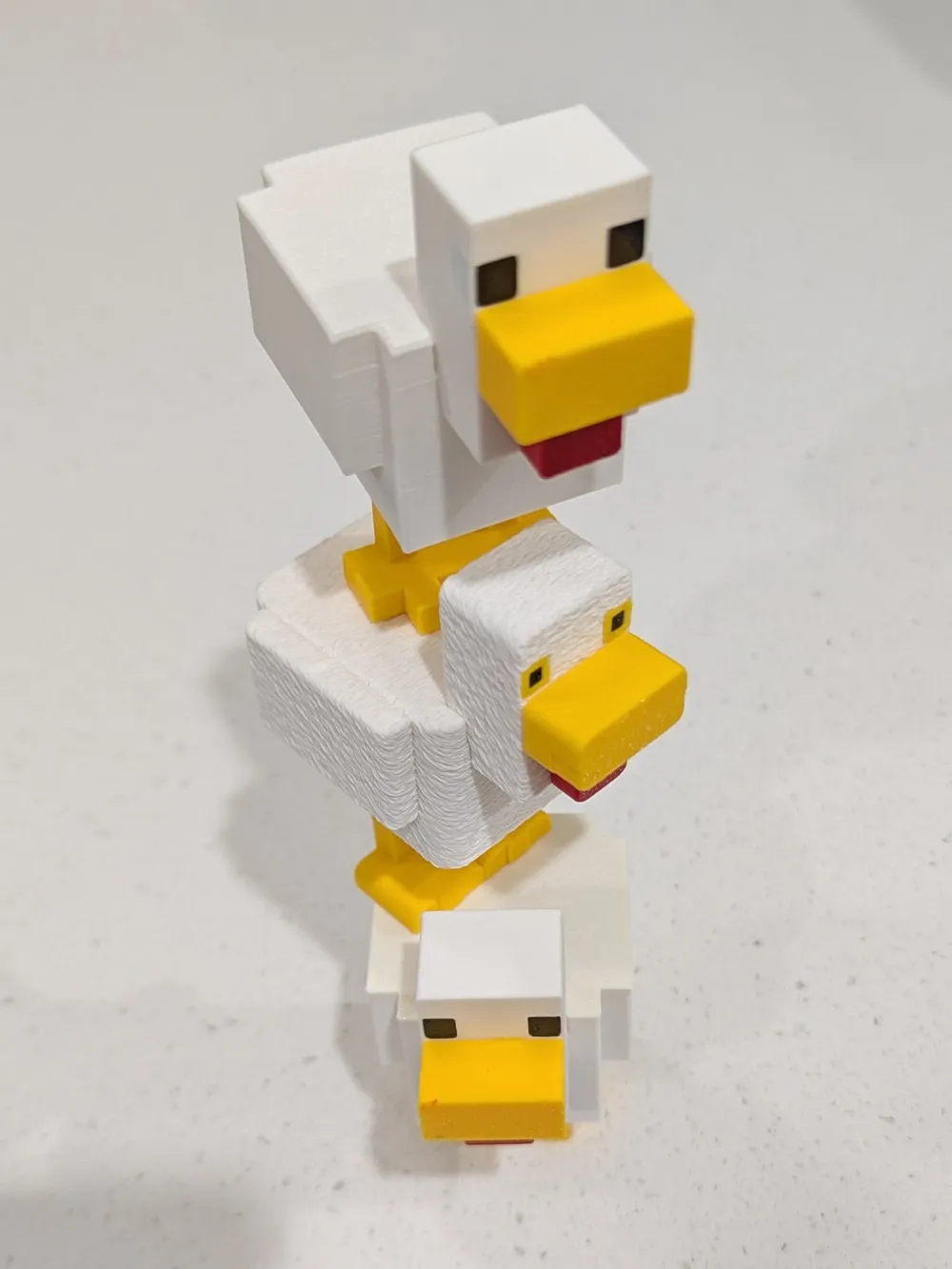
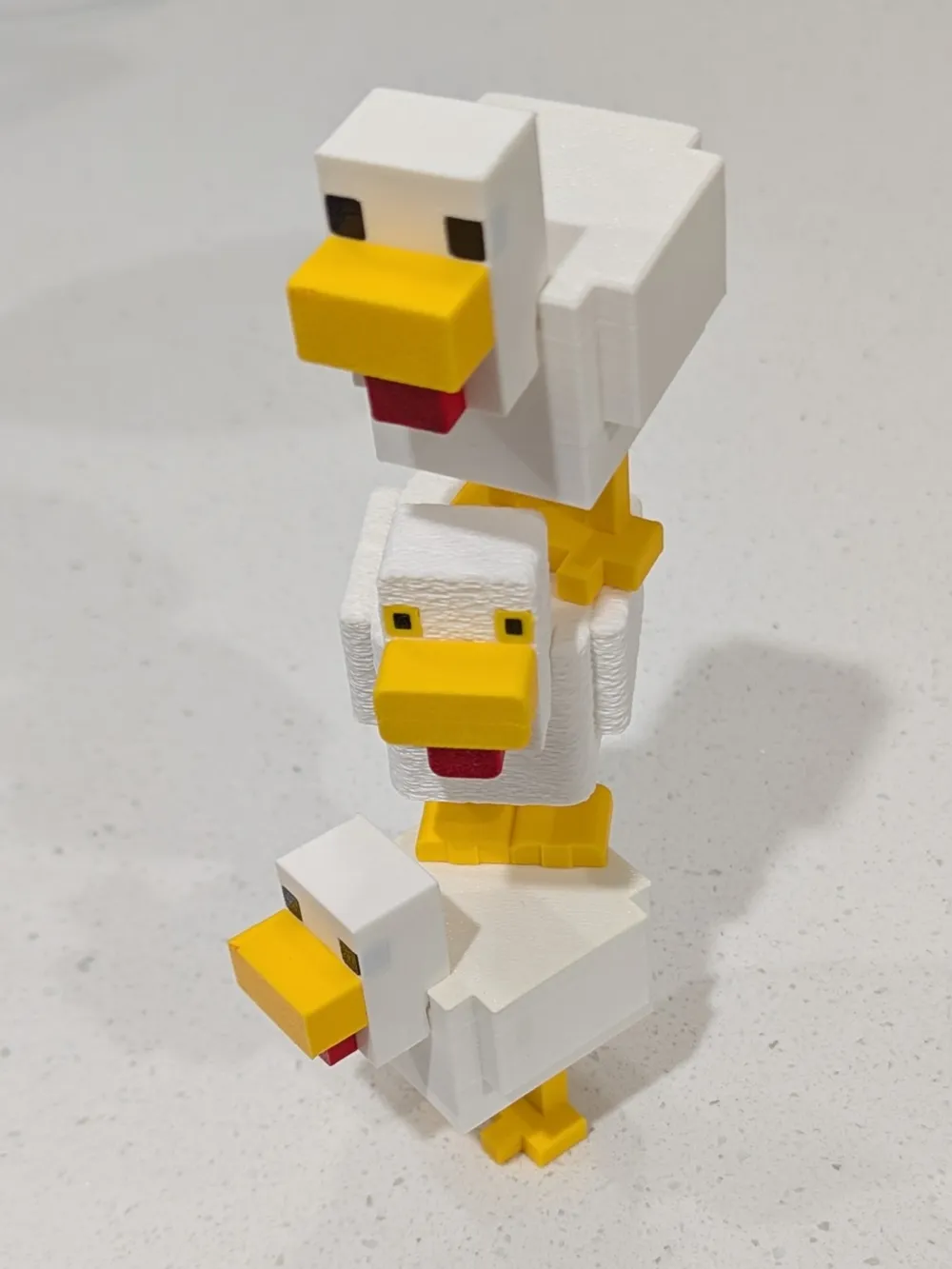
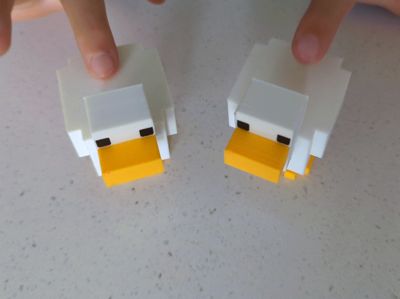
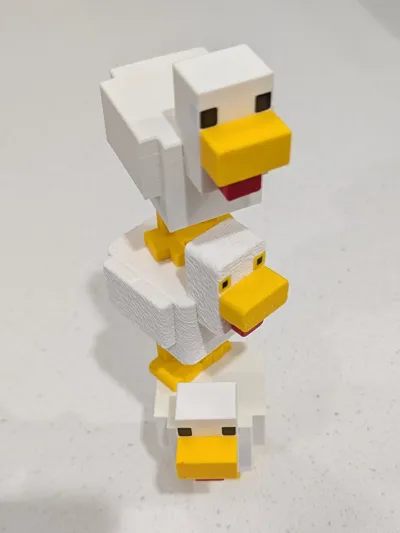
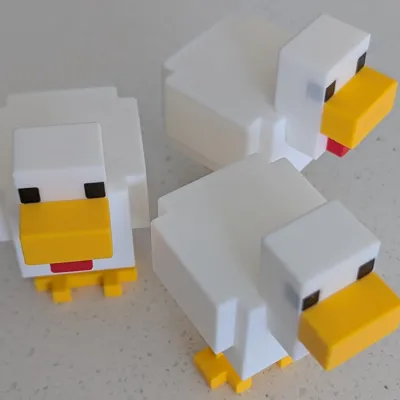
There are 3 options to choose from.
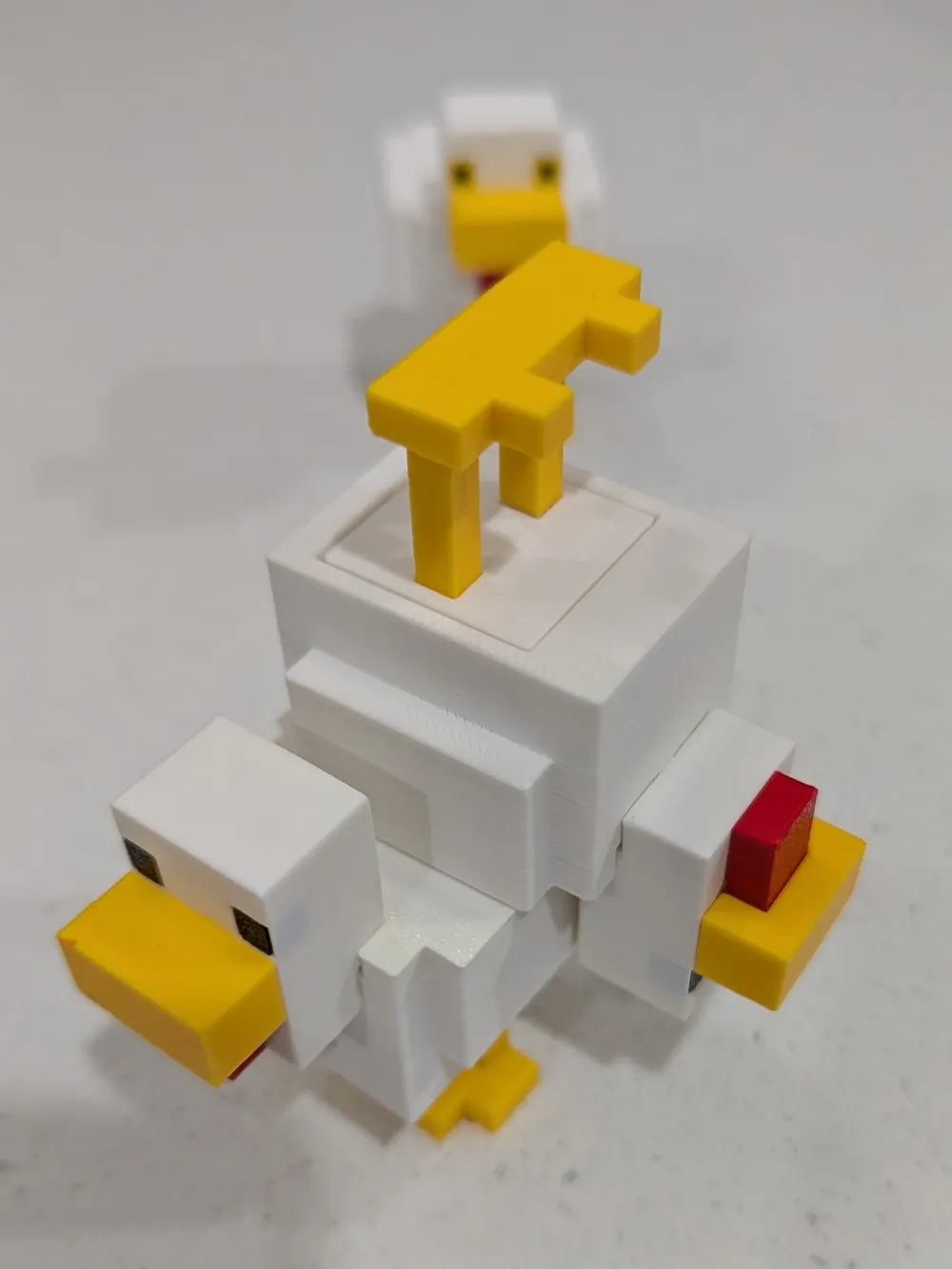

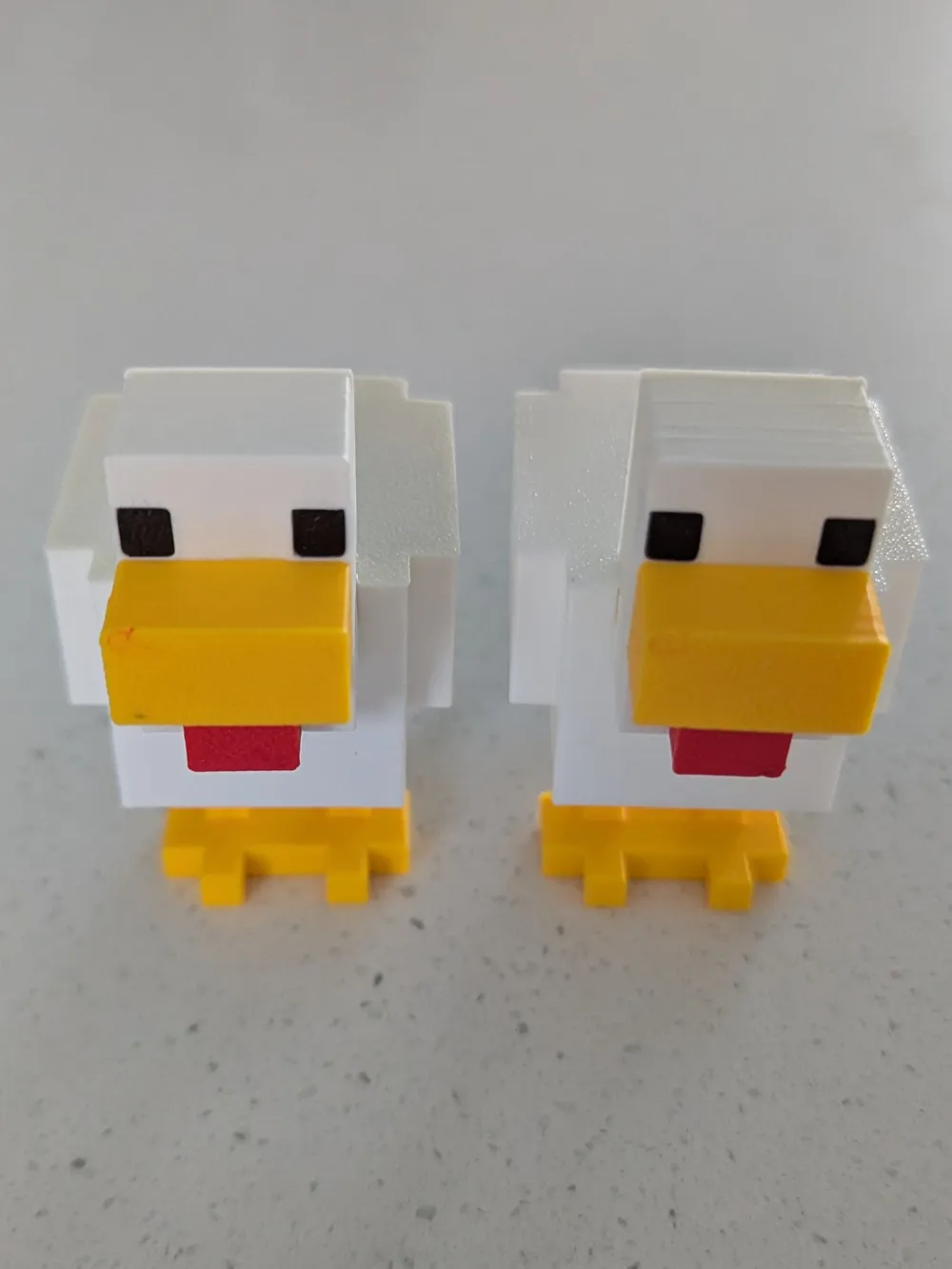
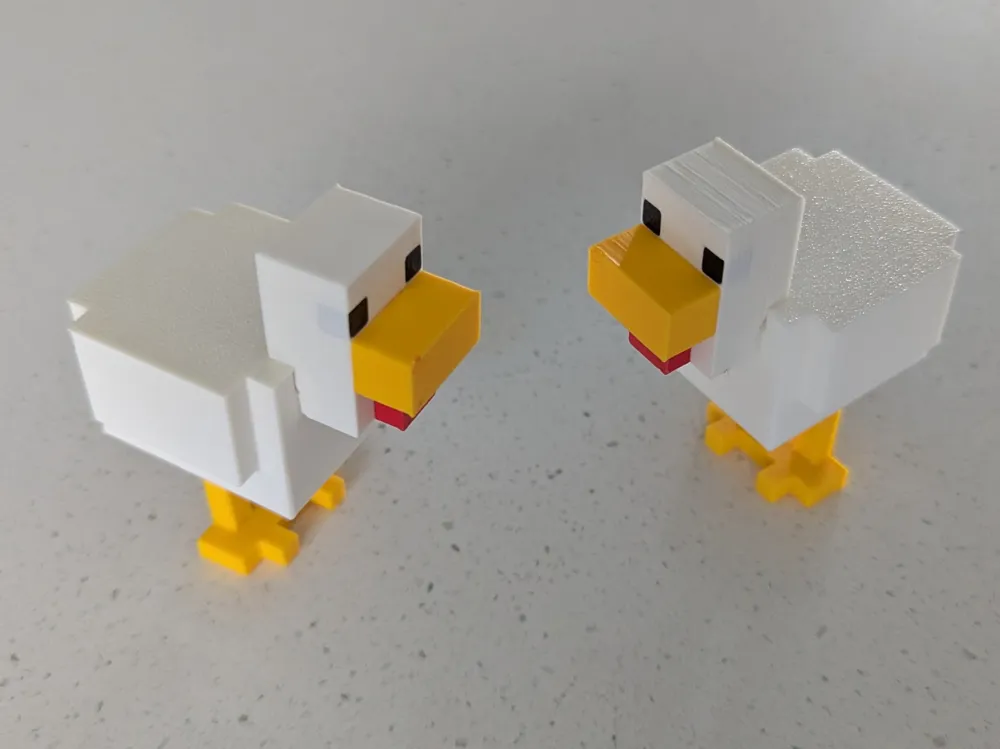
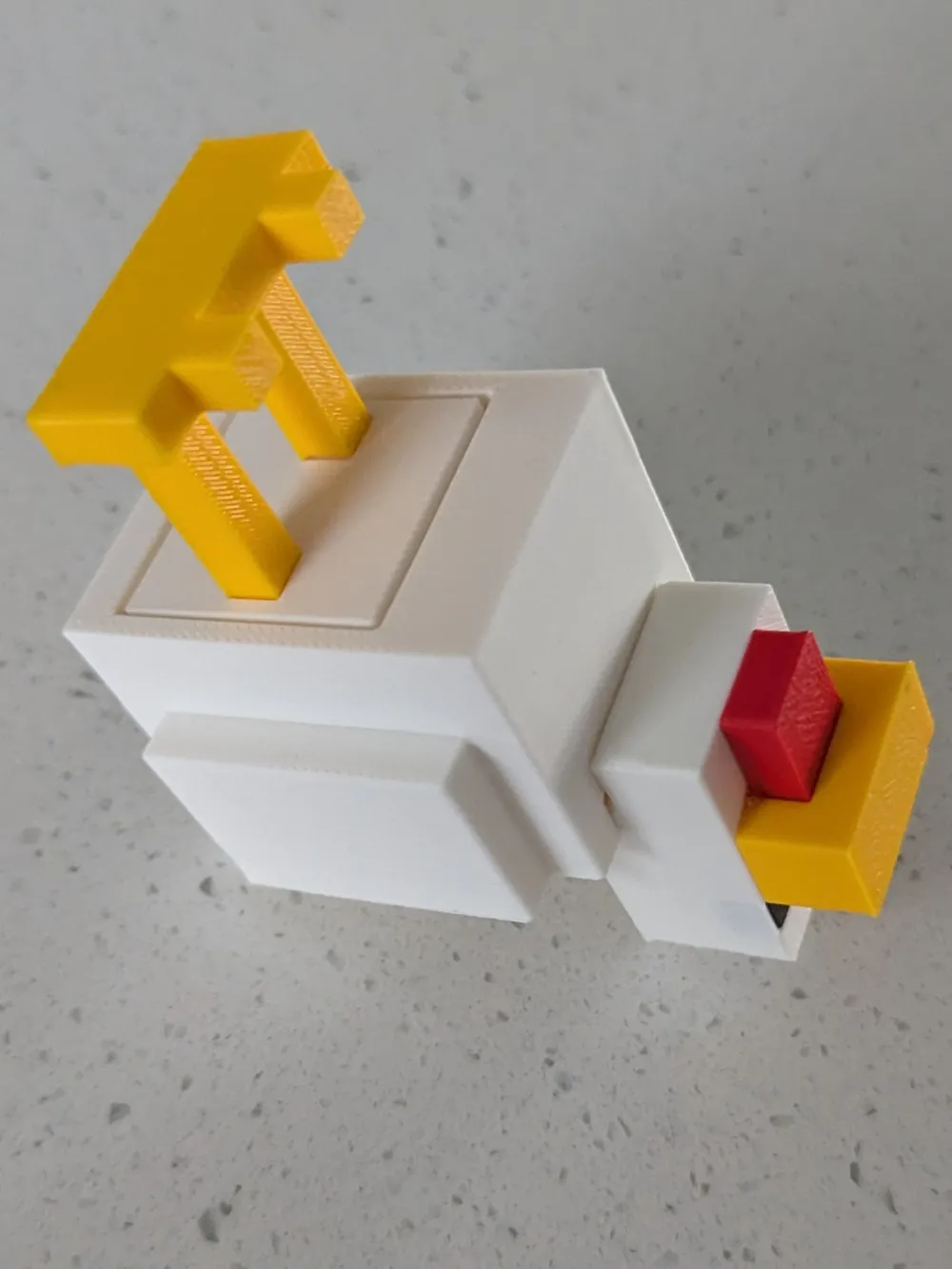
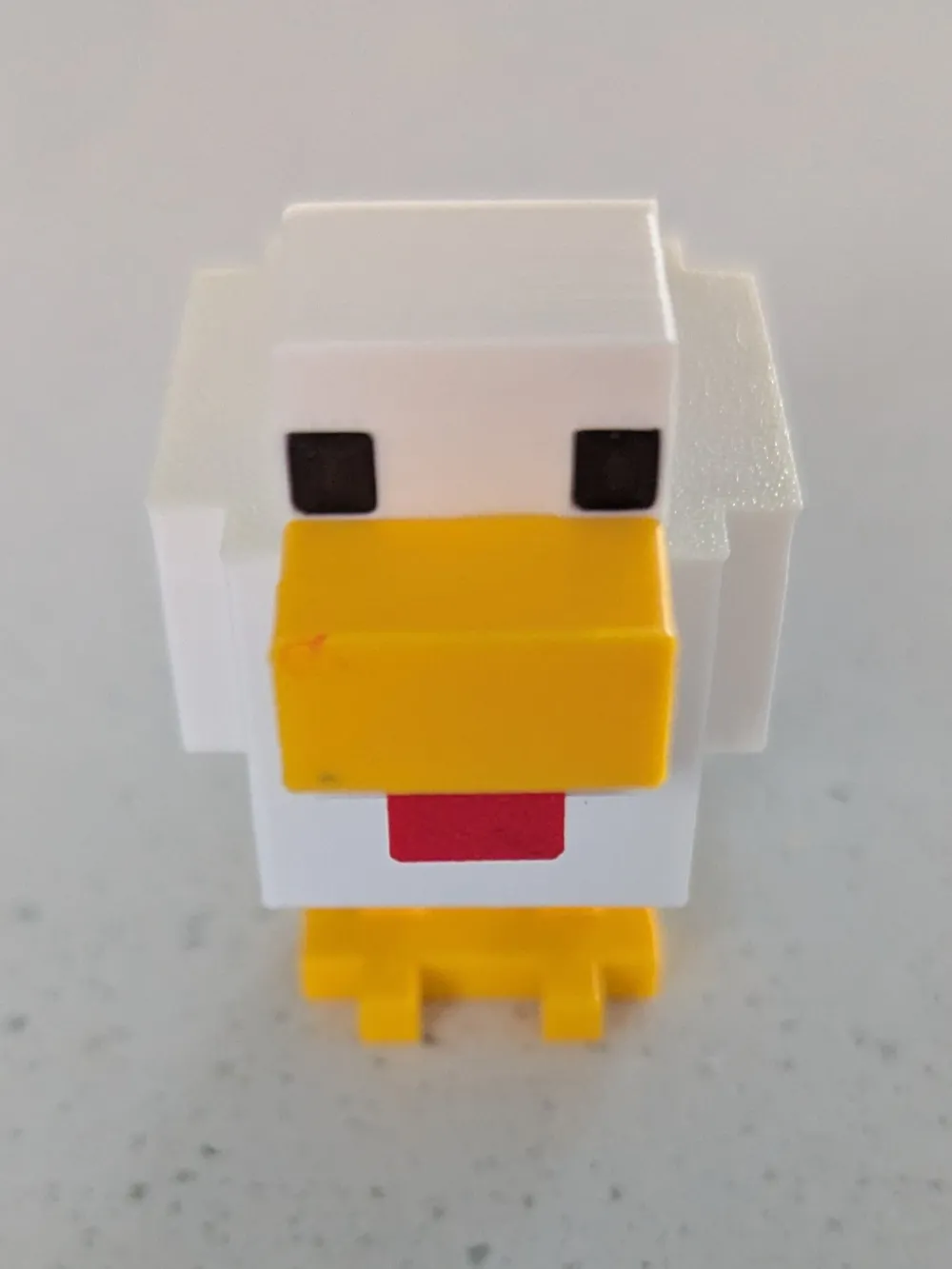
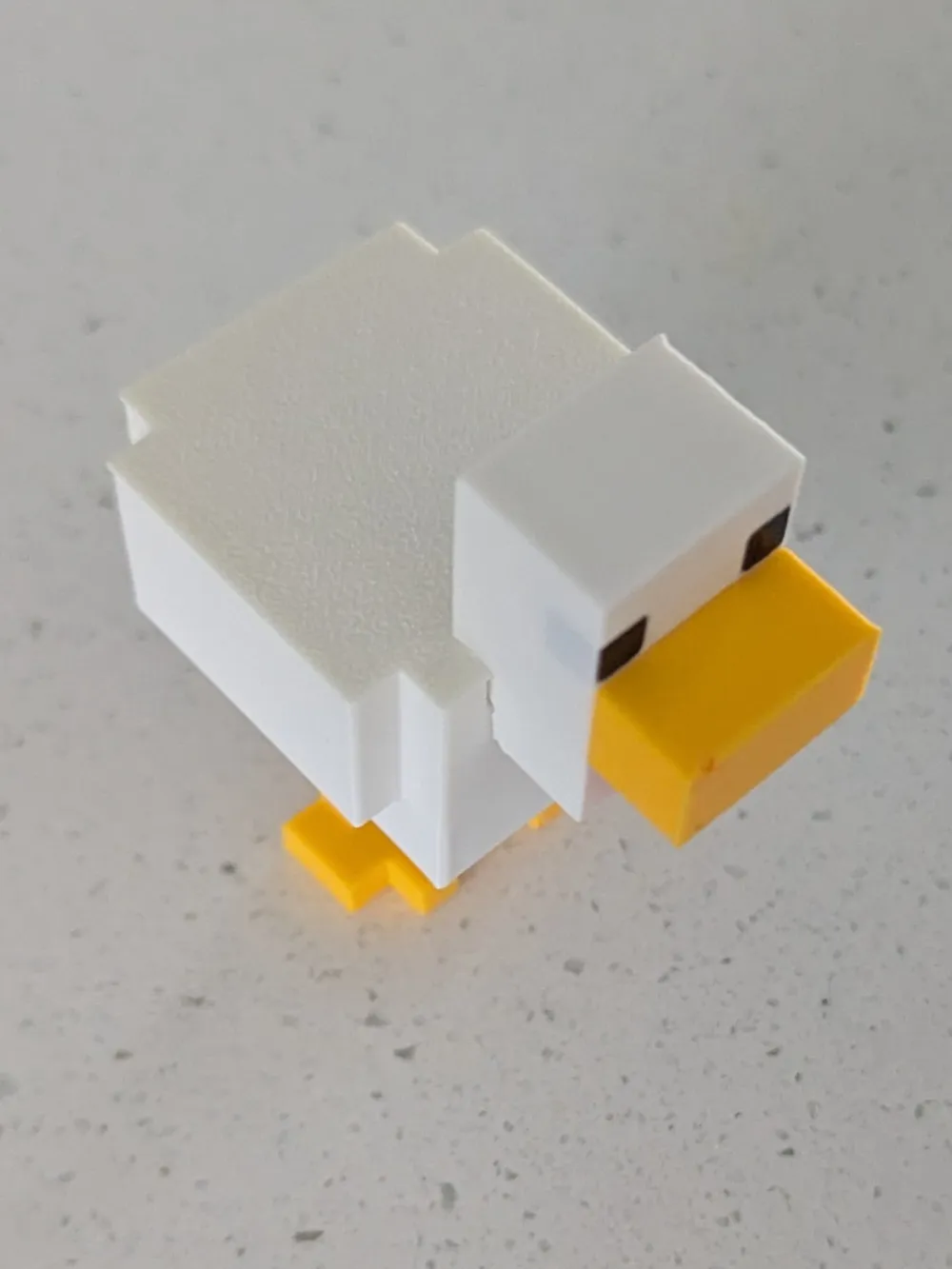
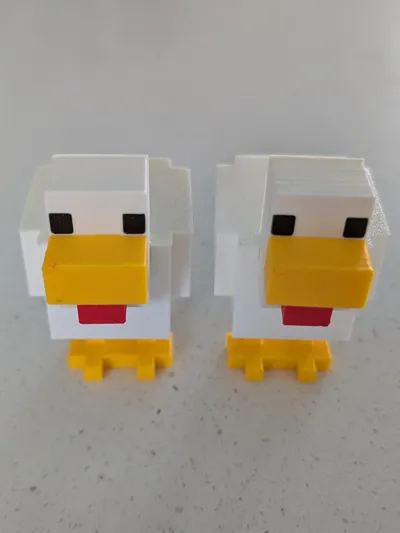
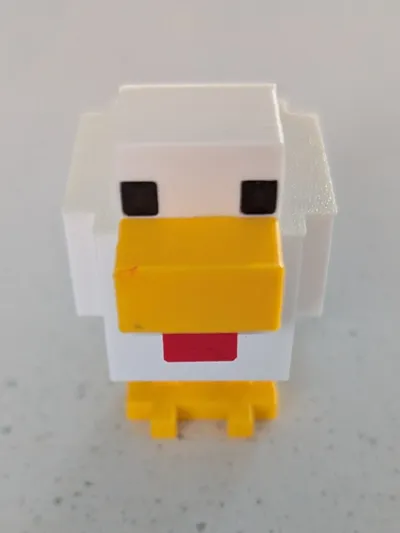
Standard - Game Design - which is 76mm tall, requires just one keyboard switch to operate, based on the video game design, and is a perfect fidget.
Huge - Game Design - which is 186mm tall, requires four keyboard switches to operate and is a more of a toy and display piece than a fidget.
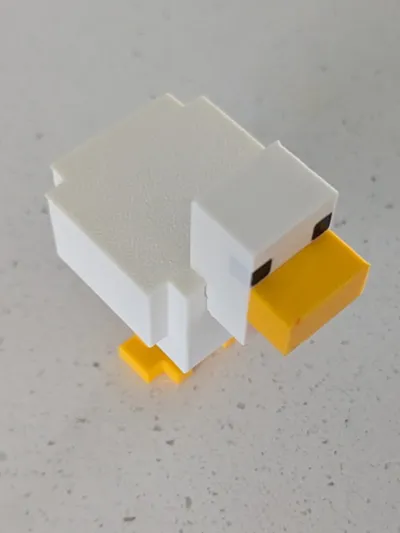
Standard - Movie Design - which is 76mm tall, requires just one keyboard switch to operate, based on the movie design, and is a perfect fidget.
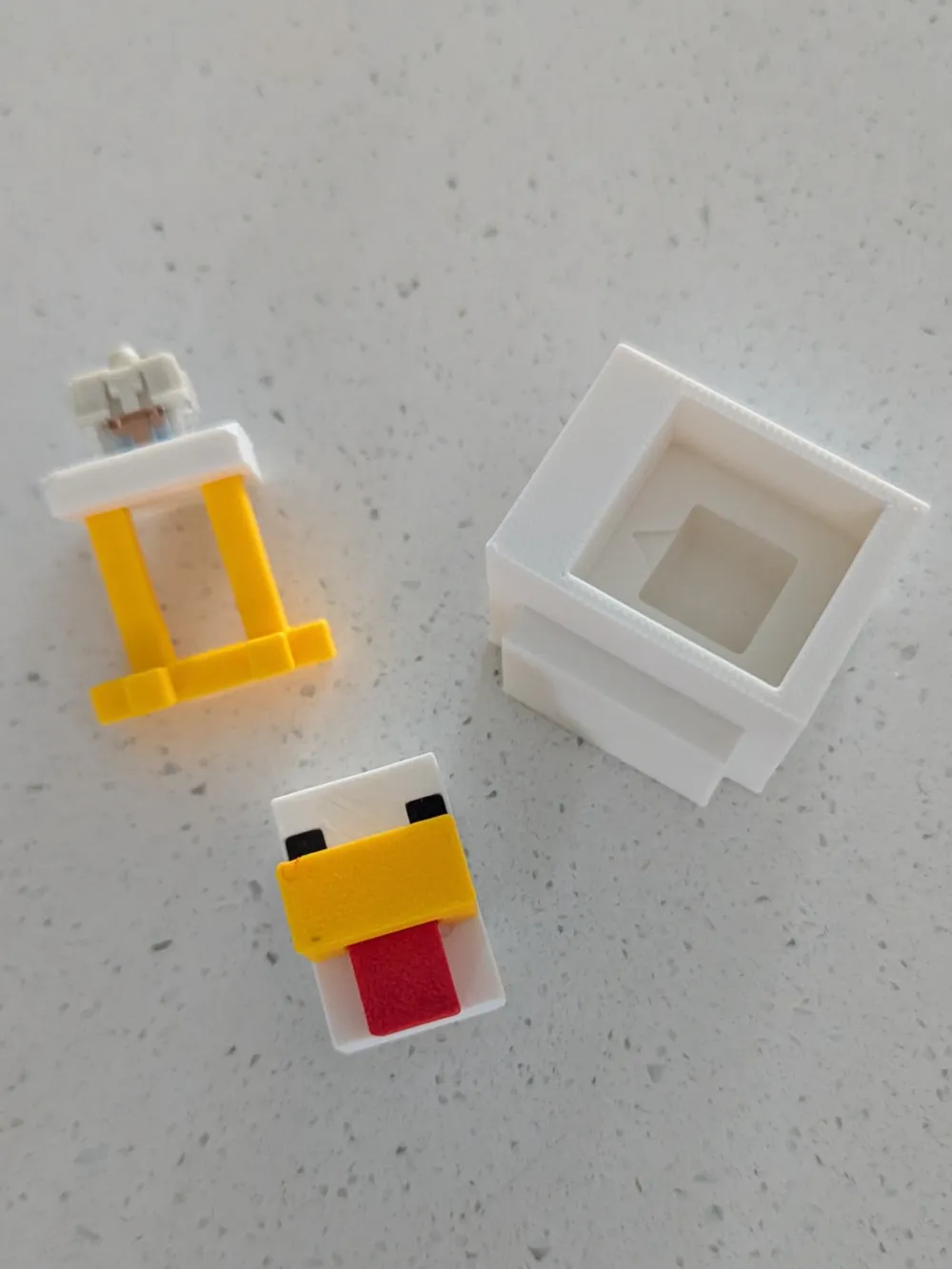
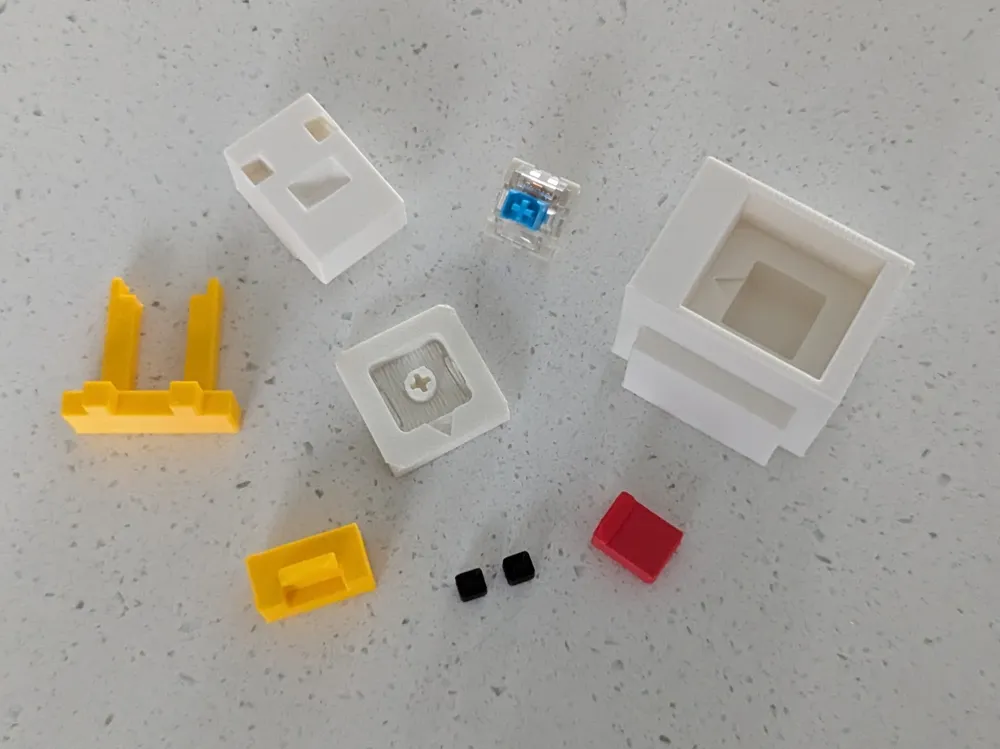
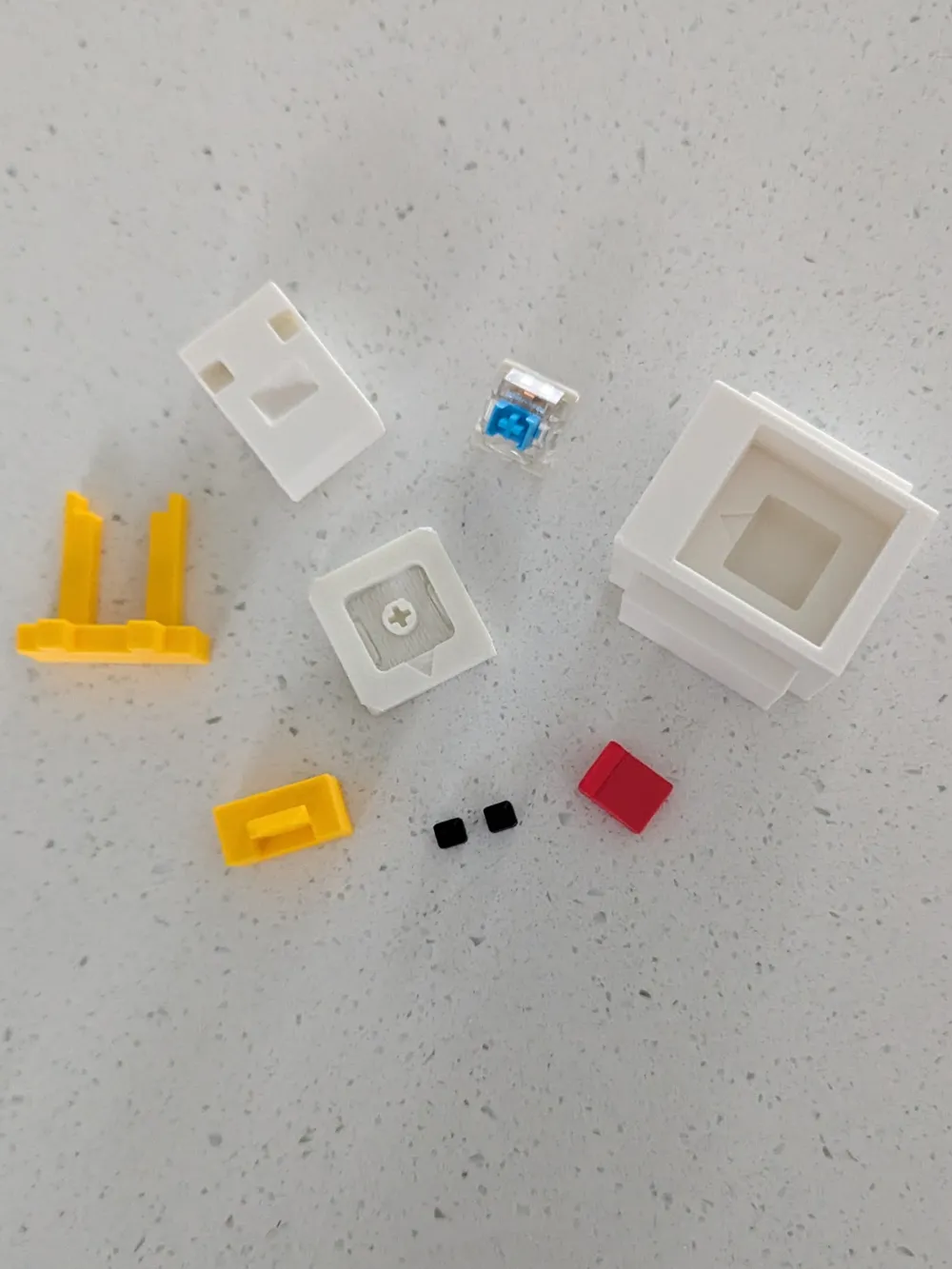
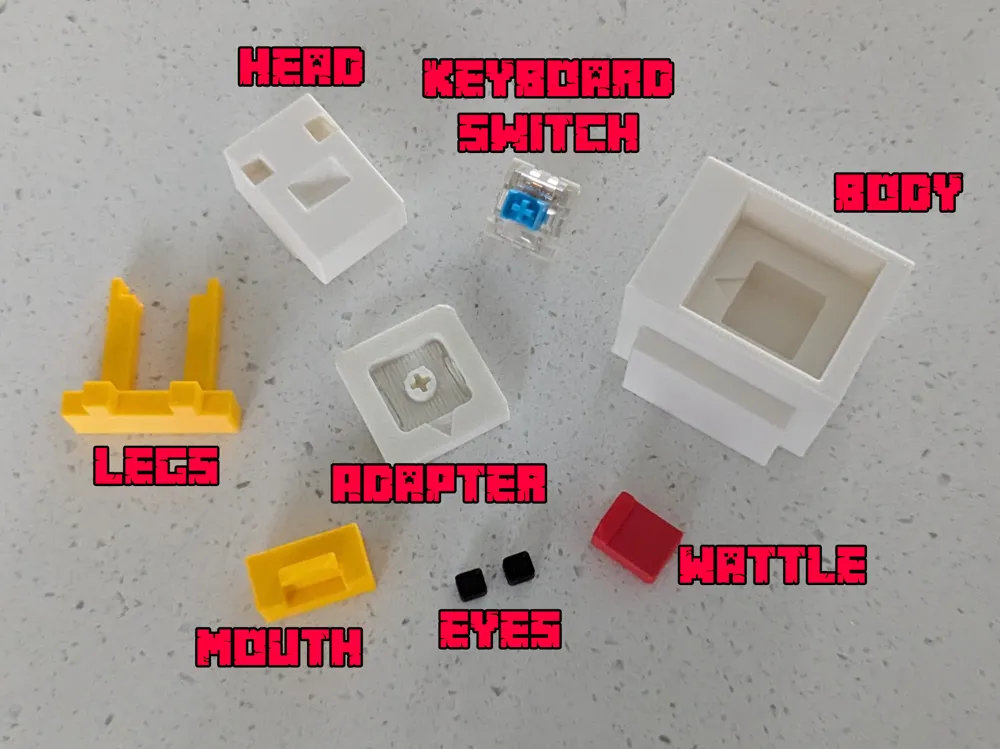
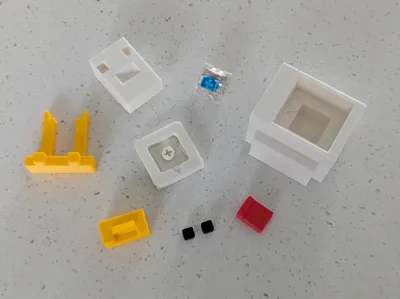
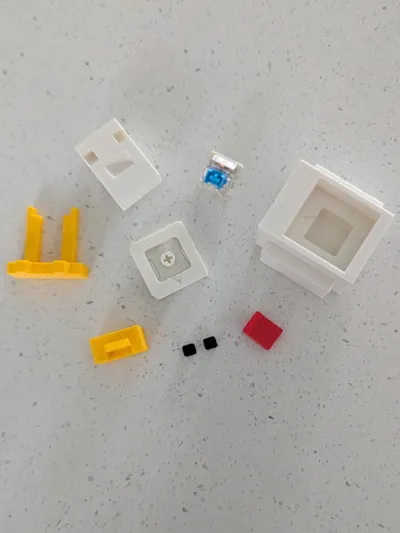
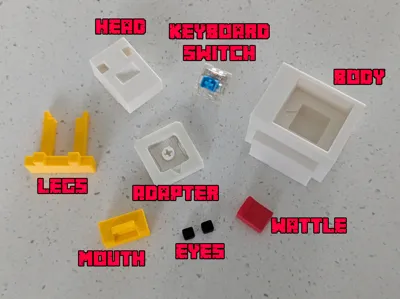
Both models print in 4 parts for those without an AMS. One for the main body, one for the legs and mouth, another for the eyes, and another for the chicken's wattle.
Make sure the supports are enabled and print as the file suggests. The movie design model is a more advanced print. Please take your time to ensure the correct settings before starting.
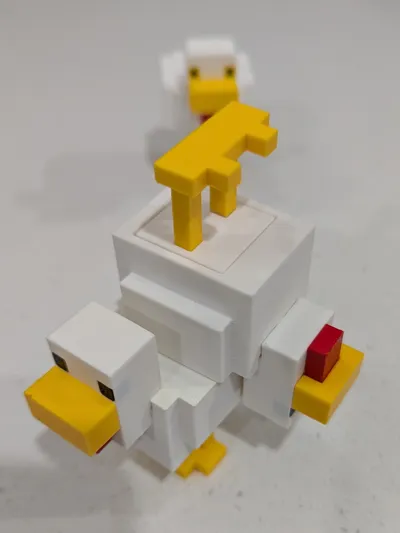
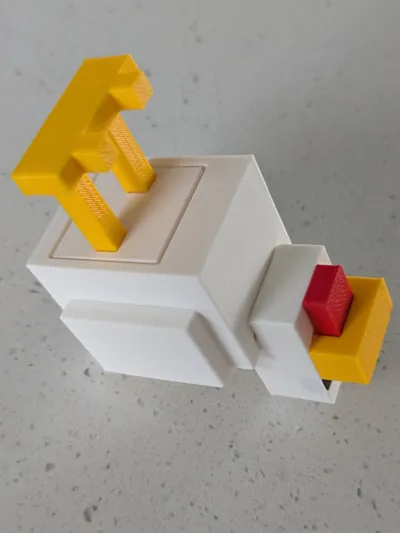
You will need to supply your own mechanical keyboard switch for this model to operate as pictured.
Depending on the type of key switch you have, a small amount of glue may be required to hold the keycap onto the switch. The base will hold all types of switches without the need for glue. If you reside in Australia, you can purchase some key switches here and help support local creators:
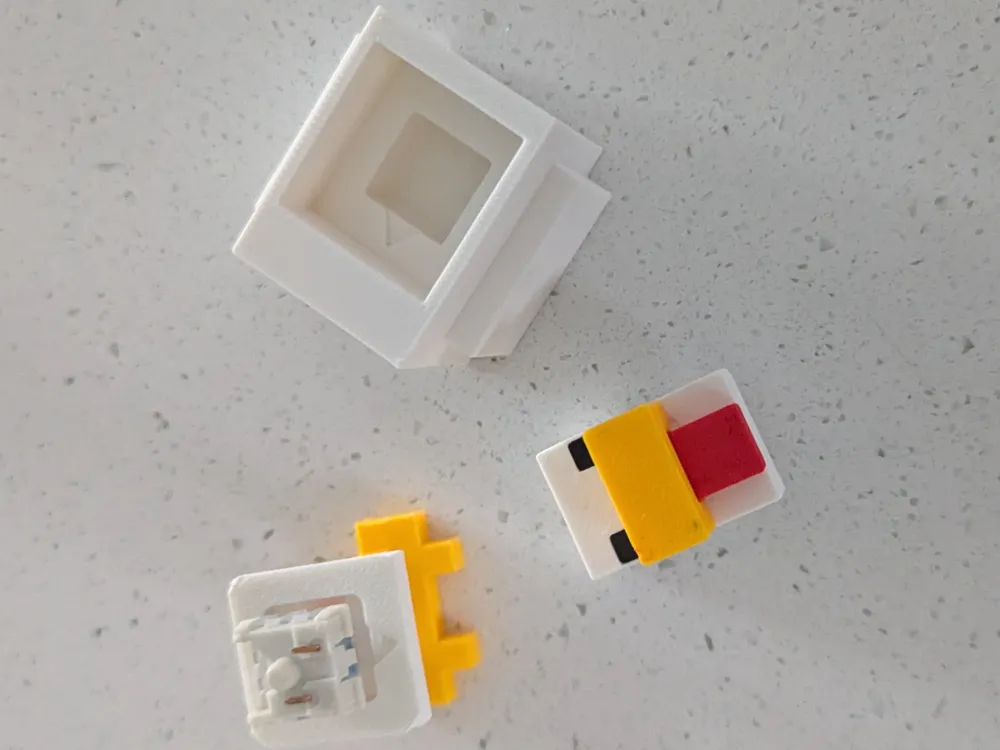
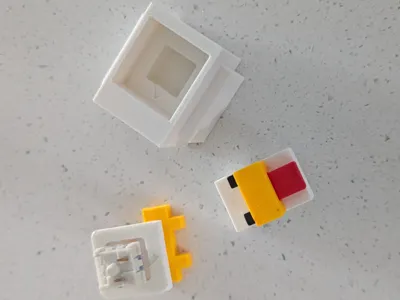
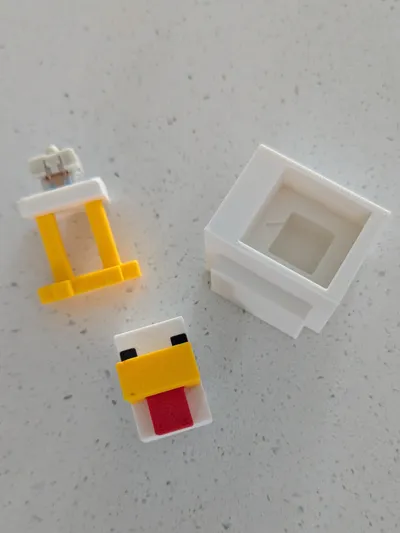
You will need glue to build the chicken fidget. Assembly is as follows:
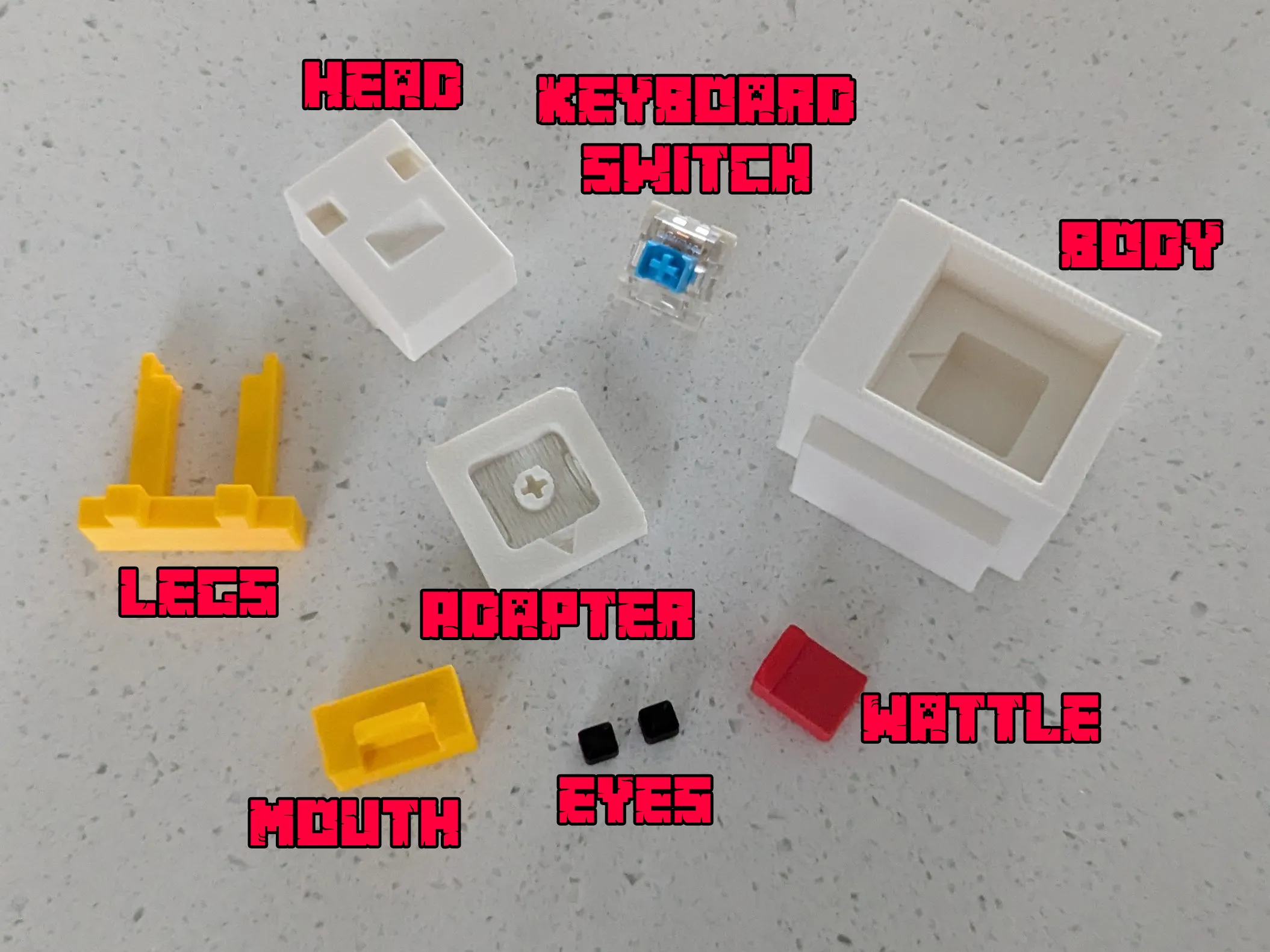
- Remove the support material from the adapter part.
- Push the legs into the bottom of the adapter. Glue may be required for this. Take care to ensure the arrow on the adapter faces towards the feet.
- Push the top of the keyboard switch into the adapter. Glue may be required for this step.
- Build the head by adding the wattle to the mouth and pushing into the head. Then add the eyes to the head as well. Glue will be required for this.
- Attach the head to the body. Glue will be required for this step.
Push the keyboard switch/bottom half of the chicken into the body/top half of the chicken. Ensure the arrows match and point the same direction forward. Glue may be required for this step also.
See the .pdf file attached in the documentation section for images of these steps
If there are issues, please comment down further or send through a message directly.
Boost Me (for free)
You can check out all the other print-in-pieces designs in my profile. If you like this one, consider giving me a Boost so that I can continue to create great designs.
This model is a type of fan art.
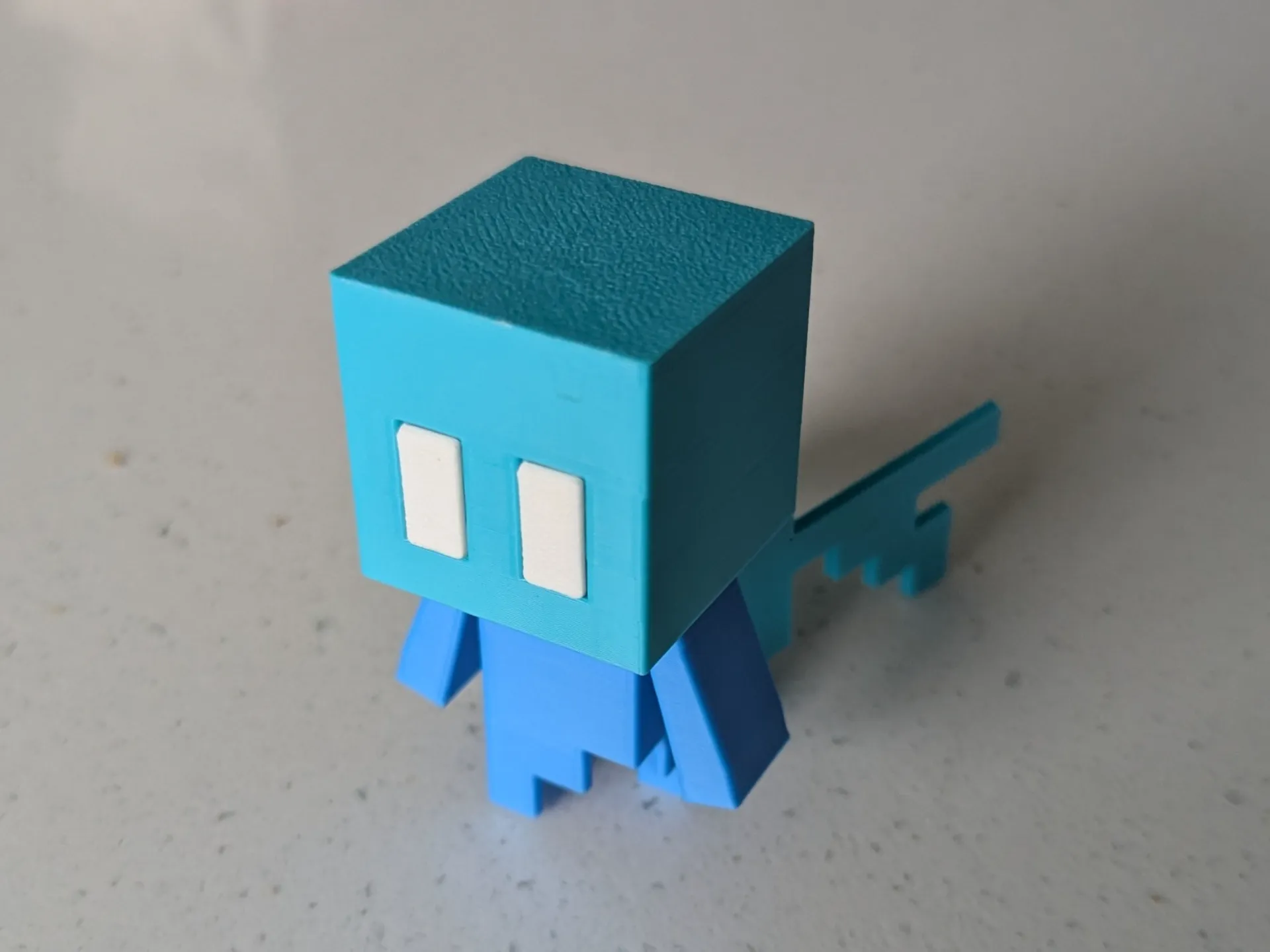
Take a look at this Minecraft Allay Fidget Clicker! https://makerworld.com/en/models/2618573-minecraft-allay-fidget-clicker#profileId-2889935
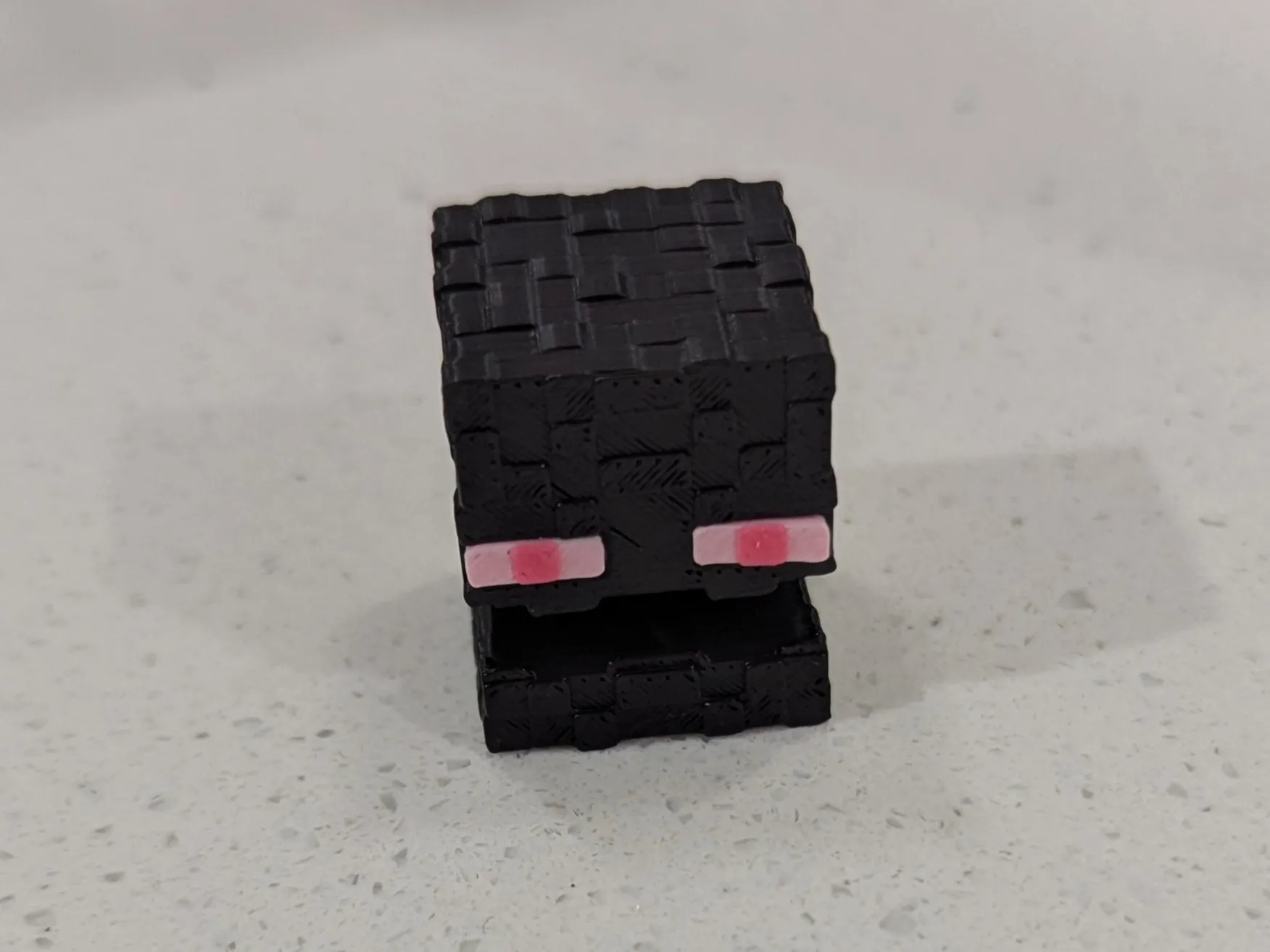
Take a look at this Minecraft Enderman Head Fidget Clicker! https://makerworld.com/en/models/2668772-minecraft-enderman-head-fidget-clicker#profileId-2953588
You may also like this minecraft logo design. https://makerworld.com/en/models/2071104-minecraft-logo#profileId-2236966
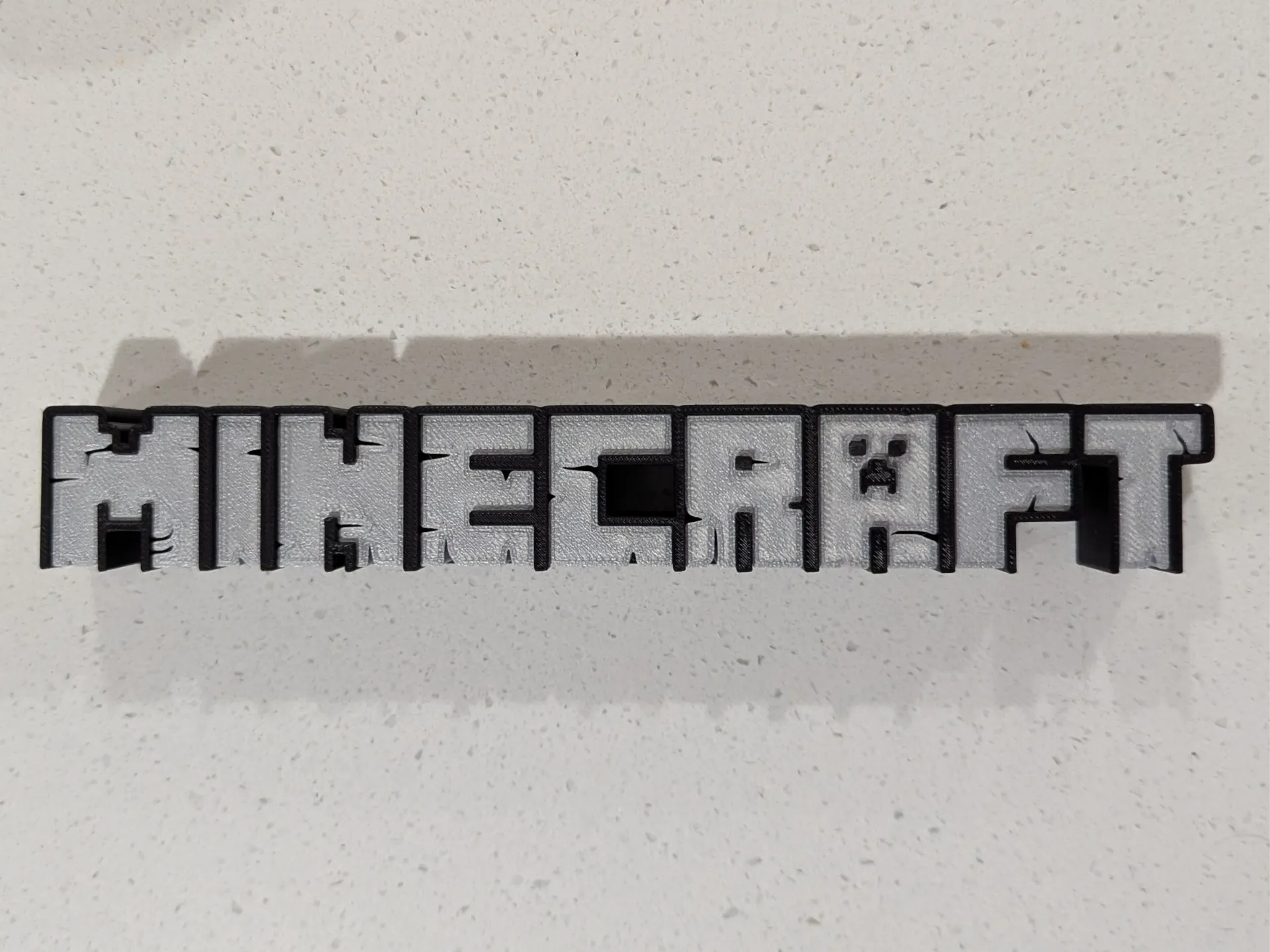

You can find more fidget clickers created by ClickKey here
All our models are free to download, print and use. If you'd like to support the work of ClickKey, consider buying us a coffee.
Documentation (1)
License

You shall not share, sub-license, sell, rent, host, transfer, or distribute in any way the digital or 3D printed versions of this object, nor any other derivative work of this object in its digital or physical format (including - but not limited to - remixes of this object, and hosting on other digital platforms). The objects may not be used without permission in any way whatsoever in which you charge money, or collect fees.


Comment & Rating (14)