Search models, users, collections, and posts

Trolley - Daniel Tiger's Neighbourhood

Print Profile(1)

All
P1S
H2S
P2S
H2C
X1E
A1
H2D
H2D Pro
X2D
A2L
X1 Carbon
X1
P1P

0.16mm layer, 3 walls, 10% infill
Designer
11.6 h
5 plates
4.8(5)

Open in Bambu Studio
Boost
21
134
20
5
65
39
Released 

Bill of Materials

Bambu Filaments
Select all
Maroon Red (10205) / Refill / 1kg
Dark Gray (10105) / Refill / 1kg
Black (10101) / Refill / 1kg
Sunflower Yellow (10402) / Refill / 1kg

Description

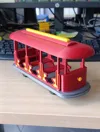
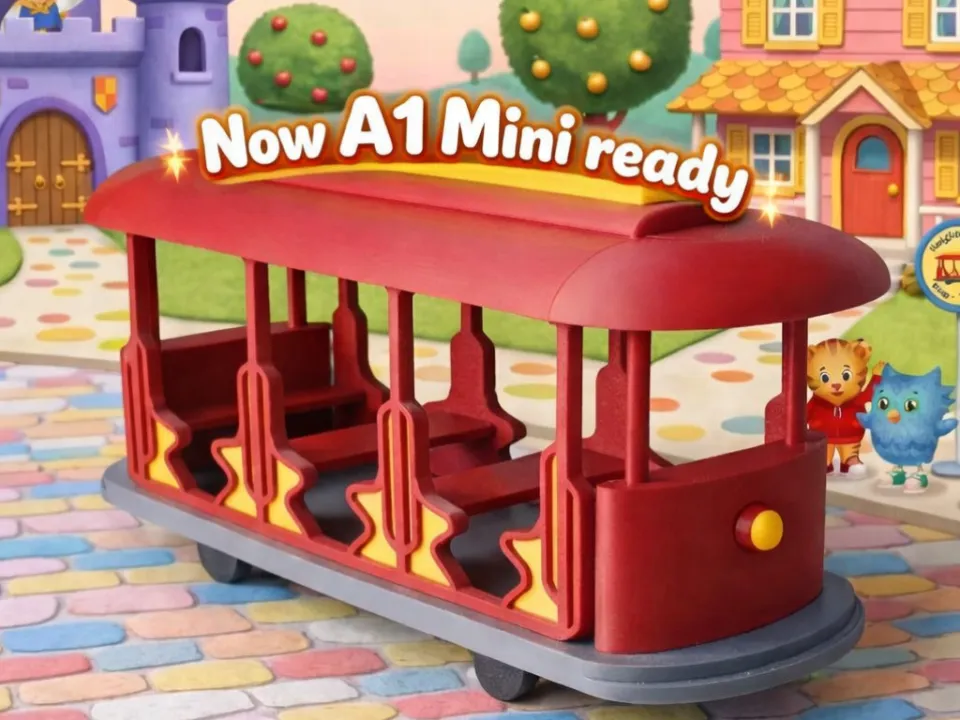
All aboard! Inspired by Daniel Tiger’s Neighborhood, this 3D‑printable trolley is designed to capture the charm of the show while staying practical and maker‑friendly.


This model includes two versions of the wheel axles:

  • Vertical print version for a single‑piece, straightforward print
  • Split‑in‑half horizontal version for those who prefer stronger layer orientation

The wheel section has been intentionally designed with extra clearance, allowing you to replace the printed wheels with real rolling wheels if you want smoother movement or a more toy‑like feel.


For dimensional tuning, I used XY Hole / Contour Compensation but my values may not be the best for you, depending on your printer/filament. Also, in my case, the front light detail printed perfectly at 99% scale. Feel free to adjust any of the parameters if your tolerances differ.


As Daniel Tiger would say: “It’s a beautiful day in the neighborhood to make something new!” Enjoy printing, customizing, and taking your trolley on little adventures around your maker space.

Comment & Rating (20)

(0/1000)

Boosted
Print Profile
0.16mm layer, 3 walls, 10% infill
My kid loves Mr. Rogers Neighborhood and Daniel Tiger and was super stoked about this trolley. It prints beautifully was was very easy to assemble. I recommend not putting supports for the connection points in the roof, side panels, and floor. They tend to be annoying to remove. I also recommend printing the front and back panels with thicker layers to make them stronger. The rods are thin and break easily.
The profile uploader has replied
profile
1
Reply
Thank you for the feedback and the boost. Using thicker layers for the front and back panels are very helpful. In my case I used a thin flat screwdriver and the small supports came off easily, but your suggestion is definitely valid and will help others avoid extra cleanup. About the strength, increasing the layer count shouldn’t use much more material, so it’s a good tip for anyone who wants a sturdier trolley. In my case, my kid’s trolley held up surprisingly well once assembled, even after being sent down slides several times, although I was always worried it might break. Thanks again for sharing your experience so others can learn from it.
0
Reply
Please, what is the size of this part?
Show original
0
Reply
Replying to @user_1029933538 :
If you’re referring to the final size, the model is approximately 25.5 cm long, 8.2 cm wide, and 12 cm tall.
0
Reply
Print Profile
0.16mm layer, 3 walls, 10% infill
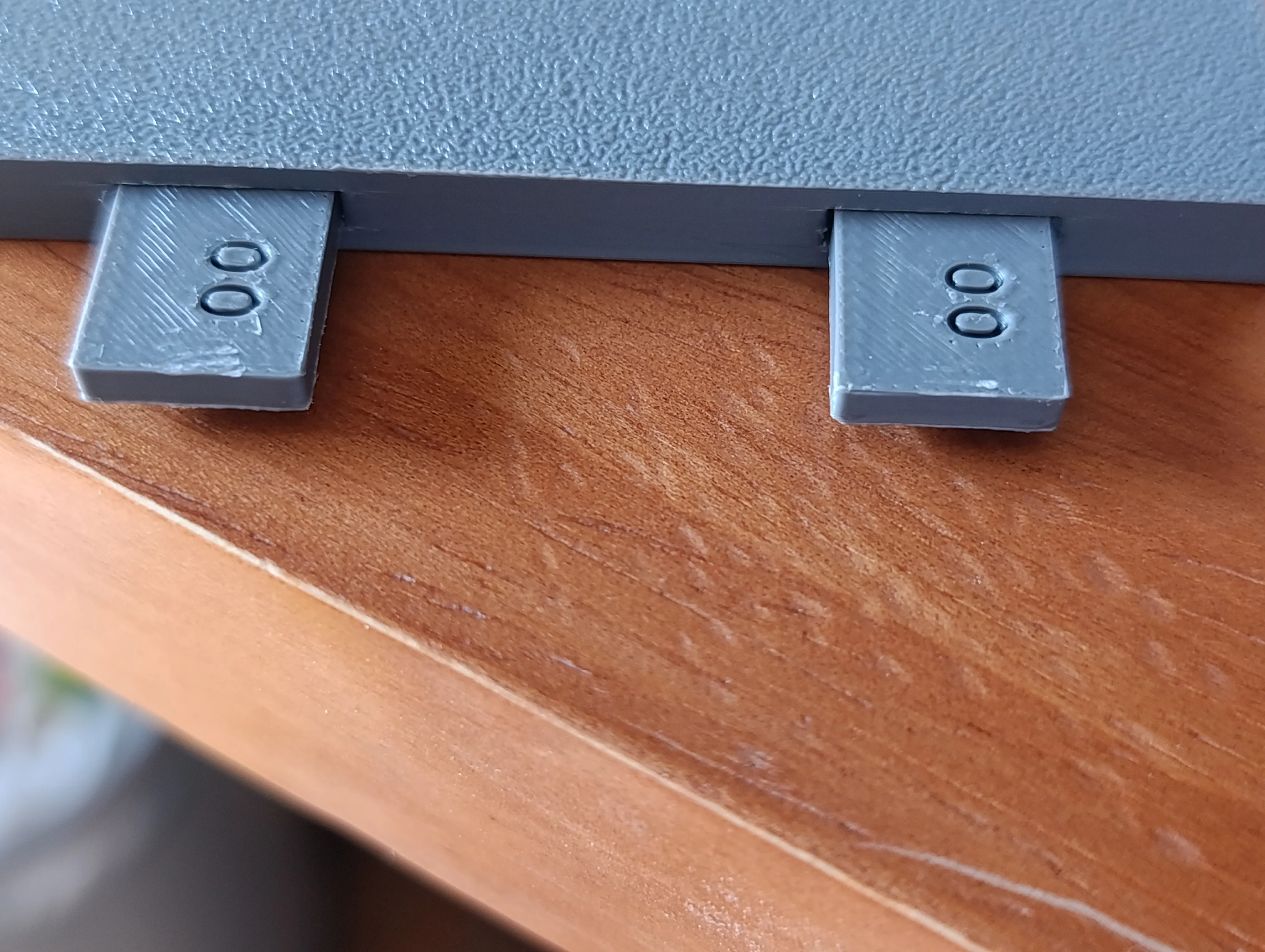
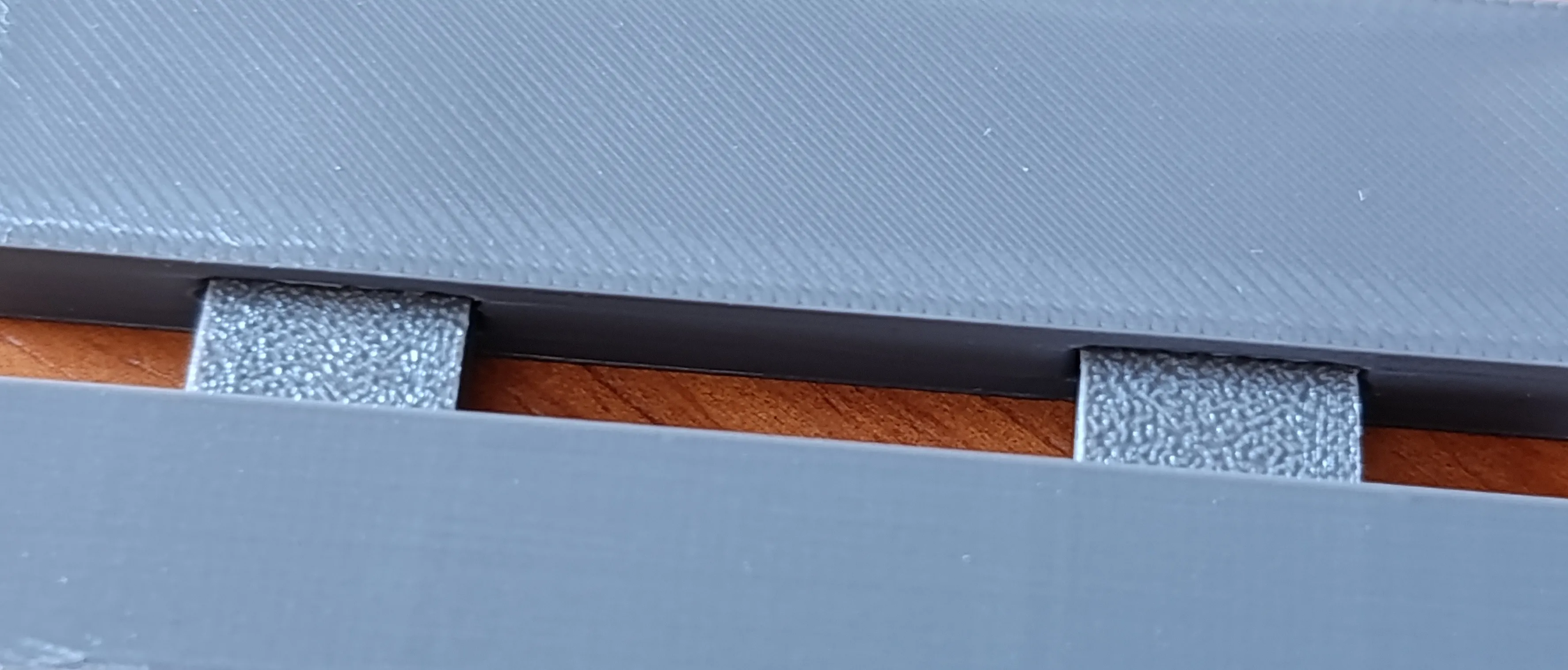
my kid is doing a presentation as Fred Rodgers and this is a perfect model for that. wasn’t sure what the four black pieces were for in the picture. assembly was fairly easy and I changed the scale of the top bar and added neighbor trolley
The profile uploader has replied
profile
1
Reply
Nice job with the top bar! By resizing it a bit, you can even add some text to it. About the black pieces: they’re the wheel axles. If you’re only using the model as decoration, the ones you used are totally fine. But I found out, after my kid broke them, that the way they’re printed makes them weak against up‑and‑down pressure. The black pieces in your picture are the axles rotated 90 degrees and cut in half (they need to be glued together). That way, the printing layers are much stronger against the vertical force a kid playing with it will create. Thank you for sharing your print!
(Edited)
1
Reply
Replying to @Reisa01 :
thanks for the clarification, that makes sense now!
0
Reply
Print Profile
0.16mm layer, 3 walls, 10% infill
Nice print. Thanks!
The profile uploader has replied
profile
1
Reply
I'm glad you liked it, thank you for sharing!
0
Reply
is it possible to get a P1S profile?
The designer has replied
0
Reply
It should be possible to print it on a P1S, even on an A1 (not Mini). The issue seems to be the prime tower's position. Bambu Studio takes my P2S profile and places the tower where it collides with the model. Download the 3MF, change the printer by the P1S and move the prime tower on the first plate. That should let you print it.
1
Reply
Replying to @Reisa01 :
how do I download the file? I go to try and print it but it says my printer isn’t compatible with the profile
0
Reply
Replying to @user_3042003022 :
It was weird... I just uploaded the printing profile, now the P1S is listed as compatible.
0
Reply
Is there an assembly guide?
The designer has replied
0
Reply
Hi! Not really. I didn’t think it would be necessary because it seems like a not‑too‑complex model. Maybe this will help you.
0
Reply
omg this is soooo cute!!
designer
1
Reply
hhhhhhhhhhhhhh
1
Reply
Boosted
Print Profile
0.16mm layer, 3 walls, 10% infill
fantastic print, so glad I found it
0
Reply
Print Profile
0.16mm layer, 3 walls, 10% infill
0
Reply
No more

License

This user content is licensed under a Standard Digital File License.

You shall not share, sub-license, sell, rent, host, transfer, or distribute in any way the digital or 3D printed versions of this object, nor any other derivative work of this object in its digital or physical format (including - but not limited to - remixes of this object, and hosting on other digital platforms). The objects may not be used without permission in any way whatsoever in which you charge money, or collect fees.