
Folding Rule Marking Gauge Stop
Print Profile(3)



Bill of Materials

.jpg)


- M8 Mutter x 1:
- M8 Sechskantschraube 30mm x 1:
Description
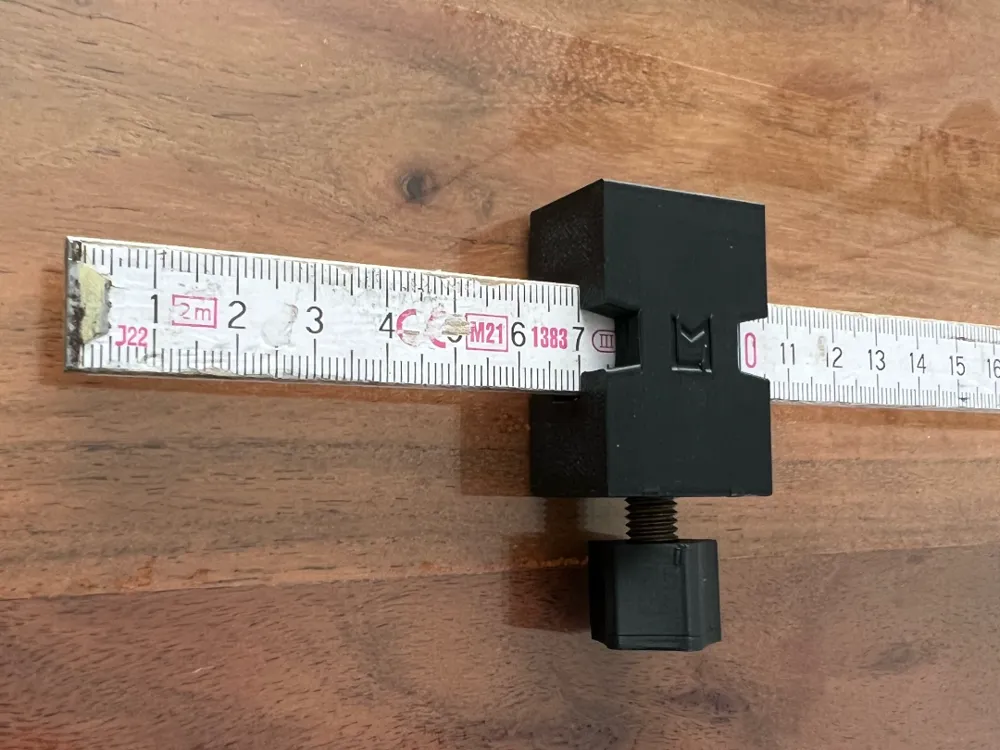
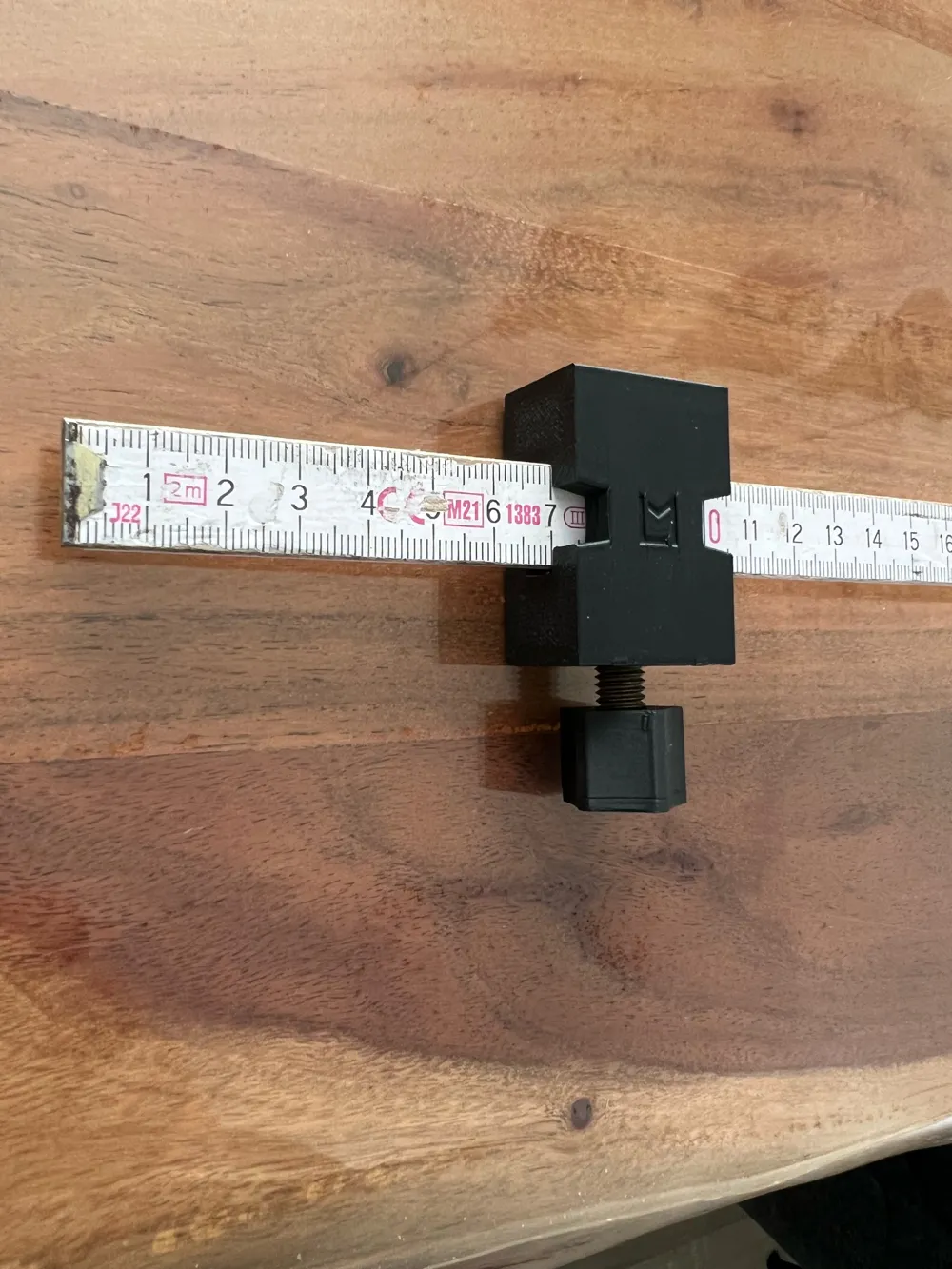
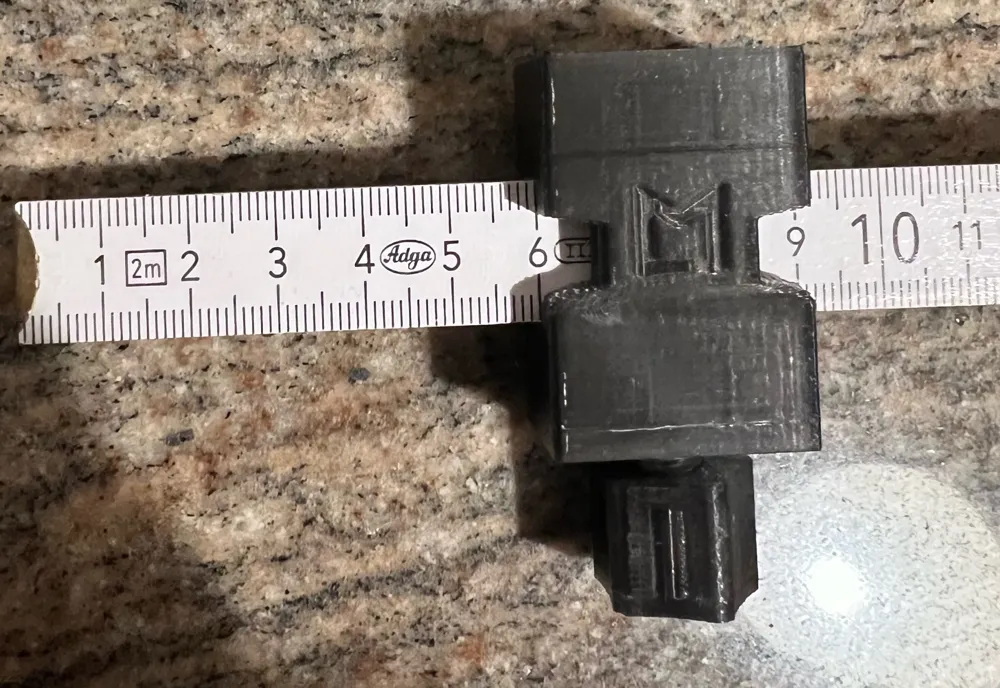
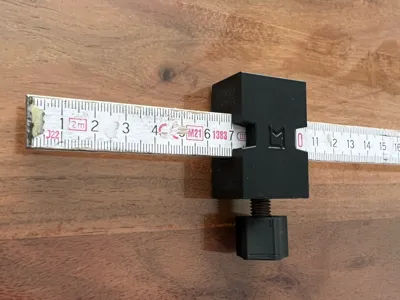
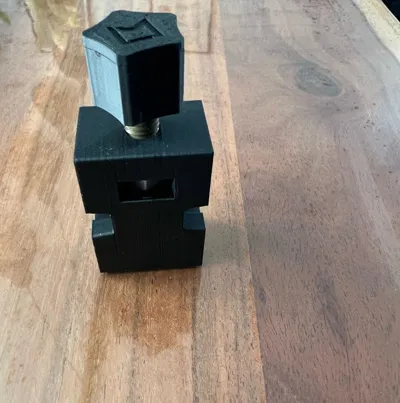
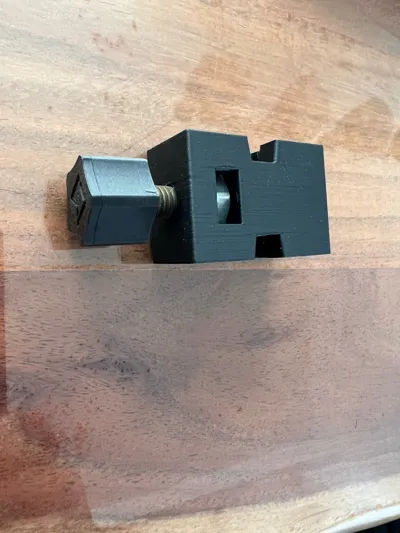
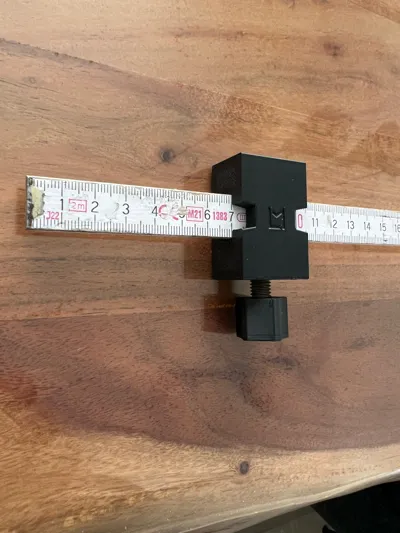
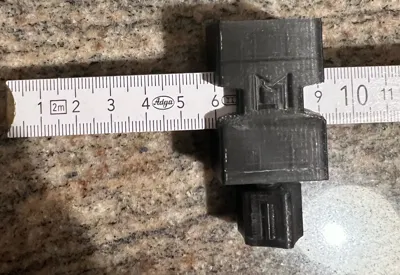
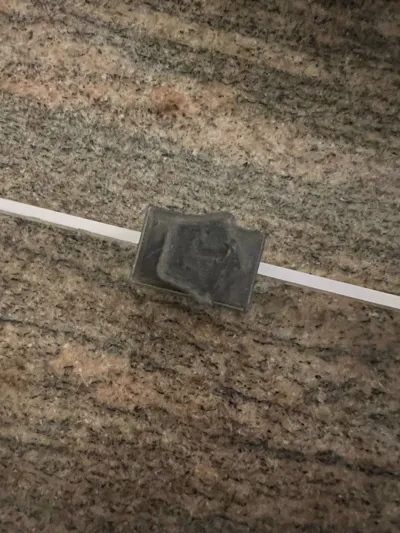
Hello, this is my marking tool No.3 for the folding rule, carpenter's rule, tape measure…
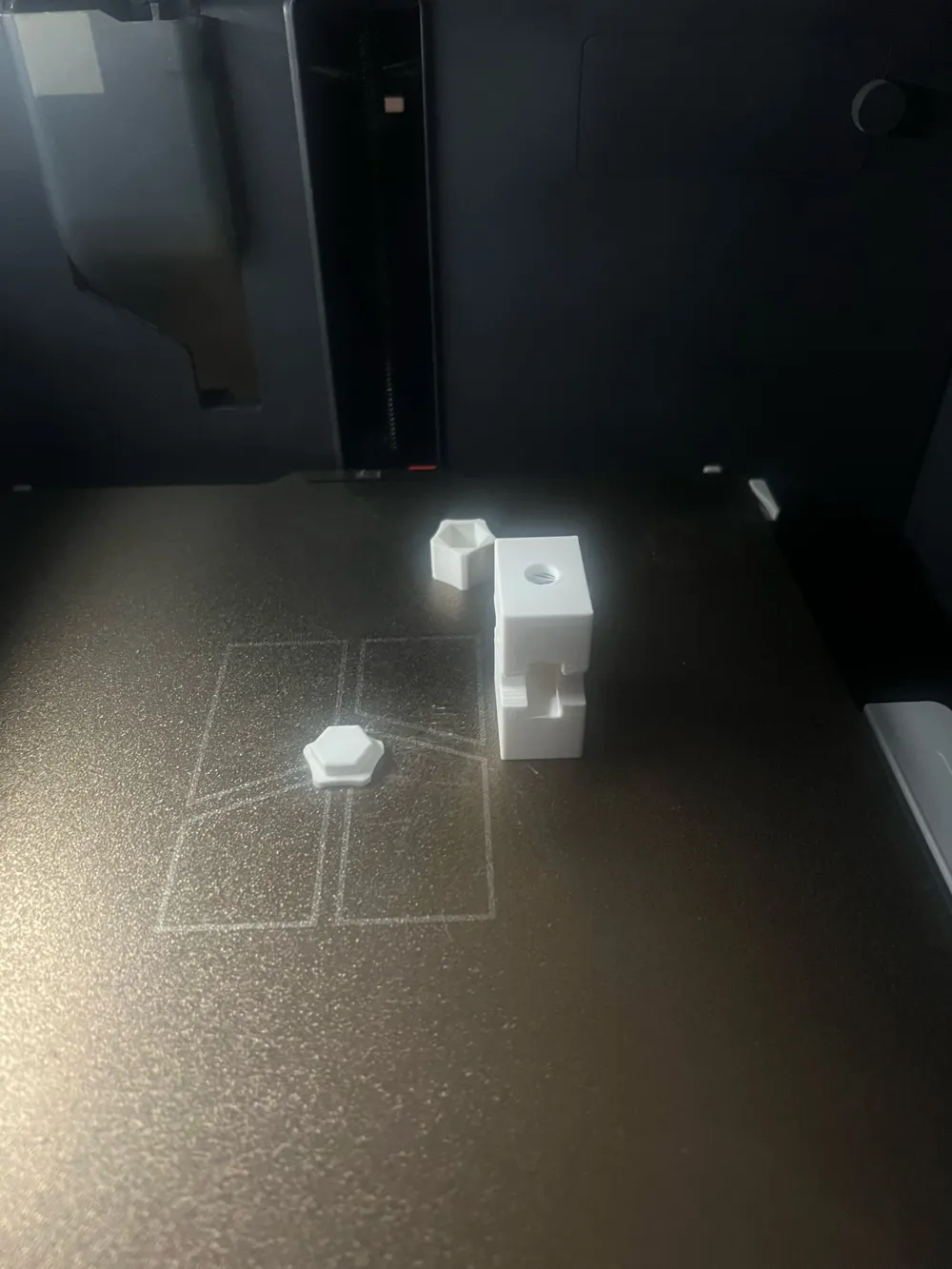
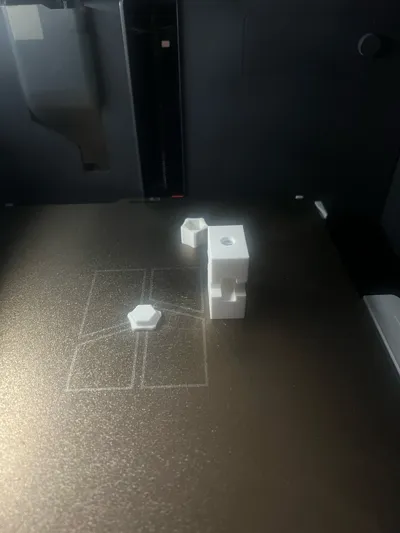
For V1, see print profile, the nut must be inserted during the print pause
- Metal M8 nut for insertion during print pause
- improved visibility of numbers when adjusting
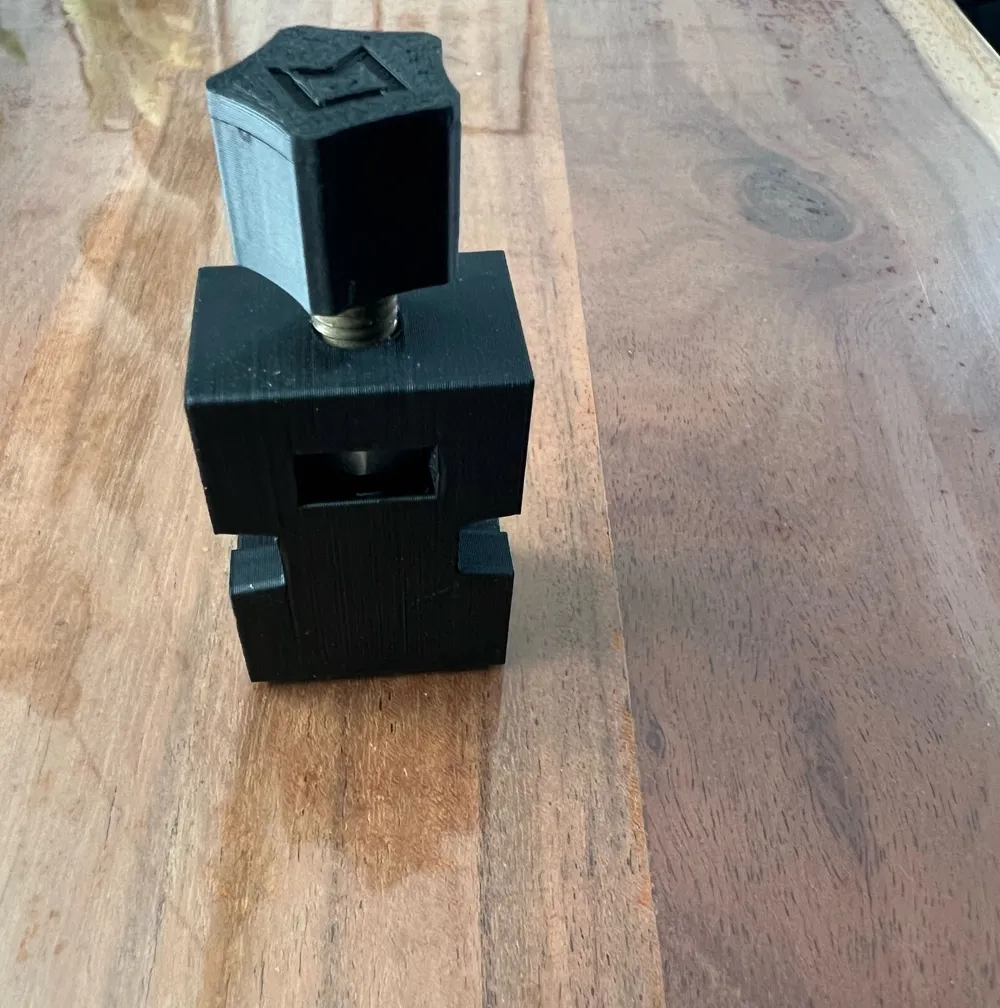
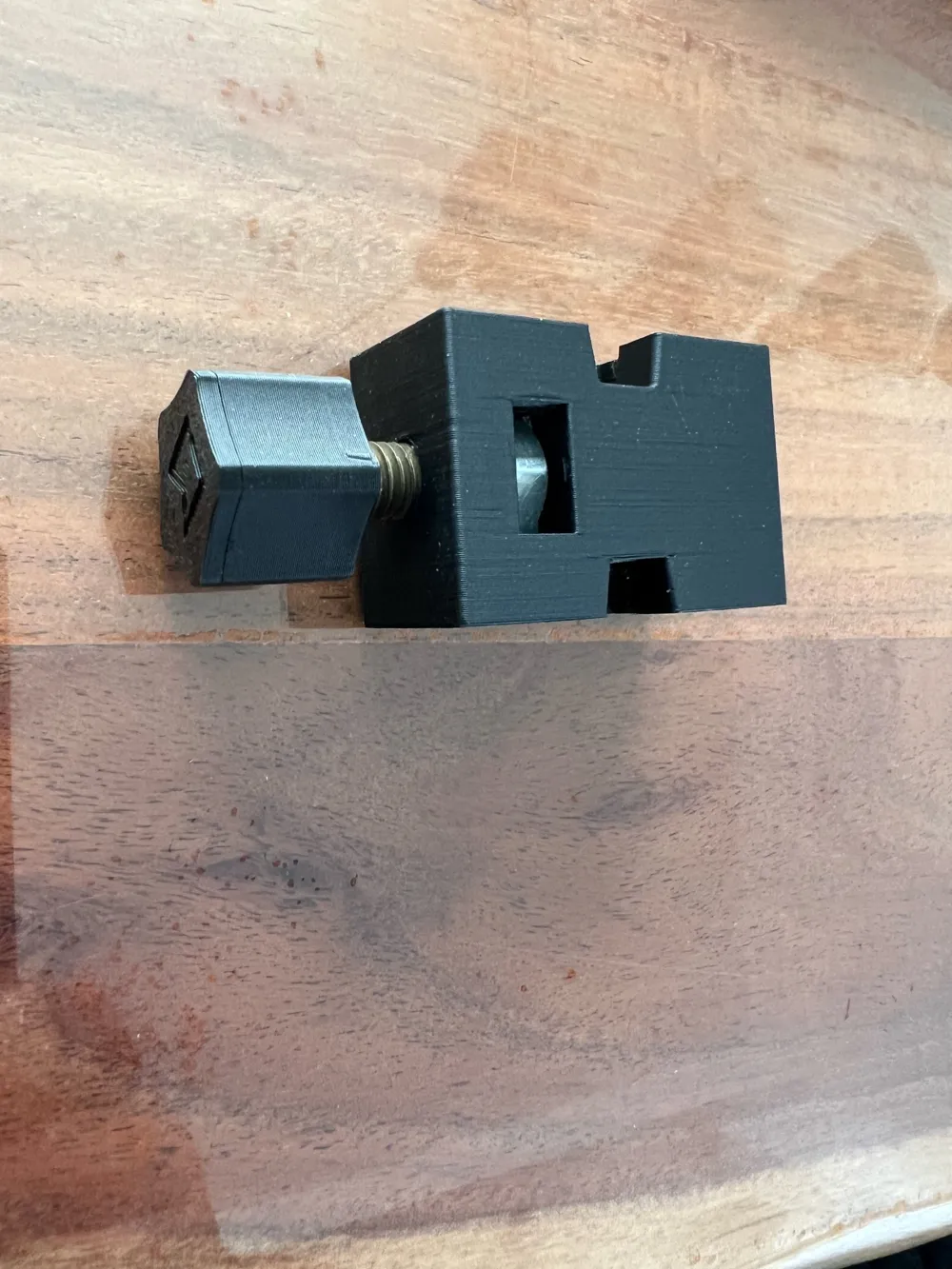
For V2, the M8 nut can be pushed into the opening from below, printing is not interrupted
- Metal hex M8 screw x 30 mm, adjust to your desired length
- Opening dimensions modified for folding rule to 16.8mm x 7.5mm
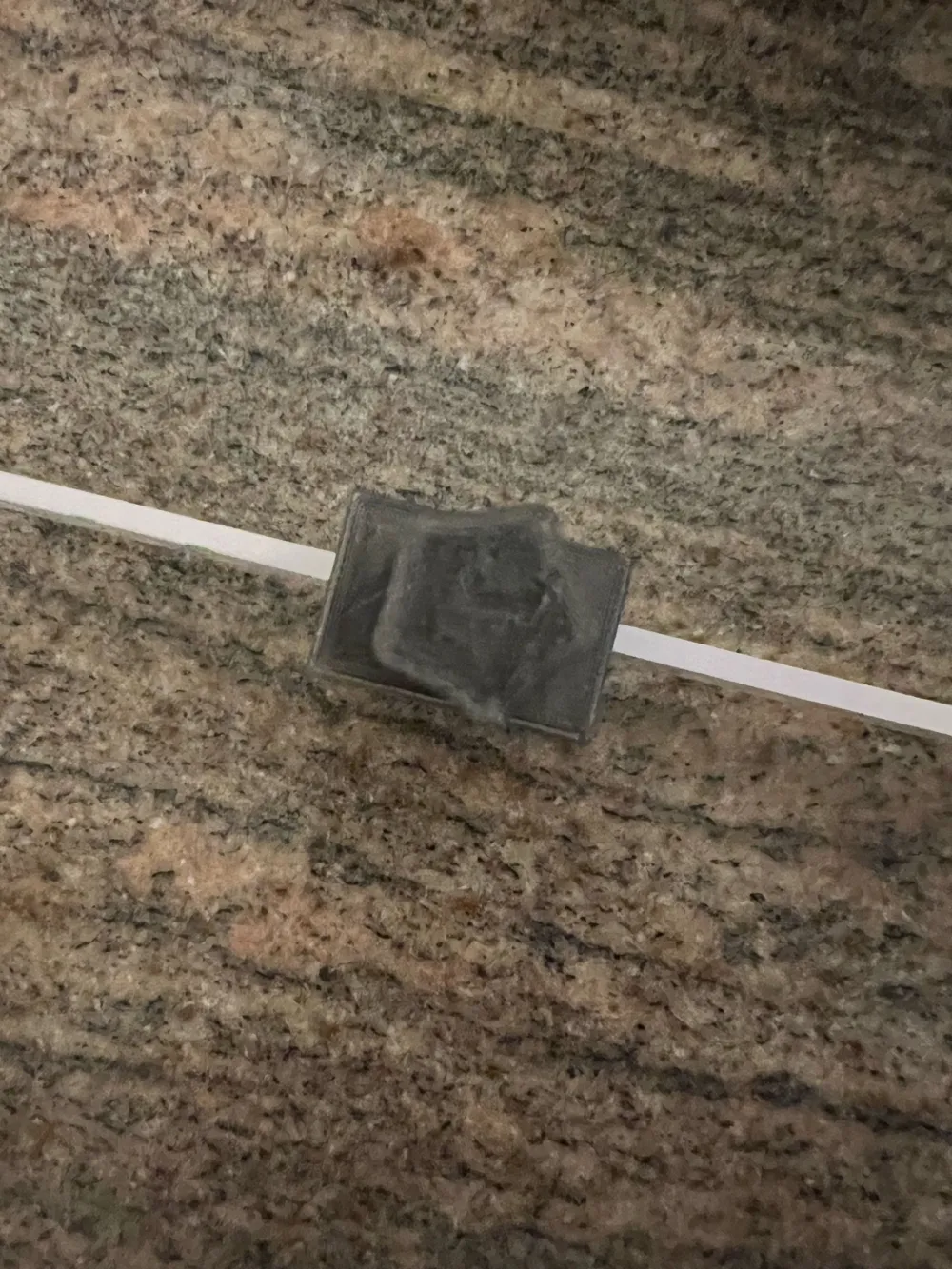
Please note after printing that any threads around the nut may need to be removed. These can occur due to the pause and lack of adhesion above the inserted nut, but they do not degrade the component
When tightening the screw with the folding rule inserted, the folding rule should be pressed upwards or downwards in the component to ensure it stays straight when clamping. The opening must remain large enough for the second segment to slide through
If possible, apply superglue to the knob cover for the screw and press it into the knob base body with the screw inserted. This way, the knob (screw) is properly (covered)… this is intentionally only possible in one position
Comment, rate, like, boost…
Have fun with it
Boost Me (for free)
Support
License

You shall not share, sub-license, sell, rent, host, transfer, or distribute in any way the digital or 3D printed versions of this object, nor any other derivative work of this object in its digital or physical format (including - but not limited to - remixes of this object, and hosting on other digital platforms). The objects may not be used without permission in any way whatsoever in which you charge money, or collect fees.


Comment & Rating (2)