
Button box for SimRacing on PC
Print Profile(1)
Description
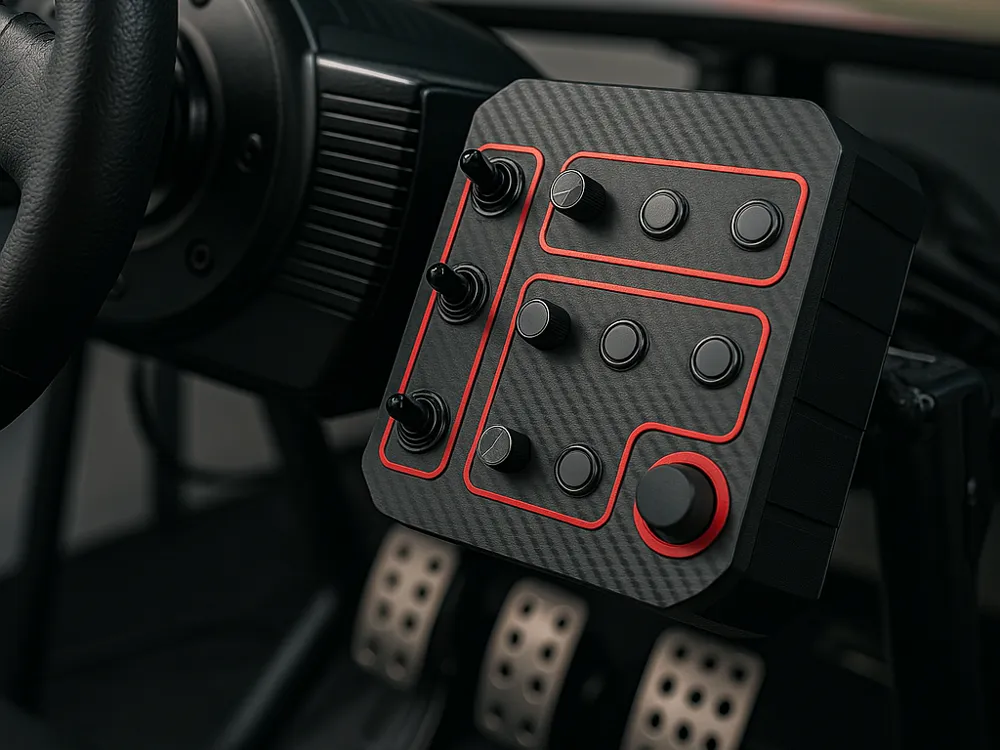
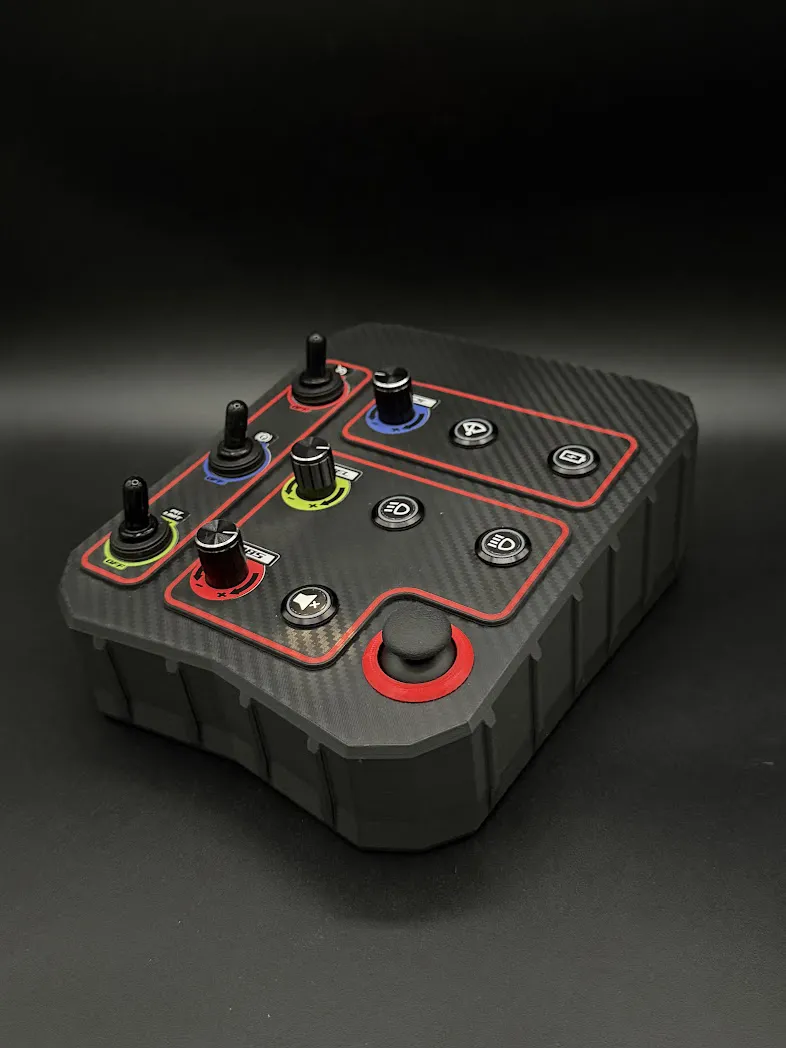
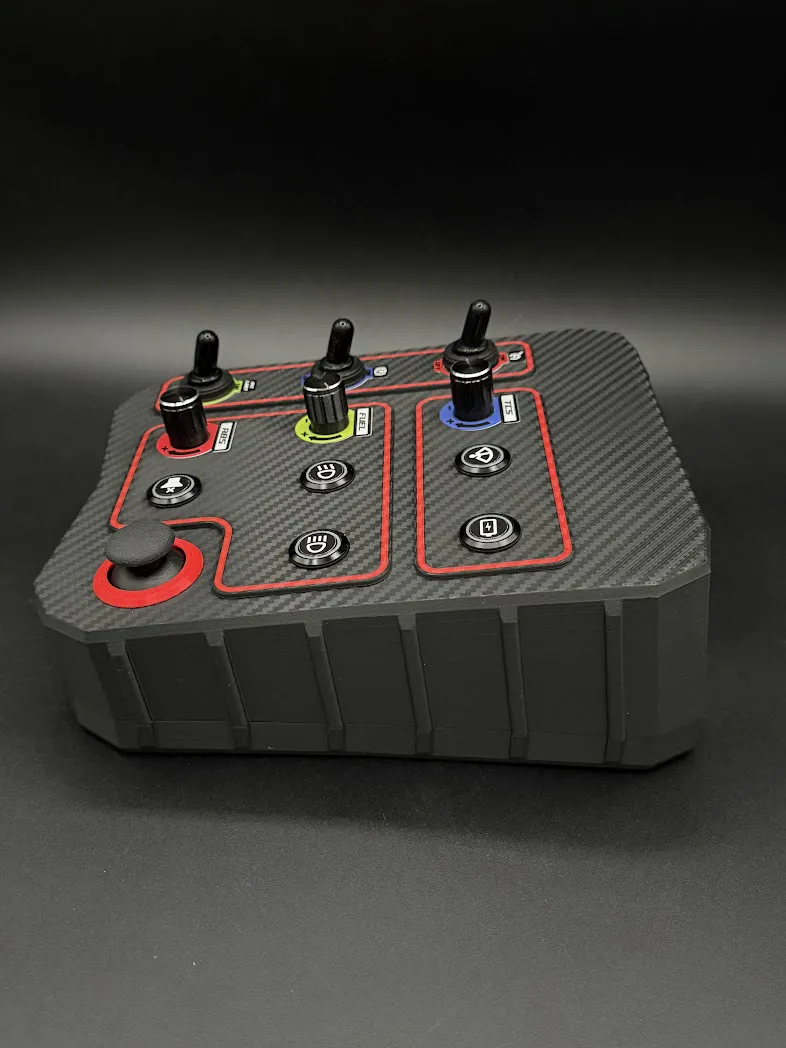
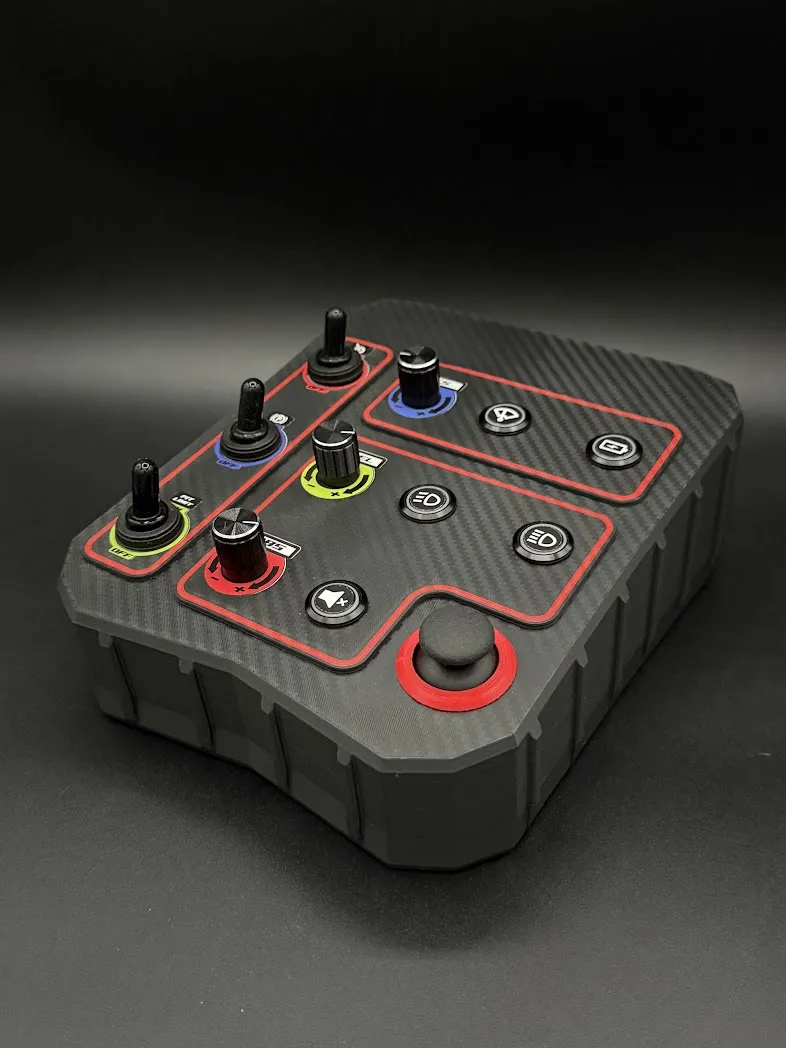
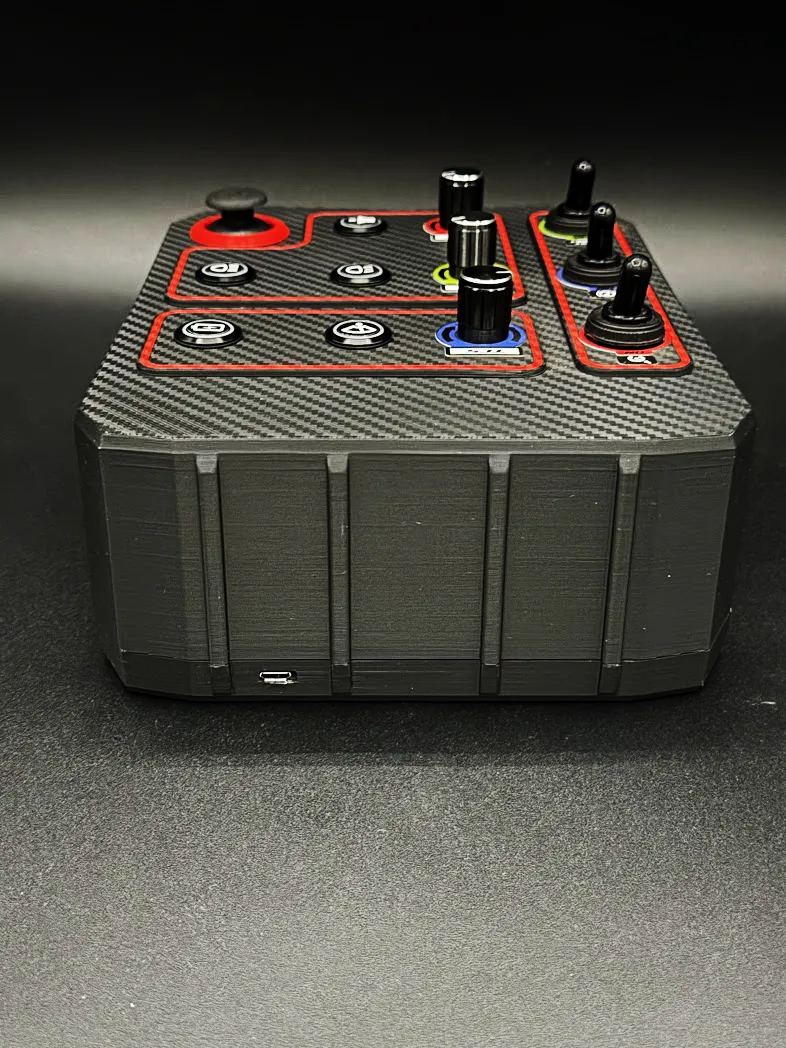
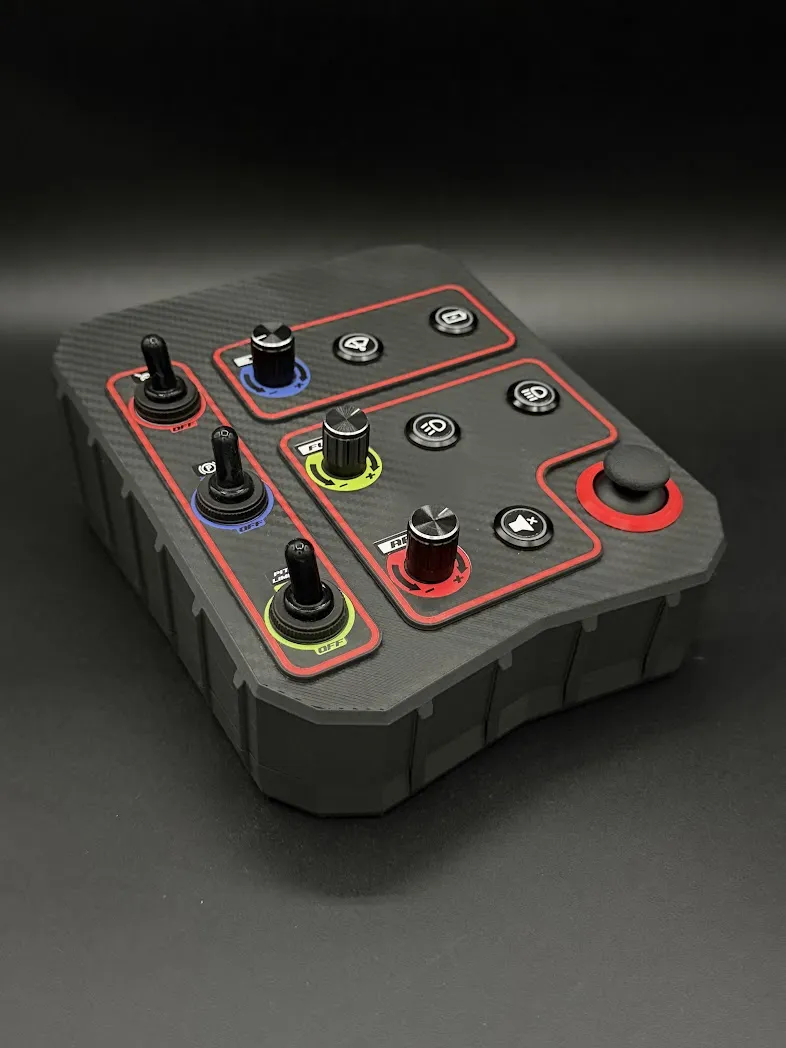
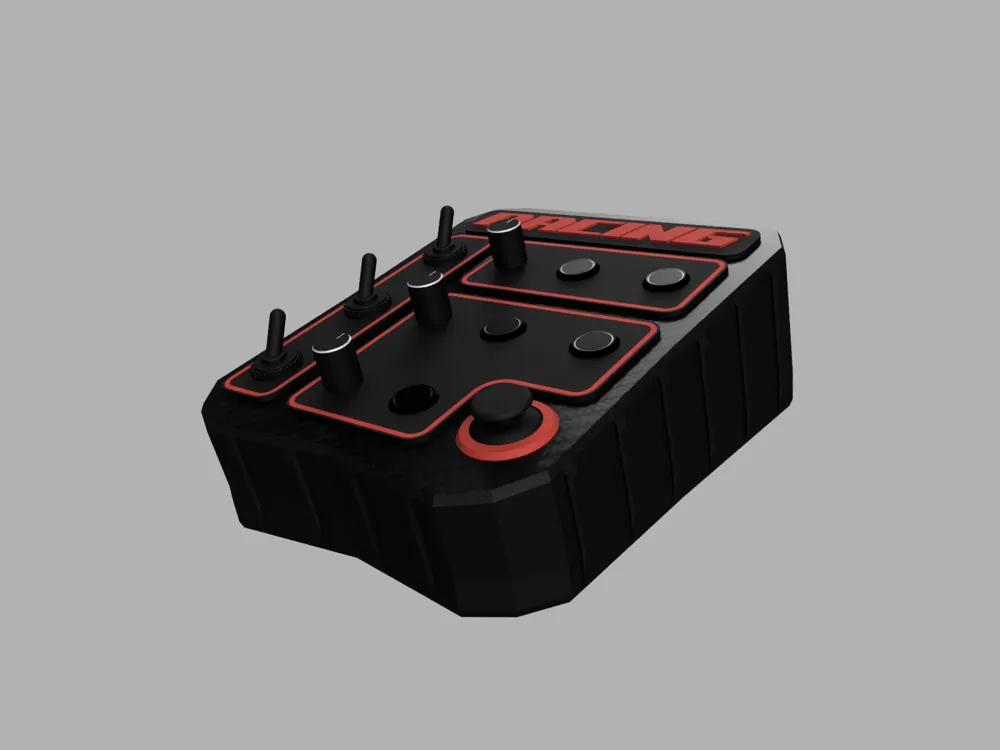
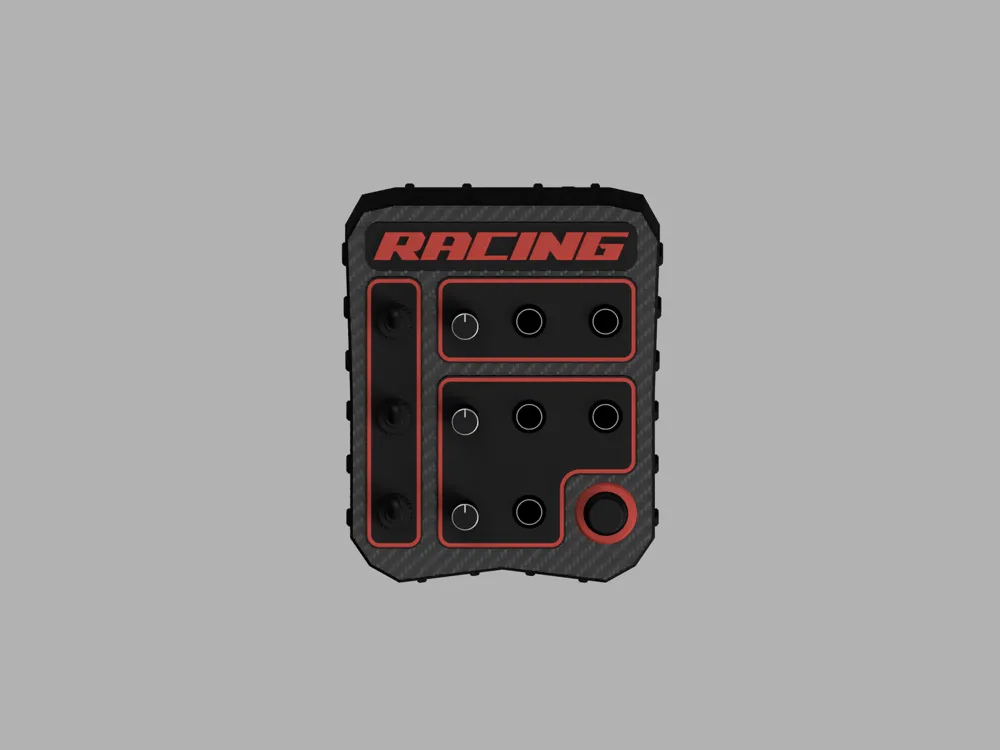
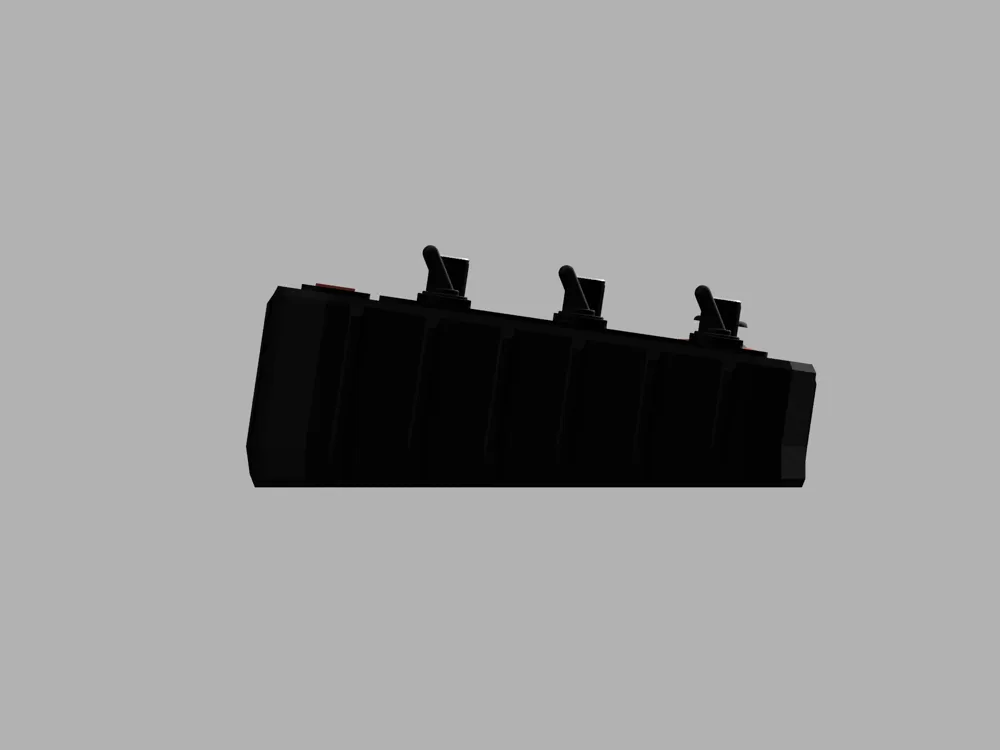
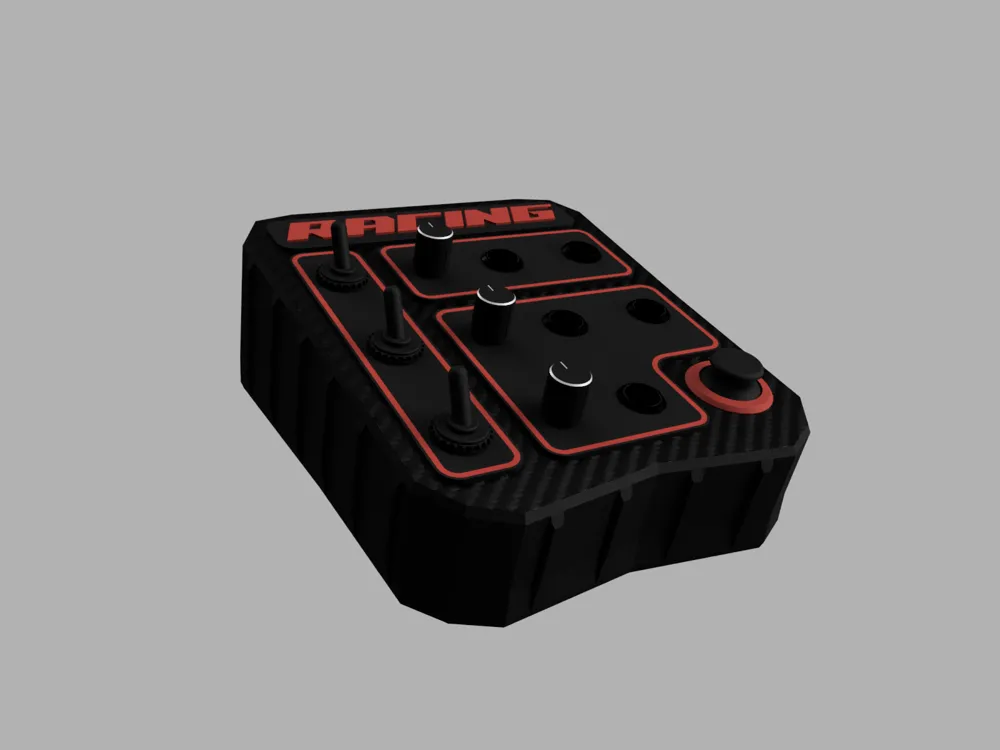
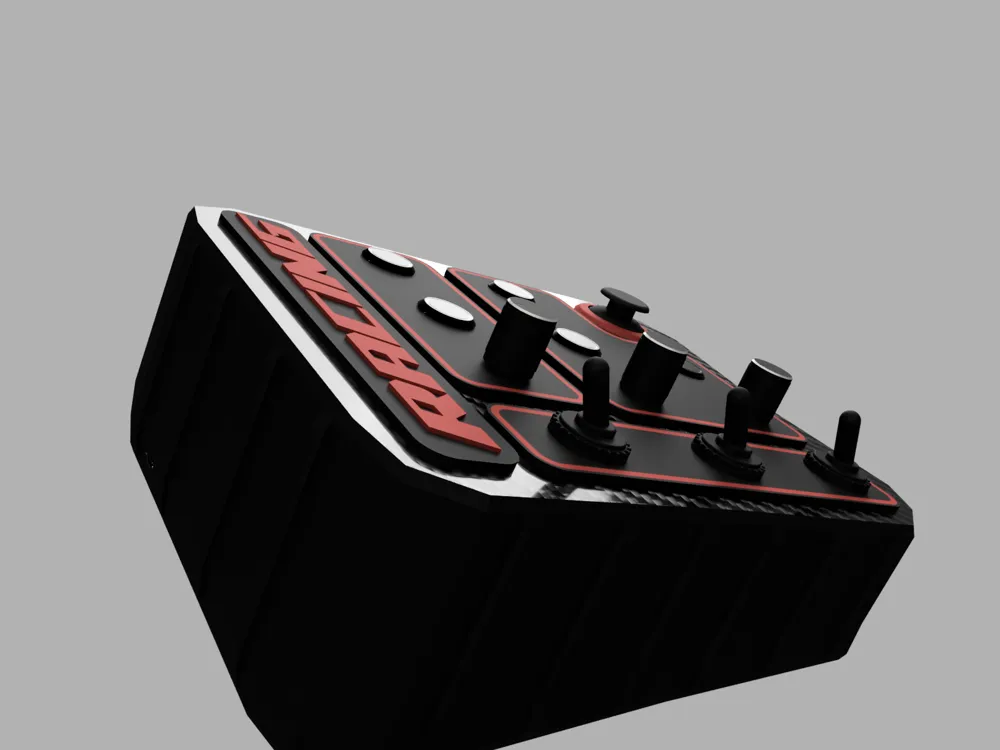
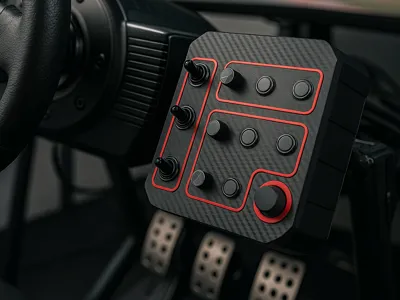
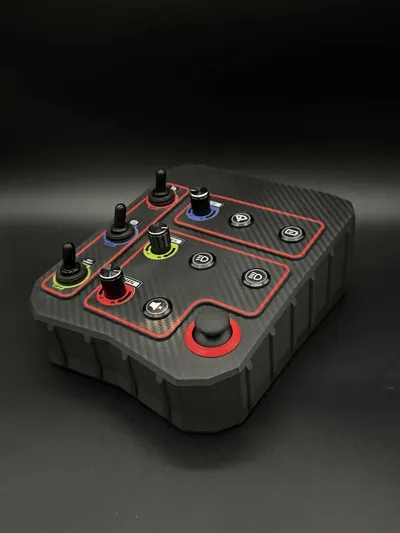
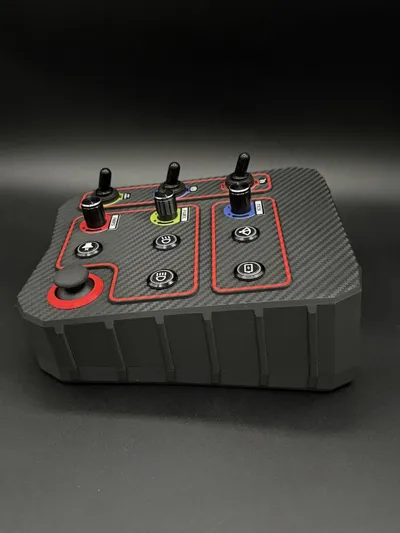
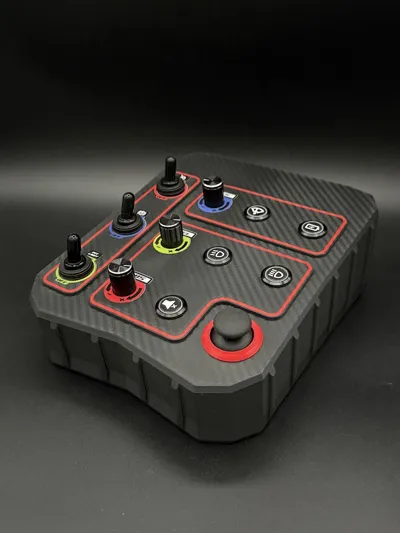
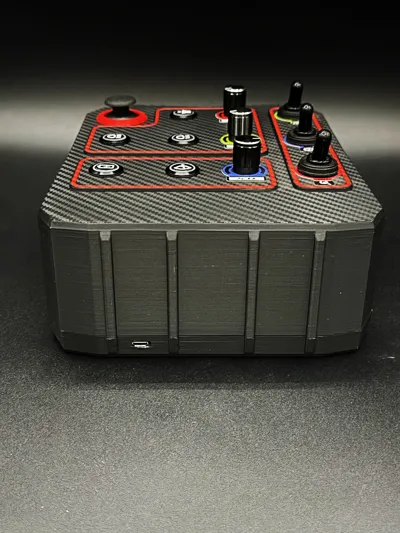
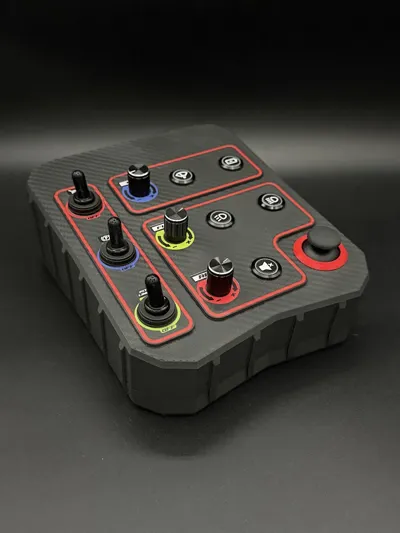
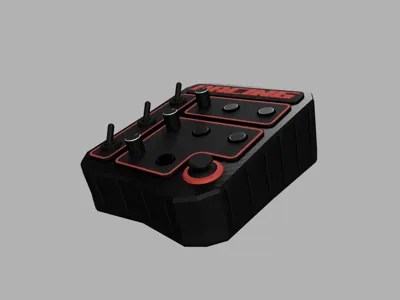
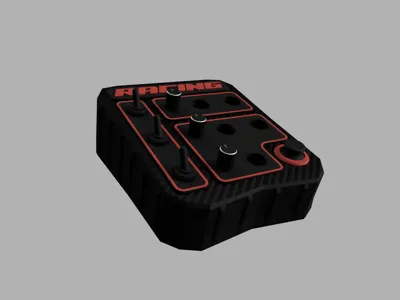
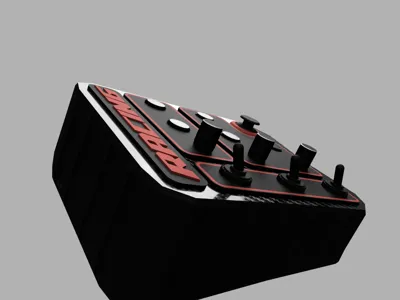
Button Box for Sim Racing – Unique 3D Project (STL File)
I am providing the 3D file for my button box, completely designed from scratch, conceived for sim racing and entirely made through 3D printing. It is not a copy: the design is original and unique.
The button box is designed to be assembled with easily available components (mainly from eBay or Aliexpress if you have patience – you will find dedicated links), and it is perfect for those who want to build a customized peripheral for their setup.
🔧 Main Features:
- Completely 3D printable structure
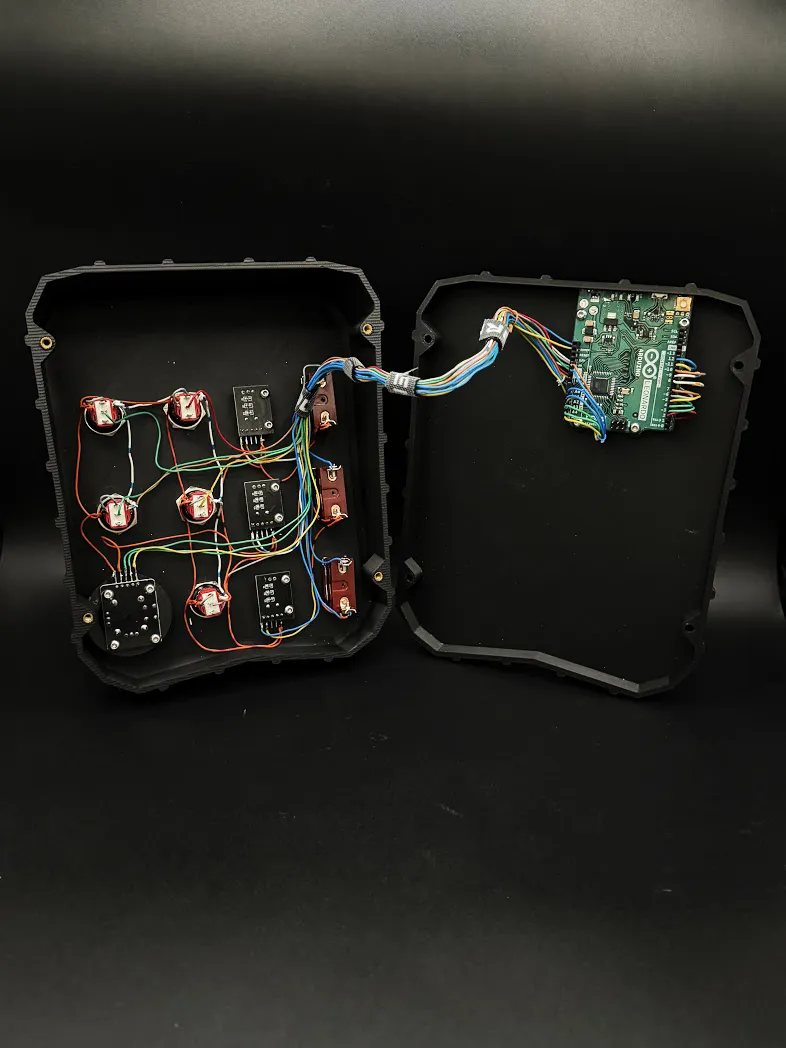
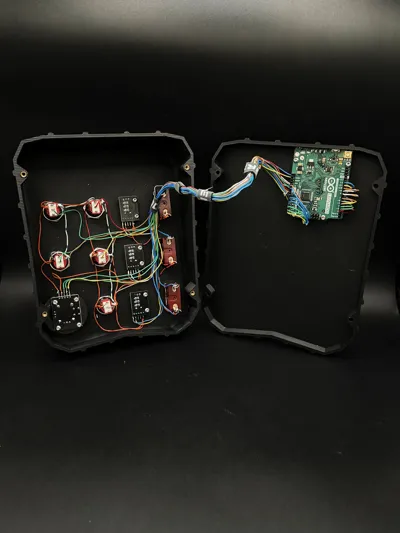
- Dedicated internal housing for Arduino Leonardo (not included)
- Perfectly compatible with PC
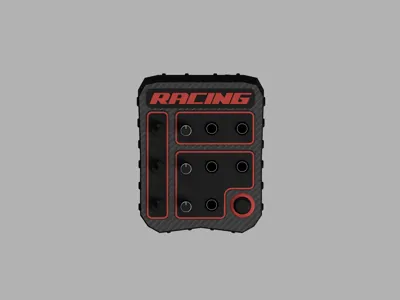
- Ergonomic and compact layout
🎮 Required Materials - not included:
- 3 ON/OFF toggle switches ( https://www.ebay.it/itm/187511861952 )
- 3 rotary encoders (ideal for TCS, ABS, engine maps, etc.) ( https://www.ebay.it/itm/187511942608 )
- 5 illuminated ON/OFF buttons ( https://www.ebay.it/itm/187512036856 )
- 1 gamepad-style analog joystick (PS5 controller type), usable as a mouse ( https://www.ebay.it/itm/187512007599 )
- 1 Arduino Leonardo ( https://short.do/vQi2x5 )
- 4 M4 threaded inserts
- 4 M4x20 countersunk screws
⚙️ Operation:
The button box works via Arduino Leonardo (not included).
It is sufficient to configure it to be recognized as a keyboard by the PC:
each button or control can be associated with a key (letters or numbers).
In this way, in racing simulators, you can:
- activate functions such as windshield wipers, lights, pit limiter, etc.
- adjust parameters such as TCS or ABS
- fully manage the game without using the keyboard
📌 Important notes:
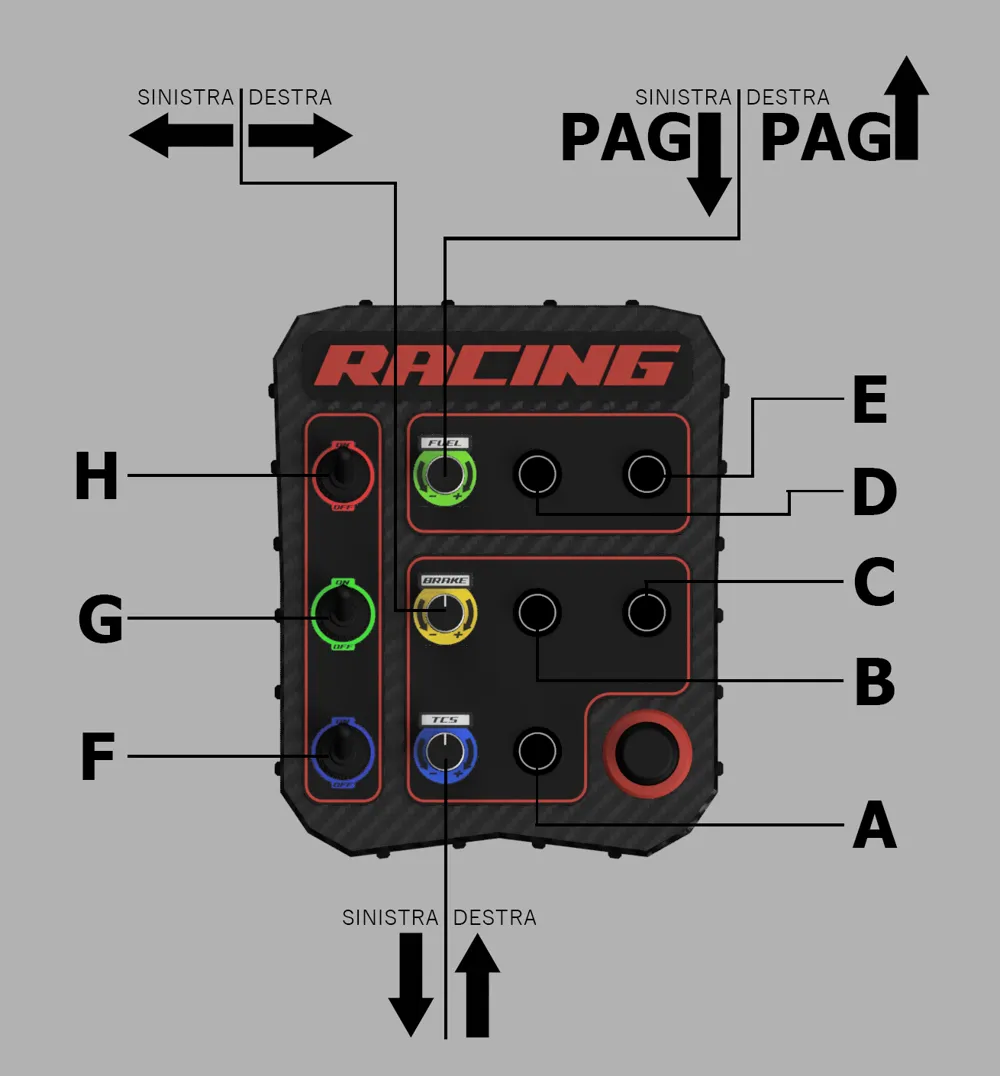
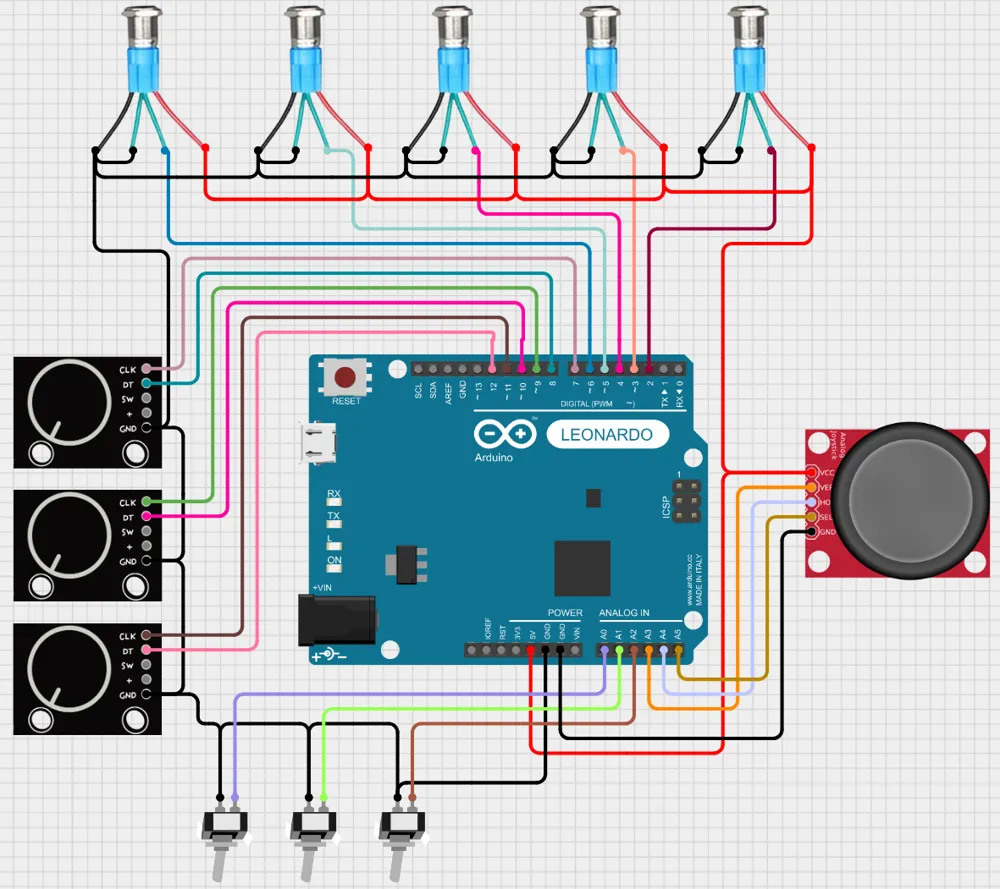
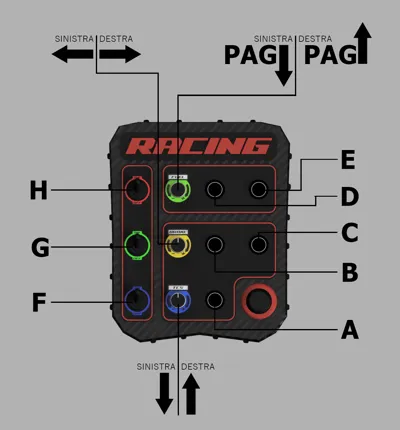
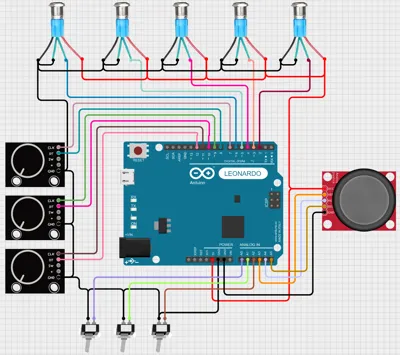
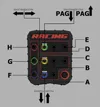
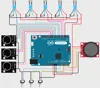
Attached you will find images of how I wired the button box and what keys I assigned to it.
Of course, that is my configuration, you could decide to set it to your liking.
As for Arduino programming, it is not very complex; numerous easy-to-follow guides are available online. The important thing is to understand the logic of the keyboard emulator. Each switch or rotary encoder on the button box must emulate a letter or a number on the keyboard.
Then, in-game, you should assign, for example, the letter A to the windshield wipers, and when you press the button to which you assigned the letter A via Arduino, the windshield wipers will activate.
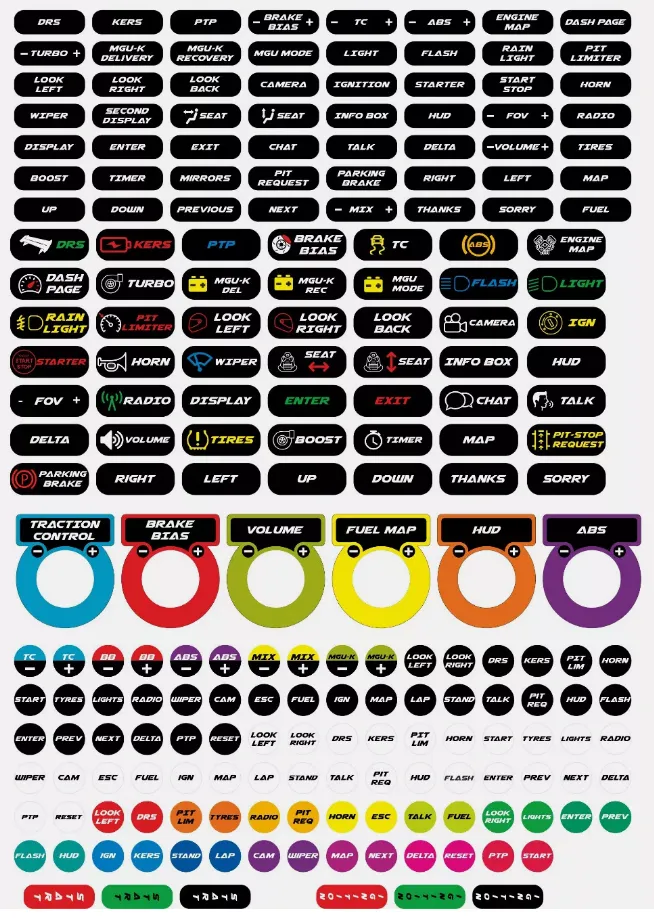
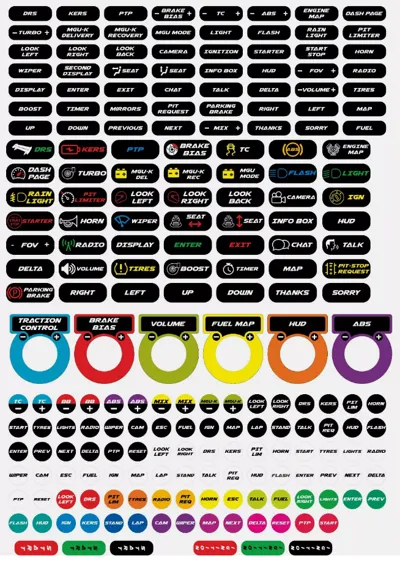
- Attached you will find a PDF with stickers that you can print to customize the graphics of your controls
Perfect for sim racing enthusiasts, makers, and anyone who wants a personalized and professional setup 🚗💨
Documentation (3)
License

You shall not share, sub-license, sell, rent, host, transfer, or distribute in any way the digital or 3D printed versions of this object, nor any other derivative work of this object in its digital or physical format (including - but not limited to - remixes of this object, and hosting on other digital platforms). The objects may not be used without permission in any way whatsoever in which you charge money, or collect fees.


Comment & Rating (10)