


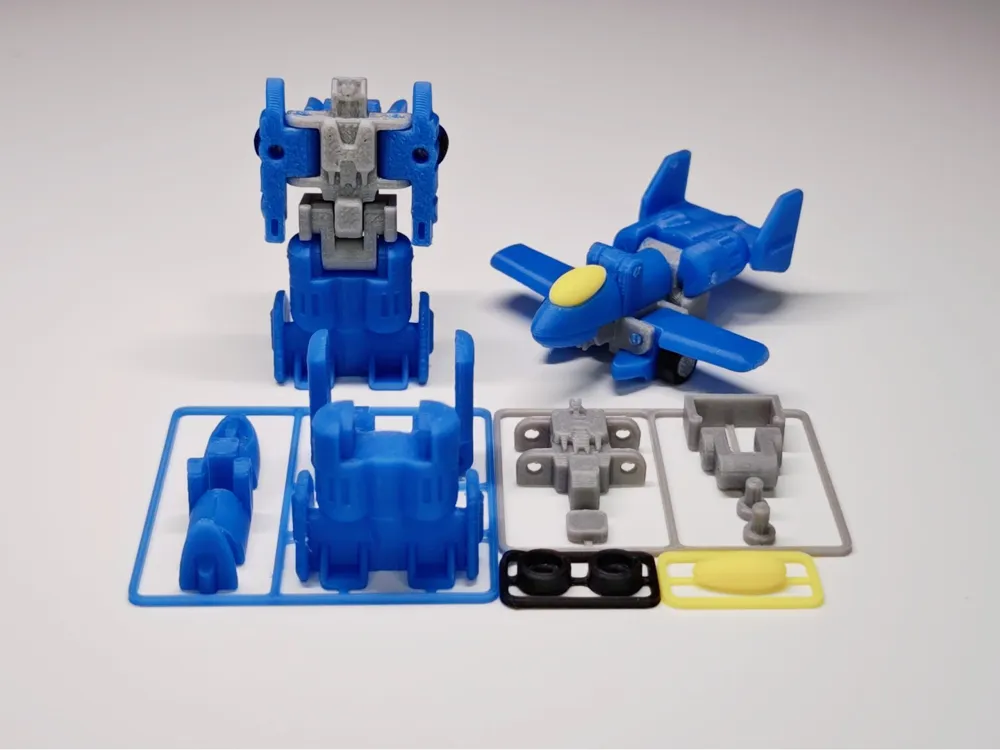
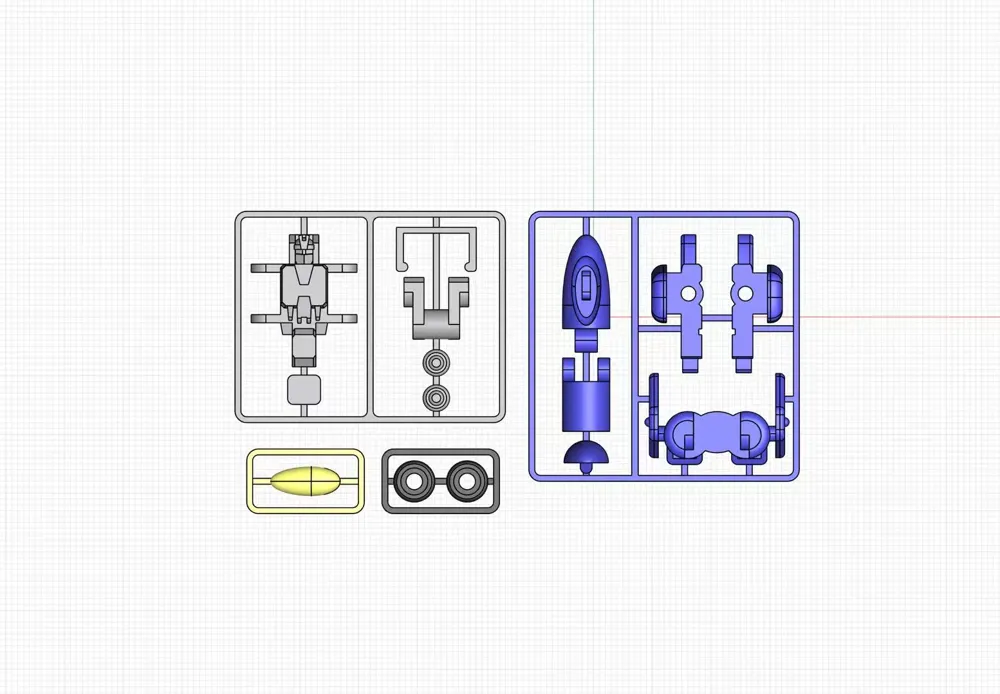
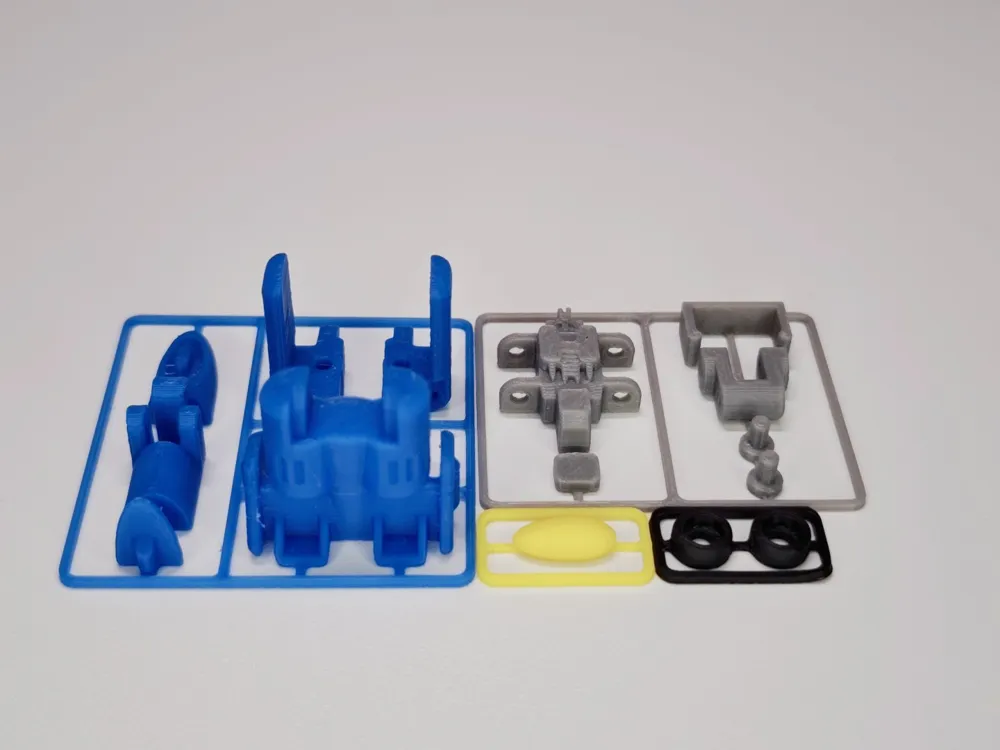
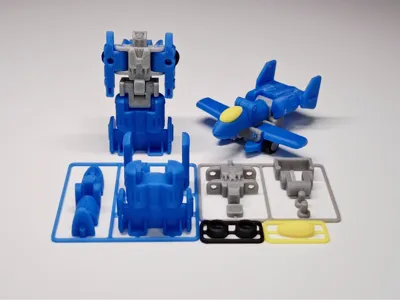
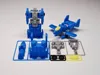
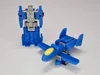
Transformers Mini Warriors kit card toy, buildable, articulated, transformable, multi-color robot, fast print


Print Profile(4)
Description
Boost Me (for free)
Thank you for your support, I wish you prosperity and happy playing
First installment: Brawl
https://makerworld.com.cn/models/1828232?appSharePlatform=copy
Second installment: Tidal Wave
https://makerworld.com.cn/models/1934187?appSharePlatform=copy
Third installment: Opening Shot & Power Punch
https://makerworld.com.cn/models/2073659?appSharePlatform=copy
Fourth installment: Laserbeak
https://makerworld.com.cn/models/2222294?appSharePlatform=copy
Fifth installment: Base (2/2)
https://makerworld.com.cn/models/2362182?appSharePlatform=copy
Sixth installment: Skullcruncher
https://makerworld.com.cn/models/2494096?appSharePlatform=copy
Seventh installment: Soundwave (1/2)
https://makerworld.com.cn/models/2554176?appSharePlatform=copy
About the model
I believe everyone is familiar with Transformers, and I hope you like them
This model is the completed part of the fifth installment: Fire Station Base
https://makerworld.com.cn/models/2362182?appSharePlatform=copy
I will continue to work on this series. Those who like it can follow me for communication
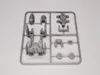
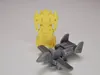
Each piece prints in 50 minutes, using 9g of filament. The short print time makes it easy to display. Assembly takes 5 minutes. The model is transformable, great for stalls, gifts for children, and a good helper for managing filament scraps
About installation
[Note] The connecting shaft requires filament strand

[Note] When installing the wheel part, first attach the wheel and shaft, place them on the edge of the desktop, align with the wing holes, and press down
About transformation

[Note] Due to repeated transformations or using other filaments, joints may become loose. Therefore, a snap-fit design has been added; please be careful during transformation
Finally, I wish everyone happy playing. Thank you for your support, which motivates me to continue. I read all comments but may not be able to reply promptly, please understand
Boost Me (for free)
Documentation (2)
License

You shall not share, sub-license, sell, rent, host, transfer, or distribute in any way the digital or 3D printed versions of this object, nor any other derivative work of this object in its digital or physical format (including - but not limited to - remixes of this object, and hosting on other digital platforms). The objects may not be used without permission in any way whatsoever in which you charge money, or collect fees.


Comment & Rating (26)