
Supports Calibration Test 0.15–0.30 Top Z-Distance
Print Profile(1)
Description
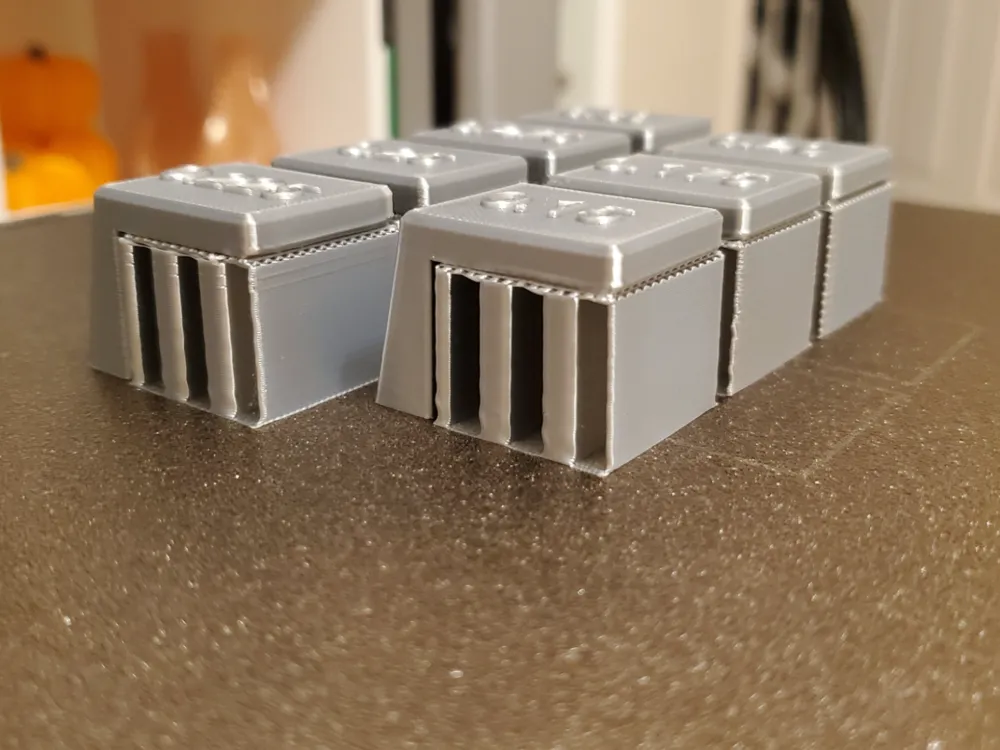
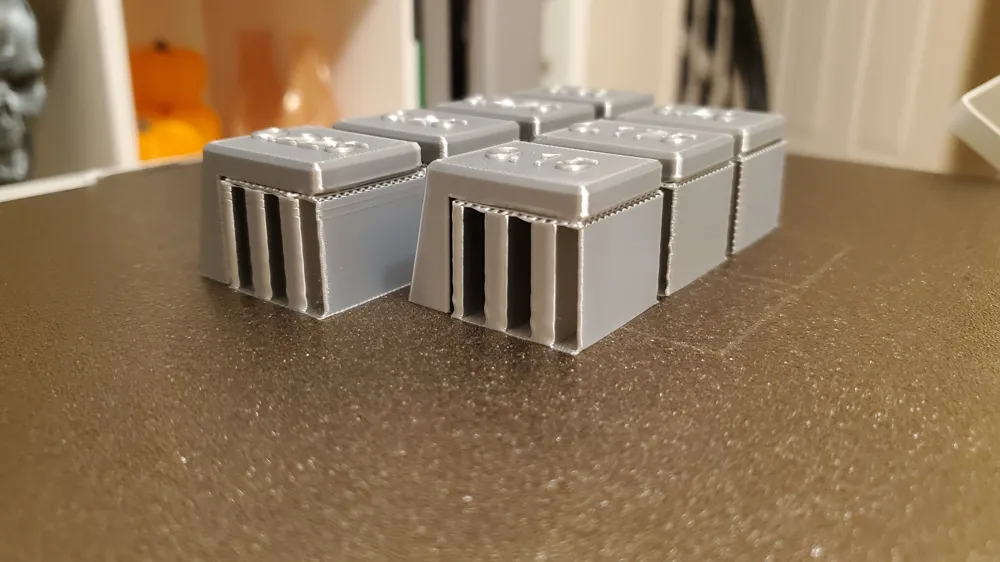
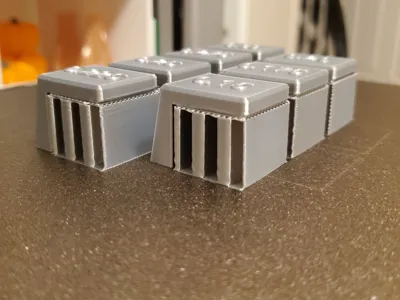
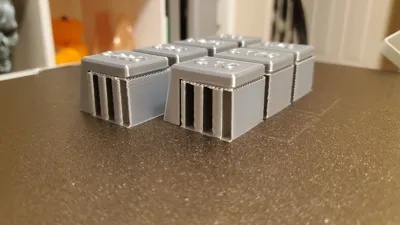
Dial in the perfect support settings for your 3D prints with this simple and effective Top Z Distance calibration test.
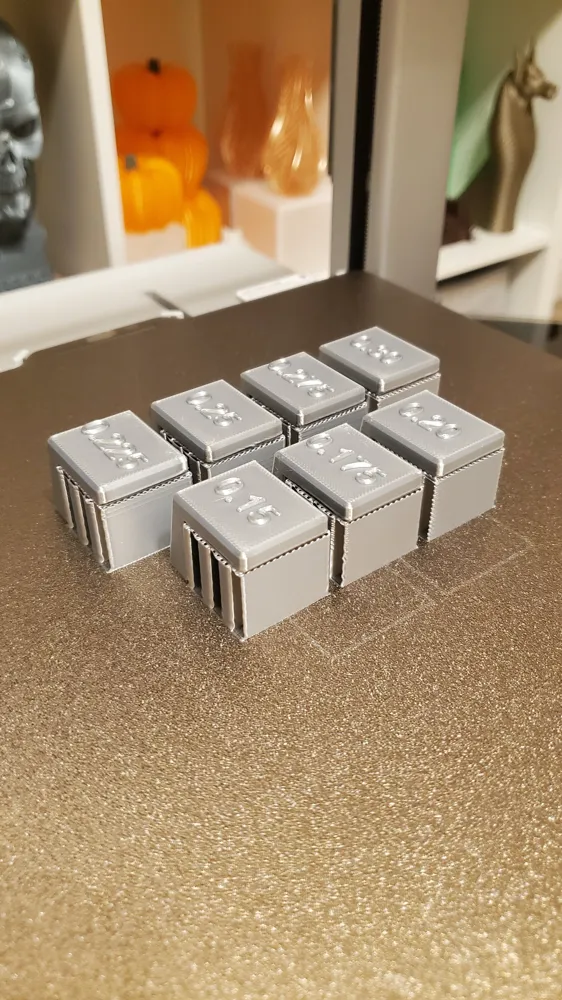
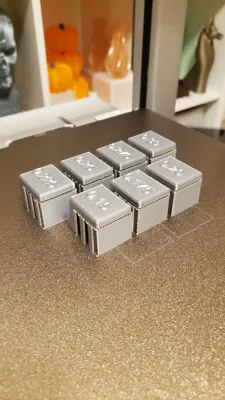
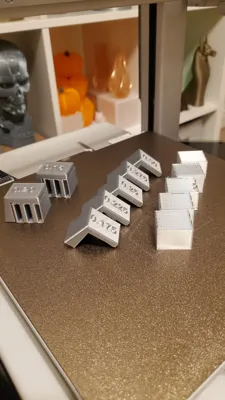
This model includes 7 individual test blocks, each designed with a different Top Z Distance value:
- 0.15 mm
- 0.175 mm
- 0.20 mm
- 0.225 mm
- 0.25 mm
- 0.275 mm
- 0.30 mm
Each block features a supported top surface and a clearly labelled value, allowing you to quickly compare:
- Support removal ease
- Surface quality
- Stringing or fusion issues
This is especially useful for tricky materials like Silk PLA, but it works great with standard PLA, PETG, and other filaments.
How to Use
- Print the full set in one go.
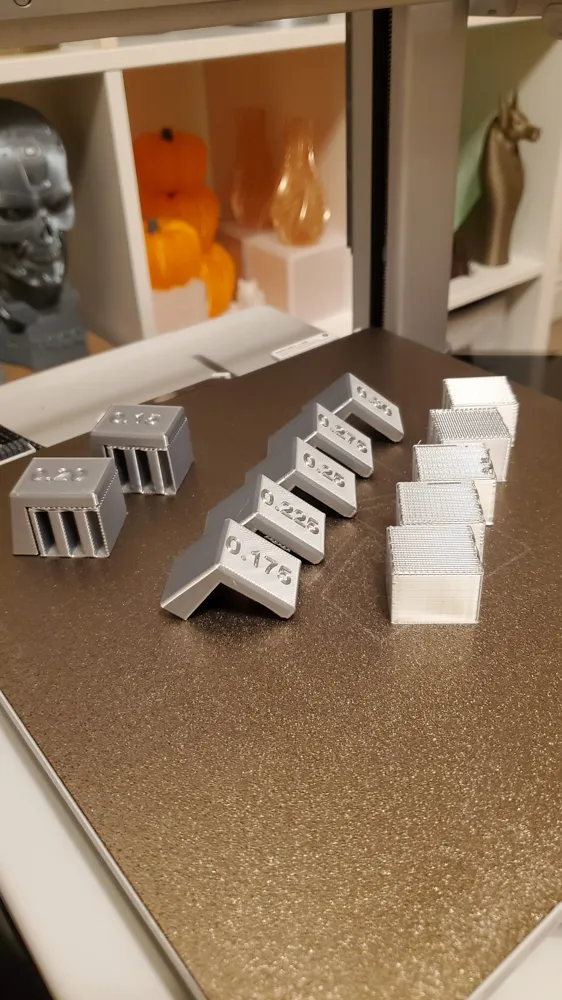
Remove the supports from each block. If a block is too difficult to cleanly remove, leave it as-is.
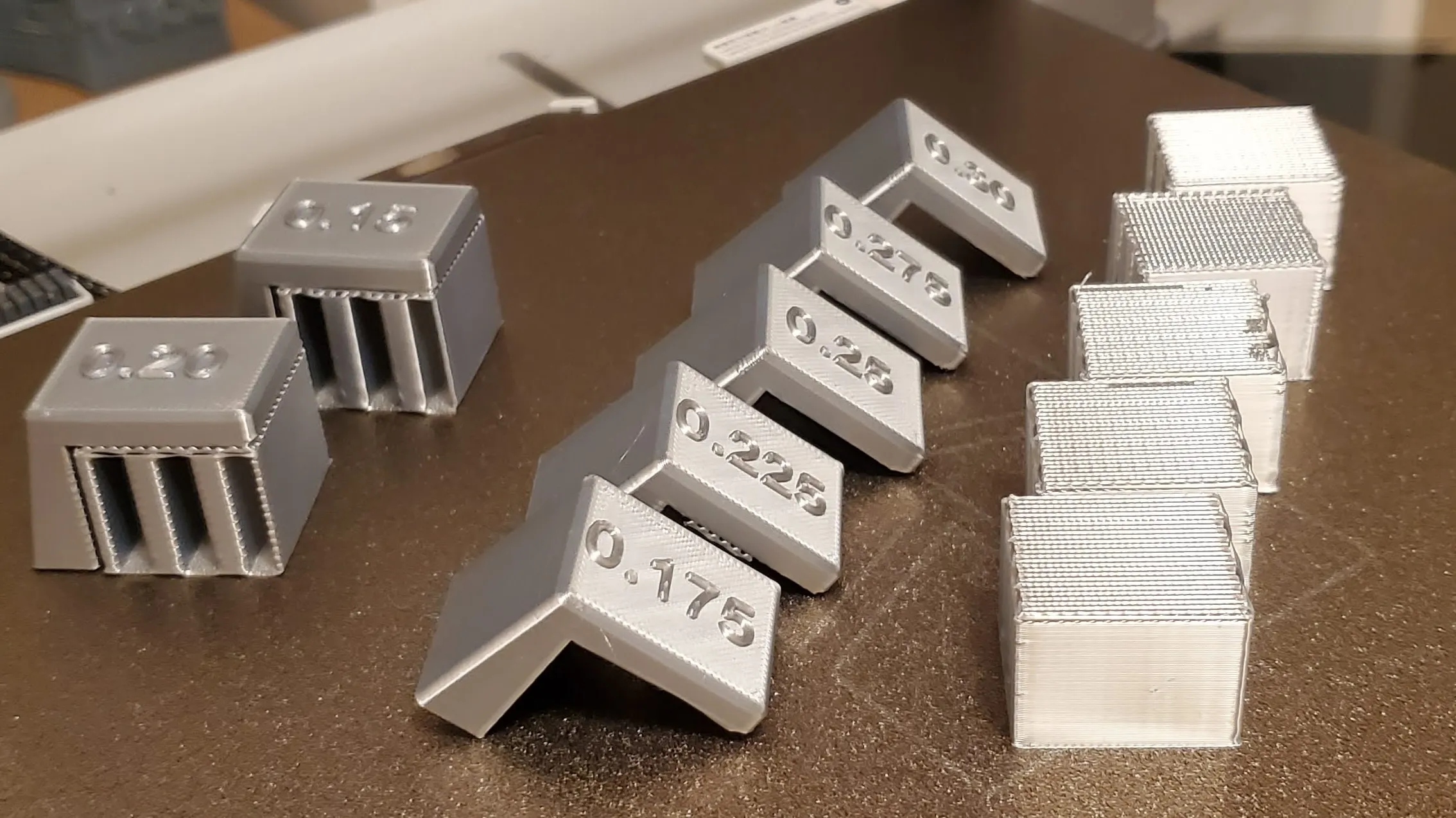
- To find the optimal support distance for the next print's easy removal, choose the second smallest value that removes cleanly (e.g. 0.225 on the image).
- For the best top surface quality, use any value except the smallest one (e.g. 0.225, 0.25, 0.275, 0.30 on the image).
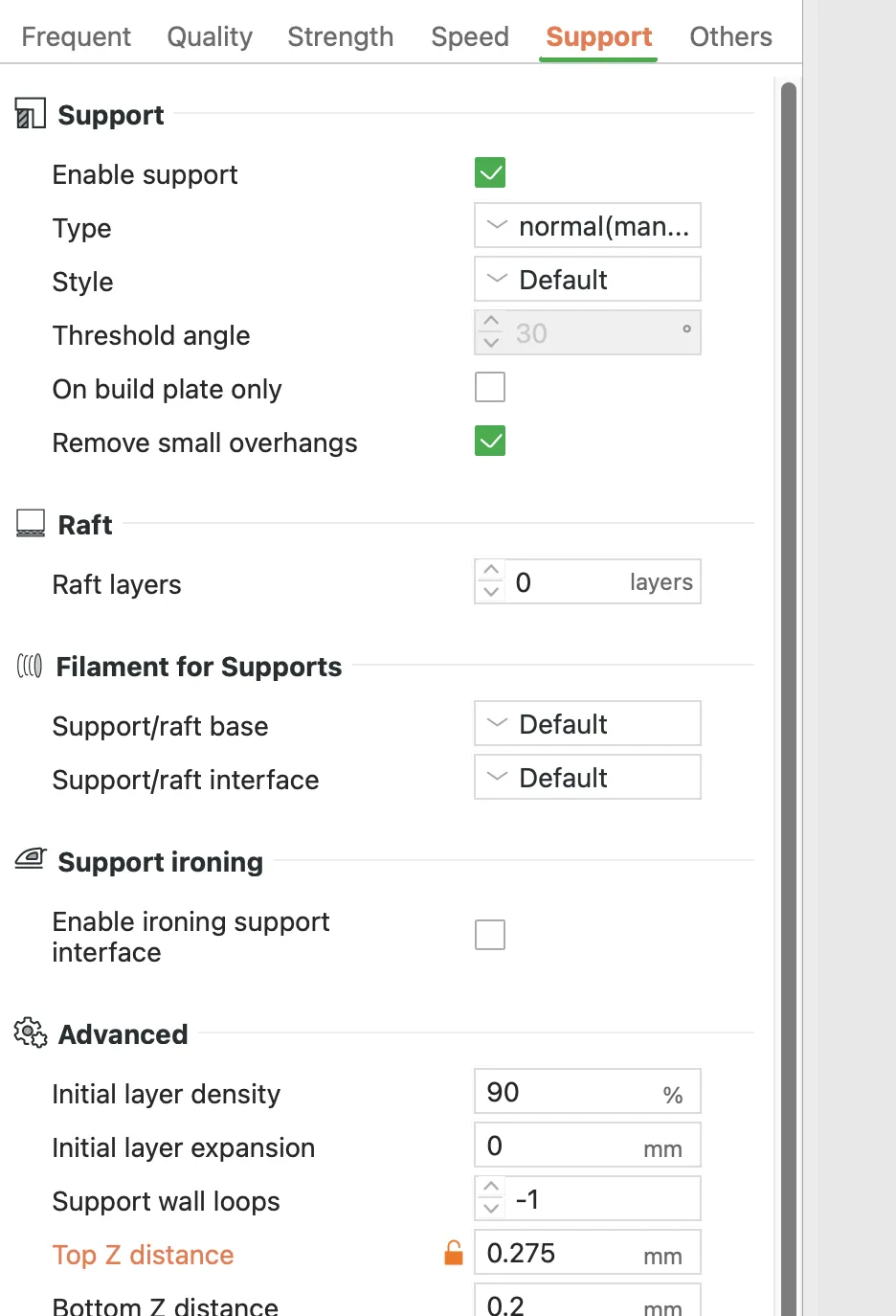
Apply the best-performing value to your print profile.
License

You shall not share, sub-license, sell, rent, host, transfer, or distribute in any way the digital or 3D printed versions of this object, nor any other derivative work of this object in its digital or physical format (including - but not limited to - remixes of this object, and hosting on other digital platforms). The objects may not be used without permission in any way whatsoever in which you charge money, or collect fees.


Comment & Rating (11)