
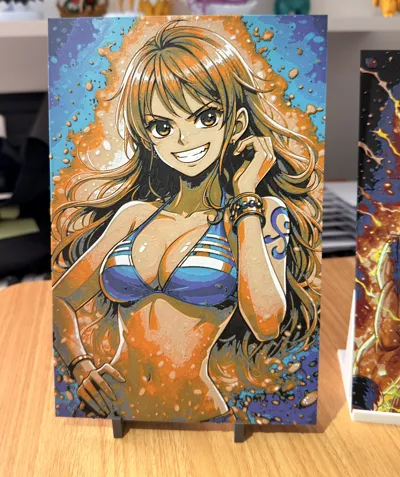
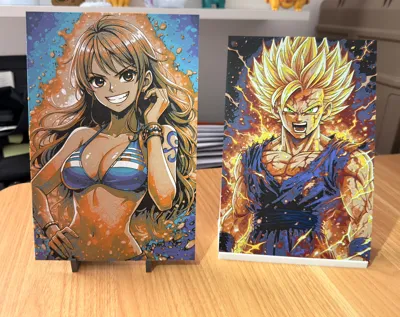
Nami - One Piece - portrait
Print Profile(1)

Description
🧩
Nami – One Piece Edition
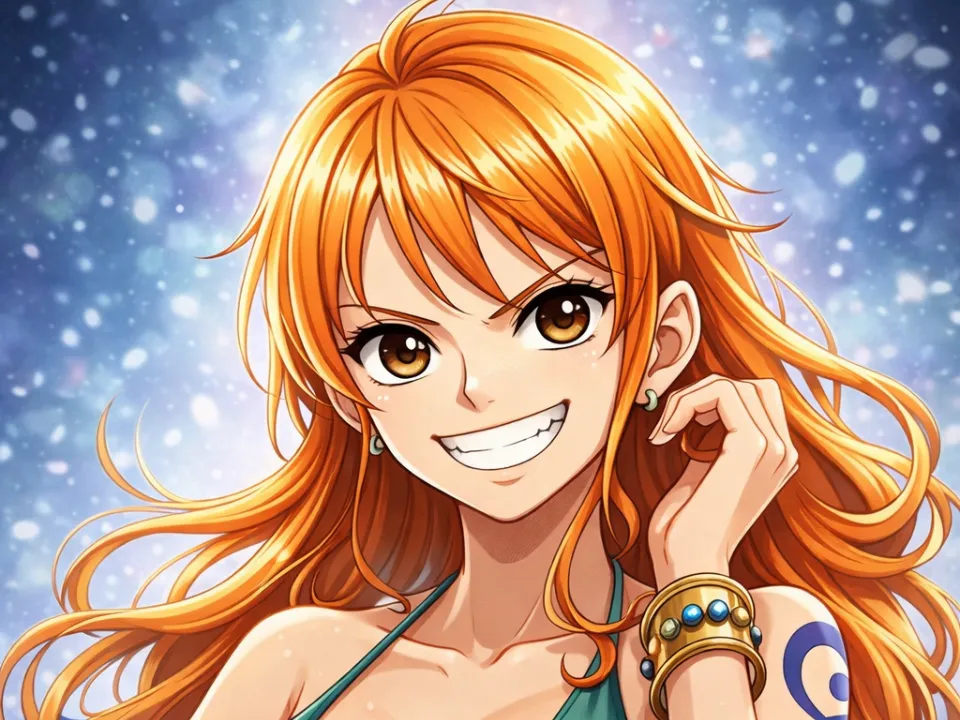
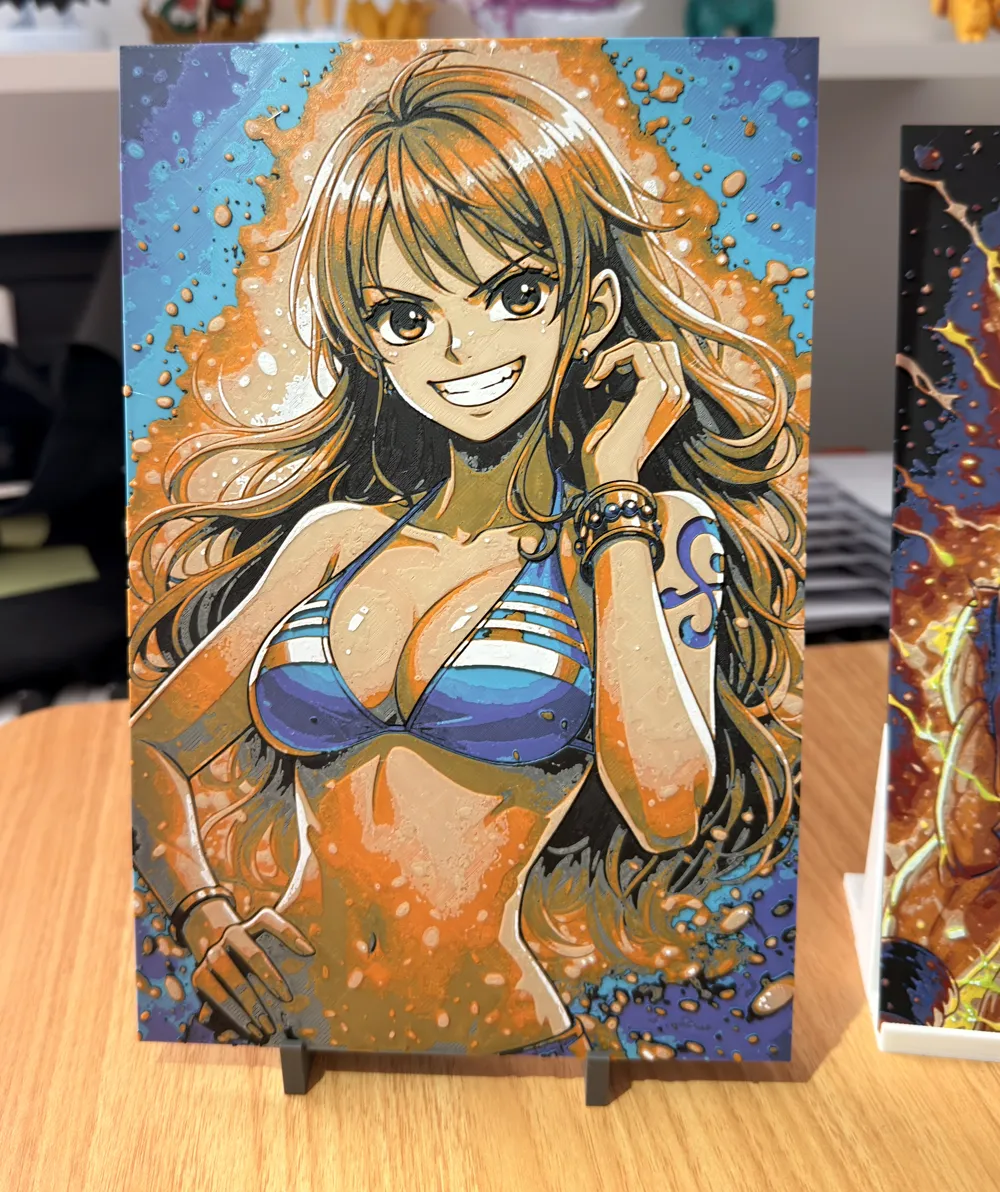
Dive into the legendary intensity of One Piece with this unique portrait of Nami, one of the most captivating characters from the Straw Hat crew.
Every detail has been crafted to capture all the power and rage of the character in a stunning 3D print.
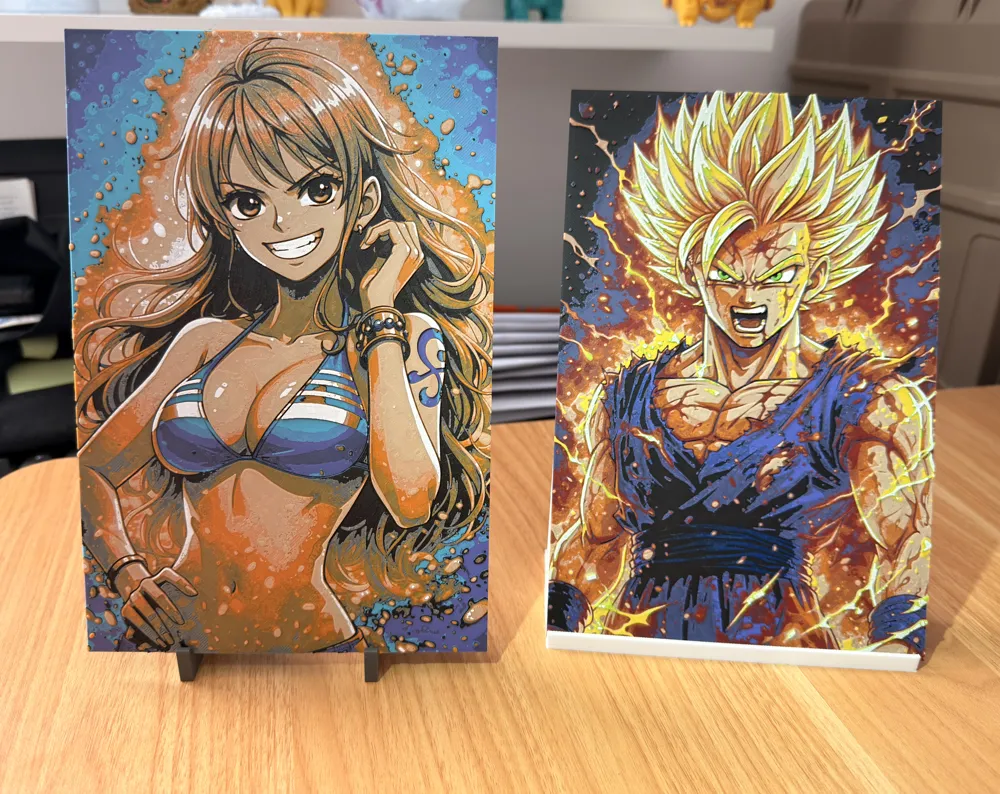
This model highlights contrasts and volumes for a striking visual effect, perfectly suited for Hueforge technology.
To support my work, you can send me a PayPal donation of any amount you wish (even 1 or 2 € or $ is appreciated) via this link: https://paypal.me/samgamji00
Boost Me (for free)
A simple click on “Boost” helps me a lot — and it costs you nothing! Thanks for the support ❤️
🔥
Highlights
- Ultra-precise facial details (gaze, scars, expression)
- Exceptional depth effect thanks to Hueforge mapping
- Optimized contrasts for a crisp and clean rendering
- Design specifically conceived for multi-color printing
🎨
Recommended Configuration
Number of colors used: 6
Black
Purple
Turquoise
Oak or Beige
Orange
White
For those without an AMS
- Black to start
- Pause at the 9th layer at the 1 hour 16 minute mark to insert purple
- Then, at the 11th layer at the 1 hour 47 minute mark to insert turquoise
- 13th layer at the 2 hour 13 minute mark to re-insert black
- 17th layer at the 3 hour 35 minute mark to insert oak or beige
- 18th layer at the 4 hour 01 minute mark for orange
- 23rd layer at the 5 hour 26 minute mark to re-insert oak or beige- 27th layer at the 6 hour 00 minute mark for white
For those with an AMS
You'll need to make a change in your AMS, but it's nothing complicated, I'll explain.
Start by placing black in AMS slot 1, purple in slot 2, turquoise in slot 3, and oak or beige in slot 4.
Set an alarm for approximately 2 hours and 15 minutes and wait for it to start printing black. As soon as it starts printing black, remove the purple and turquoise from the AMS and replace the purple with orange, and the turquoise with white.
And then just let it print until the end.
It might seem complicated, but it's actually very simple.
⚙️ Recommended Print Settings
- Layer height: 0.08 mm (top quality)
- Total thickness: ~2 to 2.4 mm
- Good calibration recommended
🧠
Tips
For optimal results:
- Use quality filament (Bambu / Sunlu / eSun)
💥
Why this model is special
This Hueforge is more than just an image:
it's an artistic piece that brings one of One Piece's most iconic characters to life with a stunning embossed effect once printed.
🙌
Support
If you like the model:
- Leave a like 👍
- Share your print 📸
- A boost would be appreciated
- Follow me for more Hueforge creations 🔥
For all those who wish to support my work and help me fund filaments and work hours, my PayPal is available. Even the smallest amounts are welcome. Thank you
Paypal
License

You shall not share, sub-license, sell, rent, host, transfer, or distribute in any way the digital or 3D printed versions of this object, nor any other derivative work of this object in its digital or physical format (including - but not limited to - remixes of this object, and hosting on other digital platforms). The objects may not be used without permission in any way whatsoever in which you charge money, or collect fees.


Comment & Rating (10)