
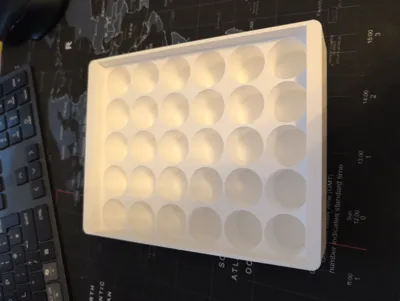
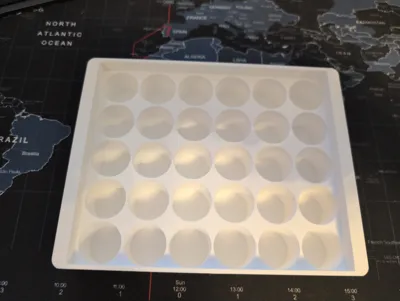
Parametric Multi-Zone Vial Tray (10ml 3ml, etc).










Print Profile(1)

Description
Parametric Multi-Zone Vial Tray
OpenSCAD parametric vial insert — fully configurable dimensions and wall thicknesses
Description
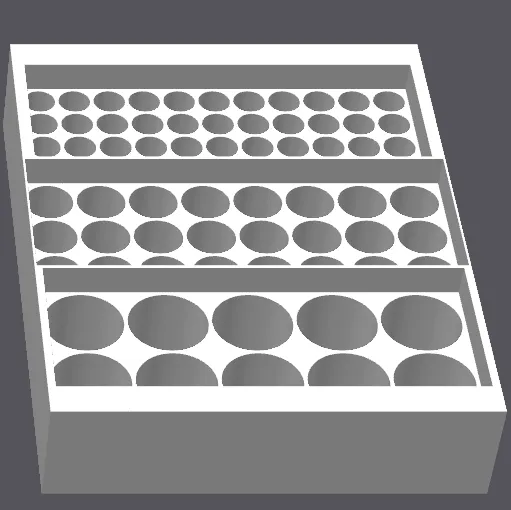
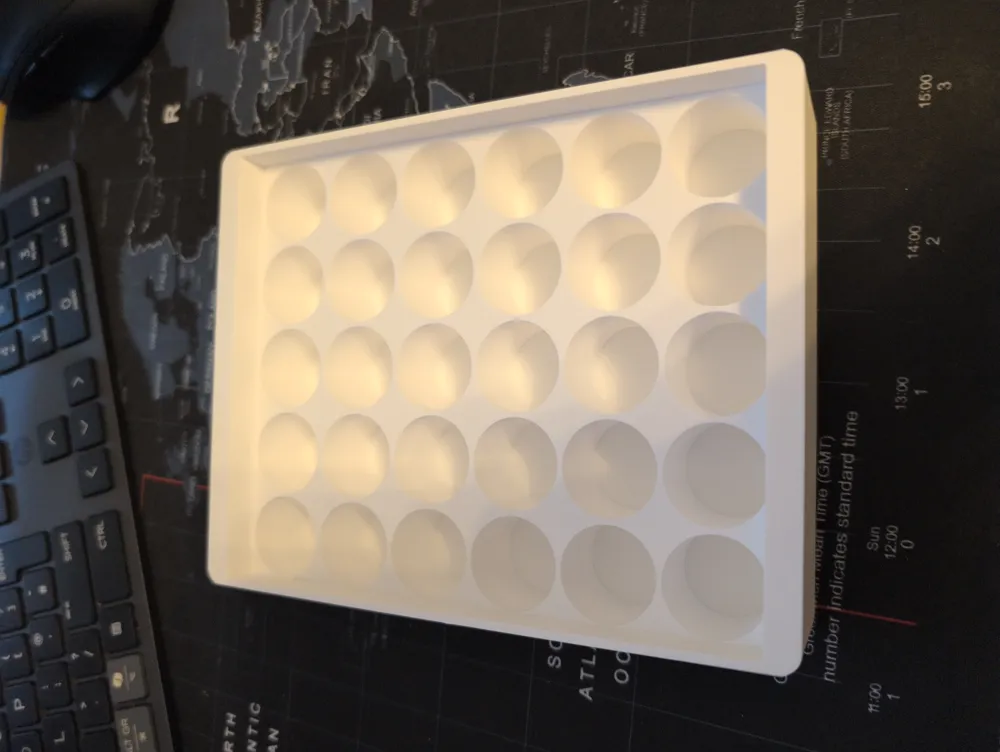
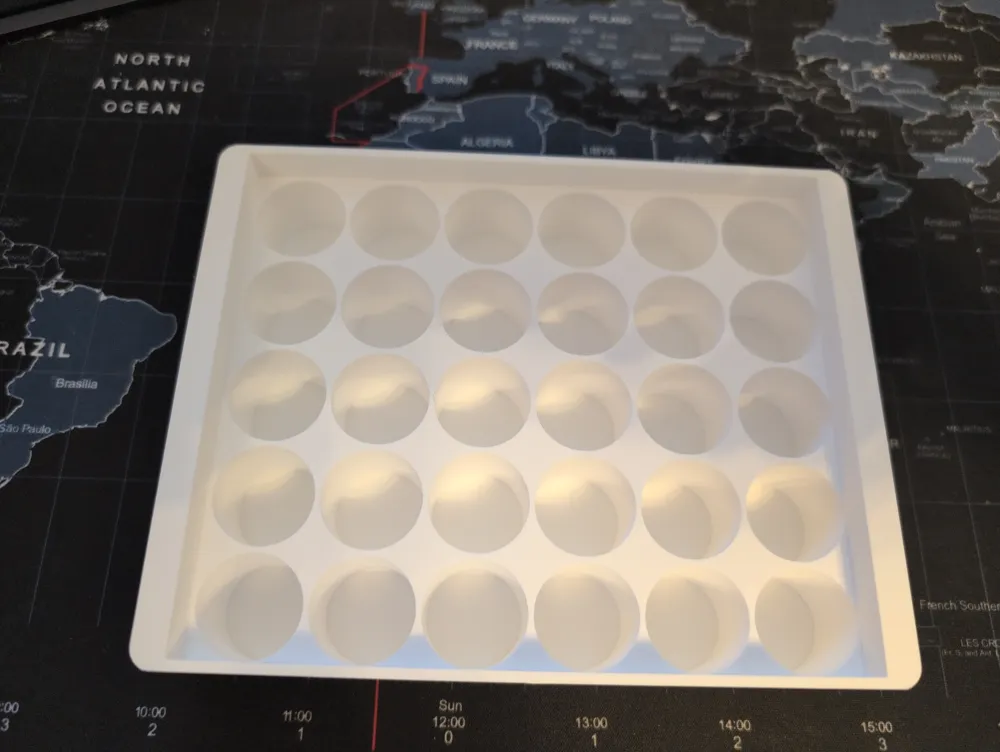
A fully parametric OpenSCAD vial tray with configurable outer dimensions, wall thicknesses, and vial layout. The tray is divided into up to three independent zones, each holding a different vial diameter, so you can organise multiple vial sizes in a single insert.
Everything is driven by a small block of variables at the top of the file — change a number, re-render, and the whole tray updates automatically. No manual geometry editing required.
Key Features
- Multi-zone layout 1, 2, or 3 independent vial zones in a single tray
- Per-zone vial diameter Set any diameter per zone; columns fill the usable interior width automatically
- Configurable row count Specify exactly how many rows each zone should have
- Independent outer wall thicknesses Set left/right wall thickness (OWX) and front/back wall thickness (OWY) independently
- Configurable height Total tray height (CASE_Z) is freely configurable; inner wall height (INNER_Z) scales with it
- Dropped inner walls Outer walls sit at full CASE_Z height; inner walls between holes drop to INNER_Z so vials are easy to grip
- Exact case fit XY footprint constrained to 131 × 167 mm — the tray will never exceed the case in plan
- Validation output Console echoes column counts, vial totals, wall margins, and usable interior dimensions before printing
Parameters
All user-configurable parameters are grouped at the top of the file under the USER CONFIGURATION section.
| Parameter | Default | Units | Description |
| NUM_ZONES | 3 | — | Number of vial zones: 1, 2, or 3. Zones beyond this value are ignored. |
| Z1_DIAM | 24.05 | mm | Vial diameter for zone 1. Add 0.5–1 mm tolerance if needed. |
| Z1_ROWS | 2 | rows | Number of rows for zone 1 (Y direction). |
| Z2_DIAM | 15.0 | mm | Vial diameter for zone 2. Ignored if NUM_ZONES < 2. |
| Z2_ROWS | 3 | rows | Number of rows for zone 2. Ignored if NUM_ZONES < 2. |
| Z3_DIAM | 10.0 | mm | Vial diameter for zone 3. Ignored if NUM_ZONES < 3. |
| Z3_ROWS | 4 | rows | Number of rows for zone 3. Ignored if NUM_ZONES < 3. |
| WA | 1.2 | mm | Wall thickness between holes and between zone dividers. |
| OWX | 2.0 | mm | Outer wall thickness on the left and right sides (X axis). Sets the minimum wall; any remaining space is split as inner margin. |
| OWY | 2.0 | mm | Outer wall thickness on the front and back (Y axis). Sets the minimum wall; any remaining space is split as inner margin. |
| CASE_Z | 34.2 | mm | Total tray height. Change freely to match your case depth. |
| INNER_Z | 24.2 | mm | Height of the inner walls between holes. Must be less than CASE_Z. Outer walls remain at full CASE_Z. |
| SD | 1.0 | mm | Bottom thickness below the vial holes. |
The CASE_X and CASE_Y values (131 and 167 mm) can be changed to adapt the tray for a different case footprint.
How the Layout is Calculated
Understanding this helps you choose wall thicknesses and row counts that fit correctly.
Columns (X direction)
Columns are calculated automatically for each zone using the usable interior width:
usable_X = CASE_X - 2 × OWX columns = floor( usable_X / (vial_diameter + WA) )
Any space left after fitting whole columns is split equally as additional inner margin on top of OWX. The console reports this remainder as the X wall value per zone.
Rows (Y direction)
You specify the rows. The tray calculates Y space consumed by your rows plus zone dividers, then splits whatever remains equally between front and back — on top of OWY. The console reports this inner margin separately from OWY.
If the inner Y margin goes negative your rows are too large — reduce row counts until the console shows a positive value.
Height
Set CASE_Z to your case depth. INNER_Z controls how high the walls between holes rise — the difference (CASE_Z − INNER_Z) is how much of the vial protrudes above the inner walls for easy gripping. Keep INNER_Z at least SD + a few mm below CASE_Z.
Validation output
After rendering, check the OpenSCAD console for lines like:
Outer dimensions: 131 x 167 x 34.2 mm Outer walls: X=2 mm each side Y=2 mm each side Inner usable: 127 x 163 mm Inner Y margin (each side, inside OWY): 2.35 mm Zone 1: 5 cols x 2 rows = 10 vials X wall=0.38 mm余 Zone 2: 7 cols x 3 rows = 21 vials X wall=0.43 mm余 Zone 3: 10 cols x 4 rows = 40 vials X wall=1.0 mm余 Total vials = 71 Inner wall height: 24.2 mm Outer wall height: 34.2 mm
The X wall value shown per zone is the inner margin beyond OWX. If any zone shows a very small value (under ~0.8 mm) consider increasing OWX or adjusting the vial diameter.
Instructions
- Either click customise on Maker Lab or Download and open the .scad file in OpenSCAD (version 2021.01 or later recommended).
- Set NUM_ZONES to 1, 2, or 3 depending on how many vial sizes you need.
- Set the diameter and row count for each active zone (Z1_DIAM, Z1_ROWS, etc.).
- Set OWX and OWY to your desired outer wall thicknesses for the left/right and front/back sides respectively.
- Set CASE_Z to your case depth, then set INNER_Z to control how high the inner walls rise (must be less than CASE_Z).
- Press F5 (preview) or F6 (render). Check the console output to confirm the inner Y margin is positive, wall values look reasonable, and vial counts are correct.
- Export as STL (F7) and slice as normal.
Suggested Print Settings
| Setting | Recommendation |
| Material | PLA or PETG |
| Layer height | 0.2 mm |
| Infill | 15–20% — the walls carry all the load |
| Perimeters / walls | 3 or more for strong hole walls |
| Supports | None required — all overhangs are vertical |
| Orientation | Print flat (Z up), no rotation needed |
Tips & Notes
- Add 0.5–1.0 mm to your vial diameter for a comfortable fit. Tight tolerances vary by printer — print a single-hole test before committing to the full tray.
- If your vials have a lip or flange at the top, the dropped inner walls (INNER_Z) will expose it for easy removal.
- For a single vial size across the whole tray, set NUM_ZONES = 1 and only configure Z1_DIAM and Z1_ROWS.
- Zone order runs front-to-back (Y direction): zone 1 is nearest Y=0, zone 3 is furthest.
- OWX and OWY set the minimum outer wall. If the vial grid leaves extra space, it is added inside the outer wall as margin — the physical wall will be at least OWX or OWY thick.
- The WA wall between zones is solid material acting as a physical divider between vial sizes.
- CASE_X and CASE_Y are fixed at 131 × 167 mm. Only CASE_Z is intended to be changed for different case depths.
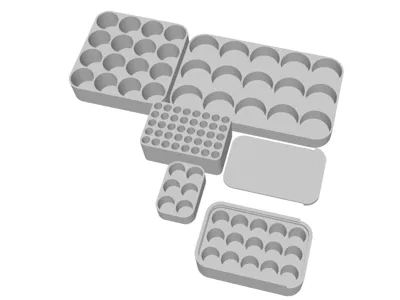
This is a REMIX of Customizable Vial Rack / Holder / Organizer by Flying4T - Thanks
This remix is based on

License



Comment & Rating (5)