Search models, users, collections, and posts

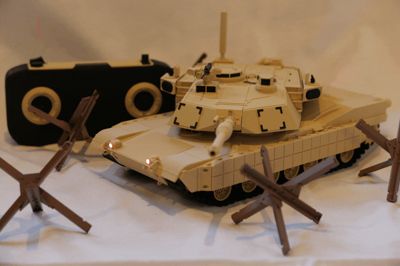

RC Cyberbrick Tank M1A2 Abrams SEPv3 1:30

IP Report
GIF
GIF
GIF
GIF
GIF

Print Profile(3)

All
P1S
P1P
X1E
H2D Pro
X1 Carbon
H2C
H2D
P2S
X1
A1
H2S
X2D
A2L
A1 mini

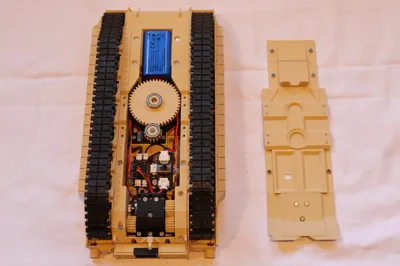
M1 Cyberbrick mechanical components
Designer
7.4 h
8 plates
4.9(8)

Print in place Tracks (x38)
Designer
1.8 h
1 plate
5.0(3)

Individual track links x80
4 h
1 plate

Open in Bambu Studio
Boost
180
465
61
32
182
67
Released 

Bill of Materials

Maker's Supply Kits and Parts
Select all
Beginner Hardware Kit - ZK004 (1 Vehicle, 1 Remote)
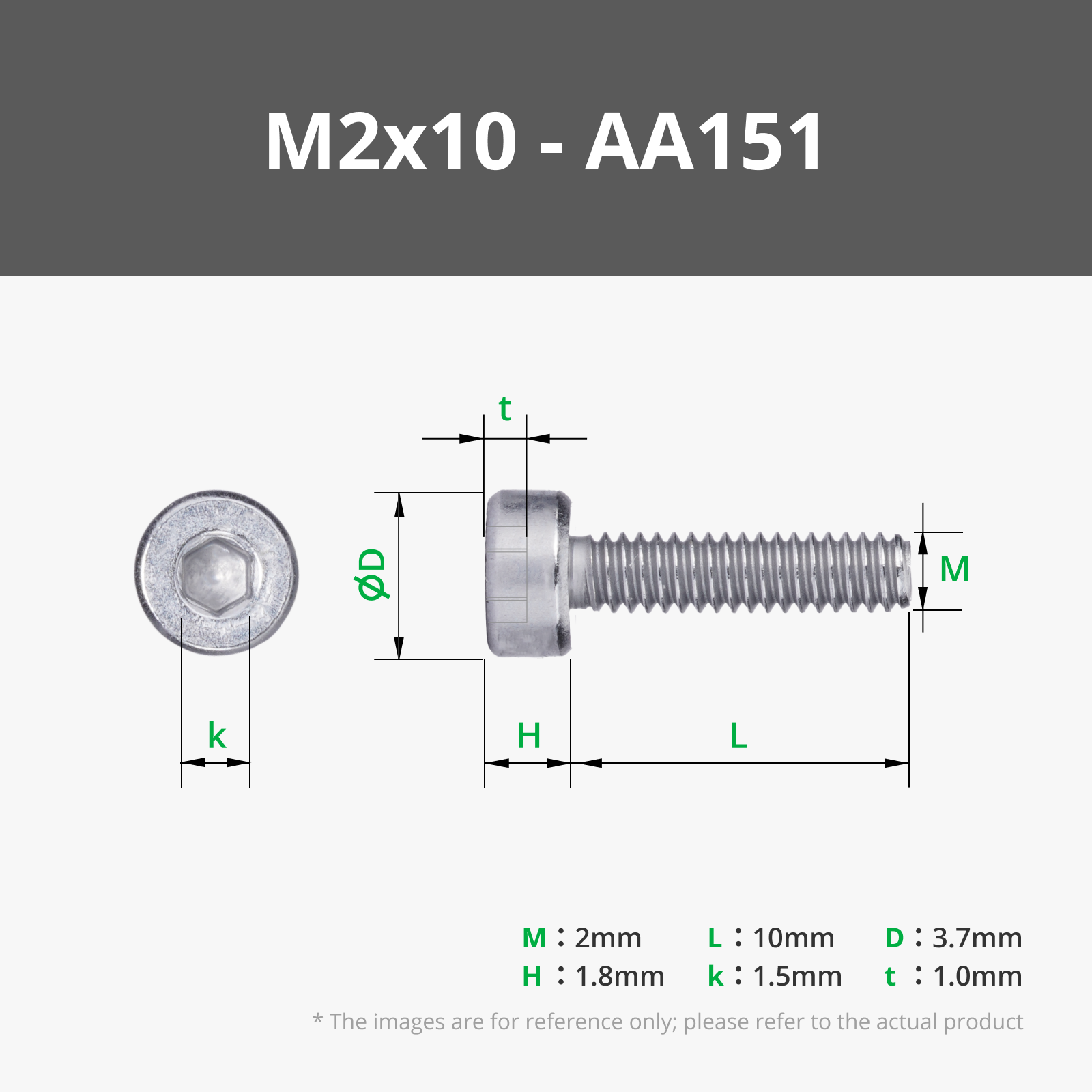
M2x10 SHCS Machine Screw (20PCS) - AA151
D4x2 mm Round Magnet (20PCS) - CA001
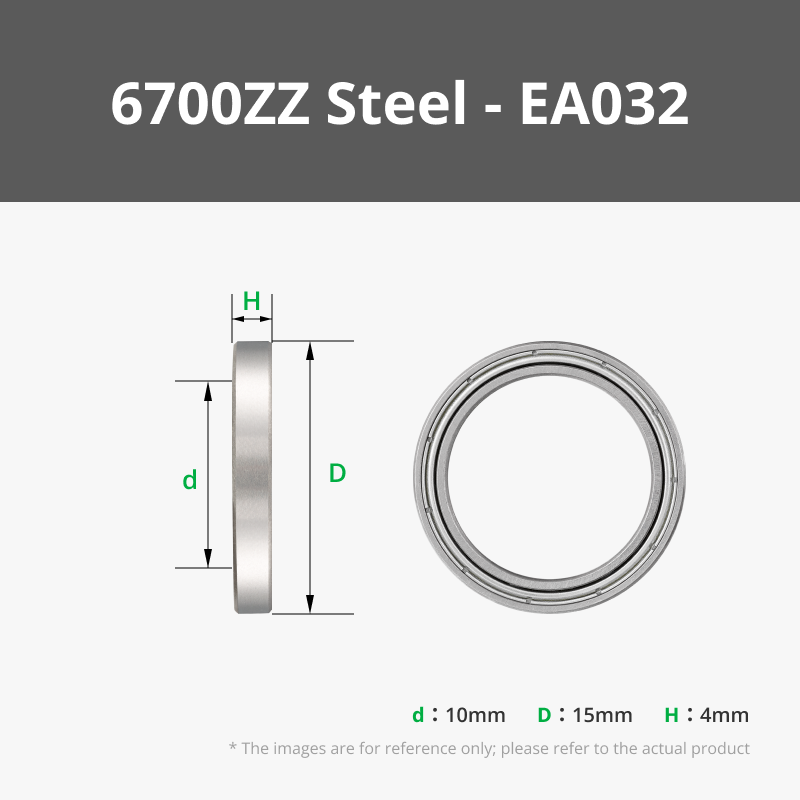
6700ZZ (2PCS) - EA032
6704ZZ (1PCS) - EA005
MR85ZZ (6PCS) - EA013
N20 Reduction Gear Motor 150rpm (1PCS) - LA002
WS2812 LED Hub with 3Pin SH1.0 Connector (1PCS) - XA006
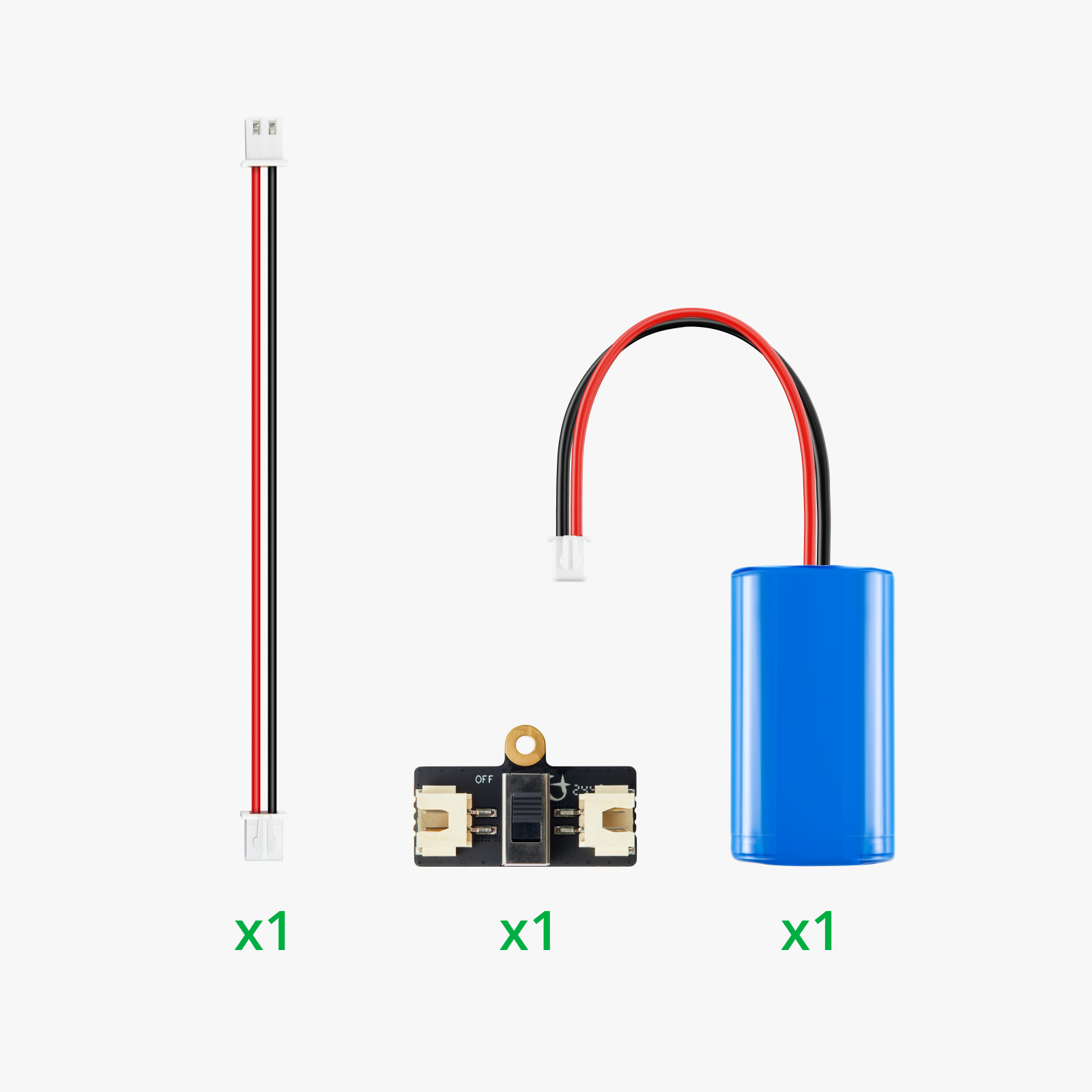
Extra Rechargeable Battery Upgrade Kit - ZL003
Bambu Filaments
Select all
Matte Desert Tan (11401) / Refill / 1kg
Matte Charcoal (11101) / Refill / 1kg

Description

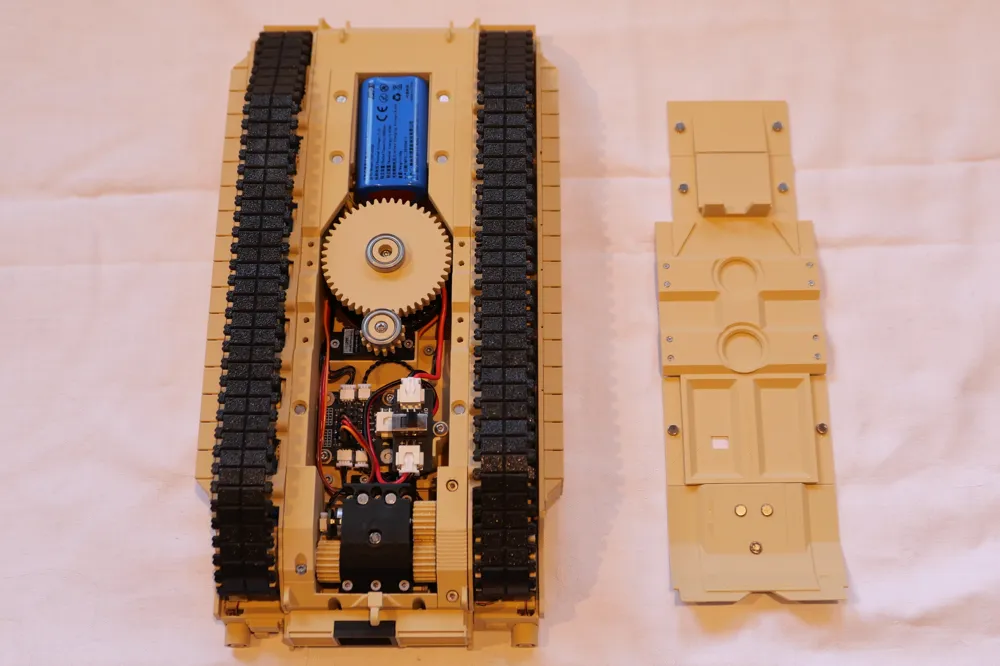
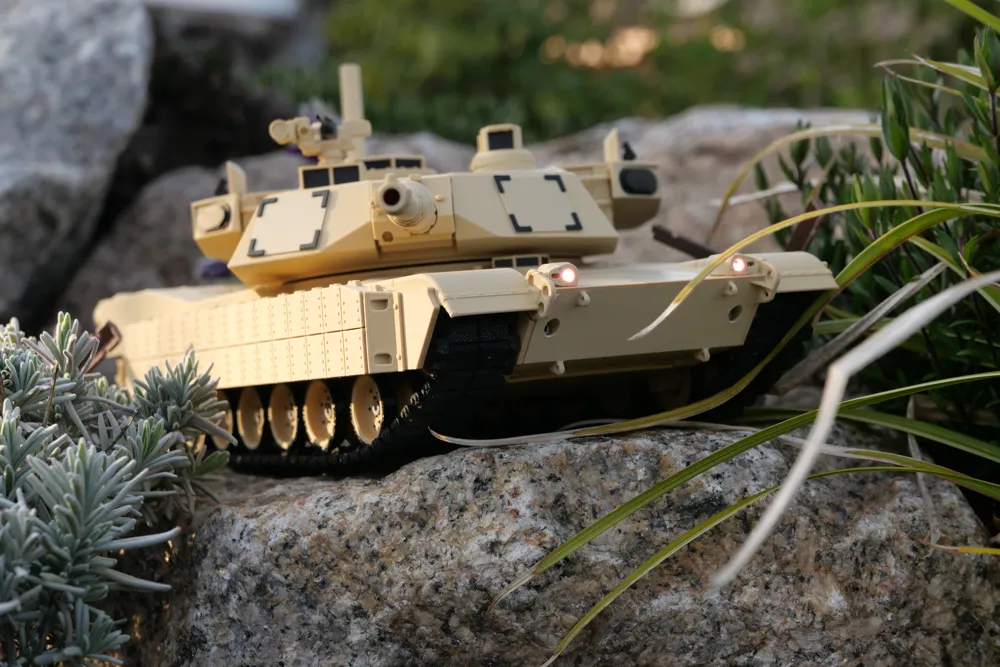
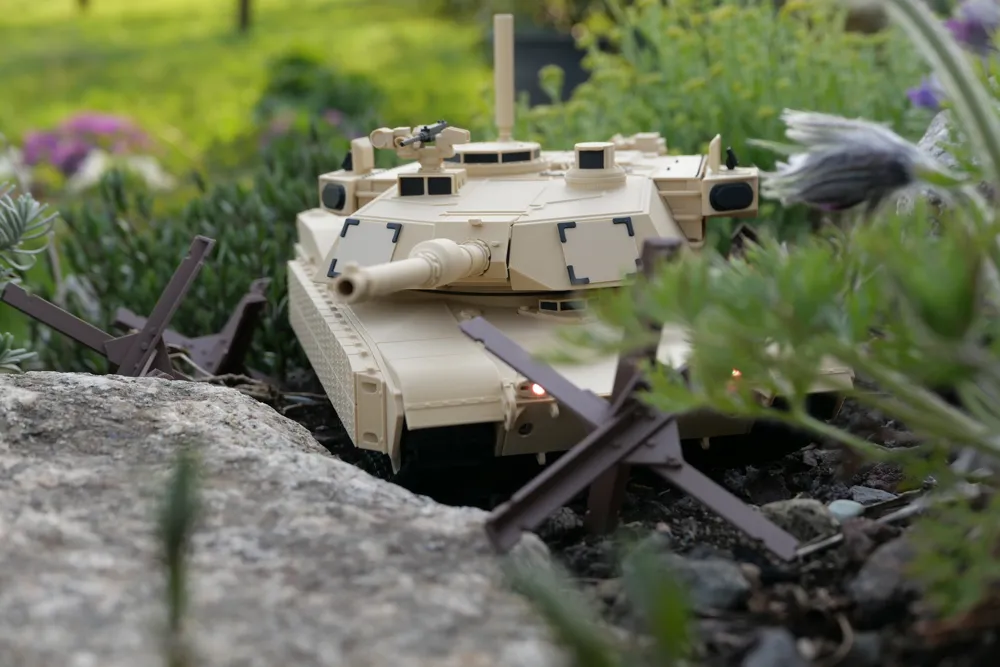
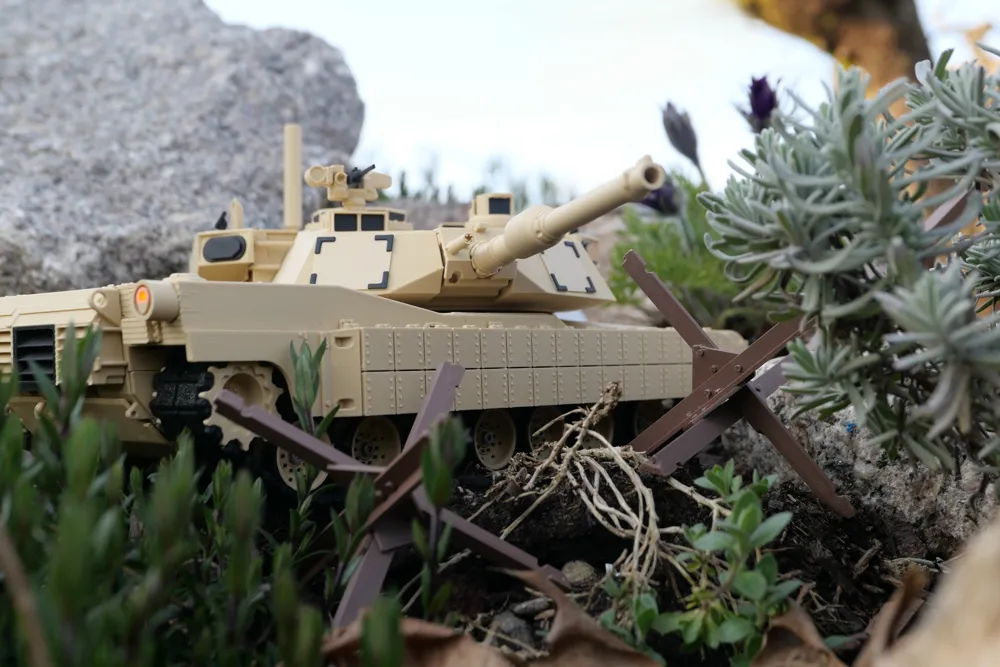
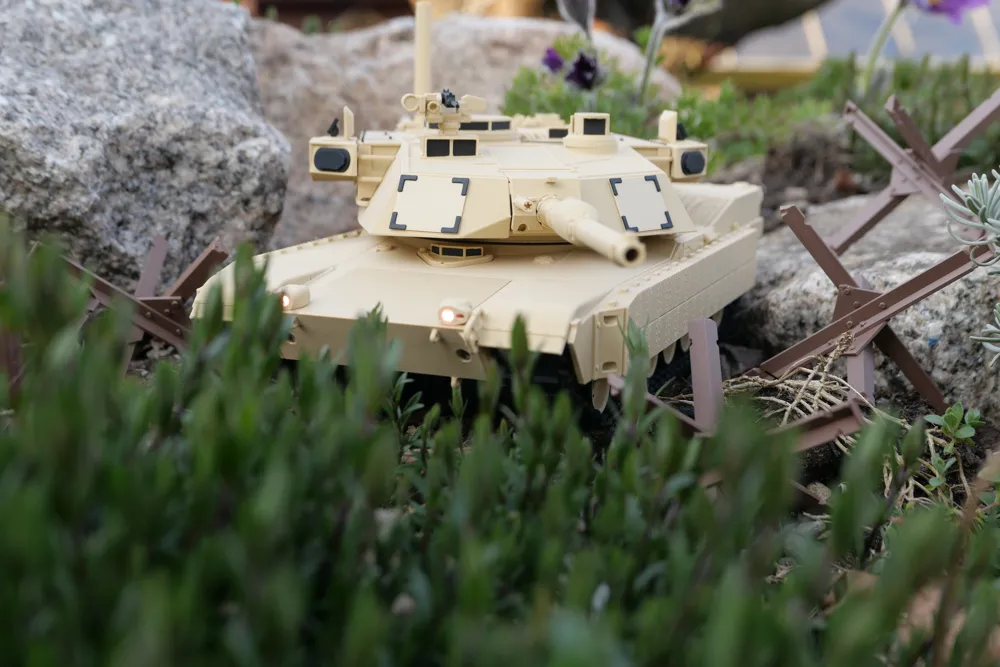


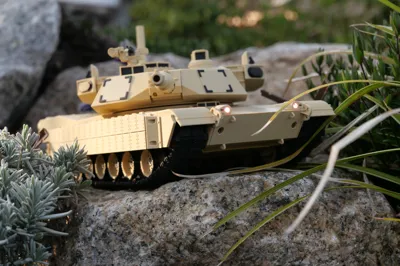
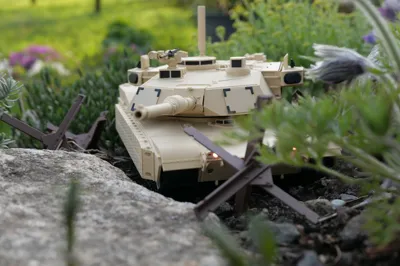
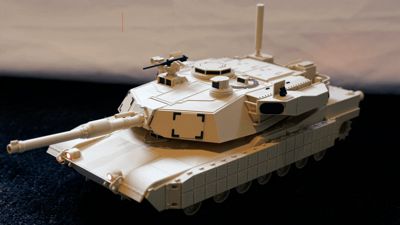

Fully 3D-Prited and CyberBrick compatible M1A2 Abrams SEPv3 Tank (1:30 scale)

This RC Cyberbrick M1A2 Abrams SEPv3 Tank is based on a display model kindly shared by @Sgt_Reckless, who gave permission to use his design as the foundation for a fully RC-compatible Cyberbrick version.

🔧 RC features:

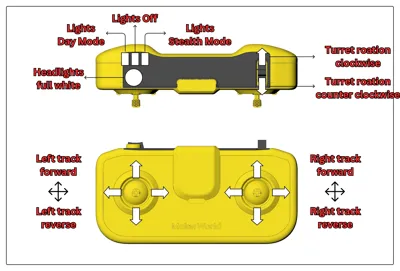
Individual track steering360° turret rotation
Powerful DrivetrainAll moving parts mounted on ball bearings for smooth operation


→ On this model page, you’ll find the print profiles with all mechanical components, including the drivetrain, RC systems, movable parts and print-in-place tracks.

→ On Sgt. Reckless’s page, you can access the body parts of the original display model, with the necessary modifications to house the Cyberbrick hardware (look for the pinned print profile at the top). →Link


This model is very detailed. While it’s designed to be as clear and straightforward as possible, it may be challenging for beginners. Take your time and follow the steps carefully to make sure all the mechanical parts work correctly.
 

Before printing the full model:

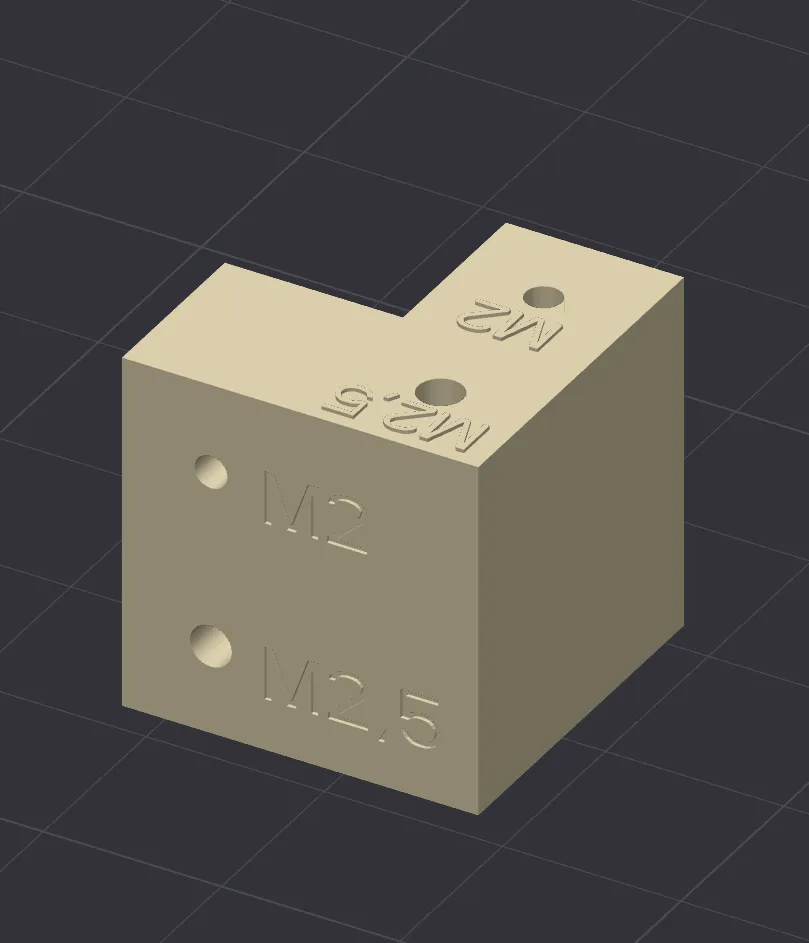
→ Print the test cube with all the hole sizes to make sure all screws fit correctly.

  • If the holes are too large, use a negative hole horizontal expansion offset. Start with -0.05 mm and increase by -0.05 mm steps until the screws fit properly.
  • If the holes are too small, use a positive hole horizontal expansion offset. Start with +0.05 mm and increase by +0.05 mm steps until the screws fit.

It is also a good idea to read the assembly manual and check all the steps before printing.


I also recommend some connector removal tools for the CyberBrick connectors: →Link



If you are interested in the Anti Tank Hedgehog barriers used in the photos, here you go: →Link


Here is the link to the CyberBrick remote (Lithium Battery Version): →Link
 

Boost Me (for free)

If you like my models you can gift me a free boost here :)


Documentation (2)

Assembly Guide (1)
Build instruction M1 Cyberbrick.pdf
Other Files (1)
M1 Cyberbrick_BOM.pdf

CyberBrick Files (1)

FAQ
Official RC Framework
M1A2_Abrams_SEPv3_Cyberbrick

Comment & Rating (61)

(0/1000)

Pinned by Designer
Print Profile
M1 Cyberbrick mechanical components
Without a doubt one of the best free cyberbrick RC tanks on the platform right now! Only issue I had was the print in place tracks, which had too much friction to work properly and were quite fragile. I ended up printing each track link individually and assembling them.
profile
4
Reply
i did the same then printed it in PETG.
0
Reply
Finally found some time to start assembling mine. I’m not sure about the electronics baseplate. Says to attach the receiver to the baseplate with two M2X10 screws. Mine just sits in the hole and stops. Am I supposed to keep screwing until it breaks through the plastic?
The designer has replied
0
Reply
Yes the screw is supposed to go in all the way. Did you print the Test cube beforehand to check if all the holes are the correct size (and apply a Hole Horizontal Expansion offset like explained in the model description)?
0
Reply
Replying to @Jonas_2603 :
Yeah. I just got a drill bit and drilled a starter hole for it to go through. I mean when the screw is 10mm and the place it goes is 8.43, it has to go through the whole thing.
0
Reply
Replying to @Jonas_2603 :
I don’t understand what’s going on with that one piece. Everything else has been perfect. Even the M4x10 screws won’t work on that piece either. There’s no way when there’s a 2MM hole to put a 4MM screw. Guess I will have to figure this one piece out.
0
Reply
Print Profile
M1 Cyberbrick mechanical components
Had the best experience assembling this. The instructions were very clear and helpful, the drivetrain design is very intuitive given the compact size of this model. been abusing the tracks on all kinds of surface and they seem to hold on pretty well. Wanted to give this build a more old-school Phantom Fury era look to it. Looking forward to collaborating on future builds!
The profile uploader has replied
profile
1
Reply
Man, this color scheme looks awesome. I guess I’ll have to print a second one. Thank you for the review and for sharing those great pictures. I’m also looking forward to working on more great models together with you!
0
Reply
Really really cool! where did you find the accessories ? I would really like to know ! :D
0
Reply
Replying to @user_4224307026 :
I modeled them!
0
Reply
Boosted
Print Profile
M1 Cyberbrick mechanical components
awesome. I did have to snug up the turret gear. There was a bit of slop - which didn't prevent it from working - but it allowed the turret to bounce around when moving. I shrunk the hex hole width by 0.3mm and shortened the dept to 9.6mm instead of 10mm. Super clear instructions. Parts fit well together (other than my personal preference for the turret gear). I'm amazed with the treads. For me, I just took them off the print bed and slide them on the edge of my desk and they all loosened up.
(Edited)
The profile uploader has replied
profile
1
Reply
Boosted
Added some weathering. Just used some images, hope I am close enough.
0
Reply
Thank you for the positive review, I’m glad you liked everything. Yes, that’s how the tracks are supposed to work, I’m happy to hear it worked for you. Regarding the hex connection: I deliberately designed it with a fairly large tolerance, which in my case didn’t cause any slop in the movement because the screw on the bottom tightened everything sufficiently. However, depending on how tight or loose the tolerances of the screw holes turn out, it might limit how much you can tighten them. I’ll add another gear to the print profile with slightly tighter dimensions (or maybe some added geometry), thanks for pointing that out! Also, the weathering looks awesome. May I ask how you achieved that look?
0
Reply
Boosted
Replying to @Jonas_2603 :
I figured about the turret - it was meant to be a little loose. I could see hitting it and if it's too tight the servo gears strip. For the weathering I used a box of assorted color chalk art kit. I used some dark red and drew along the seams and then smeared it with my fingers. I tried to imagine what dust and dirt might look like if it rained a bit. The black exhaust stains I used acrylic paint in an airbrush. Cheap stuff from Amazon/Harbor Freight. For this kind of work, it doesn't have to be fancy. And a 3 gallon pancake air compressor.
0
Reply
I finally finished the tank. It turned out wonderfully. The level of detail and the remote control are a dream. Good instructions. Everything was well described. The small screws for the motors were included :). Scale 1:30 is perfect
The designer has replied
Show original
designer
3
Reply
Looks very good! Good to know that the screws were included with yours. Thank you for the feedback
Show original
0
Reply
loving the hell out of this..... id be interest in getting the .Stl files to tinker with the barrel rising and potential light for the firing. obviously a stop on turrent spin would be required. but jesus dude..... the level of detail is epic!!! bar none absolutely my Favorite RC!!!!! Little Bit of Weathering. Will attempt decals later
(Edited)
The designer has replied
designer
1
Reply
Thank you so much for the positive review! The added weathering makes the model look much more realistic, nicely done! Regarding the .stl files, I’ll send you a private message.
0
Reply
it’s a great design but where do you get this print for the main_hull_front and back hull.
The designer has replied
0
Reply
It’s a lovely piece, and if it had a shooting function too, it would be absolutely brilliant. It’s perfect for that as well. Well done to both of you
designer
4
Reply
how do I break the tracks in? I’m using the original settings, a Bambu A1, Ellegoo petg rapid filament and I’ve tried a .4 and .2 nozzle. but when I try to use them they break apart. I tried sliding them on the edge of tables and chairs and even doing each track individually.
(Edited)
The designer has replied
0
Reply
Normally, sliding them over an edge or loosening them individually should do the trick. But I guess the issue here is that I designed the tolerances around PLA. Since you’re using PETG, and in this case even a high-flow (Rapid) variant, which is known for reduced dimensional accuracy and slightly more material expansion, that’s probably the reason why it isn’t working properly. Have you tried printing it in PLA?
0
Reply
yeah I reprinted with a pla roll and it works great now, thanks.
designer
1
Reply
Replying to @user_1047716673 :
Awesome! Glad it works now.
0
Reply
Can I make a suggestion? Maybe even as another profile, but maybe make the front stope and the top of the turret have fuzzy skin kind of like the no slip it has. I will never forget sleeping on the front slope or top of the turret and the “grip” digging in my skin. Good times! “Best job I ever had”
1
Reply
I miss my $20M MRE heater
Show original
0
Reply
Replying to @Sgt_Reckless :
🤣🤣
0
Reply
Boosted
Really cool looking tank! However I am running into an issue with the tracks - they just break when I try and loosen them into moving links, I have tried with several different PLAs and also PETG, any suggestions?
(Edited)
The designer has replied
0
Reply
I assume the small pins that connect the individual track links are breaking, correct? Does it seem like the pin is fusing to the material of the adjacent track link underneath? Could you attach a photo of the failure point? Did you use the original print profile, or did you change any settings? I printed mine on a P1S with the door open and the top lid removed, using Bambu PLA Matte.
0
Reply
Boosted
Replying to @Jonas_2603 :
I can't attach any photos at the moment, but its exactly as you said - some of the pins are fusing to the adjacent track link. I am using the provided print profile, with lid and door open. Edit - Just saw the print profile for the individual links, I will give this a try, thank you!
(Edited)
0
Reply
Replying to @Adam_H :
Yes, the print profile with the individual track links is a workaround (thanks to @THE_MOC_CHANNEL for uploading it), but it’s quite a bit of work to assemble everything. I’m currently trying to find a solution to get the print-in-place tracks working properly. I’ll keep you all updated as soon as I have progress.
0
Reply

License

This user content is licensed under a Standard Digital File License.

You shall not share, sub-license, sell, rent, host, transfer, or distribute in any way the digital or 3D printed versions of this object, nor any other derivative work of this object in its digital or physical format (including - but not limited to - remixes of this object, and hosting on other digital platforms). The objects may not be used without permission in any way whatsoever in which you charge money, or collect fees.