
C18- Cyborg 18 Dragon Ball
Print Profile(1)

Description
🧩
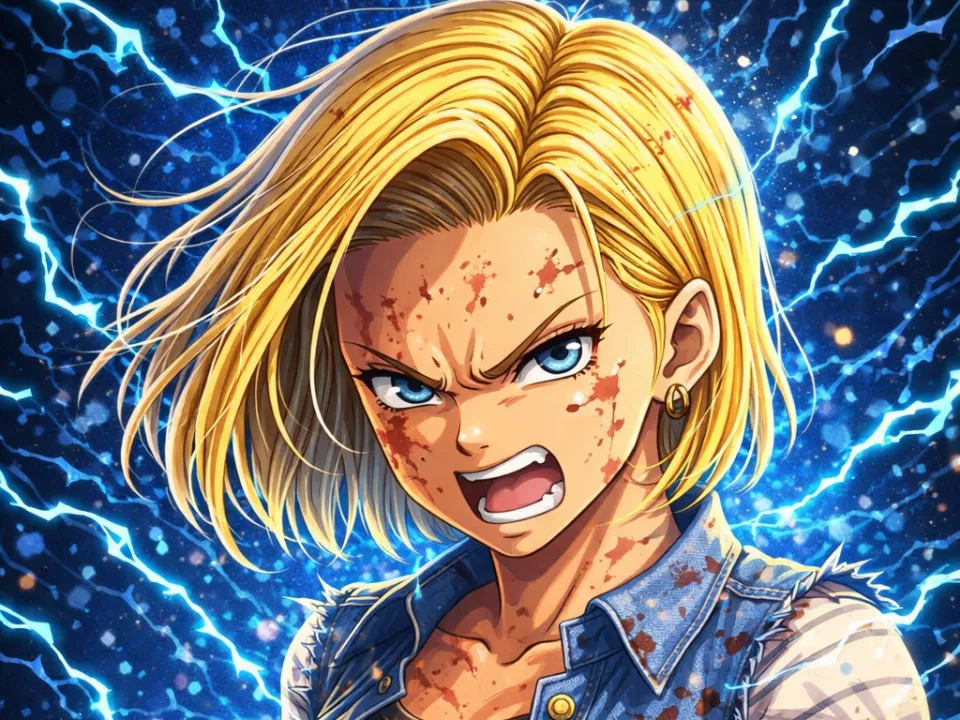
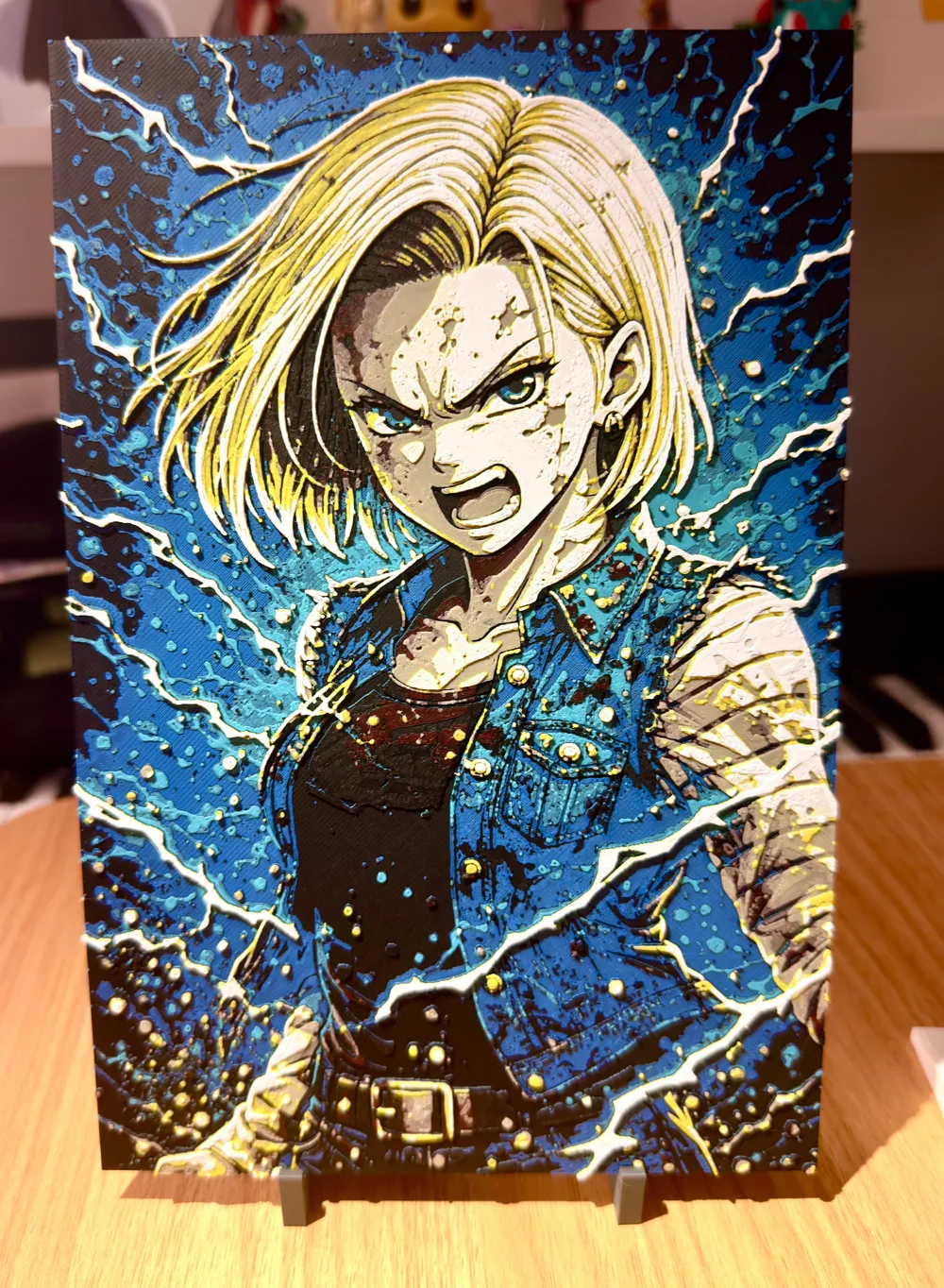
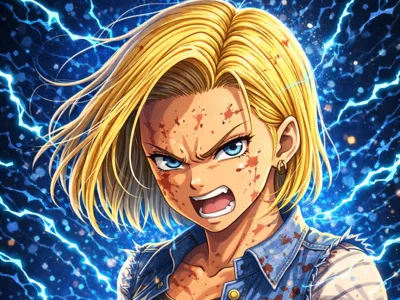
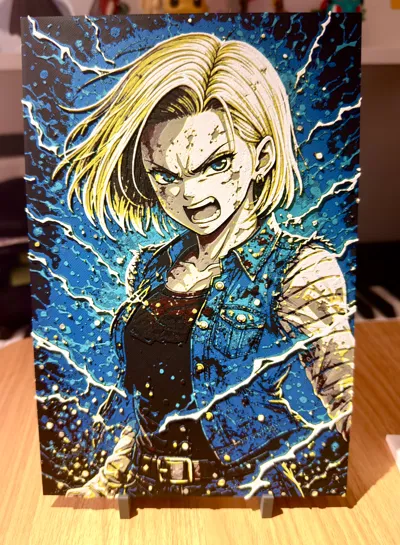
Cyborg 18 (C18) – Dragon Ball Edition (Ultra detailed)
Dive into the legendary intensity of Dragon Ball with this portrait of an enraged Cyborg 18 (C18), one of the most endearing villains, presented in this unique creation.
Every detail has been crafted to capture all the power and rage of the character in an impressive 3D printed rendition.
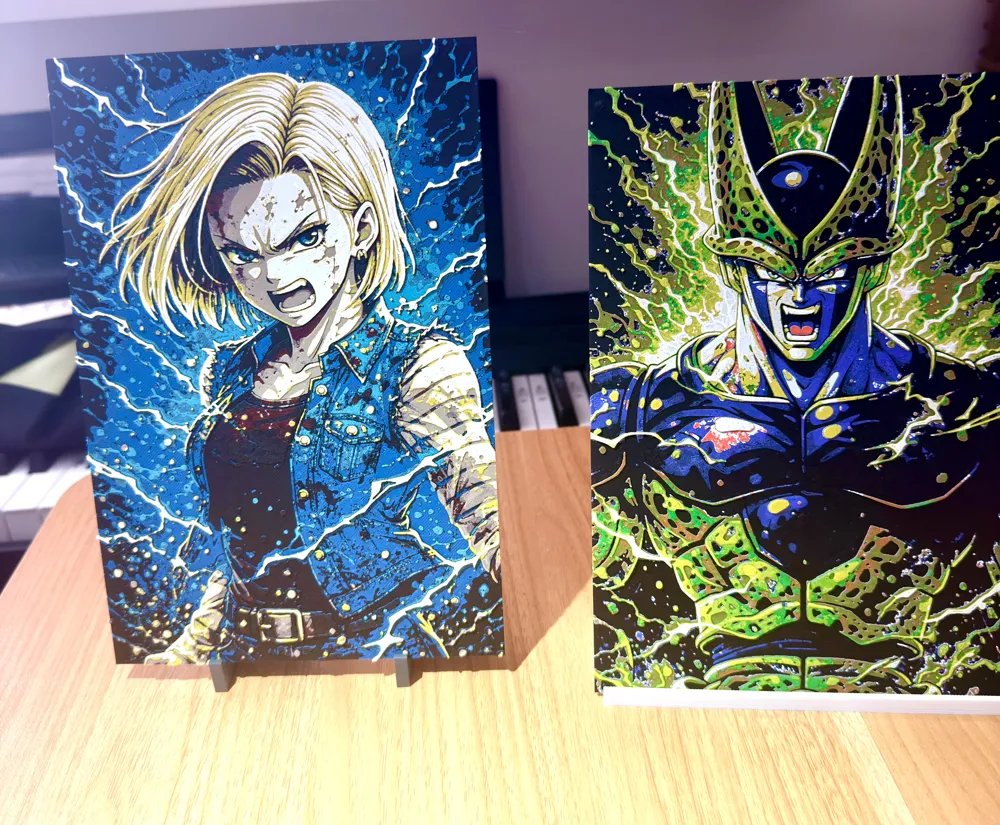
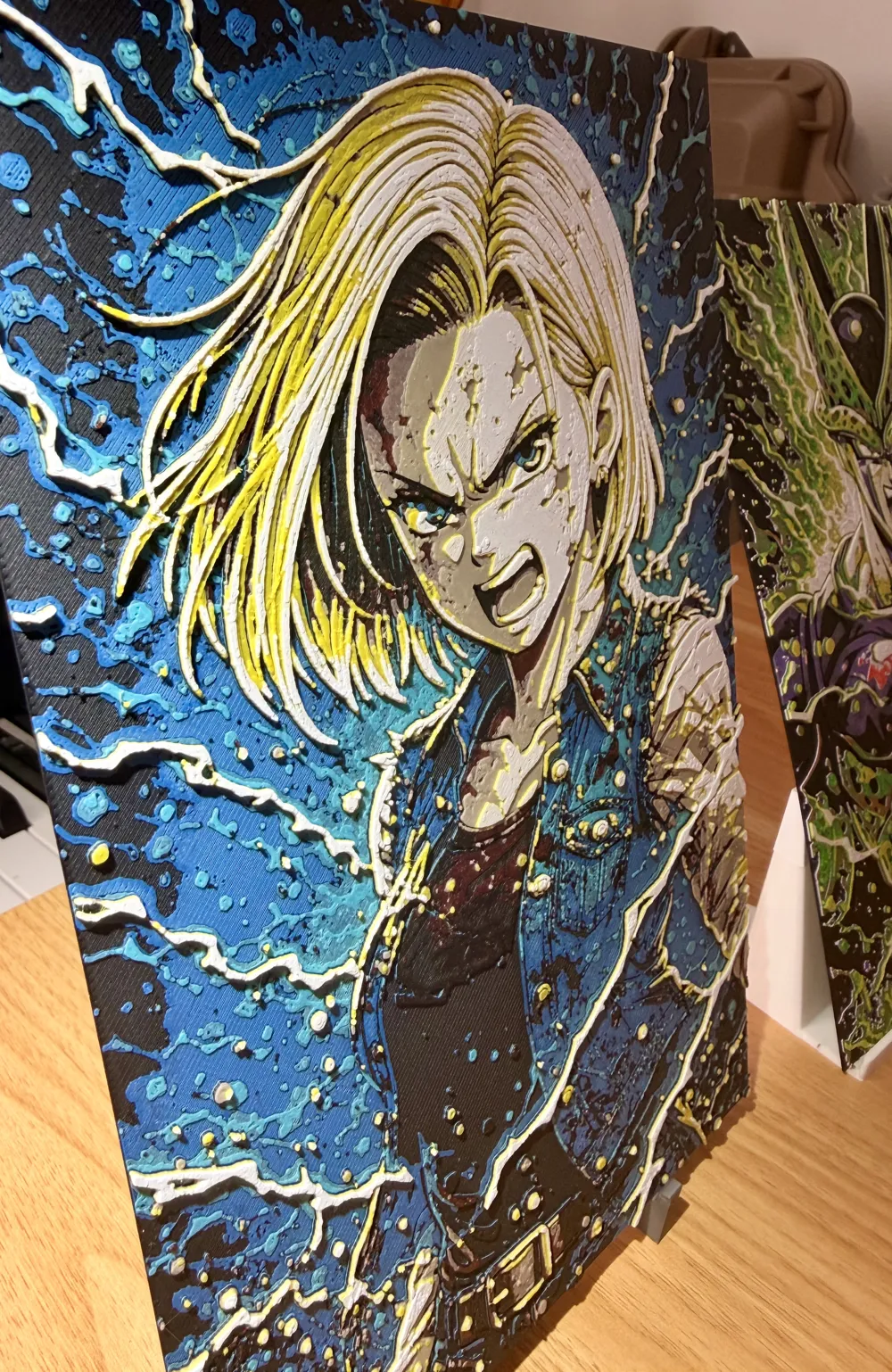
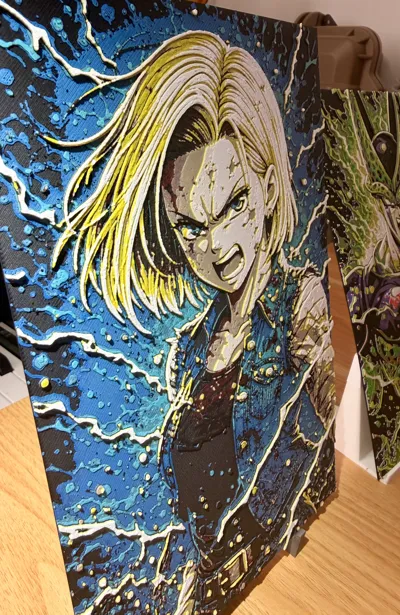
This model highlights contrasts and volumes for a striking visual effect, perfectly suited for Hueforge technology.
To support my work, you can send me a PayPal donation of any amount you wish (even 1 or 2 € or $ is appreciated) via this link:
Boost Me (for free)
A simple click on “Boost” helps me a lot — and it costs you nothing! Thanks for the support ❤️
🔥
Highlights
- Ultra-precise facial details (gaze, scars, expression)
- Exceptional depth effect thanks to Hueforge mapping
- Optimized contrasts for a sharp and clean rendering
- Design specifically conceived for multicolor printing
🎨
Recommended Configuration
Number of colors used: 7
For those without an AMS
- Black to start
- Pause at the 9th layer at 2:07 to add blue
- Then 10th layer at 2:34 min to re-add black
- 11th layer at 3:02 min for turquoise
- 13th layer at 3:42 min to re-add black
- 17th layer at 4:57 min for red
- 18th layer at 5:16 min for beige- 21st layer at 6:05 for yellow
- 25th layer at 6:57 for white
For those with an AMS
You will need to make a change in your AMS, but it's nothing complicated, I'll explain.
Start by putting black in slot 1 of your AMS, blue in 2, turquoise in 3, and red in 4.
Set an alarm for around 4:57 and wait for it to print red. As soon as it switches to red, remove the black, blue, and turquoise from the AMS and replace them with oak or beige in place of black, yellow in place of blue, and white in place of turquoise.
And then let it print until the end.
It sounds complicated, but in reality, it's very simple.
⚙️ Recommended Print Settings
- Layer height: 0.08 mm (top quality)
- Total thickness: ~2 to 2.4 mm
- Good calibration recommended
🧠
Tips
For optimal results:
- Use quality filament (Bambu / Sunlu / eSun)
💥
Why this model is special
This Hueforge is not just an image:
it's an artistic piece that brings one of Dragon Ball's most iconic characters to life with a stunning embossed effect once printed.
🙌
Support
If you like the model:
- Leave a like 👍
- Share your print 📸
- Follow me for more Hueforge creations 🔥
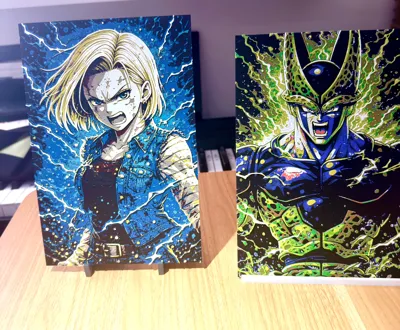
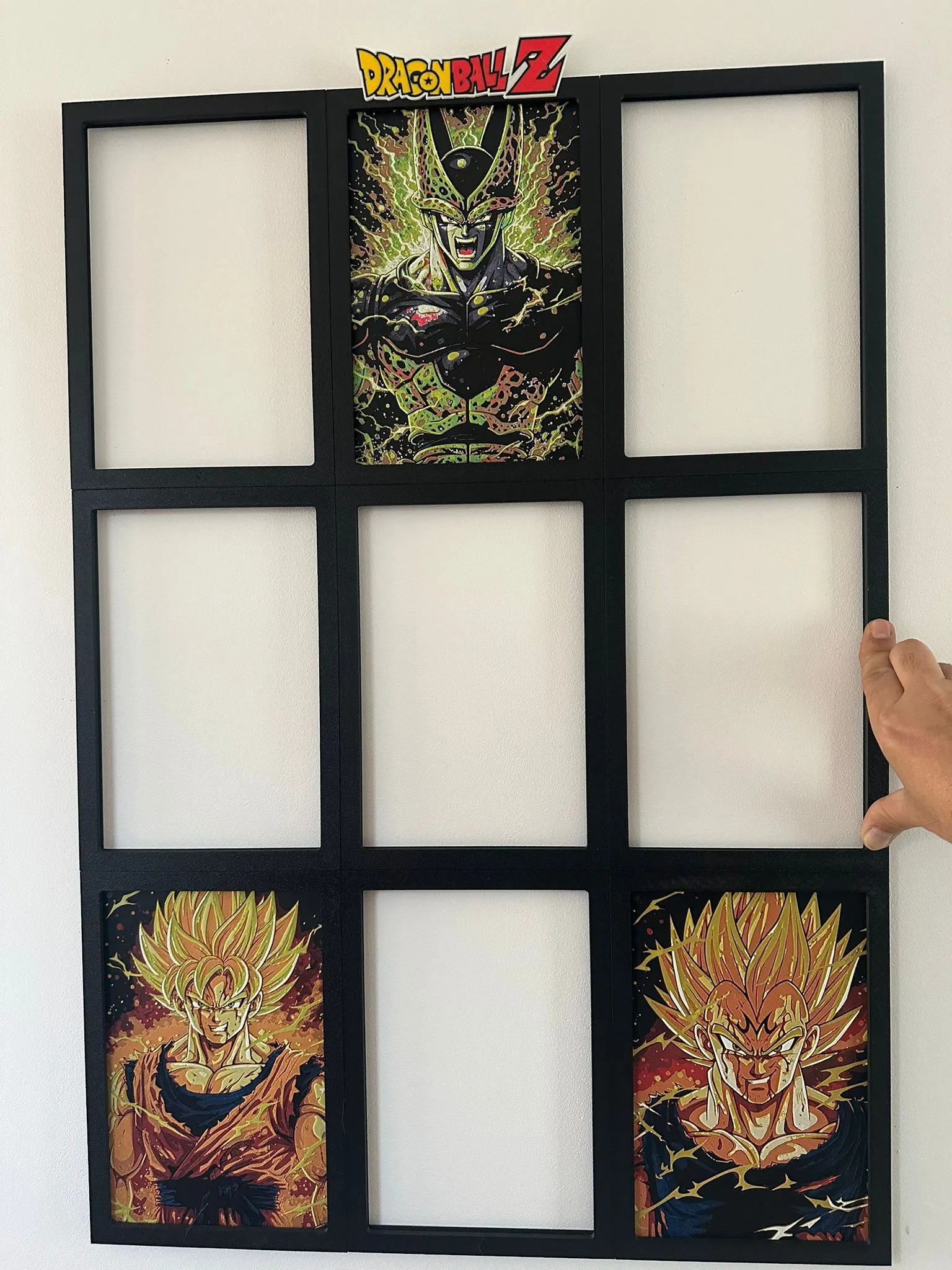
To frame them, I highly recommend the custom Hueforge frames that yc3ddepannage has created, which are clip-together to display the entire series. Feel free to support him, as his work complements mine well.
Here is the link:
Modular Dragon Ball Z Hueforge frame - Free 3D Print Model - MakerWorld
License

You shall not share, sub-license, sell, rent, host, transfer, or distribute in any way the digital or 3D printed versions of this object, nor any other derivative work of this object in its digital or physical format (including - but not limited to - remixes of this object, and hosting on other digital platforms). The objects may not be used without permission in any way whatsoever in which you charge money, or collect fees.


Comment & Rating (24)