
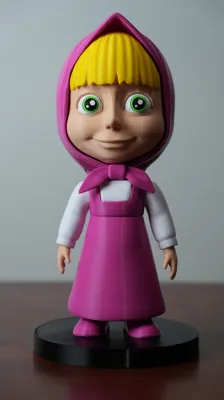
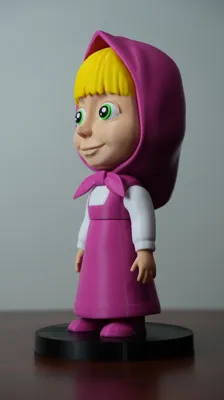
Masha Multi part
Print Profile(1)
Description
This 3D model was created with the help of AI 🤖.
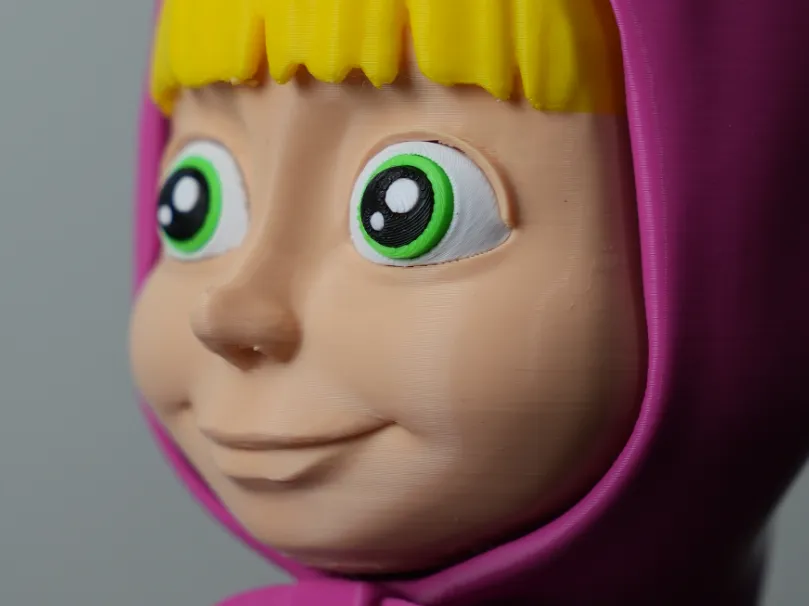
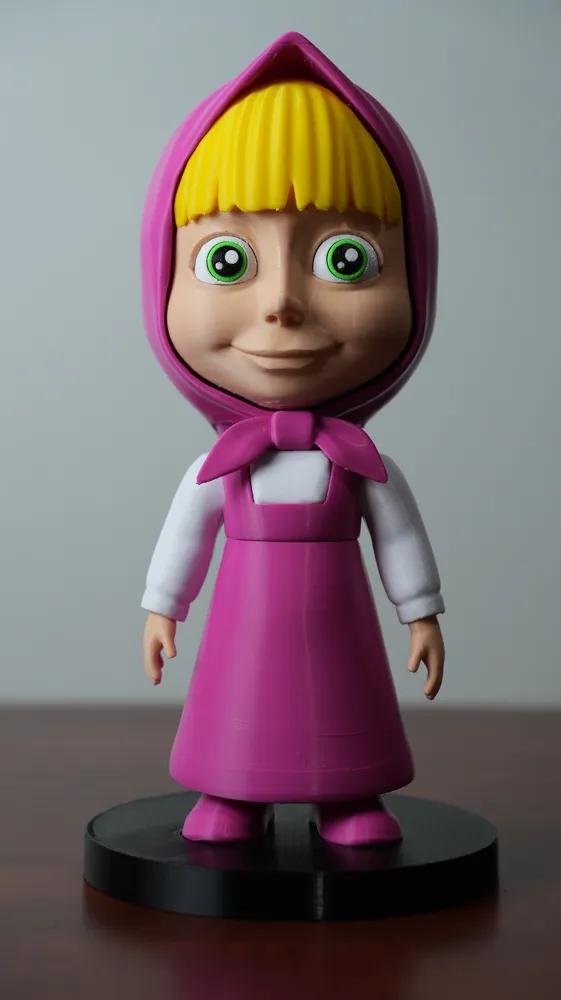
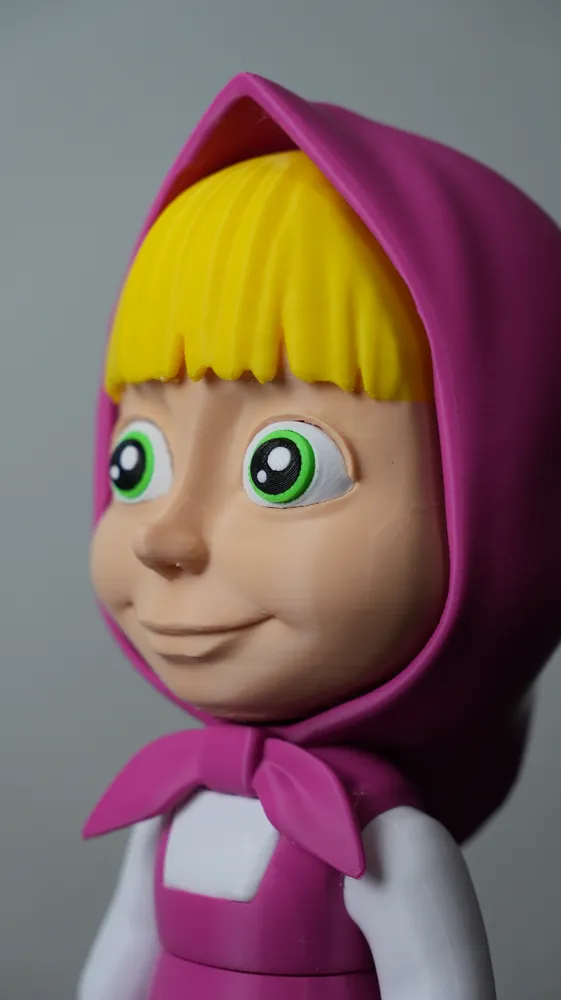
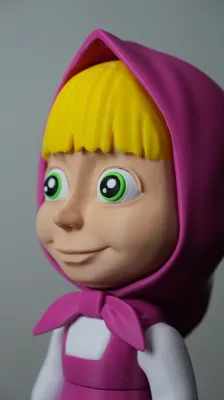
Some adjustments were made and the body parts were split by colors, except for the face and hair which require AMS. The hair could be left yellow from a certain height, but since it has bangs, part of the forehead would end up being painted.
Masha from Masha and the Bear
Masha is a character from a children's TV series. I don't really know much more lol, just that it has become very popular among kids despite being a somewhat older show.
About this model
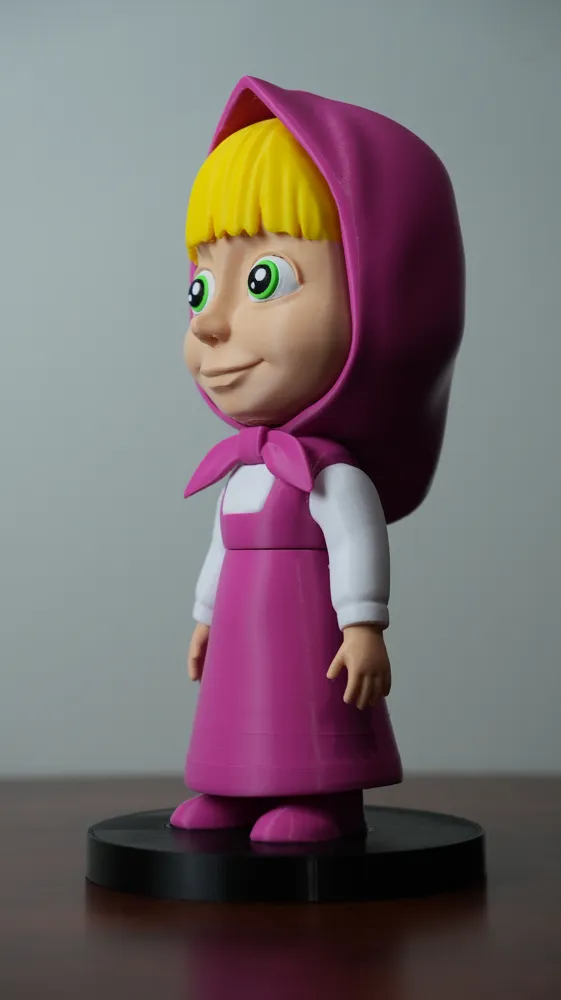
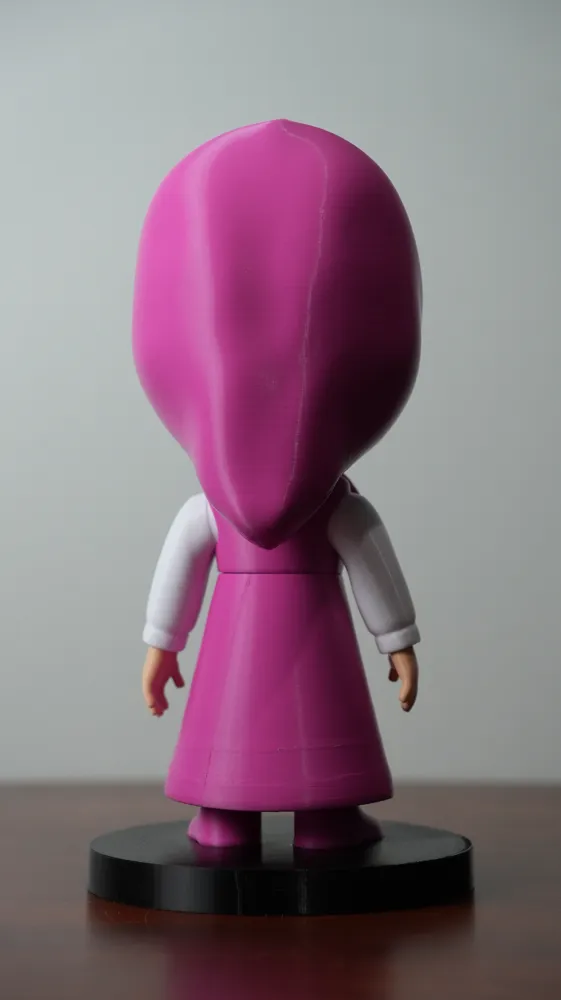
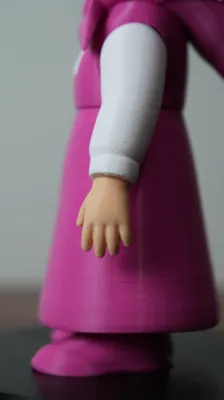
This model was made because someone I know asked for it. I usually recommend buying from stores for these kinds of things (it's often cheaper), but I couldn't find many Masha items especially not in a medium/large size. The figure is about 21 cm tall. I would have loved to make it articulated, but I don’t know how to do that yet, so the figure is static.
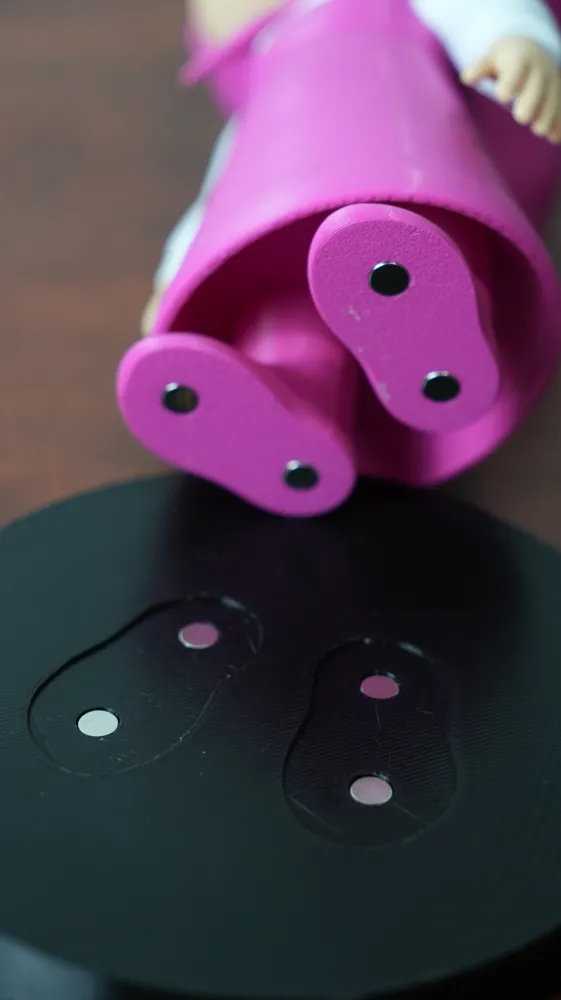
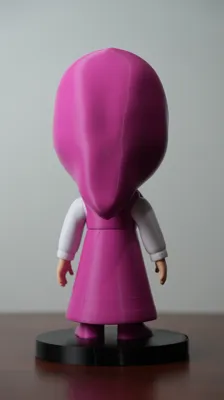
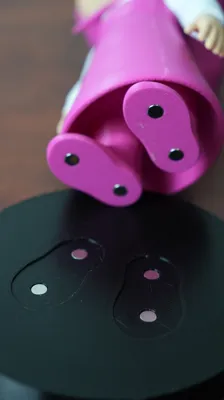
It has some balance issues due to the hood, so my solution was to add magnets to the feet (I used 6×6×3 mm) and a round base matching the size of the feet.
Note
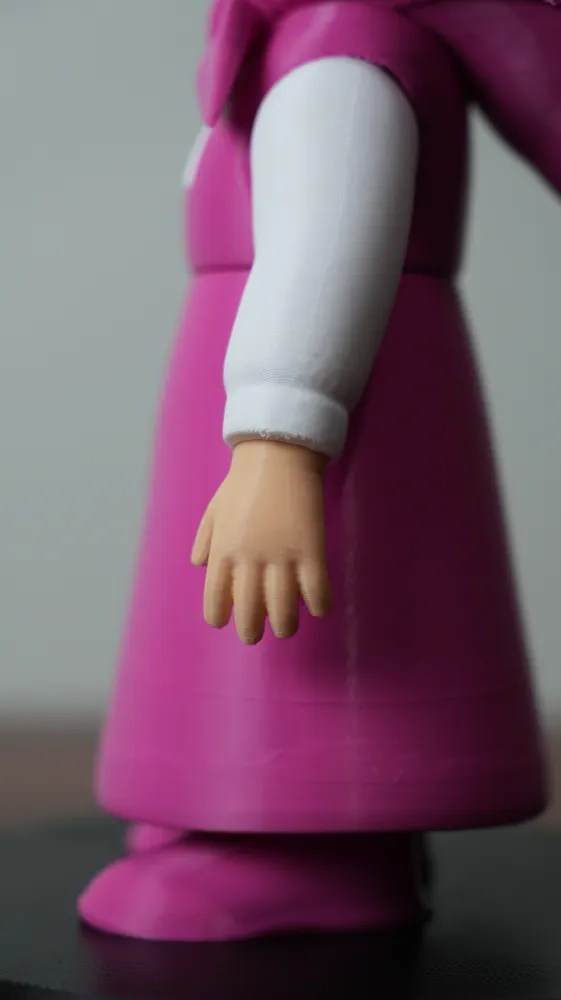
This is a simplified version. I'm aware it doesn't include all the details on the sleeves, dress, or shoes. Some details were too small, and others I simply didn't add. For the shoes, I think they could be painted in the slicer.
Assembly Recommendations
There was one part that needed a bit of post processing: the white body piece. I had to trim it slightly using a deburring tool so it would fit. In the 3MF file I uploaded, I already applied this cut (and also left the original part). I didn't fully test it, but it should be enough for a proper fit.
Arms and Eyes
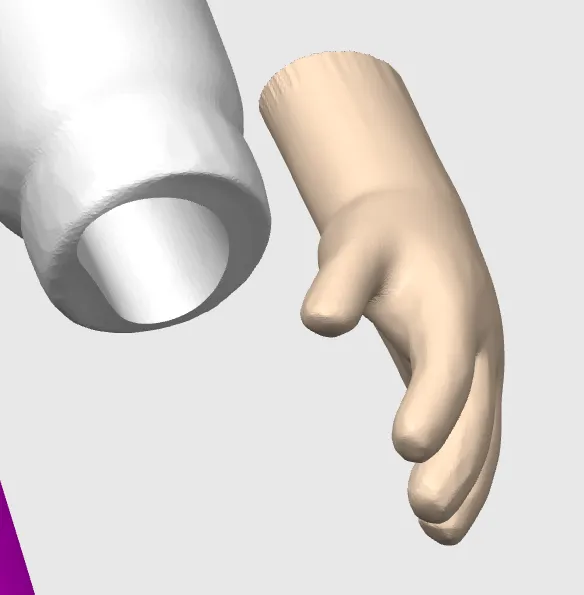
For the arms, I recommend attaching the hands first and then connecting them to the body, this helps you get the correct orientation.
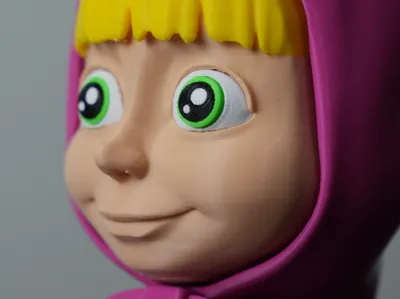
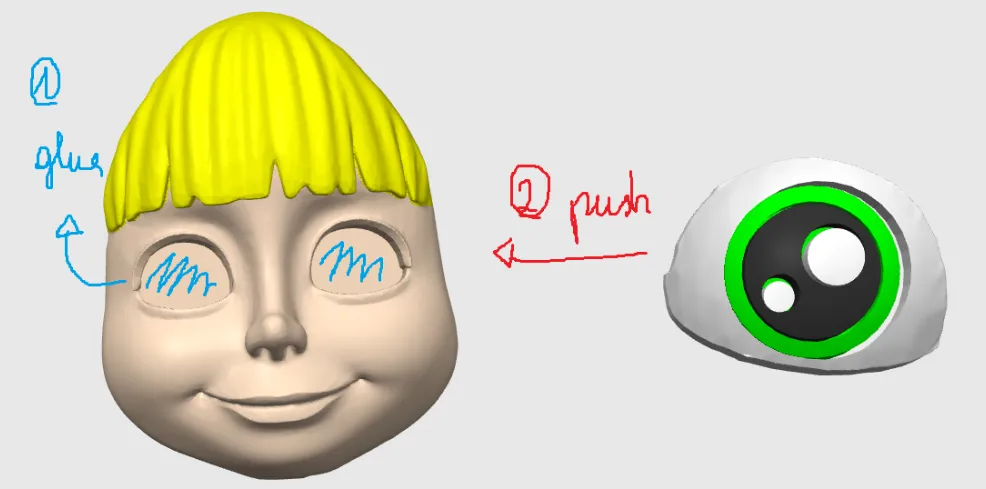
For the eyes, I suggest assembling the pupil and the eye first (requires glue), then applying glue to the sockets before inserting them. Once the eyes are installed, they cannot be removed. Each eye has a specific orientation that can be identified by the eyelash shape (a small edge on the sides), so make sure to position them correctly before inserting.
Base and Magnets
The base and Masha's feet use a total of 8 magnets (which might be overkill), but this can be adjusted in Bambu Studio, including the size.
The magnets are 6×6×3 mm, and tolerances were set to 0.10 mm (6.10×6.10×3.10 mm), so they can be press-fit.
To avoid issues when inserting the magnets (since you won't be able to remove them), I recommend stacking 2 magnets in each foot slot and sliding them into position on the base. This ensures the polarity is correct.
General Printing Information
Tested on a Bambu Lab P1S
Material: eSun PLA+ Beige (face, hands)
Material: eSun PLA+ White (Eyes, pupil, body arms)
Material: eSun PLA+ Black (pupil)
Material: eSun PLA+ Magenta (dress, hood)
Material: PLA+ Light Green (pupil)
Material: PLA+ Yellow (hair)
License

You shall not share, sub-license, sell, rent, host, transfer, or distribute in any way the digital or 3D printed versions of this object, nor any other derivative work of this object in its digital or physical format (including - but not limited to - remixes of this object, and hosting on other digital platforms). The objects may not be used without permission in any way whatsoever in which you charge money, or collect fees.


Comment & Rating (4)