
Customizable Initials & Name Stand
Print Profile(1)
Description
Membership
Get your Commercial License here! 🏷️ Join my membership to start selling prints, or become a Supporter to fund my next projects.
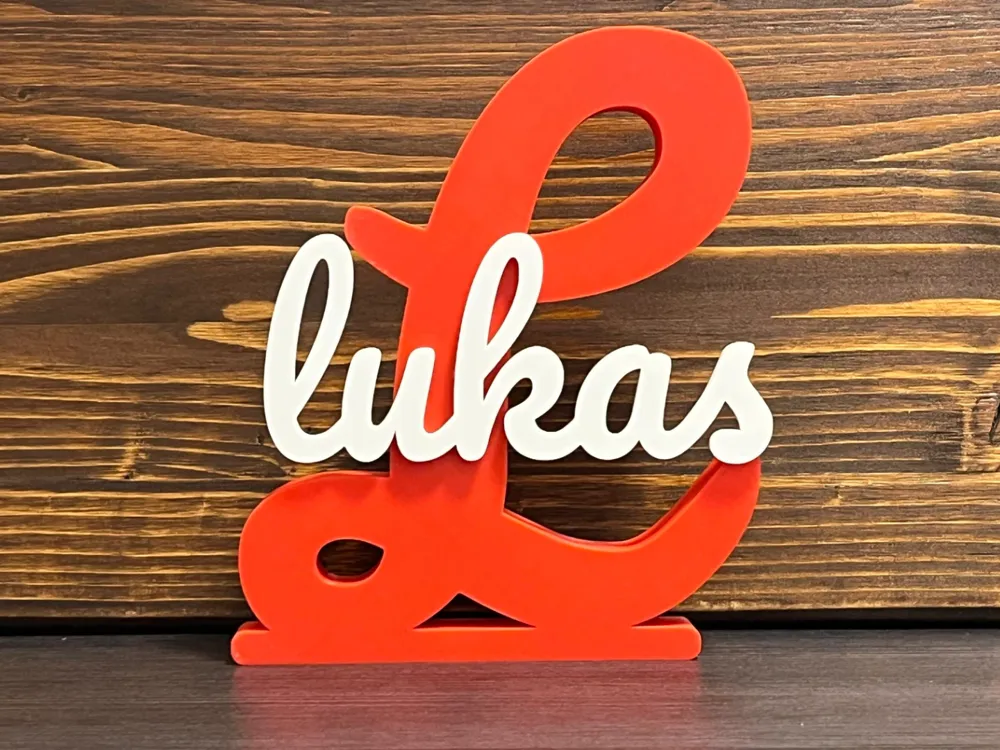
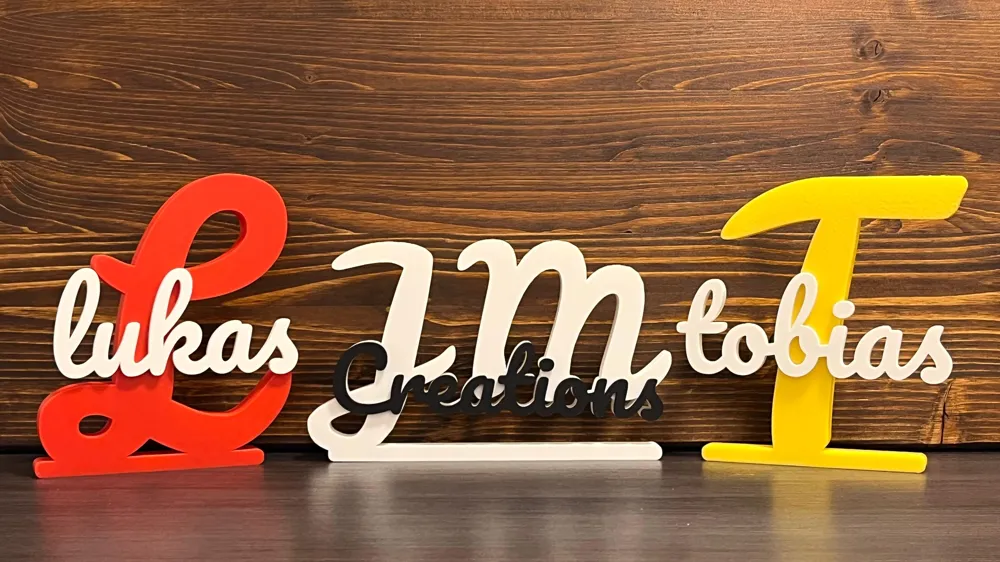
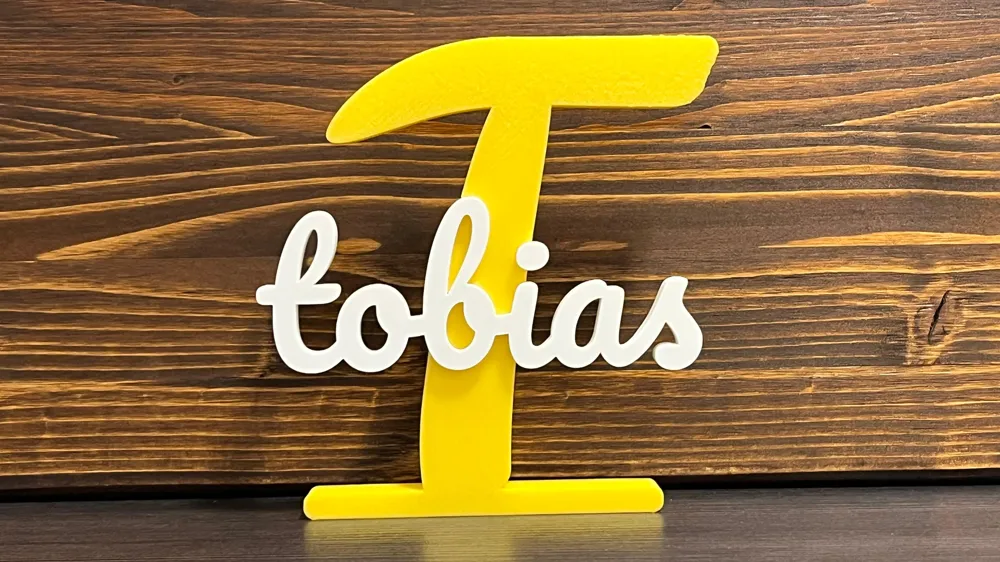
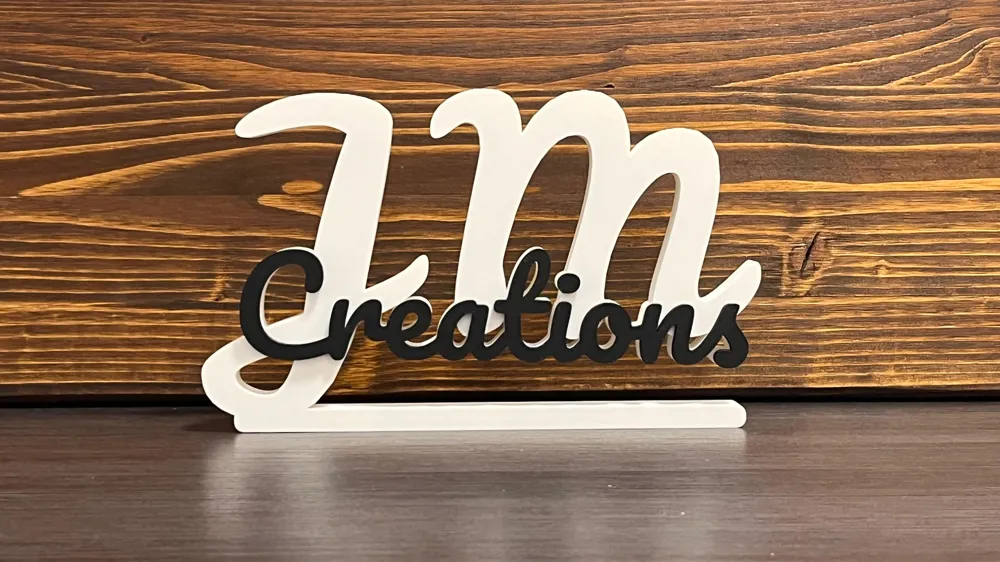
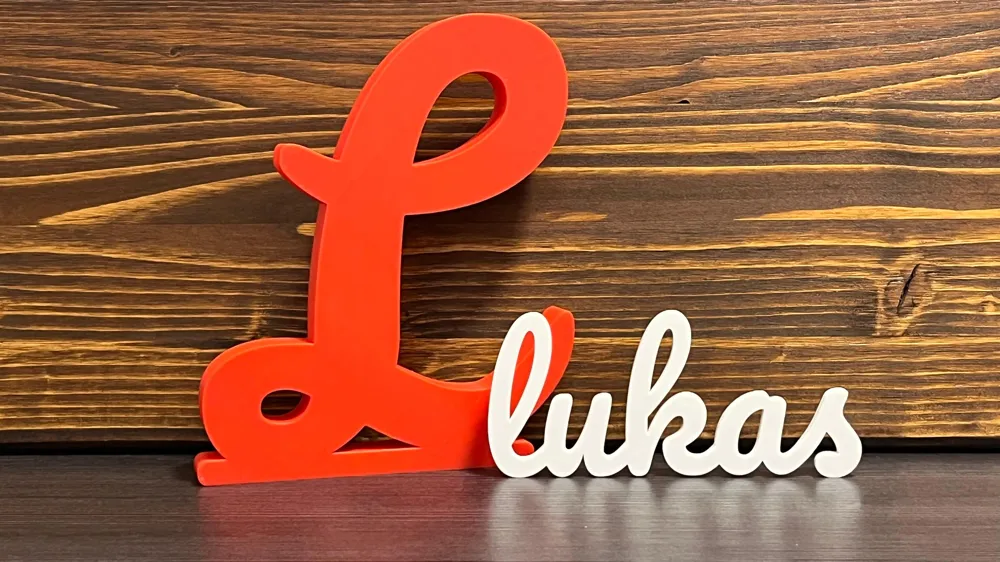
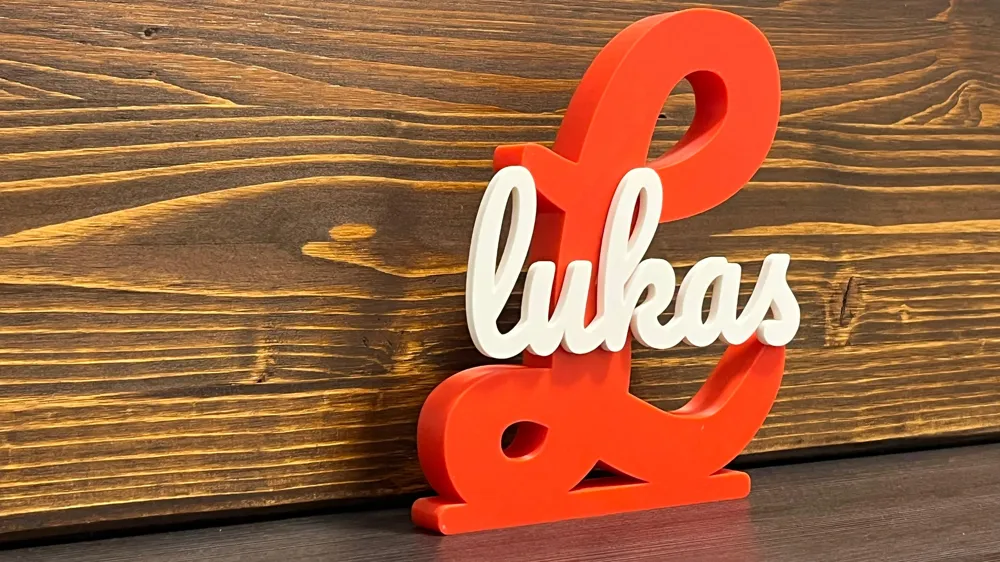
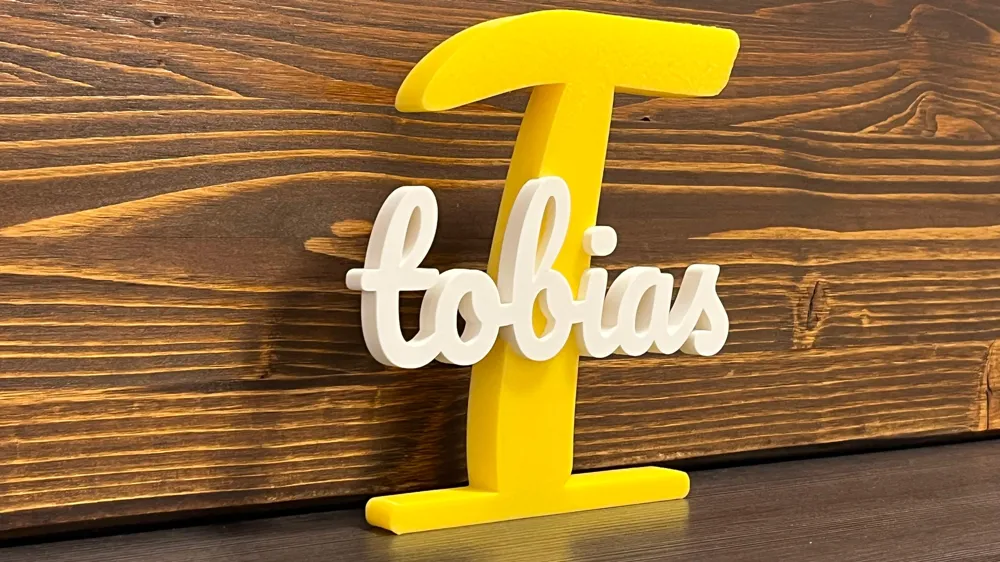
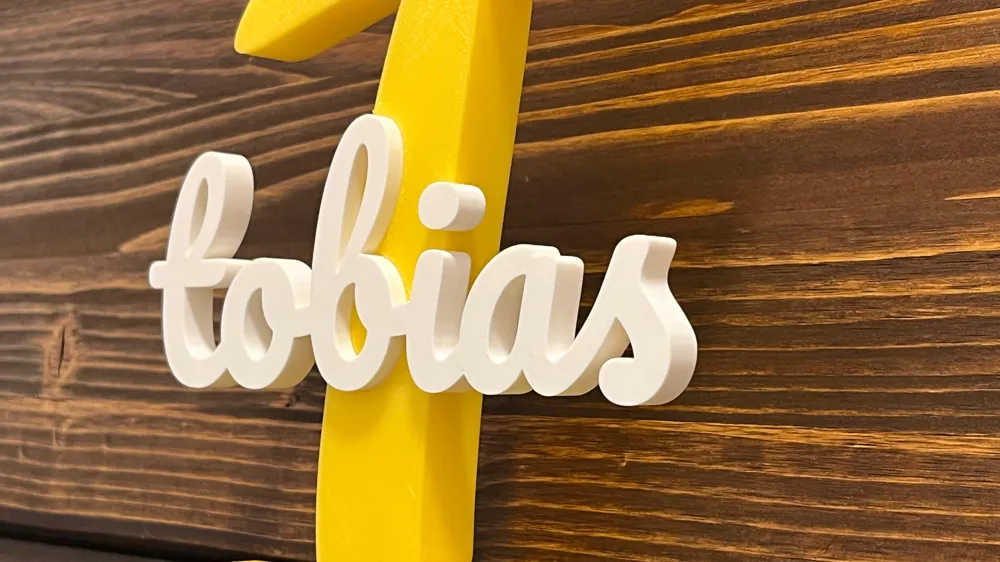
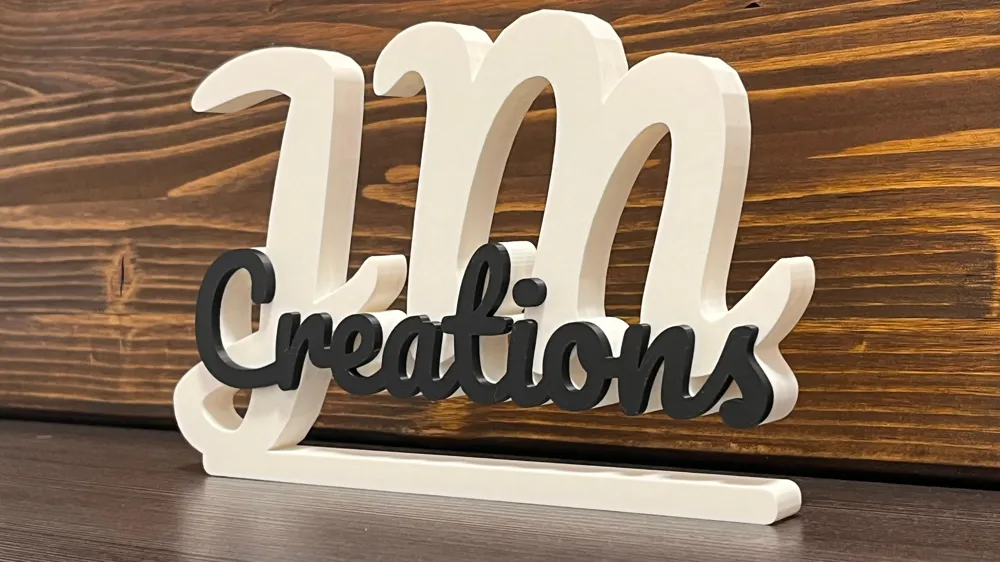
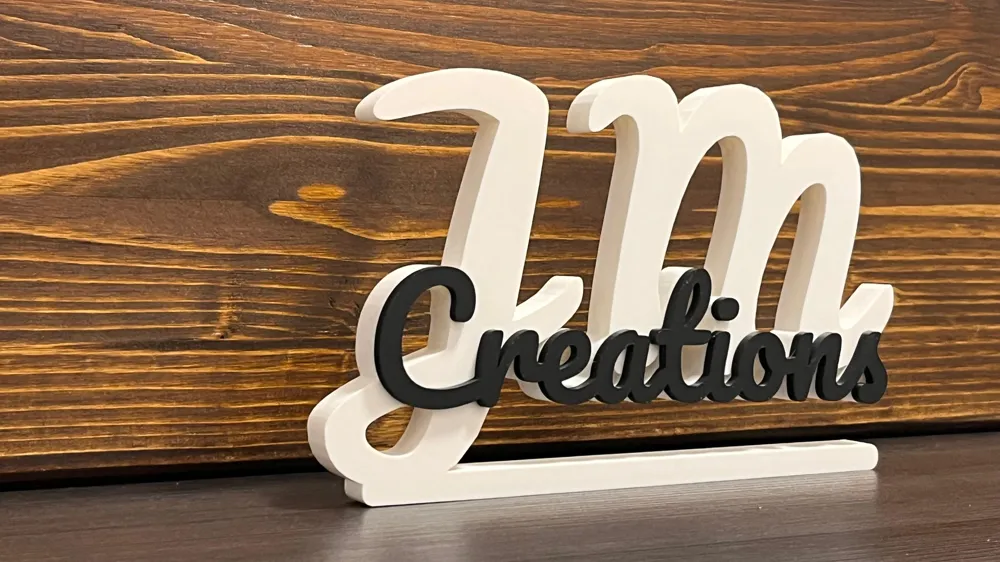
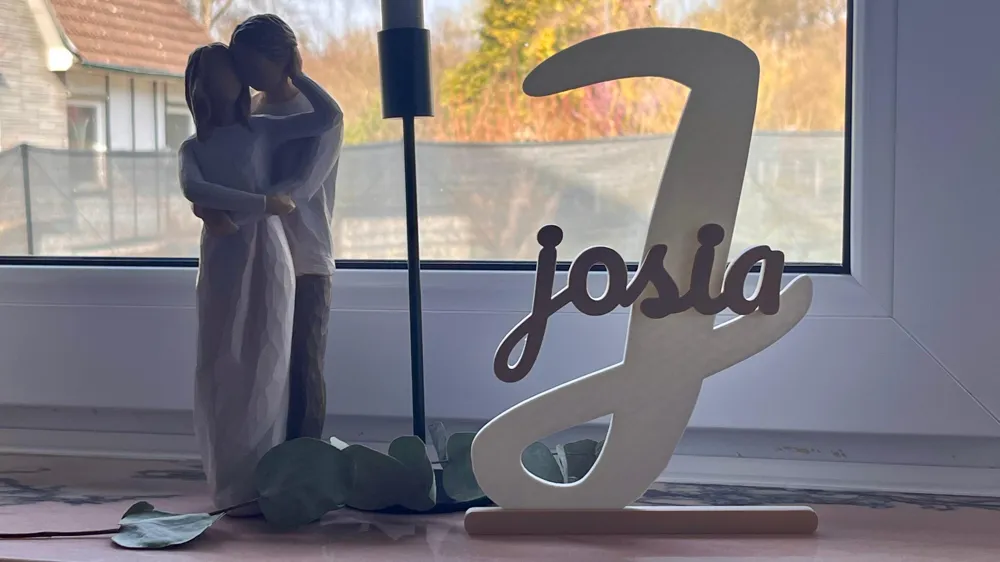
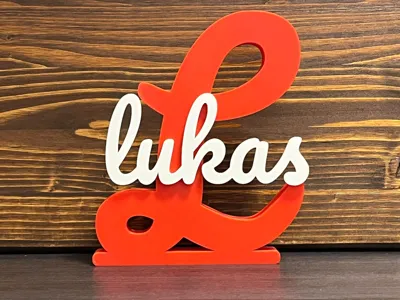
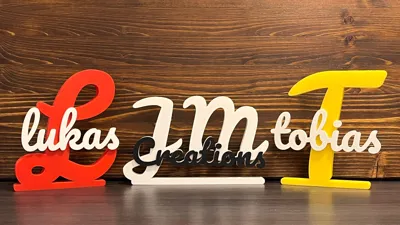
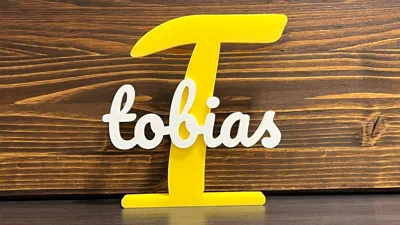
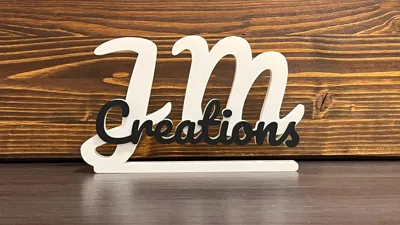
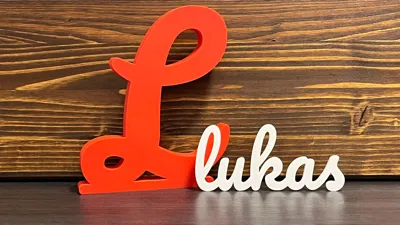
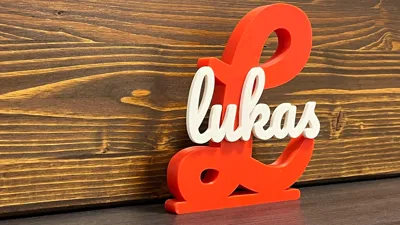
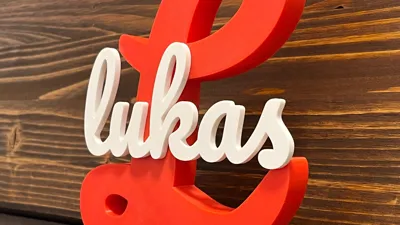
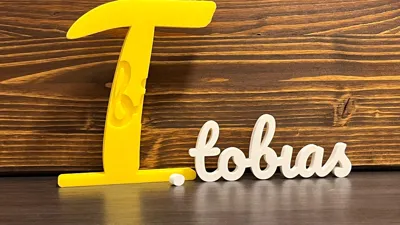
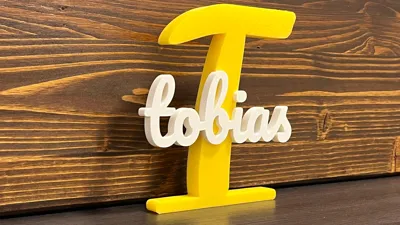
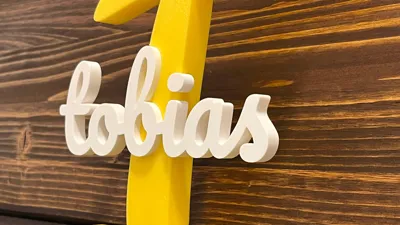
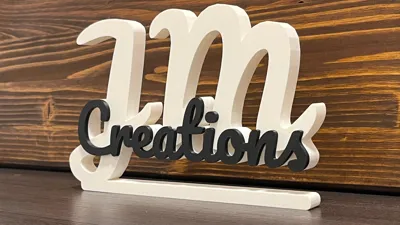
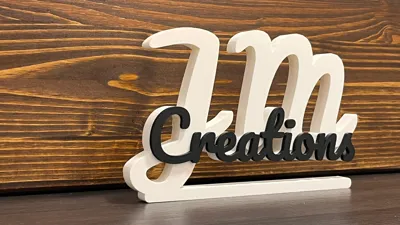
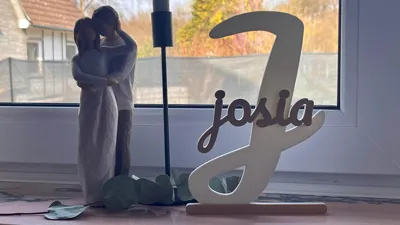
This customizable generator allows you to create a stunning, personalized 3D-printable stand featuring a large background initial (or more) with a name overlaid (or two names). Whether it’s for a desk, a gift, or home decor, you can customize every aspect from the font to the assembly style.
🚀 Quick Start Guide
- Enter Your Text: Change the initials and first_name (and optional second_name) to your liking.
- Pick Your Style: Choose how the name interacts with the background initial:
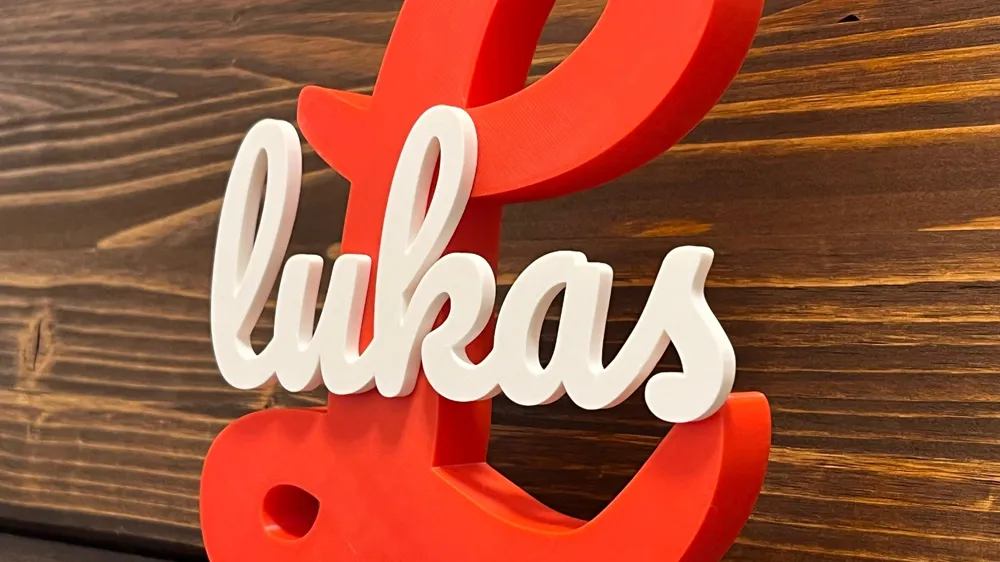
- Integrated Extrude: The name is fused into the initial for a solid, multi-color look.
- On Top: The name sits on the surface of the initial.
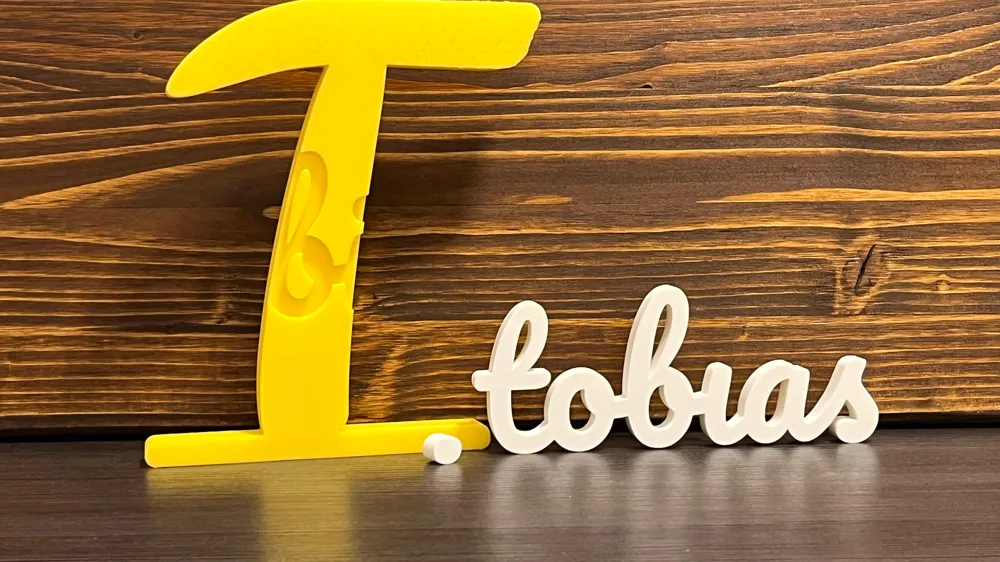
- Emboss: The name is carved into the initial with a precise clearance gap.
- Adjust Layout: Use the name_scale_percent and offset sliders to position the names perfectly.
Base Settings: Enable or disable the floor stand and adjust its thickness to ensure it stands upright.
Boost Me (for free)
If you like this model, please consider leaving a ⭐ and boosting — it really helps support my work. Thank you!
If you have any suggestions of improvement or wish that I add a name to the print profiles, just let me know in the comments!
📋 Detailed Parameter List
🏷️ General Settings
- Name Style: Defines the 3D interaction between the name and the initial (Integrated Extrude, On Top, or Emboss).
- Initials: The large background character(s).
- First/Second Name: The text rendered in the foreground.
- Name Scale (%): Adjusts the size of the name relative to the large initial.
- Enable Base: Toggles the standing platform on or off.
🔠 Initials Settings
- Initials Font: Choose the font for the background (Default: Leckerli One). A good alternative is "STIX Two Math" if you prefer an initial without a base
- Initials Height: Total height of the background character.
- Initials Thickness: The depth (Z-axis) of the background character.
🖊️ Name Settings
- Name Font: Choose the script font for the foreground (Default: Pacifico).
- Name Thickness: How far the name is extruded.
- Name Spacing: Adjusts the space between letters.
- Horizontal/Vertical Offsets: Fine-tune the position of the first and second names individually.
🏗️ Base Settings
- Base Width/Height: Controls the footprint of the standing platform.
- Additional Base Thickness: Adds extra depth specifically to the base plate.
- Base Roundness: Adjusts the corner radius of the base for a sleek or blocky look. (Has to be smaler than half of the base height)
🛠️ Style & Multi-Plate Settings
- Emboss Depth: How deep the name is carved into the initial in "Emboss" mode.
- Emboss Clearance: The "wiggle room" gap between the cutout and the name for easier assembly.
- Integrated Extrude Multi-Plate: If true, separates the name and initials into different parts.
📍 Handling Floating Dots (i and j)
If your name contains lowercase i or j, the dots (tittles) may become "islands" that aren't connected to the rest of the name. You will need to handle these in your Slicer (e.g., Bambu Studio or OrcaSlicer):
- On Top: Separate the name in your slicer. Move the dots manually so they touch the main body of the name or the background initial.
- Integrated Extrude: Enable the Multi-Plate setting. In your slicer, treat the name as a separate object and move the dots until they overlap with the letter or base. Than move it on the desired position on the initials and merge to one object.
License

You shall not share, sub-license, sell, rent, host, transfer, or distribute in any way the digital or 3D printed versions of this object, nor any other derivative work of this object in its digital or physical format (including - but not limited to - remixes of this object, and hosting on other digital platforms). The objects may not be used without permission in any way whatsoever in which you charge money, or collect fees.


Comment & Rating (5)