
X2D/P2S Screen Cover with Smartphone Camera-Mount
Print Profile(1)
Description
The model details are just below—feel free to scroll down!
Boost Me (for free)
Thanks for checking out my design! If you liked it, a Boost would mean a lot. I truly appreciate every follow, download, like, and boost. Thank you for your support!

- Making 3D Printing More Fun & Functional. -
◀ Printer Upgrade Collection ▶


Overview
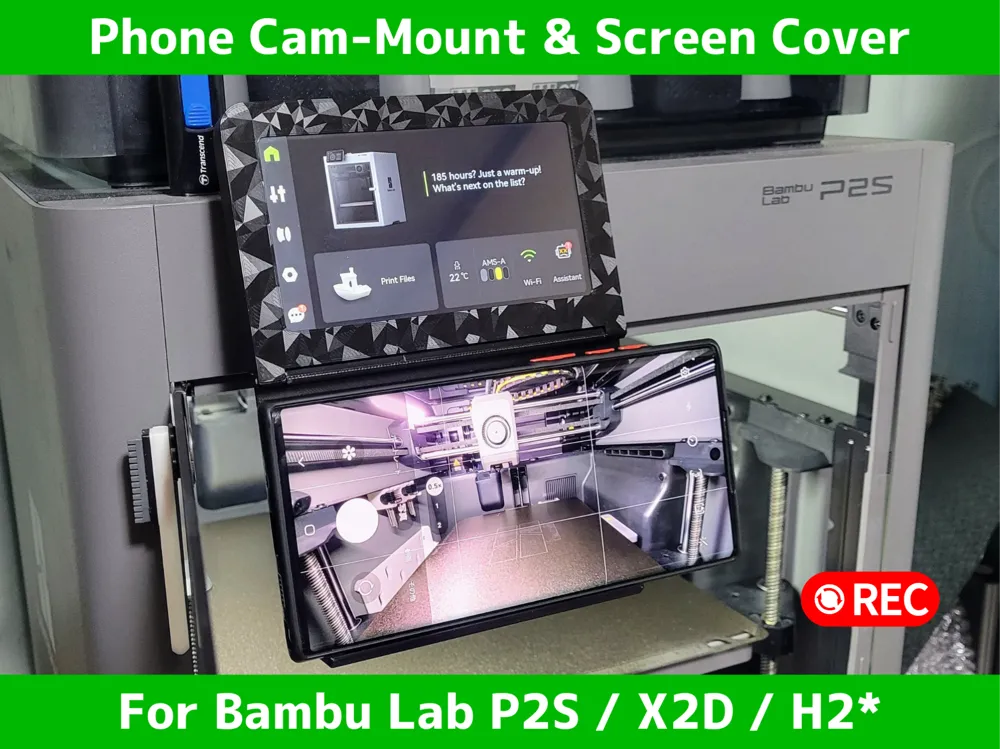
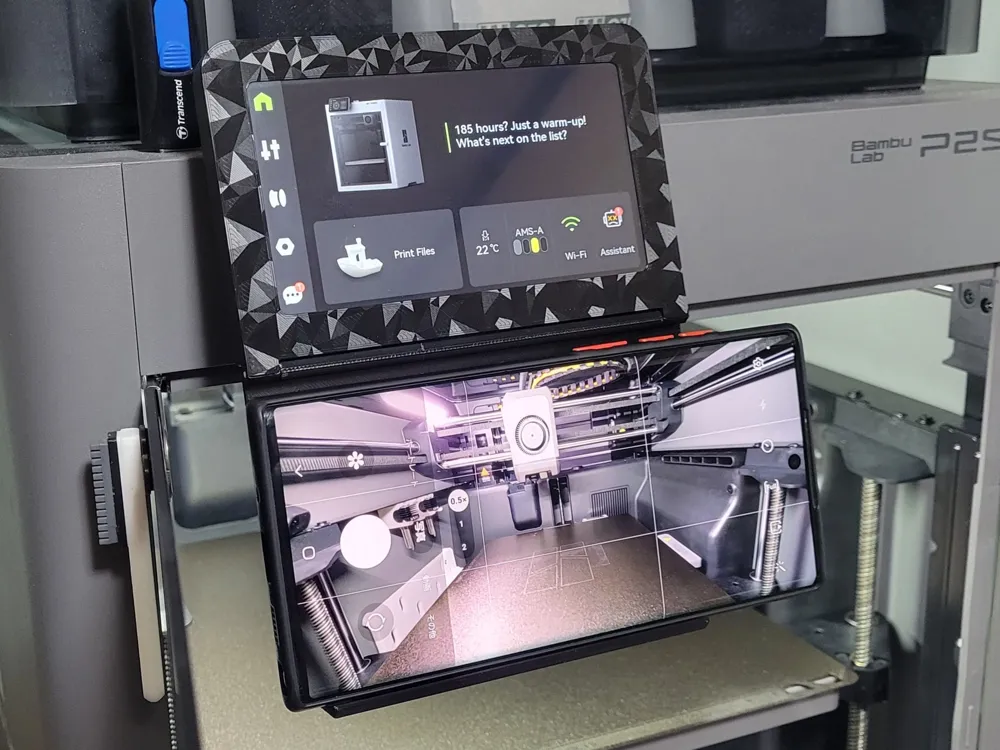
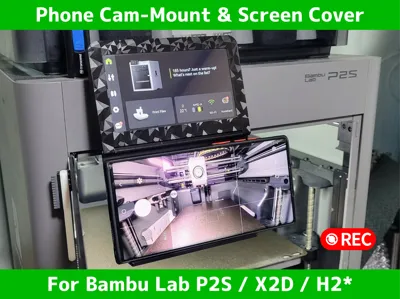
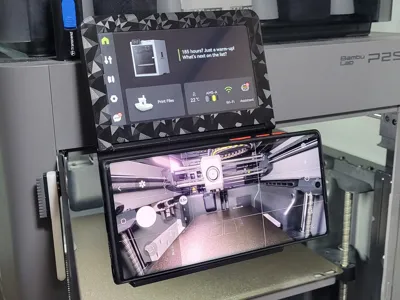
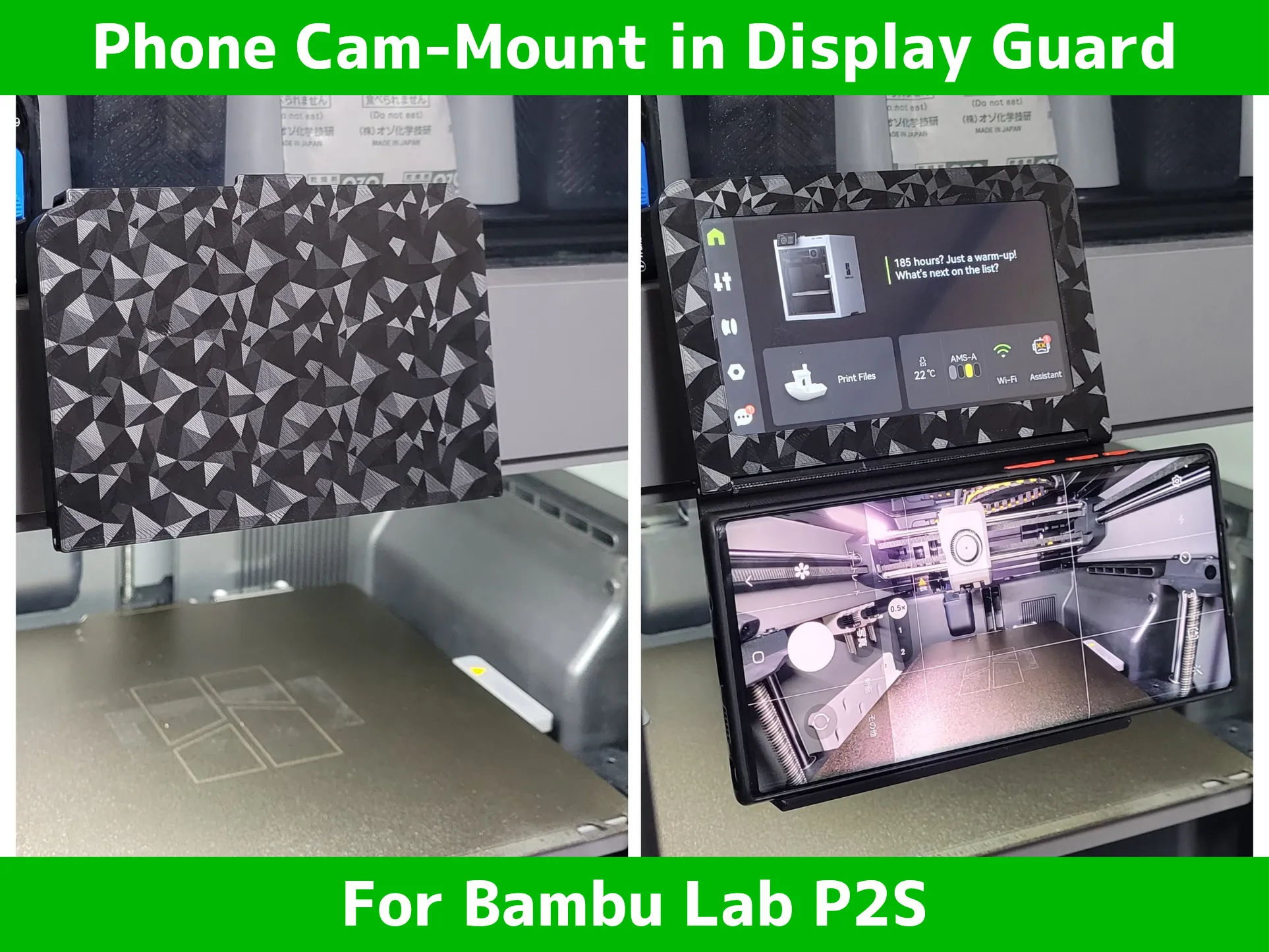
A dedicated module for the Bambu Lab P2S, X2D, H2 Series that combines a smartphone mount with a protective panel cover. It leverages the printer monitor's native tilt function, allowing you to achieve the perfect camera angle instantly without any extra gear.
Why this model?
- Instant Setup: The integrated design means you’re always ready. Just flip the cover, set your phone, and start recording. No more fumbling with external tripods.
- Full Use of Native Tilt: Utilize the printer monitor's original range of motion. Simply tilt the monitor itself to perfectly frame your shot.
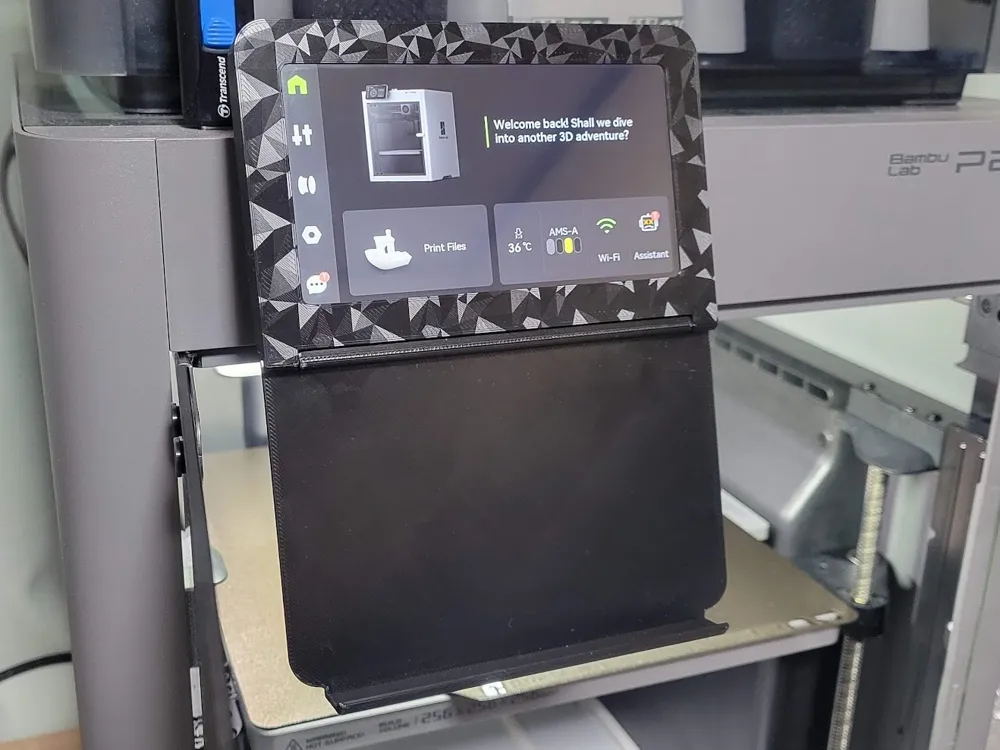
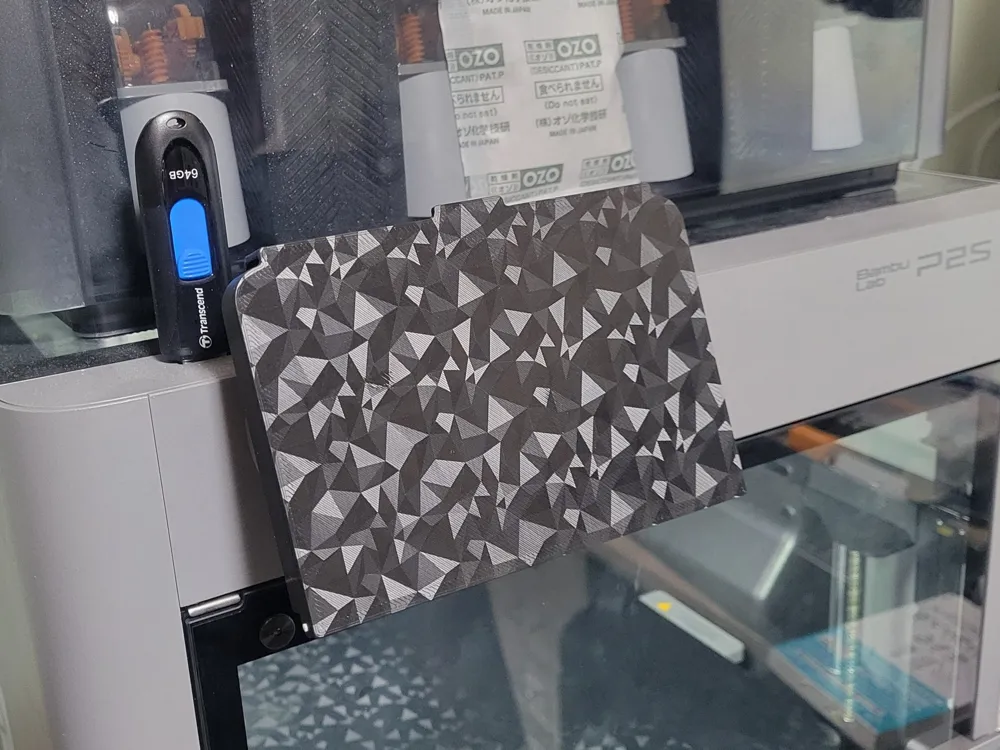
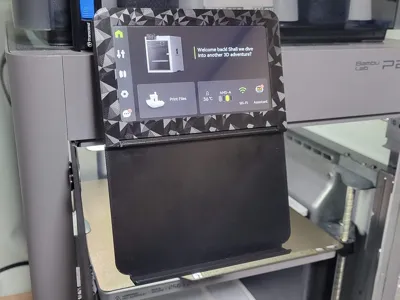
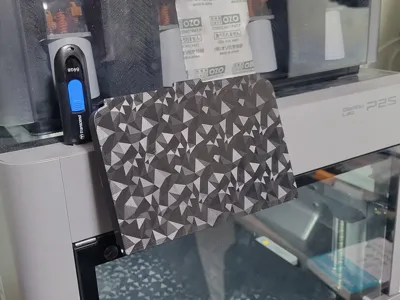
- Physical Panel Protection: When not in use, the cover shields your LCD screen from dust, debris, and accidental impacts.
- Secure Click-Lock: The cover features a reliable locking mechanism that stays shut with a satisfying "click." The hinge uses a standard 1.75mm filament as the axis.
Quick Guide
- Hinge Assembly: Align the hinge holes of the cover and the mount, then slide a 1.75mm filament through to create the axis.
- Installation: Push the mount onto the printer control panel frame until it is flush with the bezel.
- Angle Adjustment: Tilt the monitor itself to optimize the camera's field of view.
- Usage: Flip the cover open to mount your smartphone. When finished, close it until it "clicks" to protect the panel.
Print Notes & Handling
- ⚠️ Glass Door Interference: When the cover is flipped open (recording mode), it will interfere with the printer's glass door. Always close the cover or remove your smartphone before opening and closing the door.
- Disclaimer: The designer is not responsible for any dropped smartphones, damage to devices, or impact on the printer resulting from the use of this model. Use at your own risk.
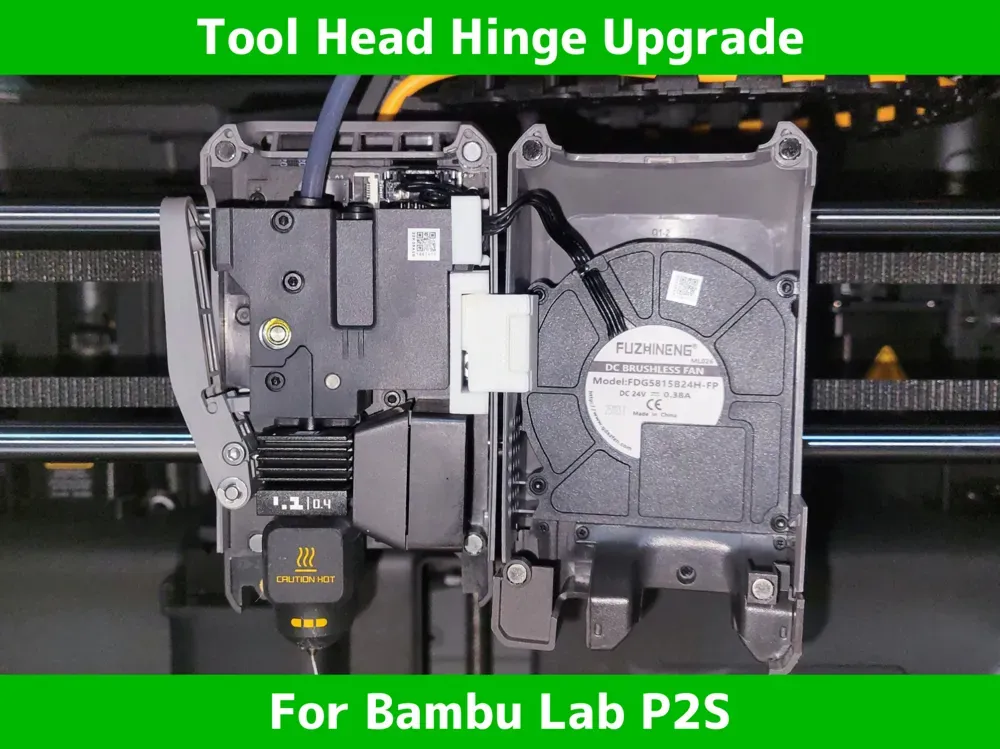
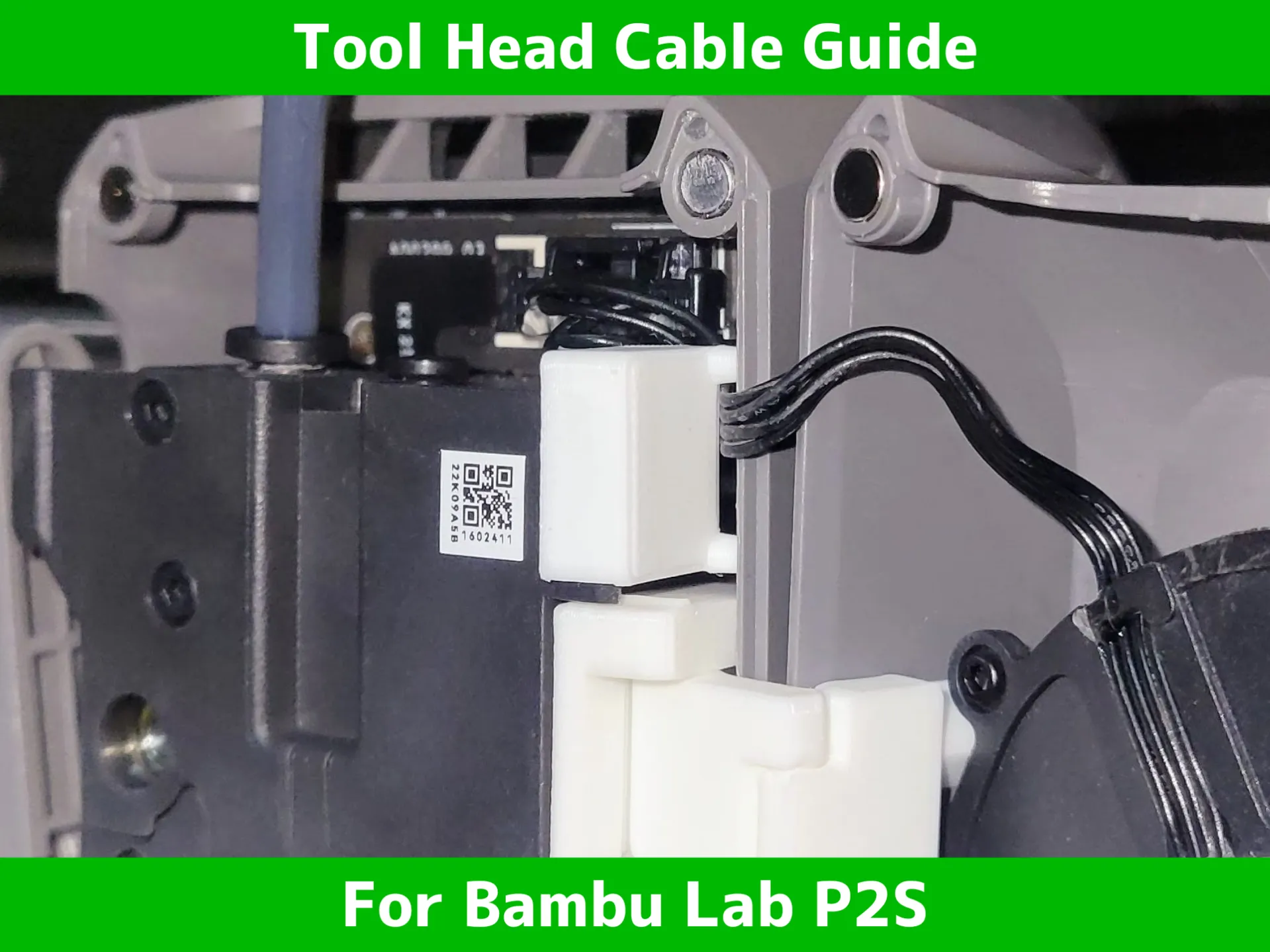
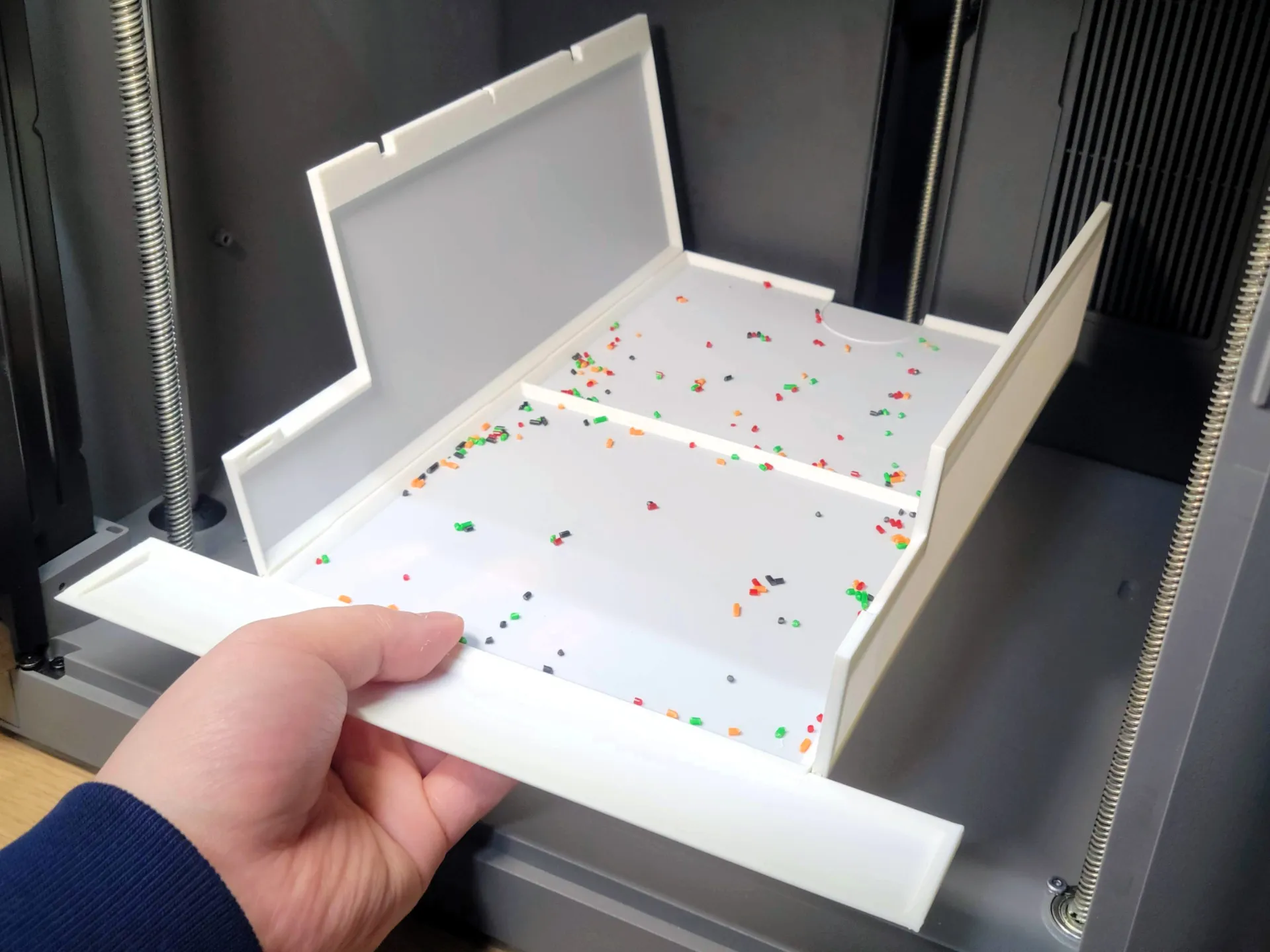
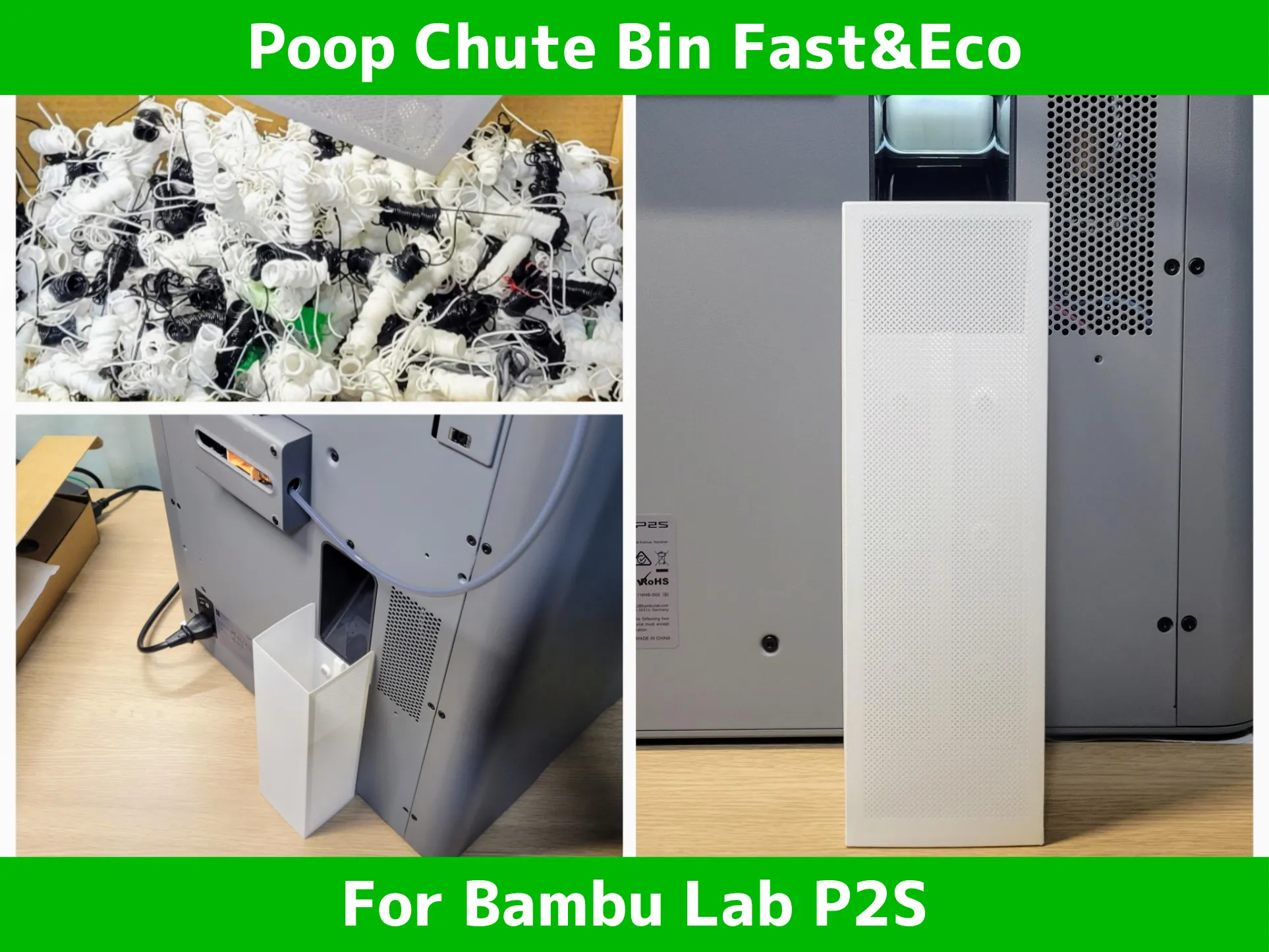
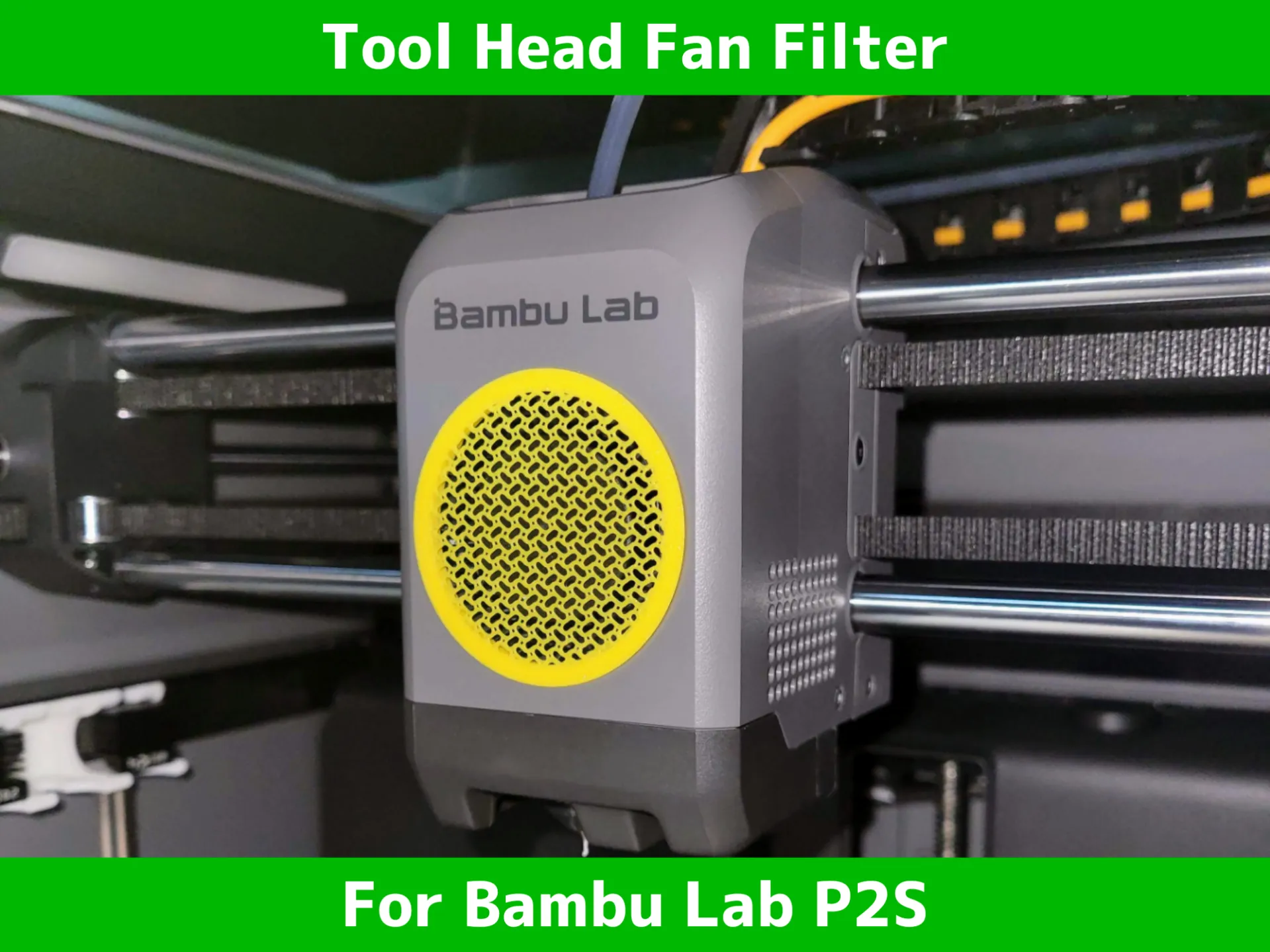
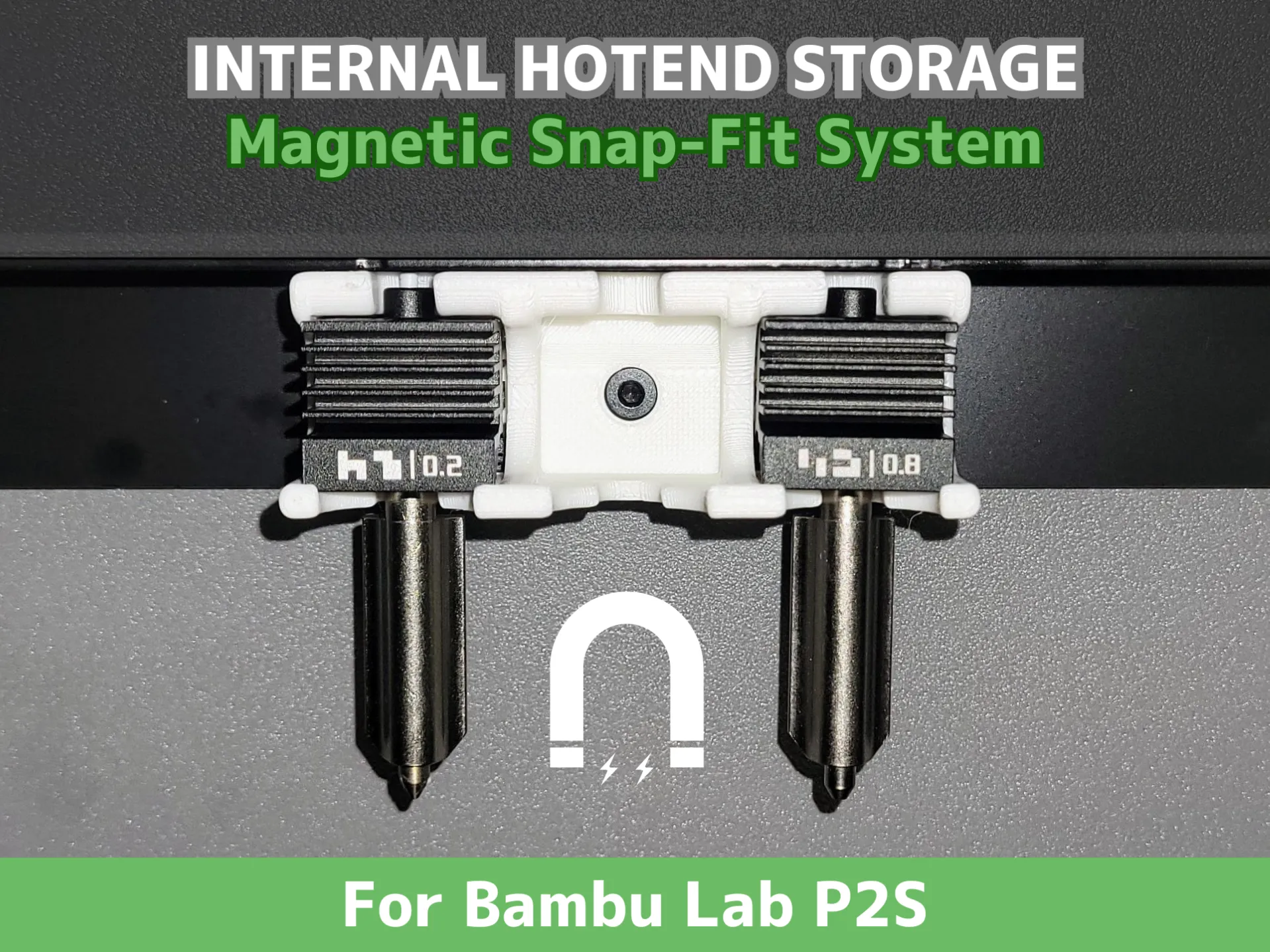
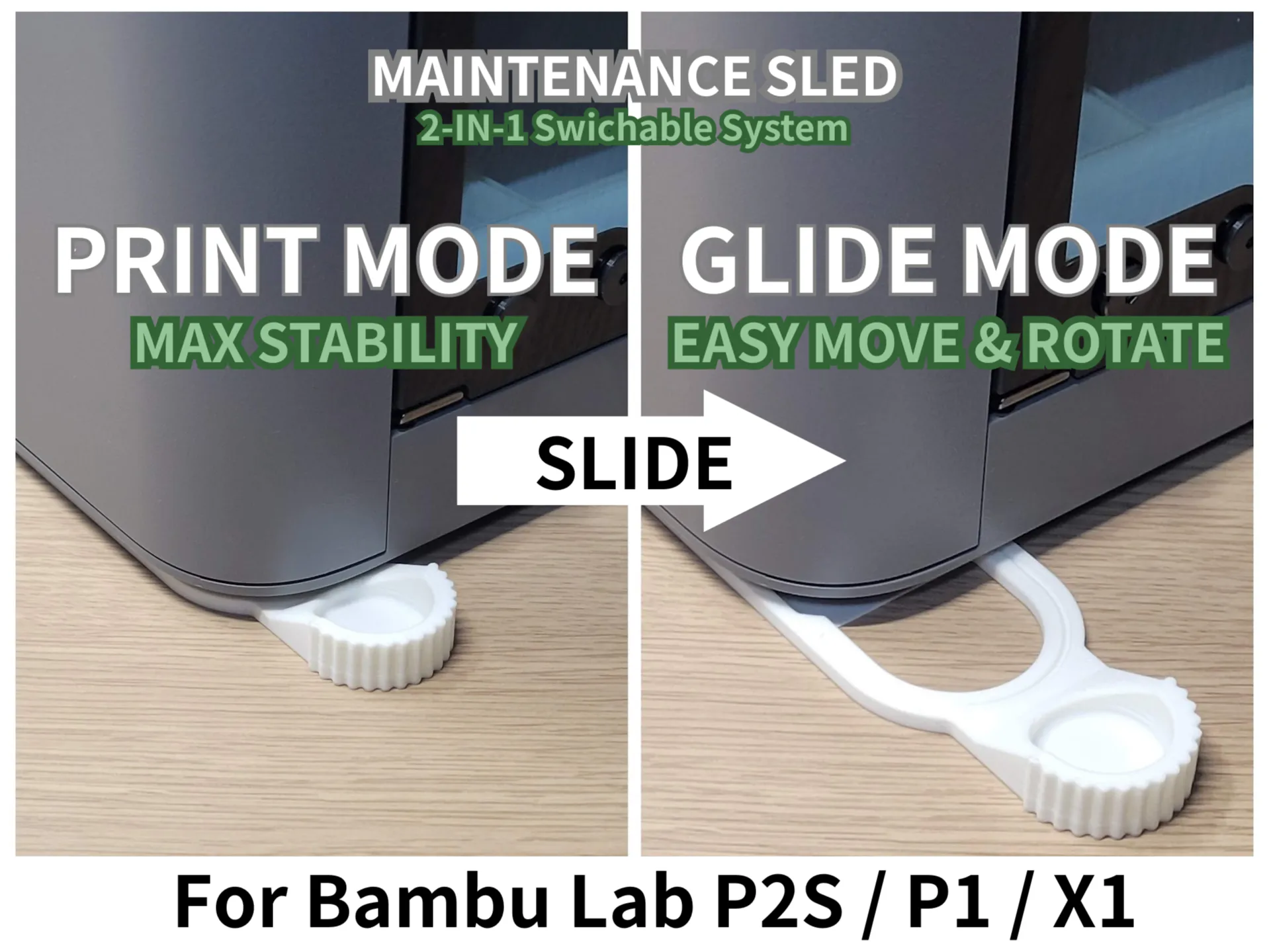
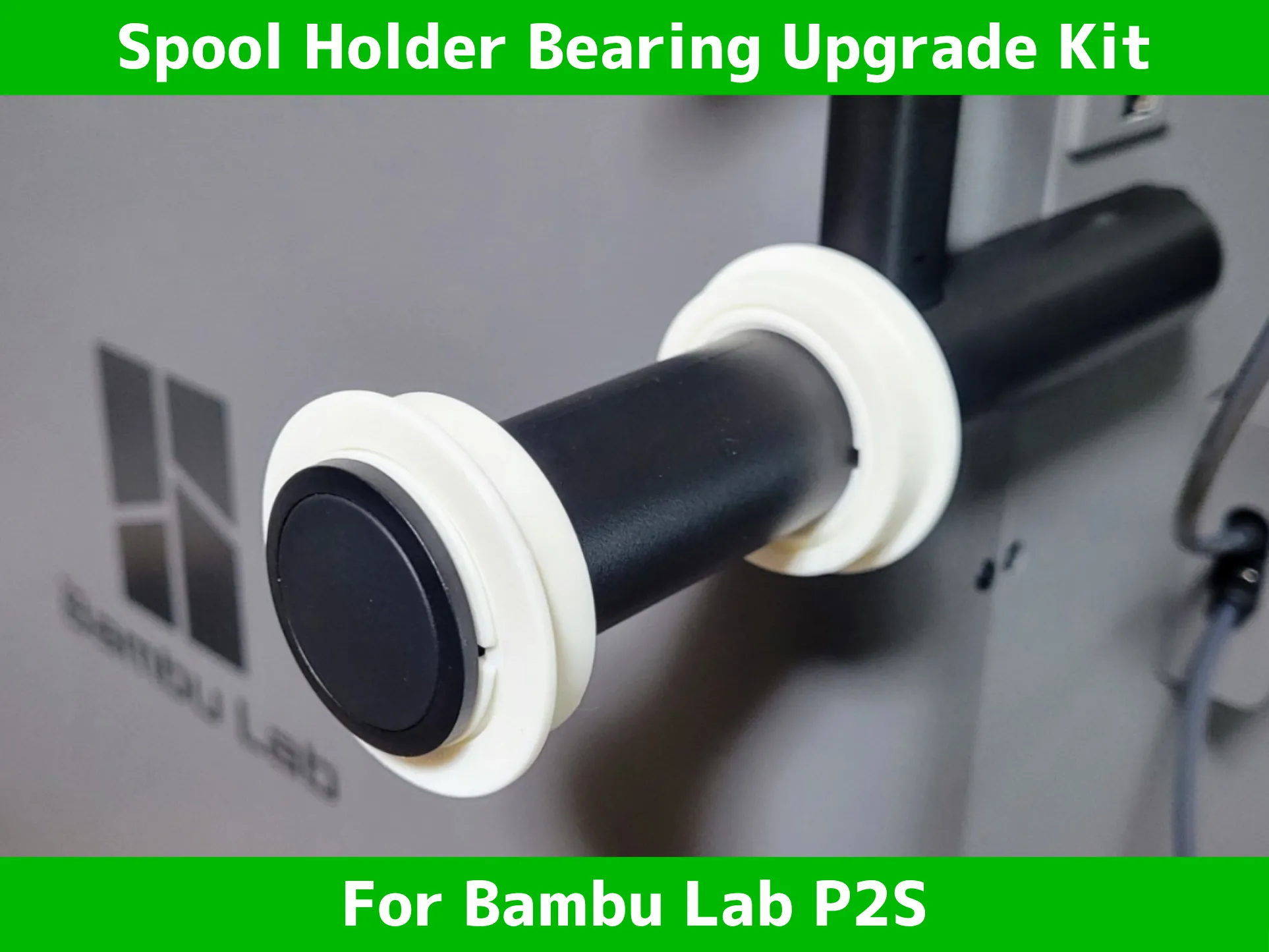
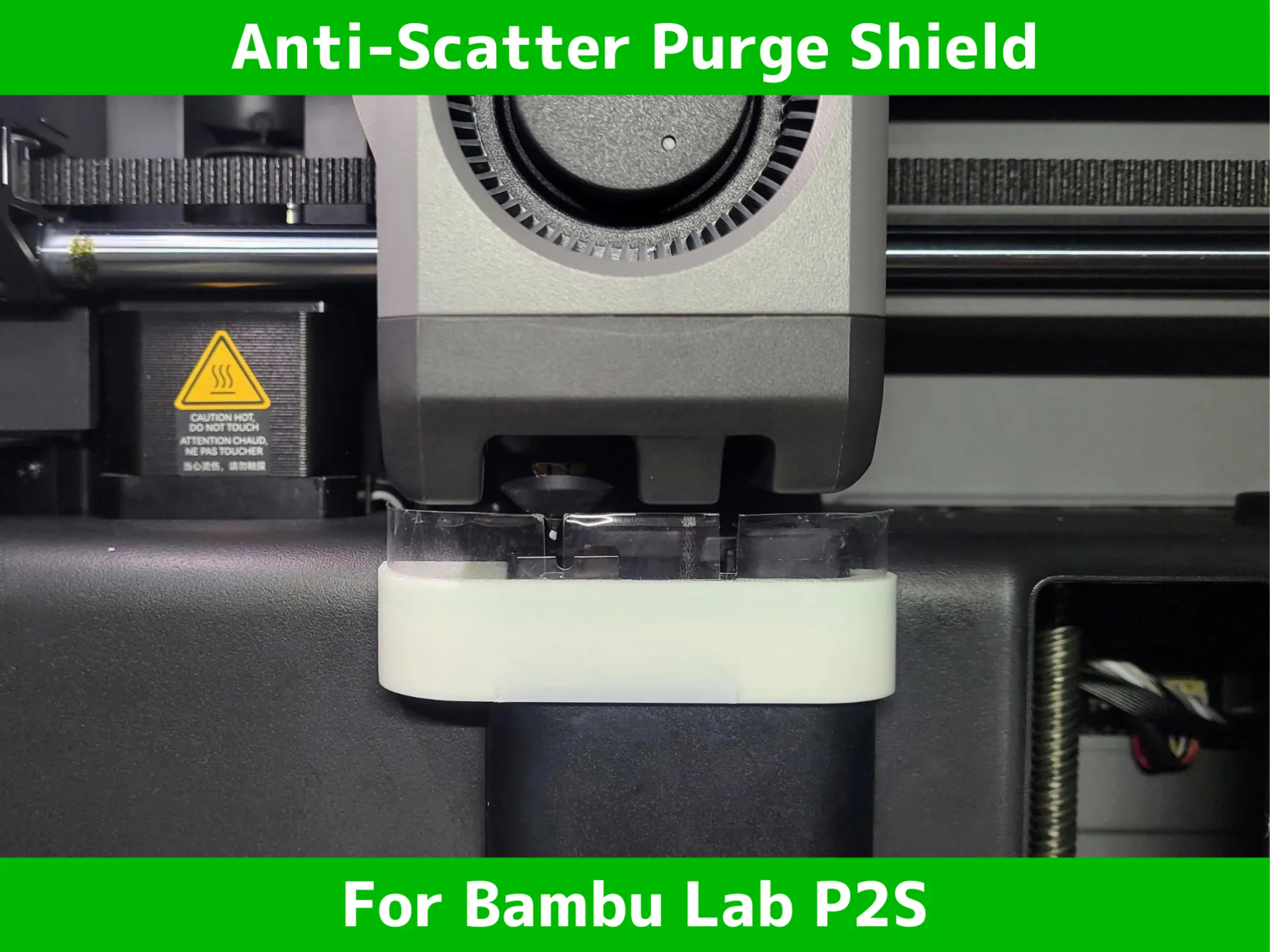
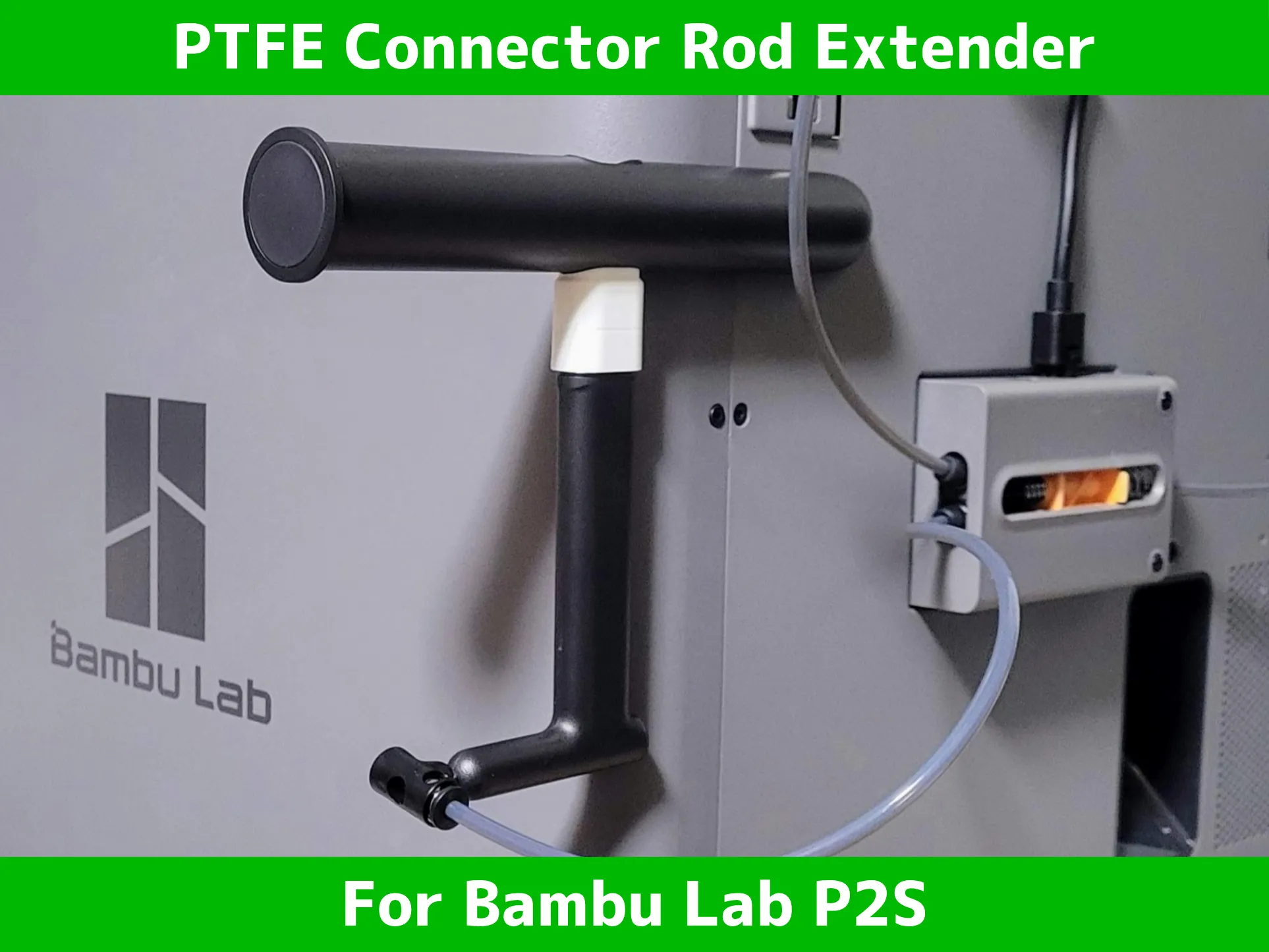
🔥 my favorite printer upgrade for P2S 🔥 | |
 |  |
 |  |
 |  |
 |  |
 |  |
 |  |
License

You shall not share, sub-license, sell, rent, host, transfer, or distribute in any way the digital or 3D printed versions of this object, nor any other derivative work of this object in its digital or physical format (including - but not limited to - remixes of this object, and hosting on other digital platforms). The objects may not be used without permission in any way whatsoever in which you charge money, or collect fees.


Comment & Rating (19)