
2-Color Filament Generator
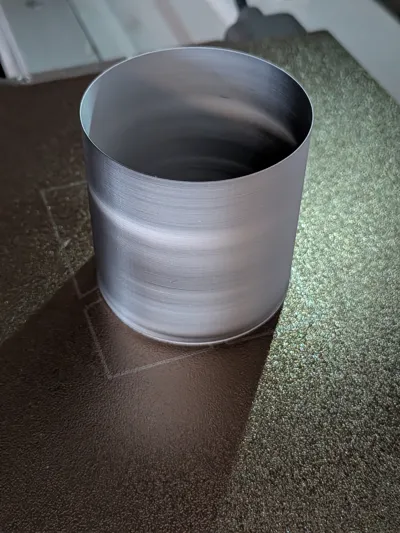
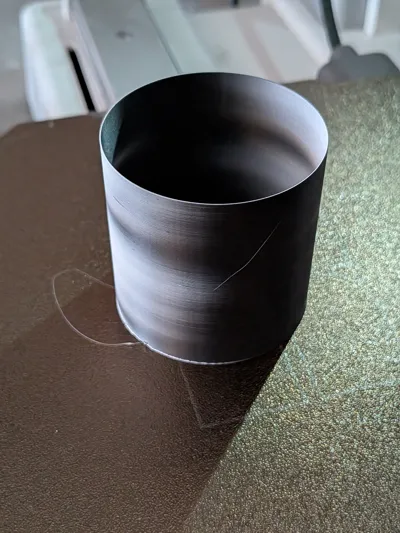
Print Profile(1)
Description
Parametric Dual-Color Filament Maker
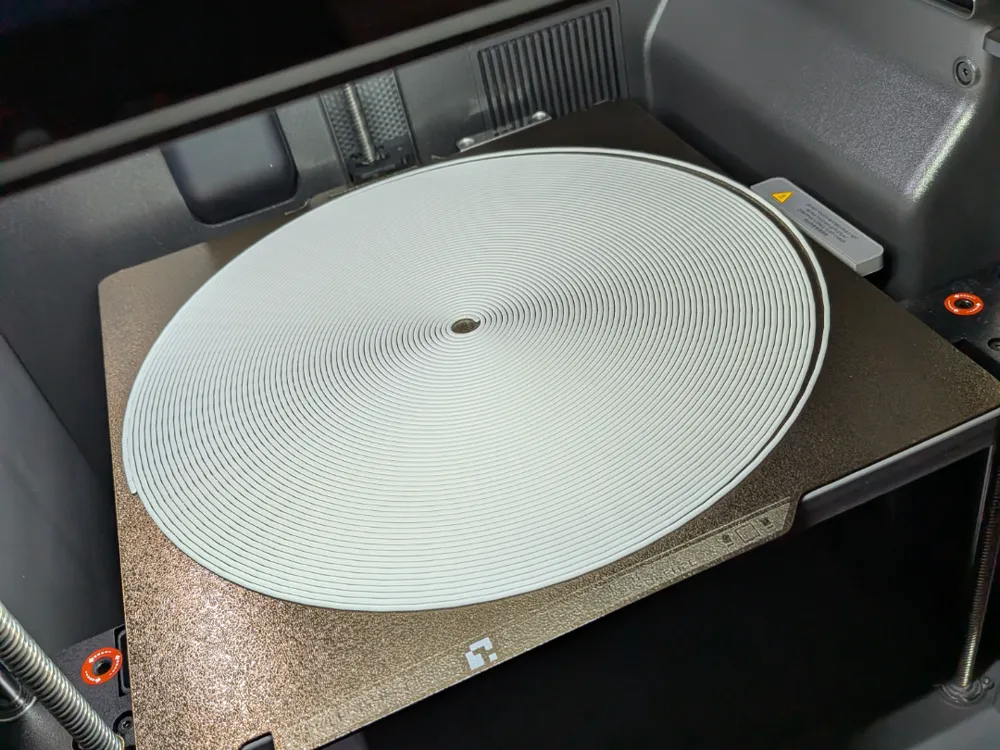
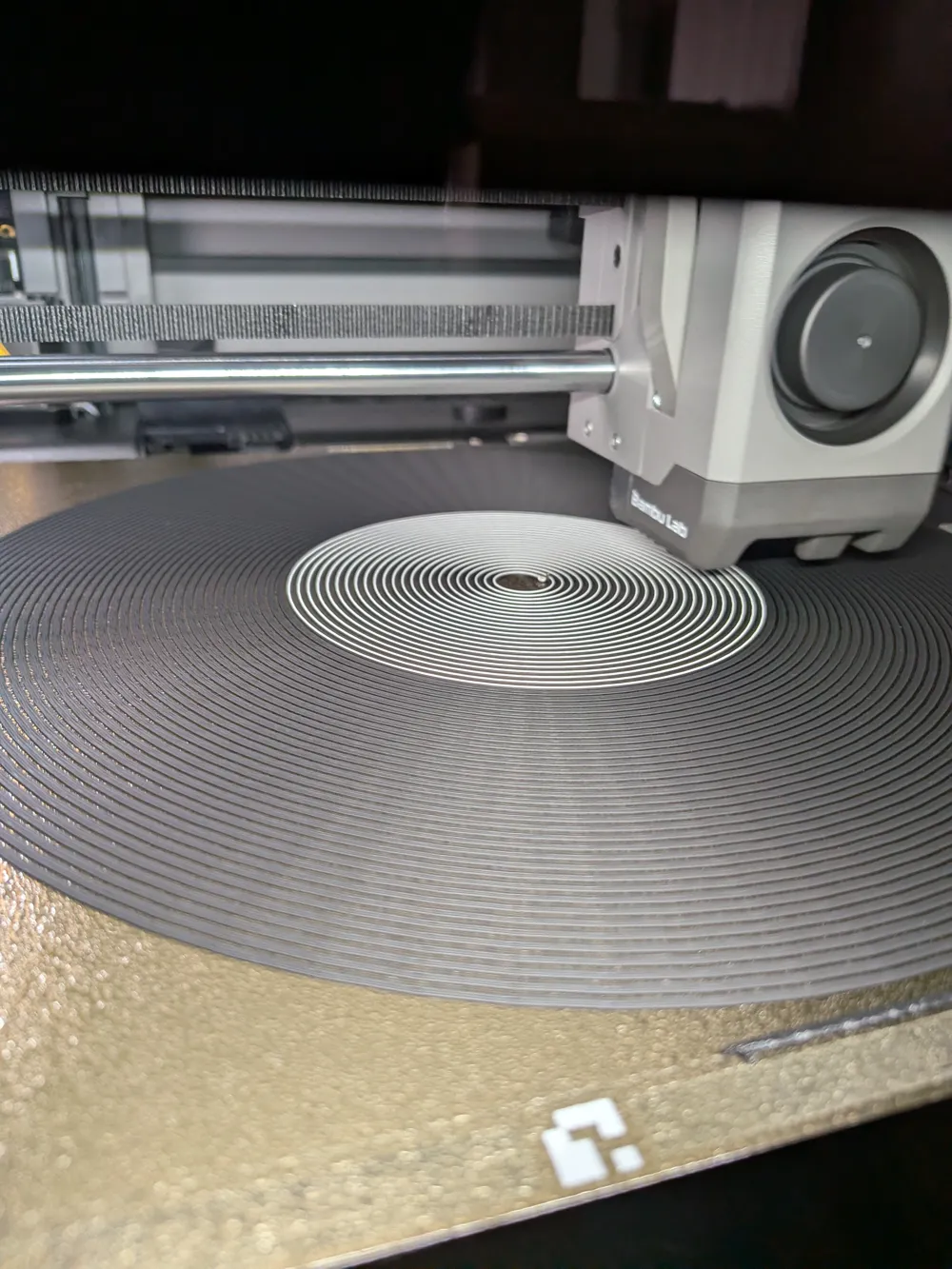
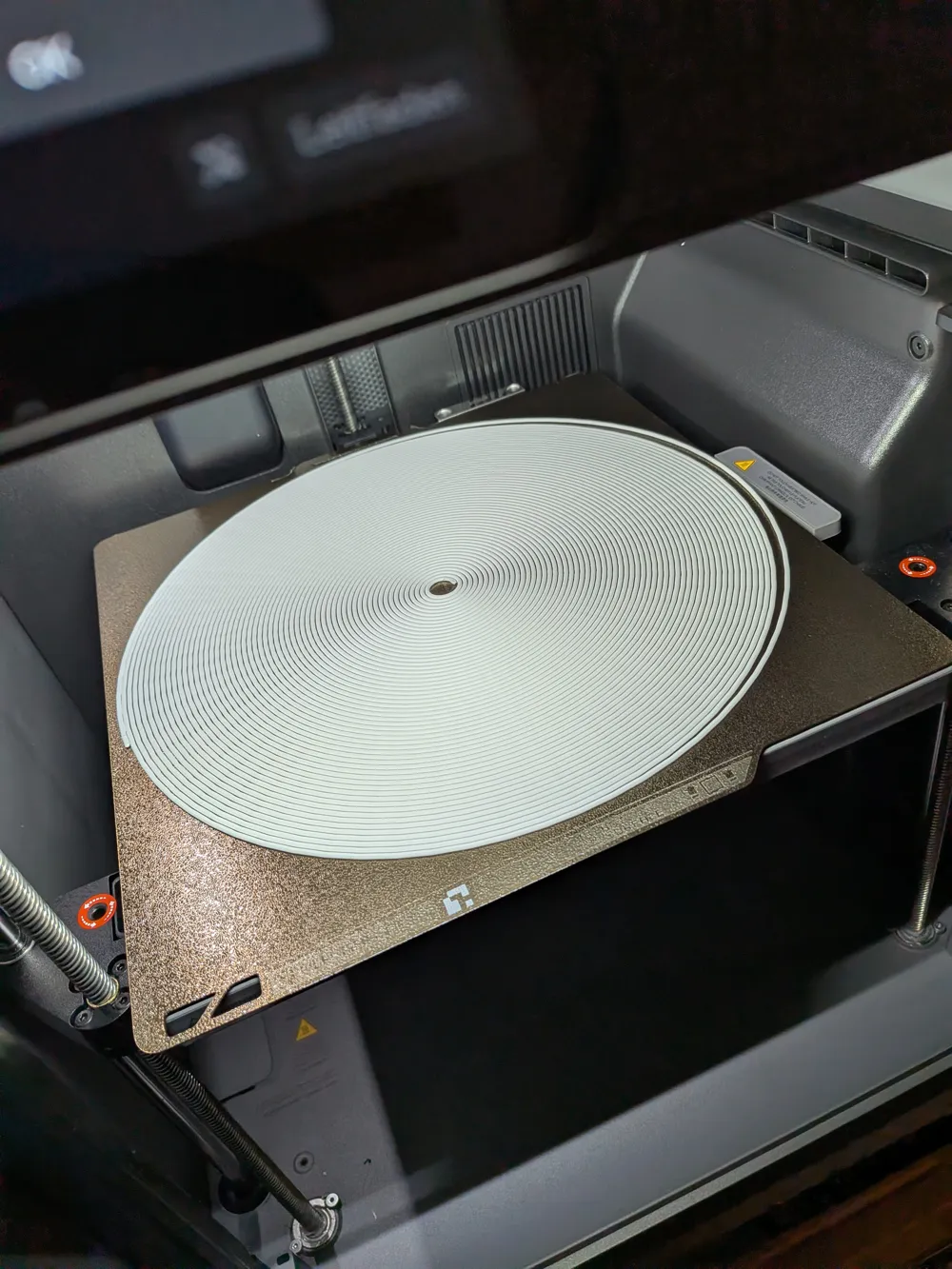
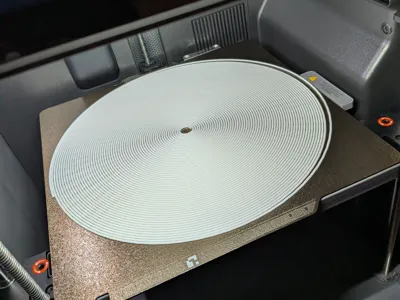
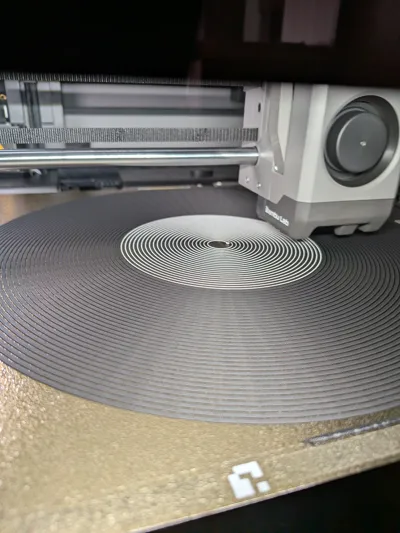
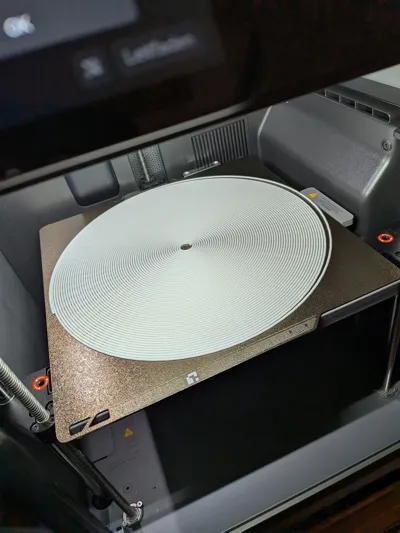
Print your own custom dual-color (co-extruded) 1.75mm filament directly on your 3D printer bed!
Ever wanted to test out dual-color silk filament or create a specific color combination you don't have on hand? With this parametric model, you can instantly turn two of your favorite filament colors into a single, breathtaking dual-color strand (no AMS needed).
How it Works
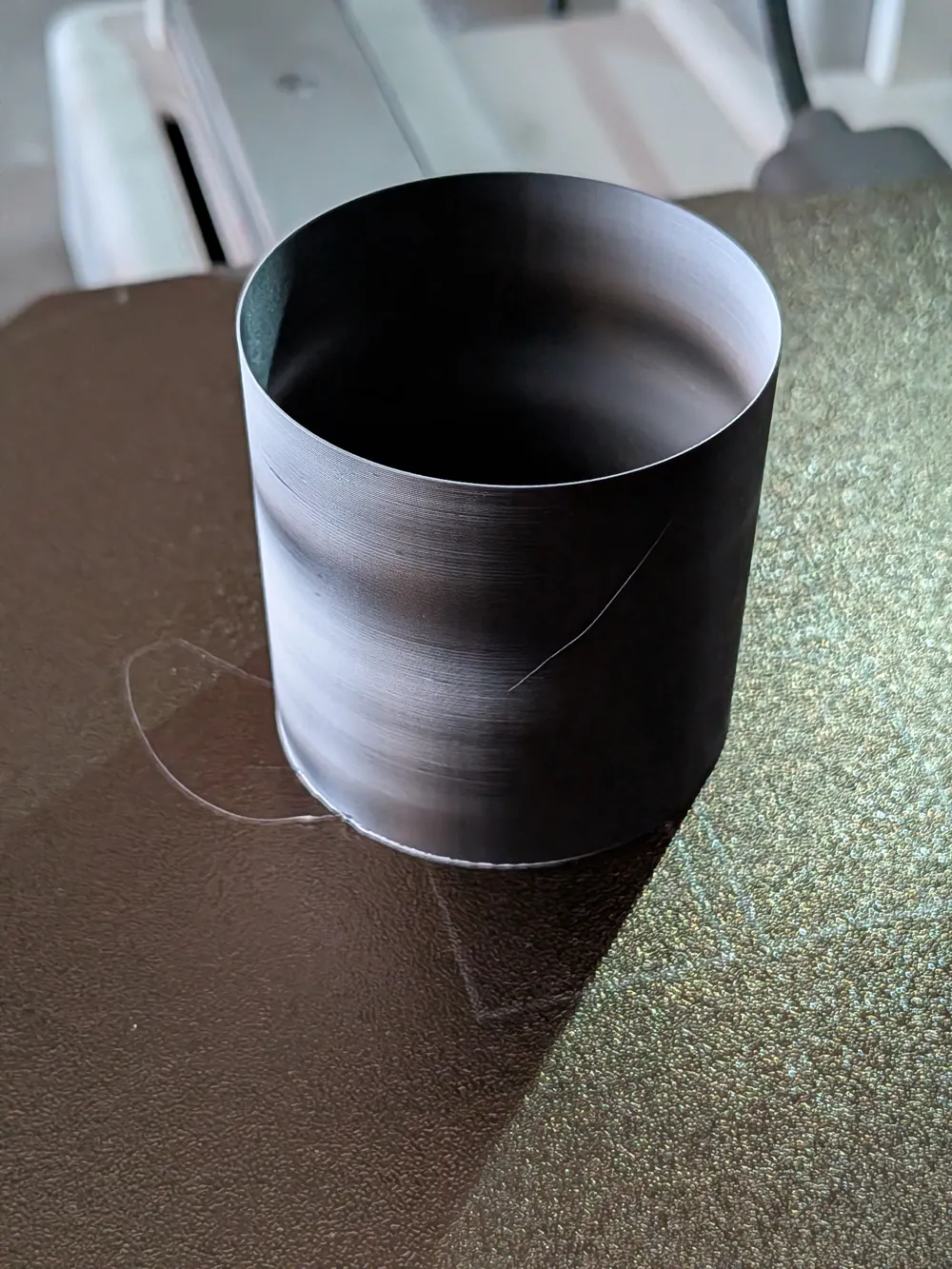
This model generates a continuous spiral strand of 1.75mm filament that lies flat on your build plate. It is horizontally split into two halves. By assigning two different colors to the top and bottom parts in the slicer, your printer will merge them perfectly.
To ensure flawless printing without any support material, the underside of the spiral features a tiny, barely noticeable 0.5mm flat cut for maximum bed adhesion.
Once printed, simply unpeel the spiral from the bed, spool it up, load it back into your printer, and start creating magical dichromatic prints!
Customizable Parameters
Thanks to MakerWorld's Parametric Model Maker, you can fully customize your filament strand:
- Inner & Outer Diameter: Control the exact size of the spiral. Maximize the outer diameter to match your build volume for the longest possible strand!
- Gap Spacing: Adjust the distance between the filament lines to prevent them from fusing together during the print.
- Colors: Fully customize the split colors using the built-in color parameter tool to visualize your custom filament before printing.
- Strand Diameter: By default, it creates standard 1.75mm filament, but you can adjust the thickness if you are experimenting with other extrusion systems.
Printing & Usage Tips
- Layer Height: Use fine layer height (e.g., 0.08mm or 0.12mm) to ensure the top half of the 1.75mm strand comes out as smooth and round as possible.
- Adhesion: Make sure your bed is extremely clean. You want perfect adhesion so the tight spiral doesn't come loose mid-print!
- Respooling: When the print finishes, let the bed cool down completely before carefully lifting the spiral to avoid stretching or deforming the plastic.
License

You shall not share, sub-license, sell, rent, host, transfer, or distribute in any way the digital or 3D printed versions of this object, nor any other derivative work of this object in its digital or physical format (including - but not limited to - remixes of this object, and hosting on other digital platforms). The objects may not be used without permission in any way whatsoever in which you charge money, or collect fees.


Comment & Rating (4)